Skip to the content

Delivery included in every priceTracked to your doorUK plugs on every charger

Number Pads

Separate number pads for laptops without one.

Shop Number Pads

12 products

1 of 32 of 33 of 3

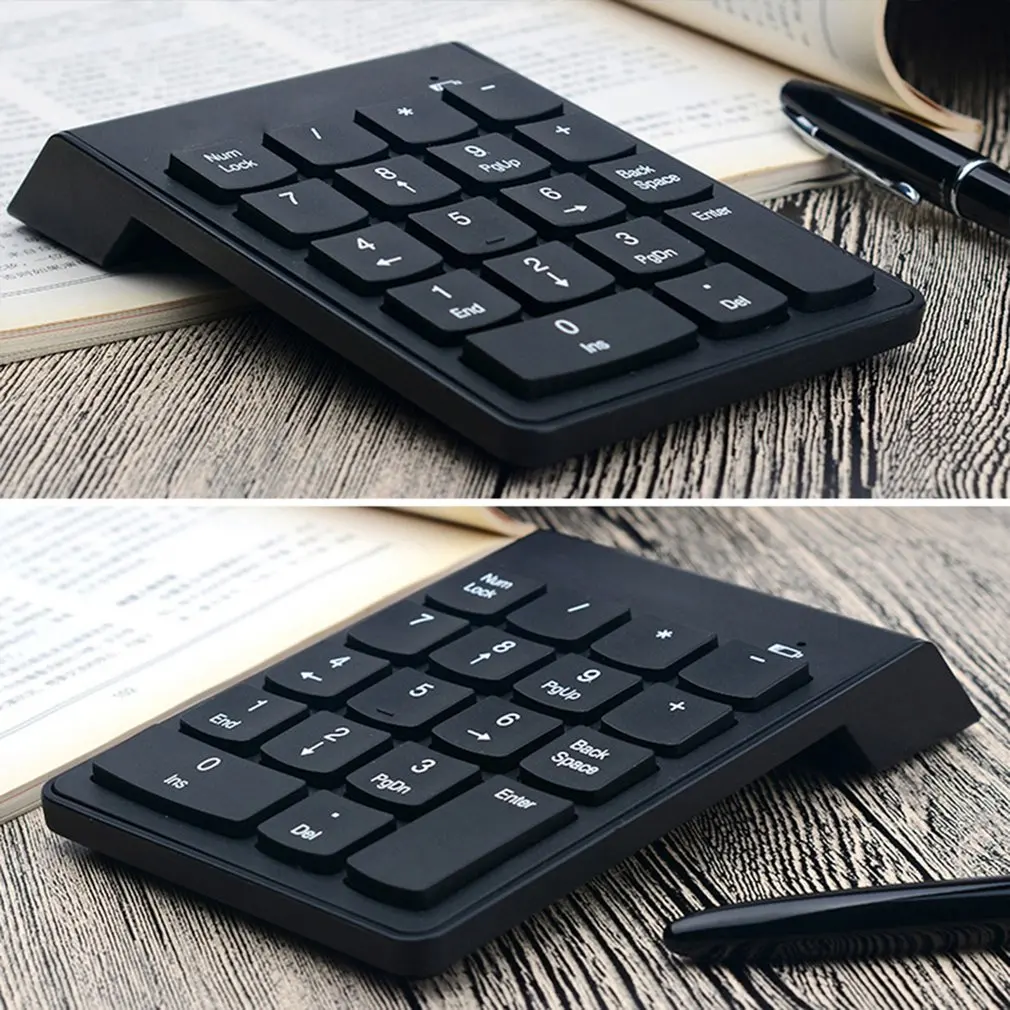
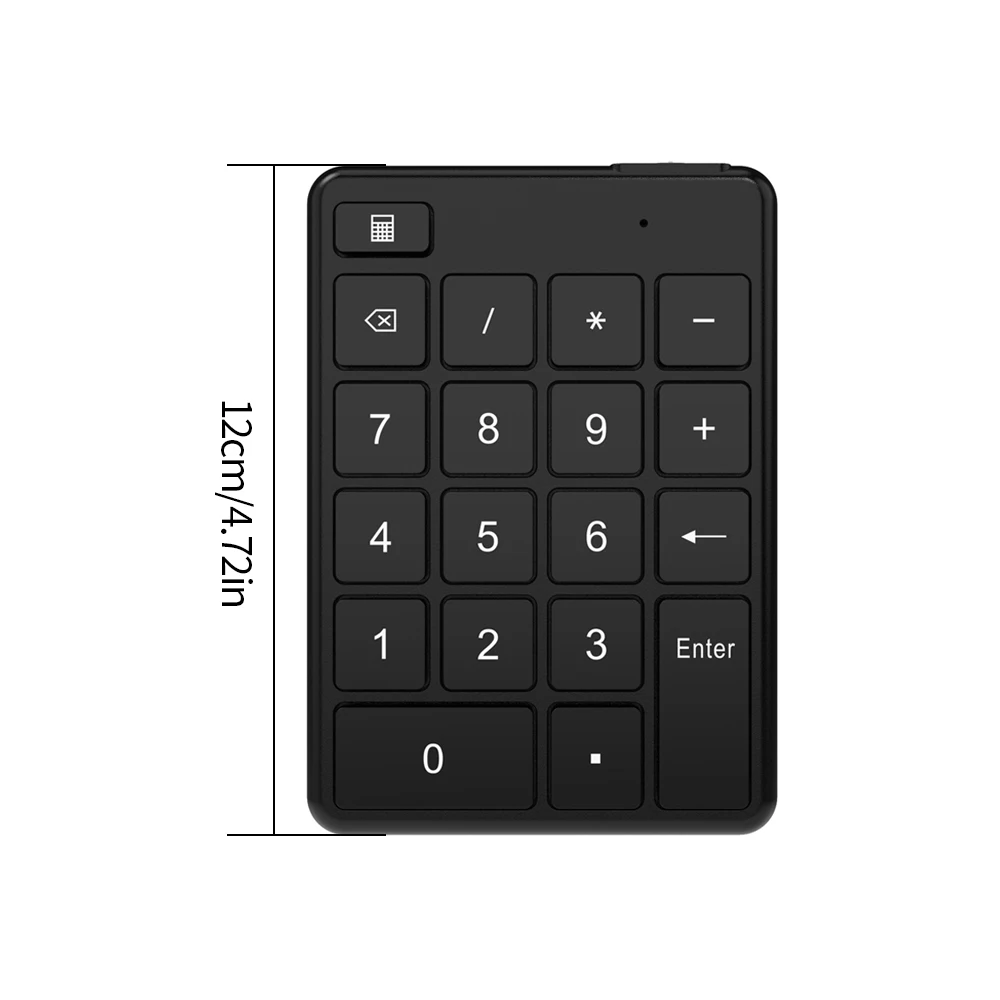
Wireless Numeric Keypad - 19 Key USB Number Pad for Laptop and Desktop

Compact 19-key numeric keypad with wireless, Bluetooth or wired USB connection for laptops and desktops.

From £14.99
1 of 32 of 33 of 3

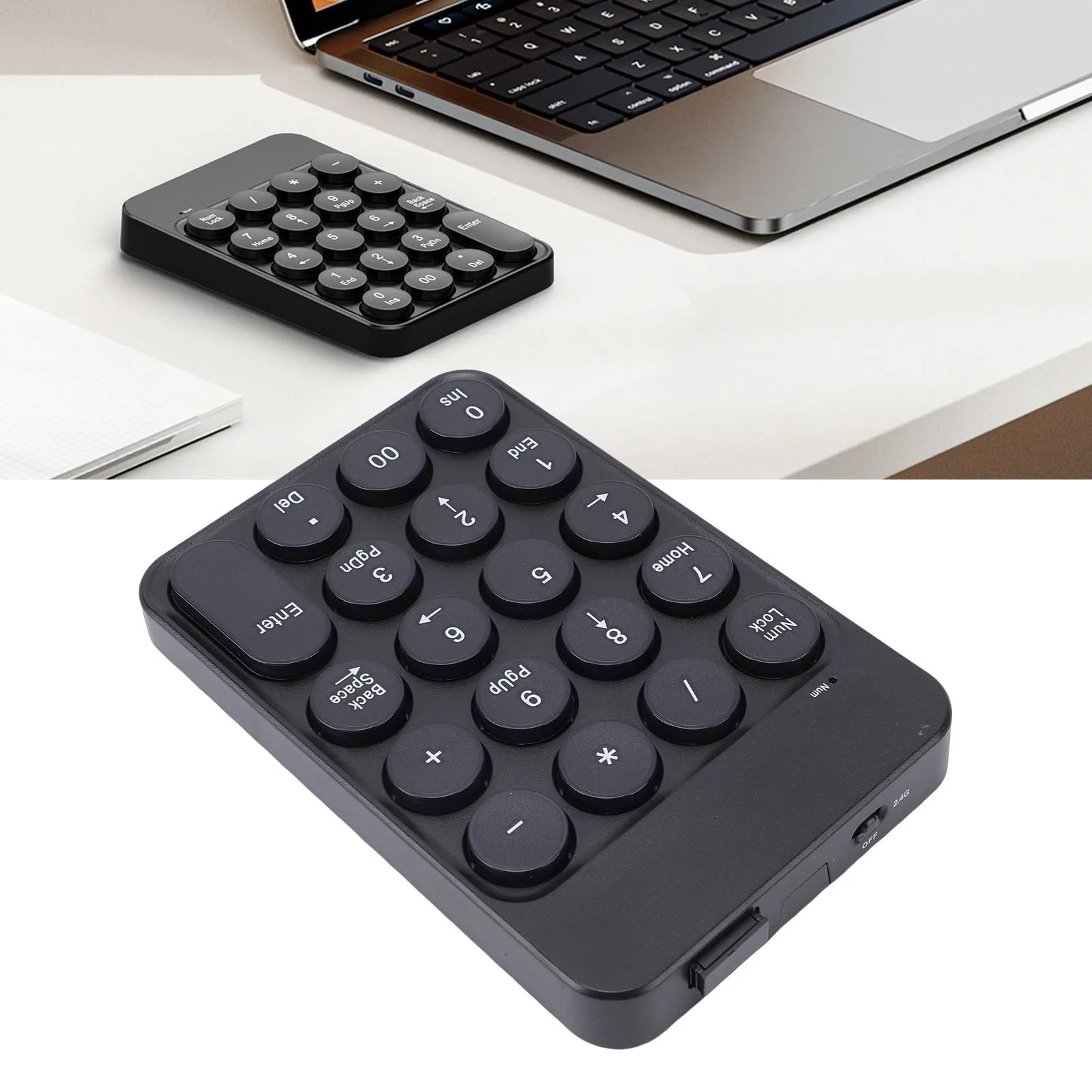
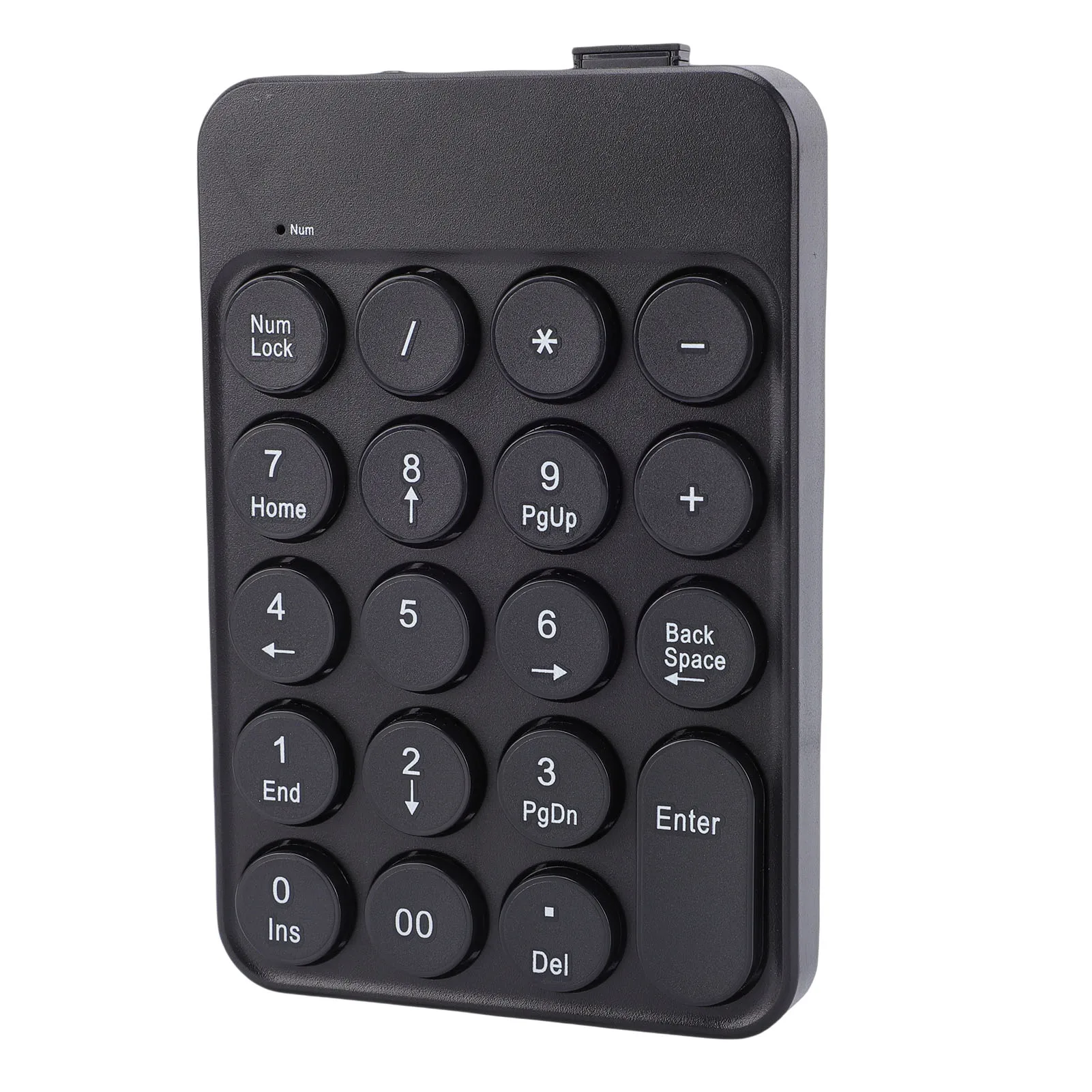
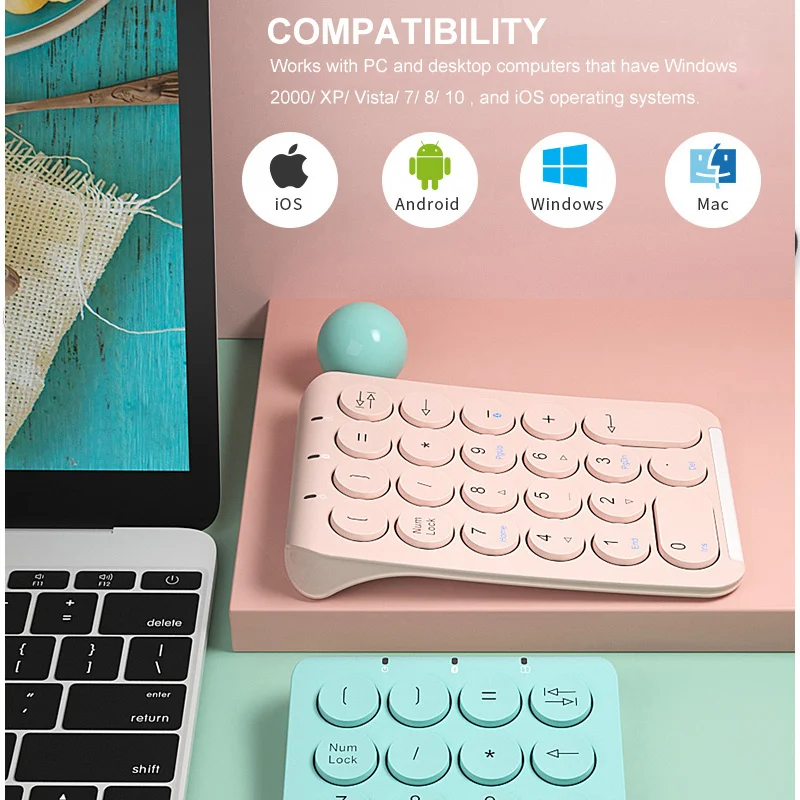
Mini Wireless Numeric Keypad with Round Keycaps, 2.4G & Bluetooth

Compact 19-key wireless numeric keypad with 2.4G and Bluetooth 5.1 modes, ideal for accounting and data entry on PC or laptop.

£17.99
1 of 32 of 33 of 3

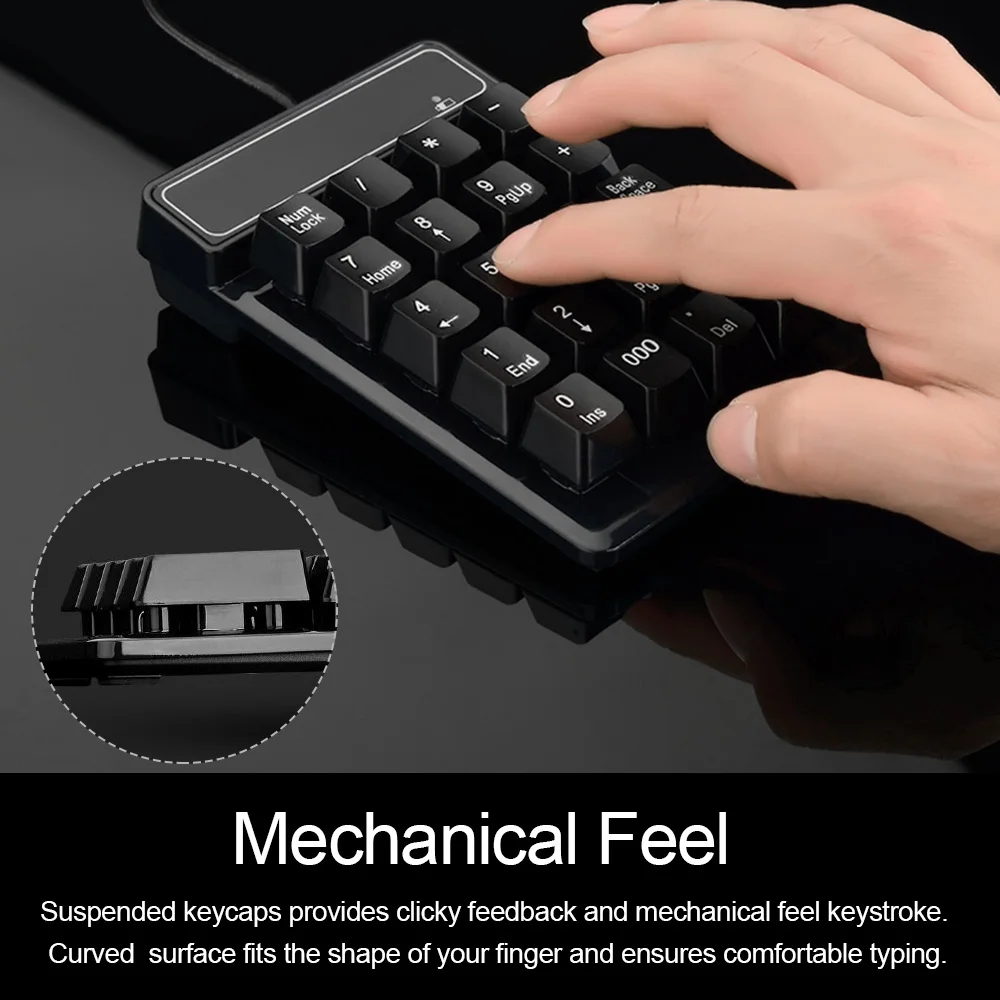
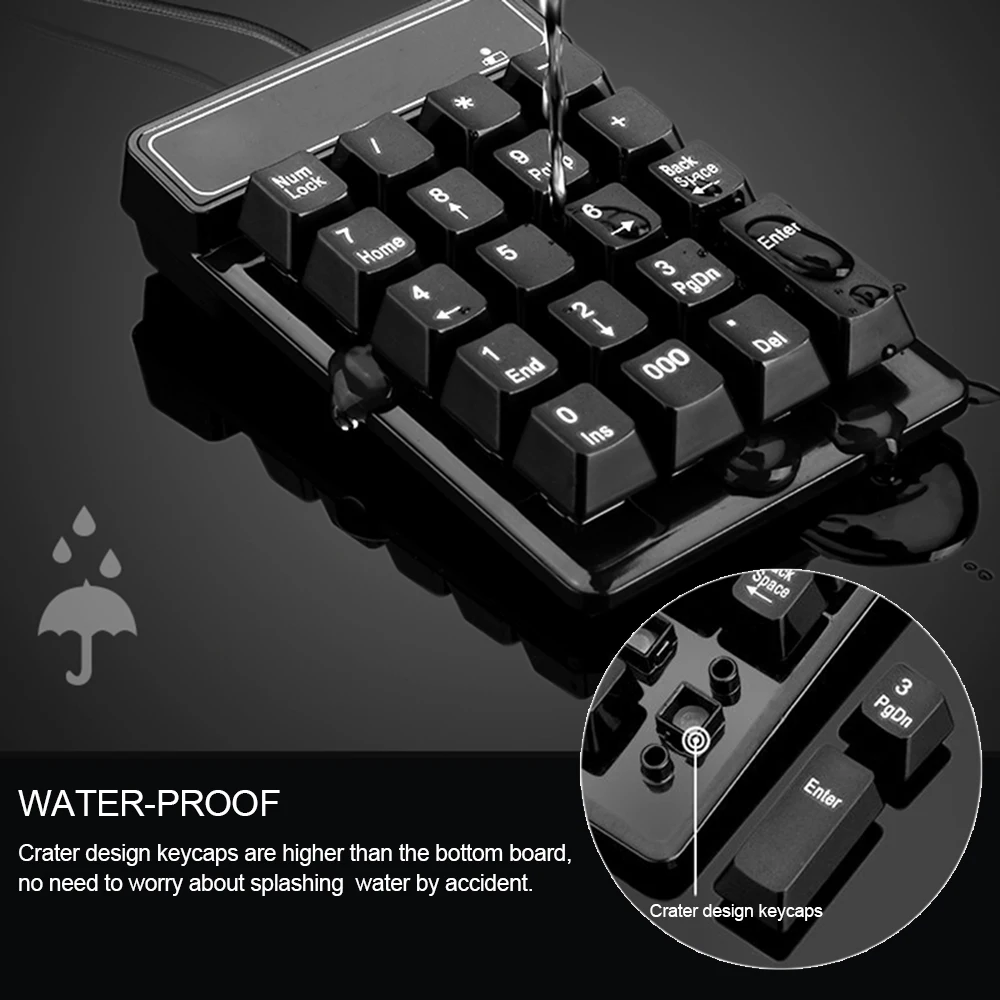
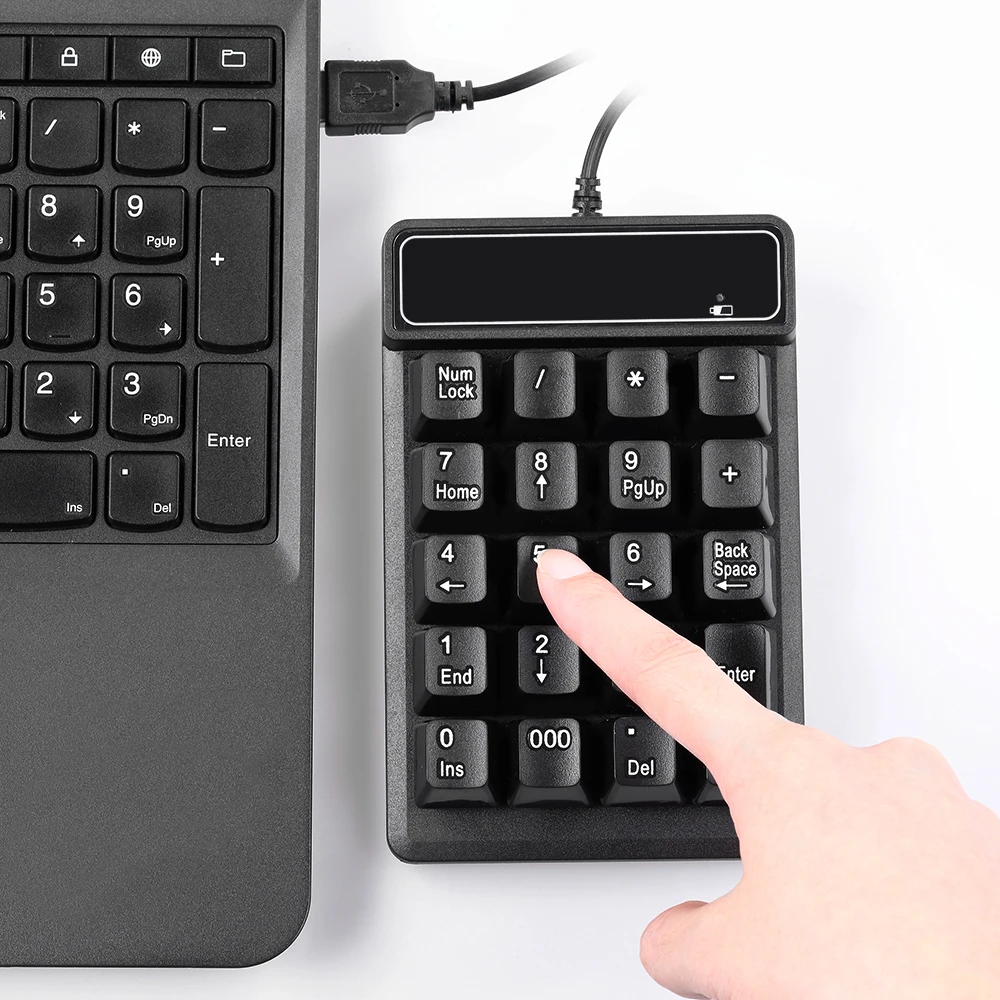
USB Wired Numeric Keypad - 19 Key Number Pad for Laptop & PC

USB wired 19-key numeric keypad with splash-resistant, mechanical-feel keycaps for laptops and desktops.

£15.99
1 of 32 of 33 of 3

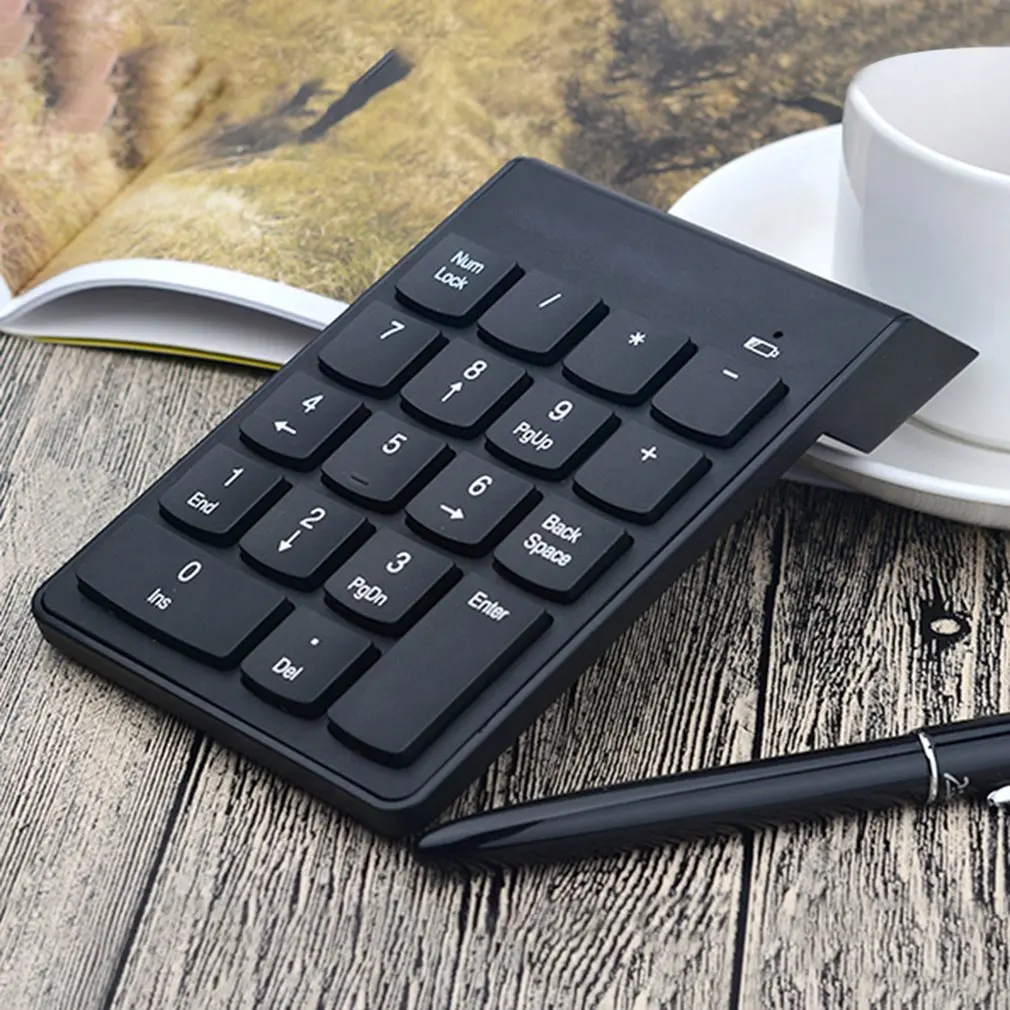
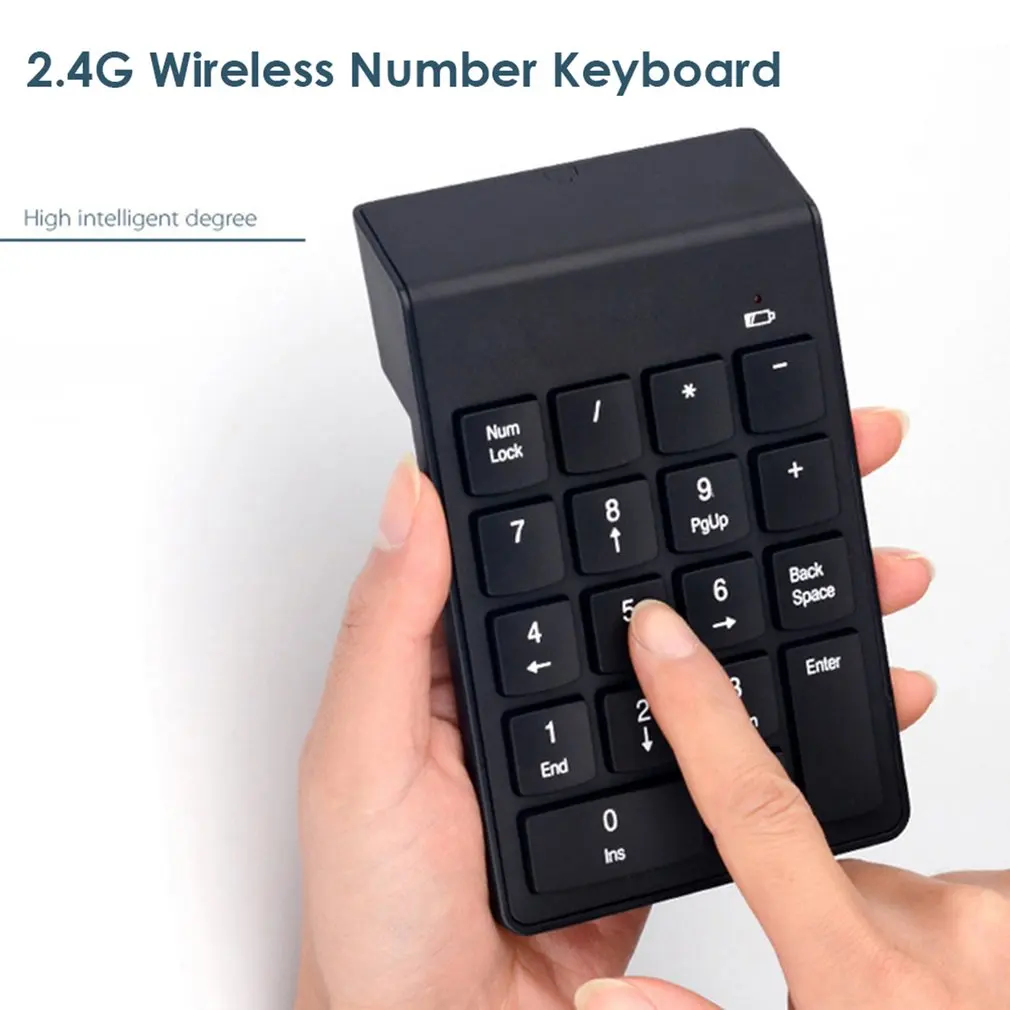
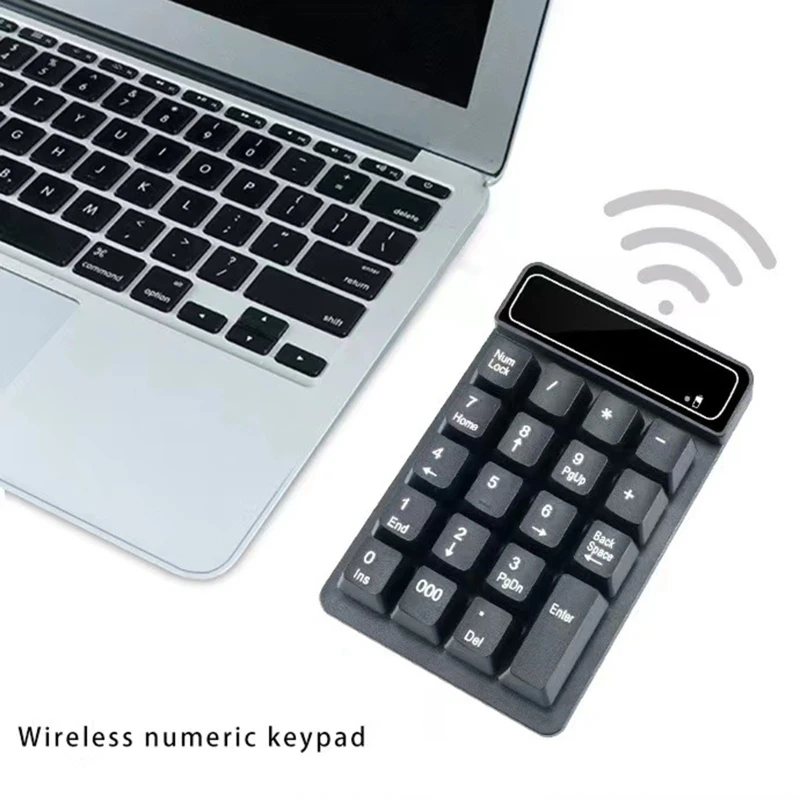
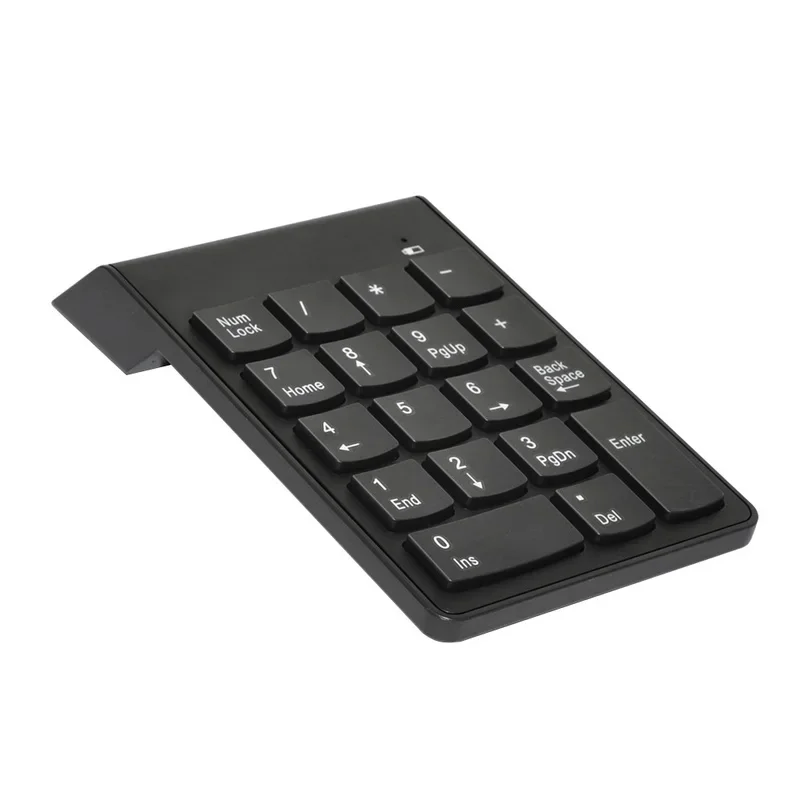
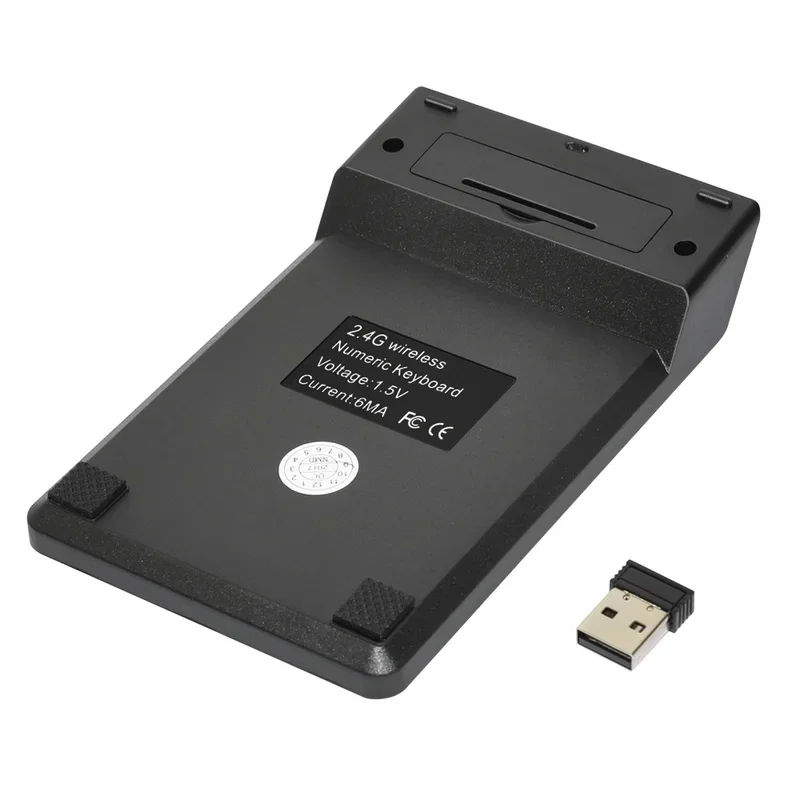
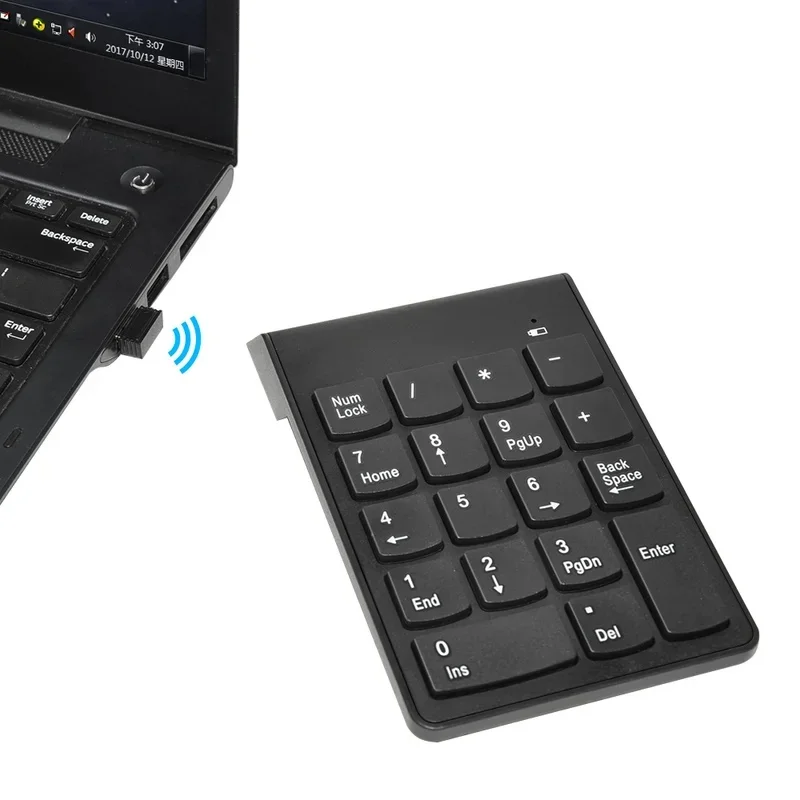
2.4G Wireless Mini Numeric Keypad - 18 Key Number Pad for Laptop

Compact 2.4G wireless numeric keypad with 18 keys for fast, accurate number entry alongside any laptop.

Only 3 left

£12.99
1 of 32 of 33 of 3

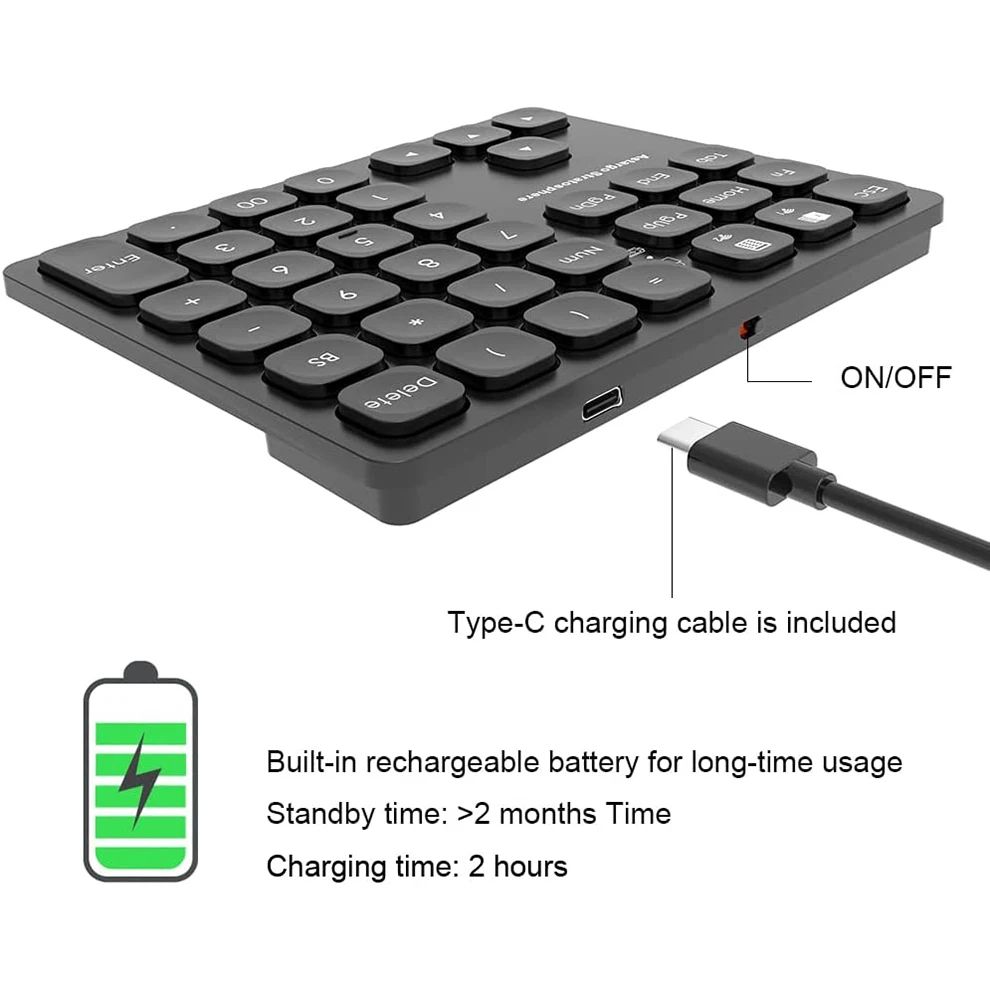
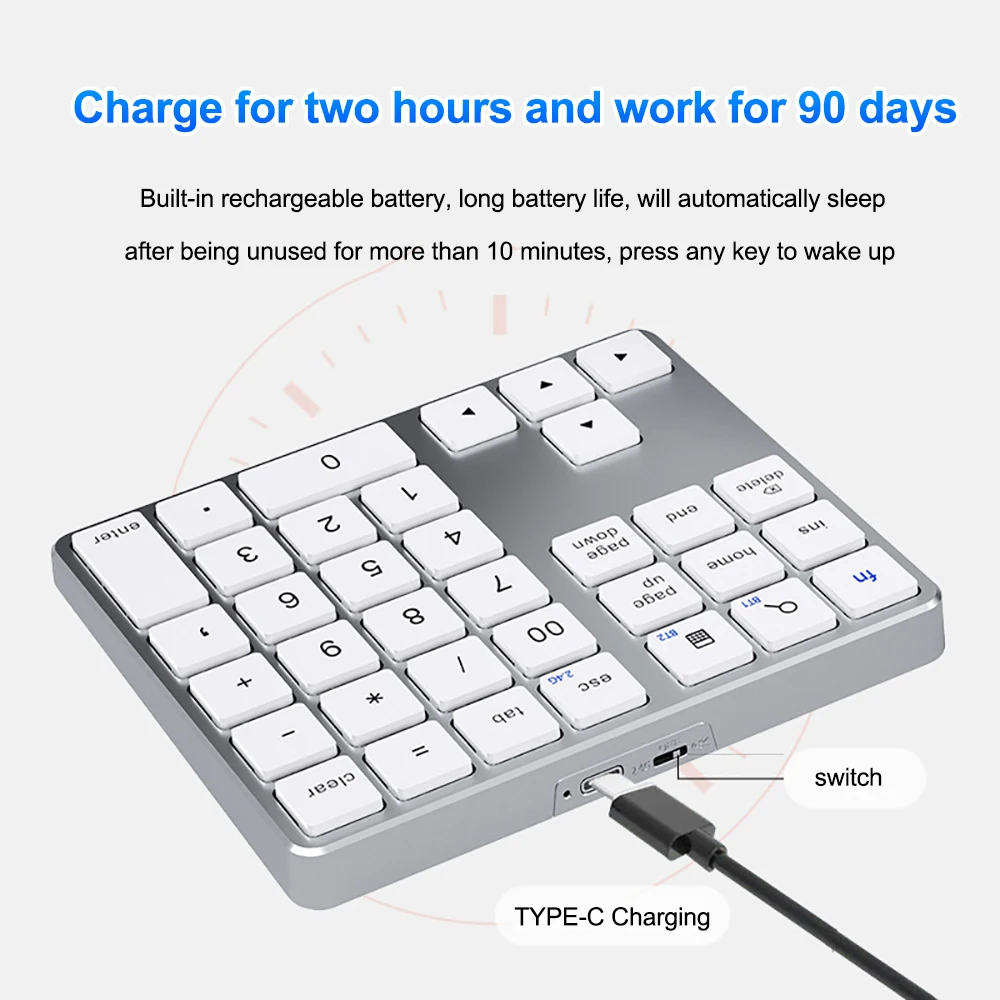
Rechargeable Bluetooth Number Pad - 36-Key Wireless Numeric Keypad

Slim rechargeable Bluetooth number pad with 36 keys, ideal for extra numeric input on laptops, Macs and tablets.

From £27.99
1 of 32 of 33 of 3

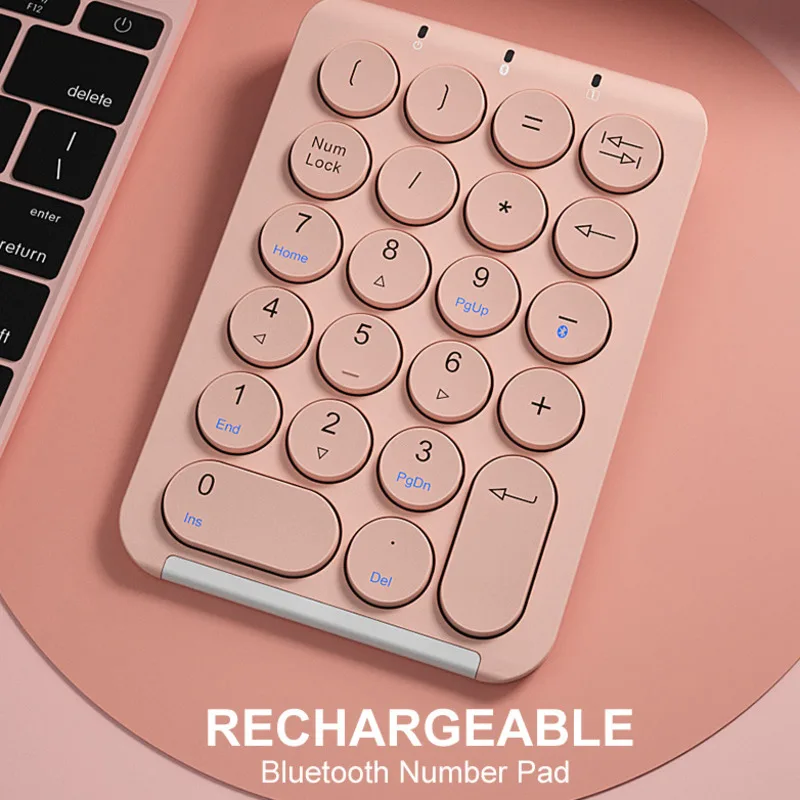
BOW 22 Key Wireless Number Pad - Bluetooth Rechargeable Numeric Keypad

A slim, rechargeable Bluetooth number pad with 22 silent-touch keys for quick figure entry alongside a laptop or iPad.

From £32.99
1 of 32 of 33 of 3

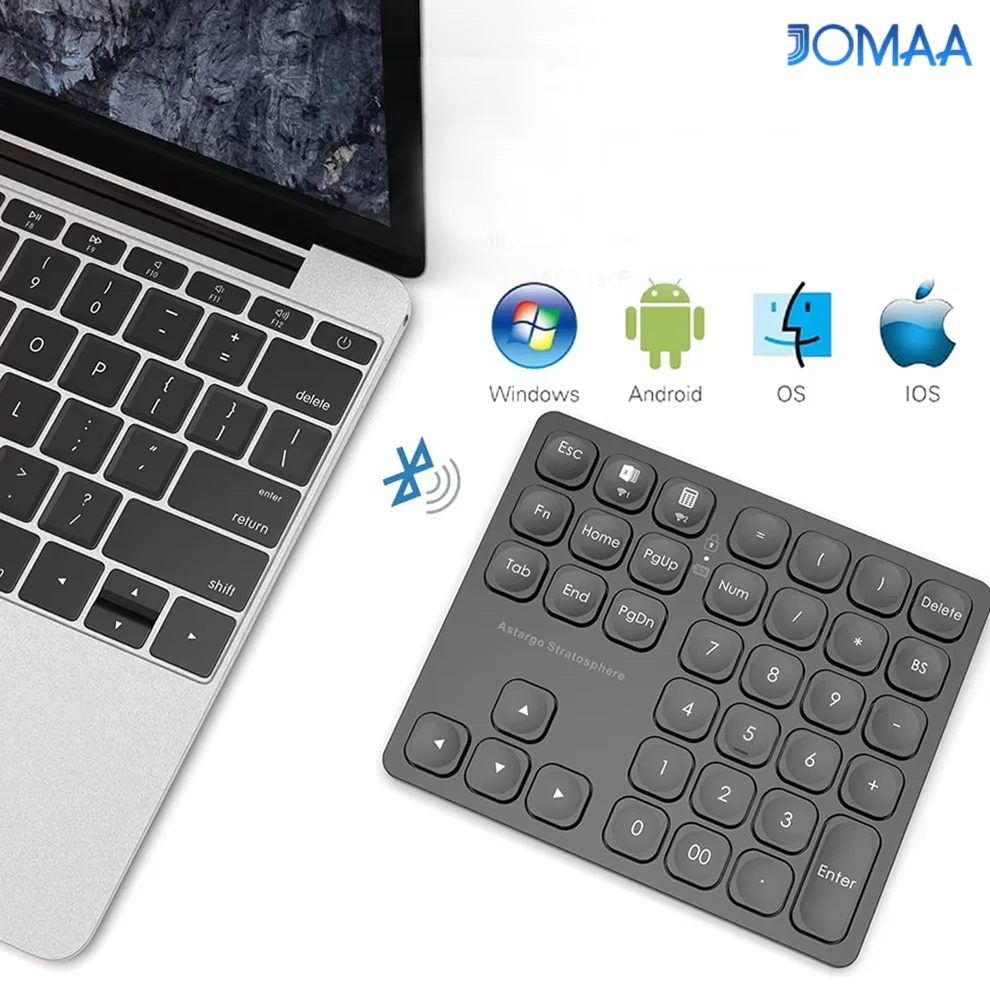
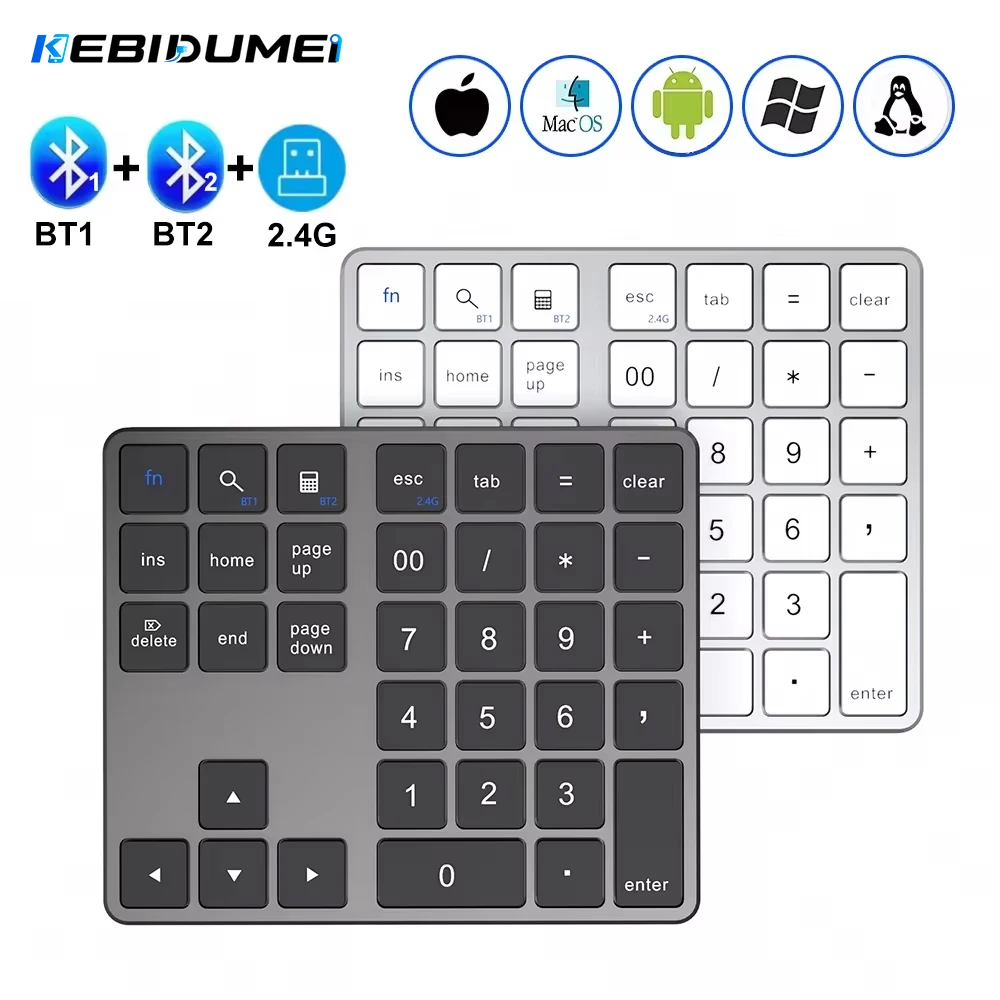
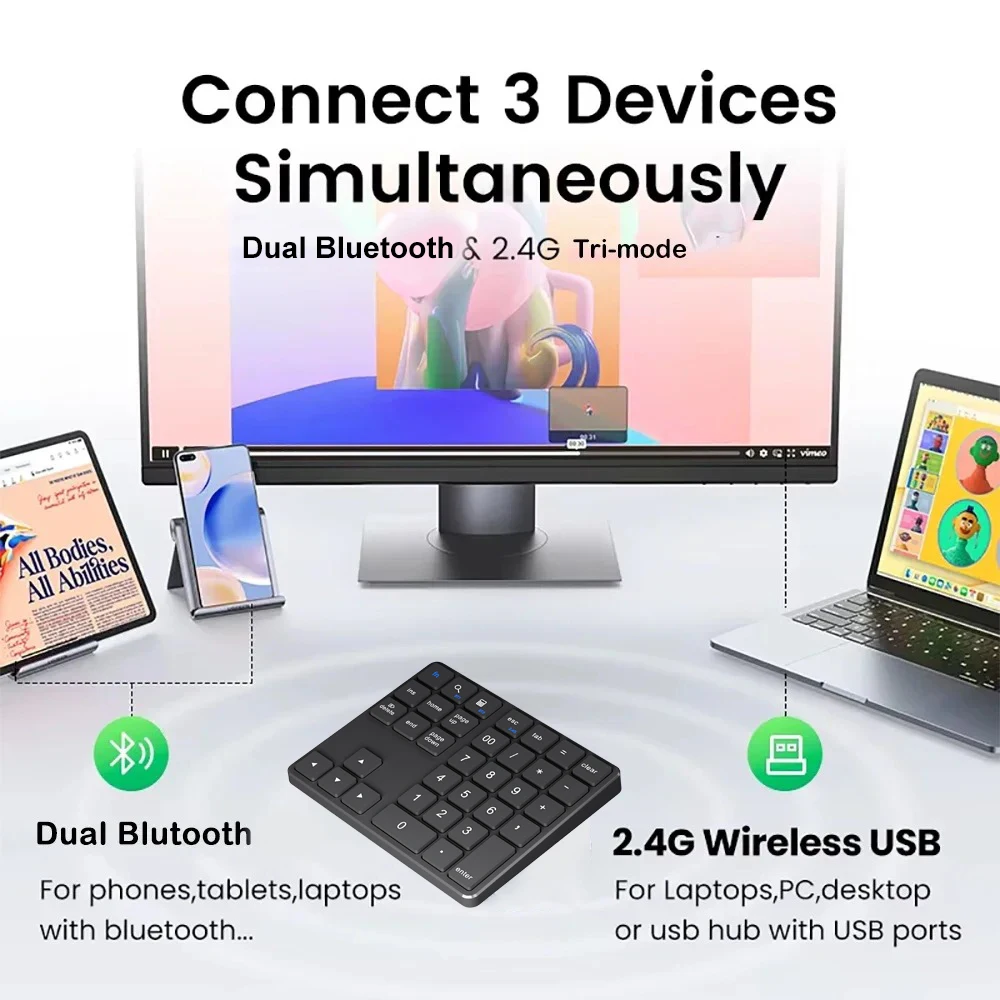
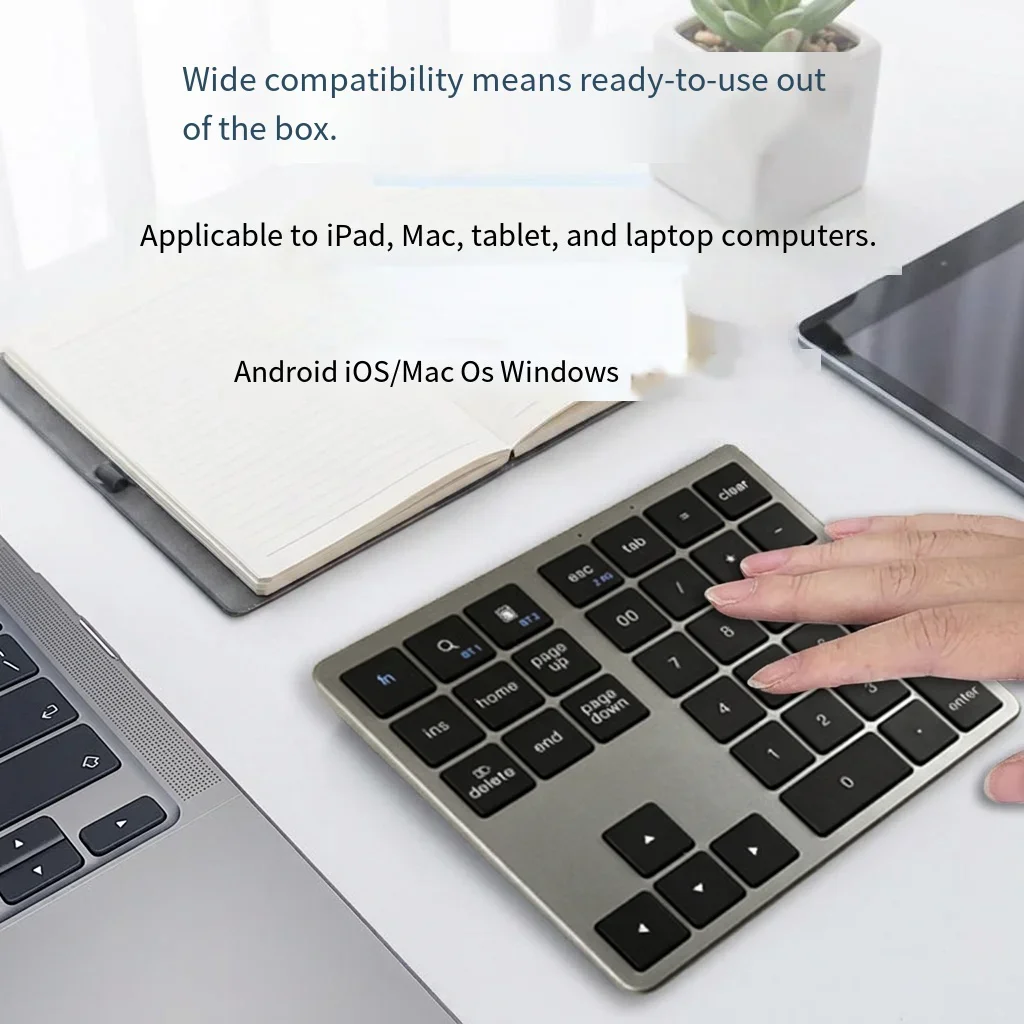
Dual Bluetooth + 2.4G Wireless Numeric Keypad, Rechargeable

Rechargeable 35-key numeric keypad with dual Bluetooth and 2.4G wireless connection, compatible with Windows, Android and Mac OS.

£26.99
1 of 32 of 33 of 3

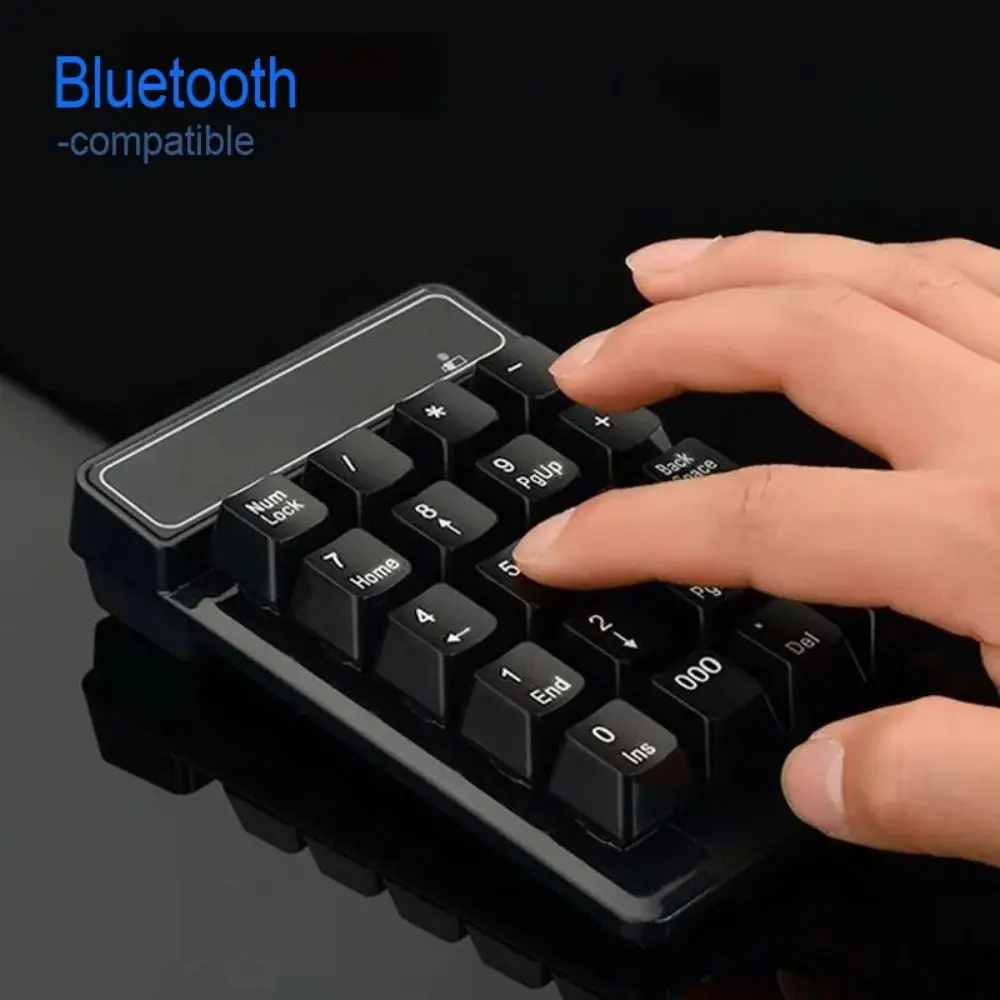
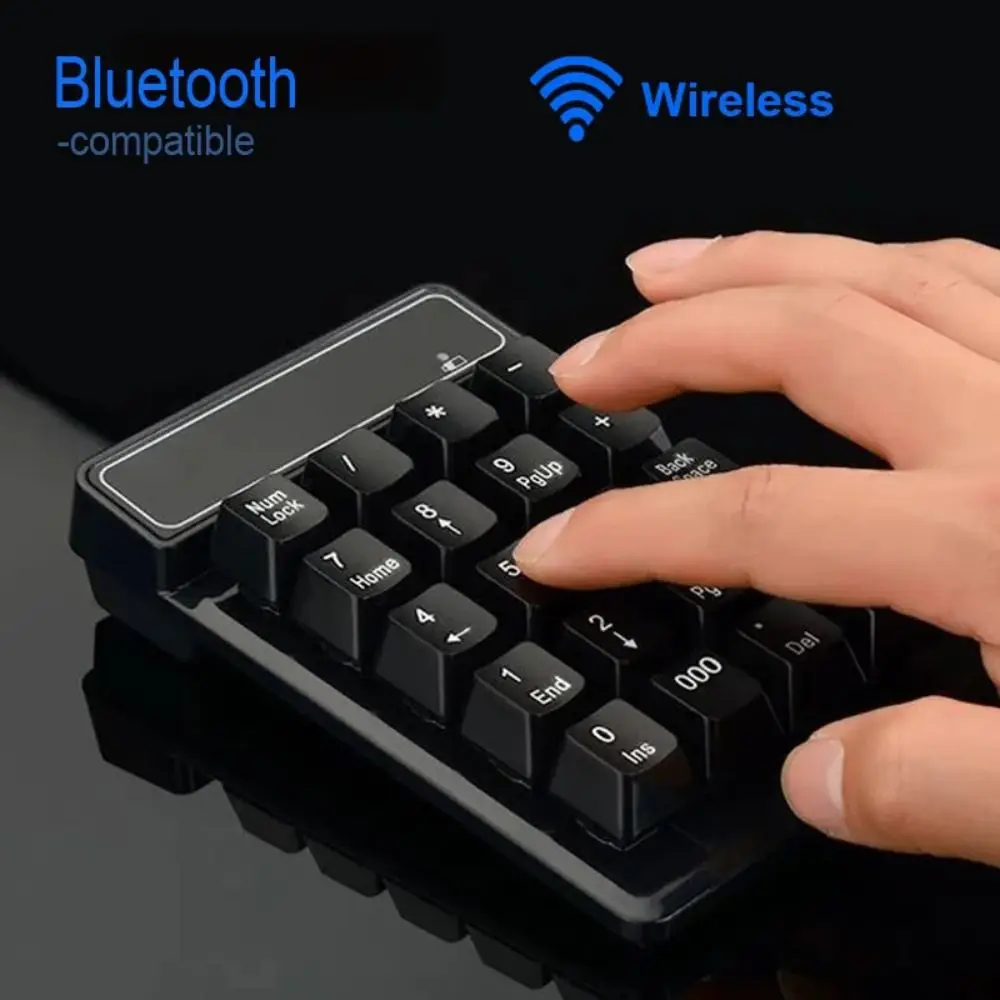
Bluetooth Wireless Numeric Keypad - 19 Key Mini Number Pad

Compact 19-key Bluetooth numeric keypad for fast, cable-free data entry on laptops and PCs.

£22.99
1 of 32 of 33 of 3

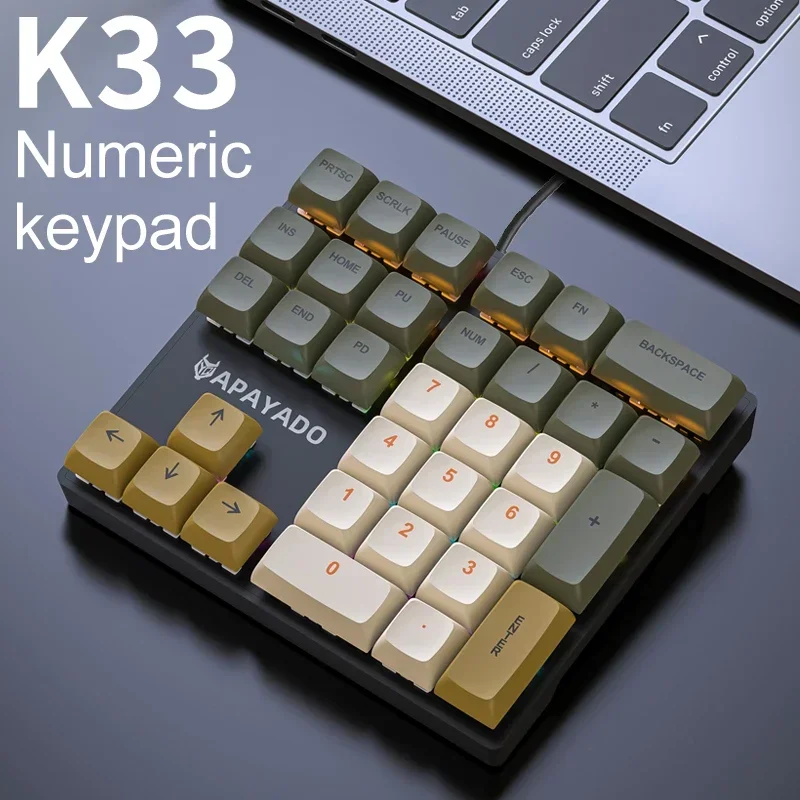
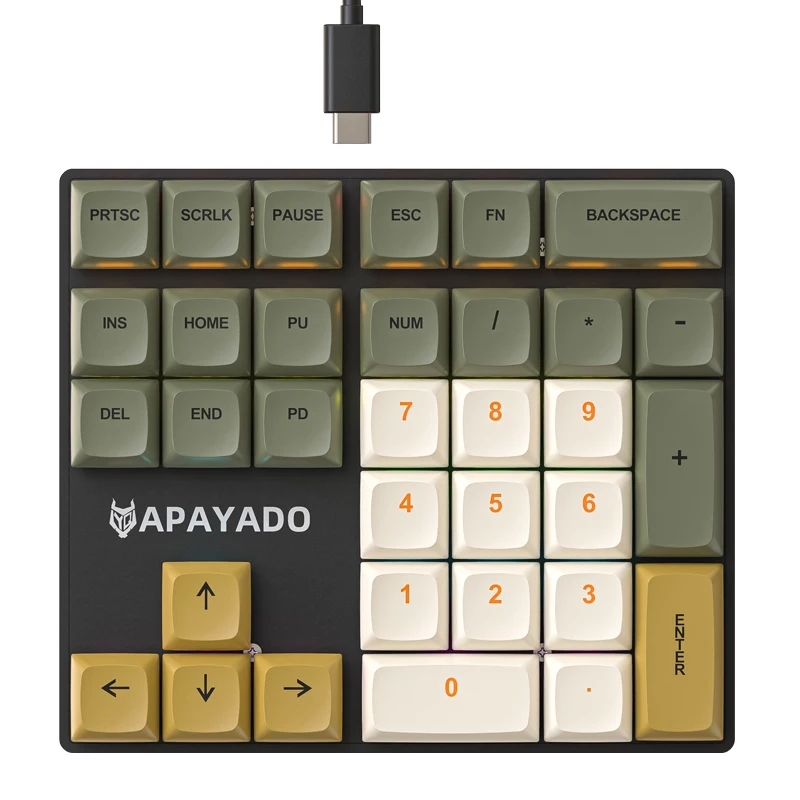
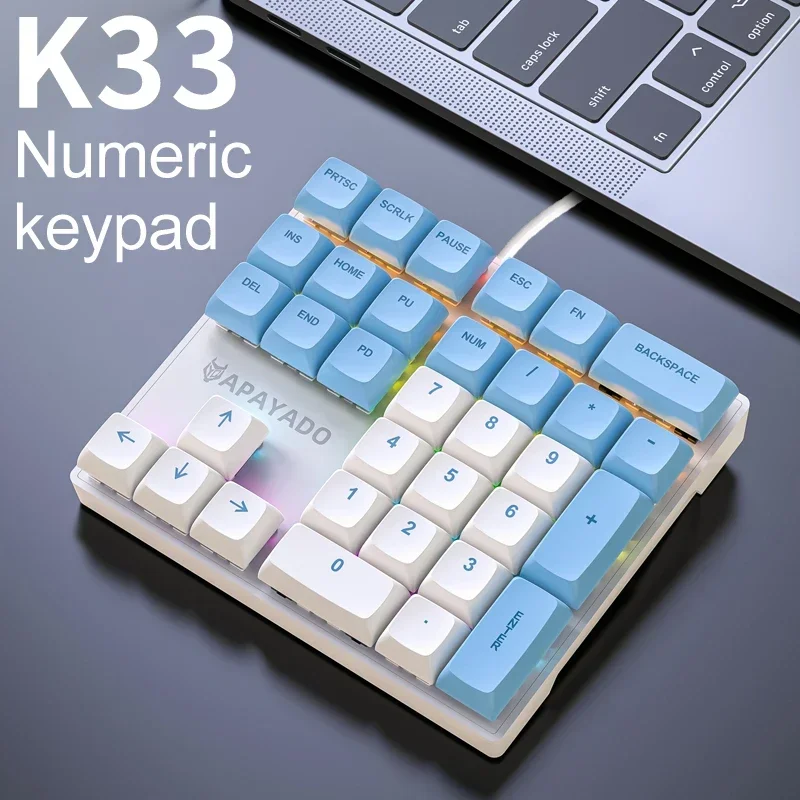
K33 Wired Mechanical Numeric Keypad with Backlight, 33-Key

A compact 33-key wired mechanical numeric keypad with PBT keycaps and multi-colour backlighting, suited to finance and business use.

From £34.99
1 of 32 of 33 of 3

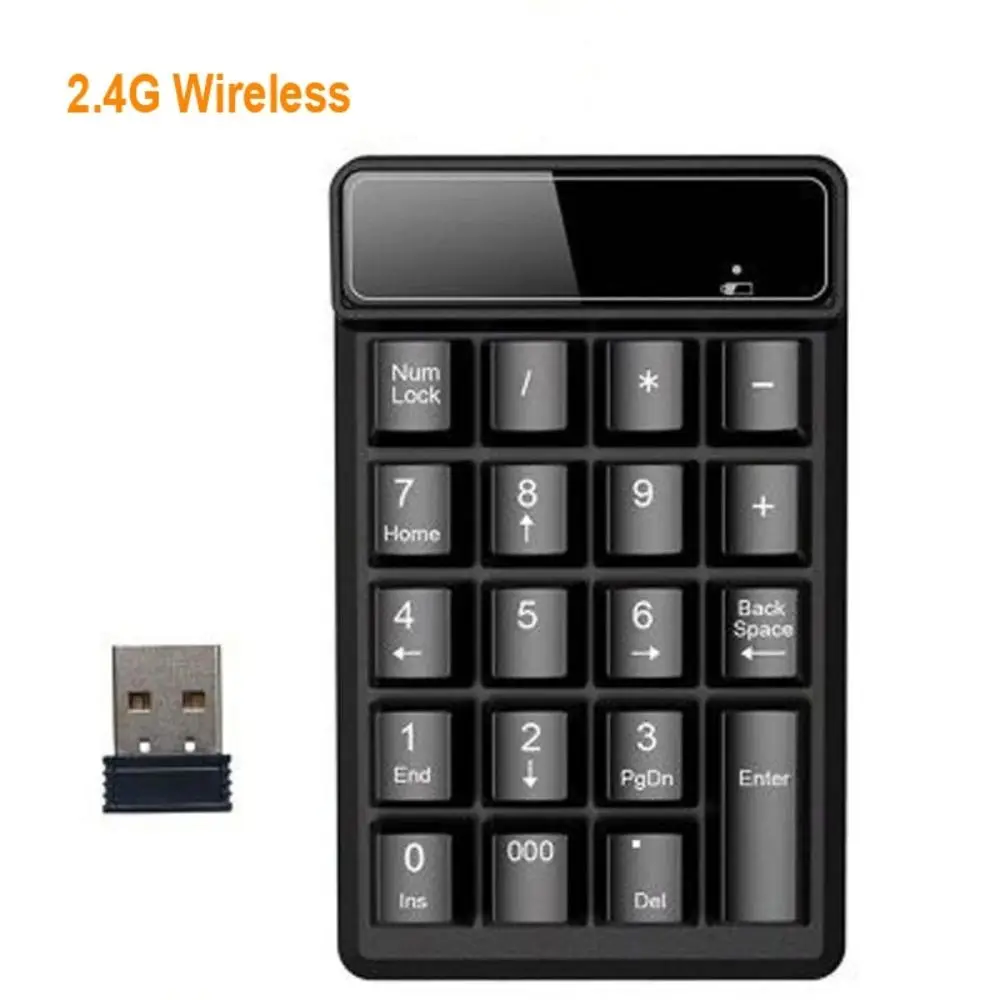
2.4G Wireless Numeric Keypad - 19 Key Mini Numpad for PC & Laptop

Compact 2.4GHz wireless numeric keypad with mechanical-feel keys, compatible with PC and laptop.

Only 3 left

£14.99
1 of 32 of 33 of 3

18-Key Numeric Keypad - Wired or 2.4G Wireless Mini Number Pad with USB Receiver

Compact 18-key numeric keypad available in wired USB or 2.4G wireless with USB receiver, ideal for fast number entry on laptops and desktops.

£21.99
1 of 32 of 33 of 3

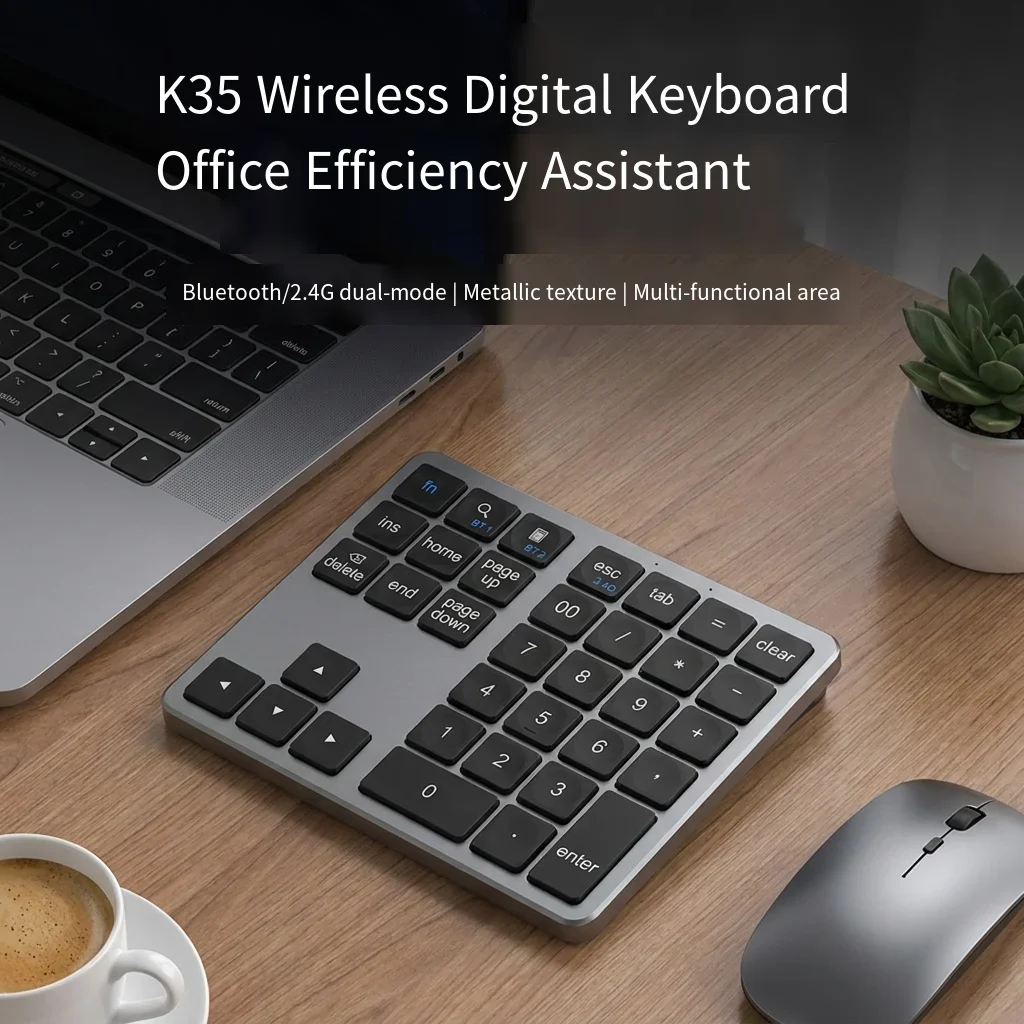
Wireless Numeric Keypad K35 - 2.4GHz & Bluetooth Dual Mode Numpad

Slim 35-key wireless numeric keypad with dual Bluetooth and 2.4GHz connection, silent keys and a rechargeable built-in battery.

Only 5 left

£20.99

A number pad for a laptop

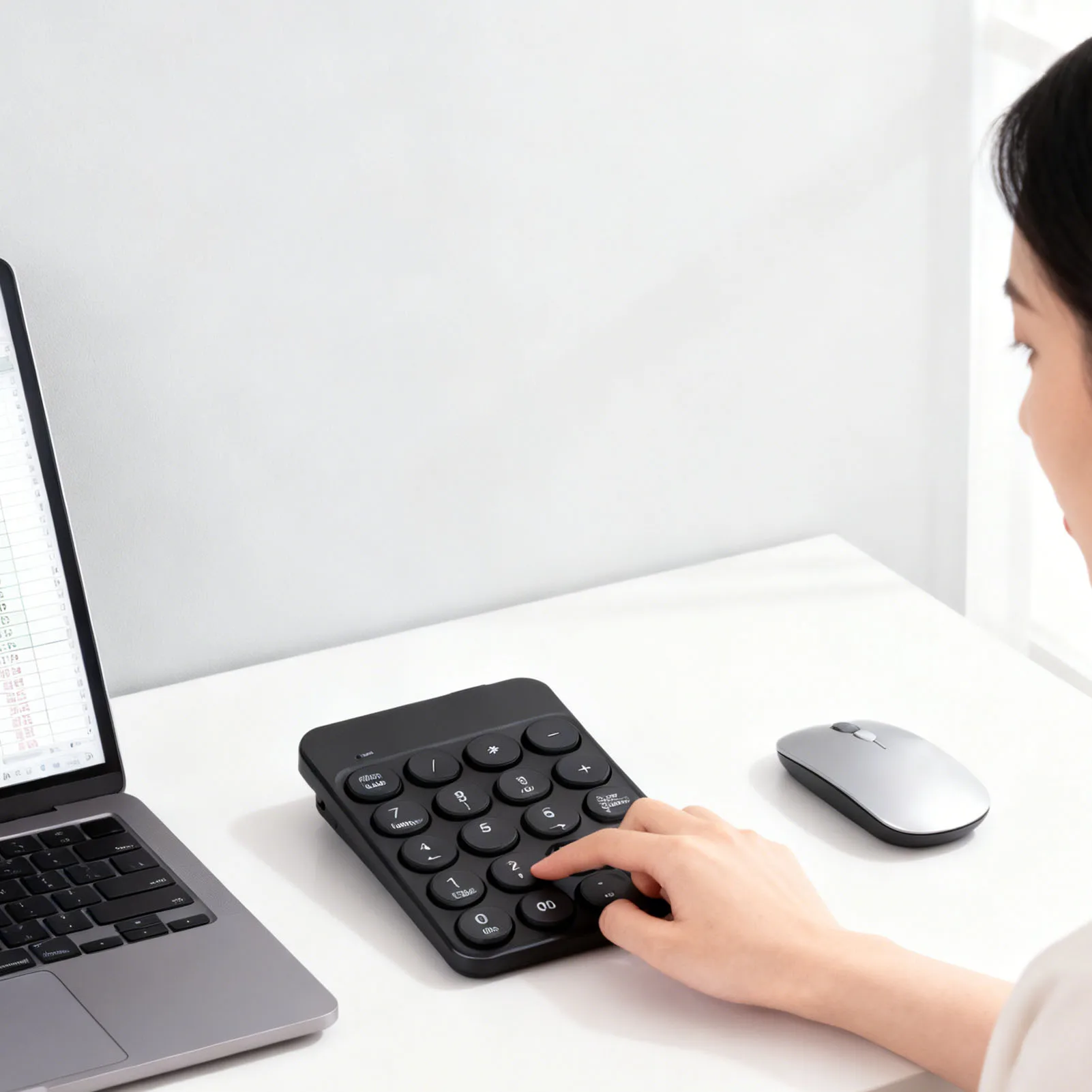
Most smaller laptops have no number pad, and nor do compact keyboards. Typing figures along the top row is slow and easy to get wrong. A separate number pad puts the digits back in the calculator layout, so you can enter figures without looking, then put the pad away when you are done. It suits accounts, spreadsheets, stock lists, data entry and study.

What is in the range

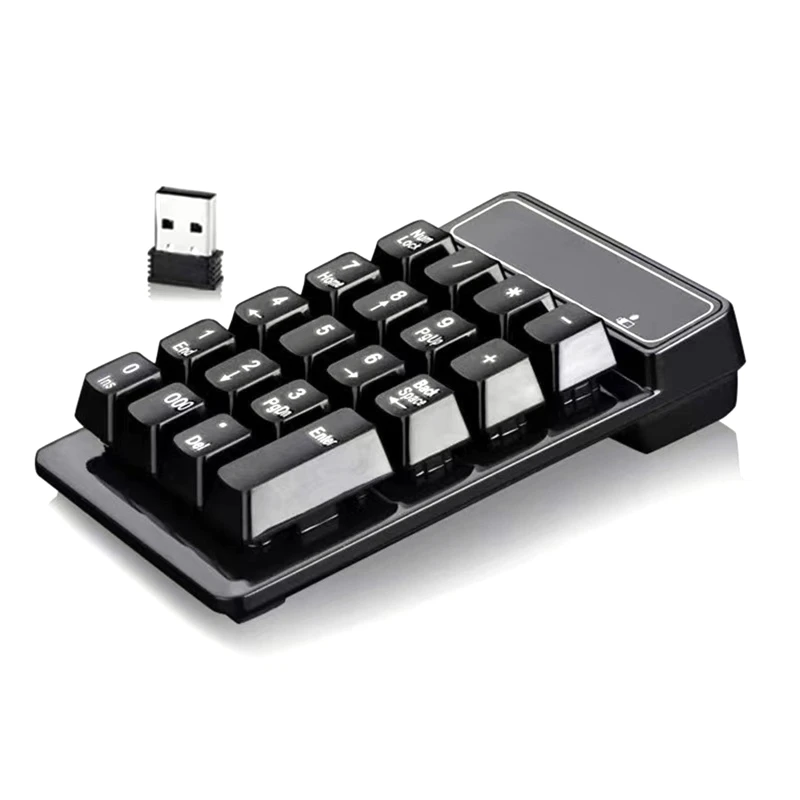
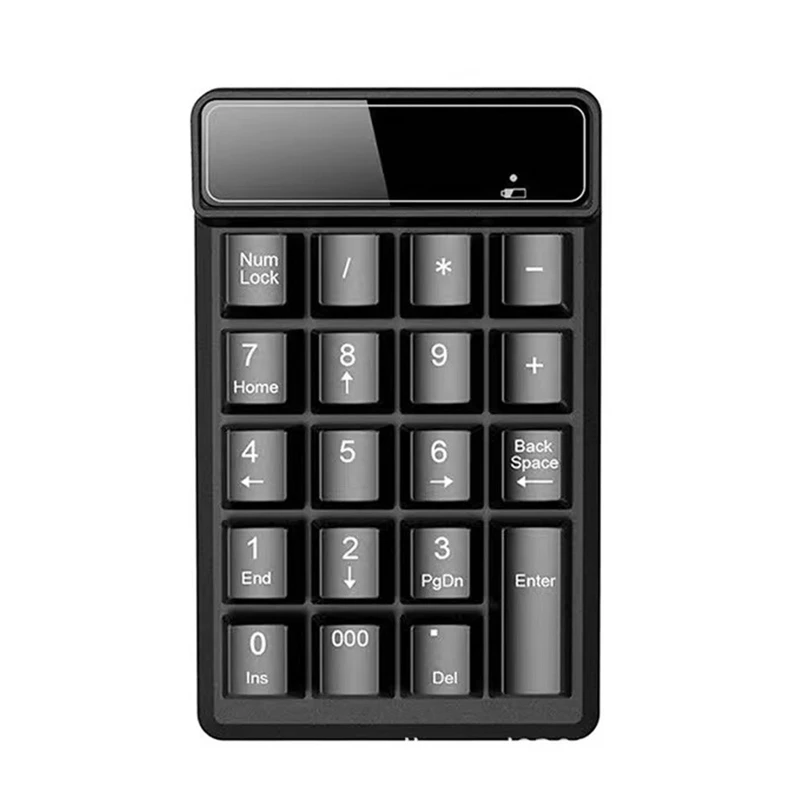
  • 18 and 19-key pads: the standard number pad, with Num Lock, the four sums, Enter and a full stop. Some add a 000 key or a backspace.
  • 22-key pads that add Esc, Tab and Delete, so you can move between spreadsheet cells without reaching for the keyboard.
  • Larger pads, 33 to 36 keys, with extra shortcut and function keys.
  • A mechanical pad, wired and backlit, with a switch under every key.

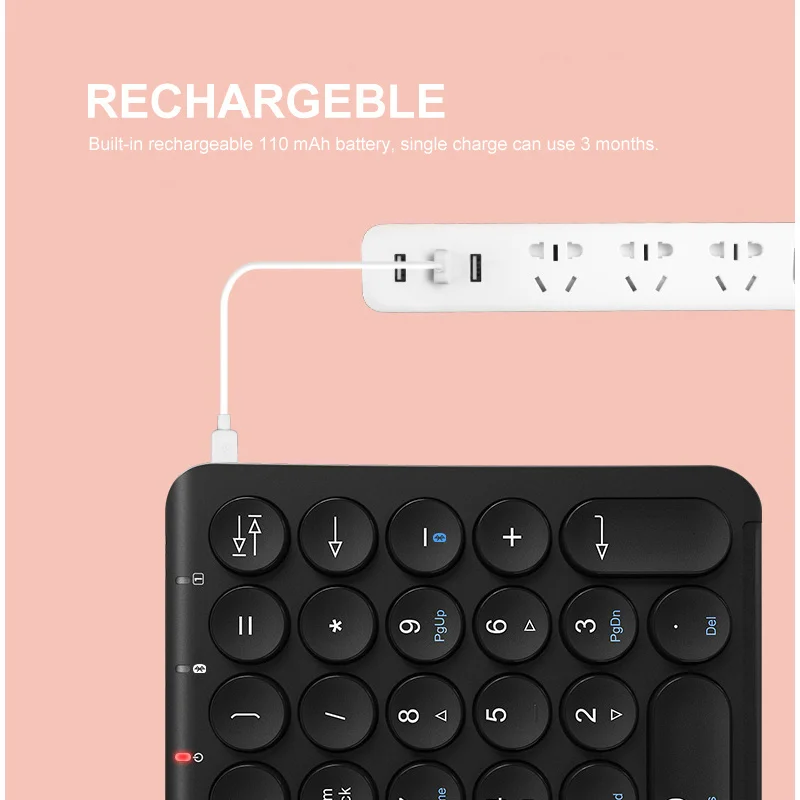
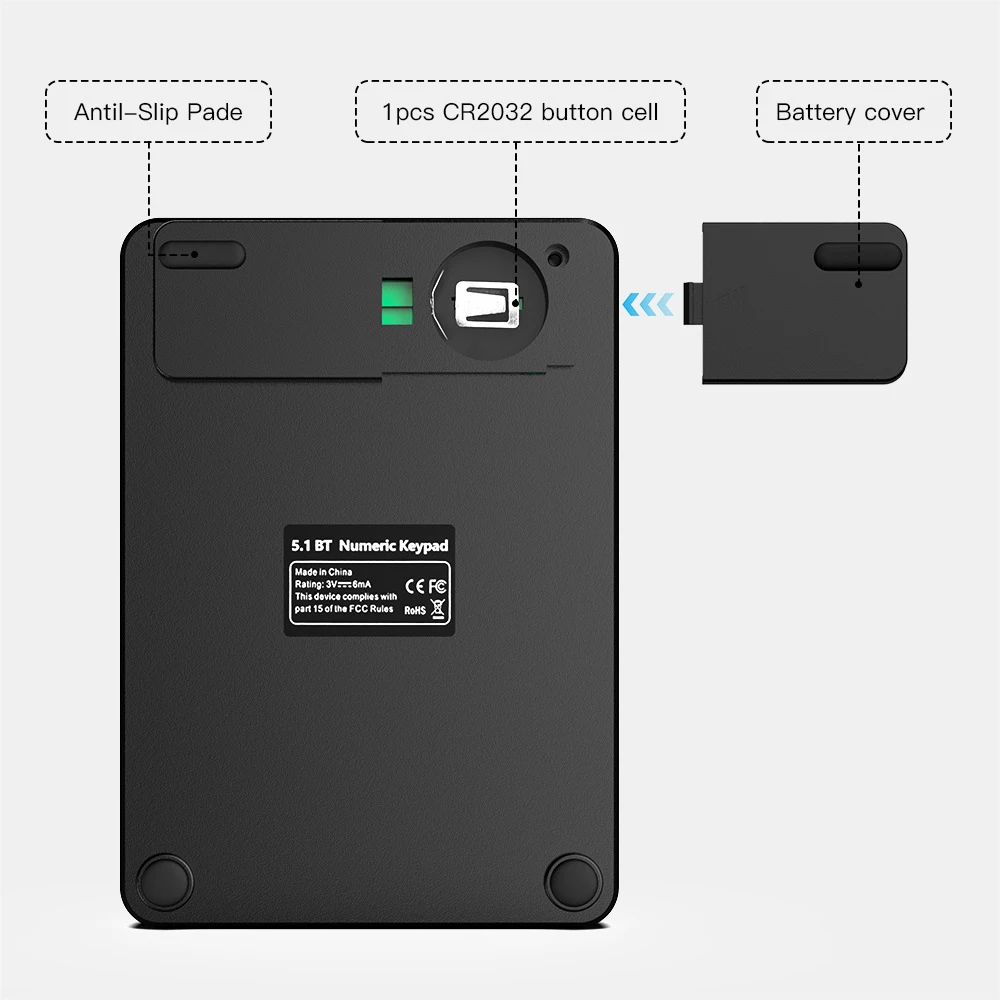
They connect in every way: wired by USB, a 2.4G receiver, Bluetooth, or both receiver and Bluetooth. Some wireless pads are rechargeable and others take batteries; the product page says which.

How to choose

Connection. A wired pad needs no charging and works at once. A receiver pad works the same way without the cable, but uses a USB socket. A Bluetooth pad uses no socket at all, which matters on a laptop with two USB-C sockets.

How many keys. If you only type figures, an 18 or 19-key pad is smallest. If you work through spreadsheets, a pad with Tab and Delete saves reaching across.

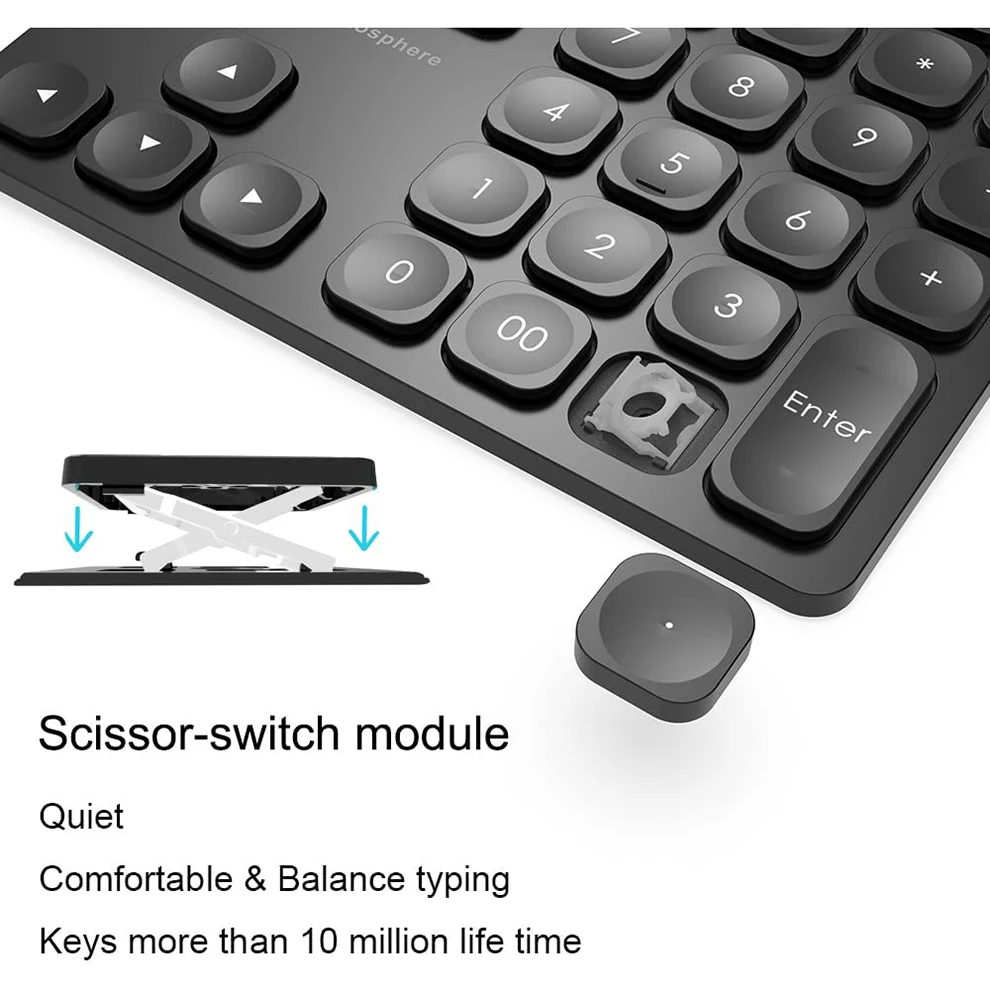
Feel. Scissor keys are low and quiet, like a laptop's own. A mechanical pad has a deeper, firmer press.

Which side. A separate pad can sit to the right of the keyboard, the usual place, or to the left so the mouse stays close on the right. The Health and Safety Executive says the mouse should sit right beside the keyboard.

Questions people ask about number pads

Why does the pad move the cursor instead of typing numbers?

Num Lock is off. Press Num Lock on the pad and the digits will type. Some pads have a light that shows it is on.

Will it work on a Mac?

Plain digits and sums work on a Mac. Some keys, such as a calculator key, may only work on Windows; the product page lists the systems each pad is made for.

Can I use a number pad with a separate keyboard?

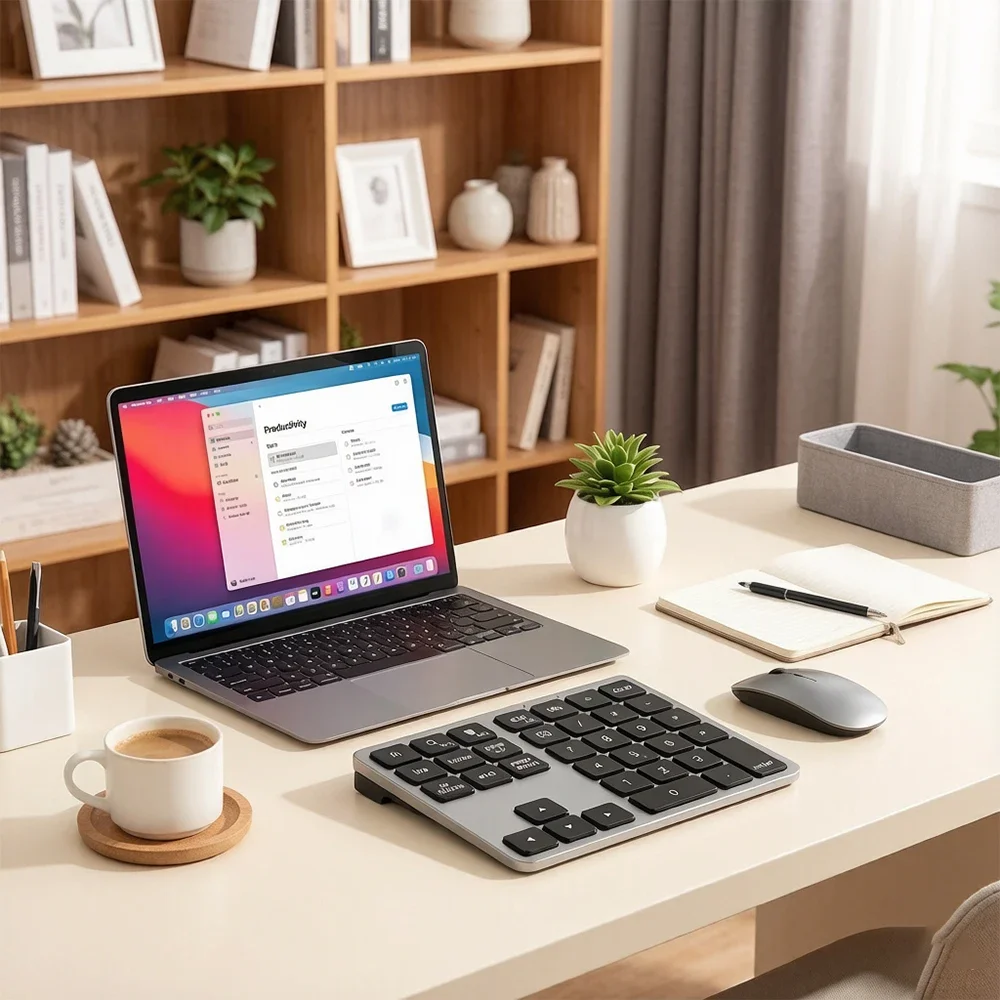
Yes. It works alongside any keyboard, or as part of a desk with a wireless keyboard and mouse.

Delivery is included in every price and tracked to your door.

More to look at
Website designed in Bristol by