For people who make things on a laptop
Recording a podcast, filming a video, streaming, editing photos from a camera card or putting together a lesson: a laptop can do all of it, but its built-in camera, microphone and storage are made for everyday use. This page brings together the ranges that take each of those a step further: better sound, better picture and light, quicker ways to get files in and out, and more screen to work on.
What is on this page
This page is put together from whole ranges, not product by product. Every product in the ranges named here is on it, so when a range gains something new, it appears here too. Each product also stays in its own department, and some are on more than one of the pages for different people as well as creators.
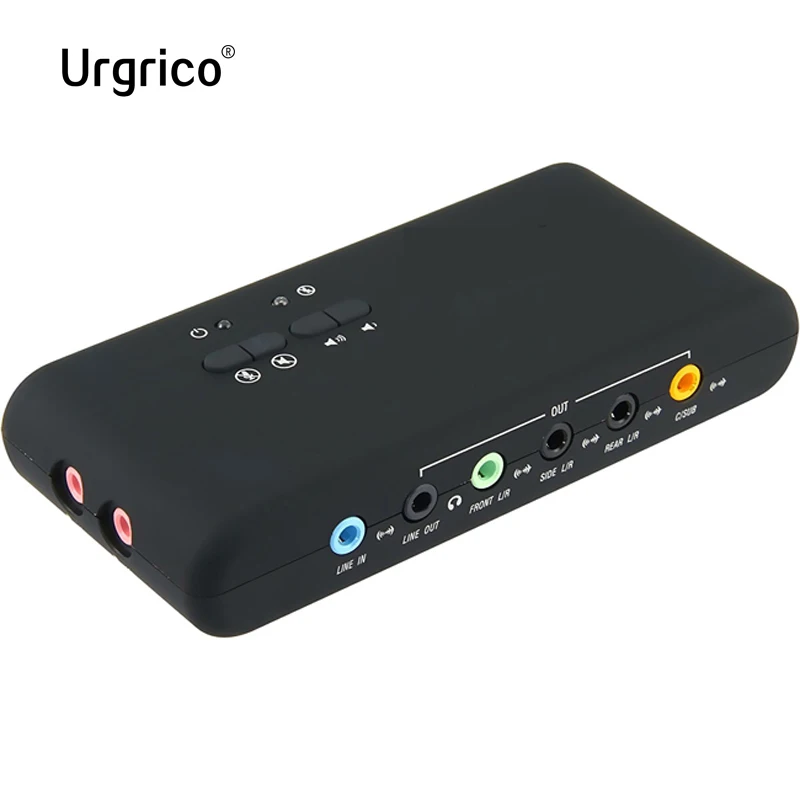
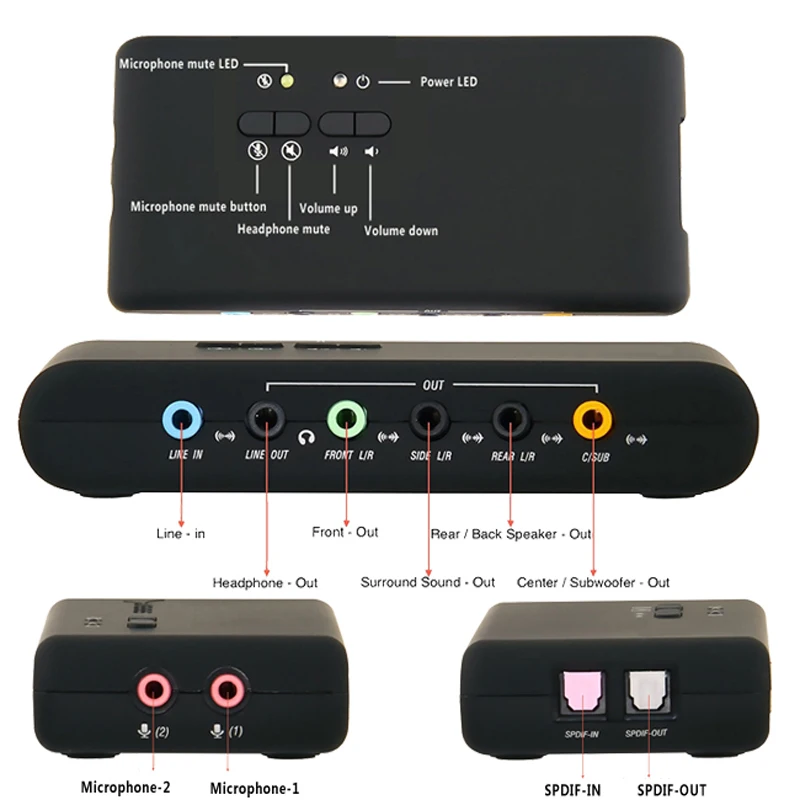
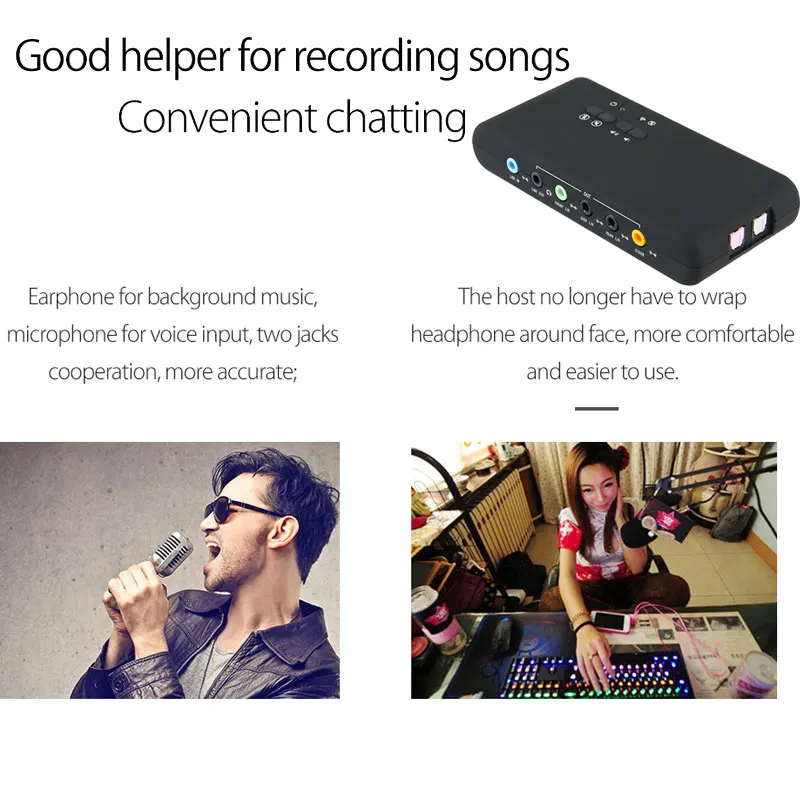
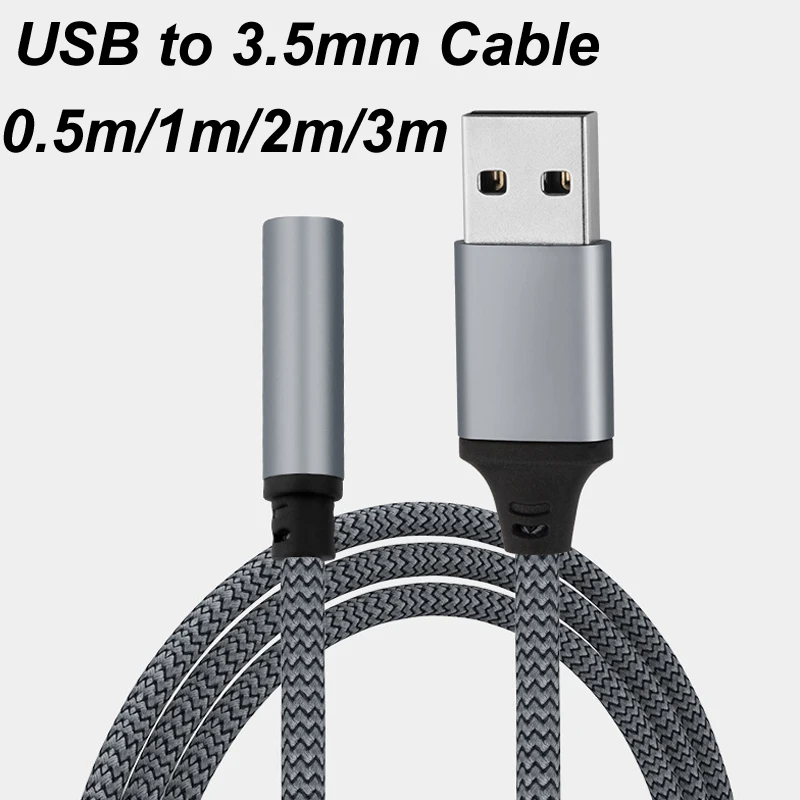
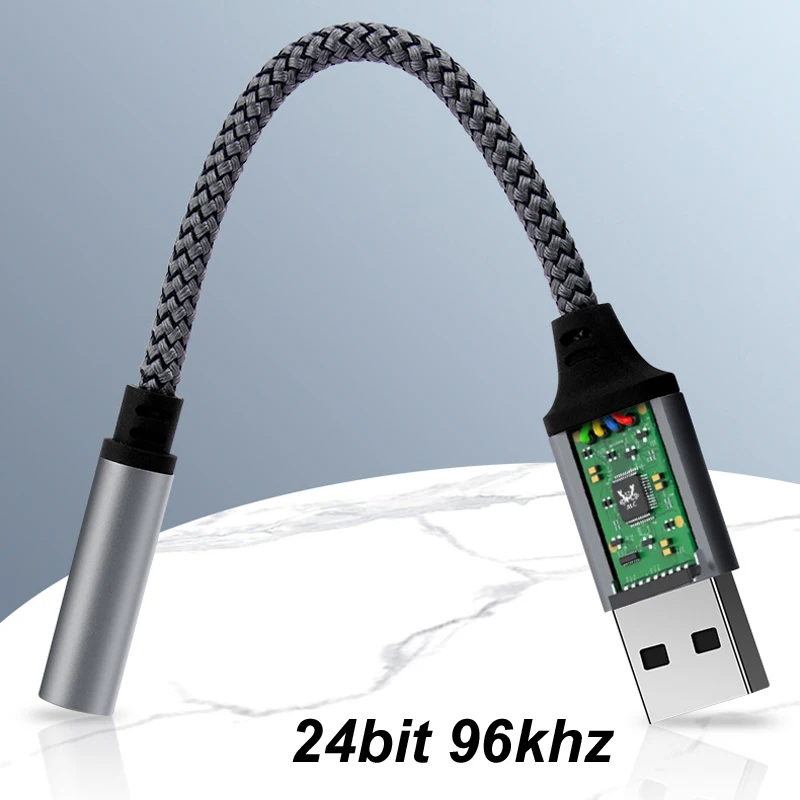
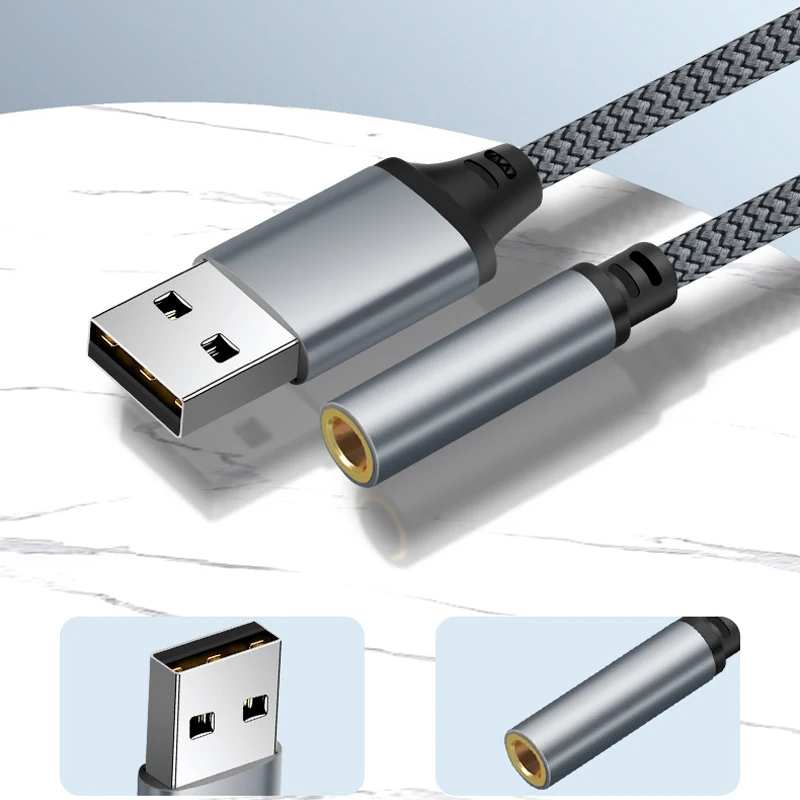
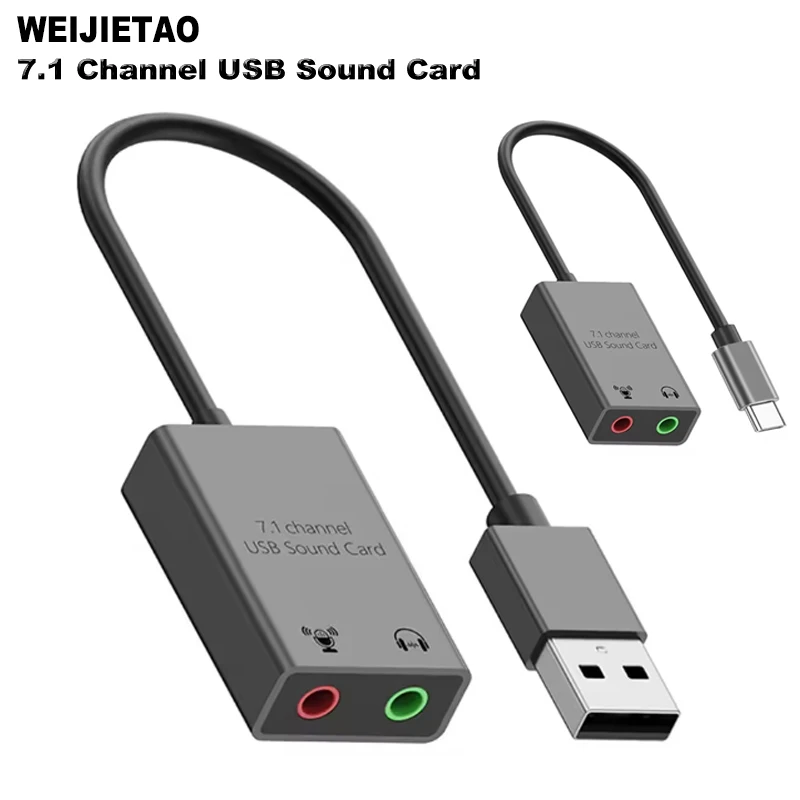
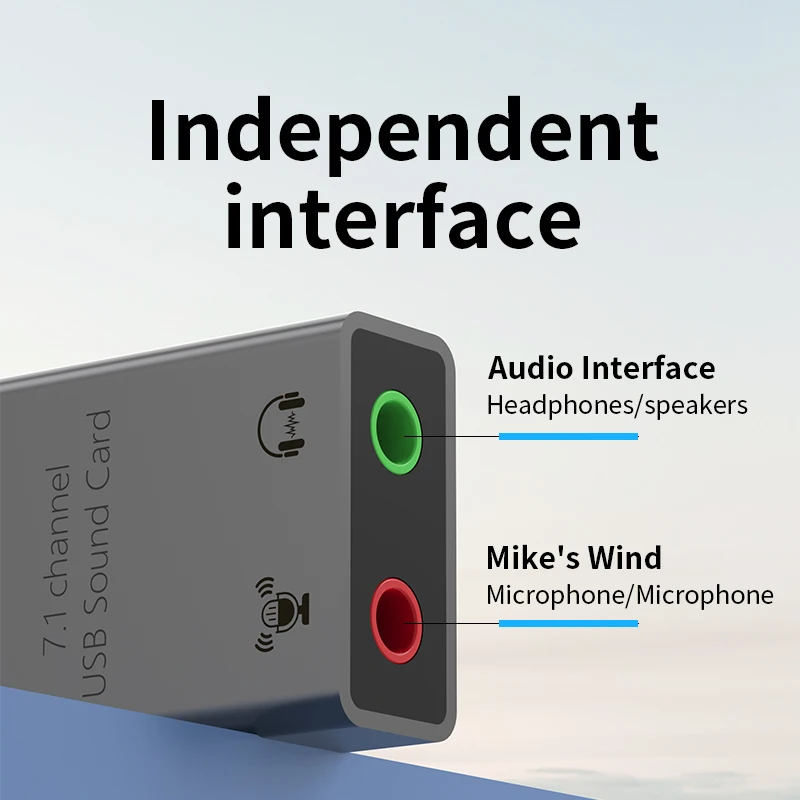
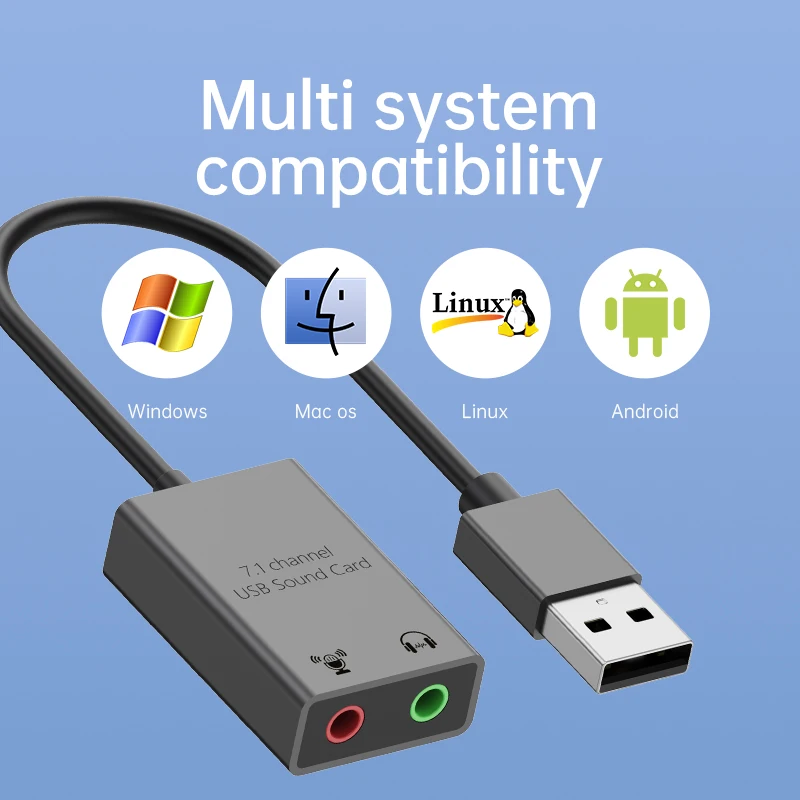
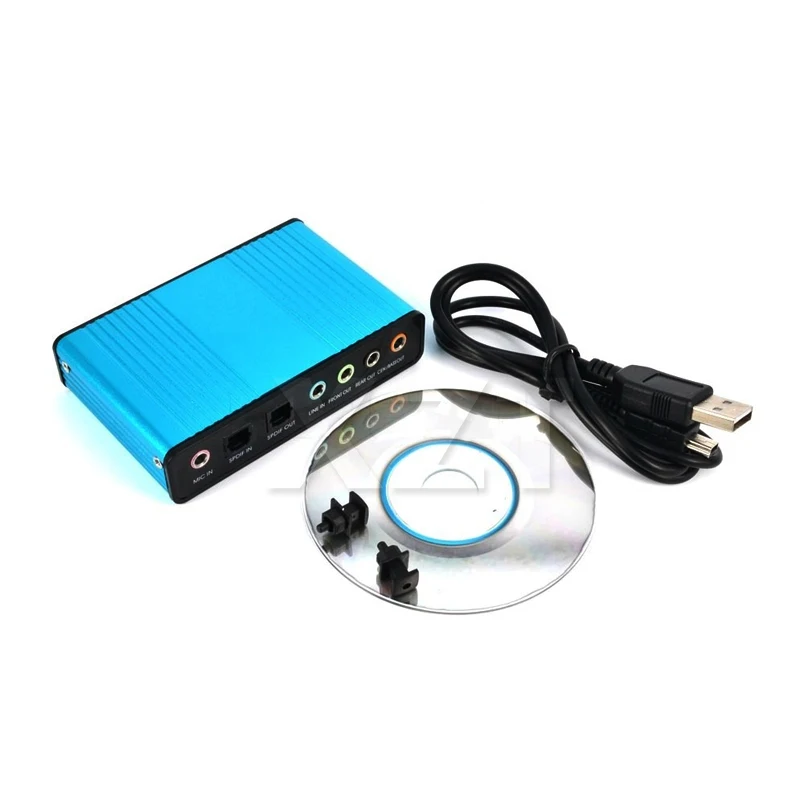
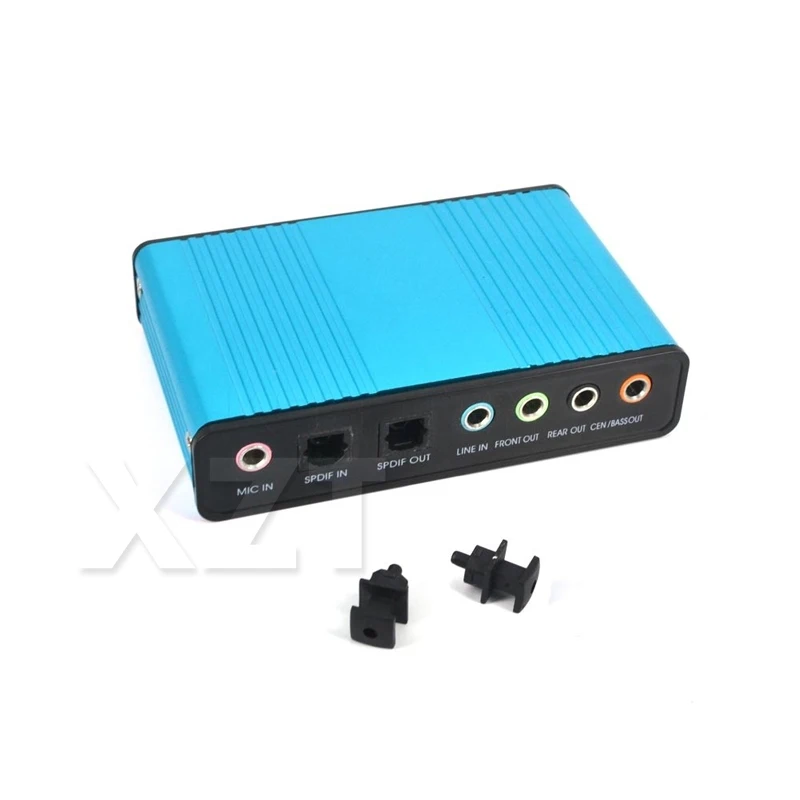
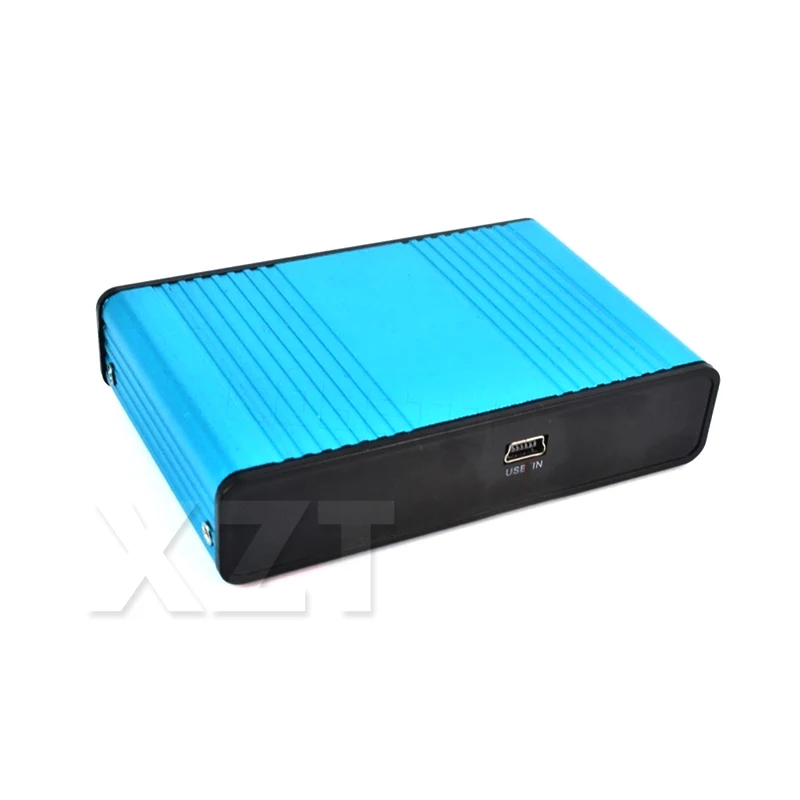
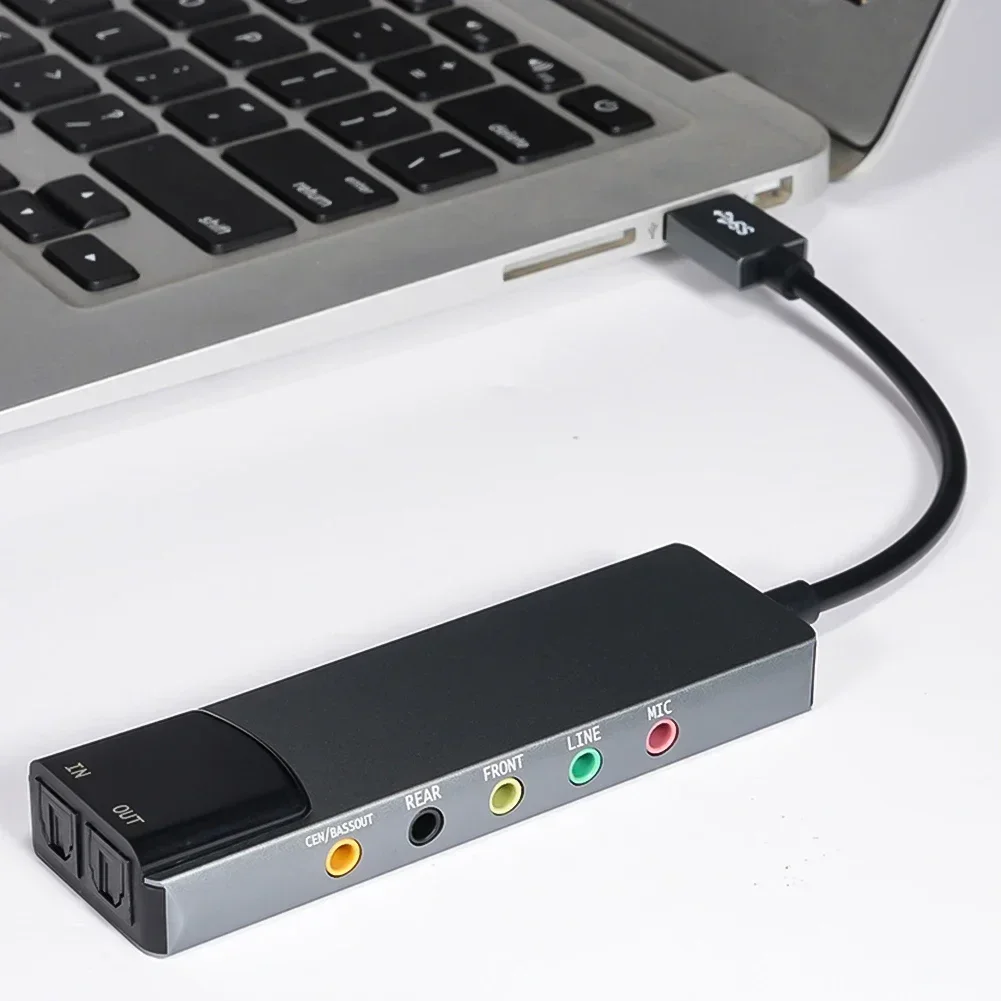
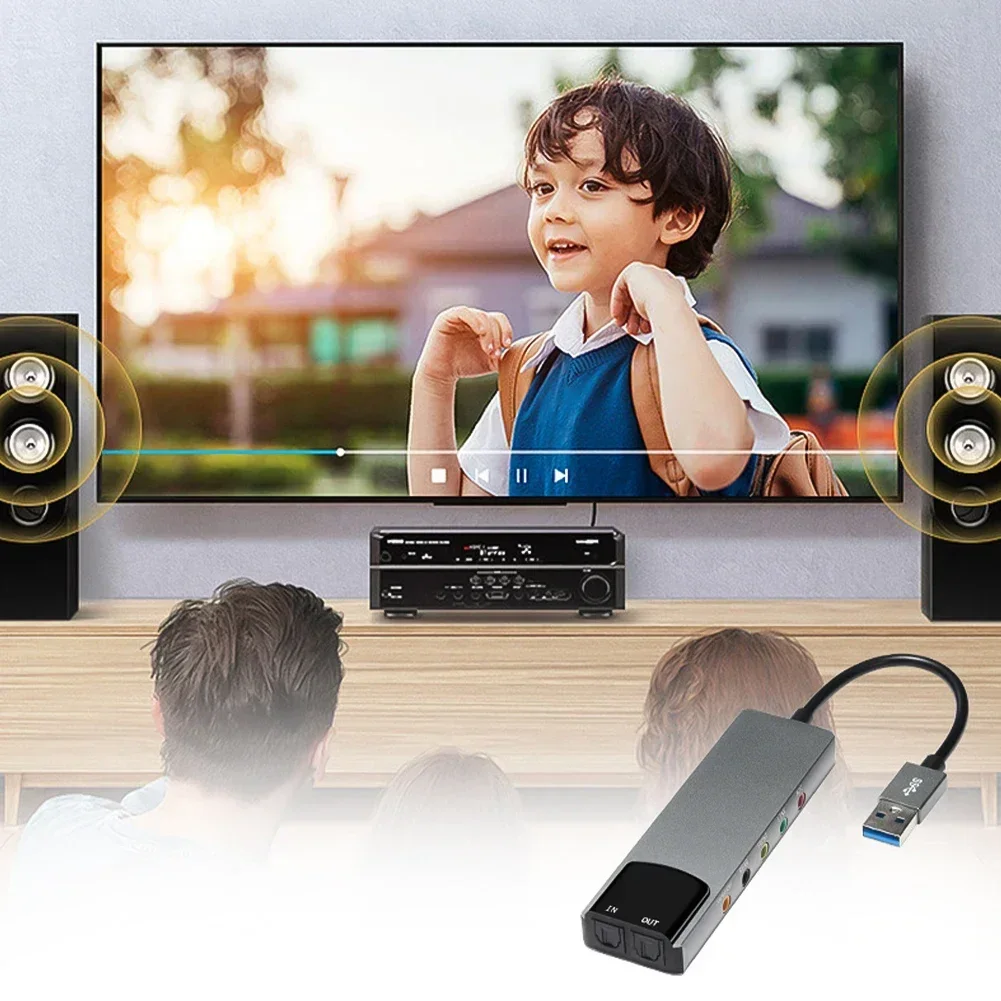
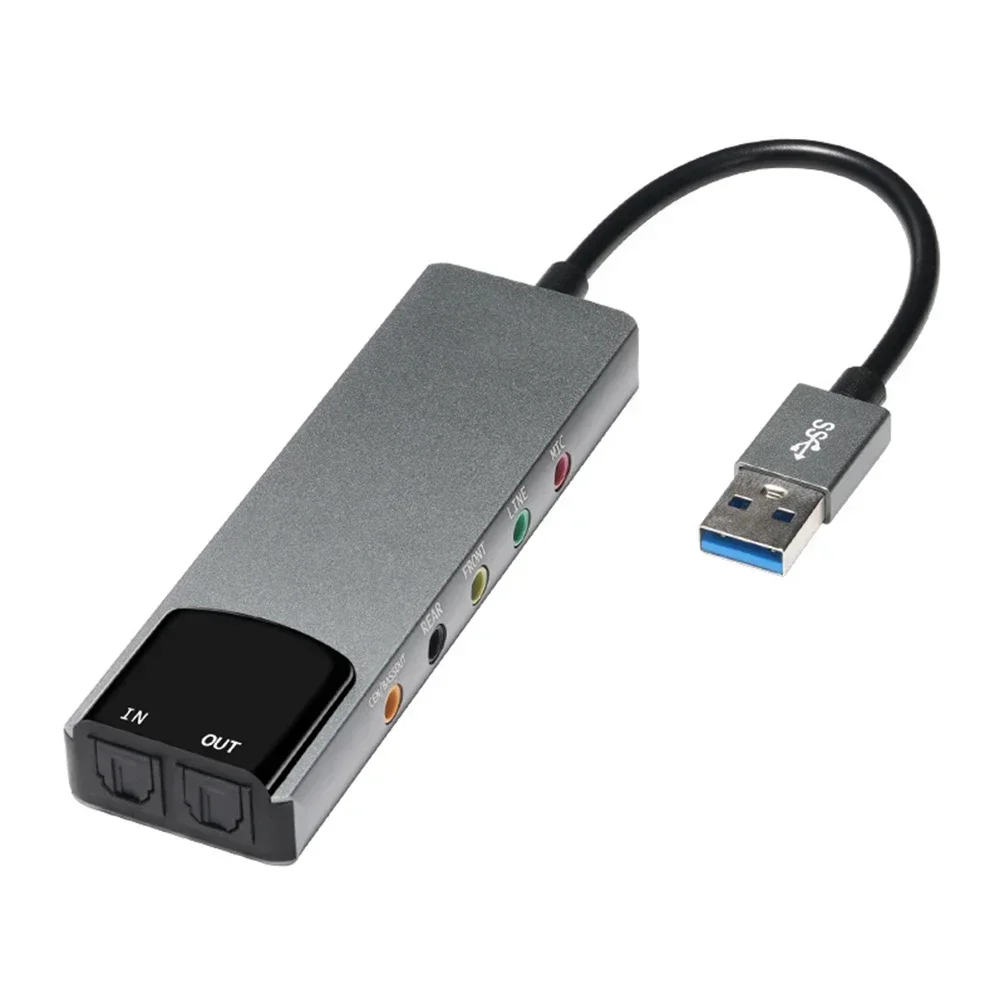
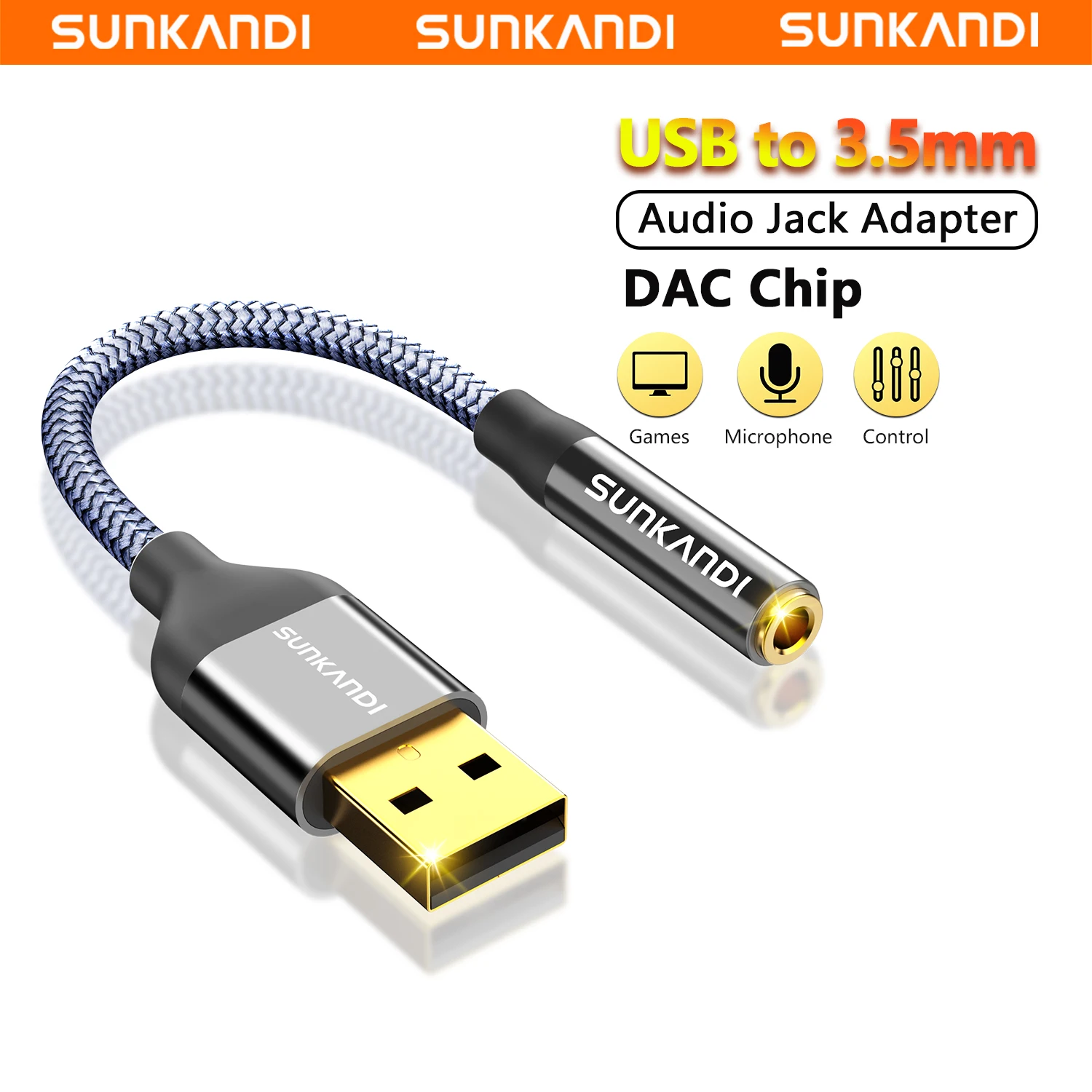
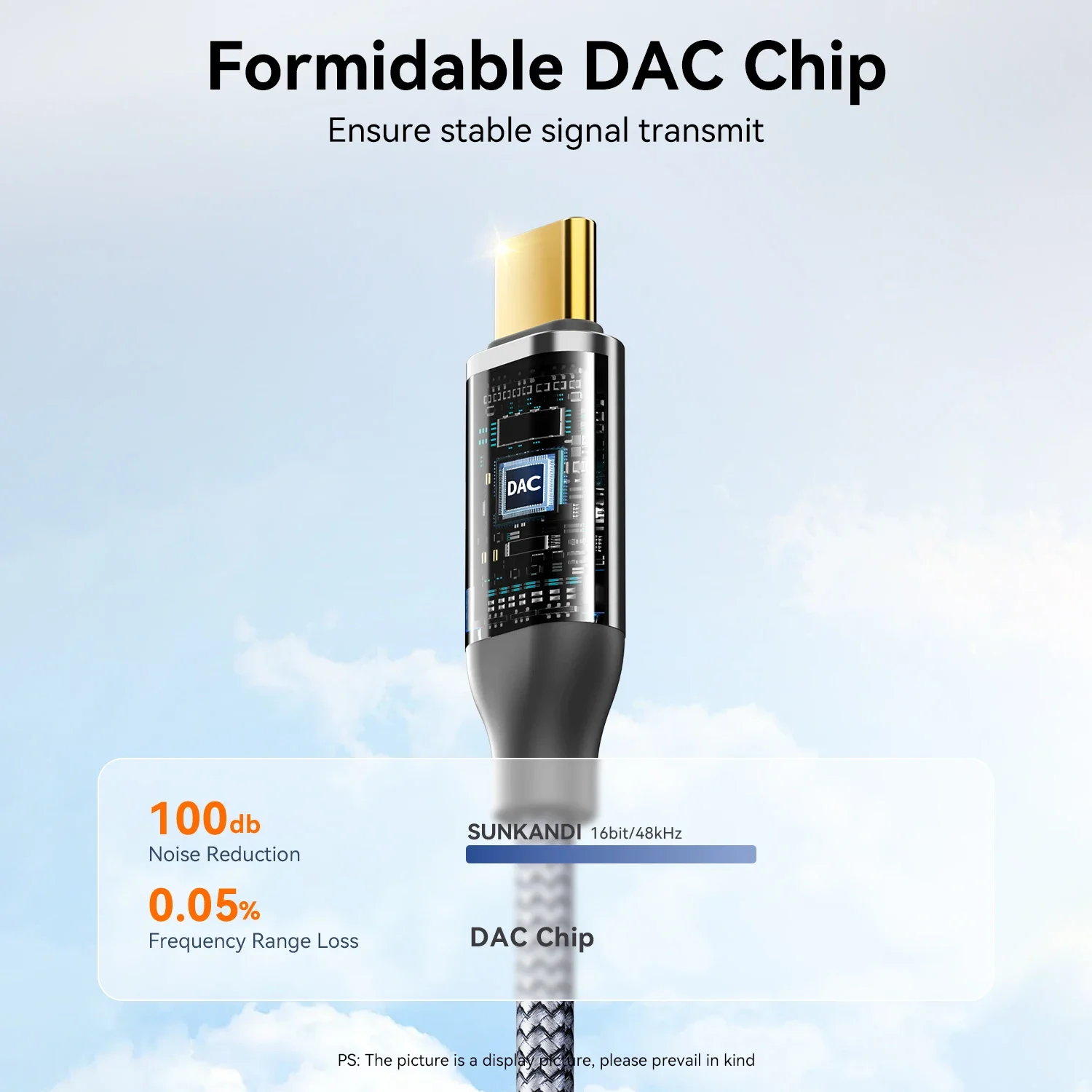
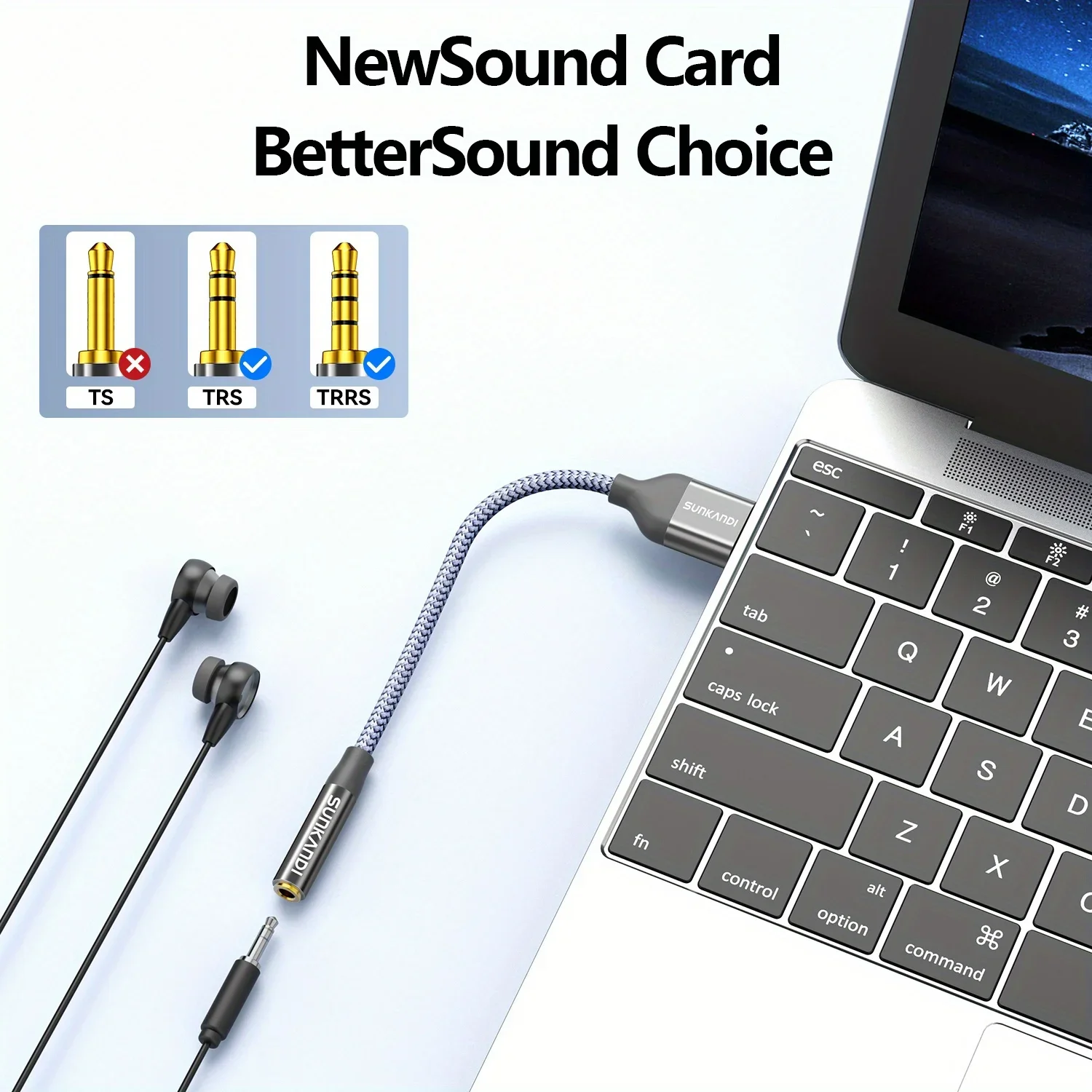
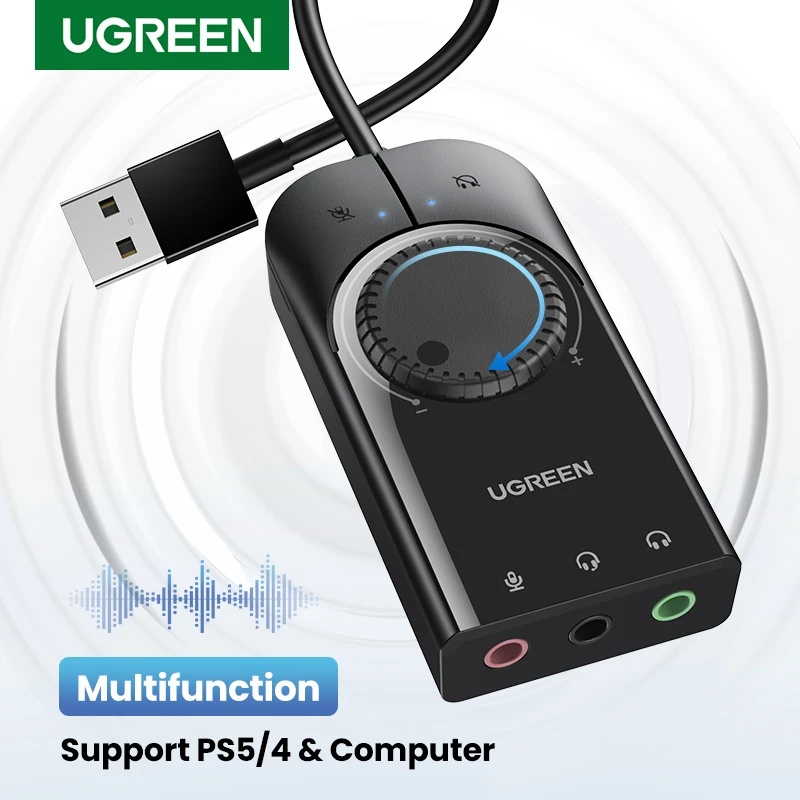
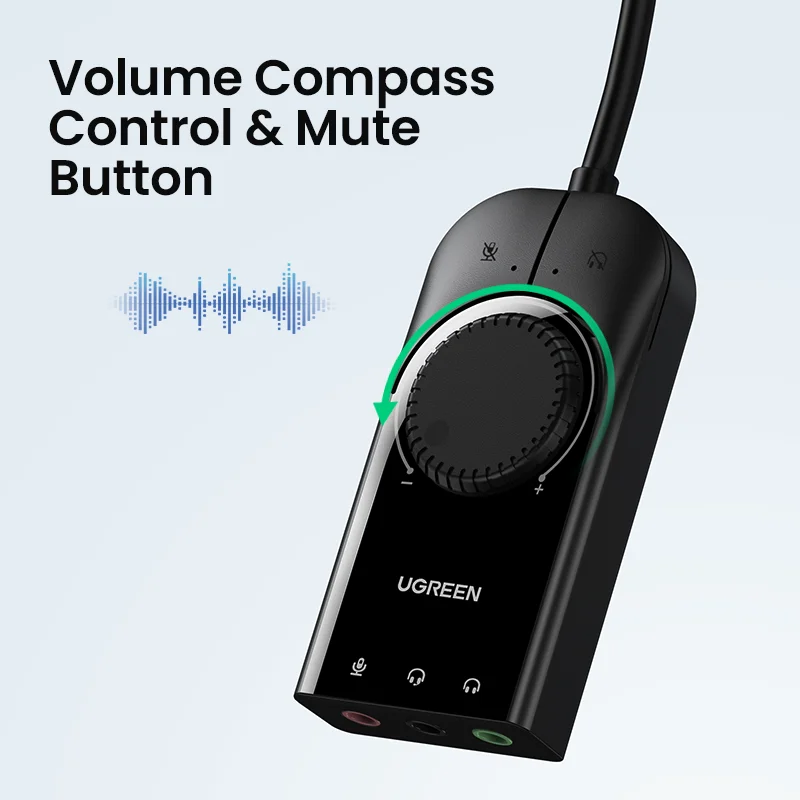
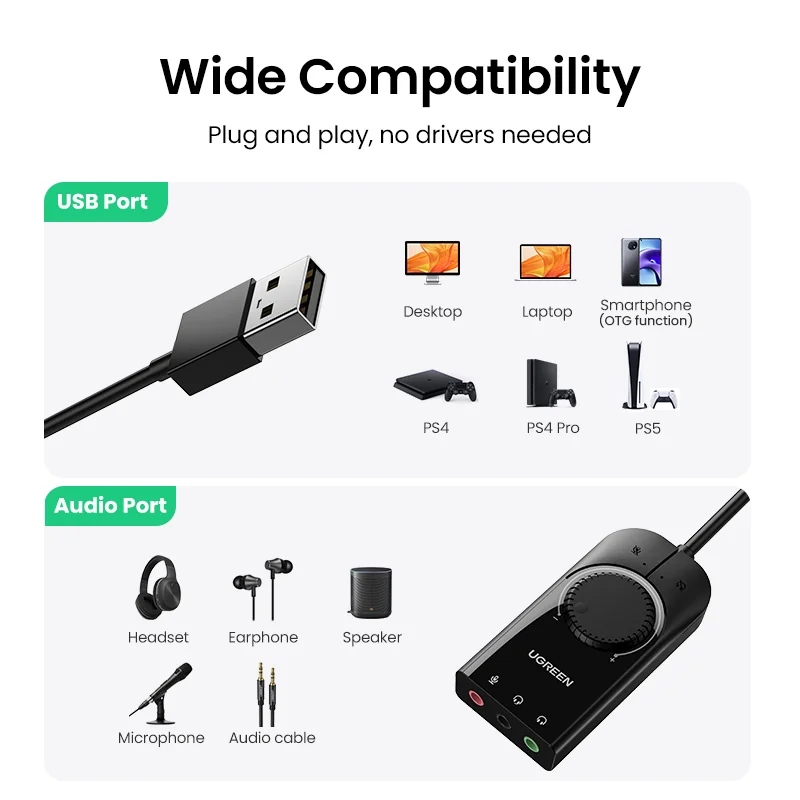
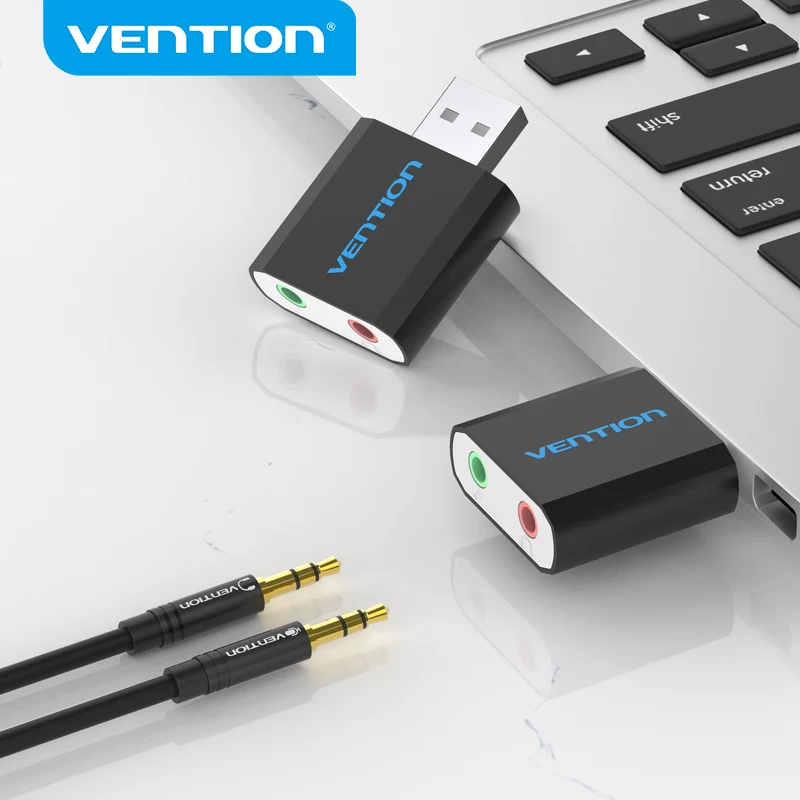
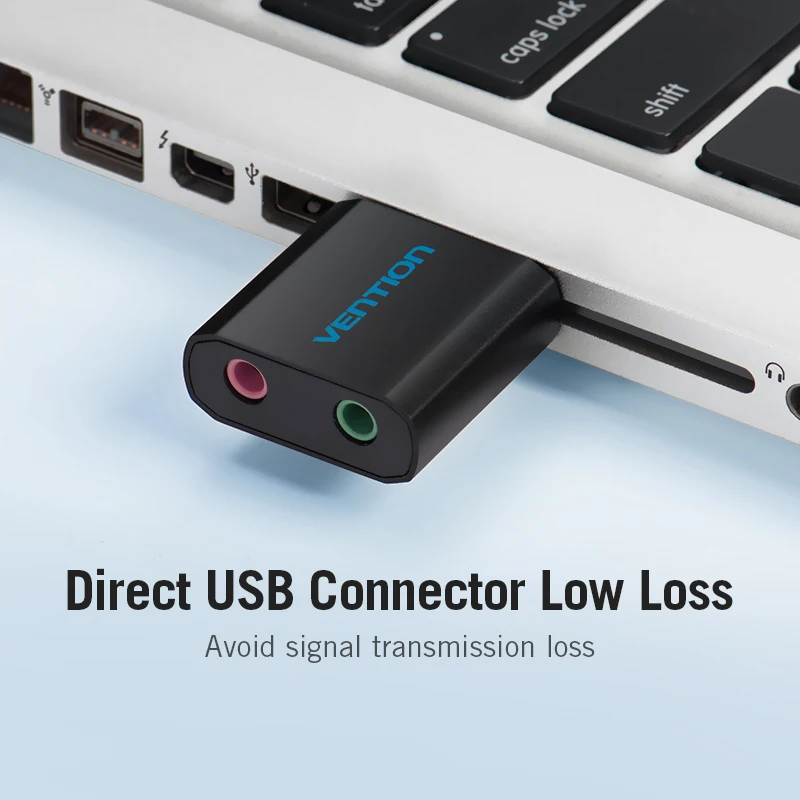
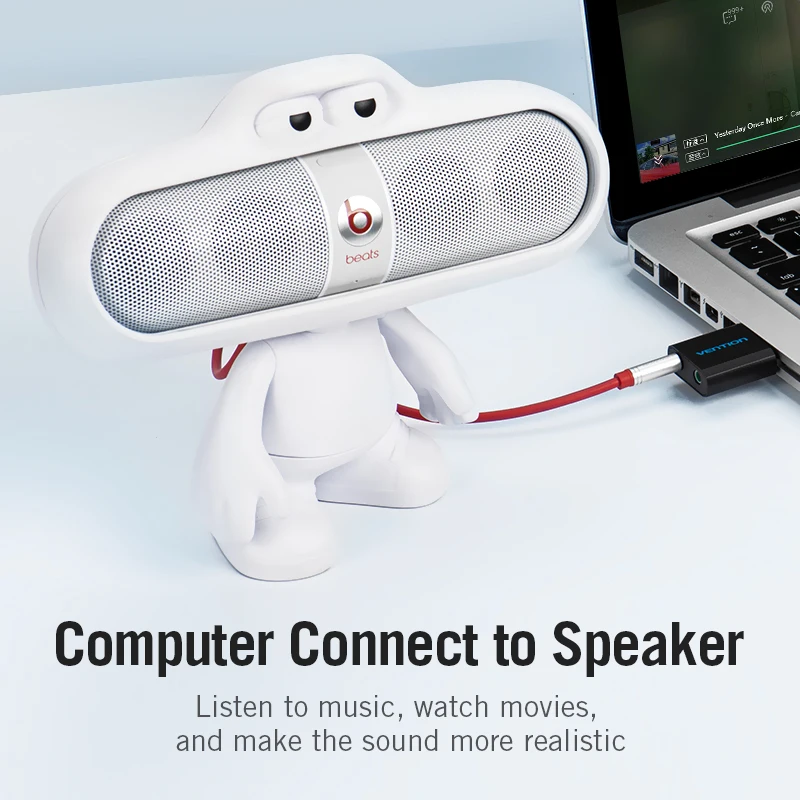
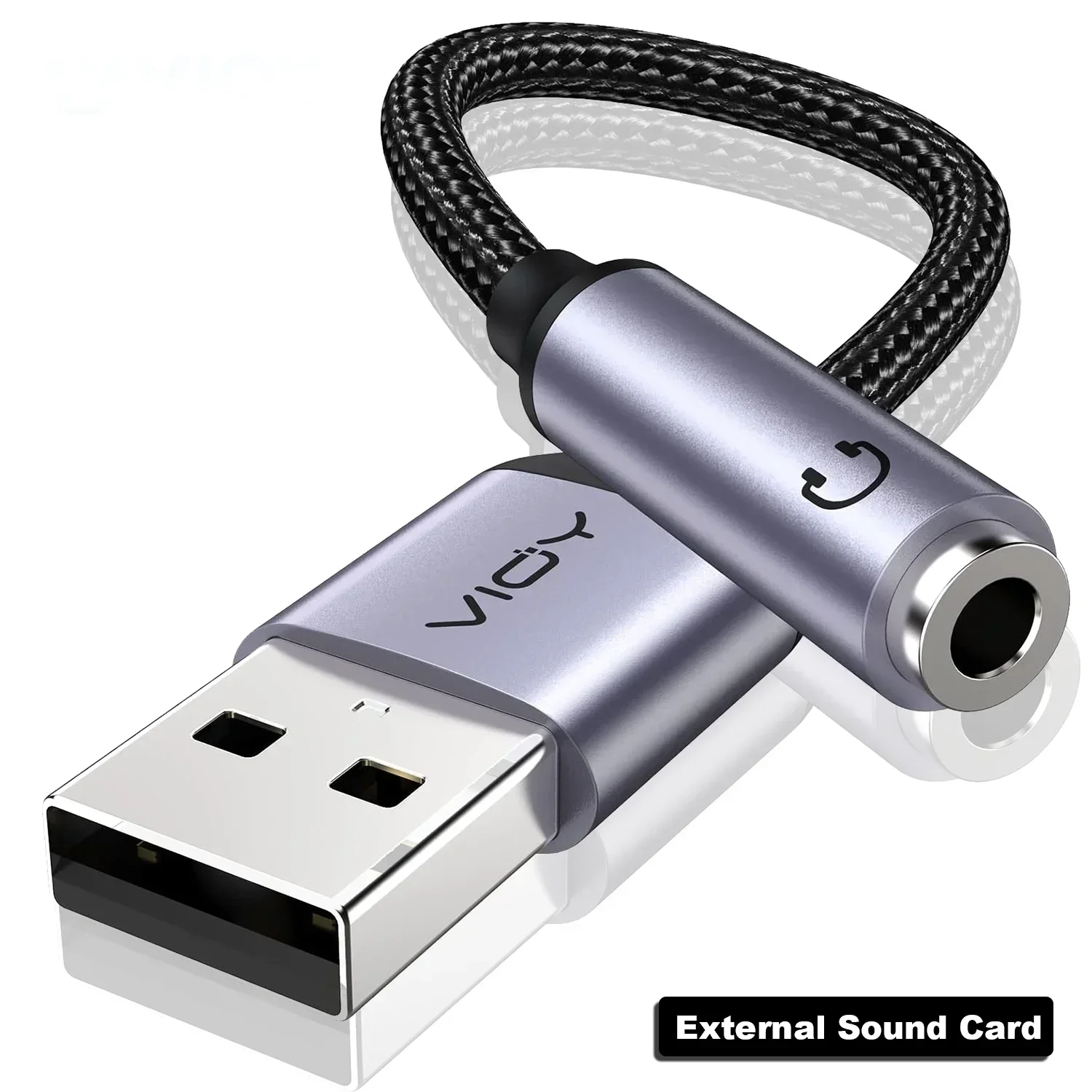
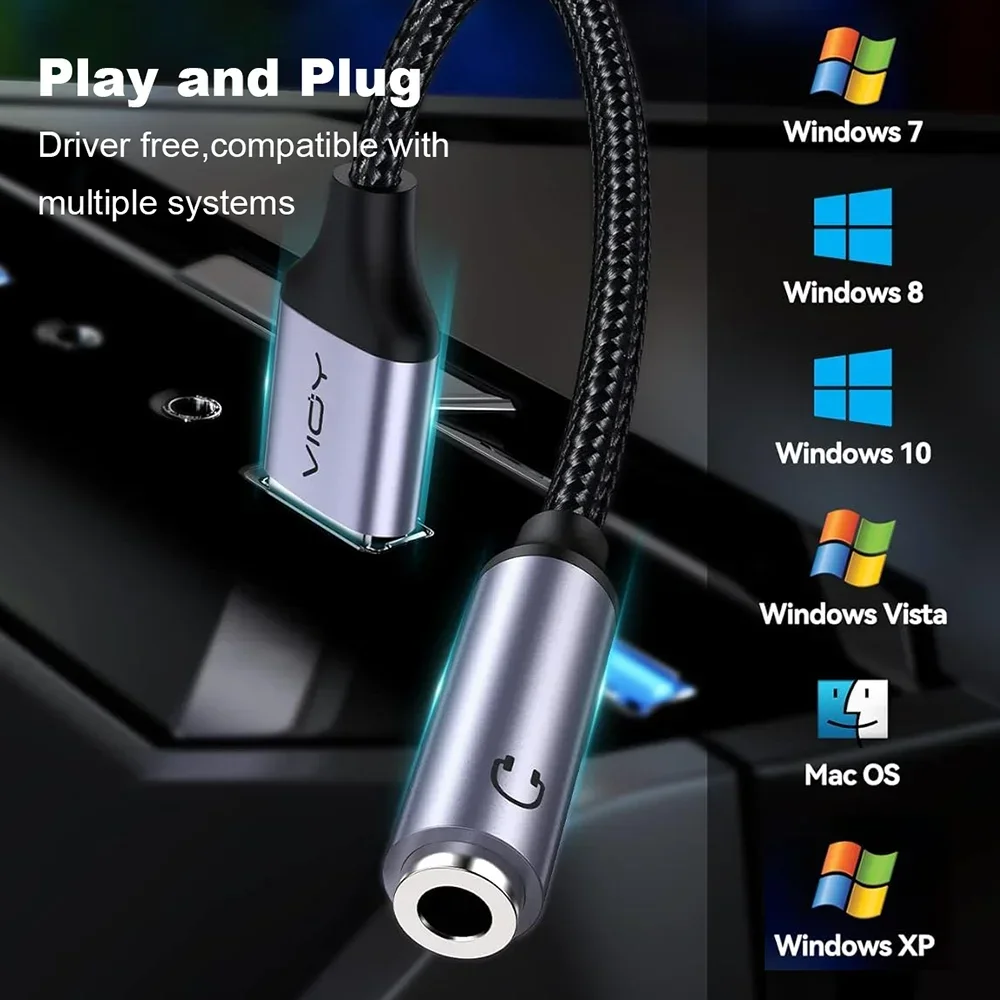
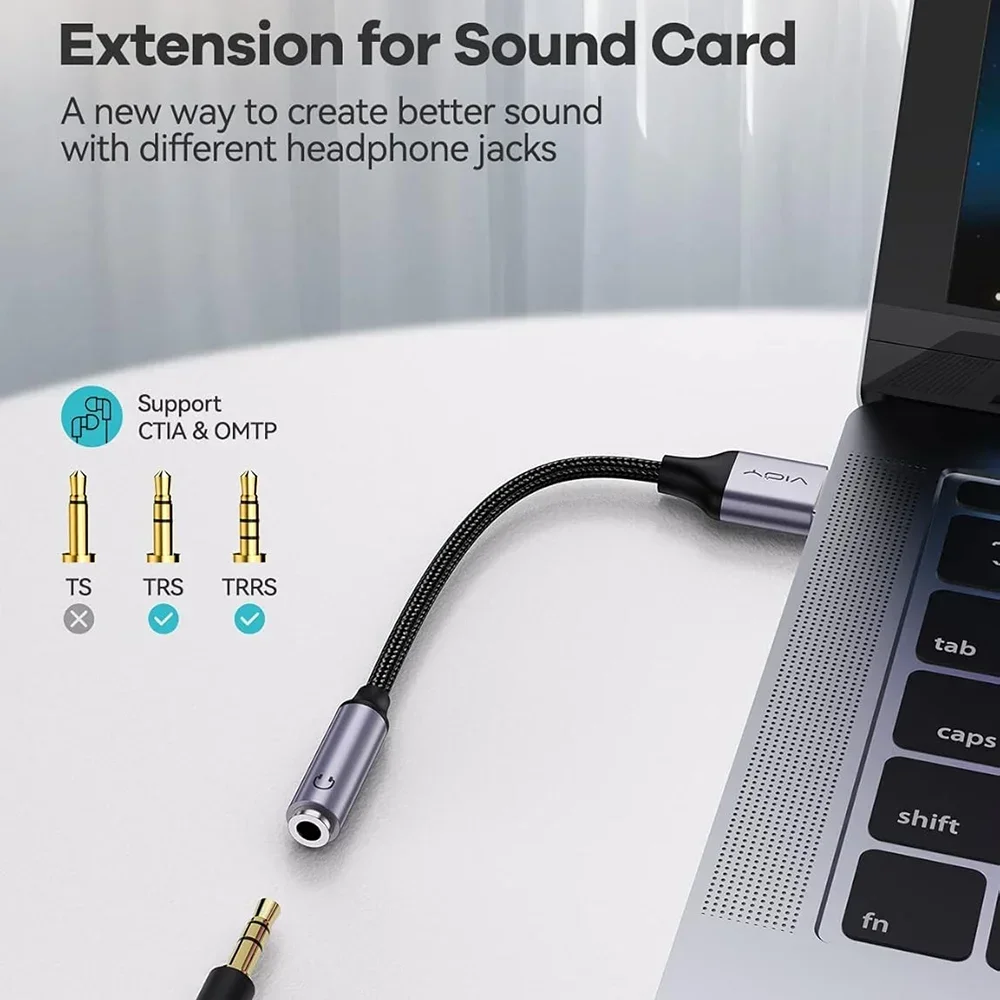
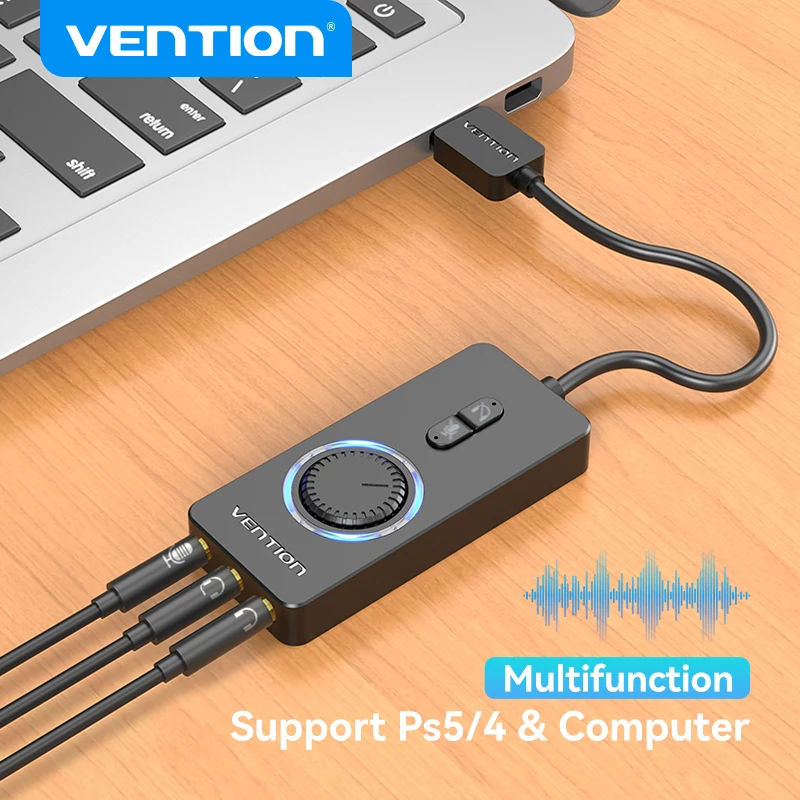
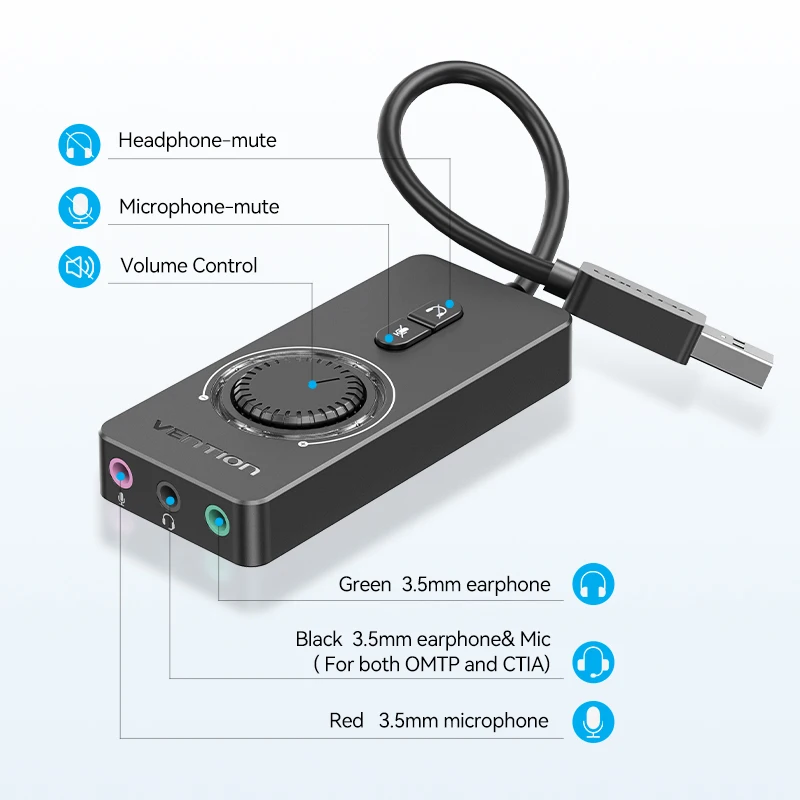
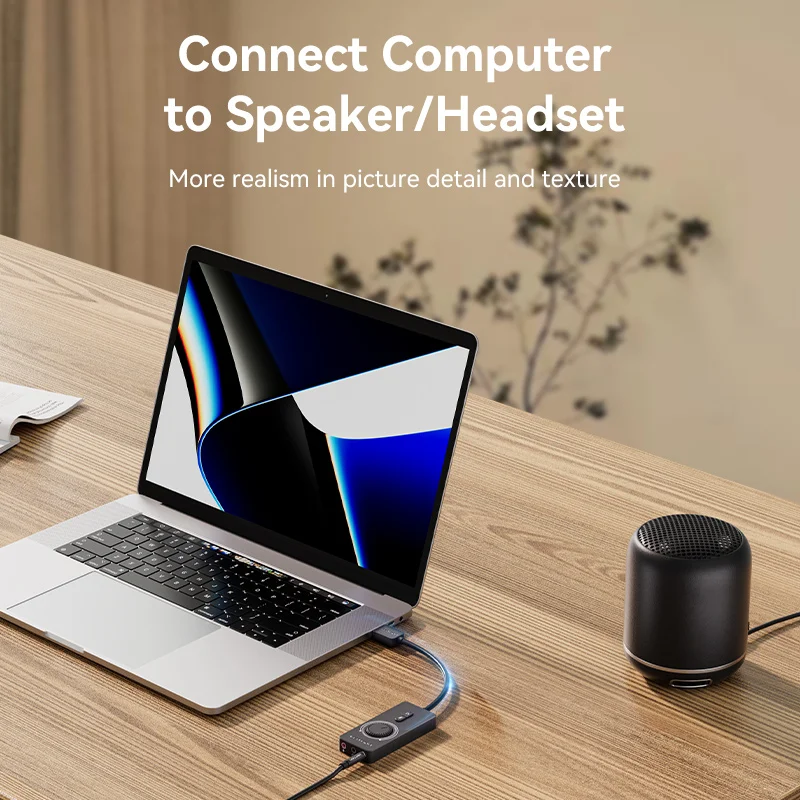
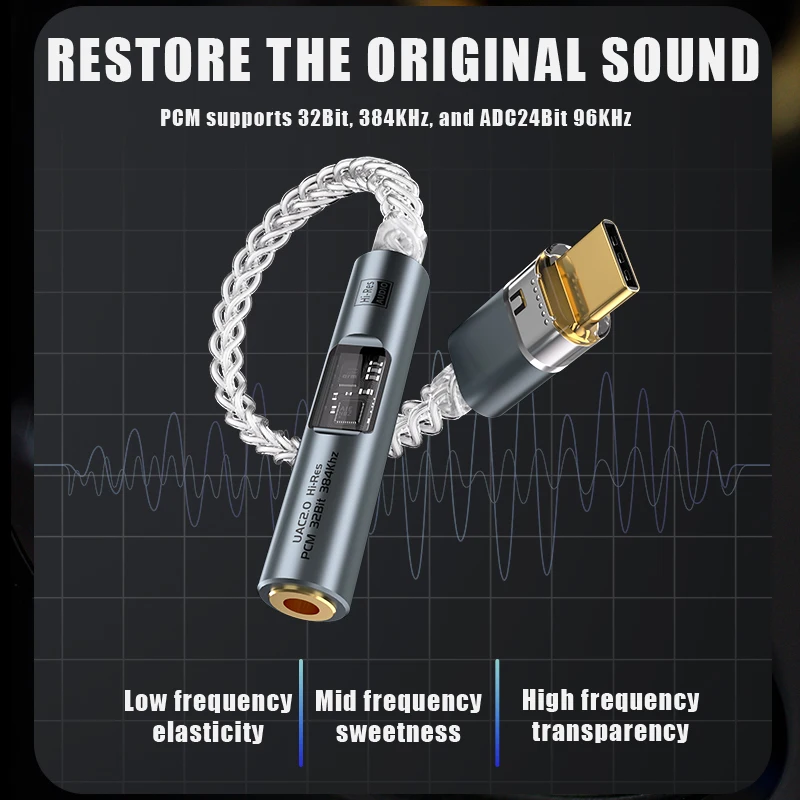
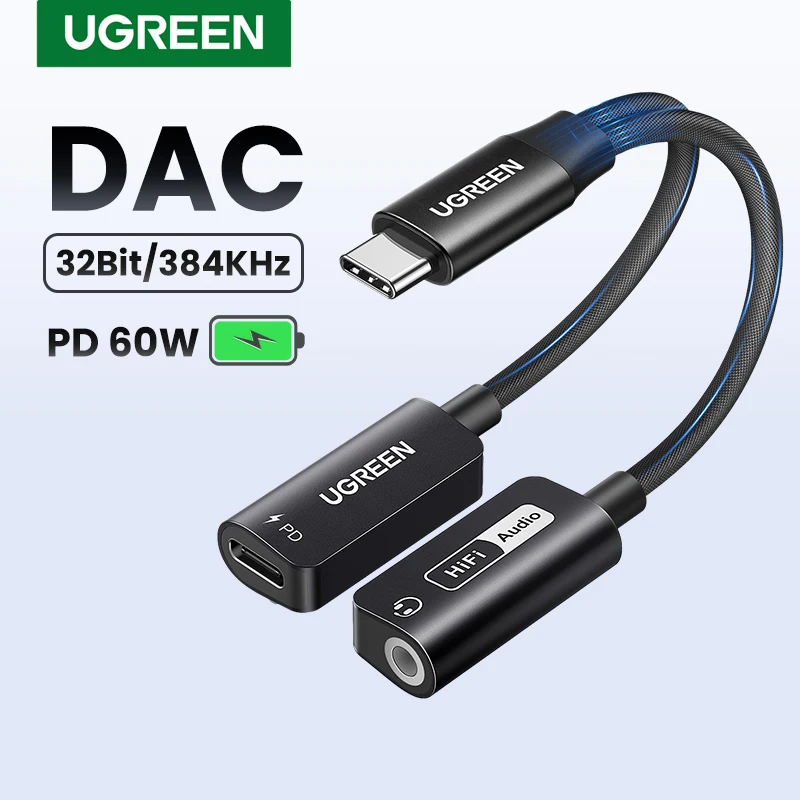
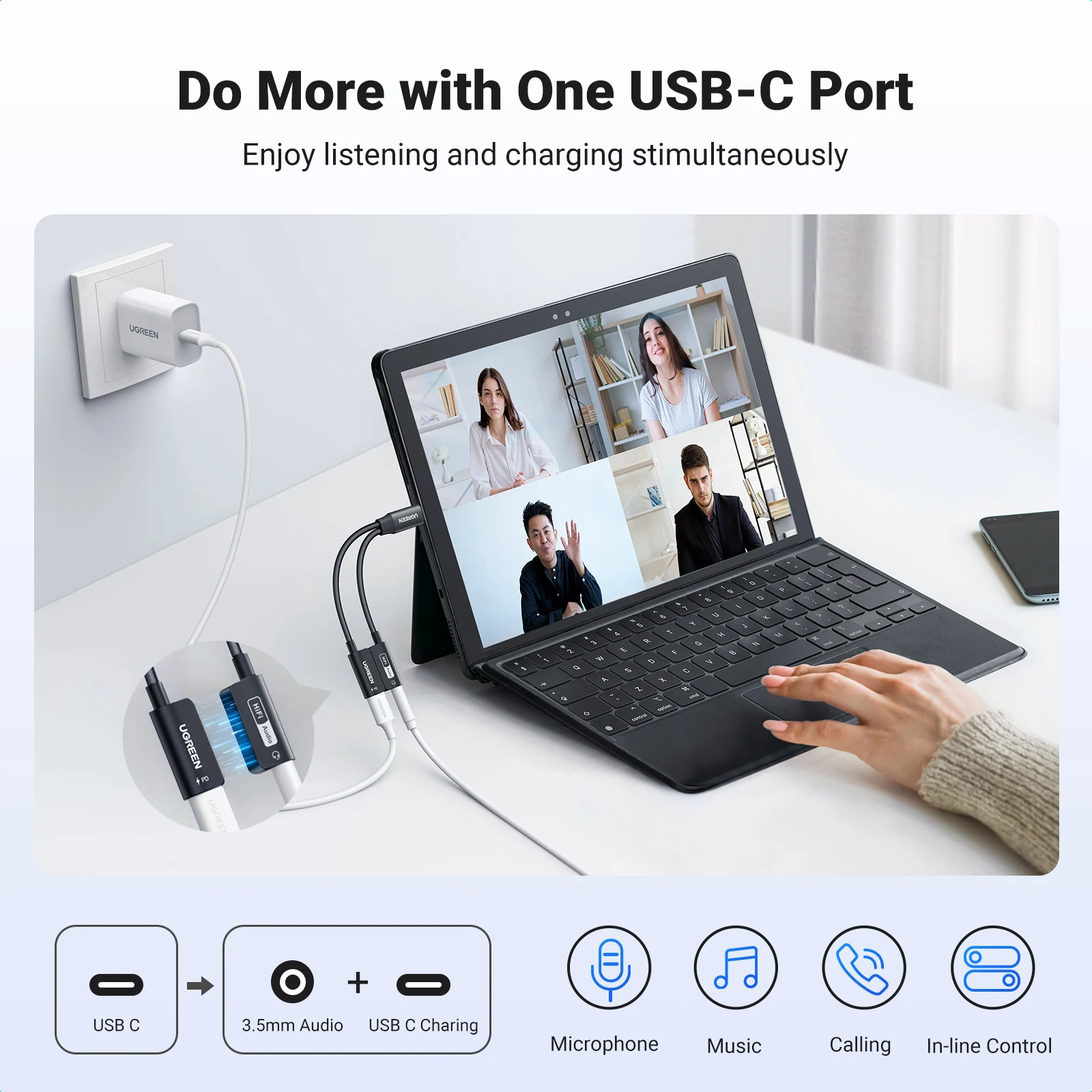
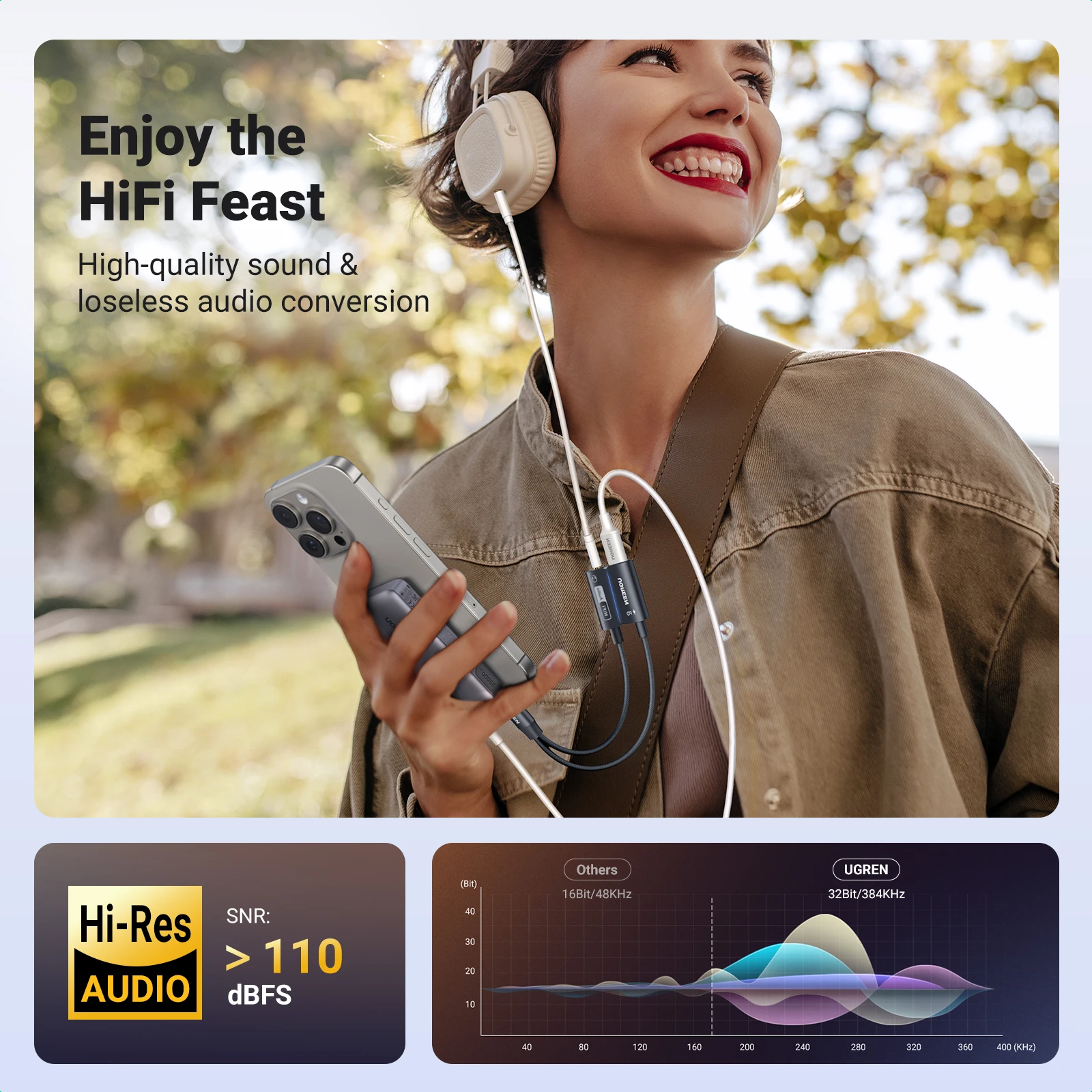
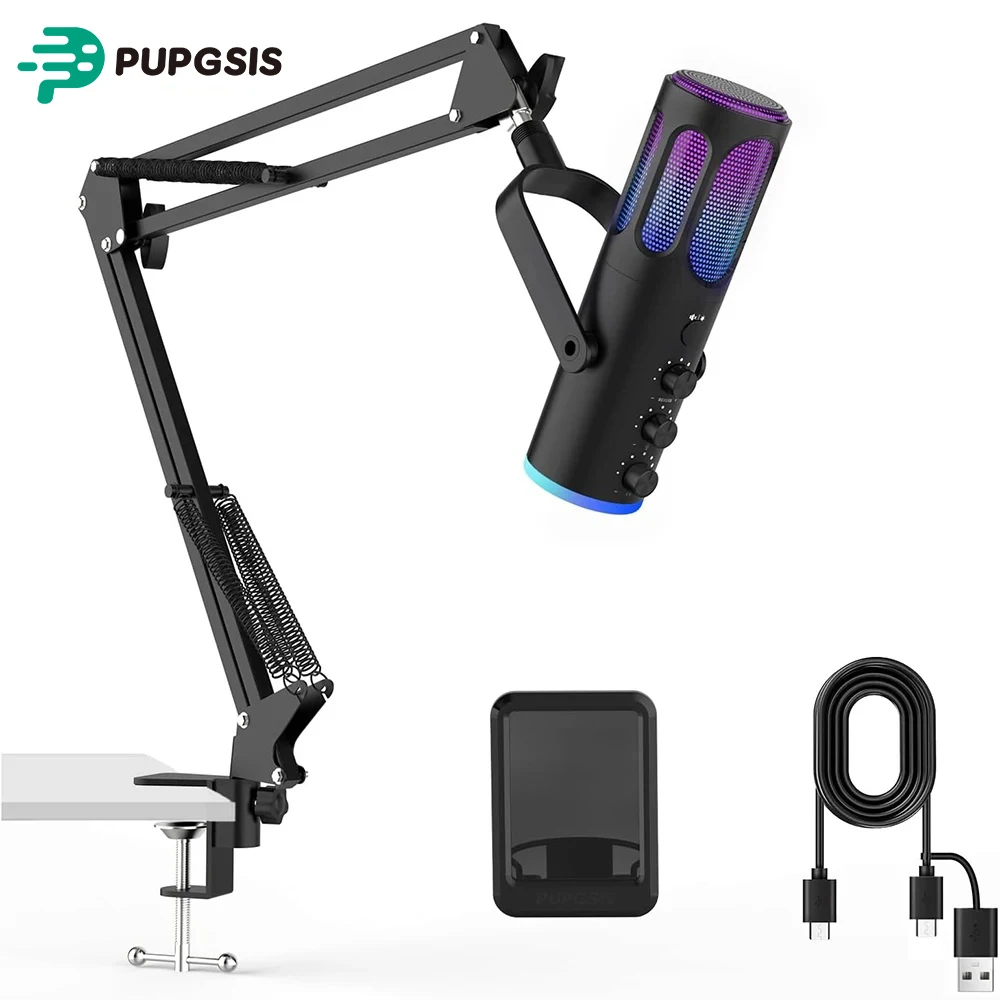
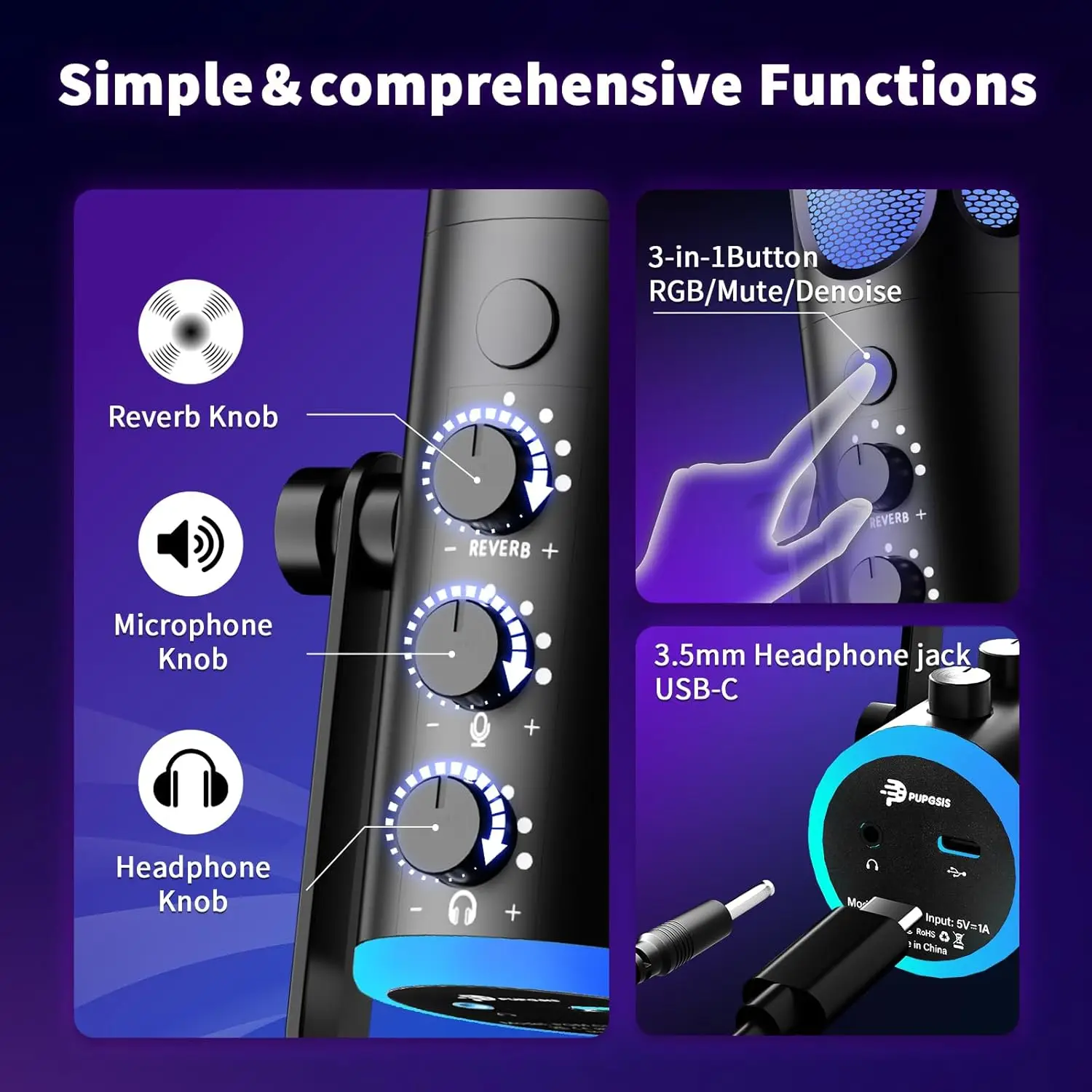
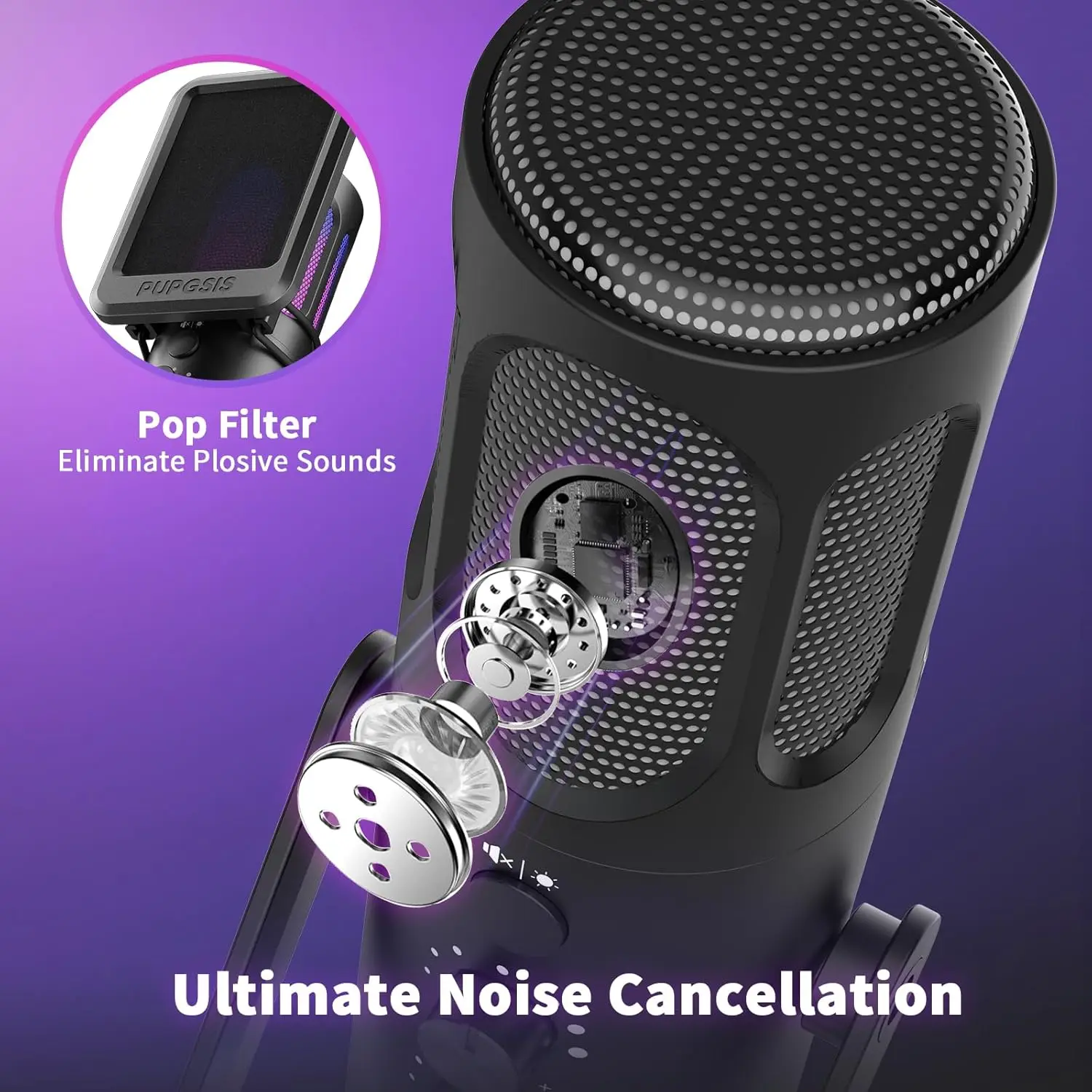
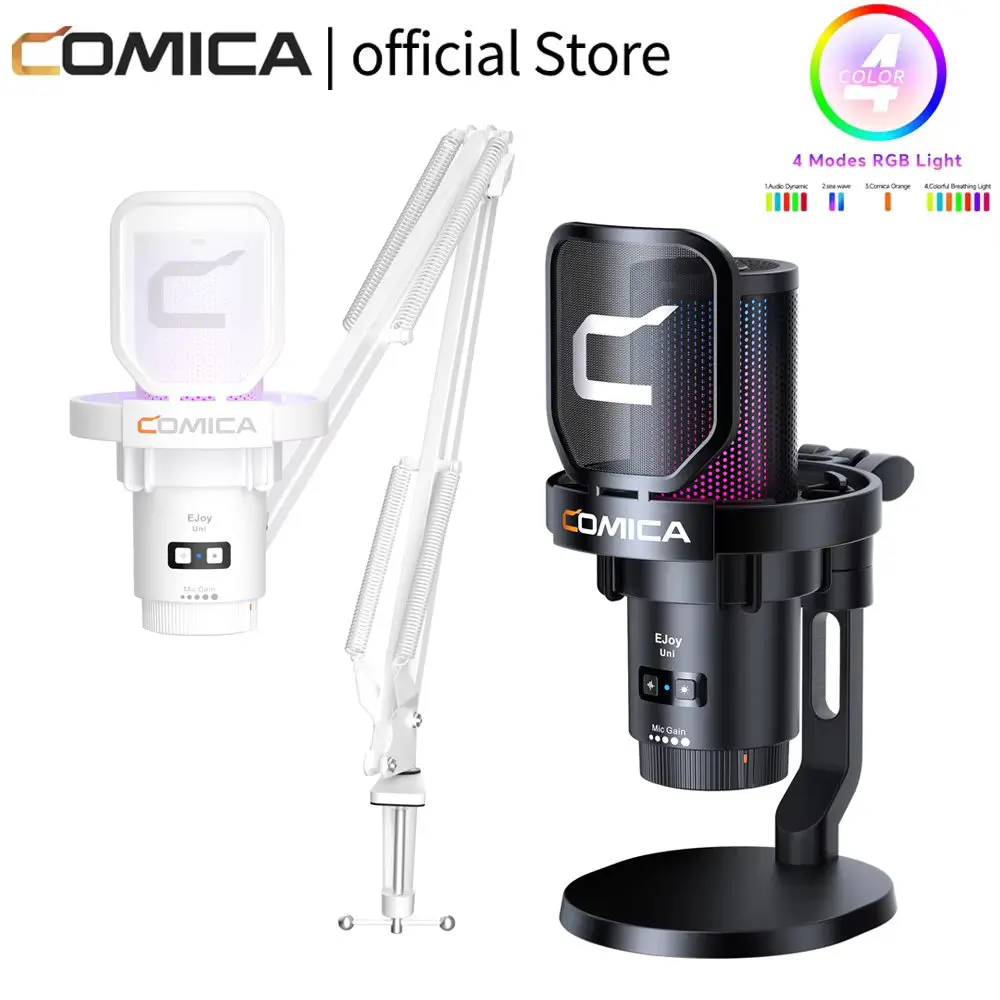
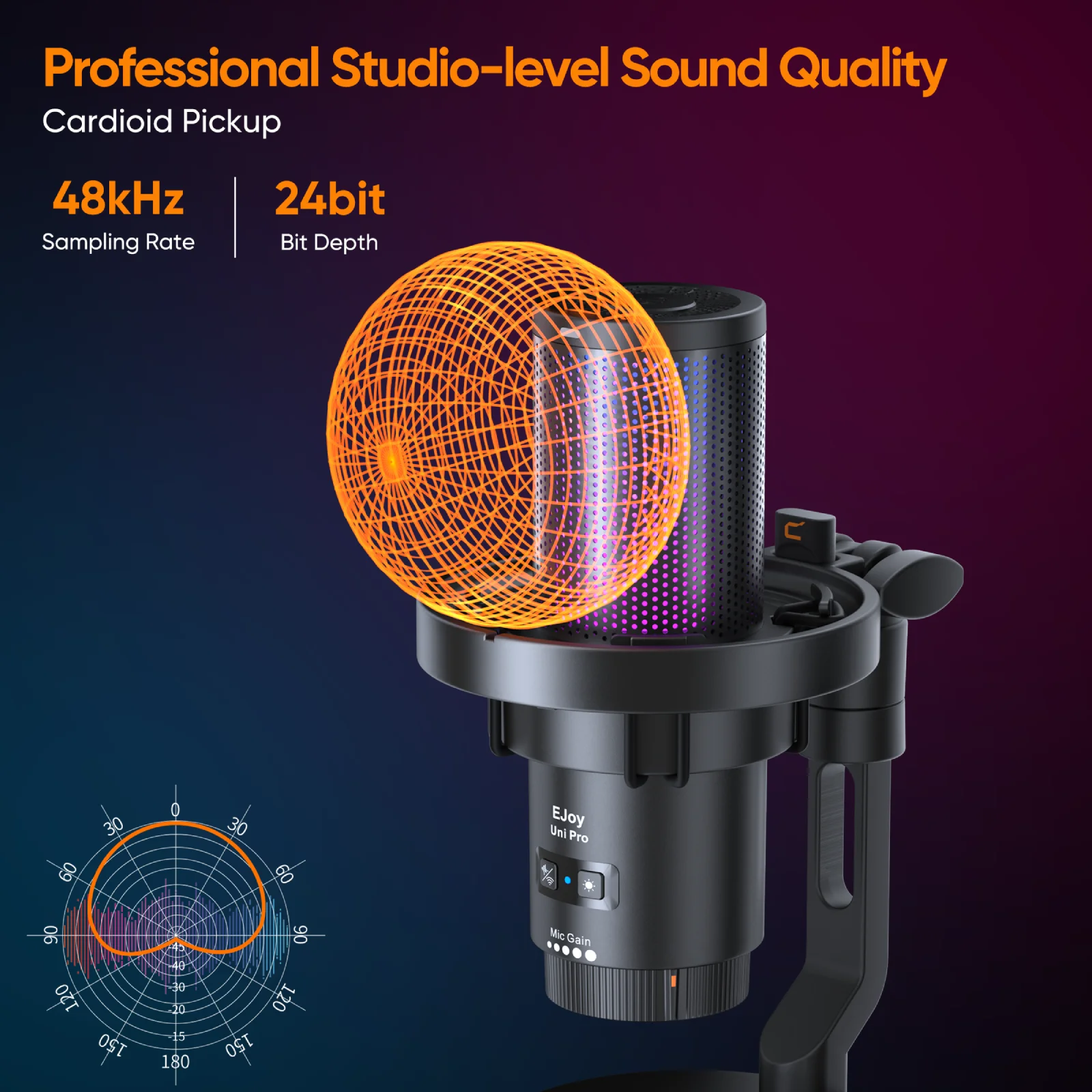
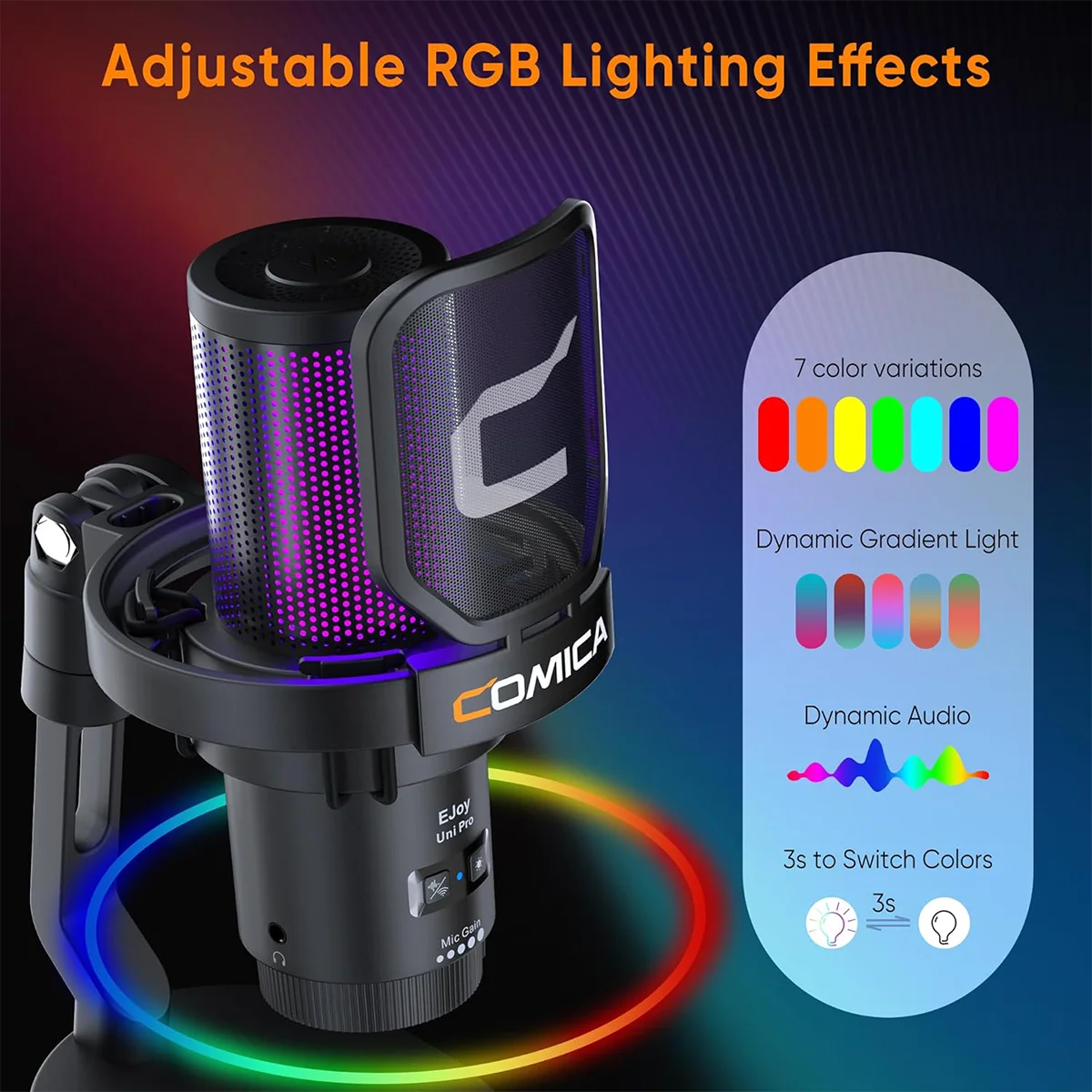
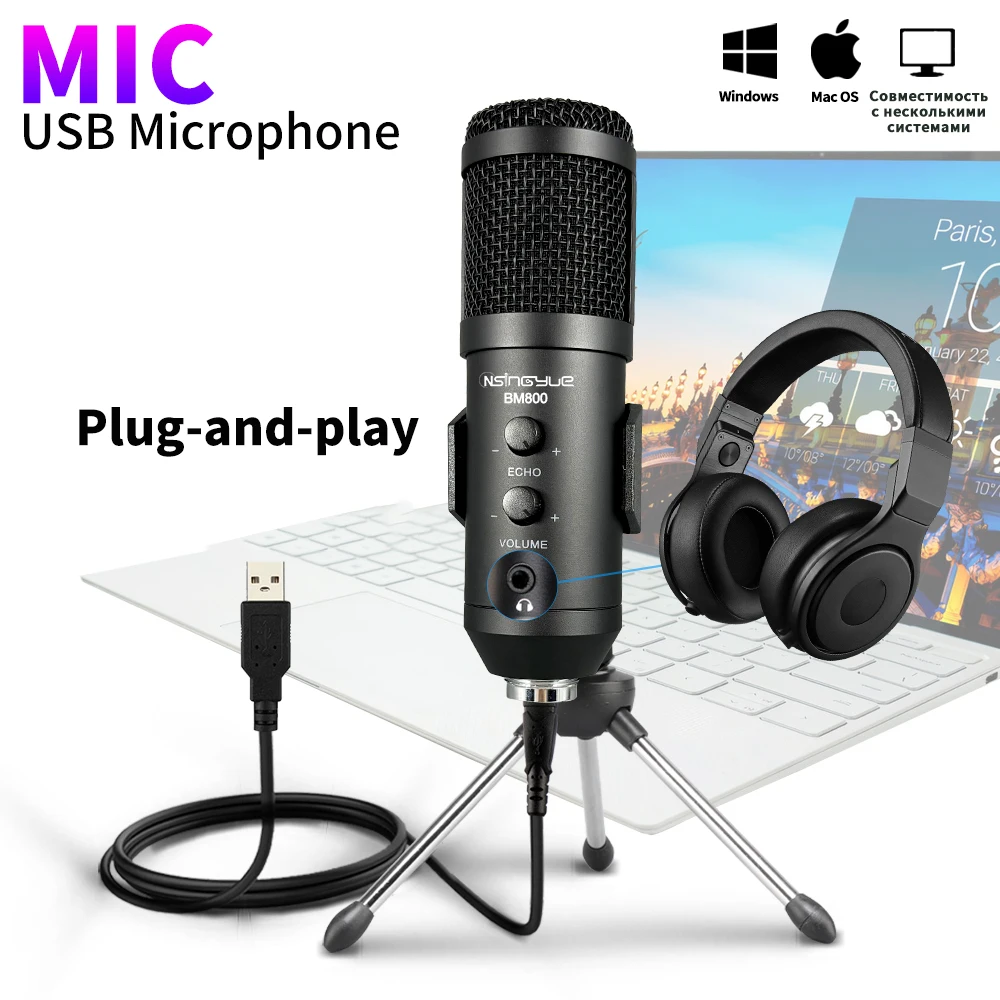
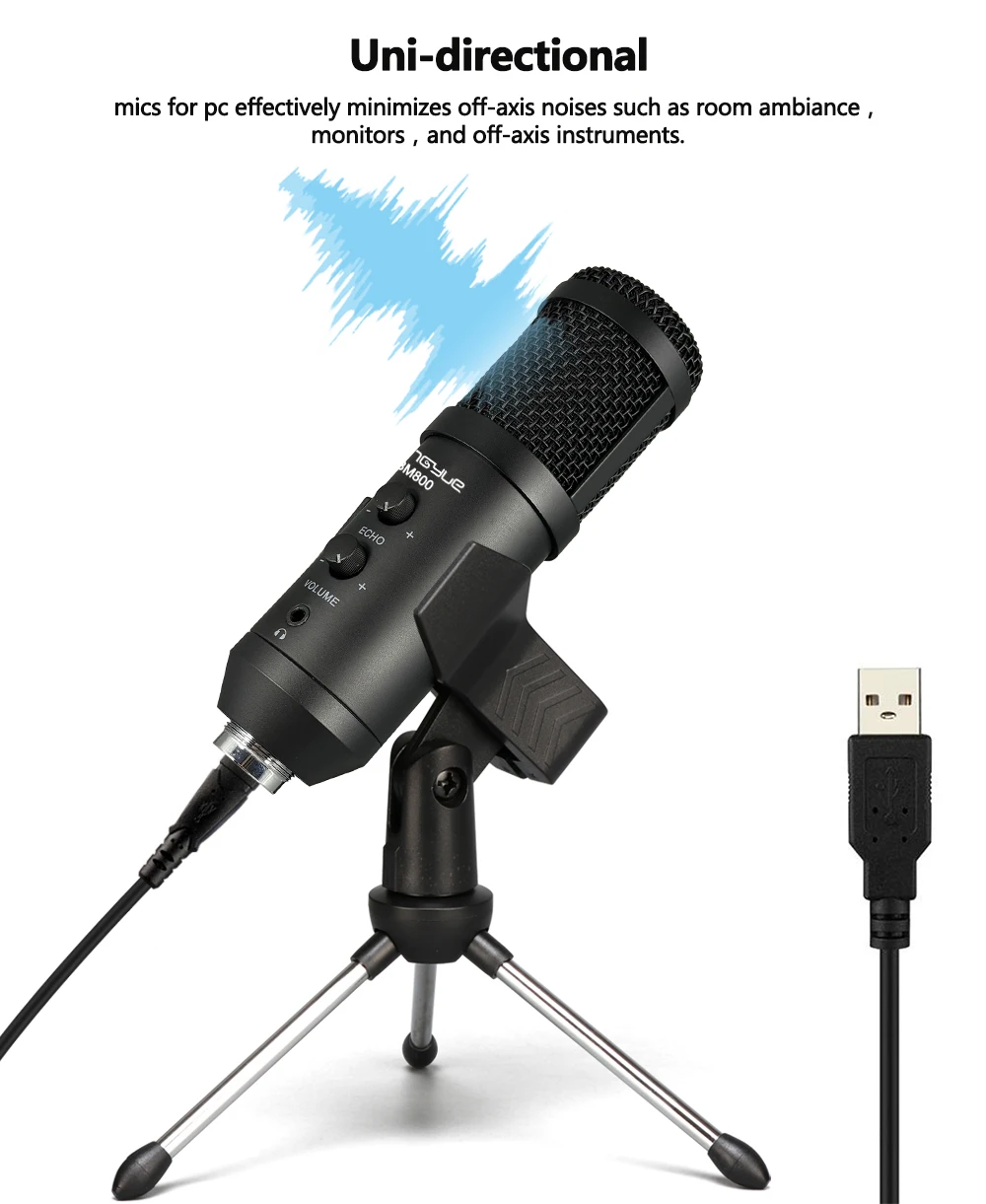
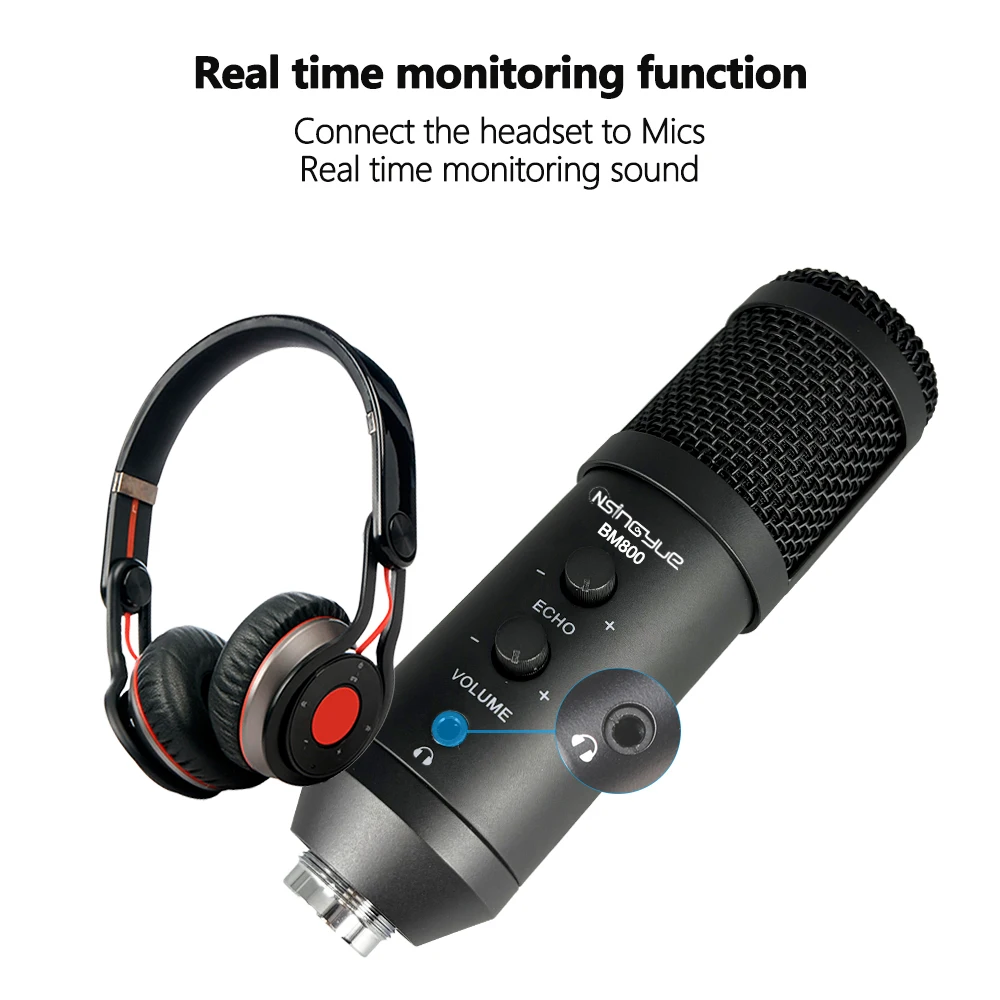
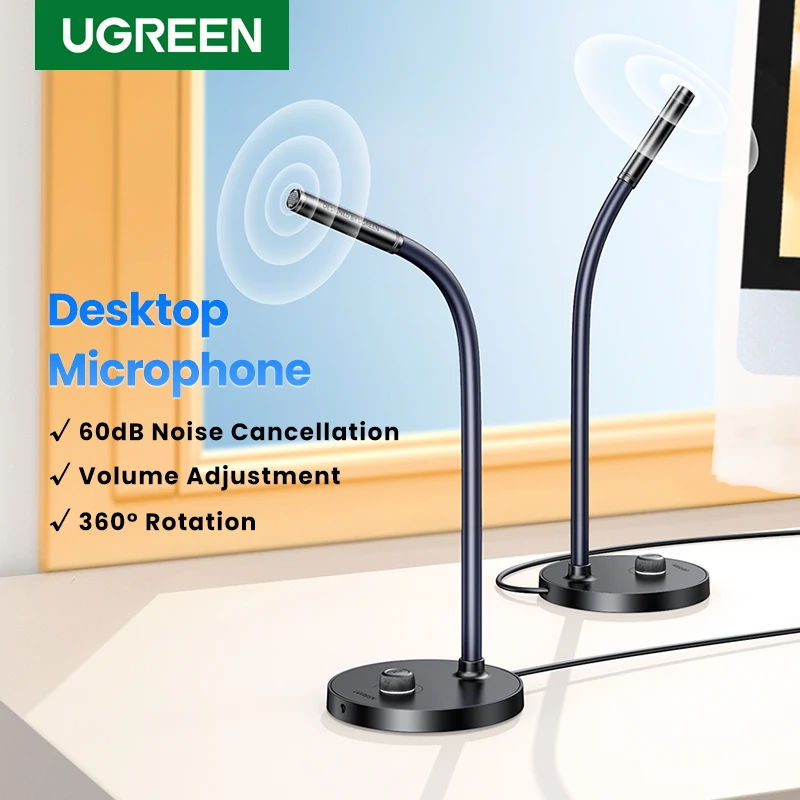
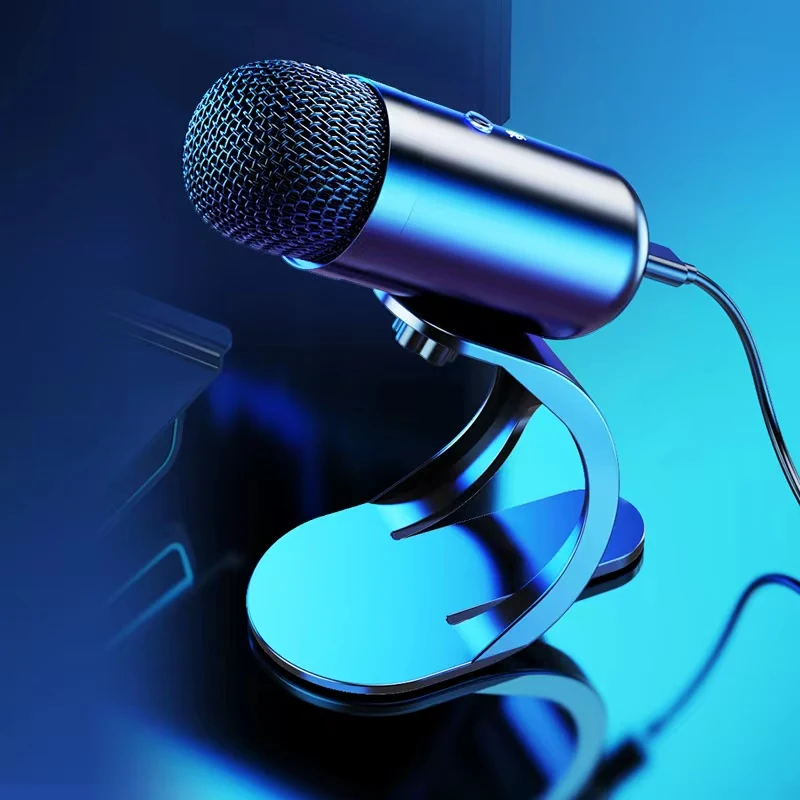
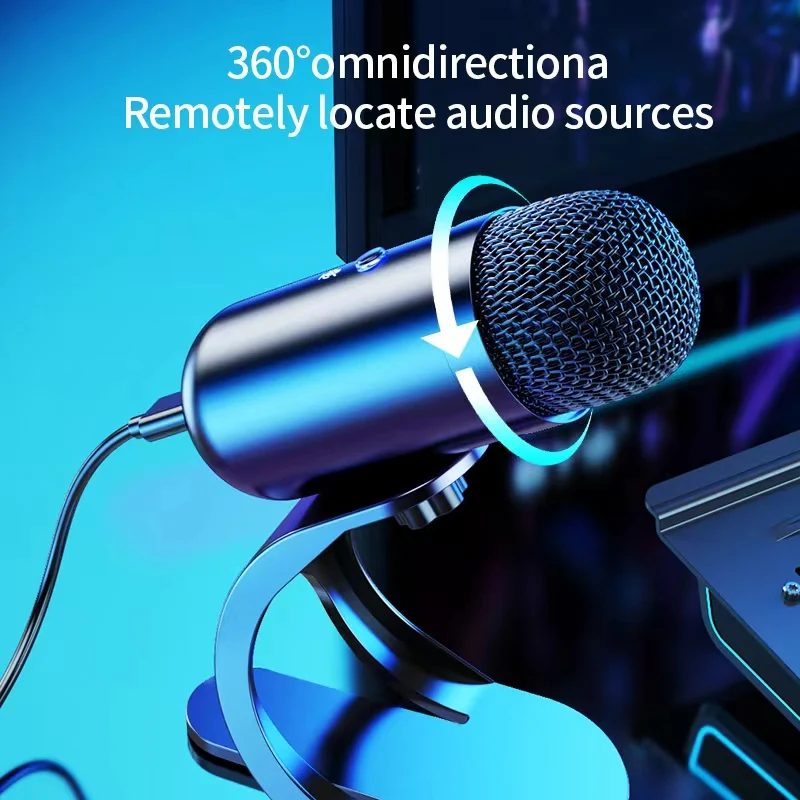
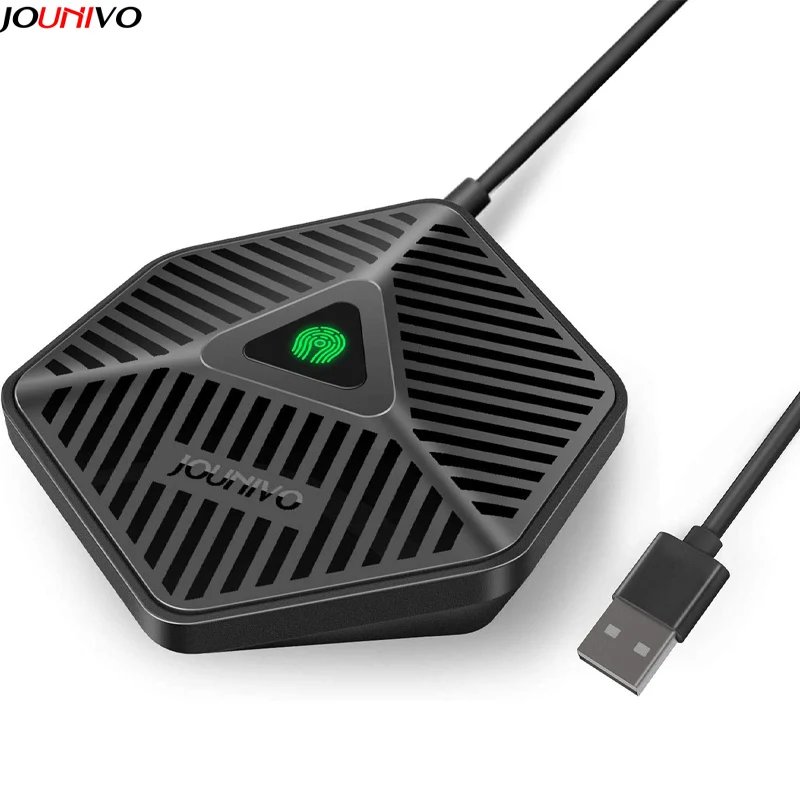
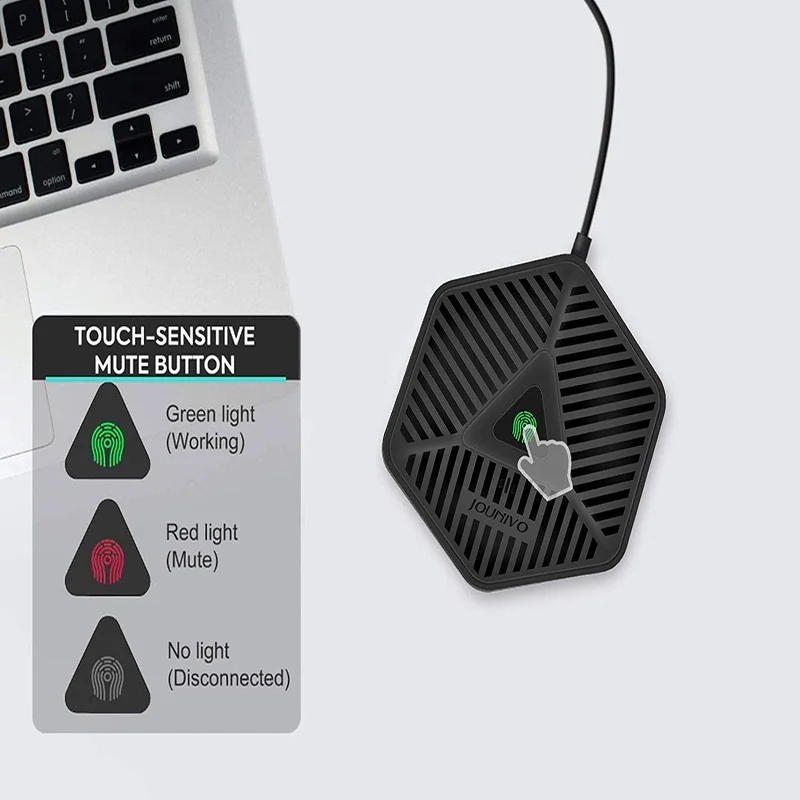
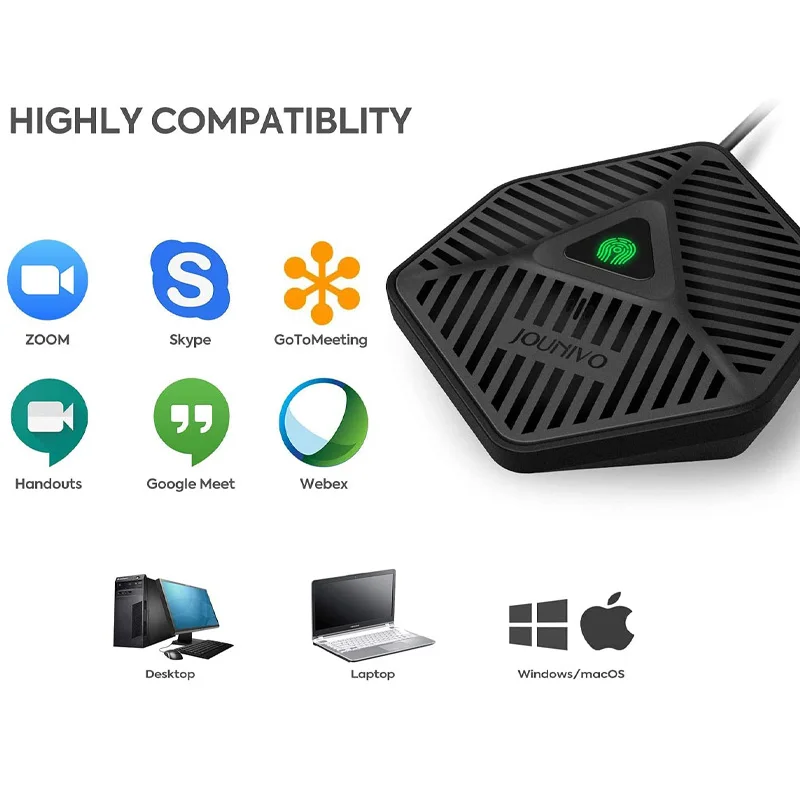
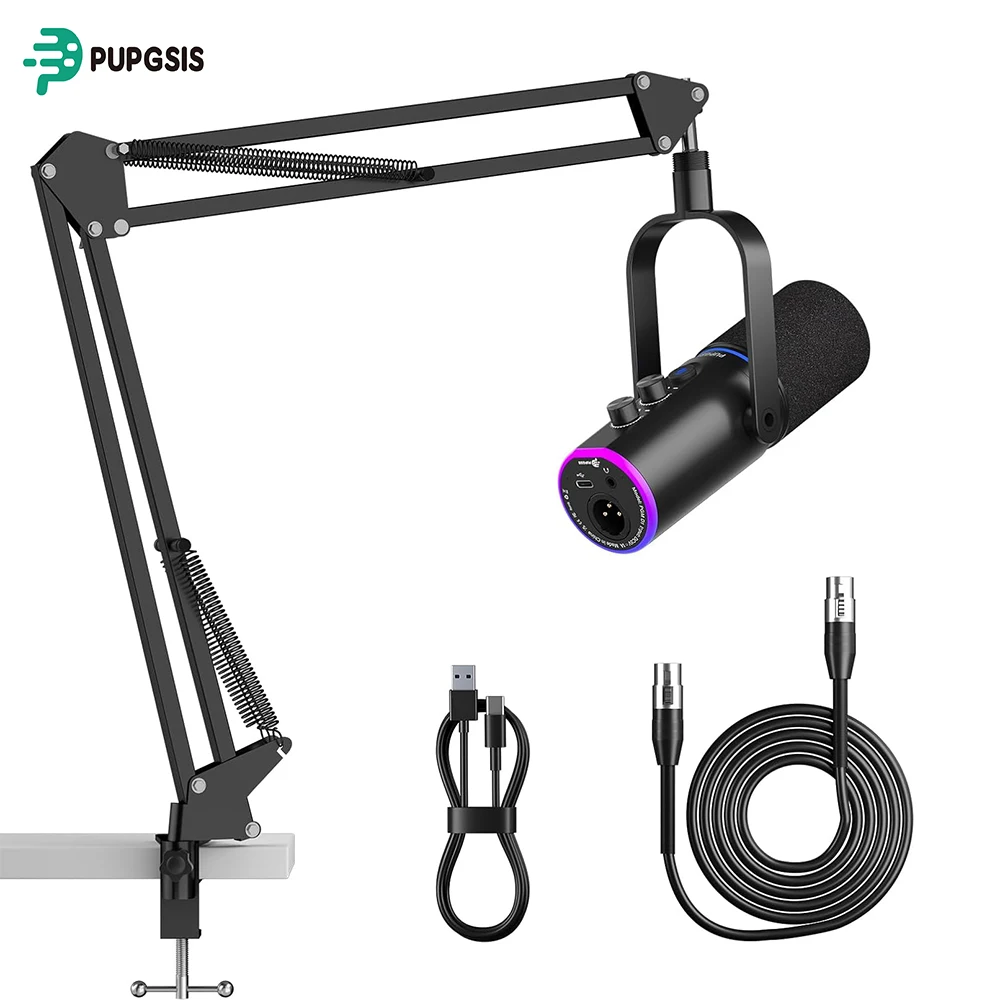
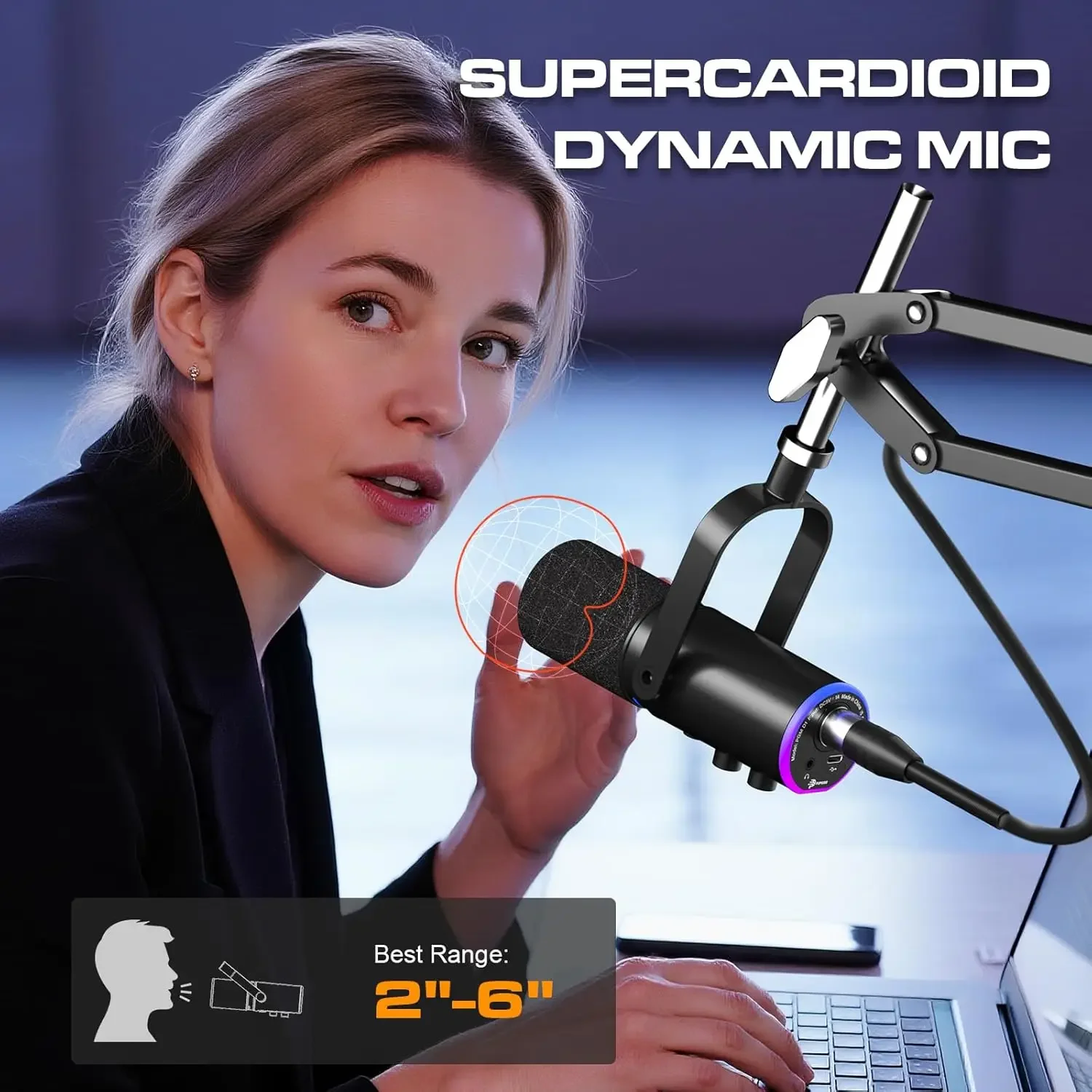
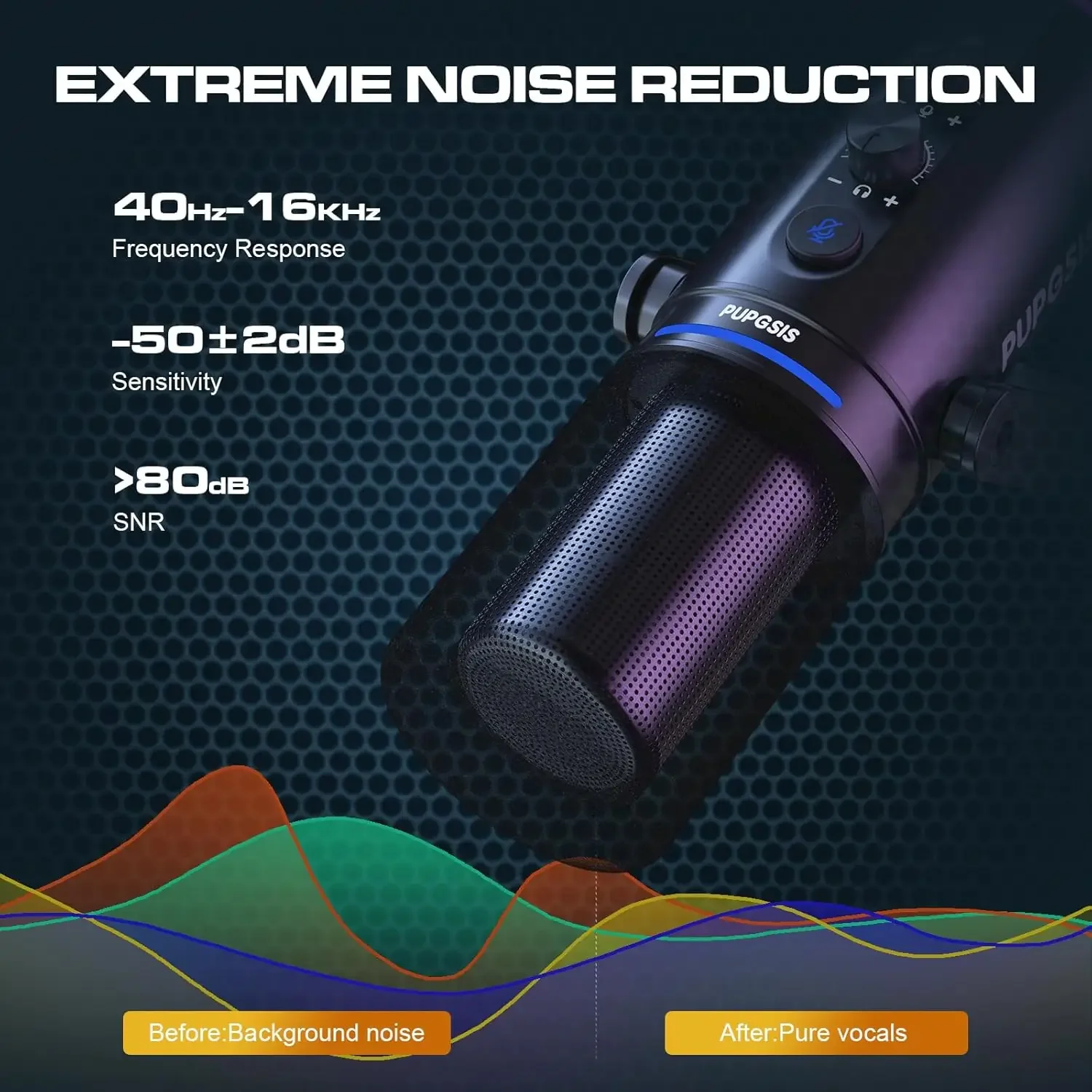
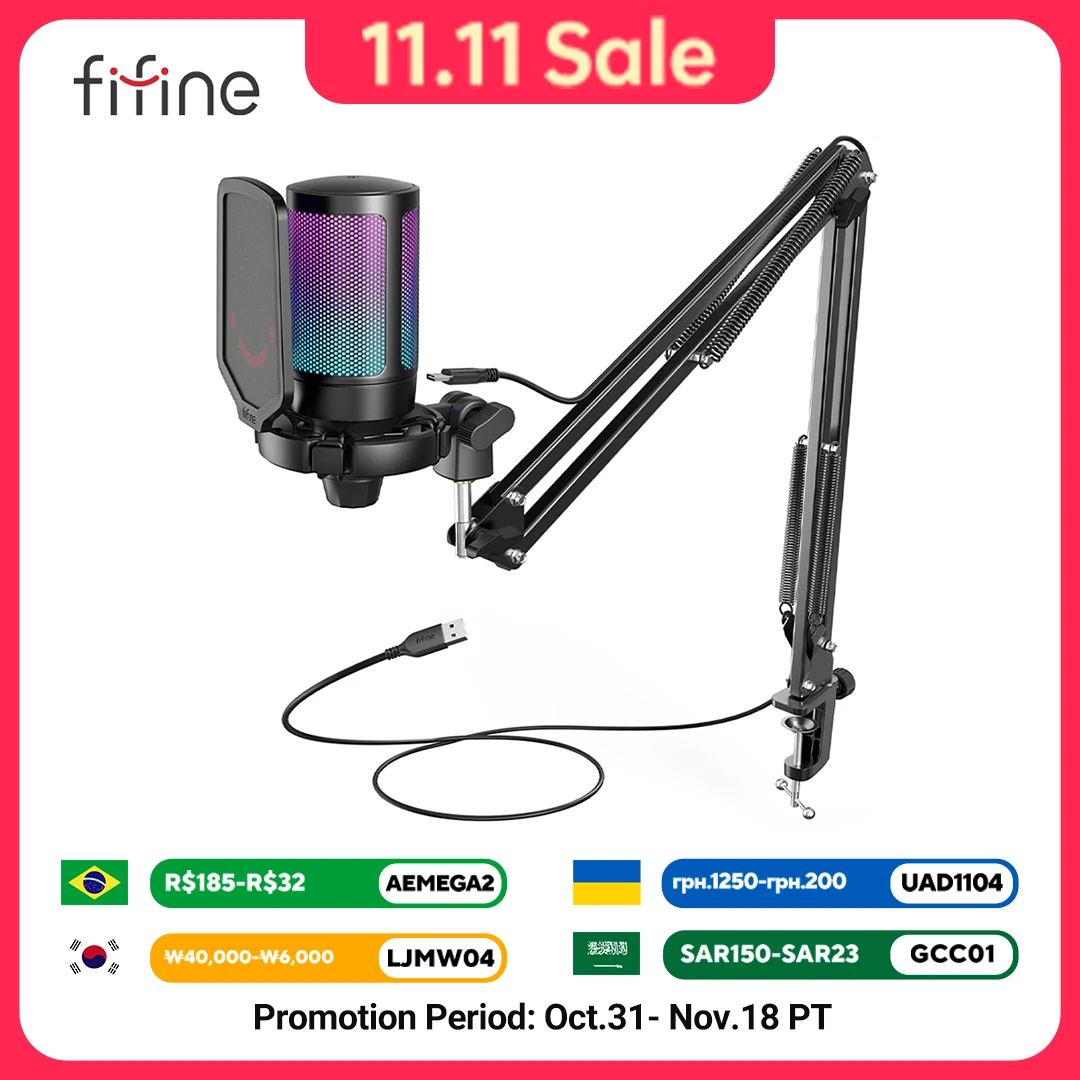
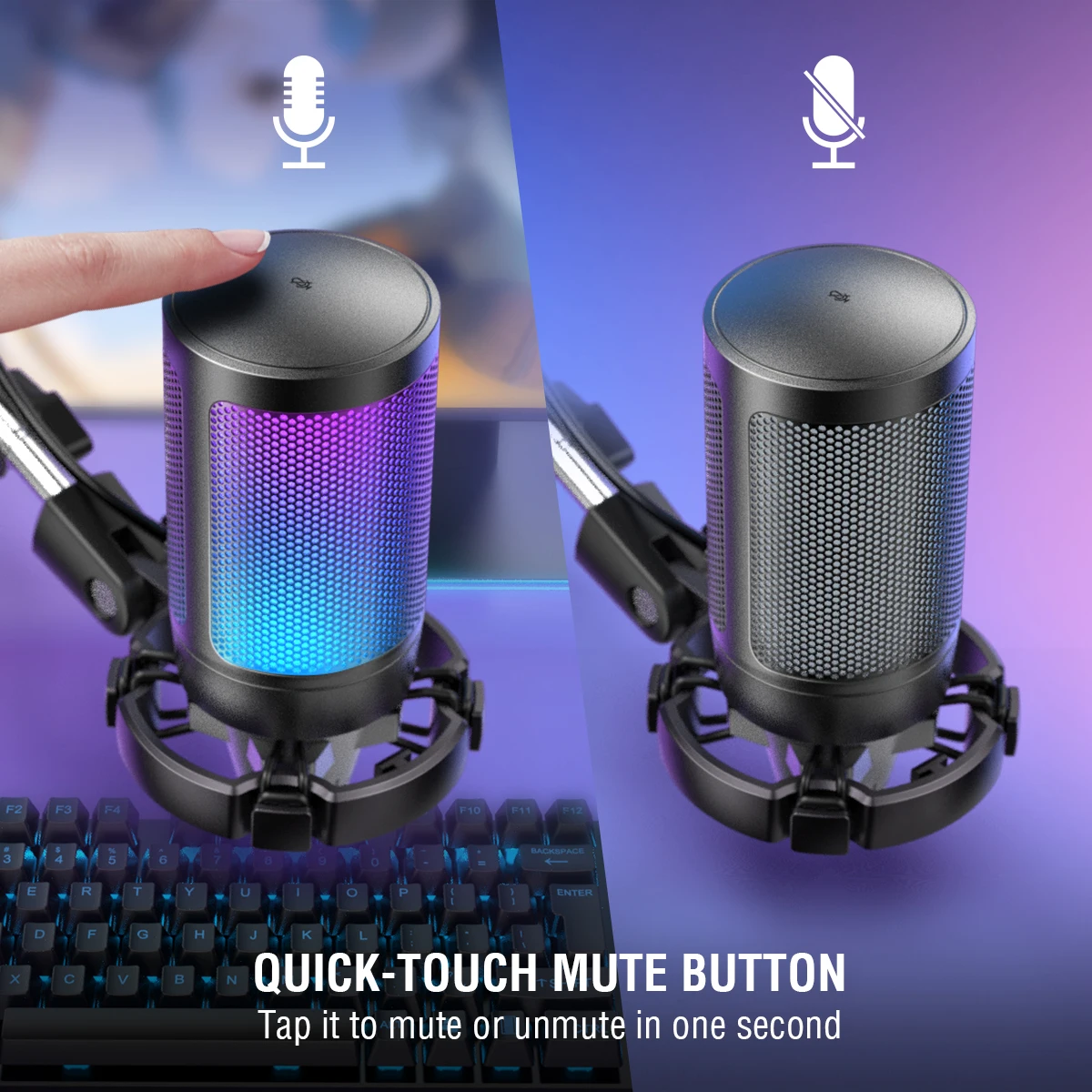
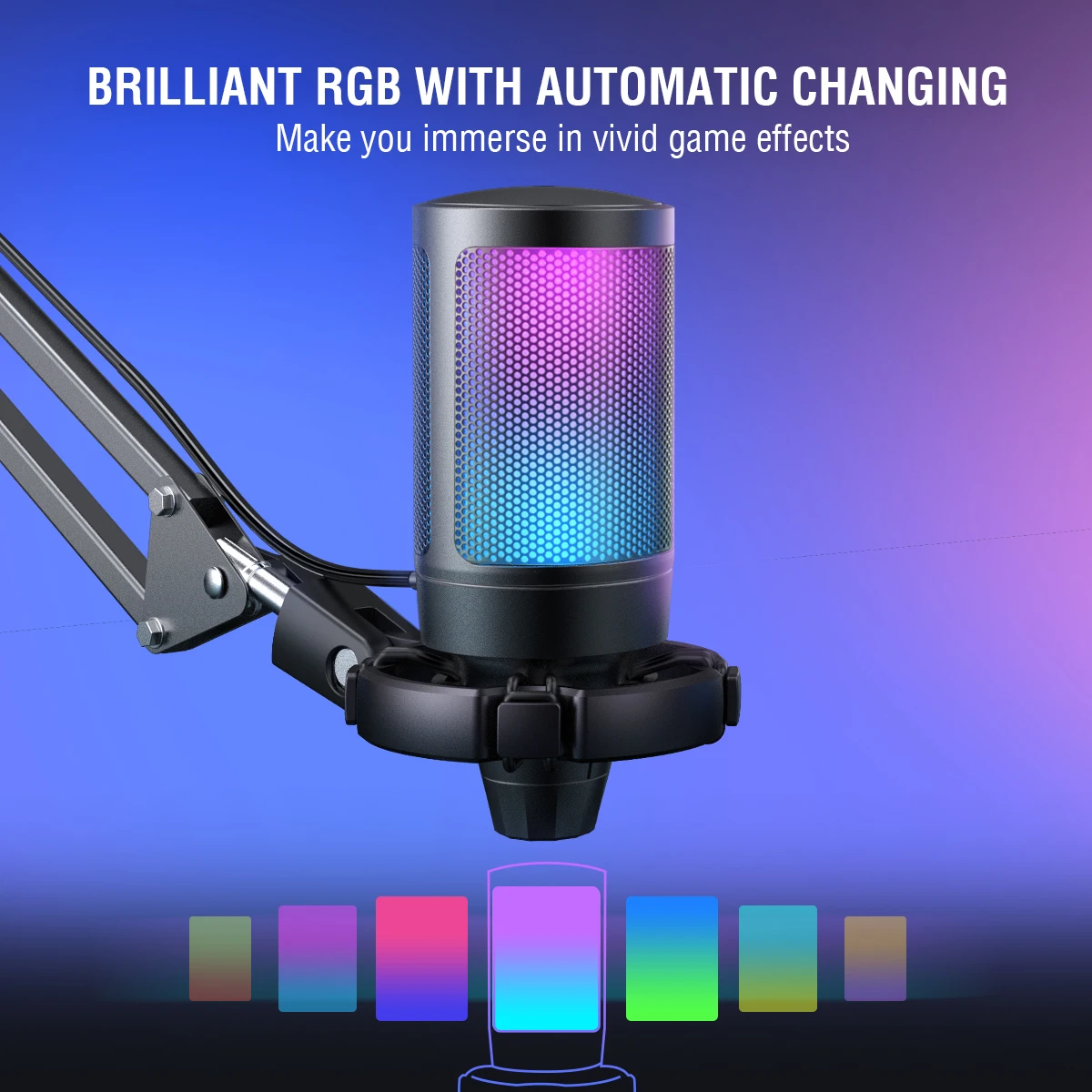
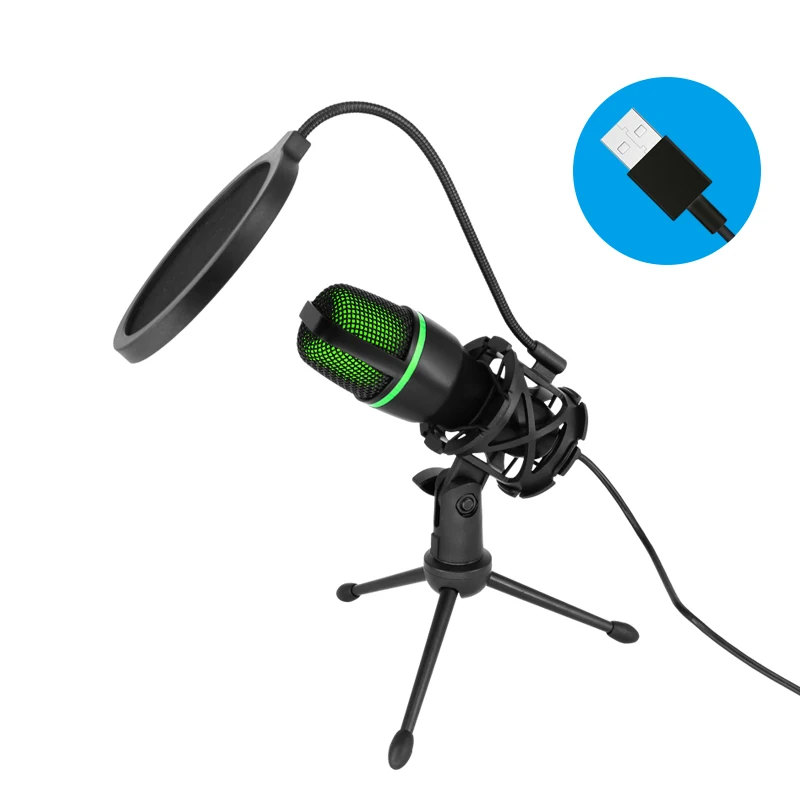
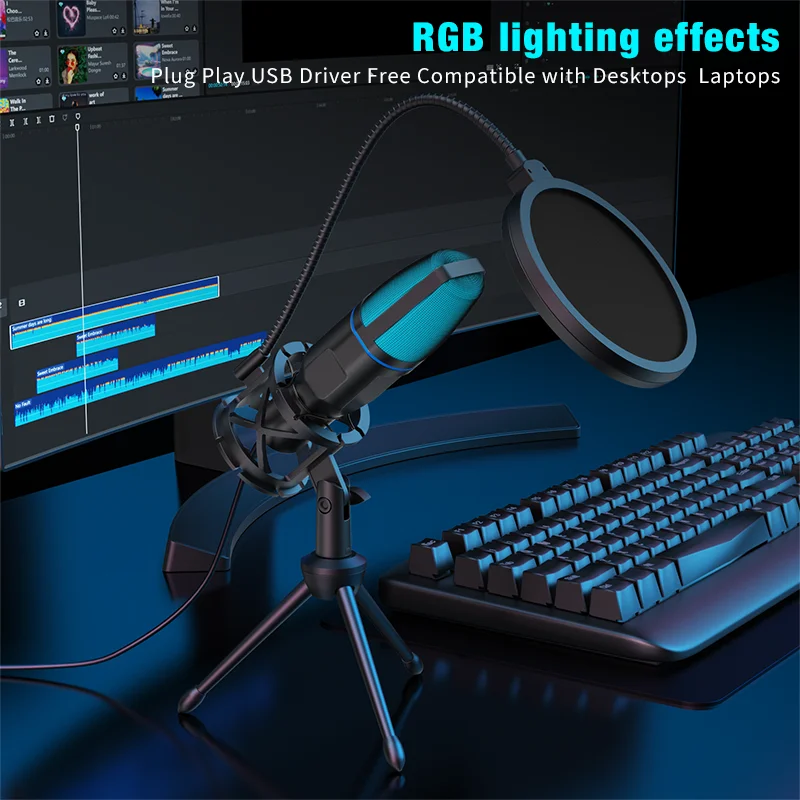
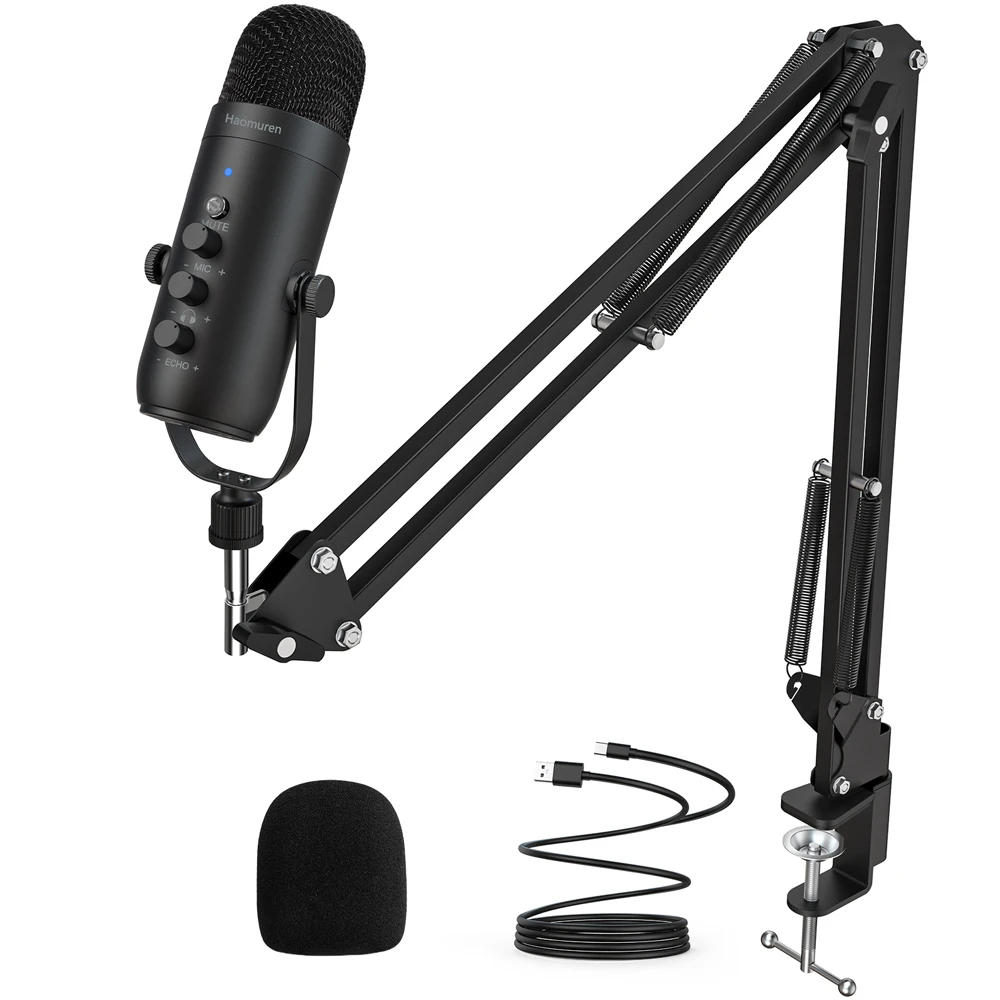
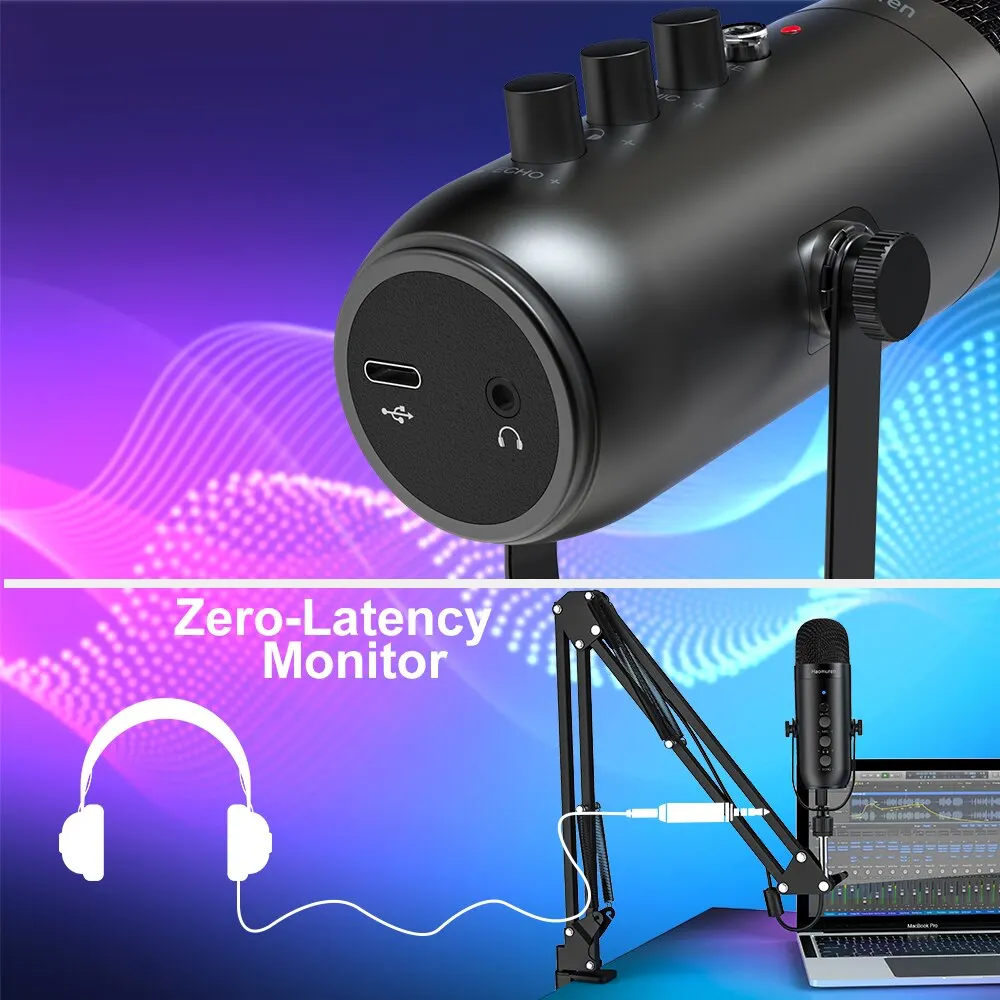
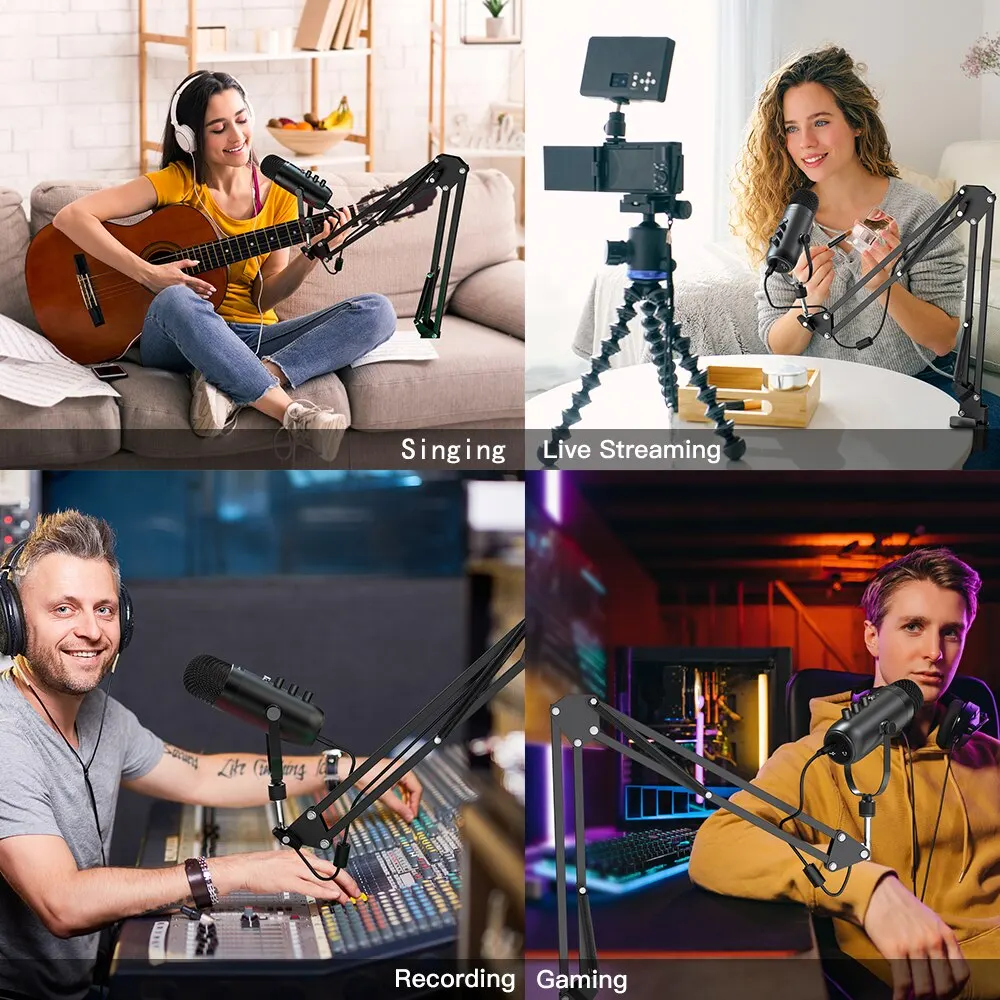
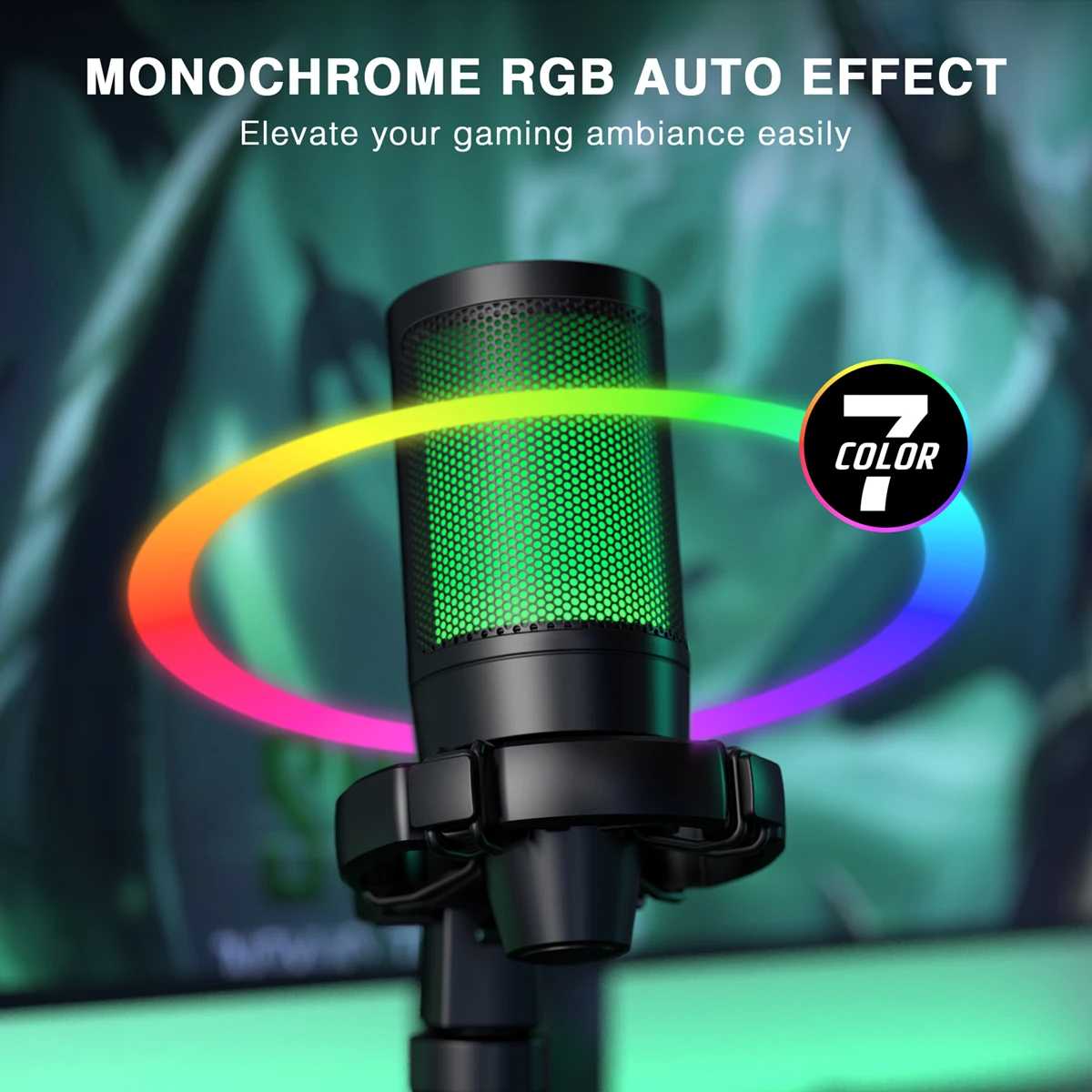
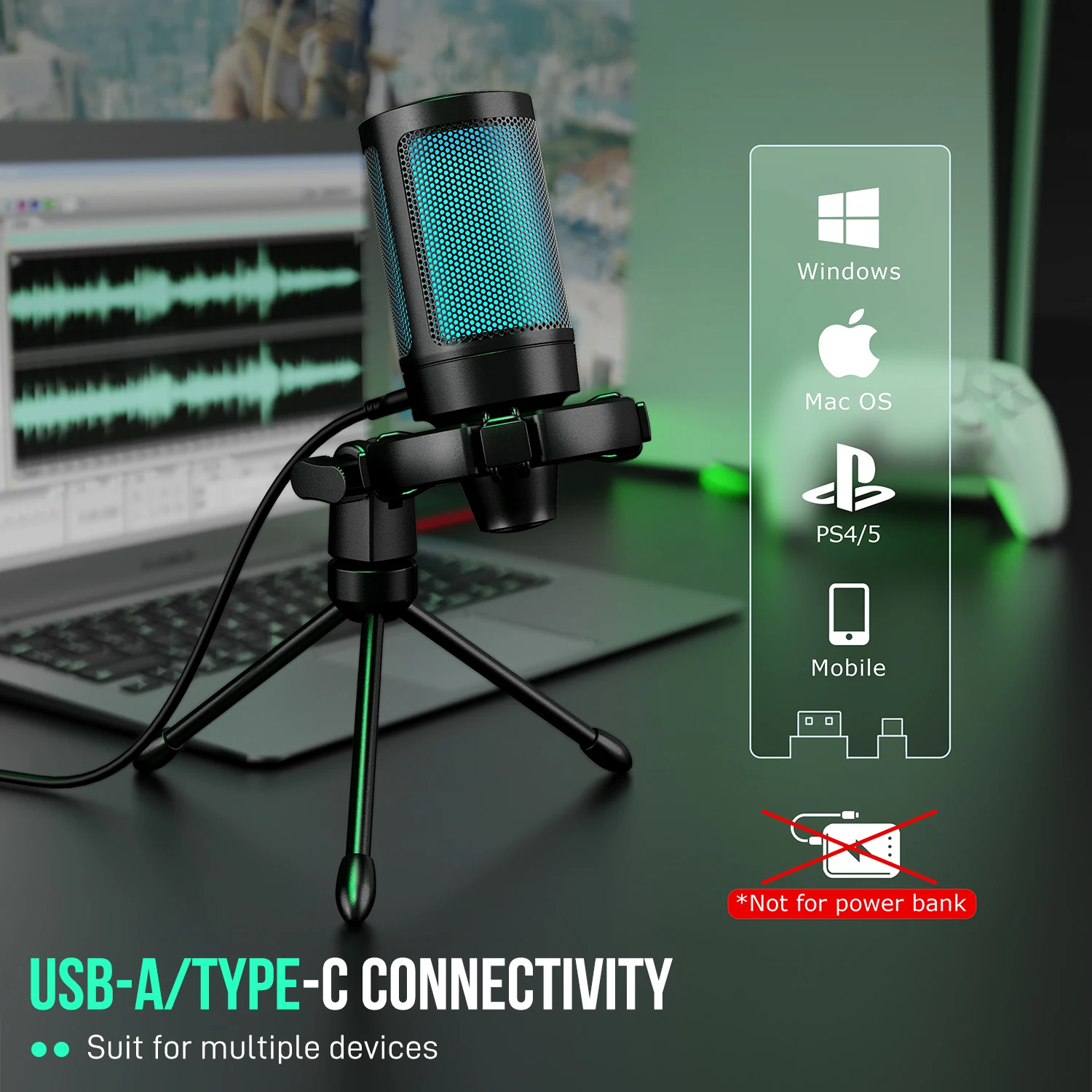
- Sound: USB microphones, from desk microphones to kits with a boom arm, and USB sound cards that add headphone and microphone sockets or an optical output.
- Picture: webcams from 1080p up to 4K, some with autofocus and a privacy cover.
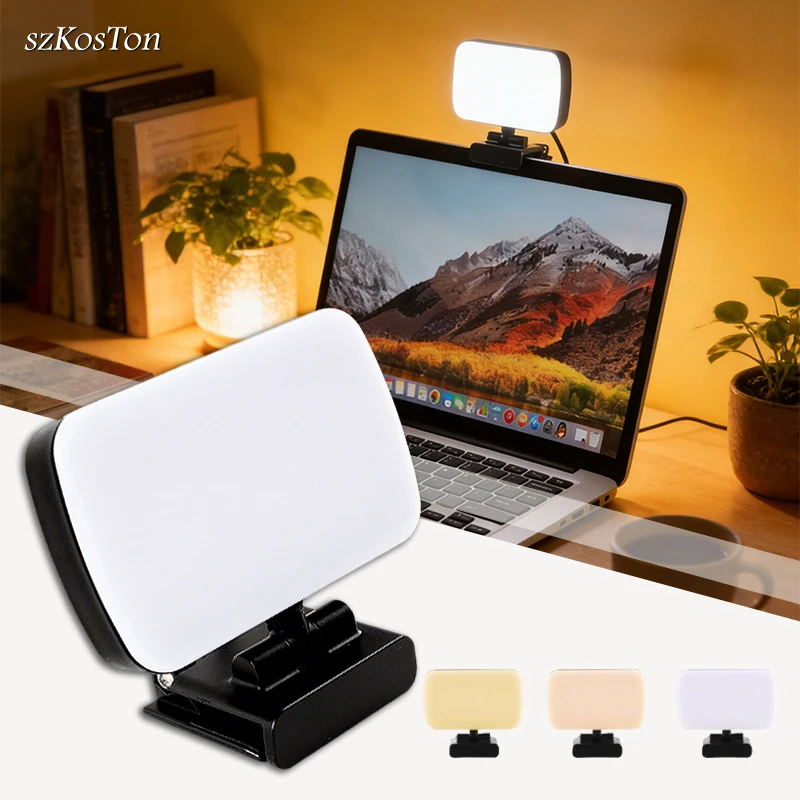
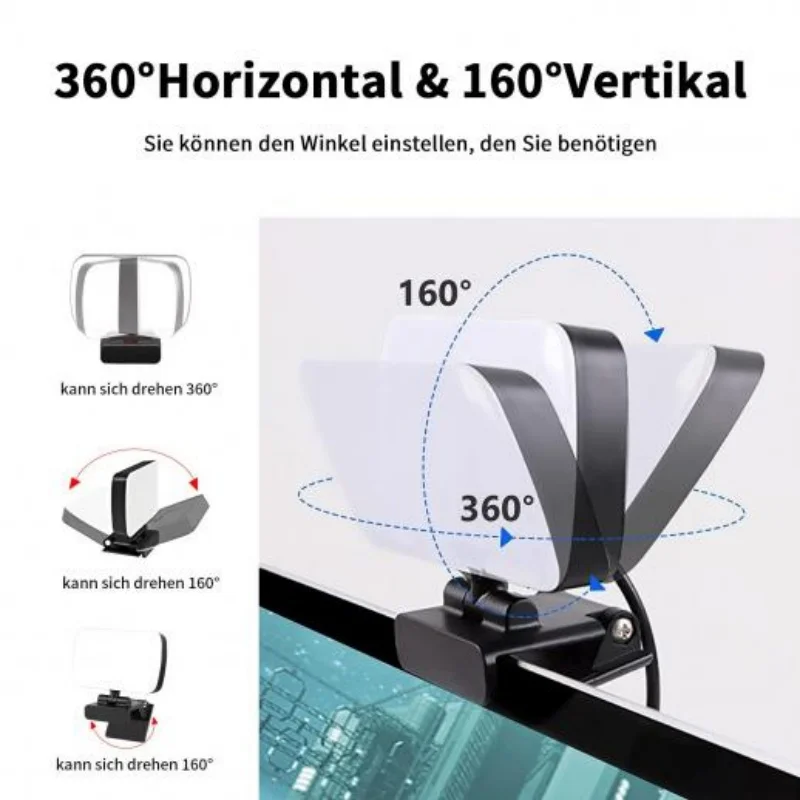
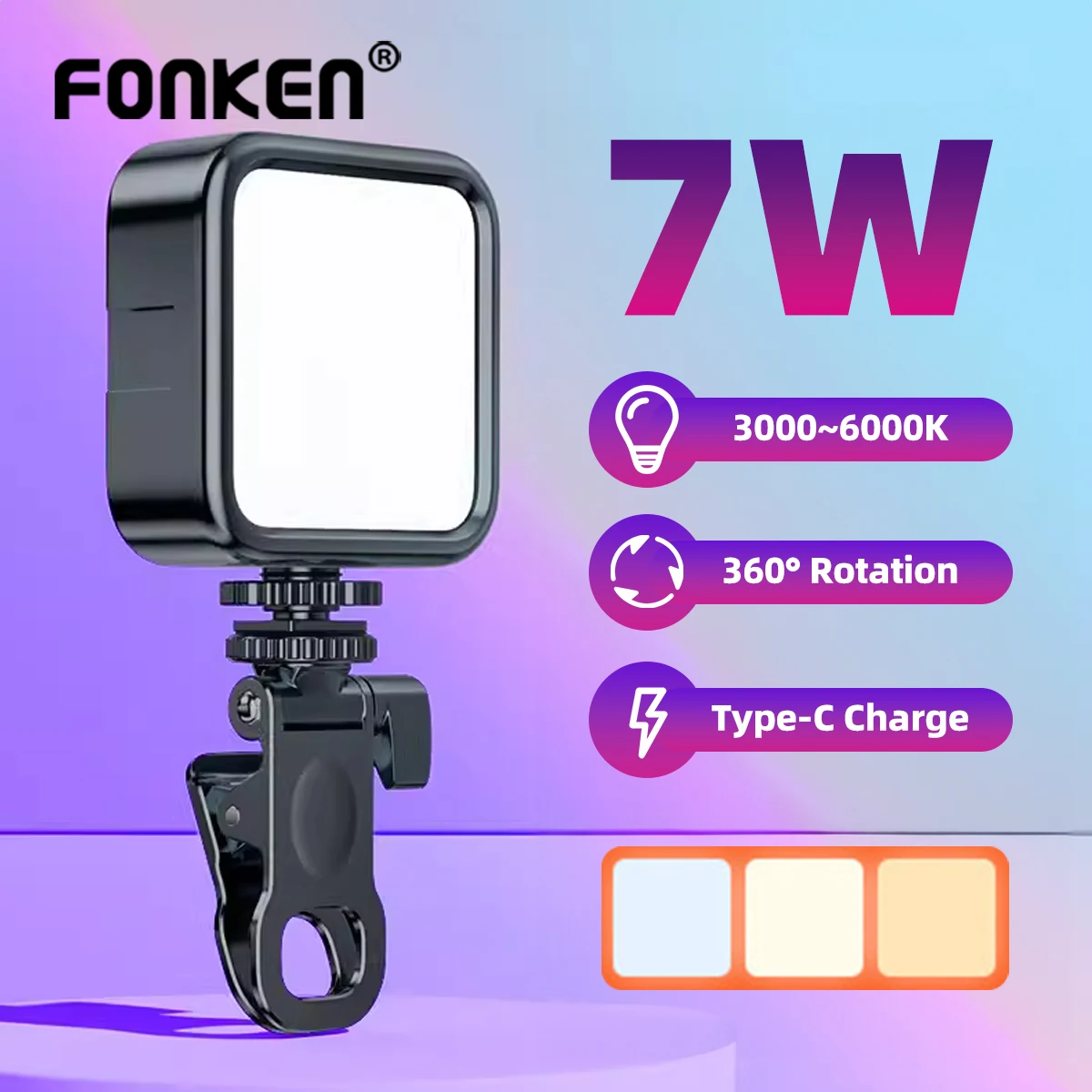
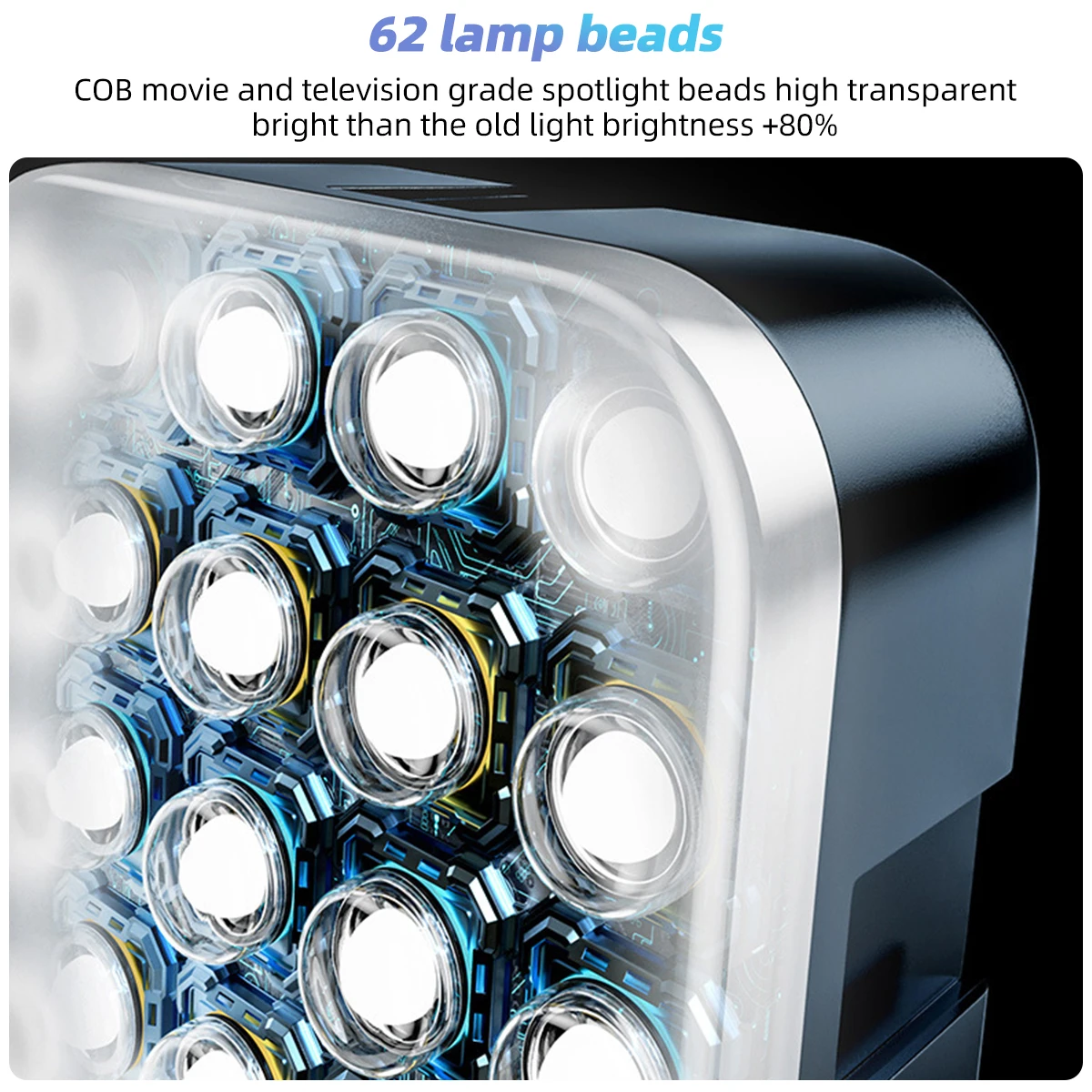
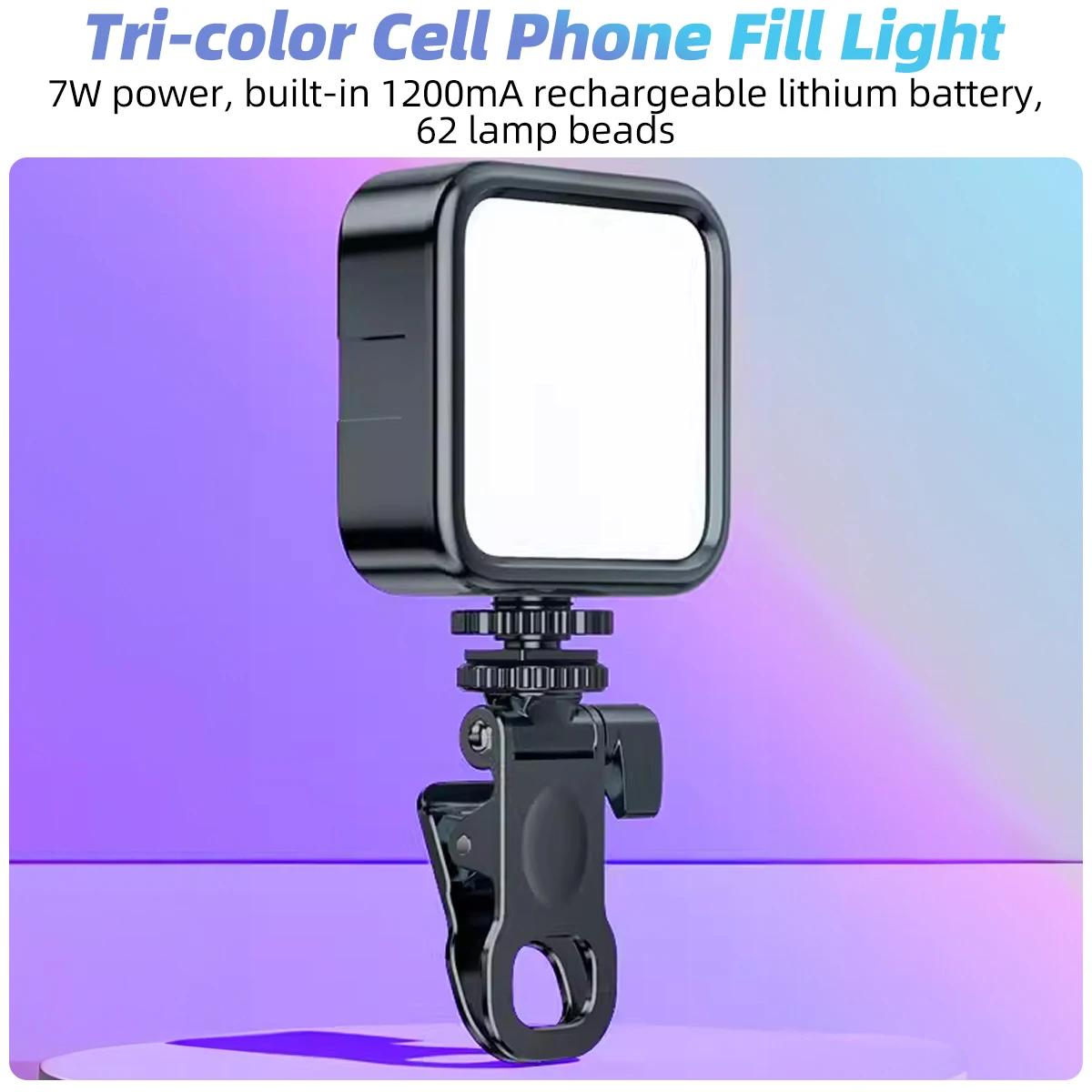
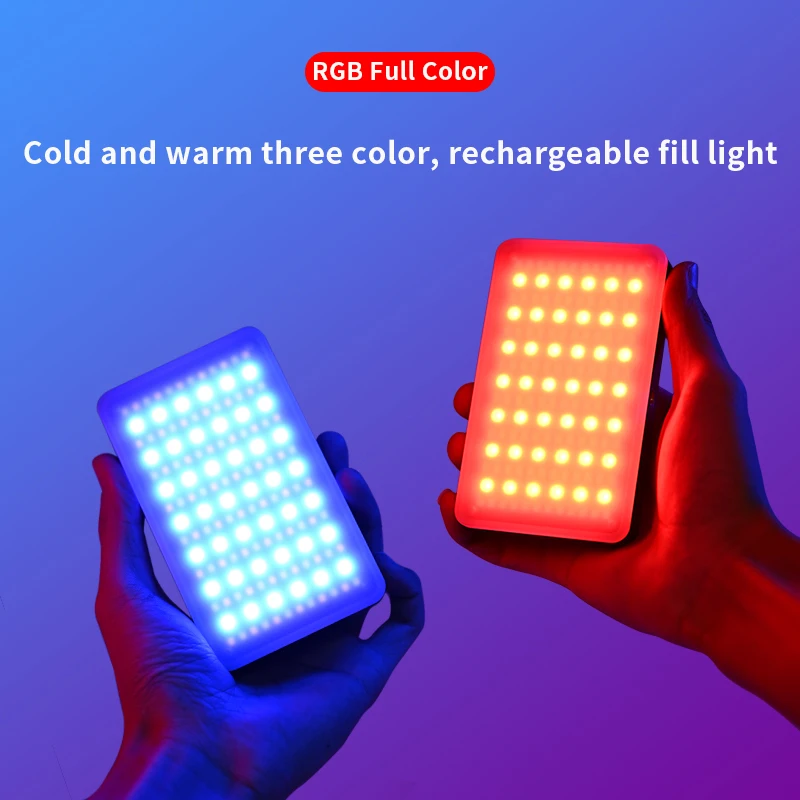
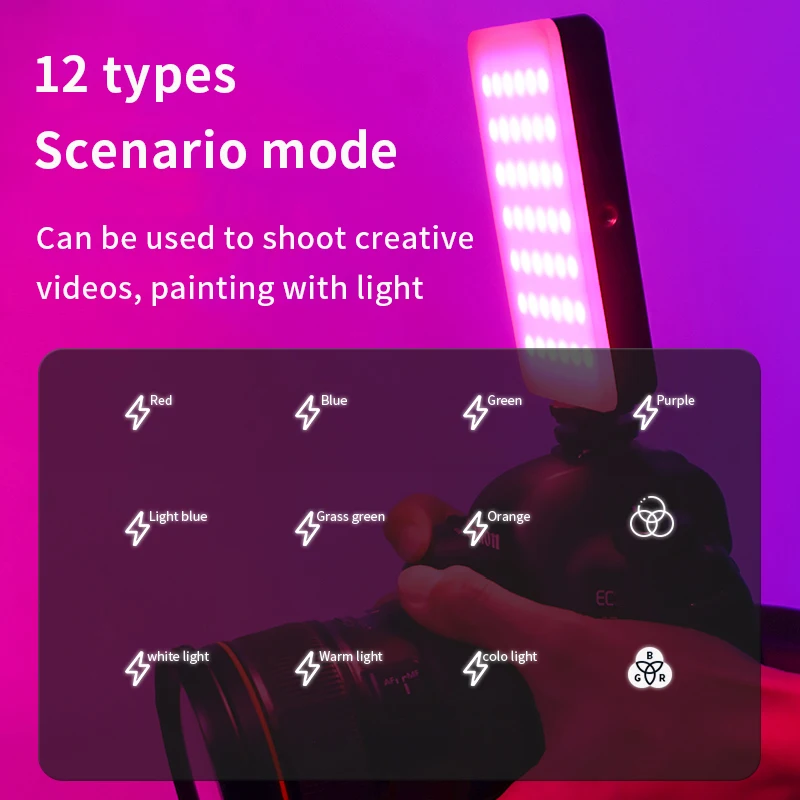
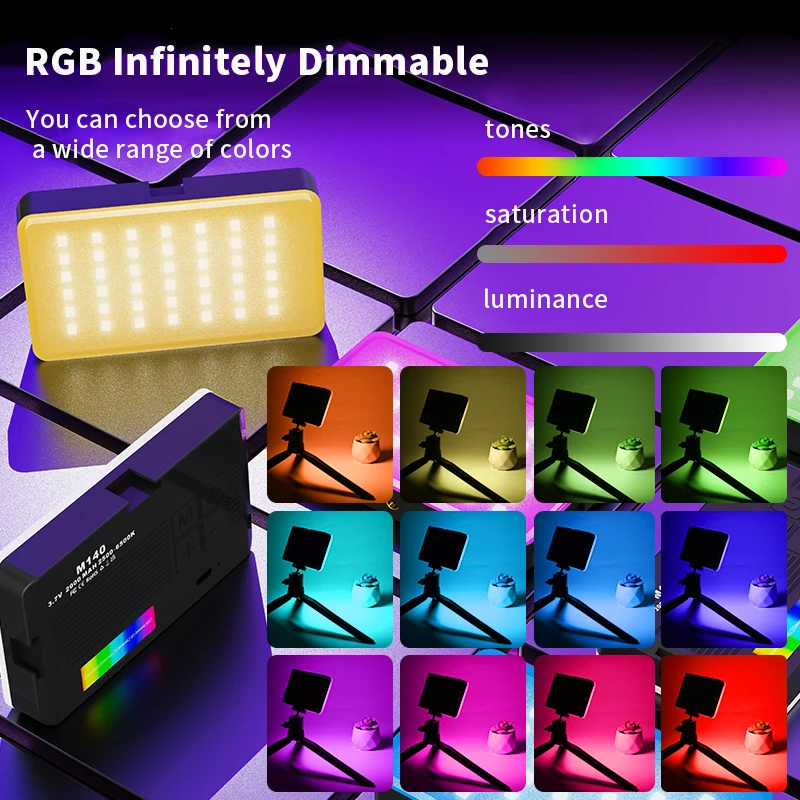
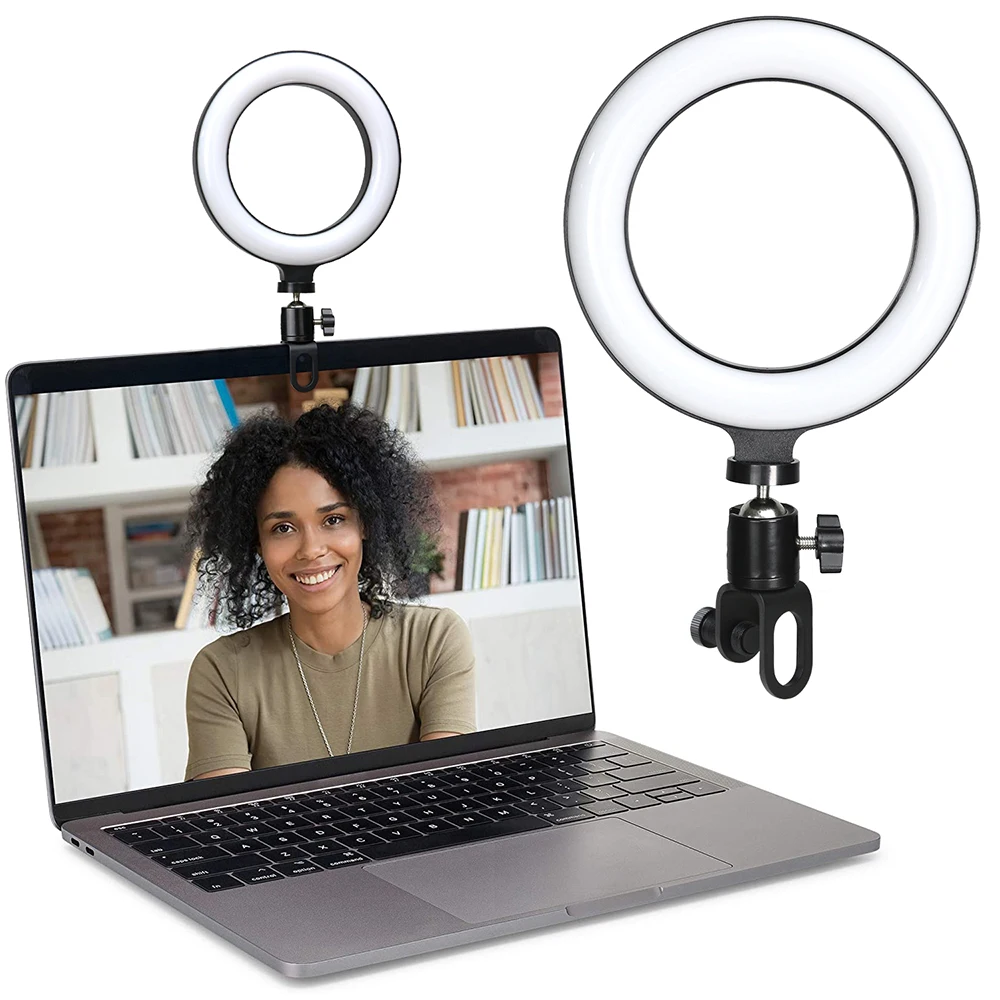
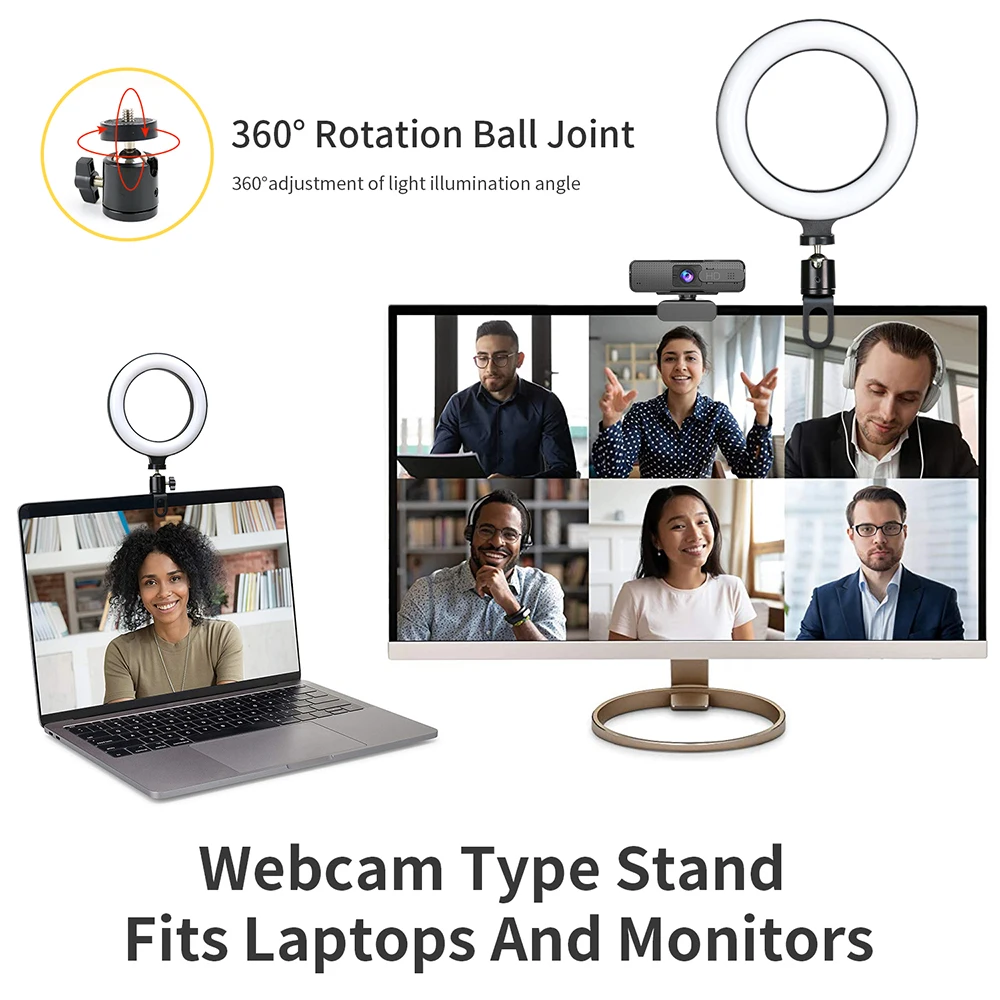
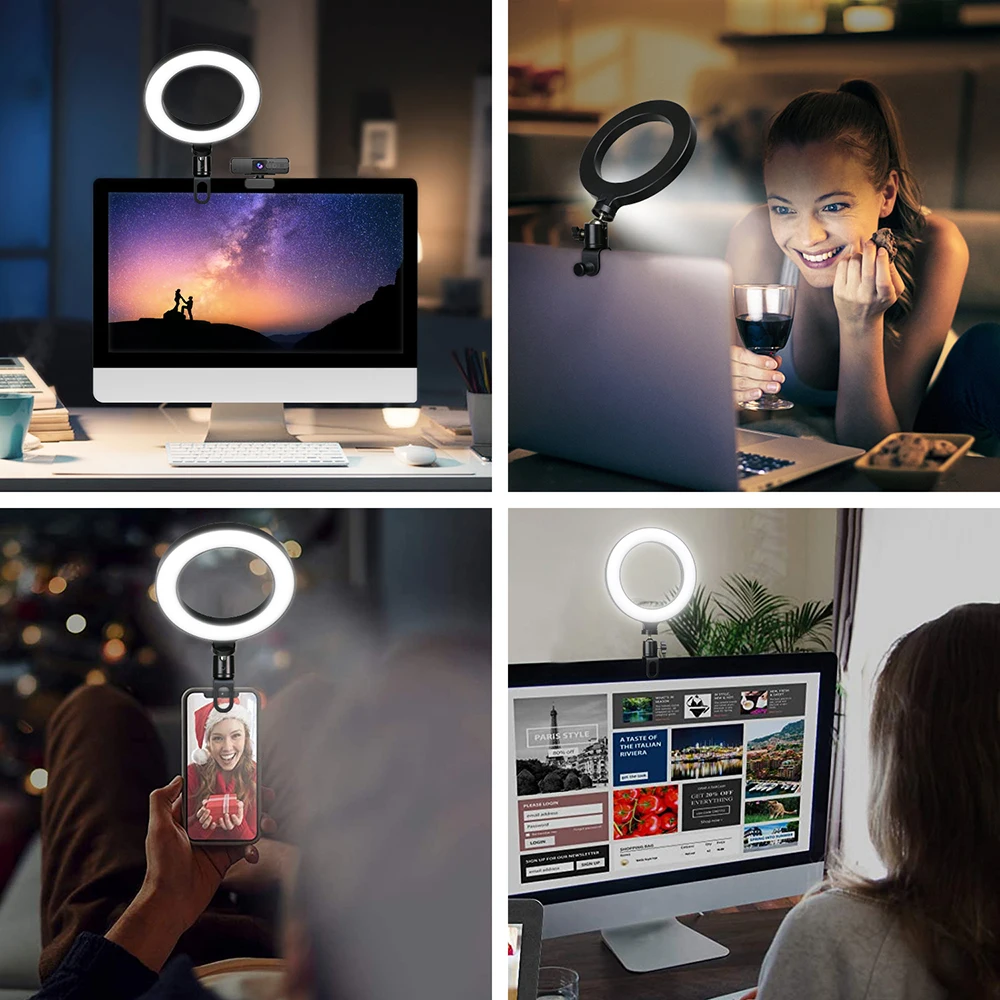
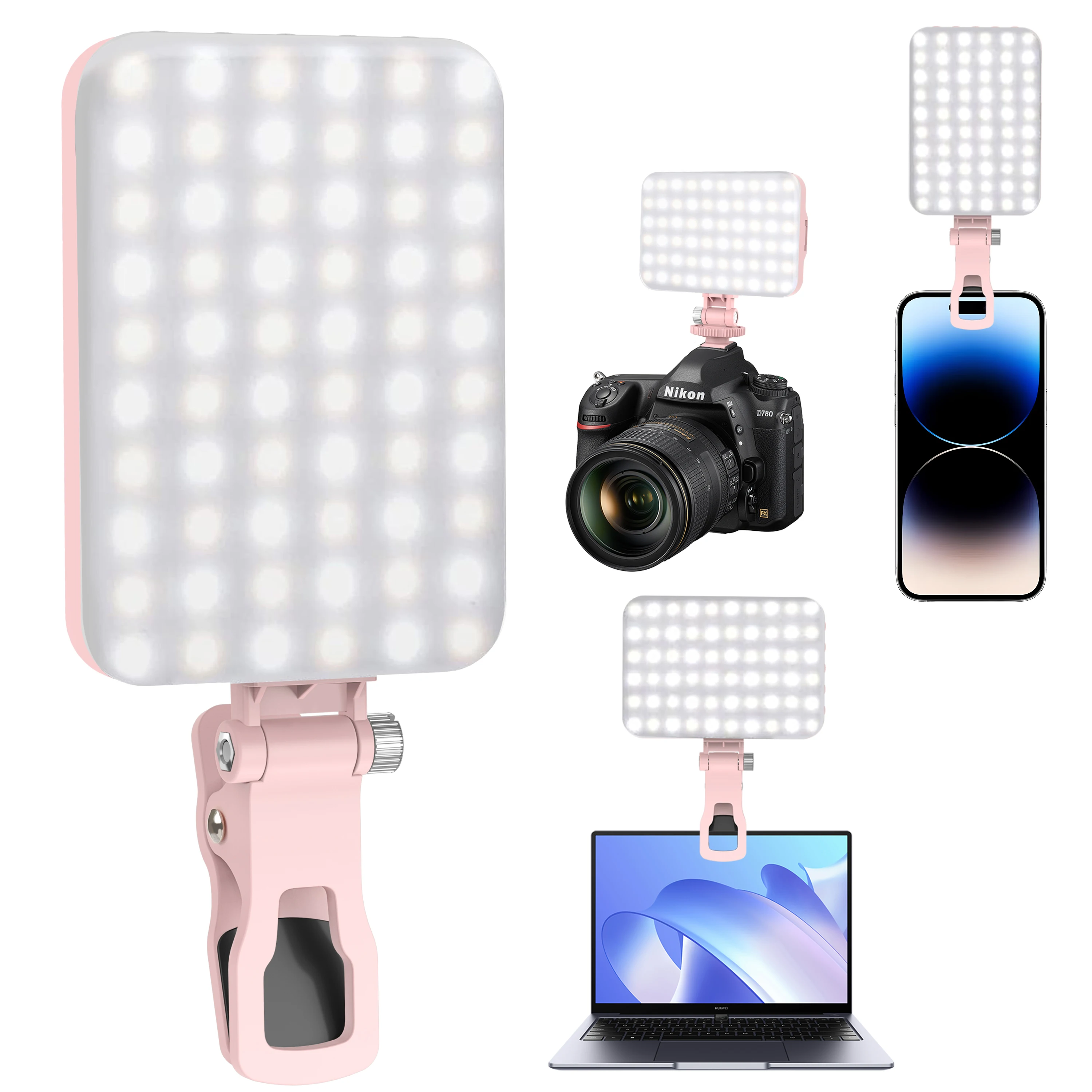
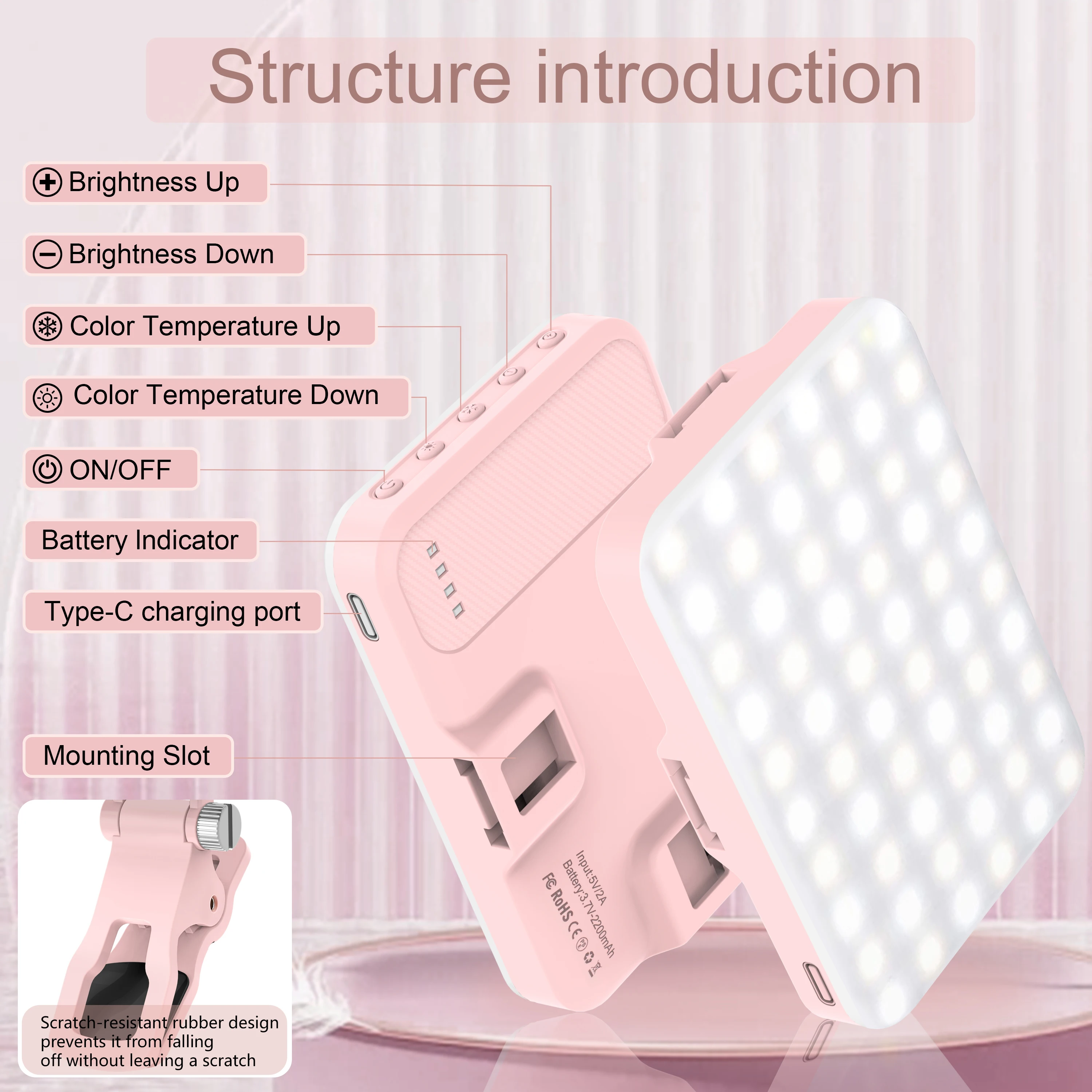
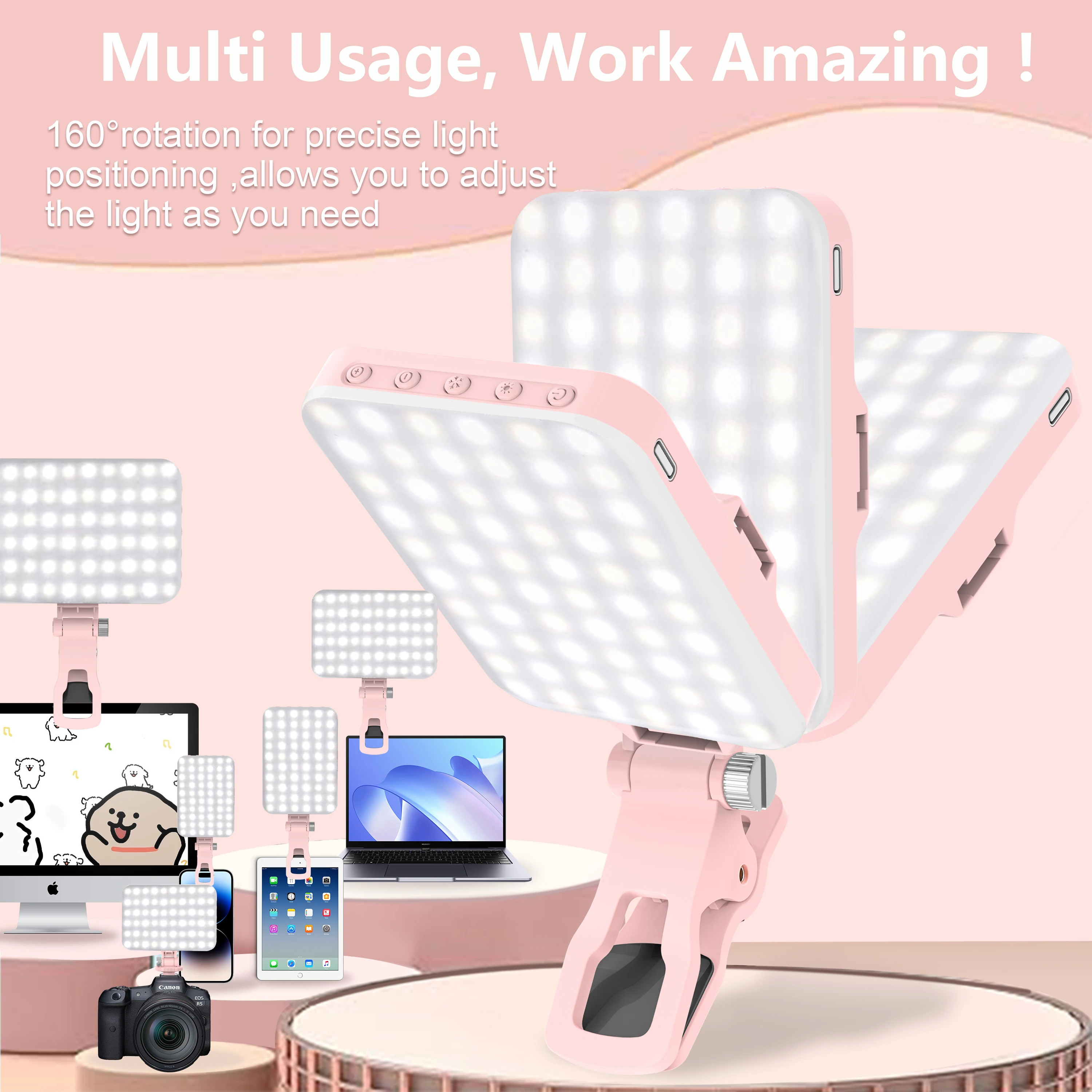
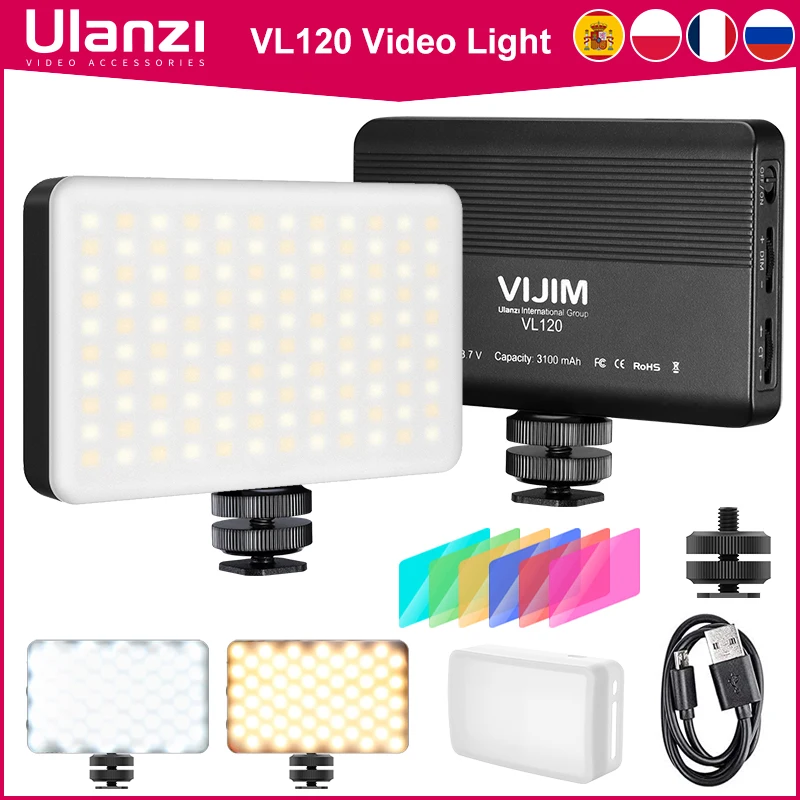
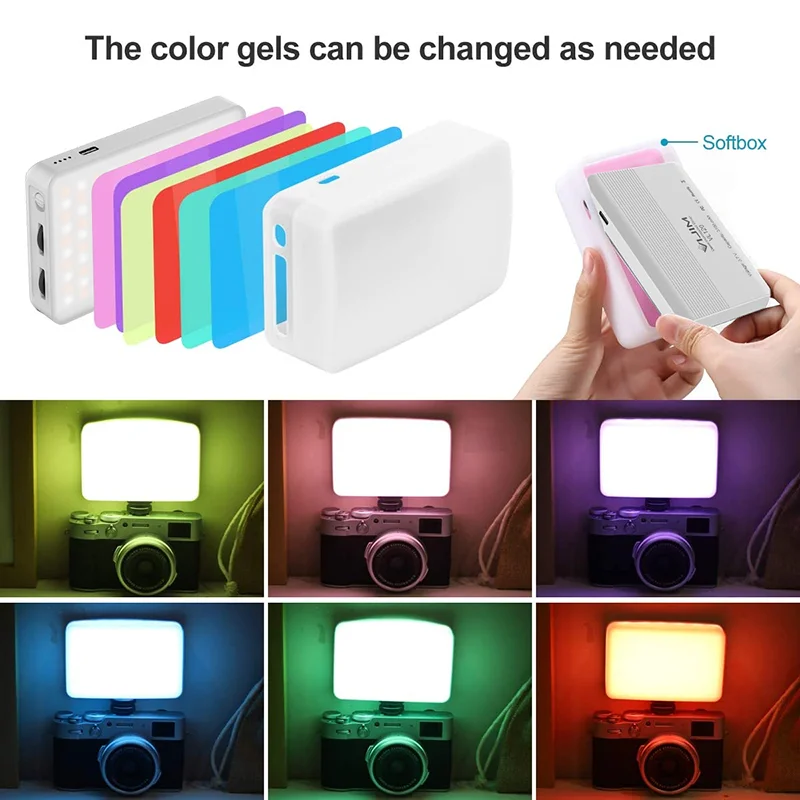
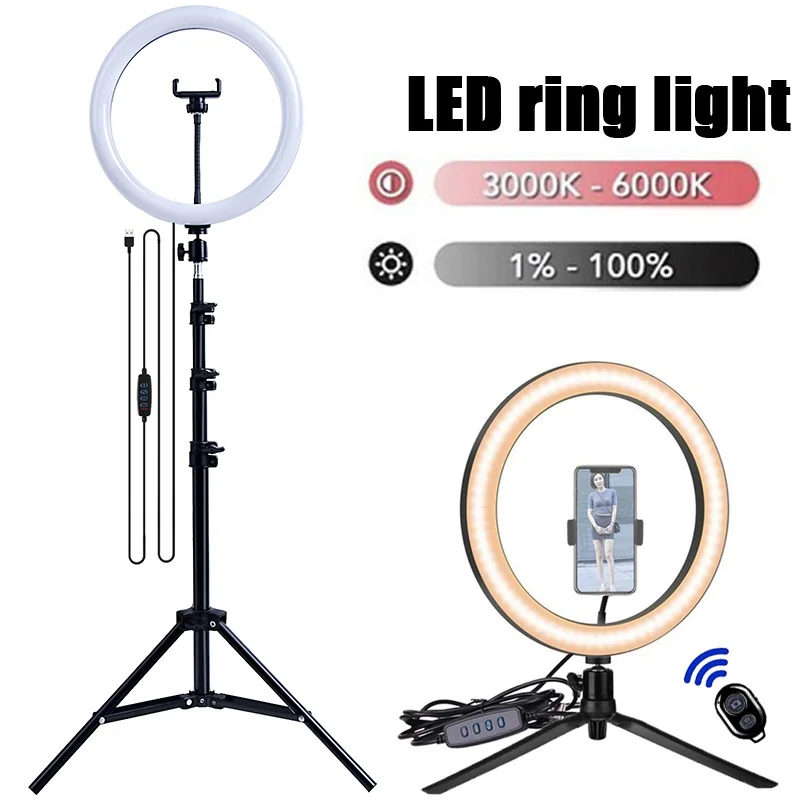
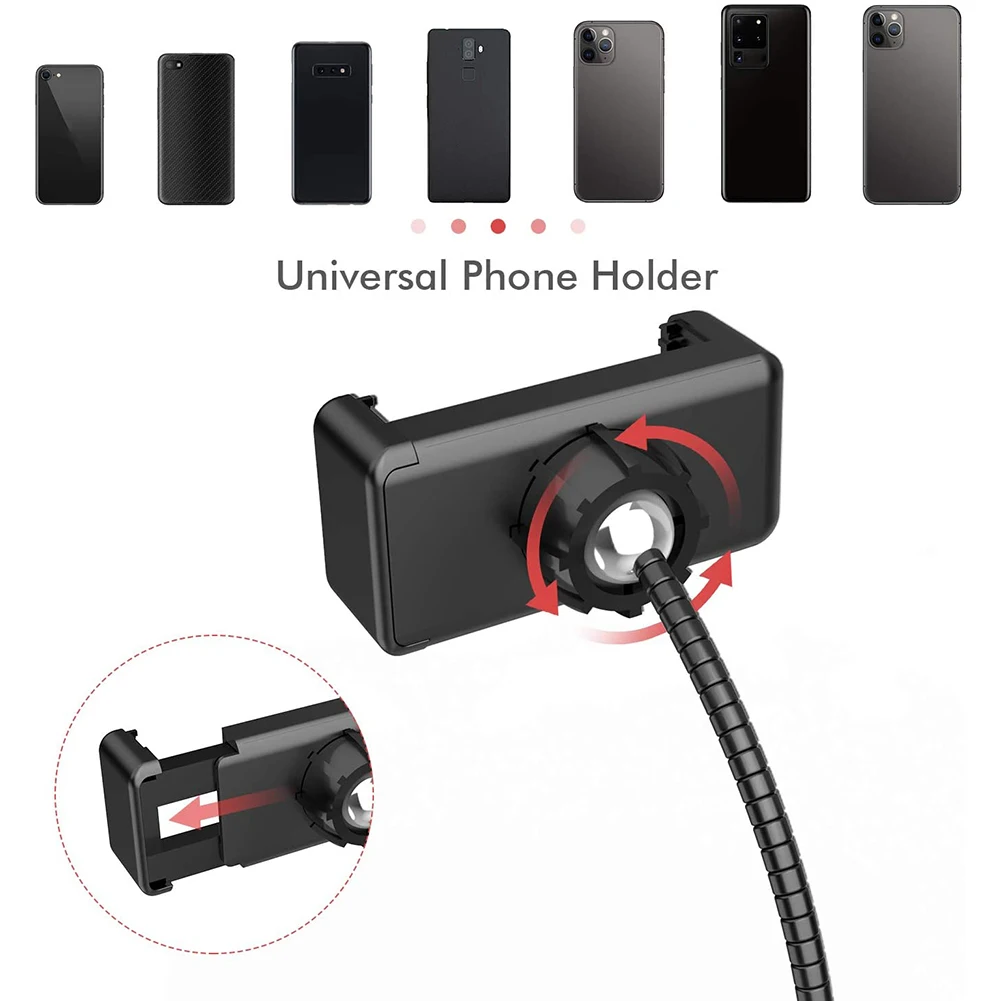
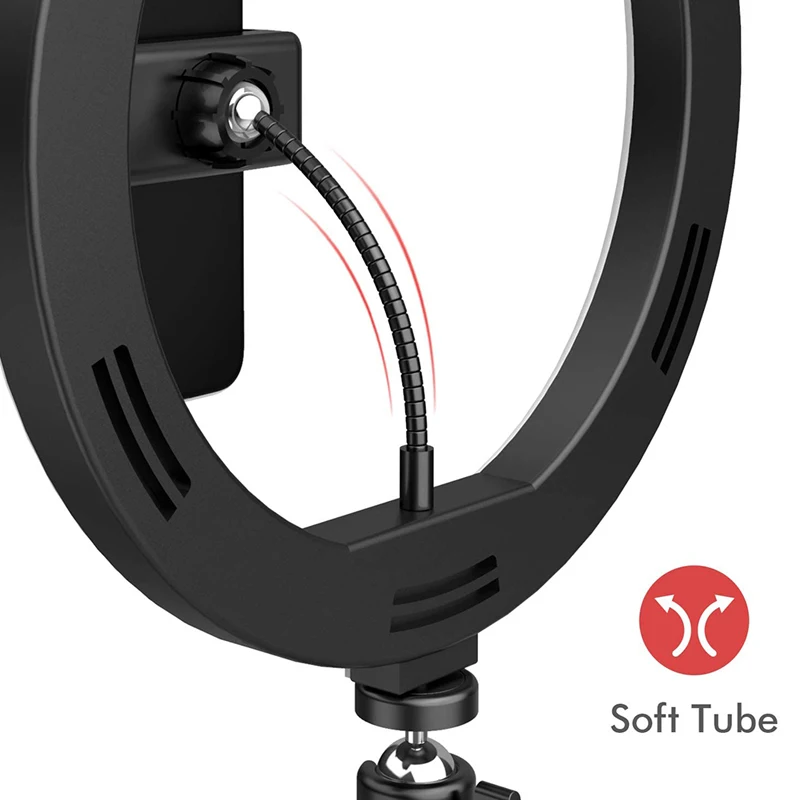
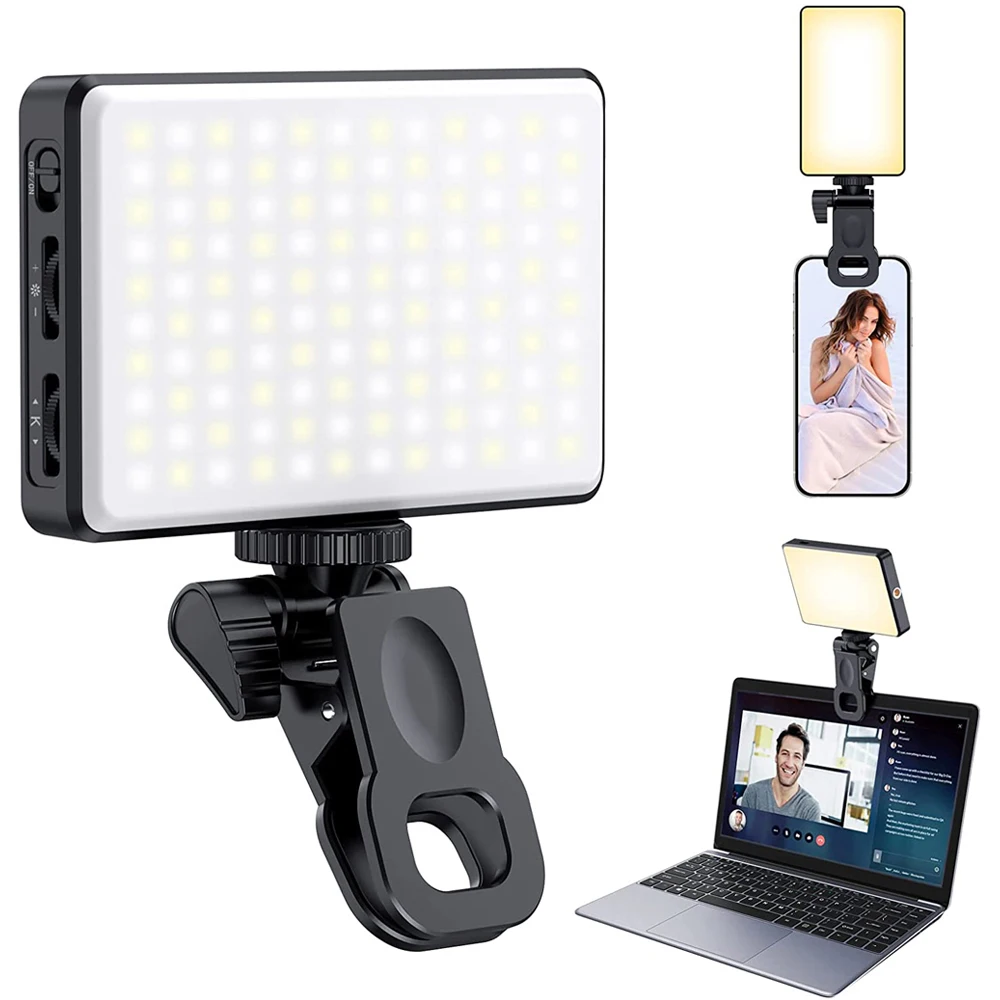
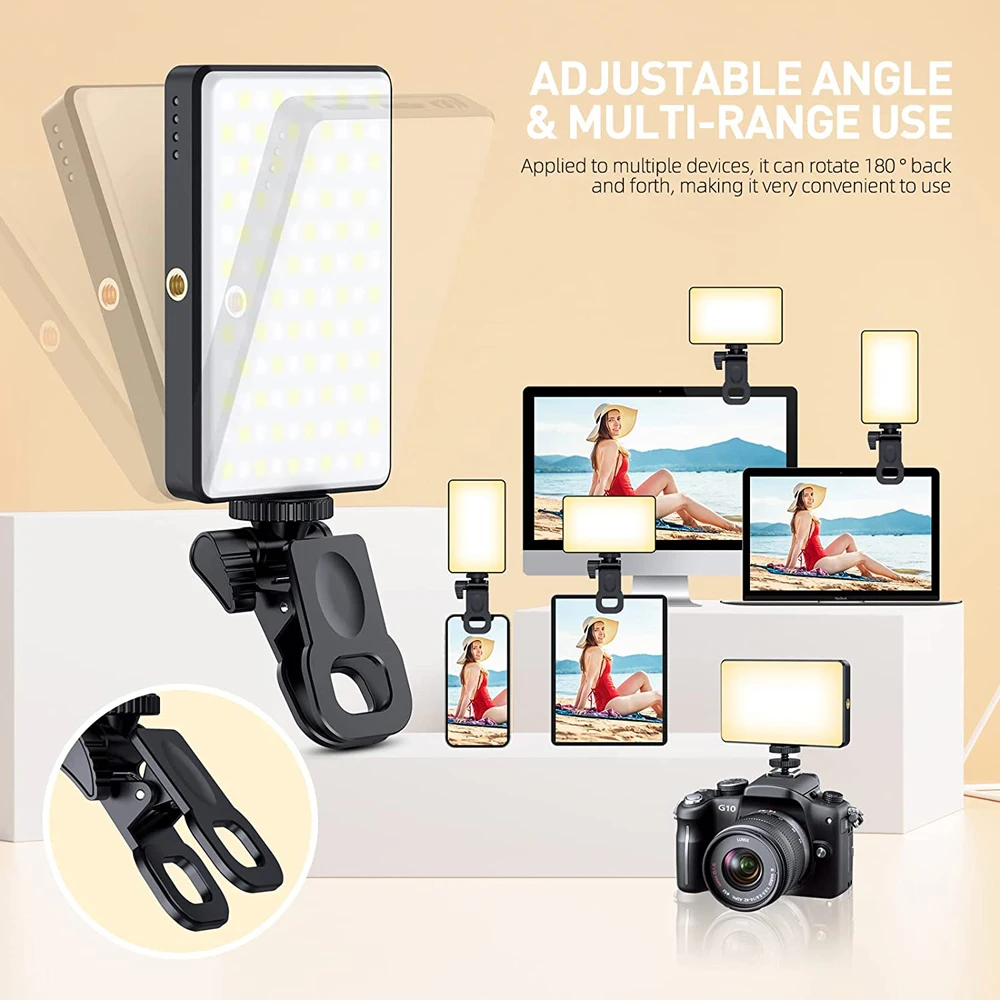
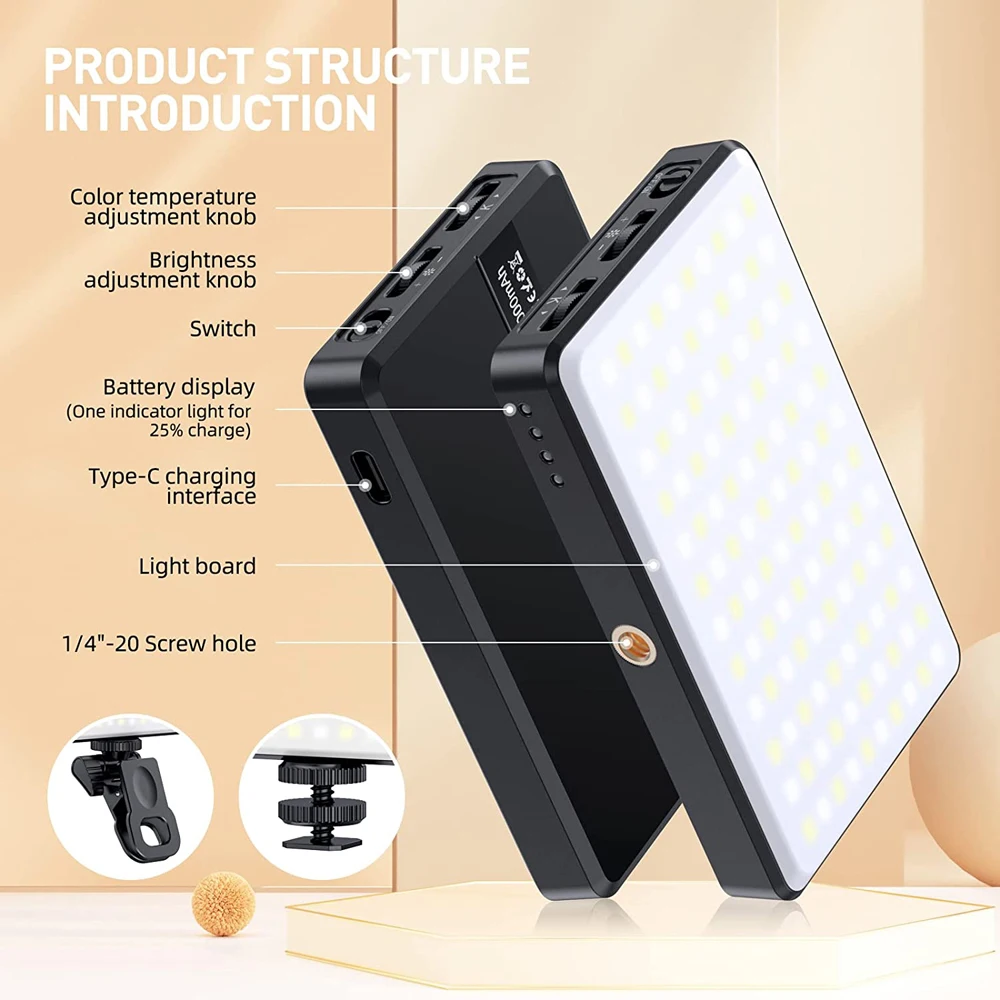
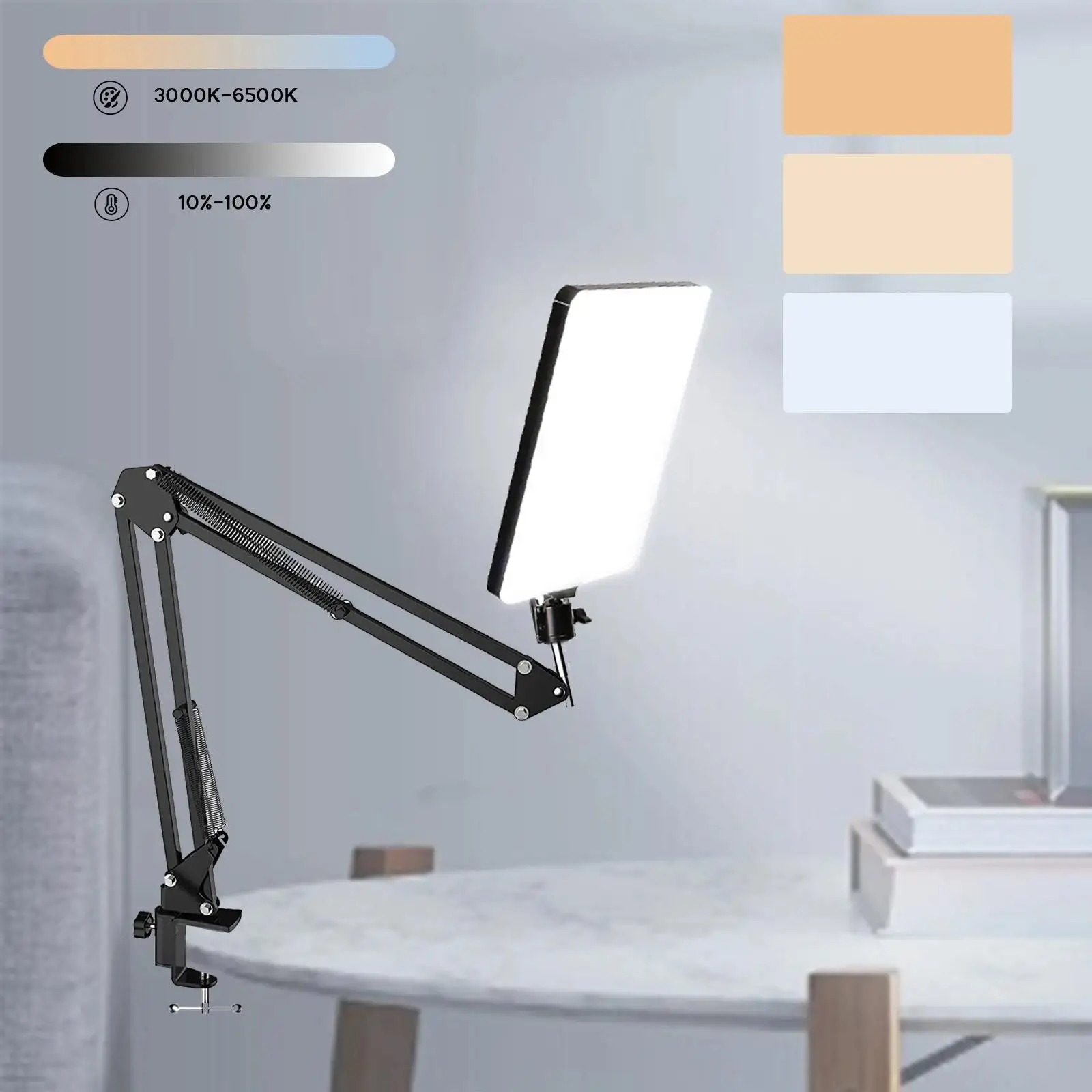
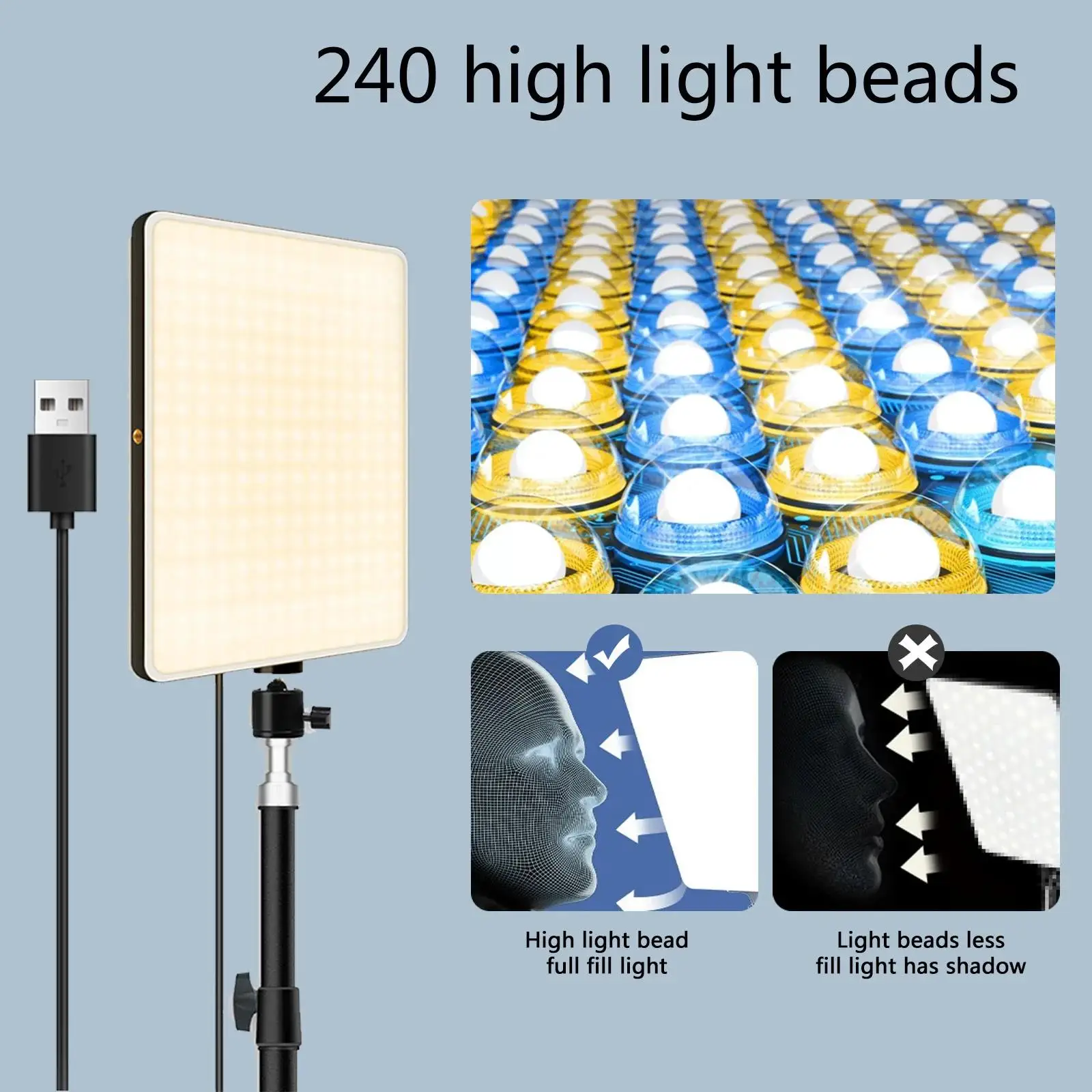
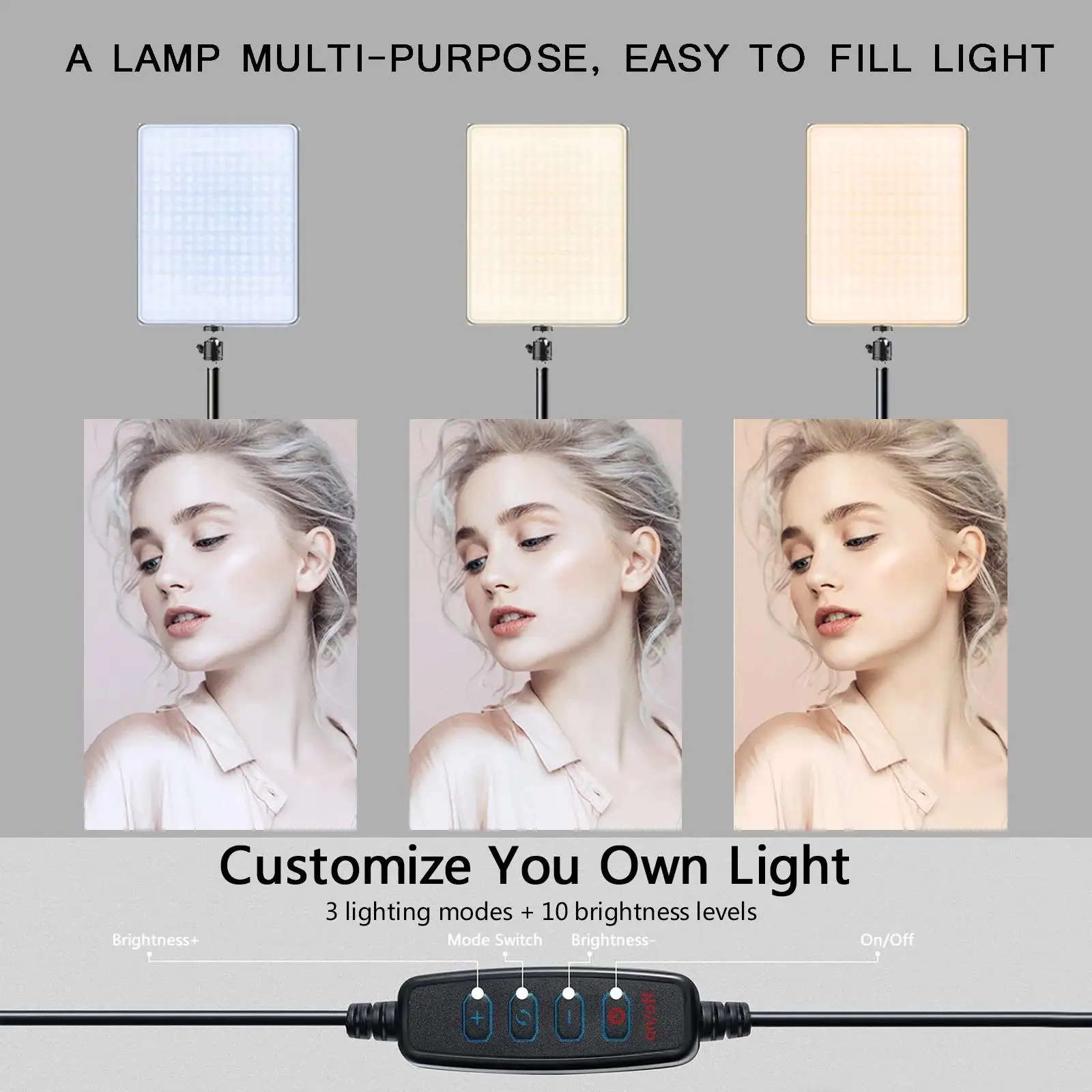
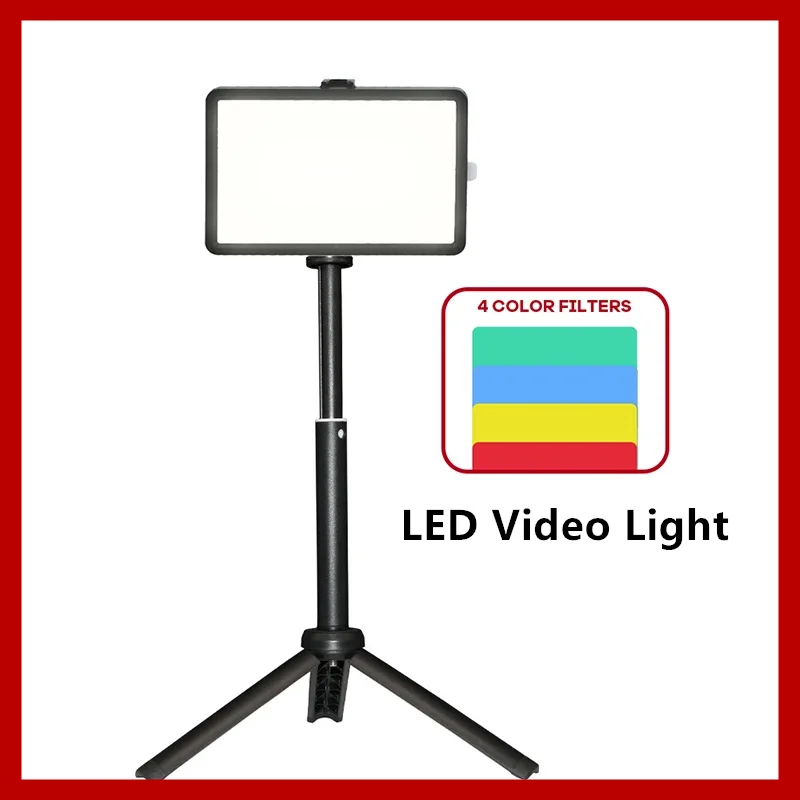
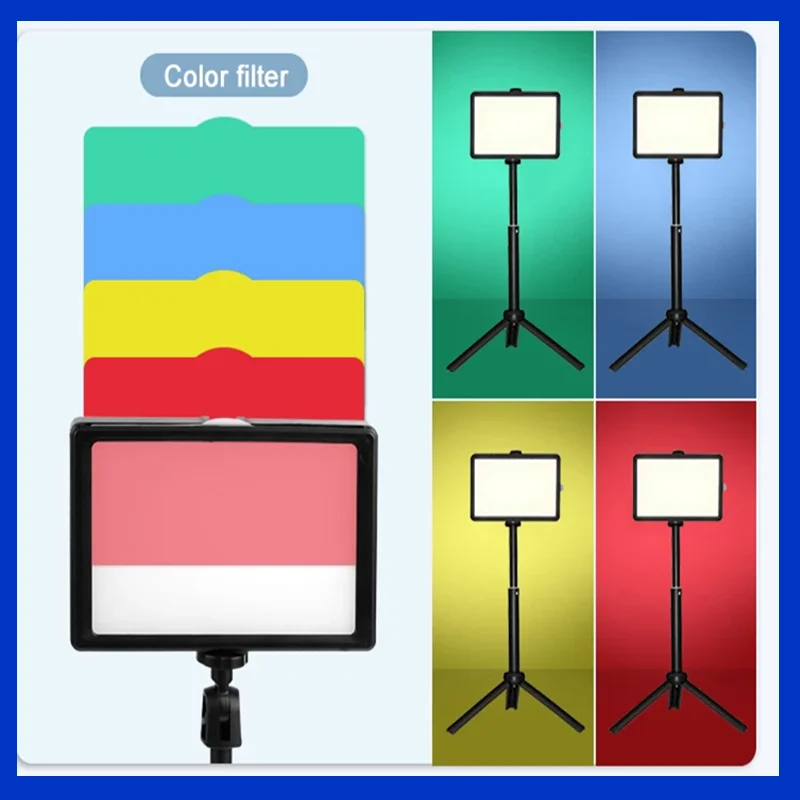
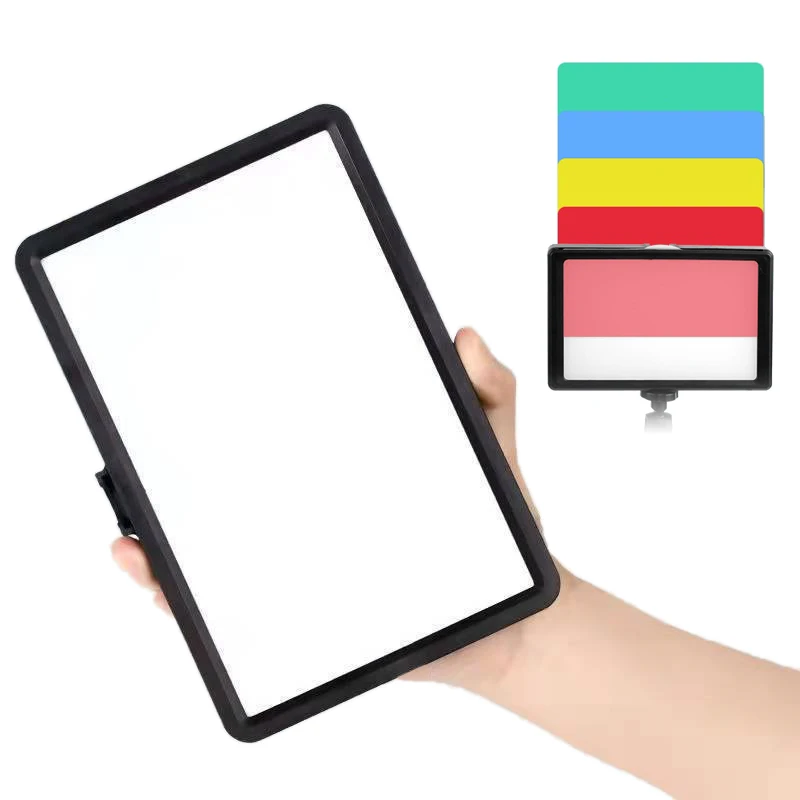
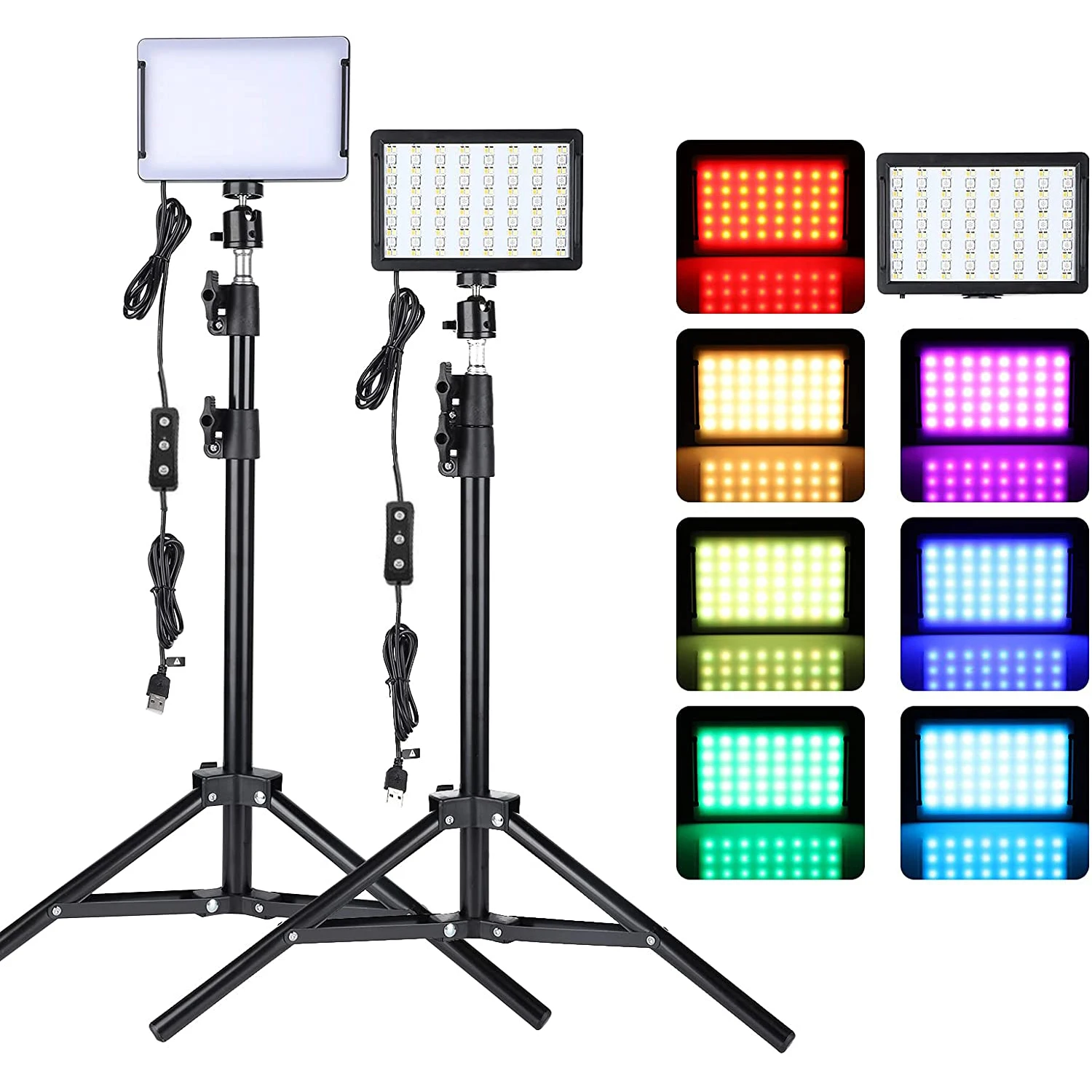
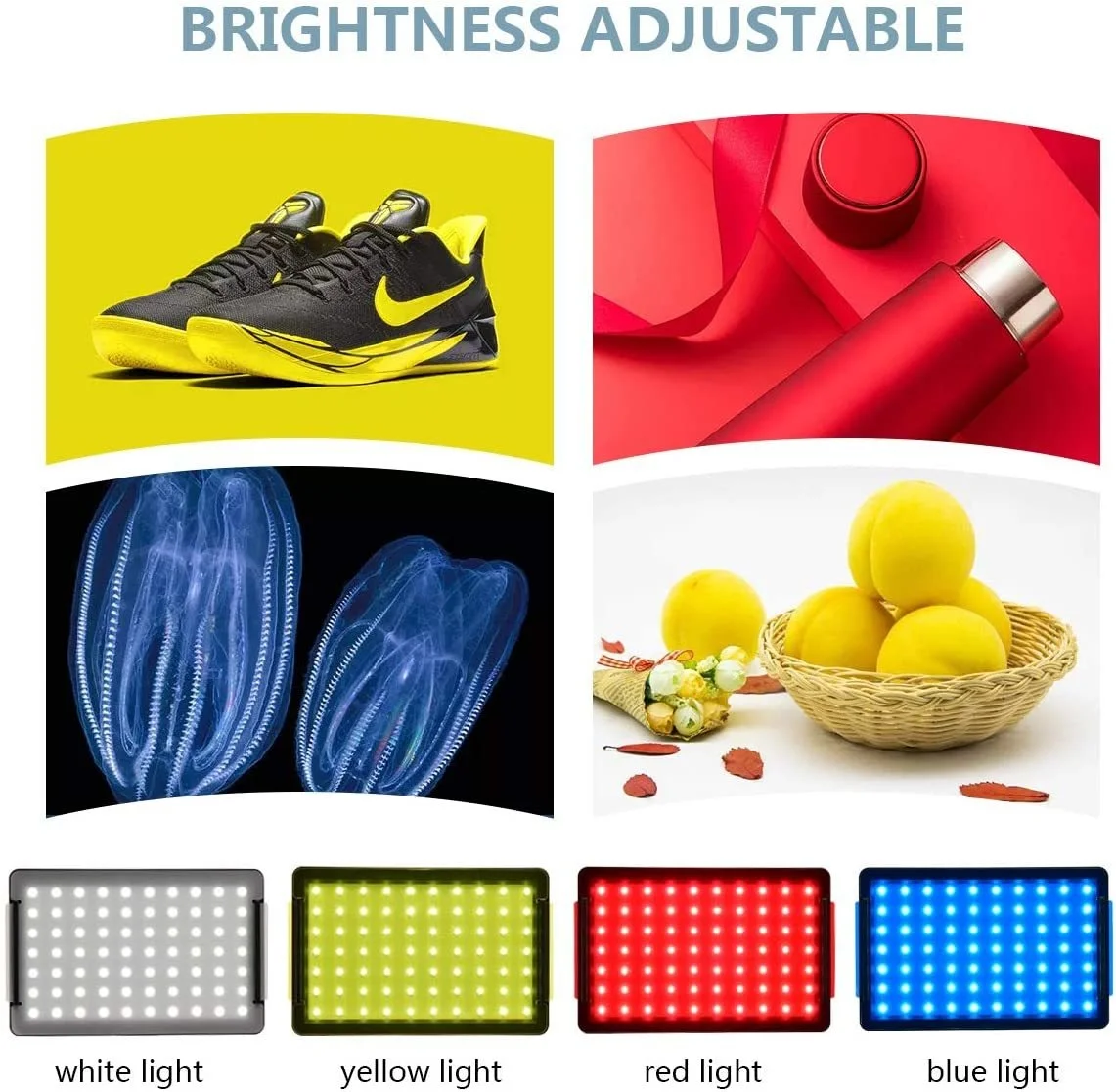
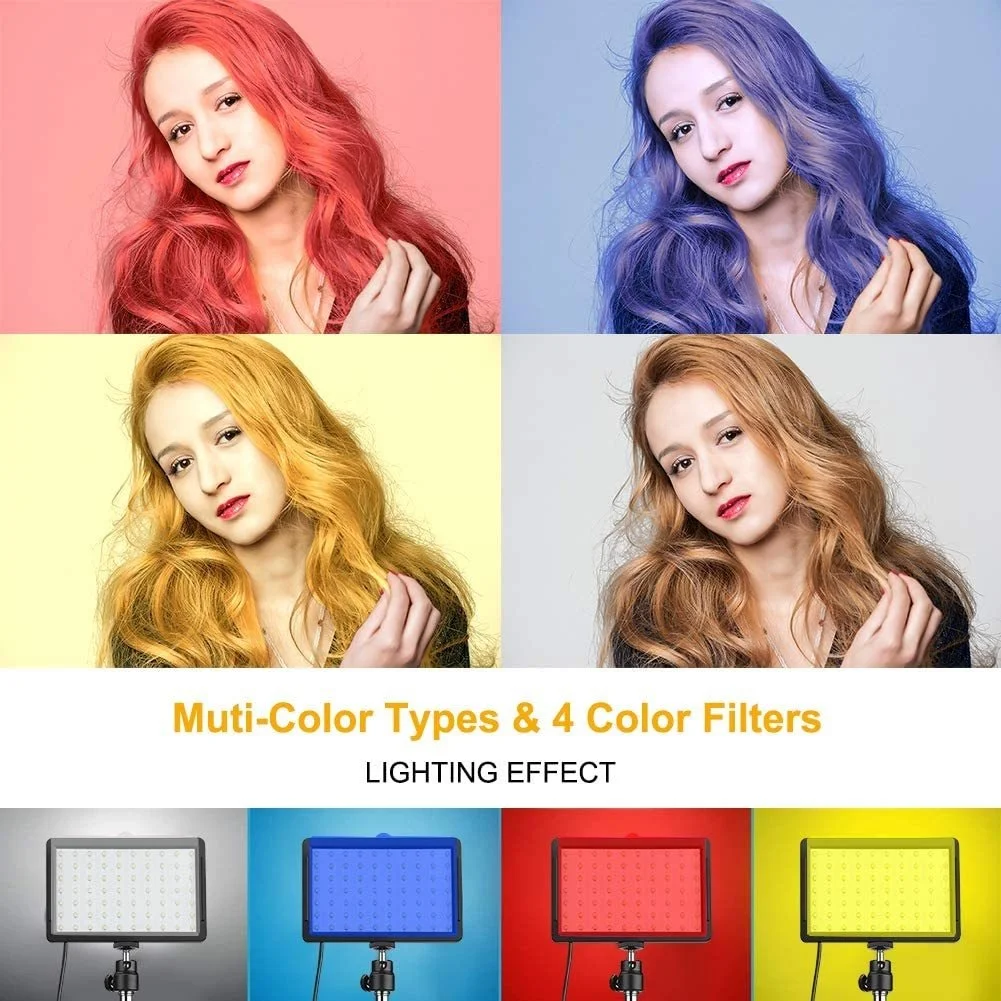
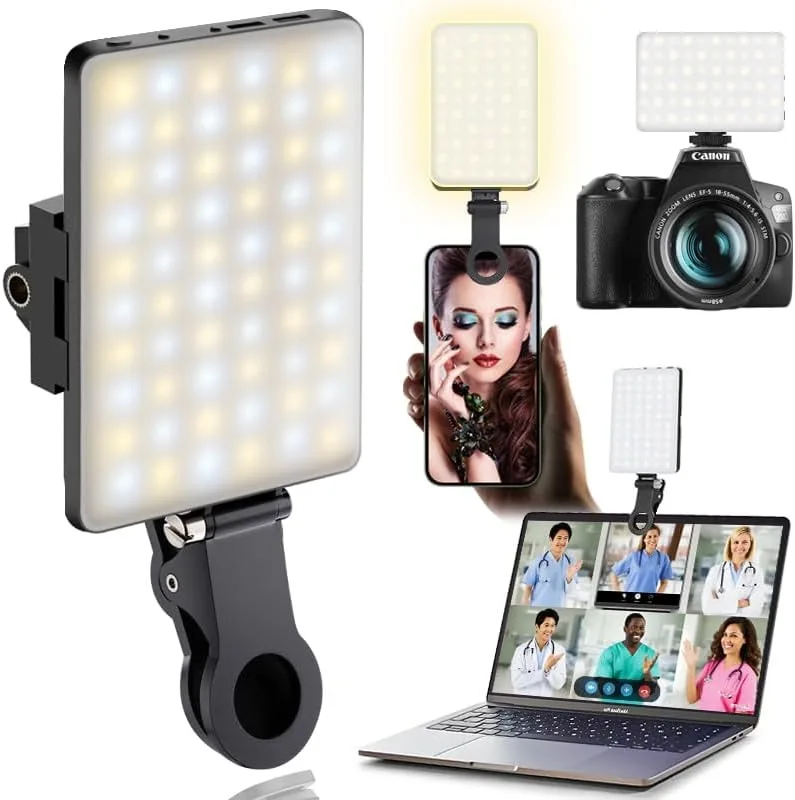
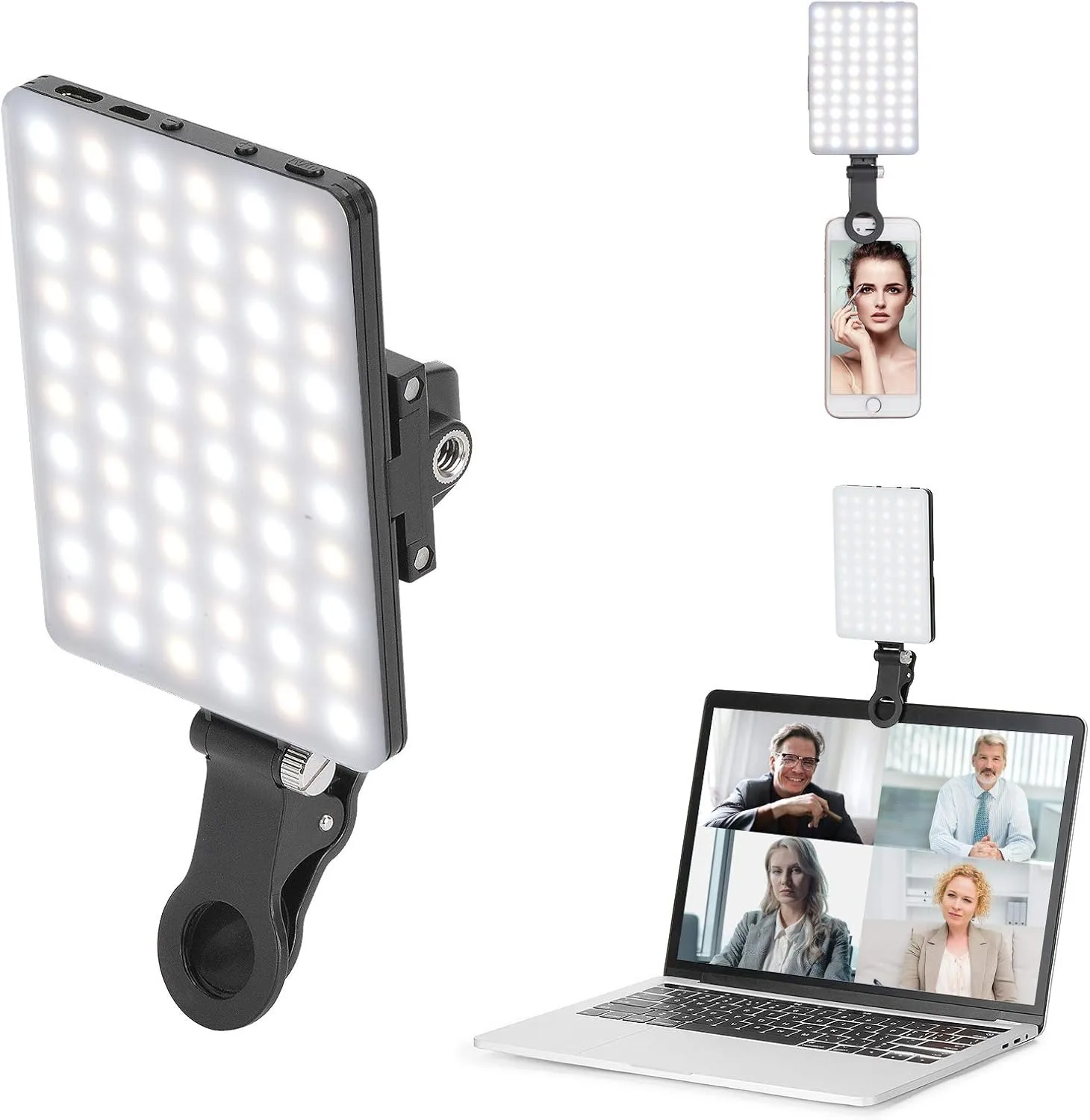
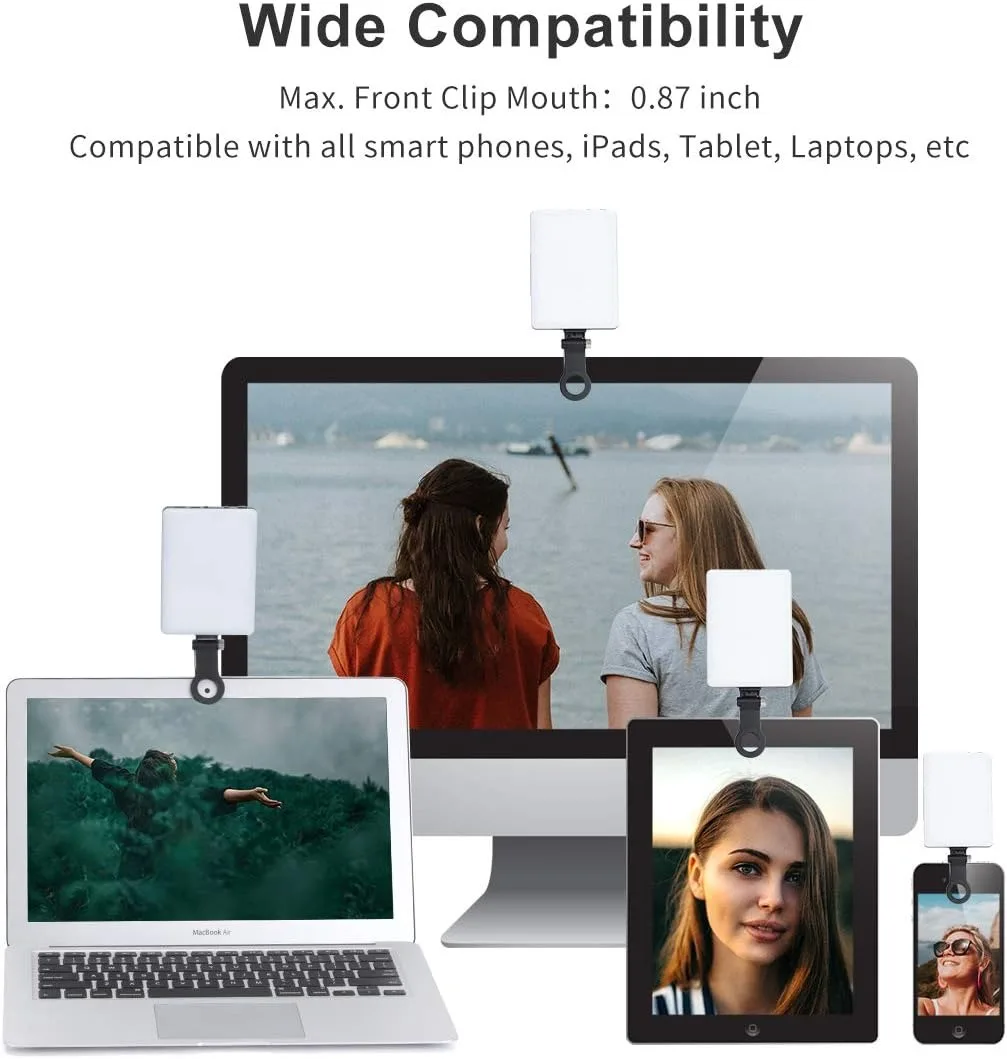
- Light: video lights, from clip-on lights to LED panels, ring lights on tripods and a softbox.
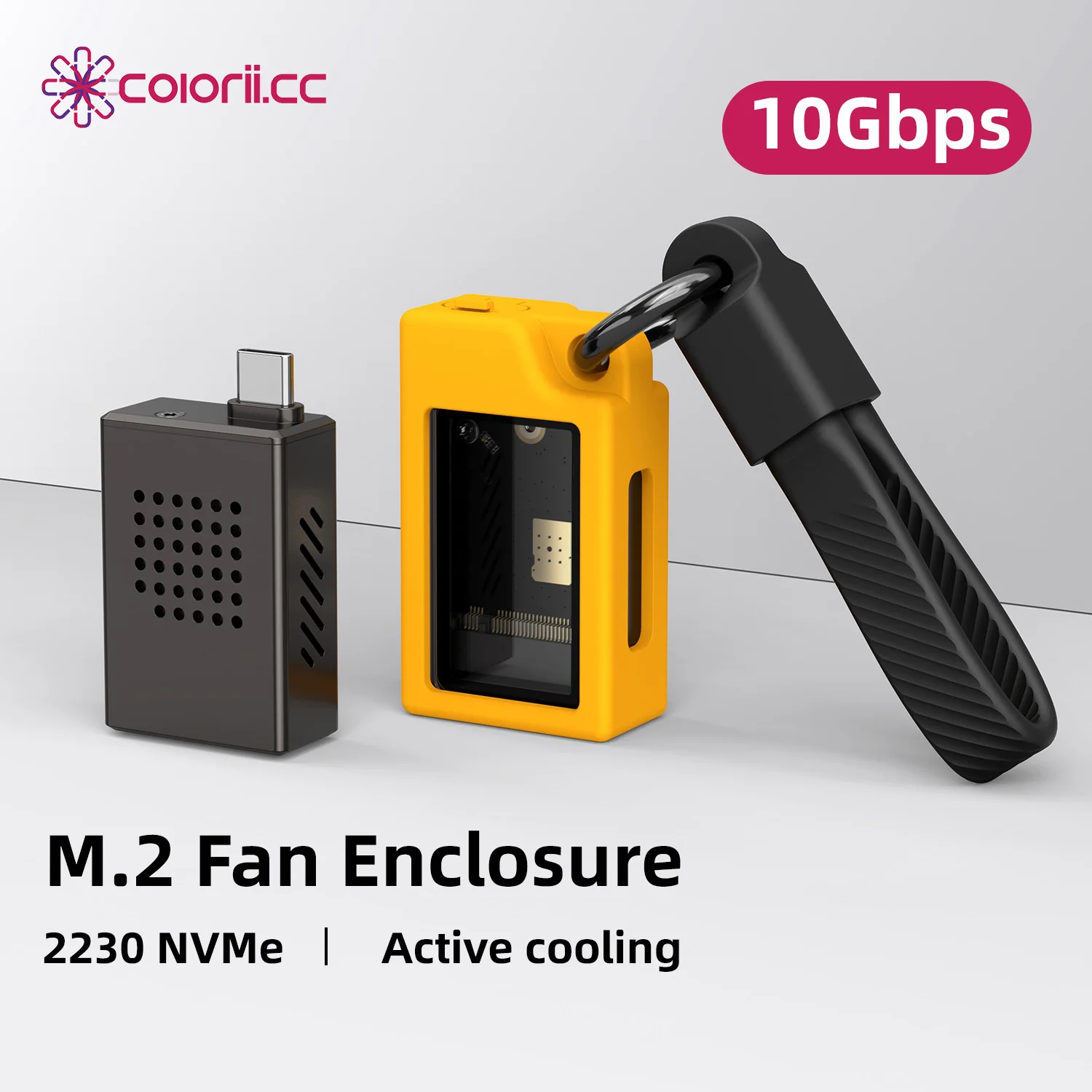
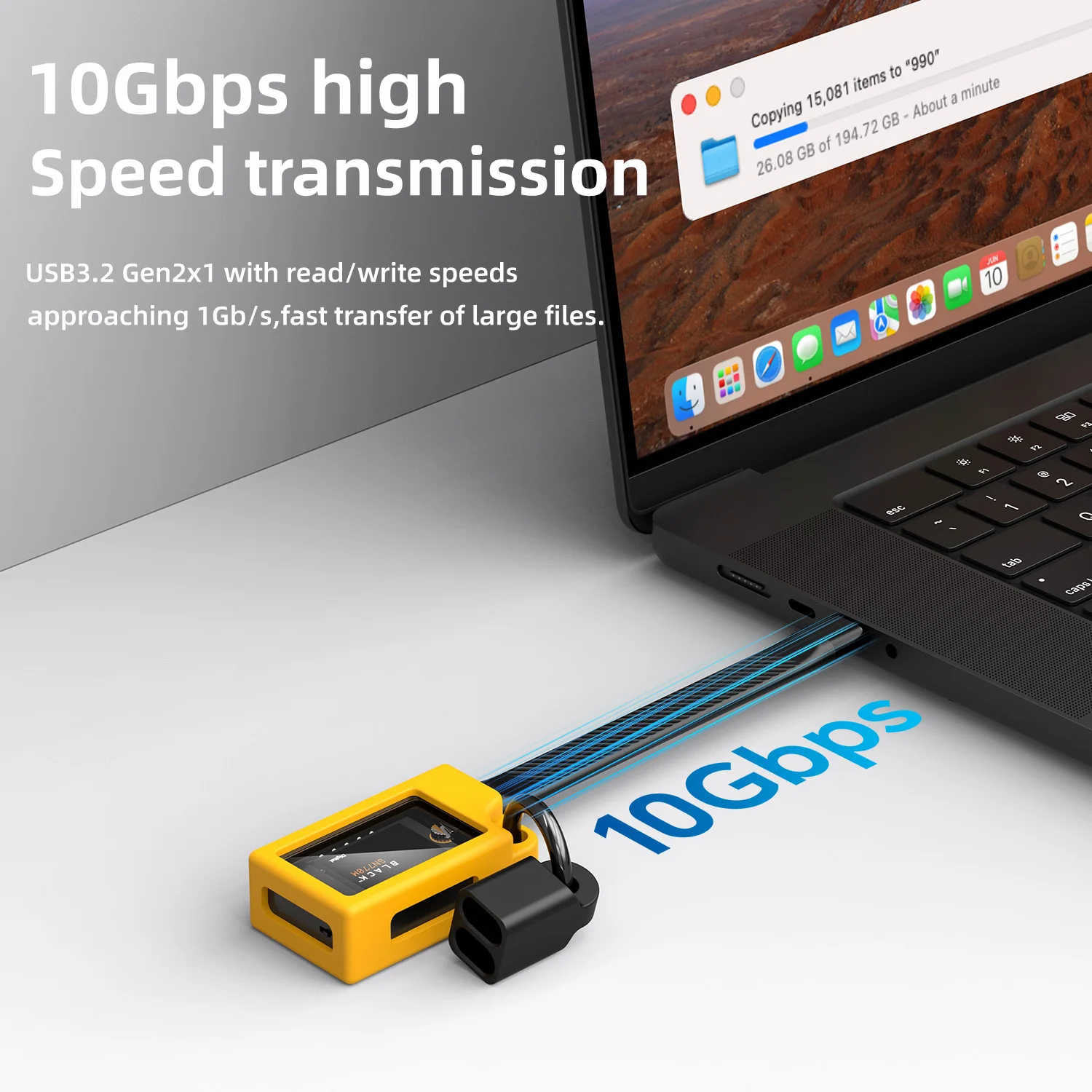
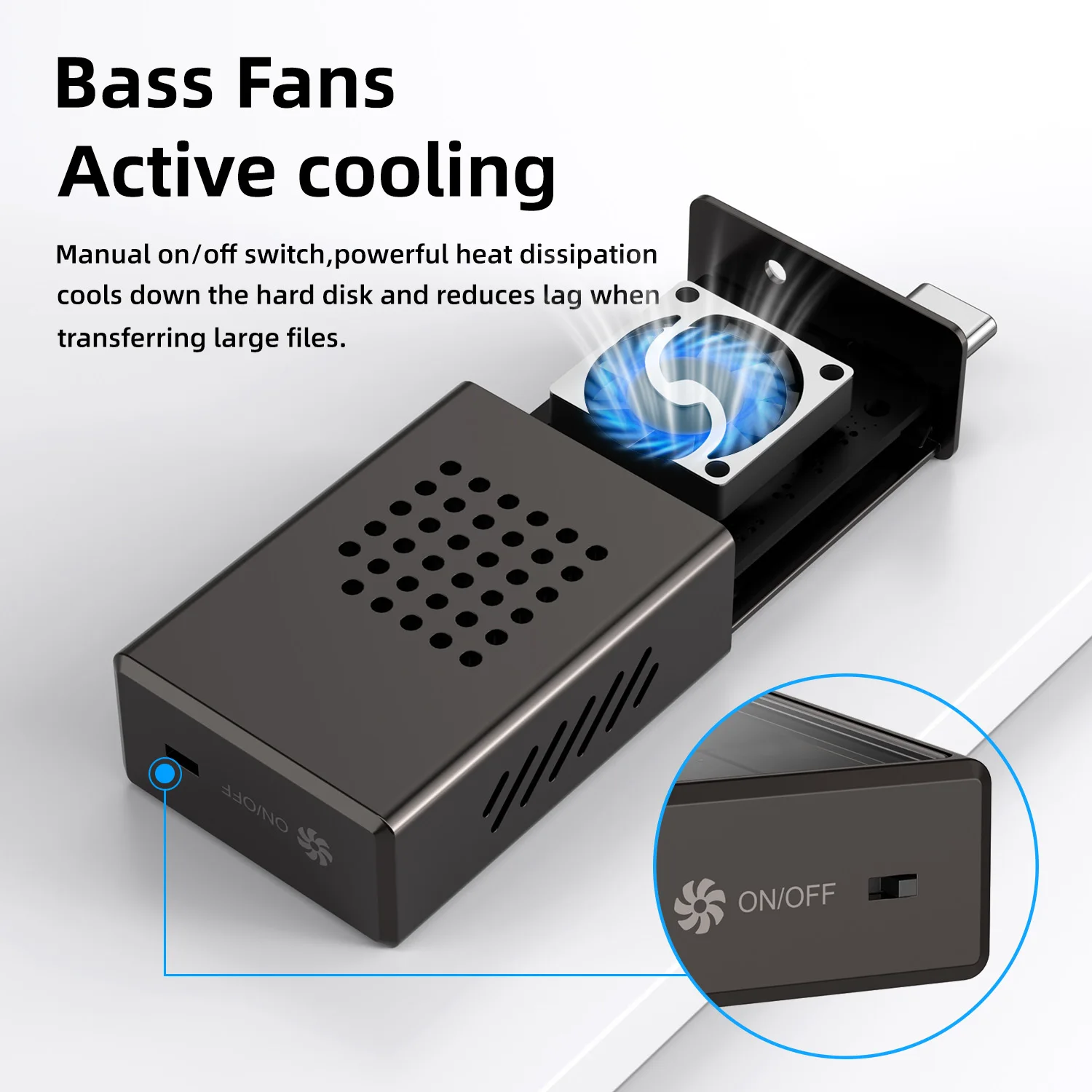
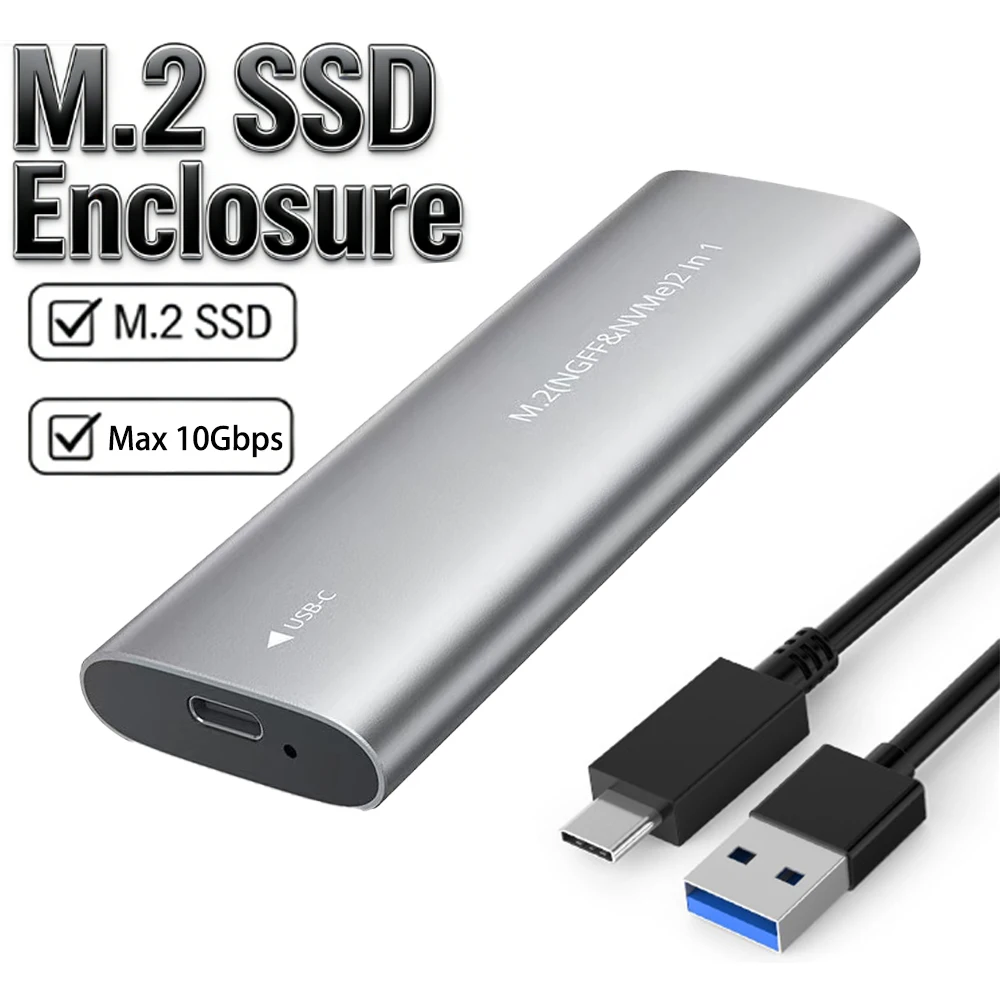
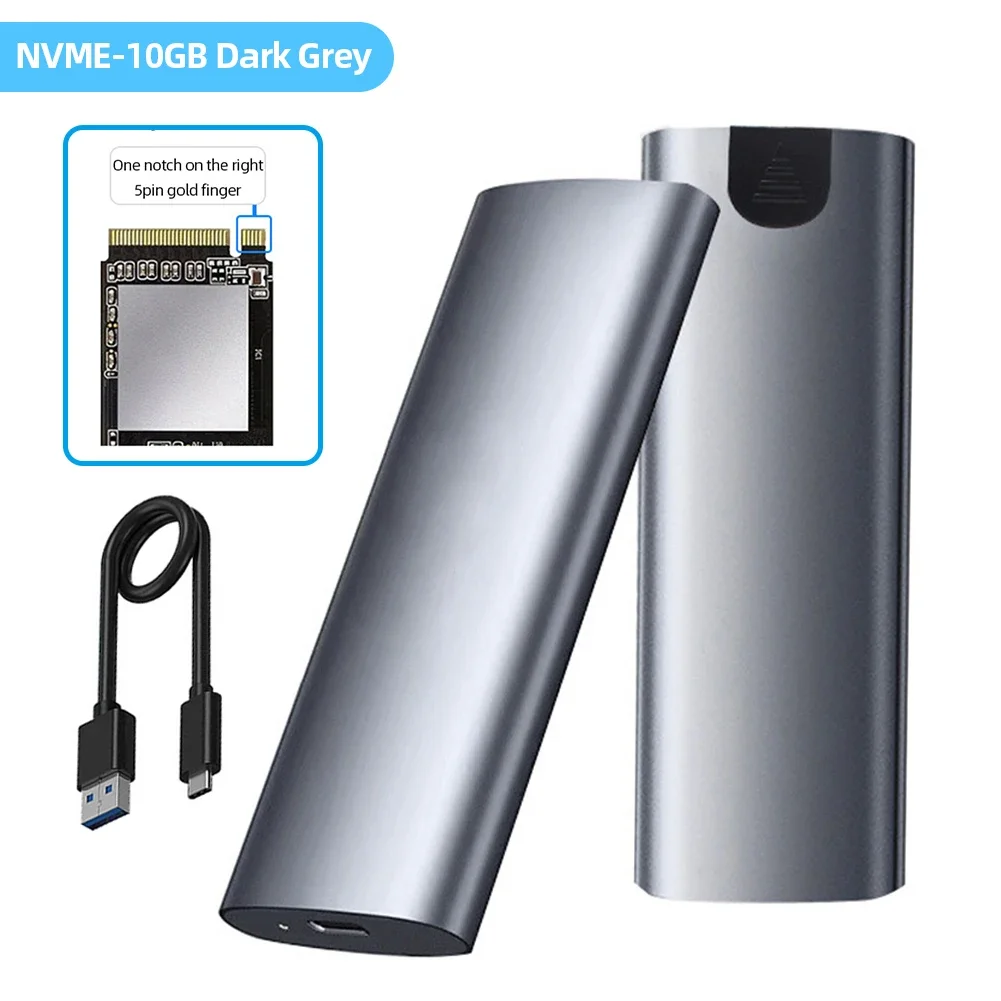
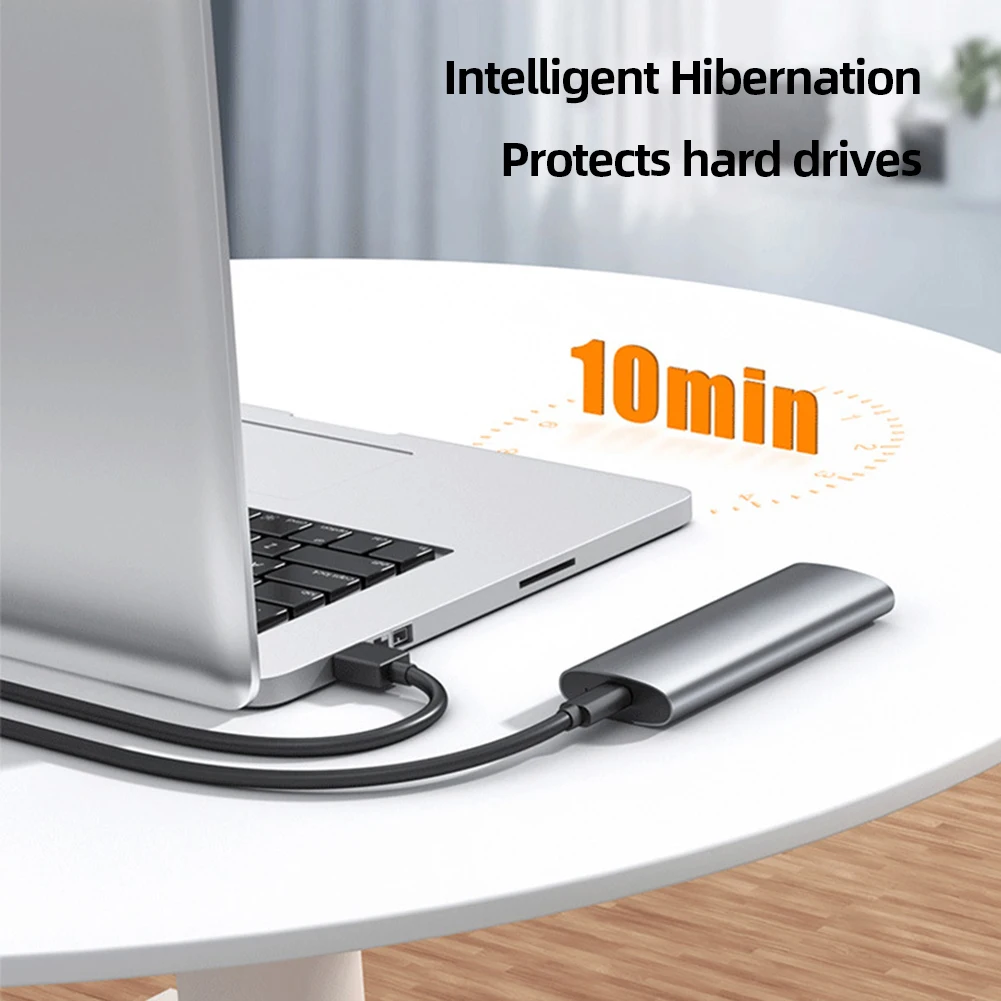
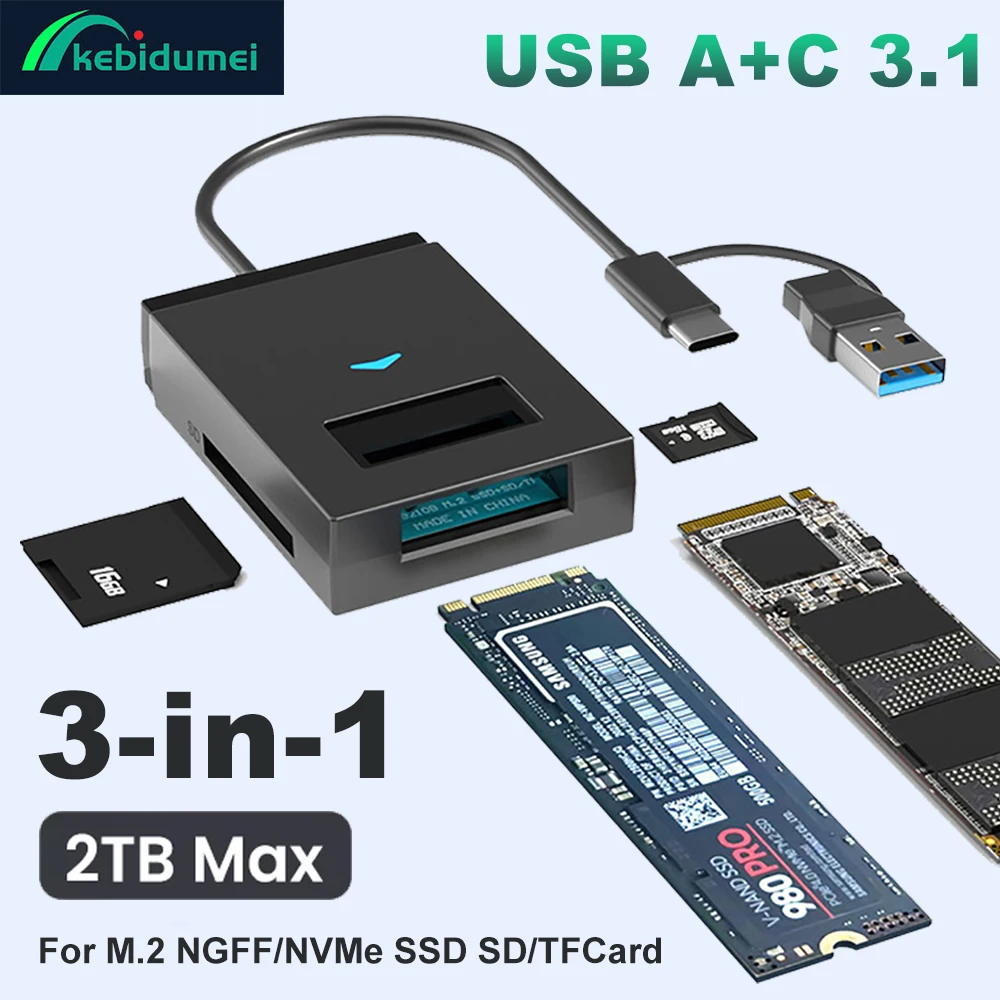
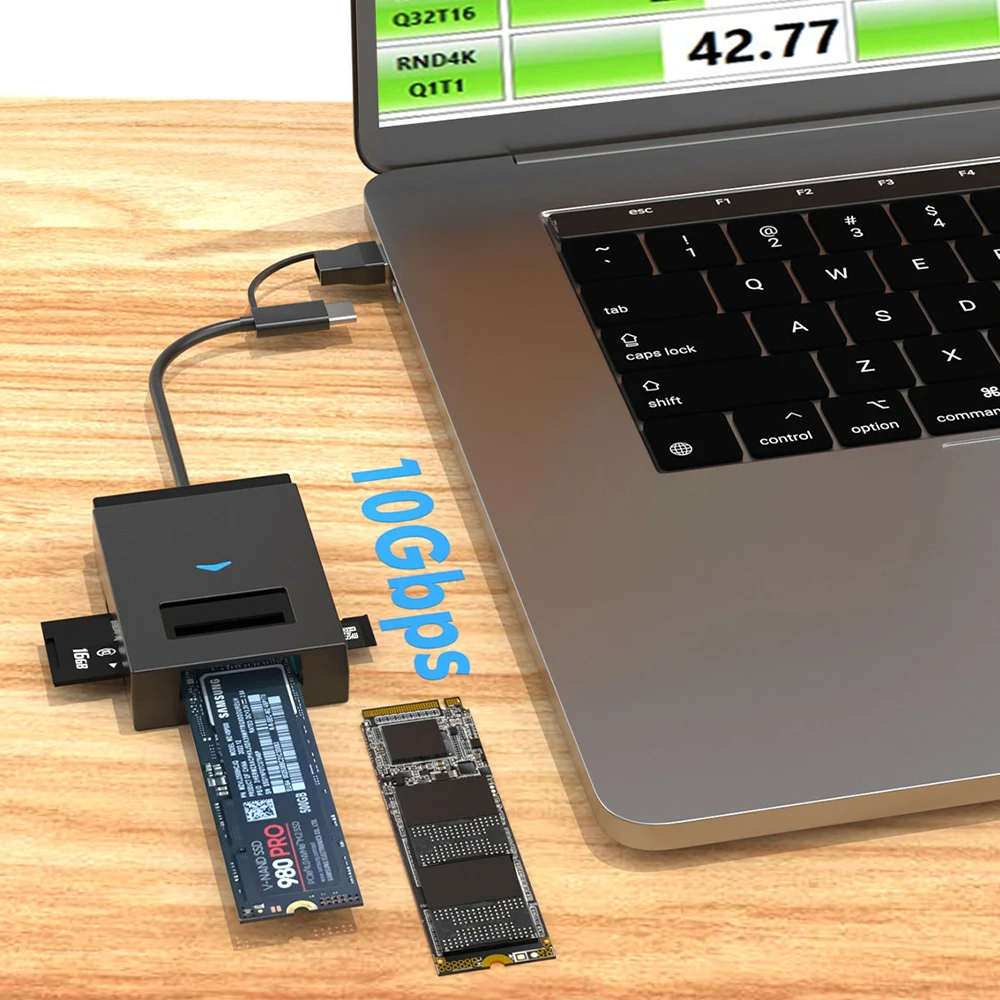
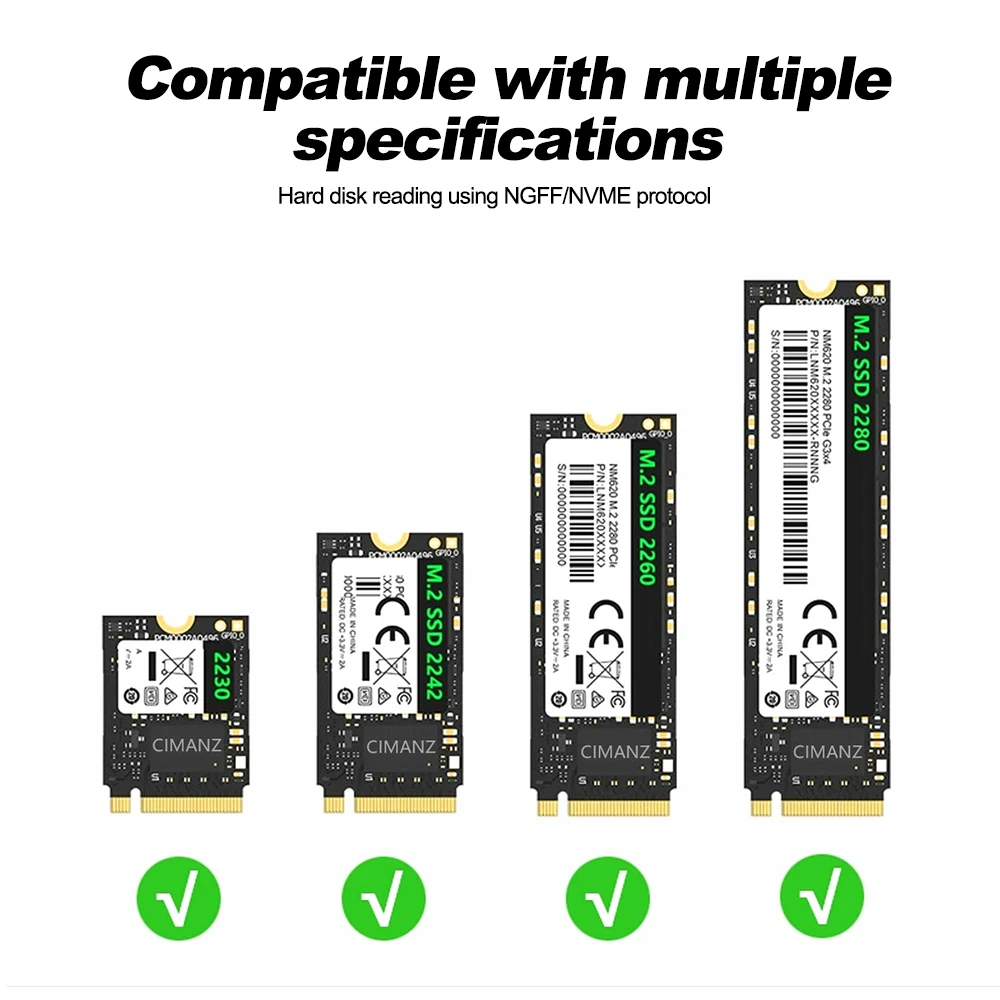
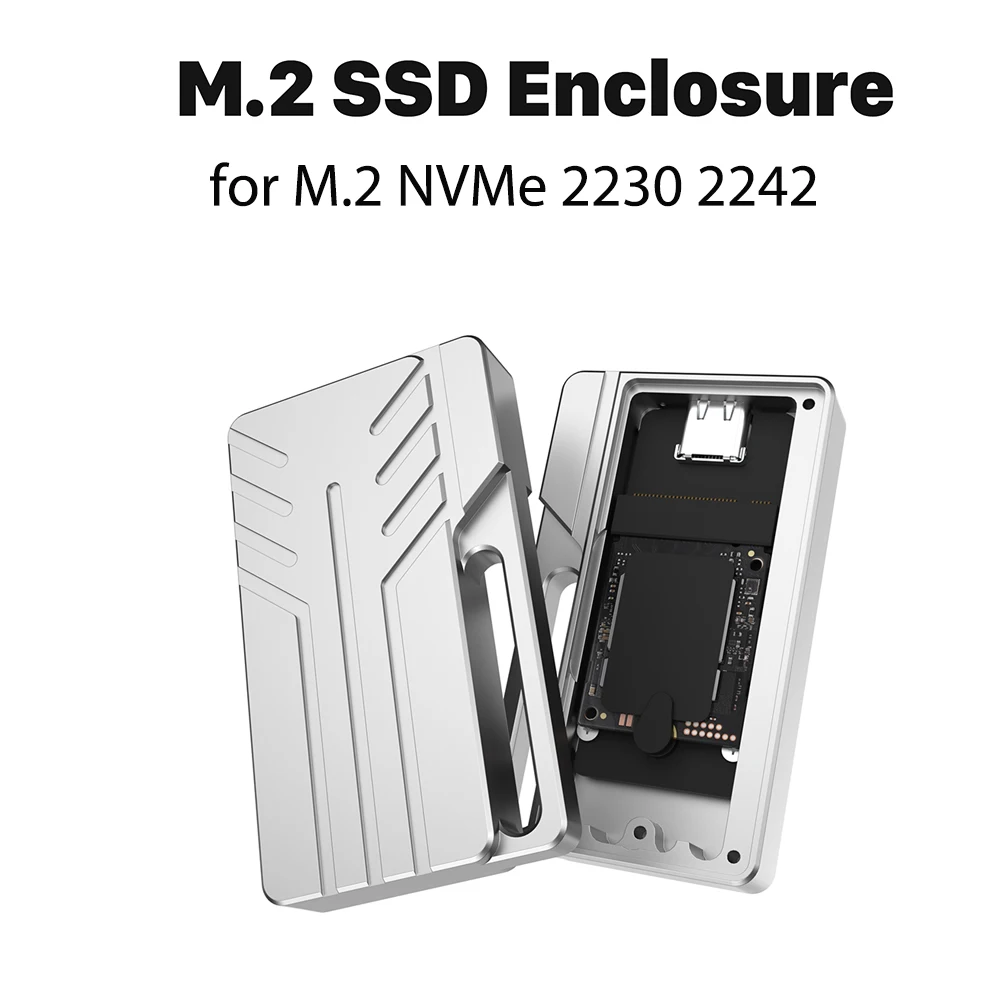
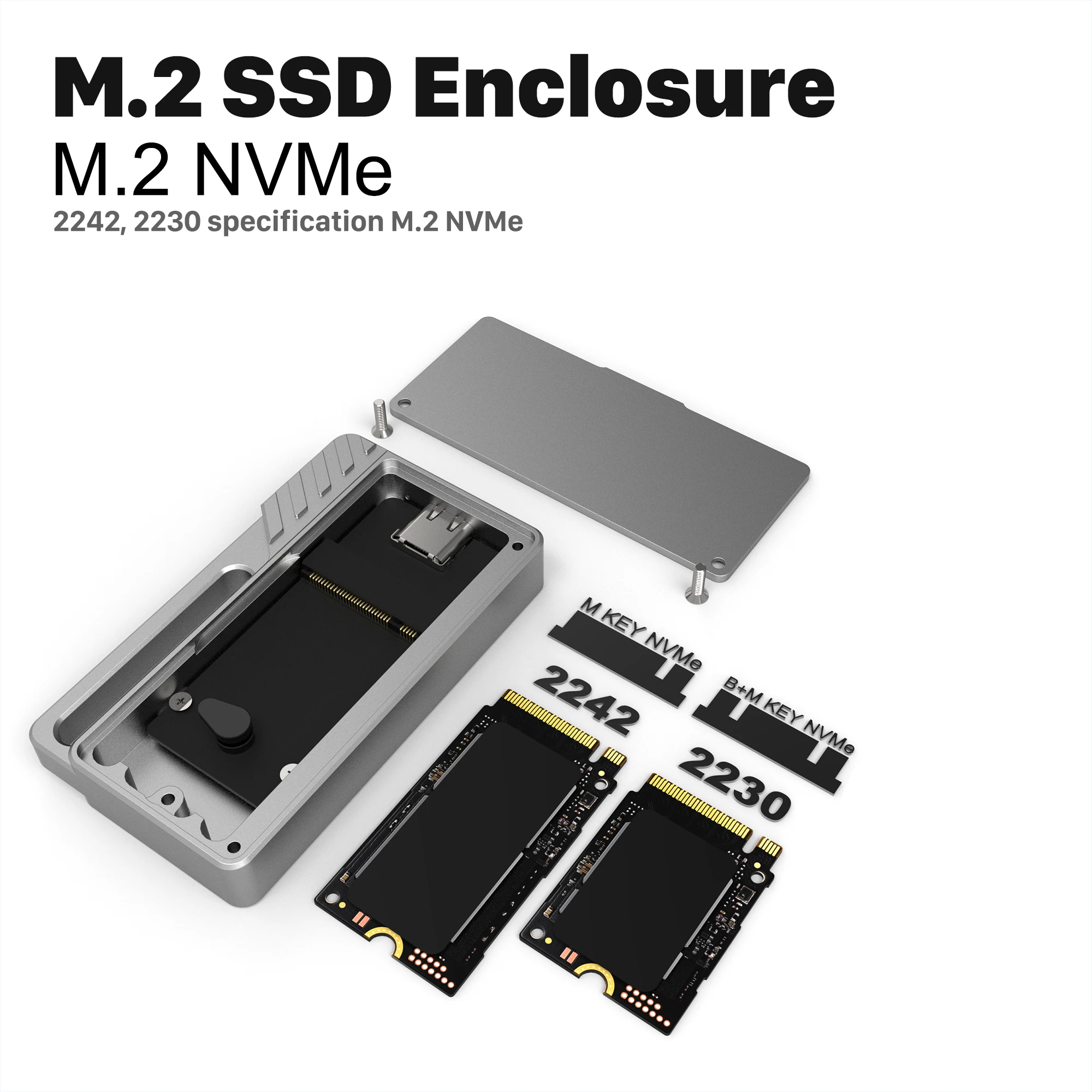
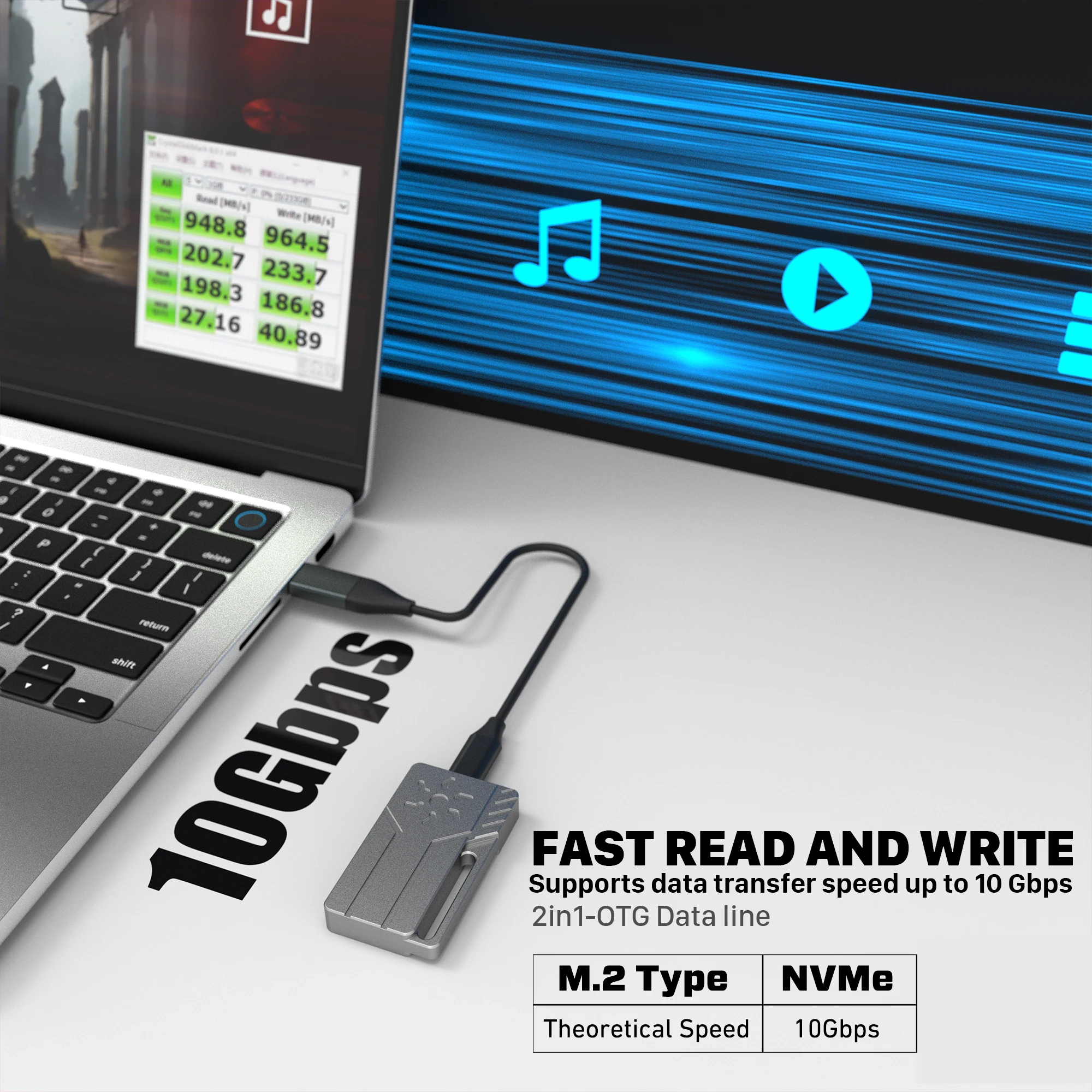
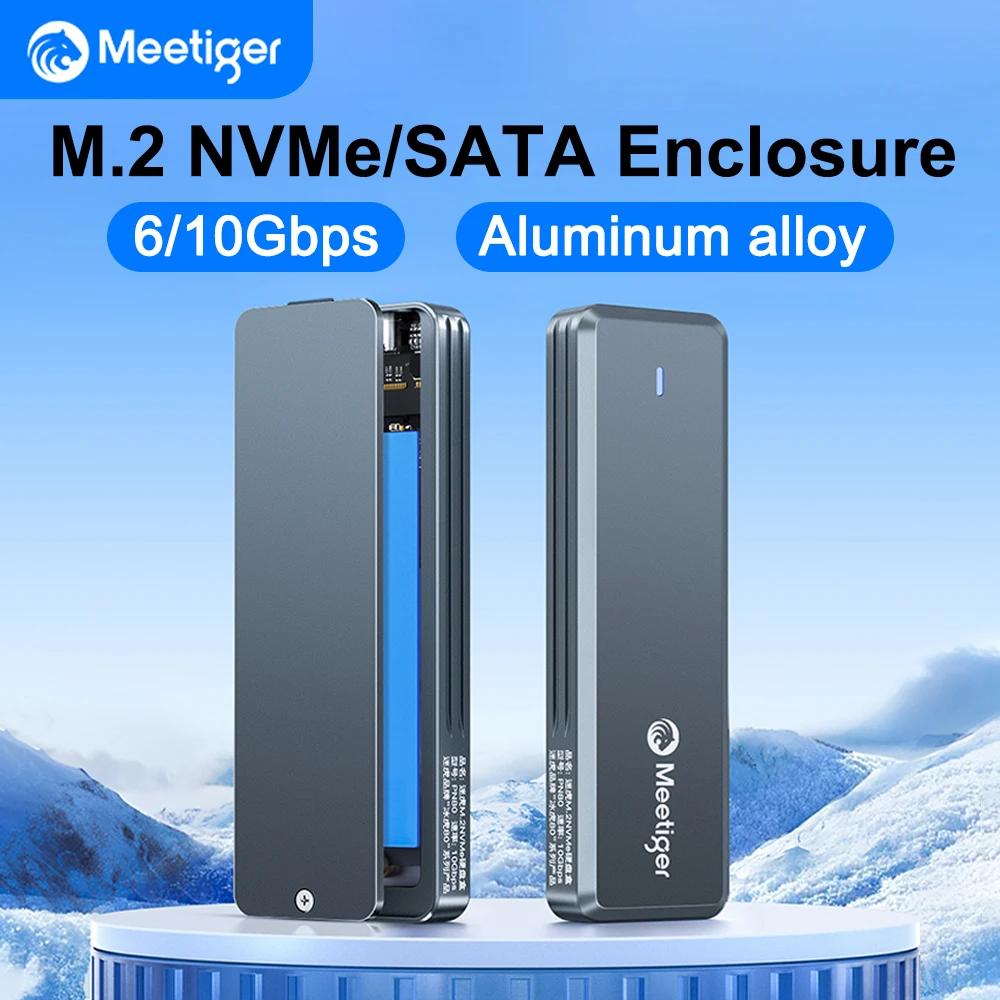
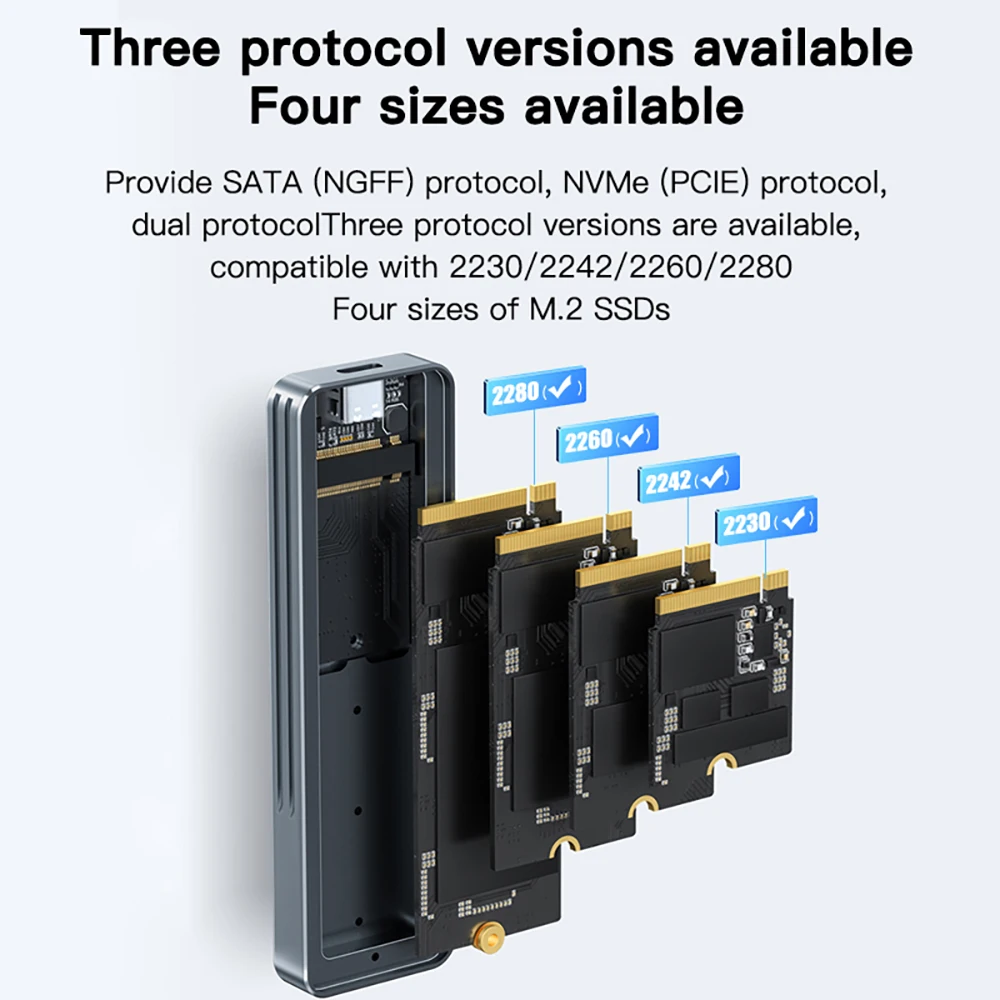
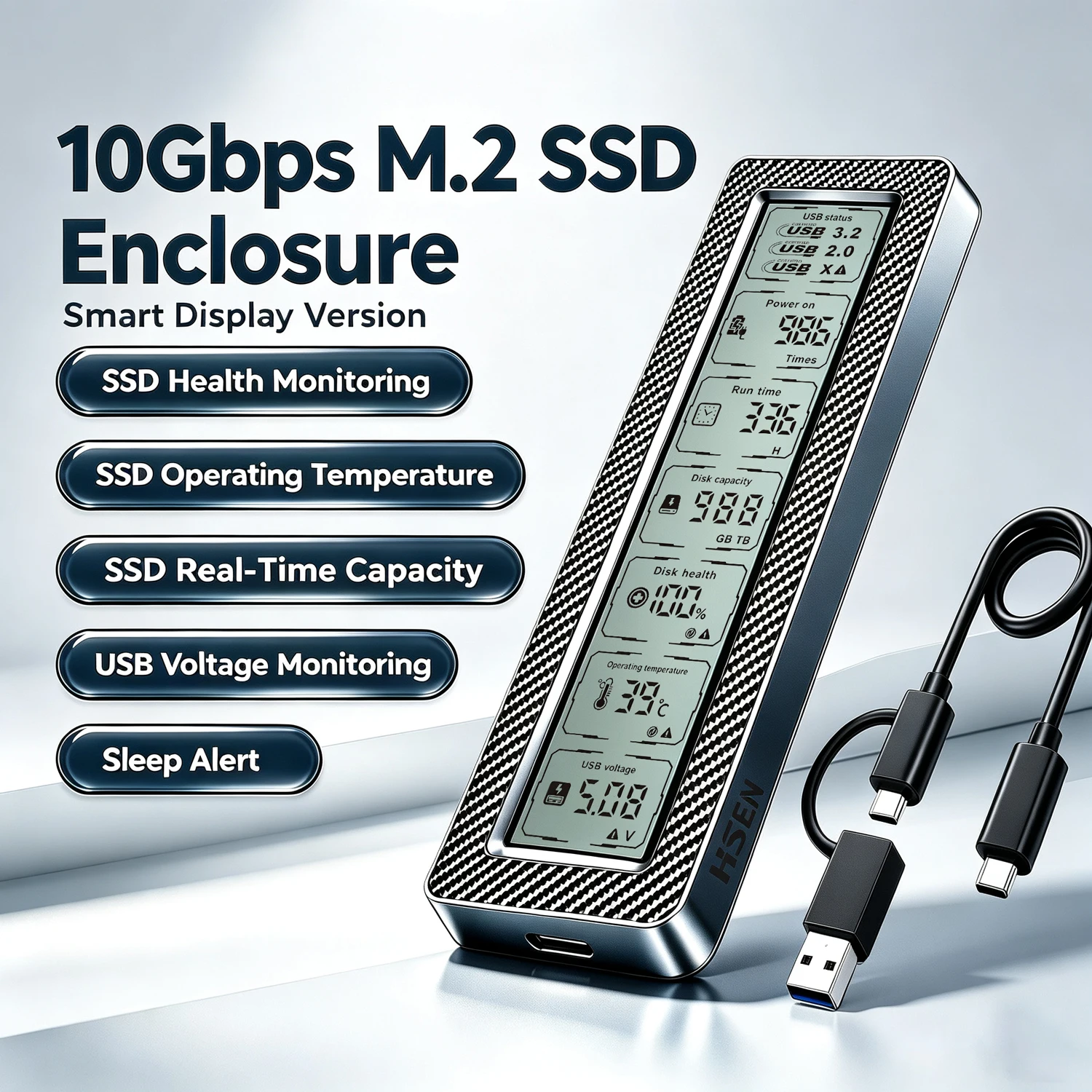
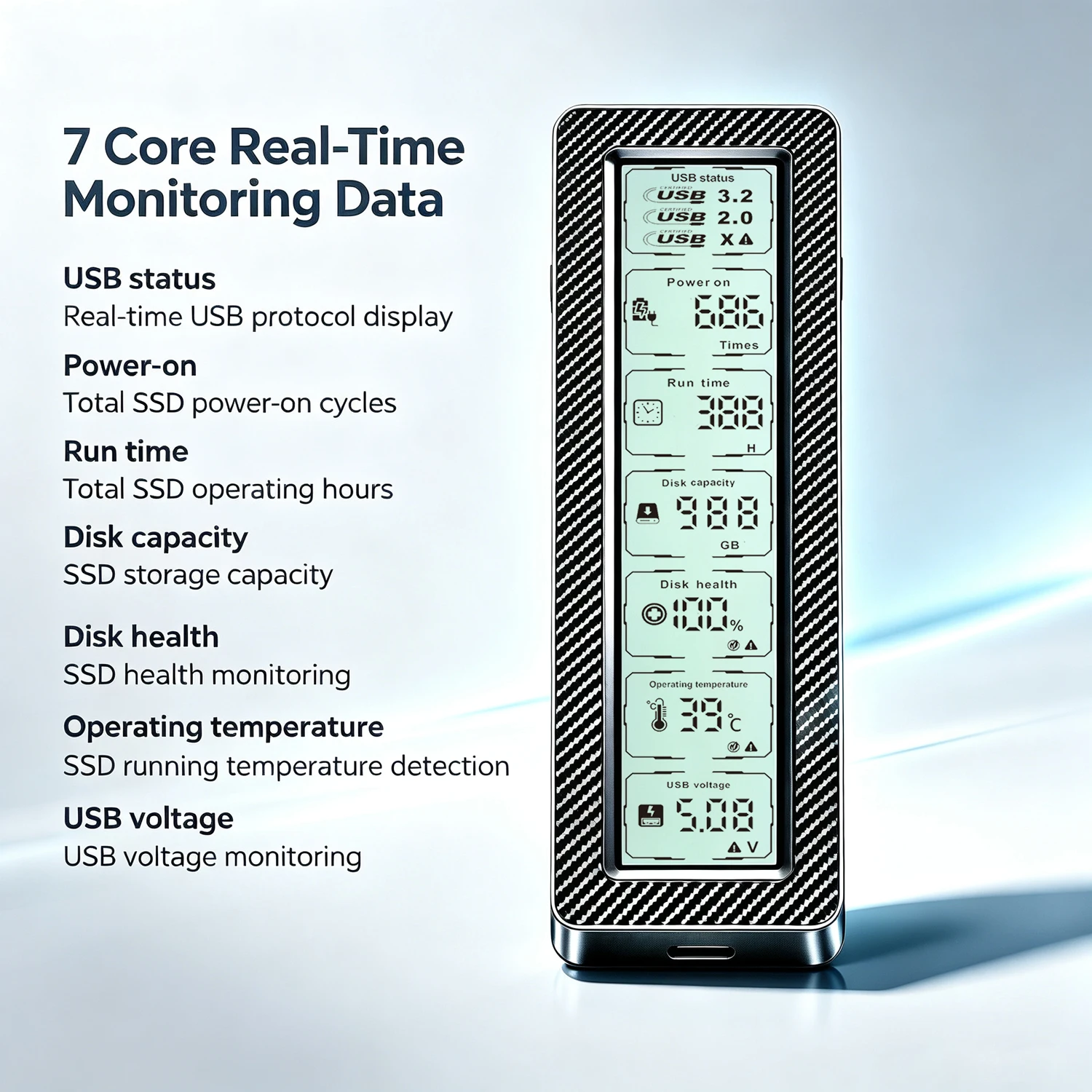
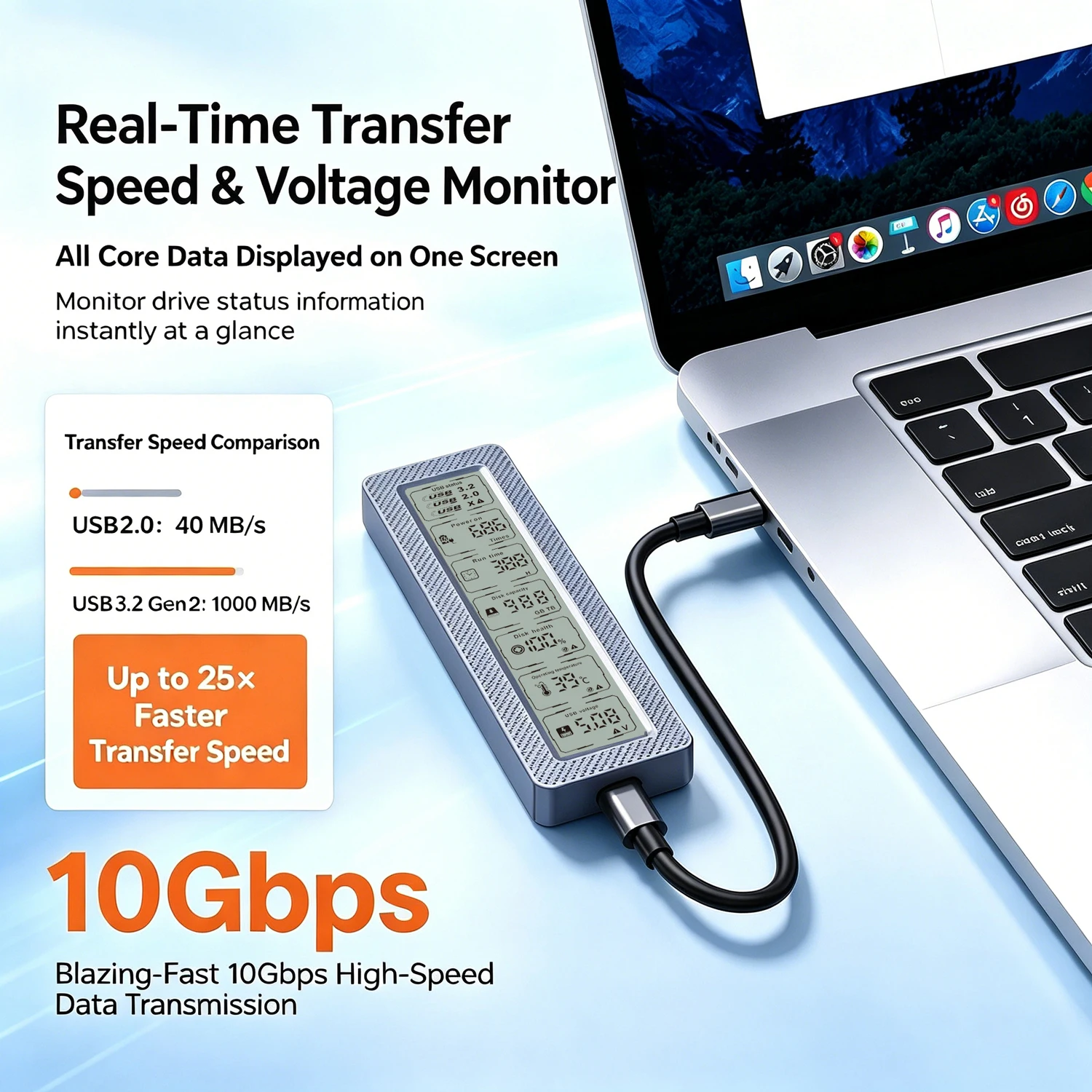
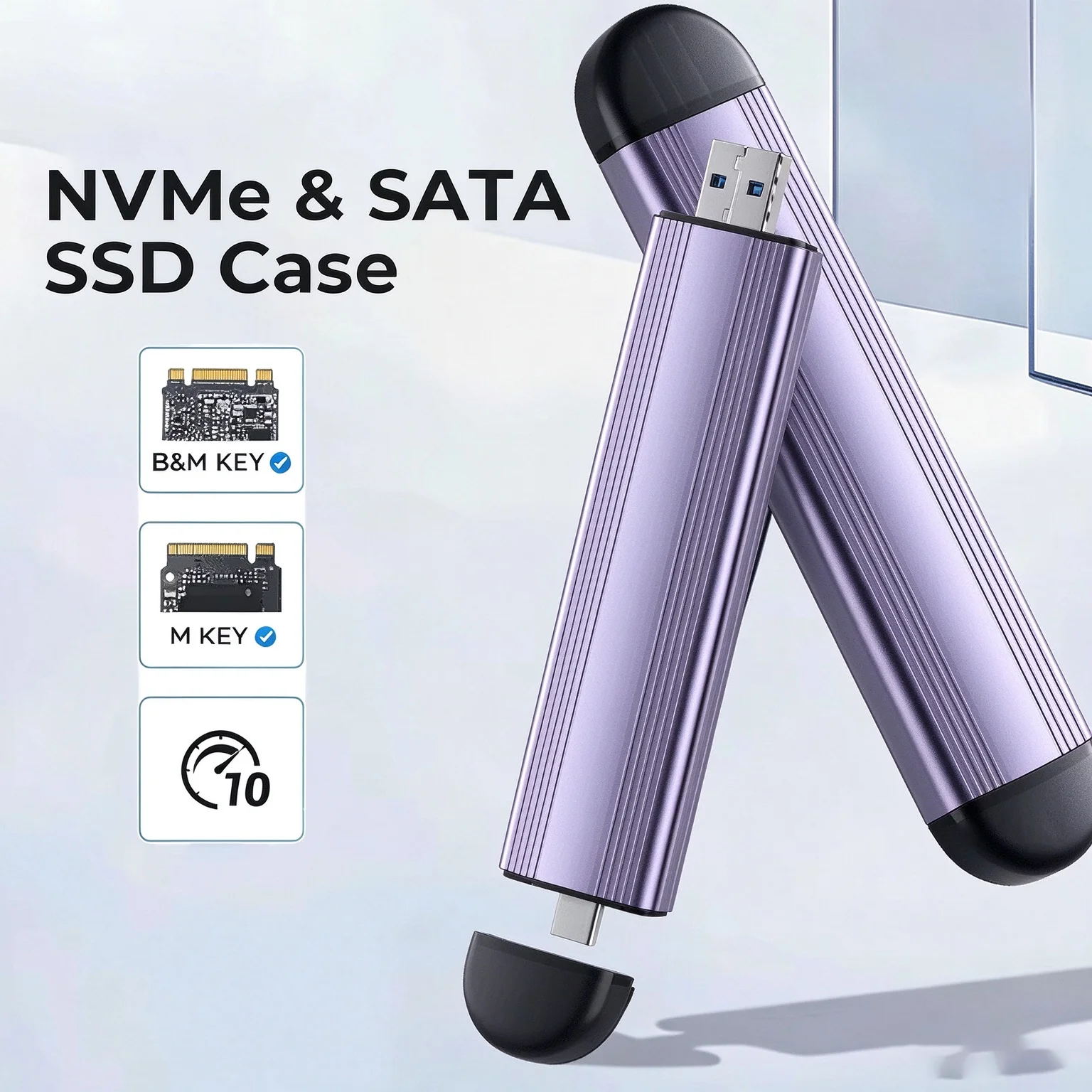
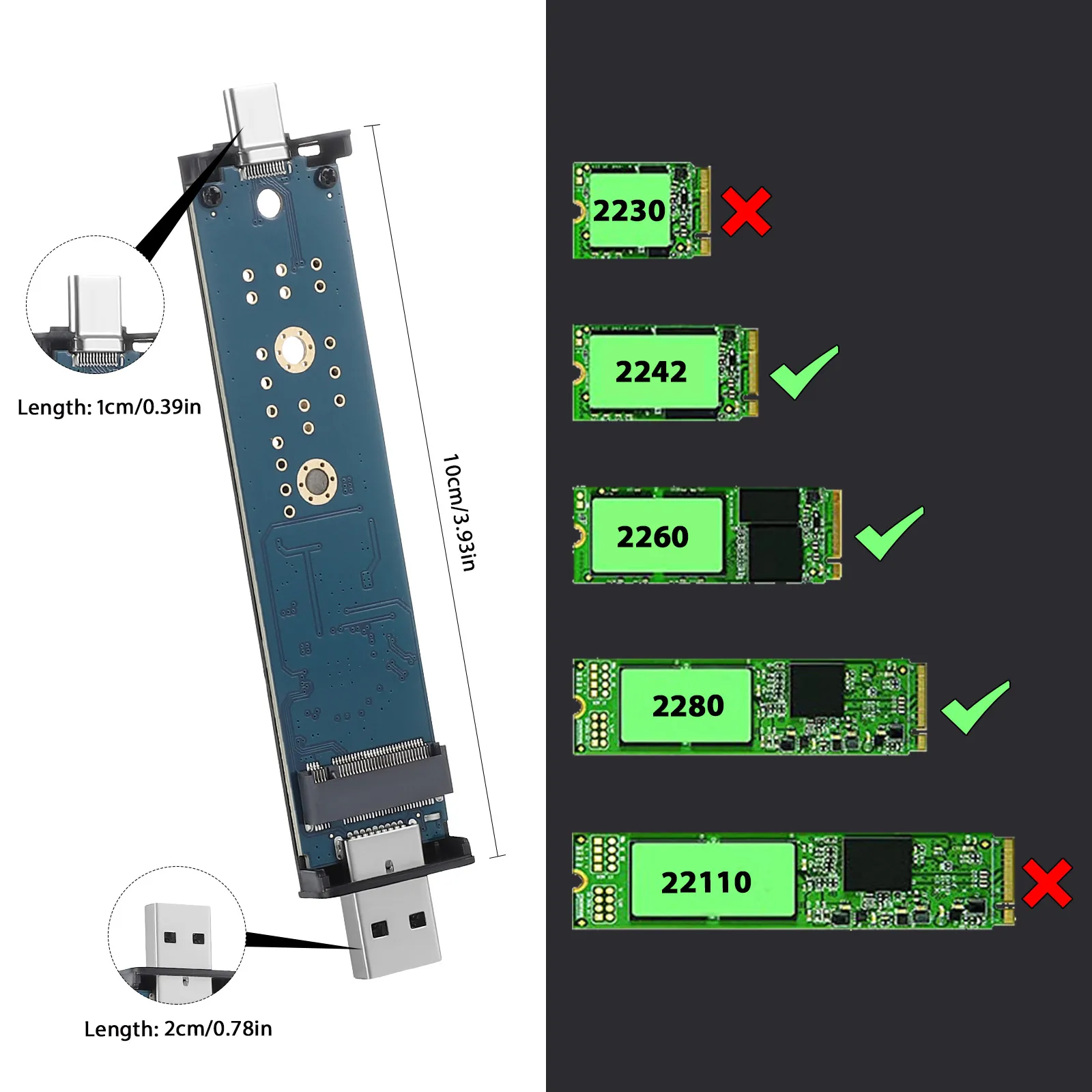
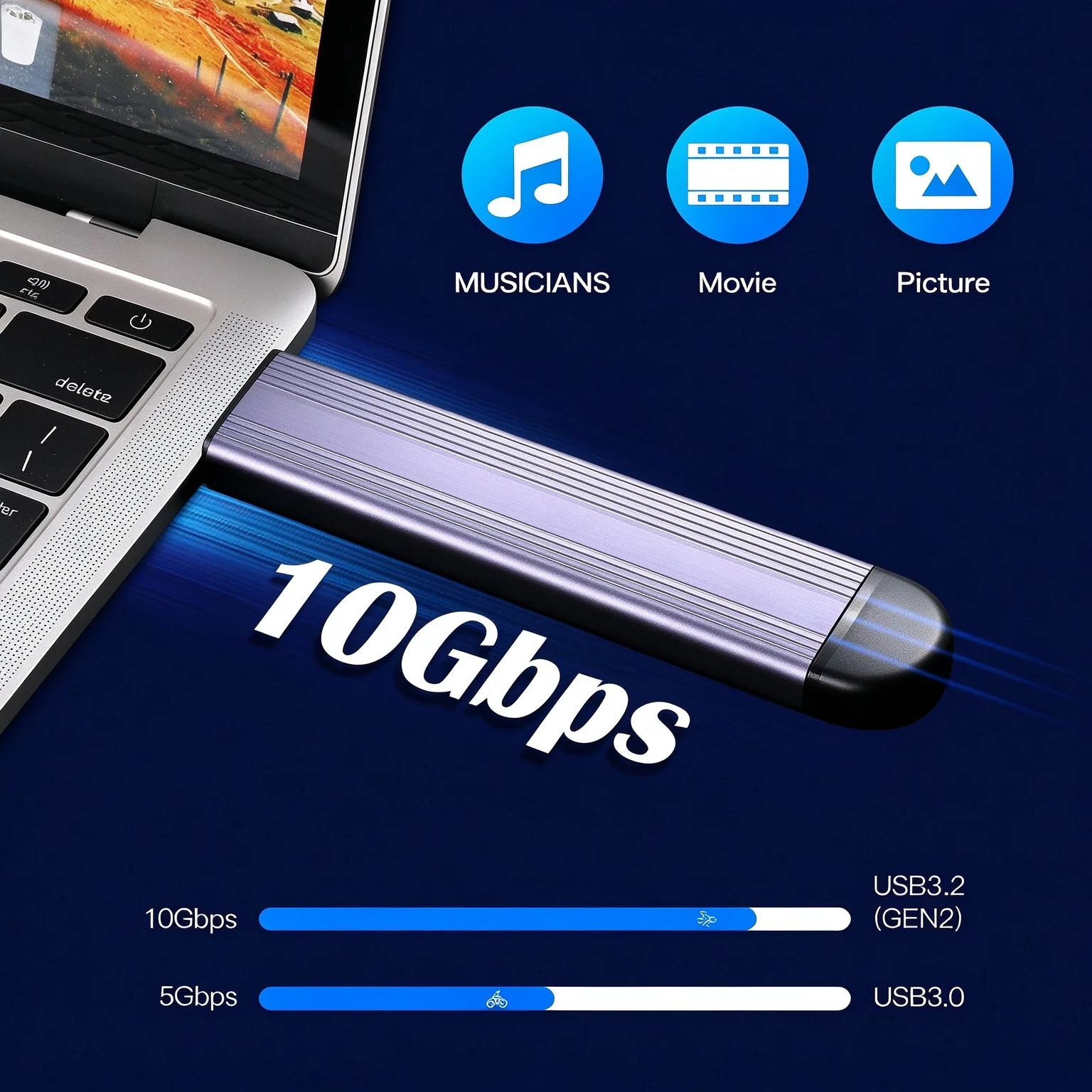
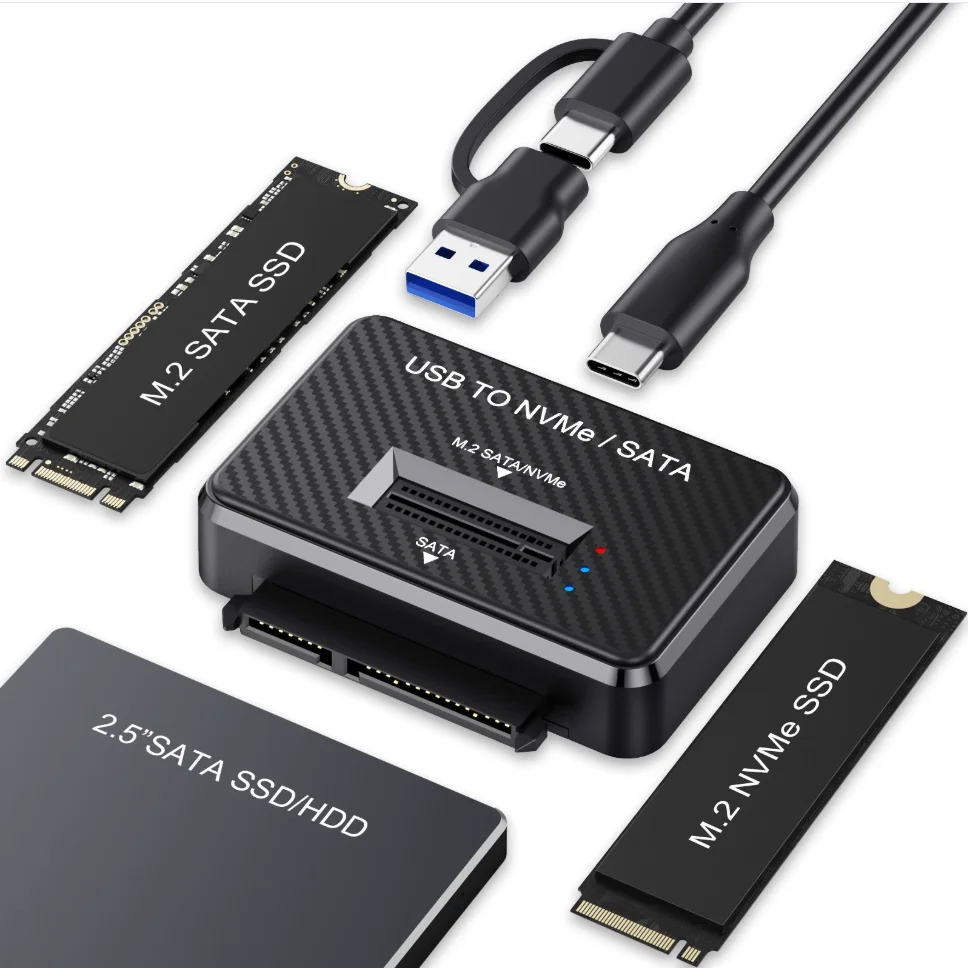
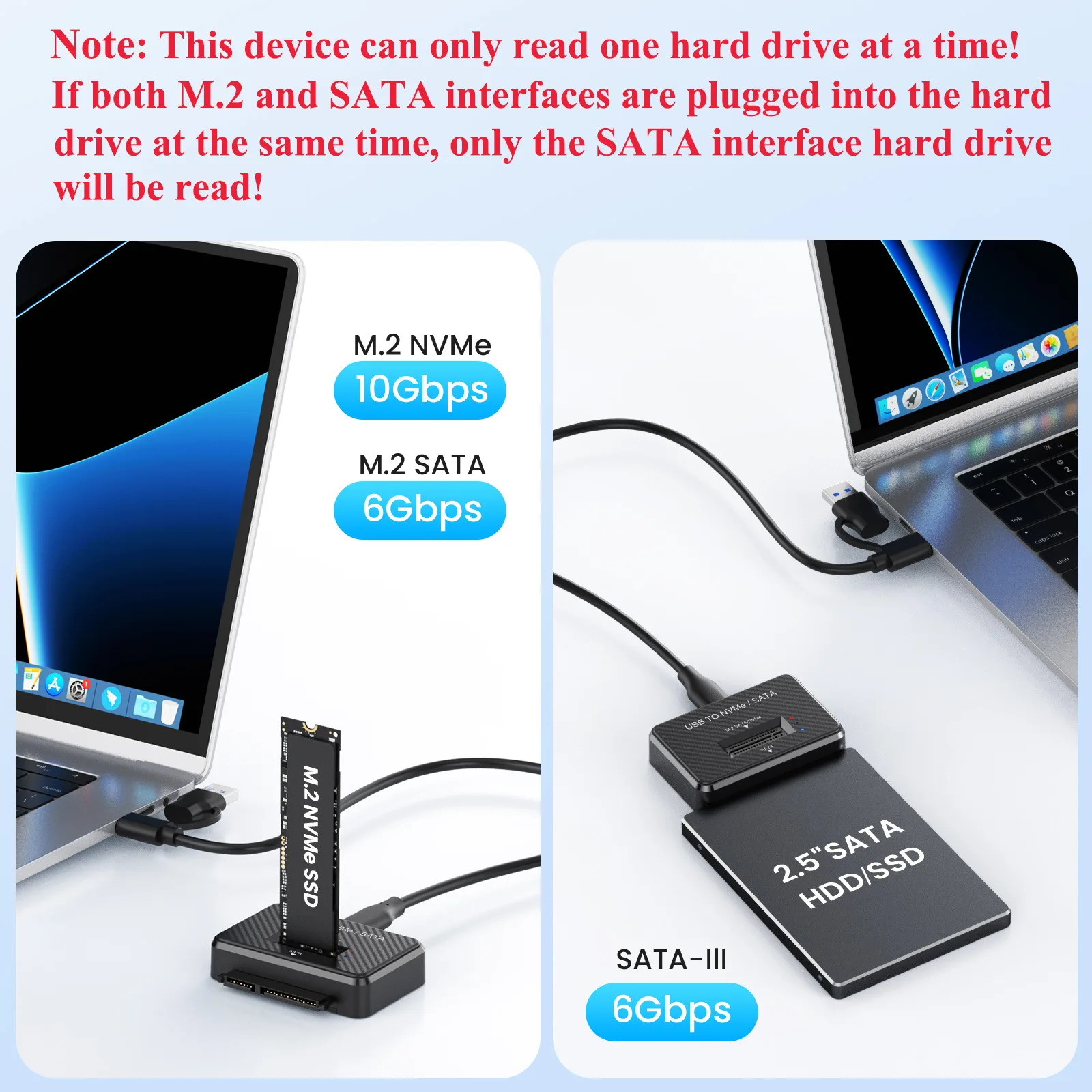
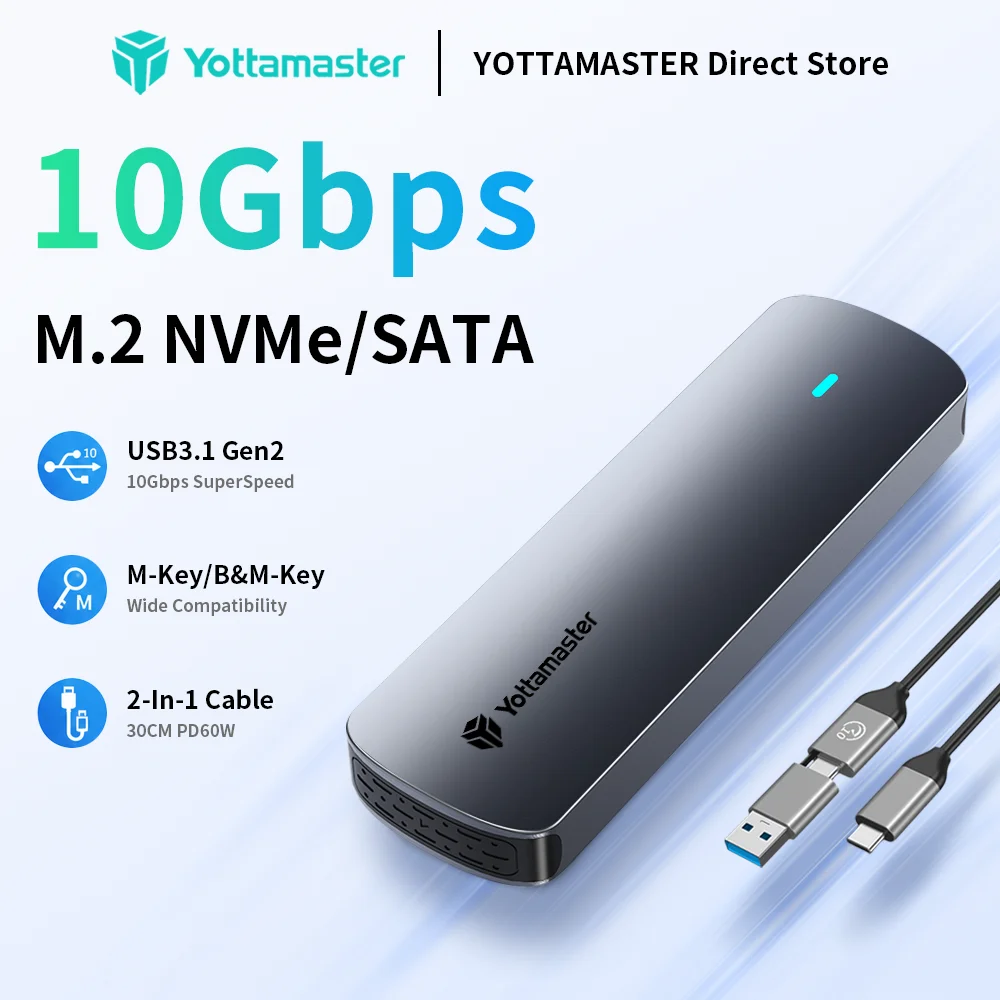
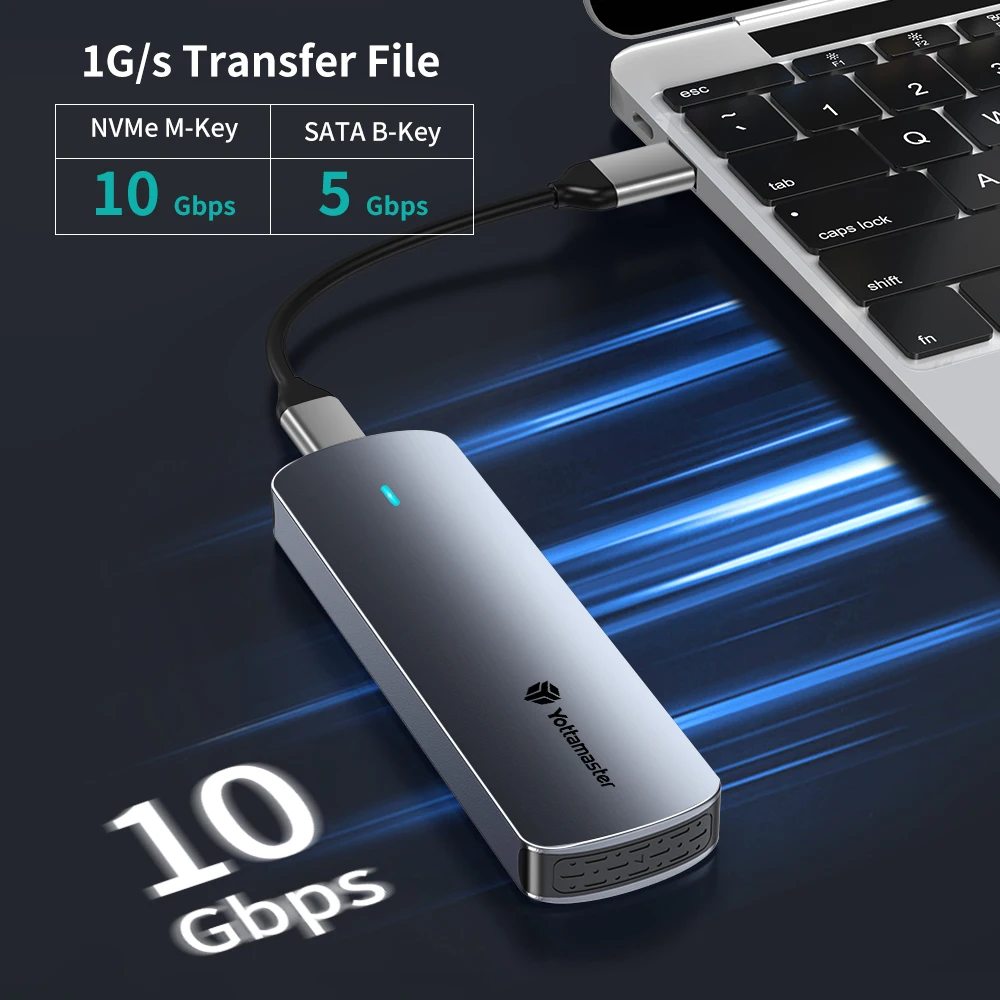
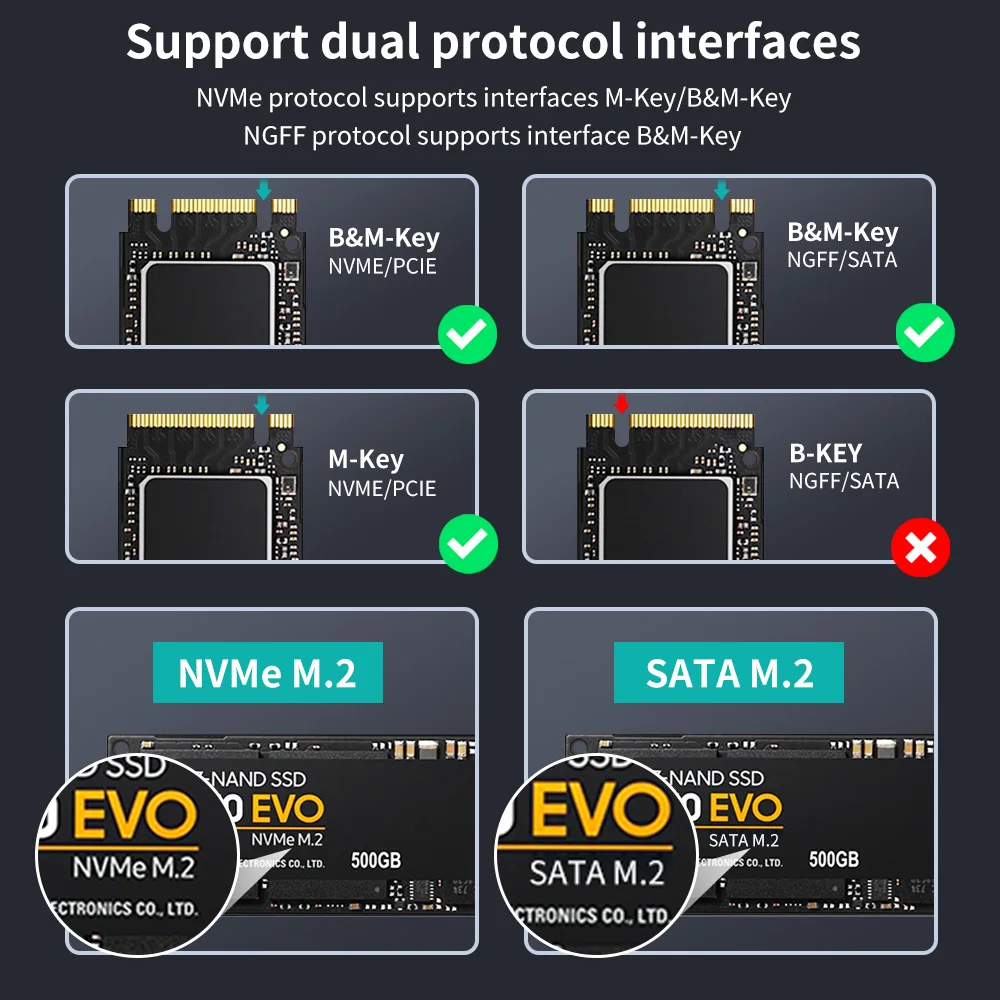
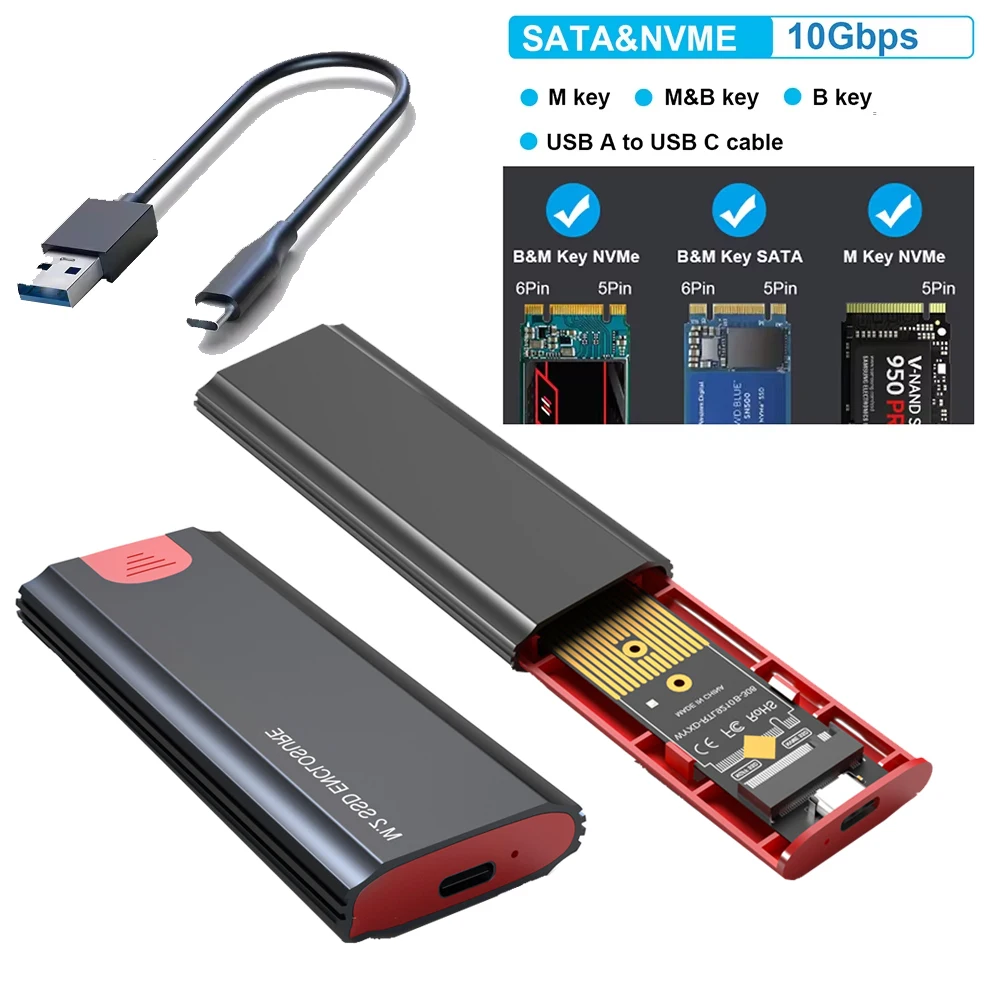
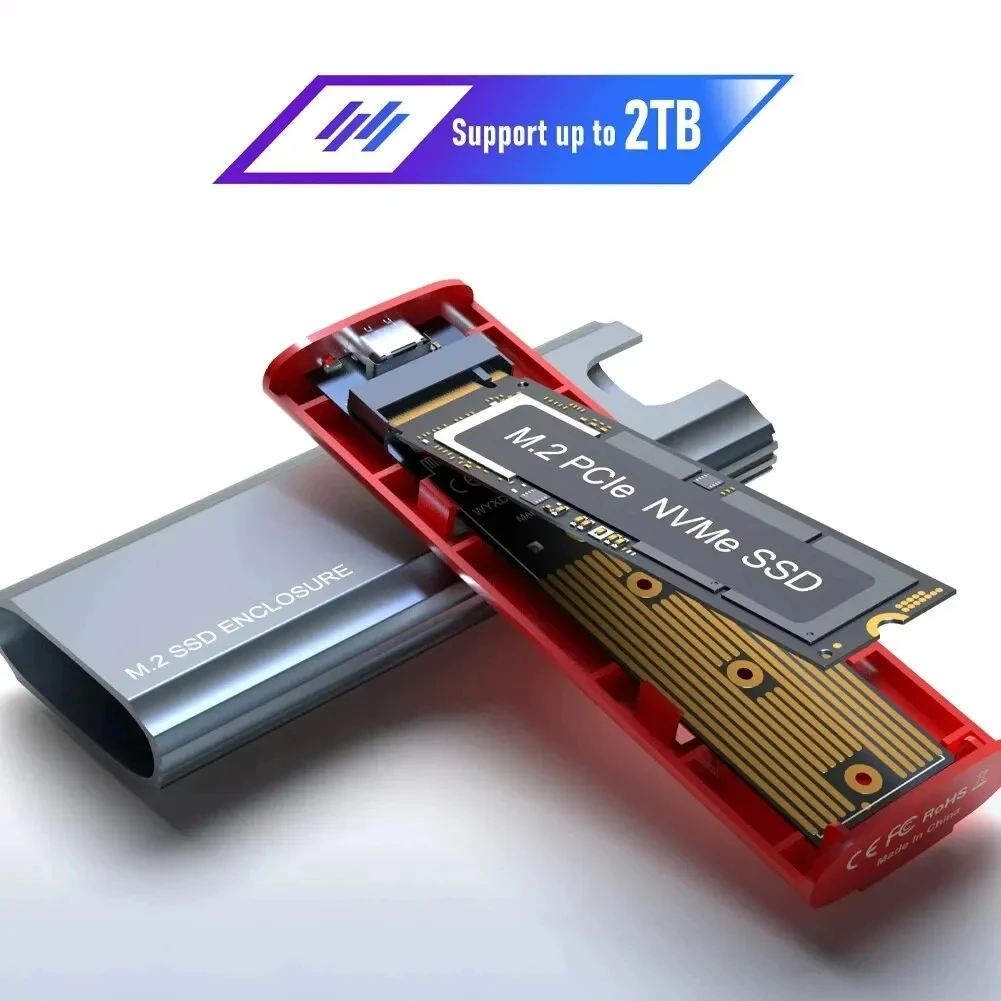
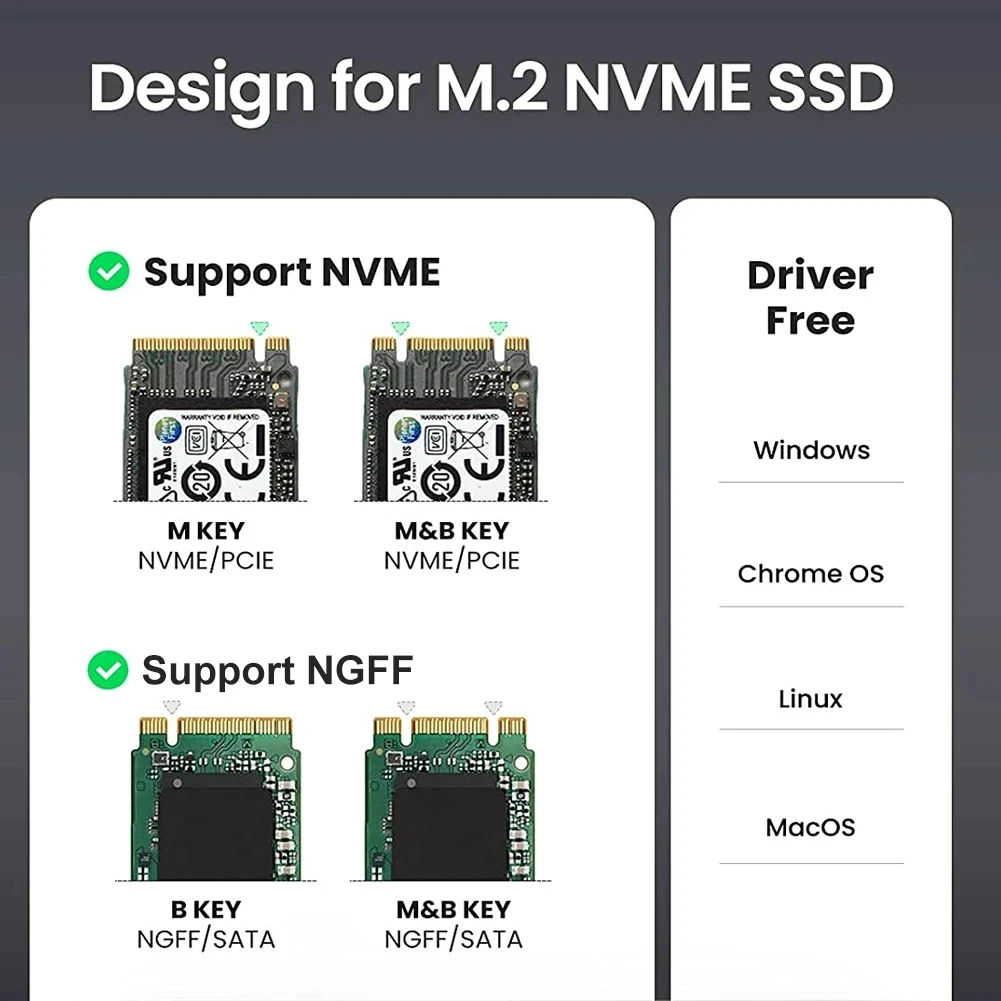
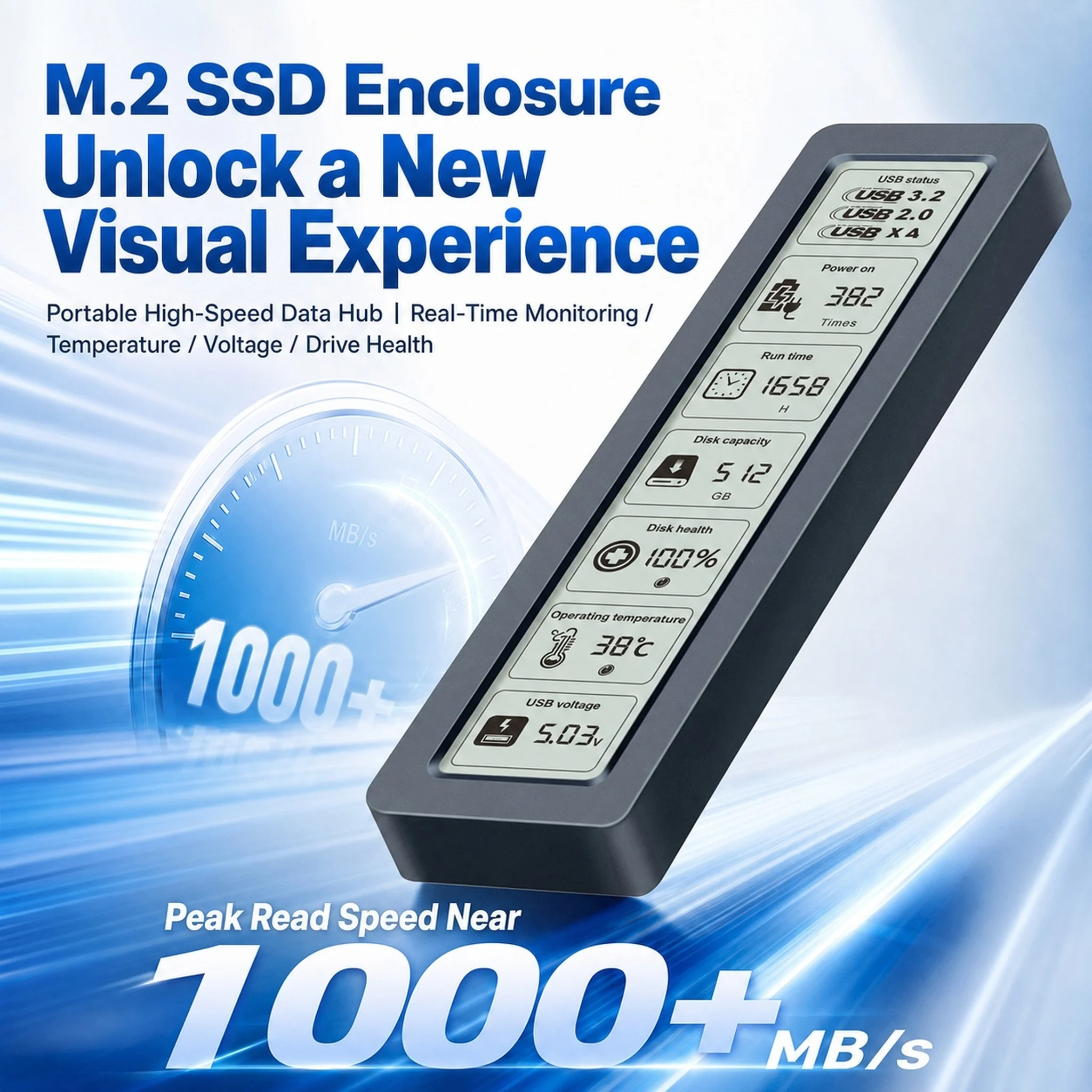
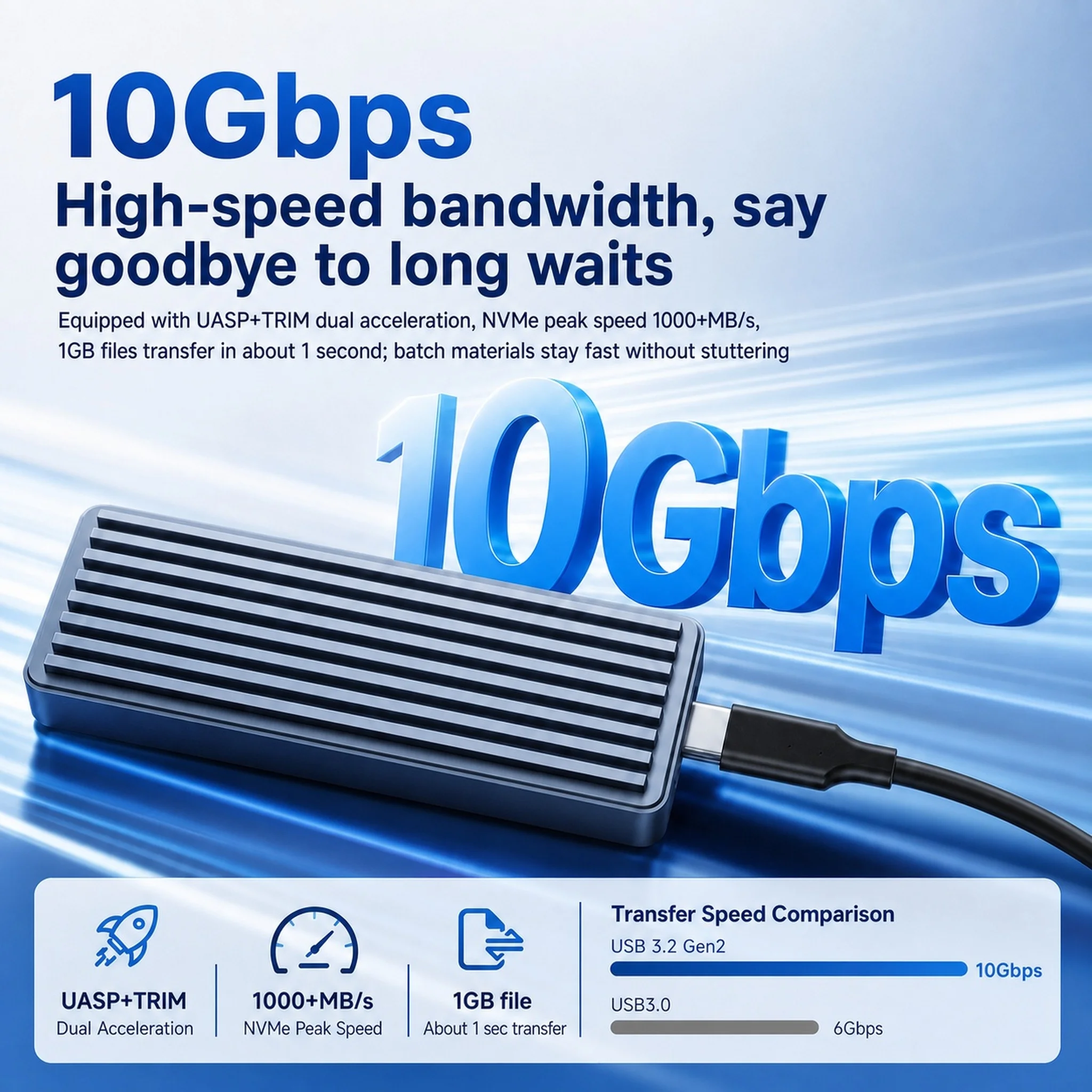
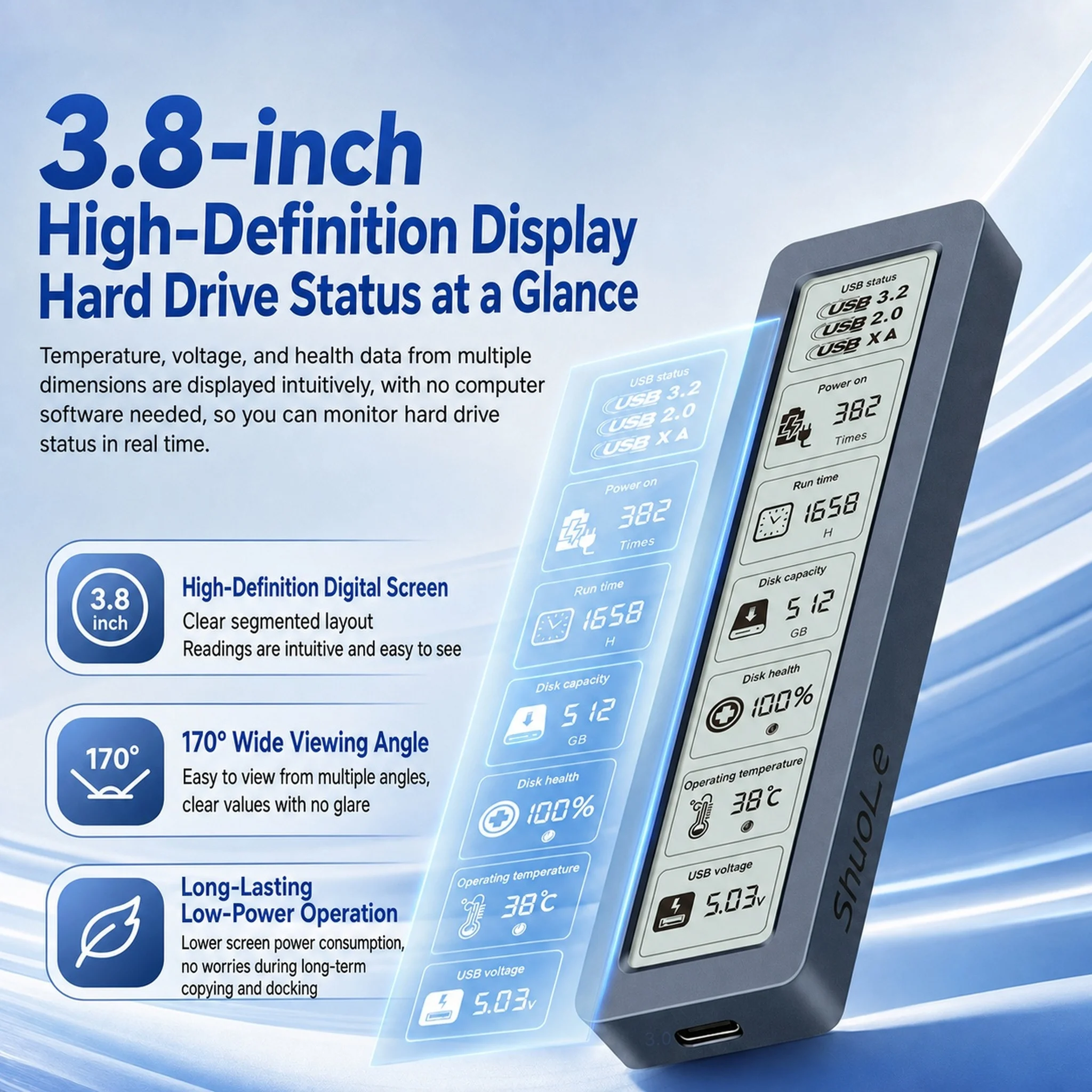
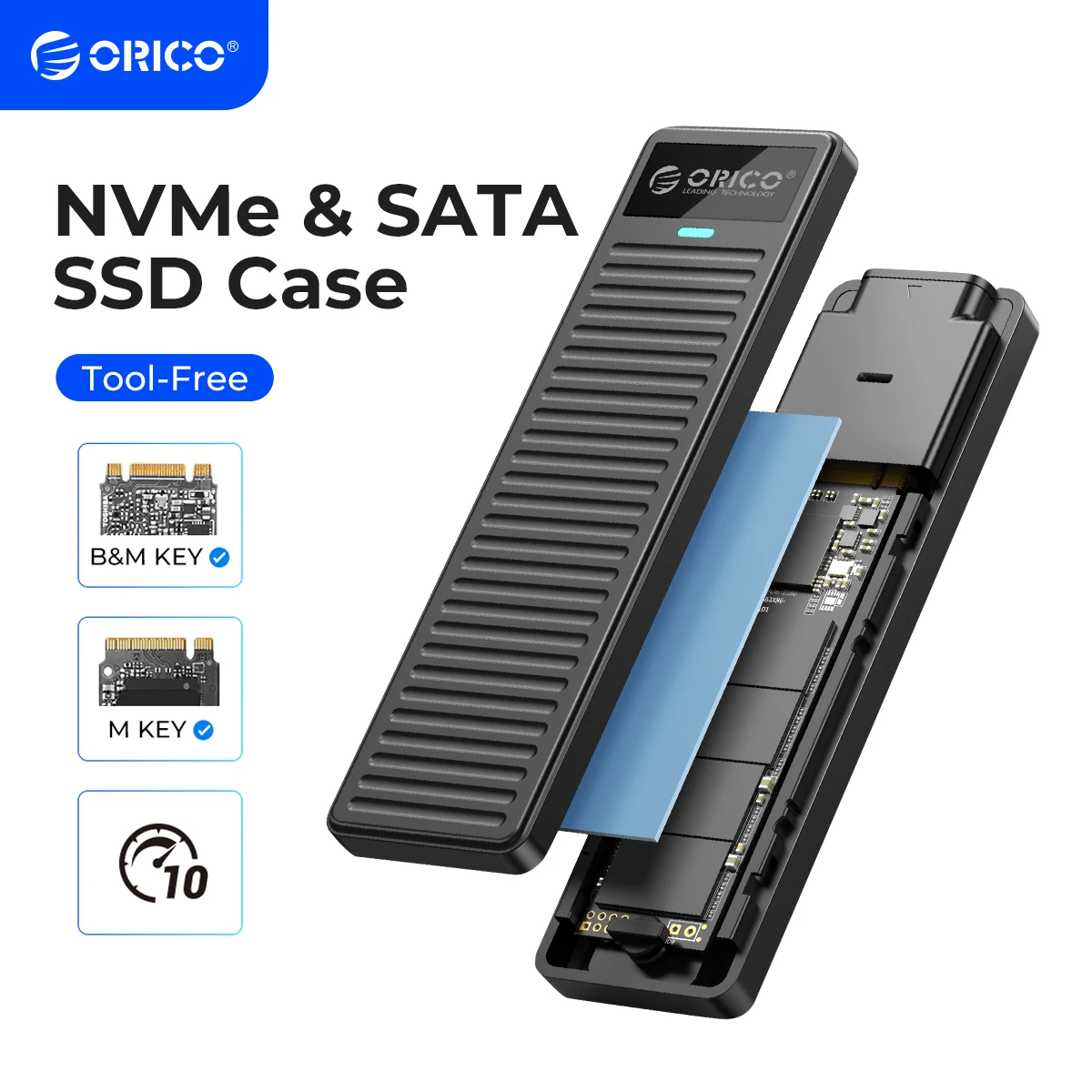
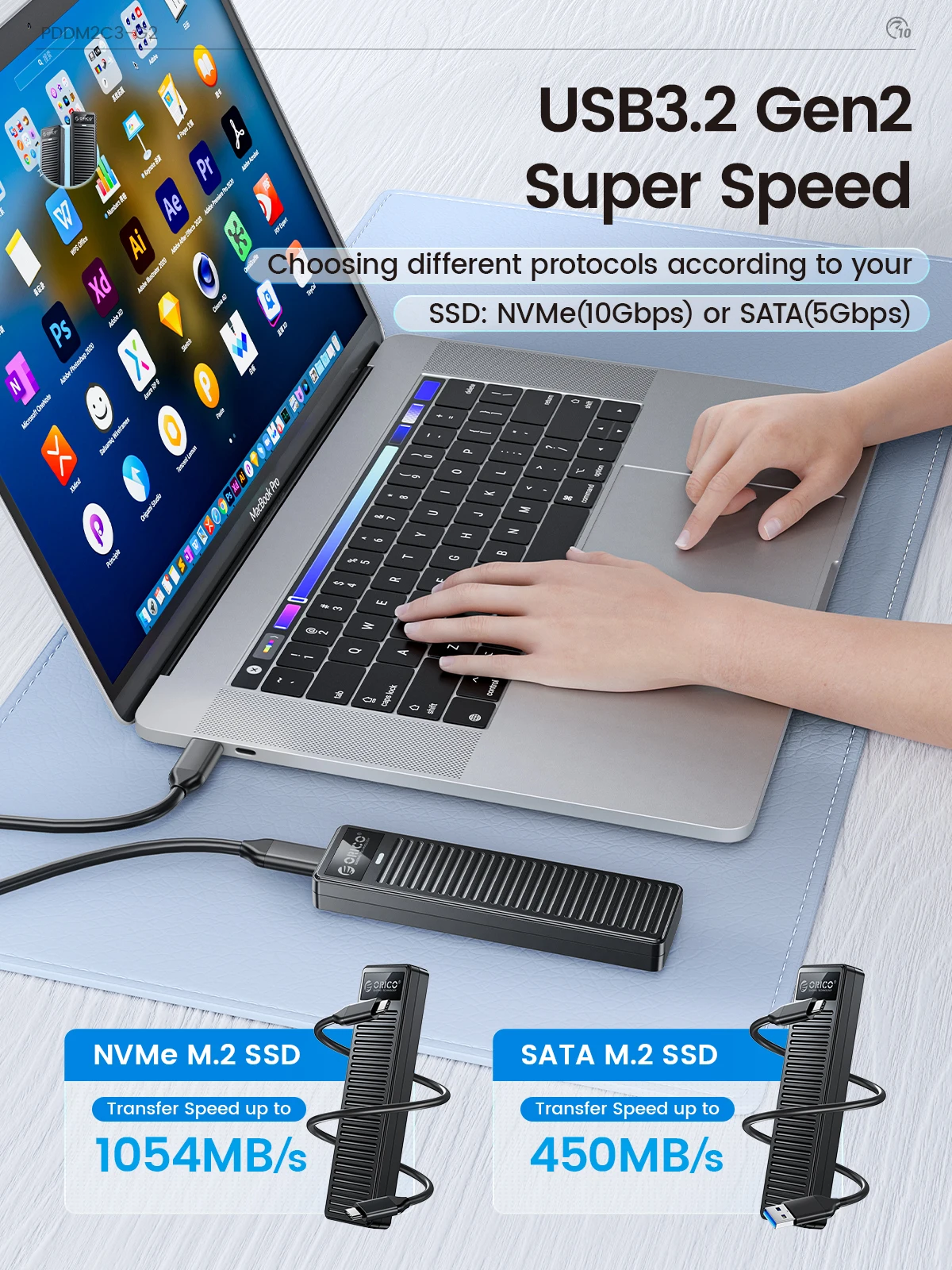
- Files: SD card readers for camera and microSD cards, and M.2 SSD enclosures that turn an M.2 drive into fast external storage over USB-C.
- Screen: portable monitors, a second screen for timelines, notes or a preview window.
What makes the biggest difference
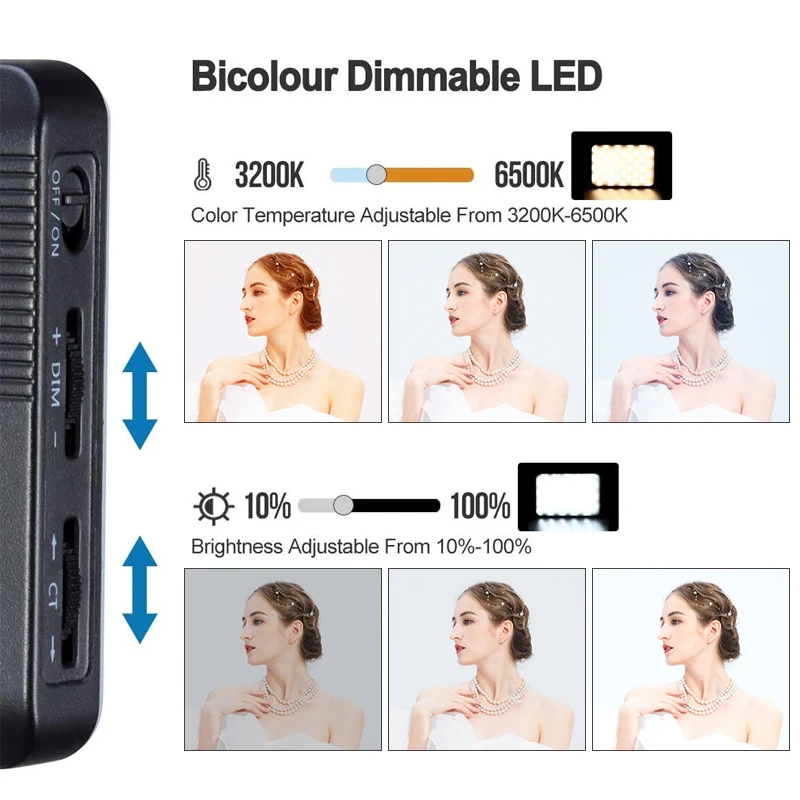
Light before camera. A modest webcam in good light looks better than a good one in a dim room. Light your face from the front, and avoid mixing cool daylight from a window on one side with a warm bulb on the other, which gives your face two colours. Many of the lights here change both brightness and colour to match the room.
Frame rate for recording. Microsoft Teams sends video at up to 30 frames a second, so for calls 60 matters little. For recording and streaming, especially games or fast movement, 60 frames a second looks smoother. The guide to webcams for video calls explains resolution and frame rate.
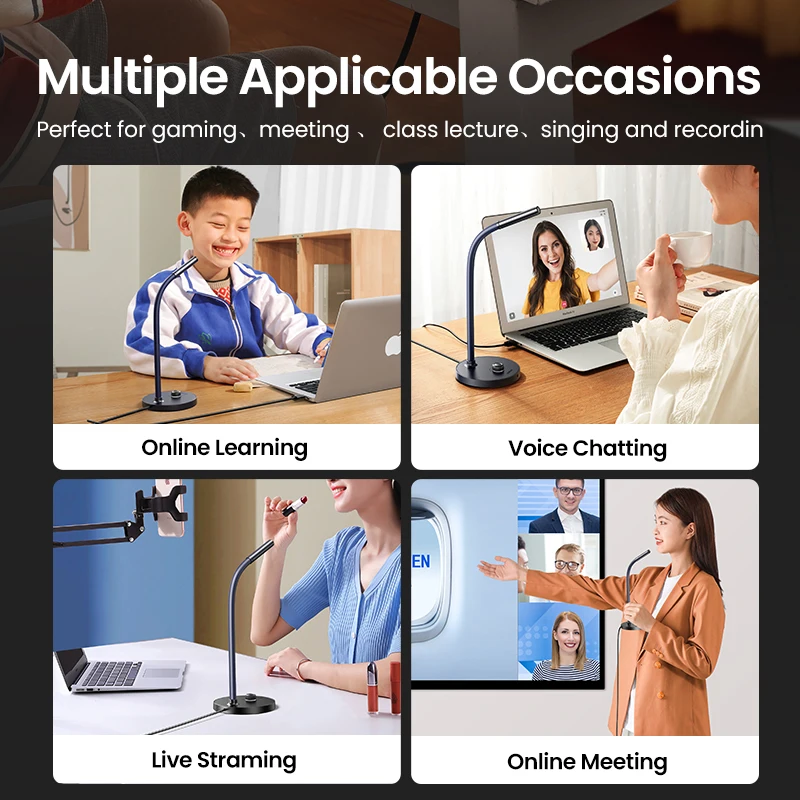
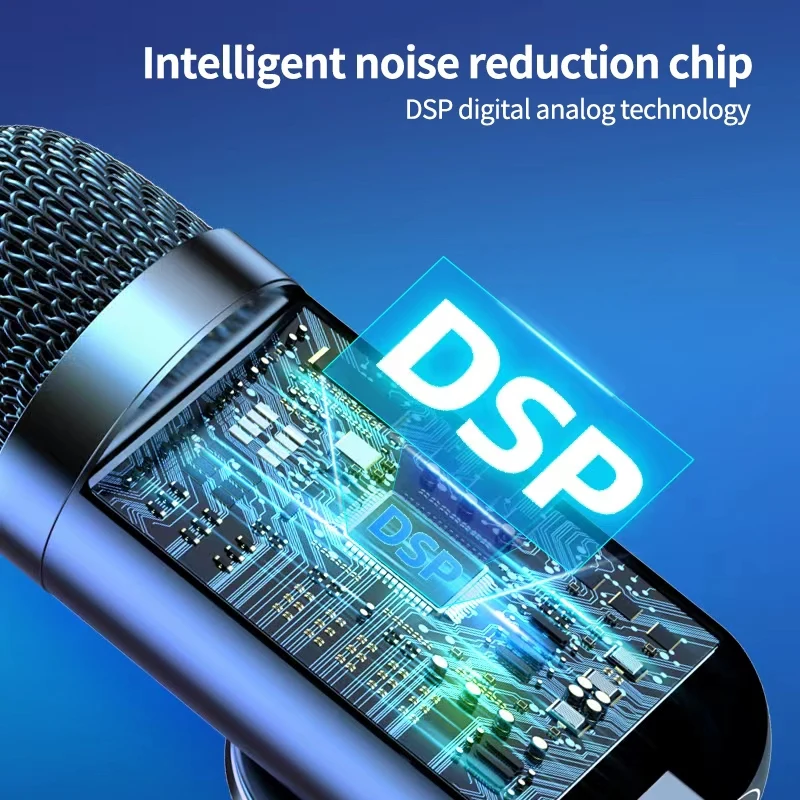
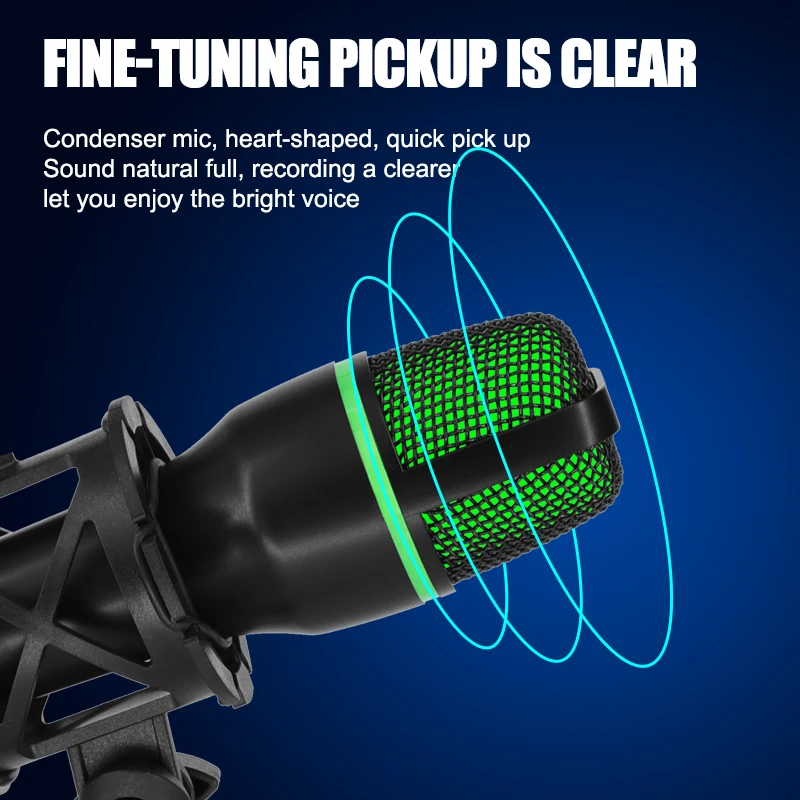
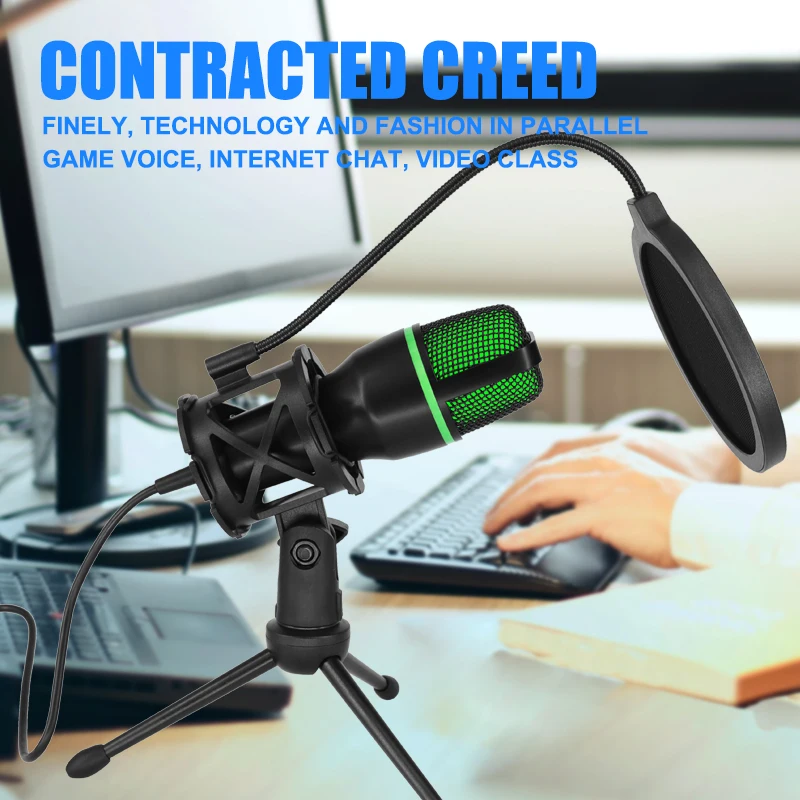
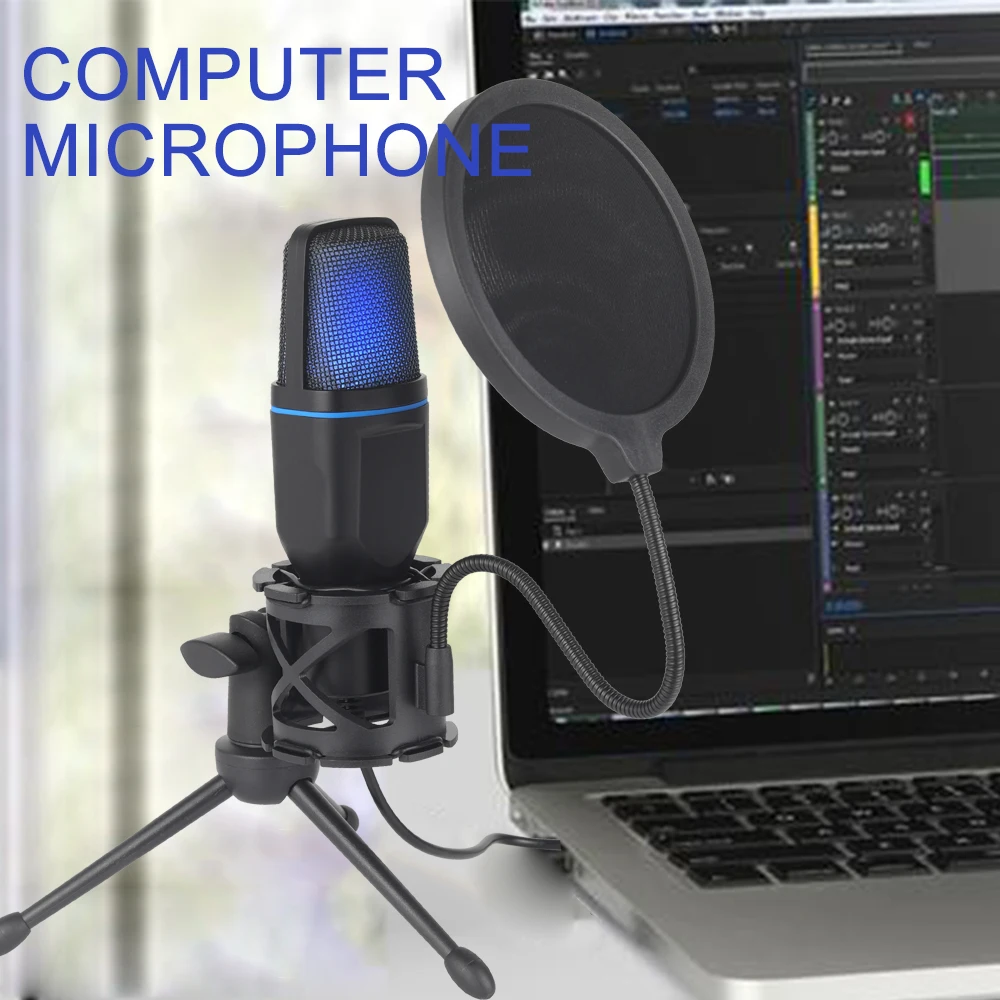
Sound you can hear. A USB microphone on the desk gives a fuller voice than a laptop's own, and needs no extra box. The guide to microphones and headsets covers how to set one up in Windows and on a Mac.
Questions people ask about accessories for creators
Why use an SSD enclosure rather than a ready-made drive?
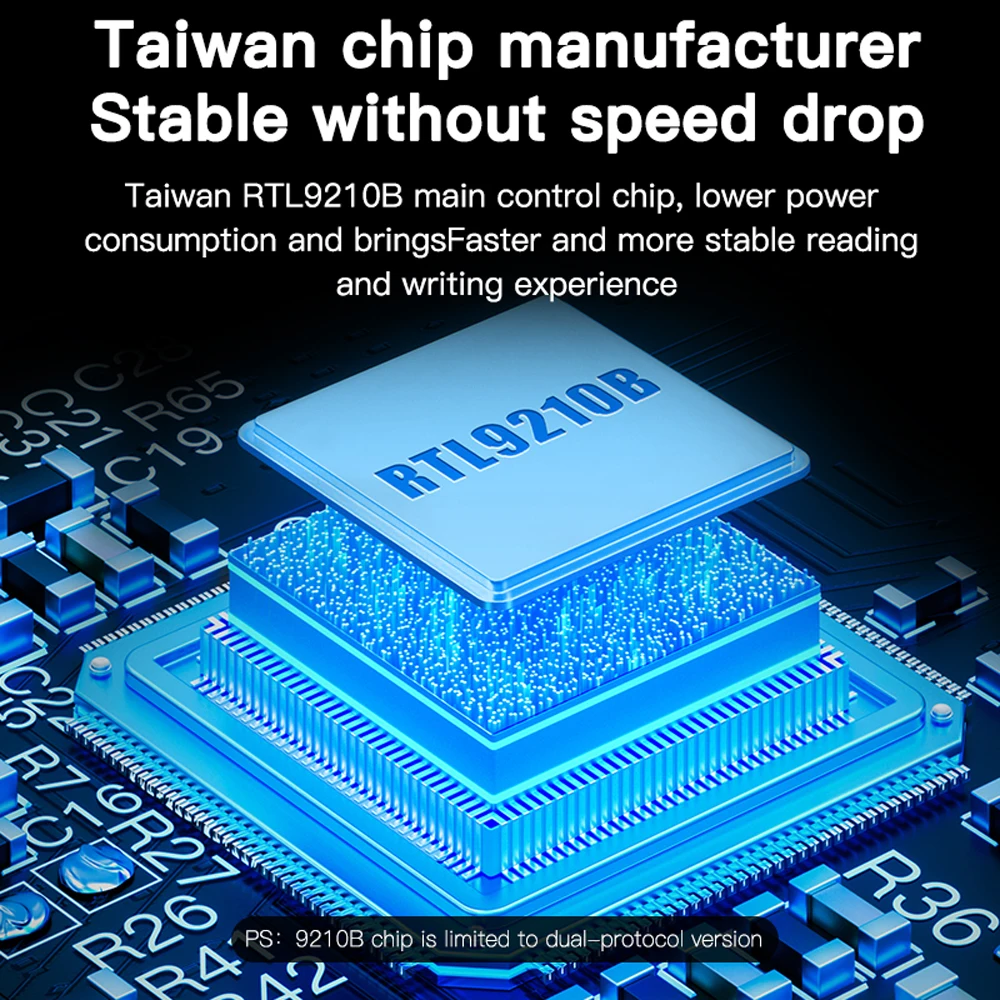
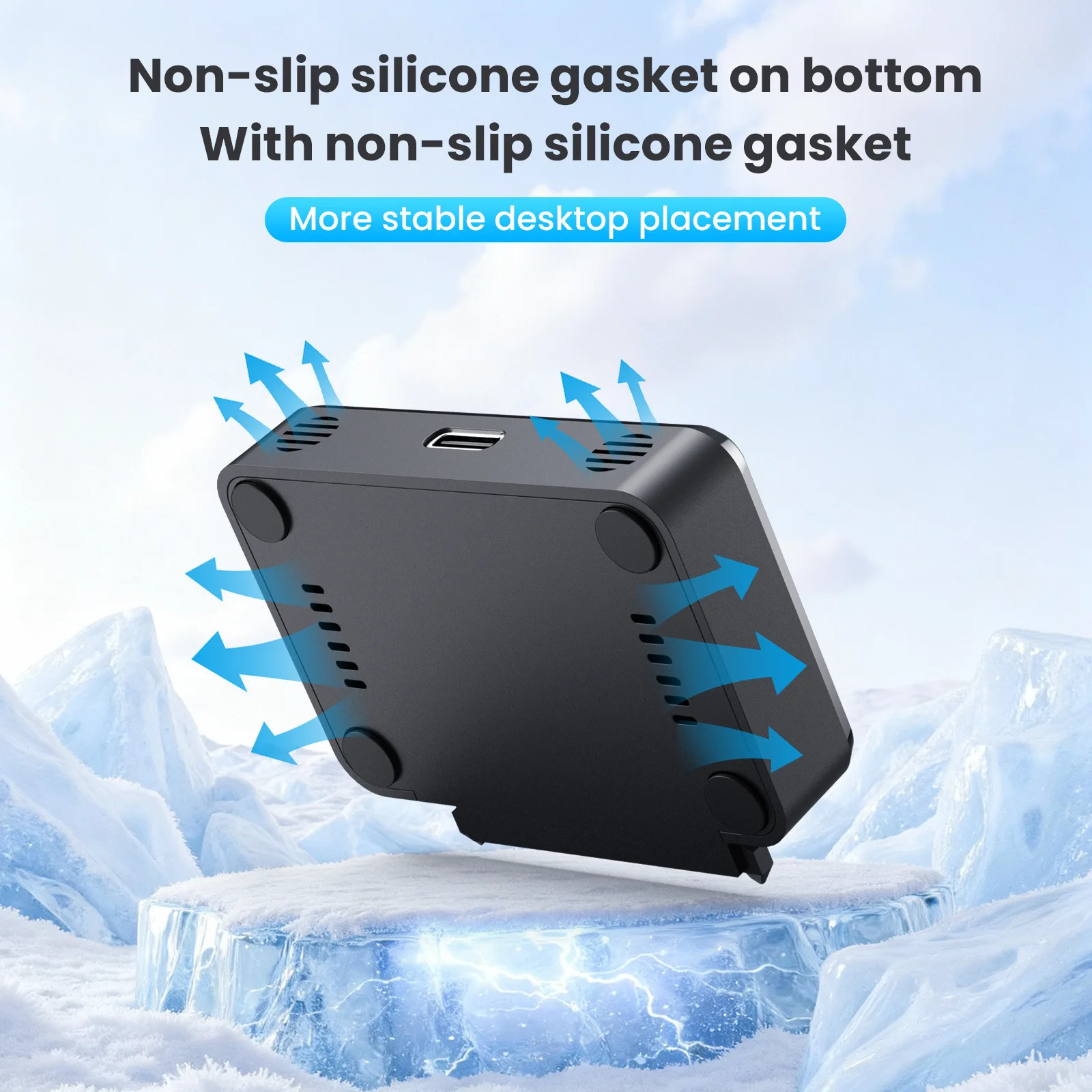
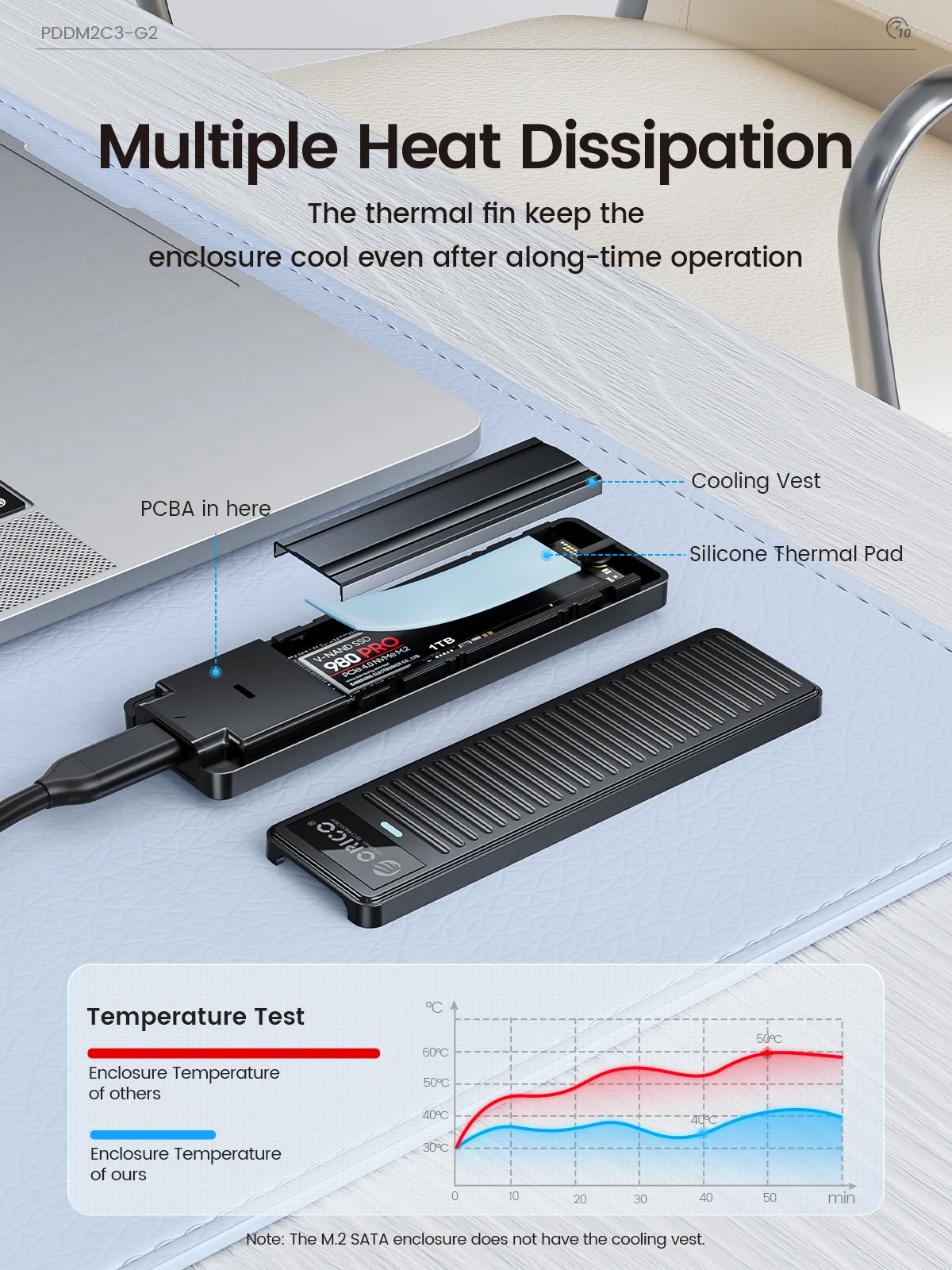
It lets you use an M.2 drive you already have, or one you choose for its size, and many enclosures are aluminium, which draws heat away from the drive. The guide to SSD enclosures explains the speeds.
Which card reader do I need?
One with the right slot, SD or microSD or both, and a plug that matches your laptop's port, USB-C or USB-A.
How long does delivery take?
Delivery is included in every price and tracked to your door. Each product page says when it usually arrives.
More to look at