What is on this page today
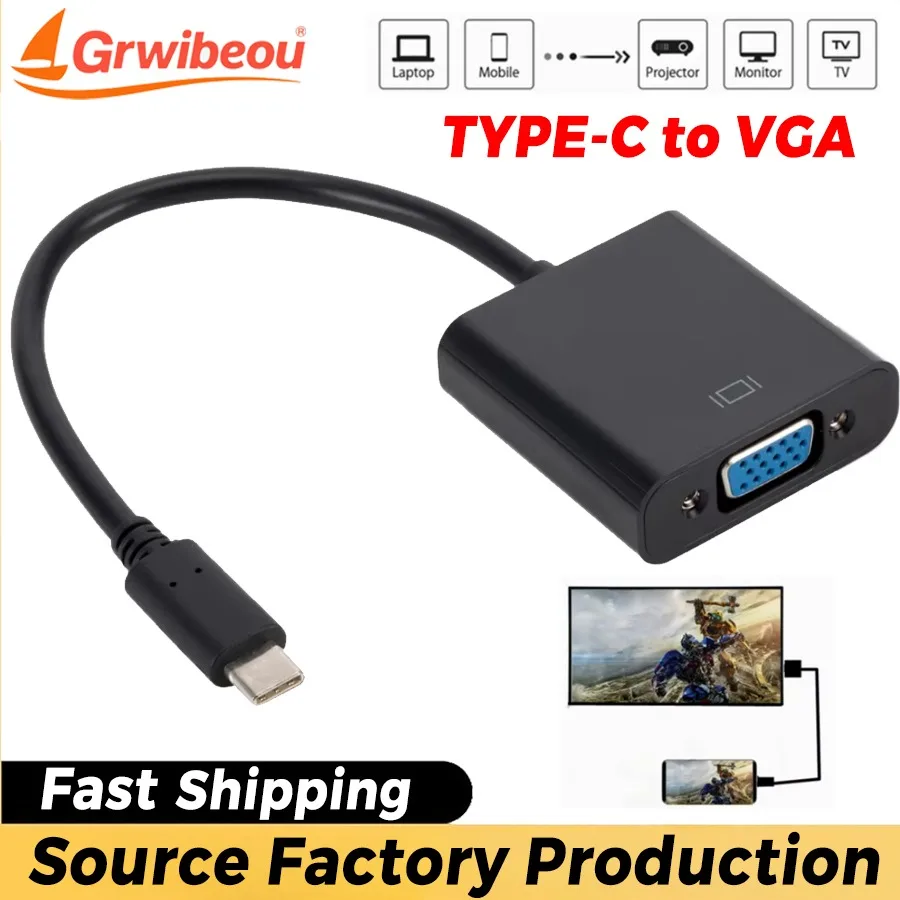
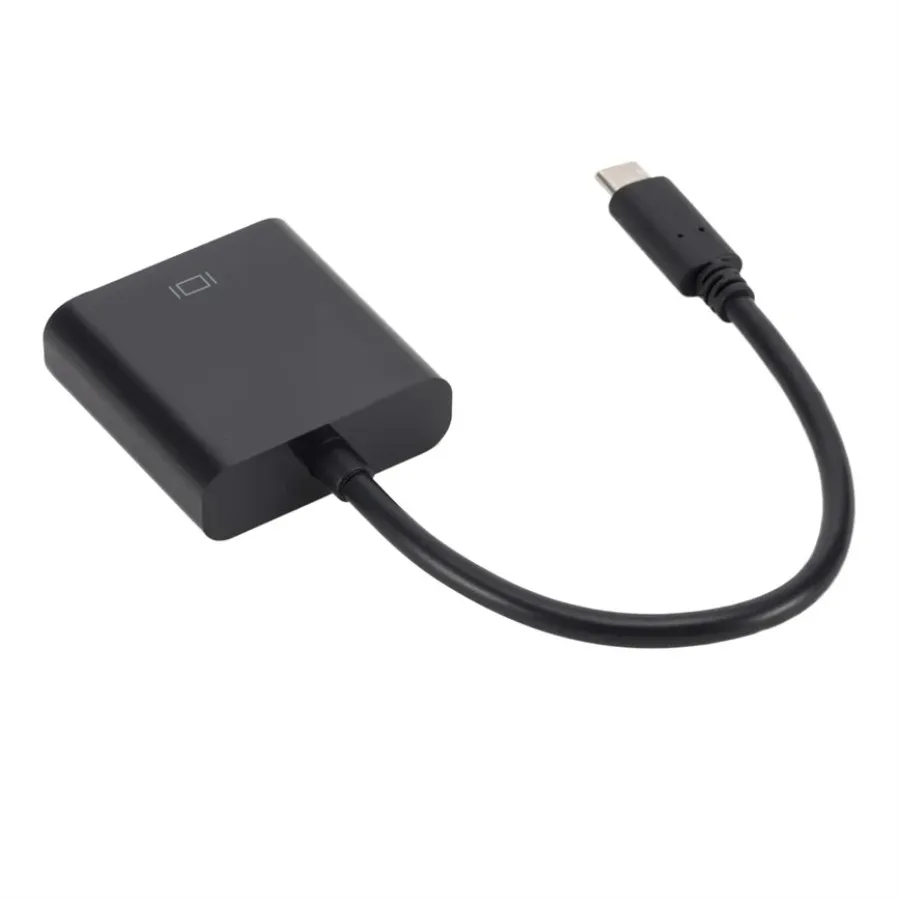
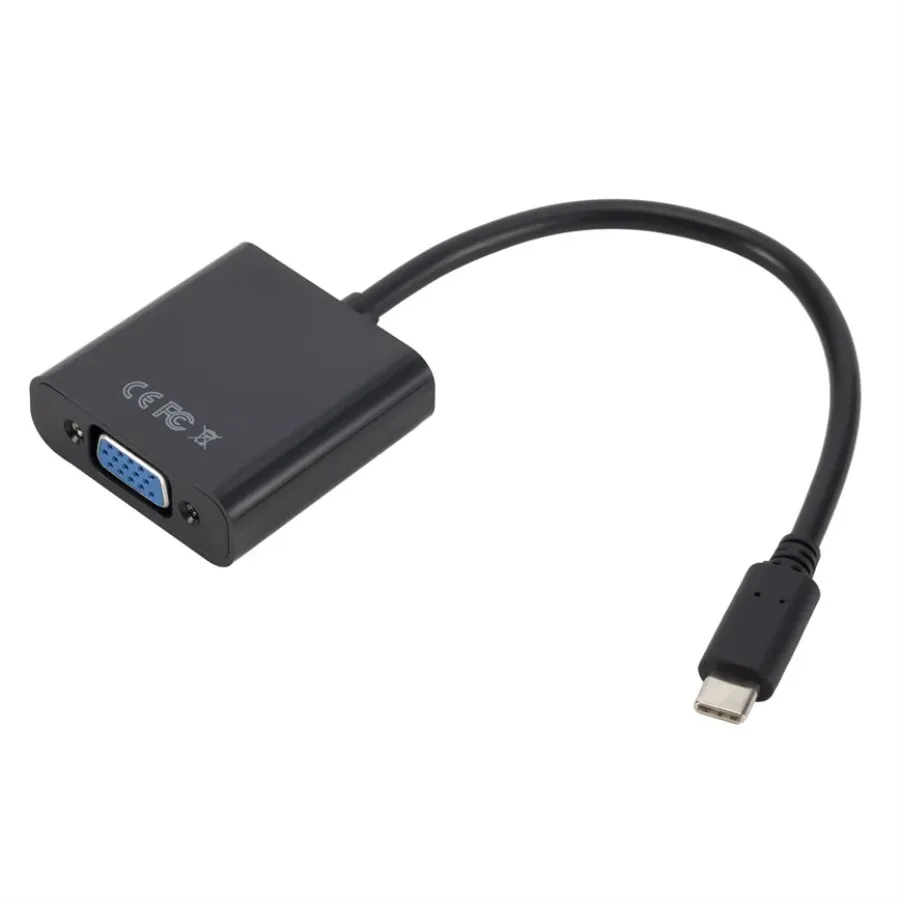
This page lists products whose own name says they are for Chromebooks. Few sellers name Chromebooks, so it is a short page: at present it holds a USB-C to VGA adaptor cable, for connecting a Chromebook to an older projector or monitor with a blue VGA socket. VGA is the old analogue connection, still found on many projectors in schools, halls and meeting rooms, so it earns a place in the bag of anyone who gives talks. That is not because Chromebooks are hard to fit. Most Chromebook accessories are not made for Chromebooks at all: they are made for a size of screen or a kind of socket, and work with a Chromebook as they work with any other laptop. The rest of this page shows where to find them.
What to check on your Chromebook
Chromebooks are made by many makers, and the same name can cover several sizes, so the name alone does not tell you the fit. Three facts do:
- The screen size, measured diagonally. Measure the body for a sleeve: width, depth and thickness.
- The charging socket and the watts. Look at the original charger's label for the output line. Small laptops and Chromebooks often need around 45W.
- The model number, on the label underneath, for anything cut to shape, such as a keyboard cover.
Where the Chromebook accessories are
- Charging. A Chromebook that charges through USB-C takes a 45W USB-C charger with a UK plug; a larger one may want 65W. A USB PD charger with more watts does no harm, because the laptop asks only for the power it needs.
- Mice. Bluetooth mice pair from Quick Settings: choose Bluetooth and select the mouse. Wireless mice with a receiver need a free USB socket.
- Screens and sockets. A USB-C hub adds HDMI, USB-A and card slots; a USB-C to HDMI adapter does one job.
- Sleeves. By size, from the screen-size pages.
Questions people ask about Chromebook accessories
Will a USB-C hub work with a Chromebook?
Usually, for USB sockets, card readers and a screen over HDMI, as long as the Chromebook's USB-C port carries video. The laptop's own specification says so.
Do Wi-Fi and Bluetooth adapters work with Chromebooks?
Chromebooks have their own support for adapters, so check that the listing names ChromeOS before buying.
Will a laptop stand suit a Chromebook?
Yes. A stand holds any laptop of the right size; each stand gives the sizes it takes.
How long does delivery take?
Delivery is included in every price and tracked to your door. Each product page says when it usually arrives.
More to look at