What is on this page today
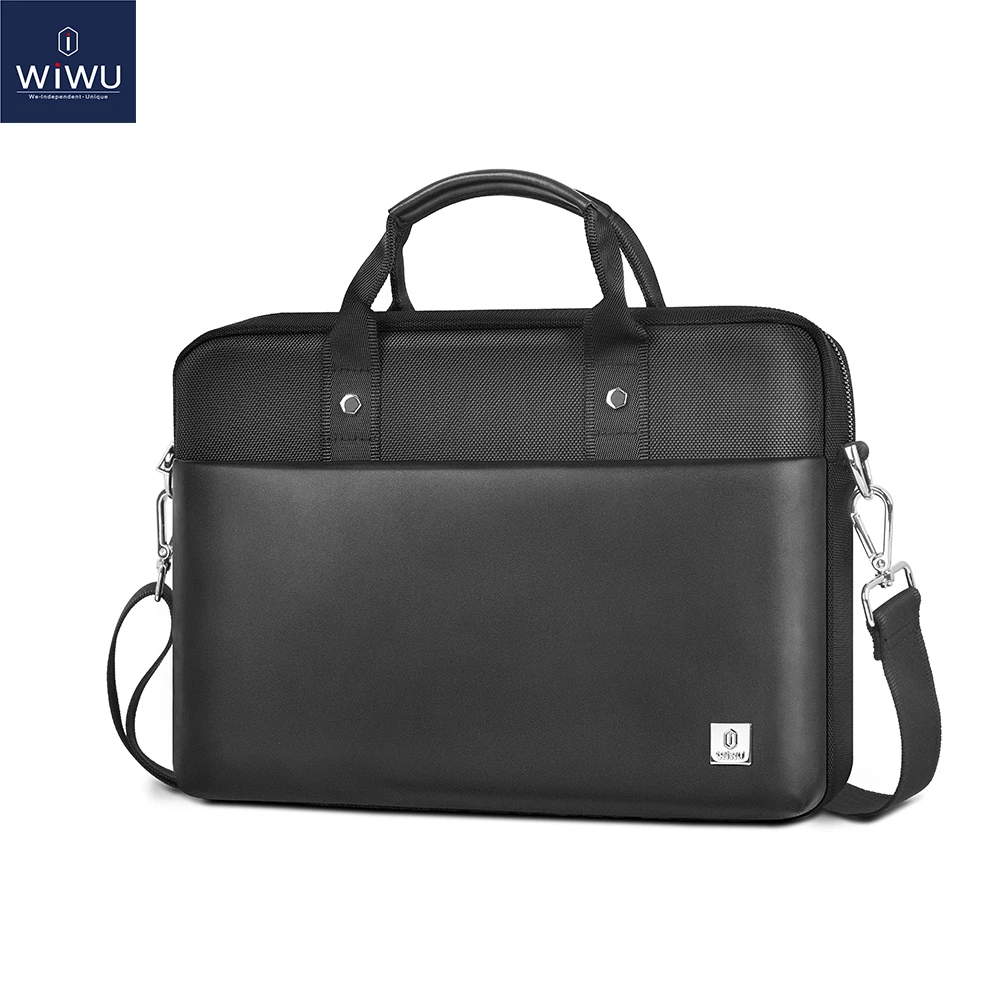
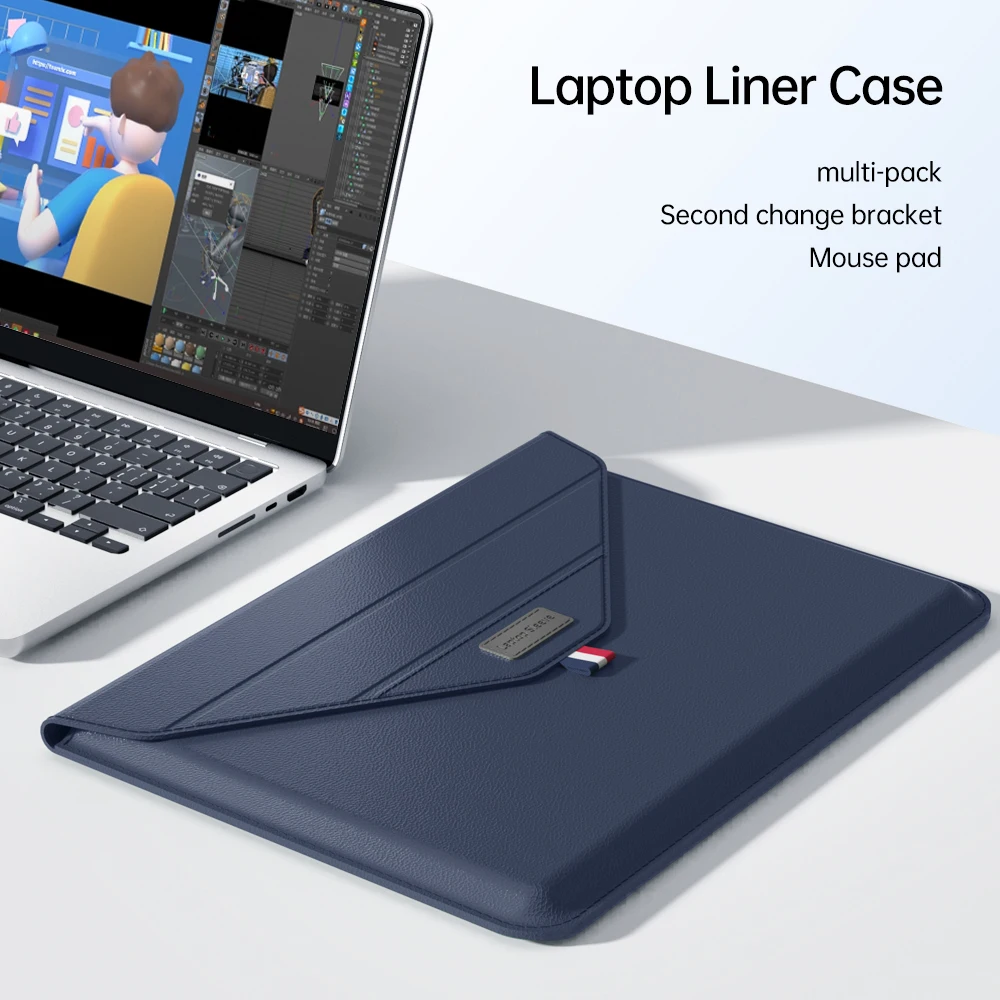
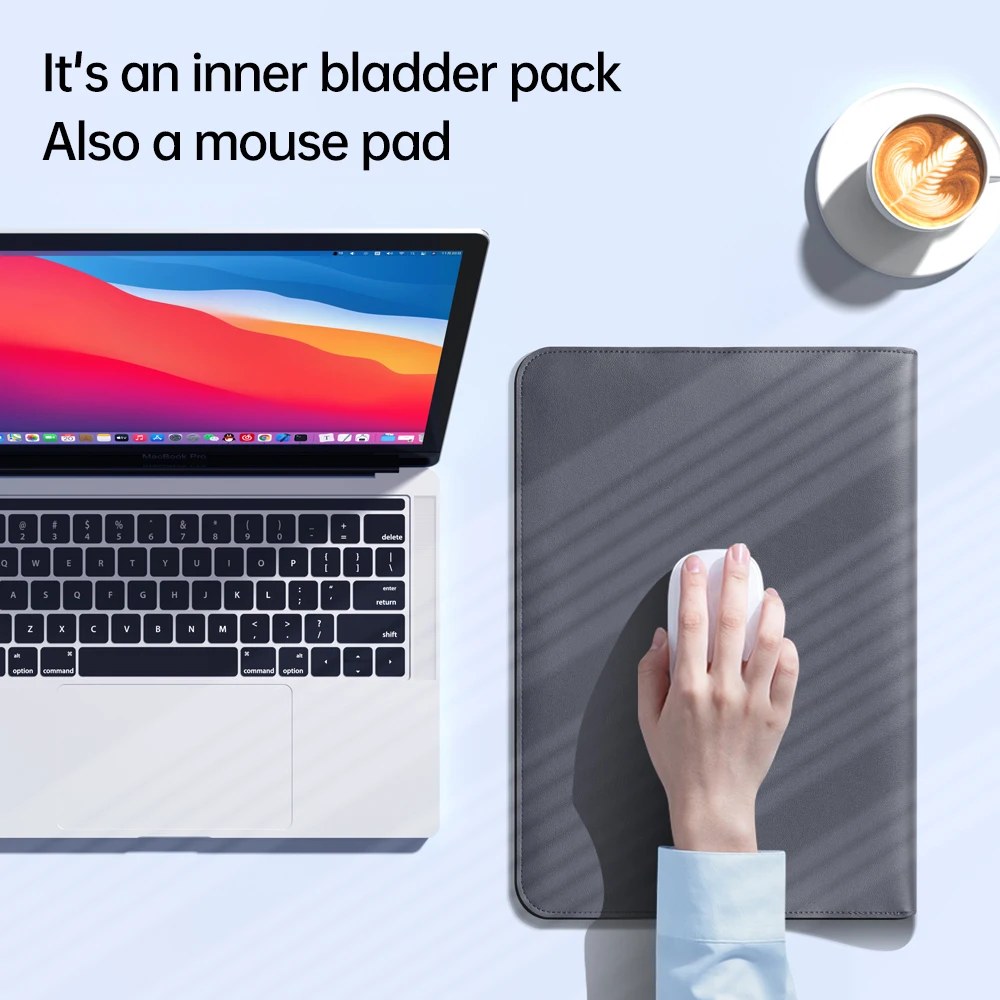
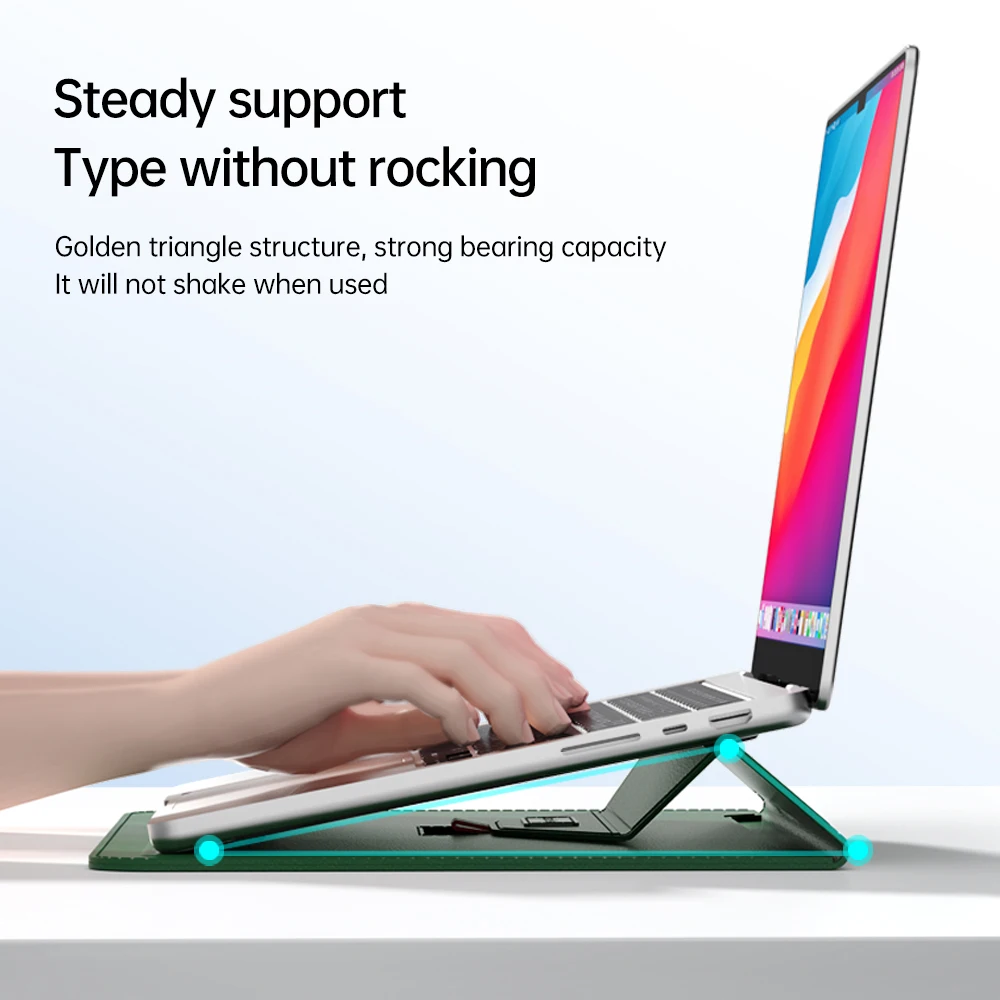
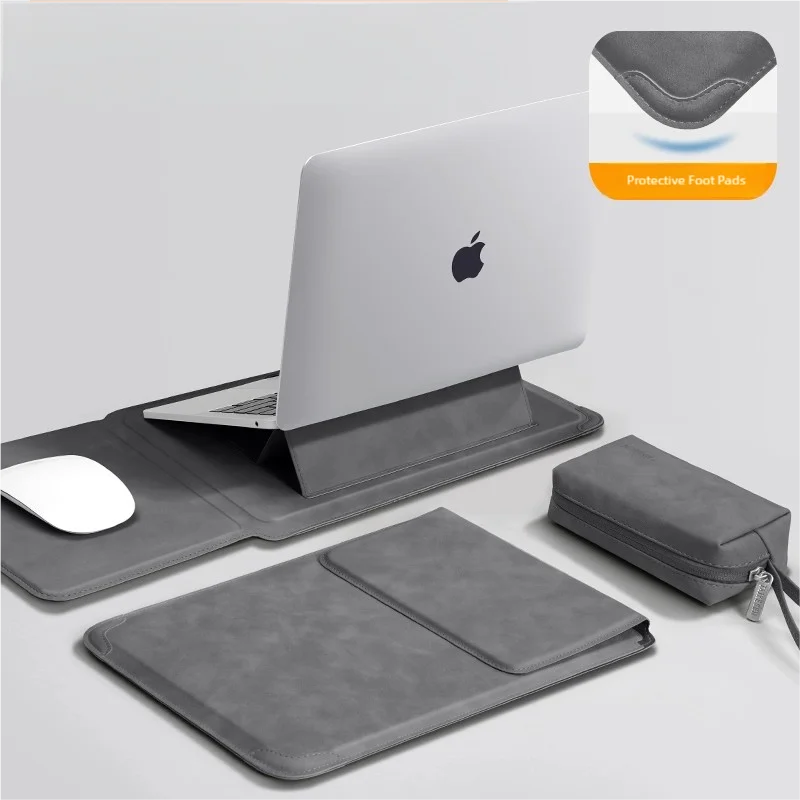
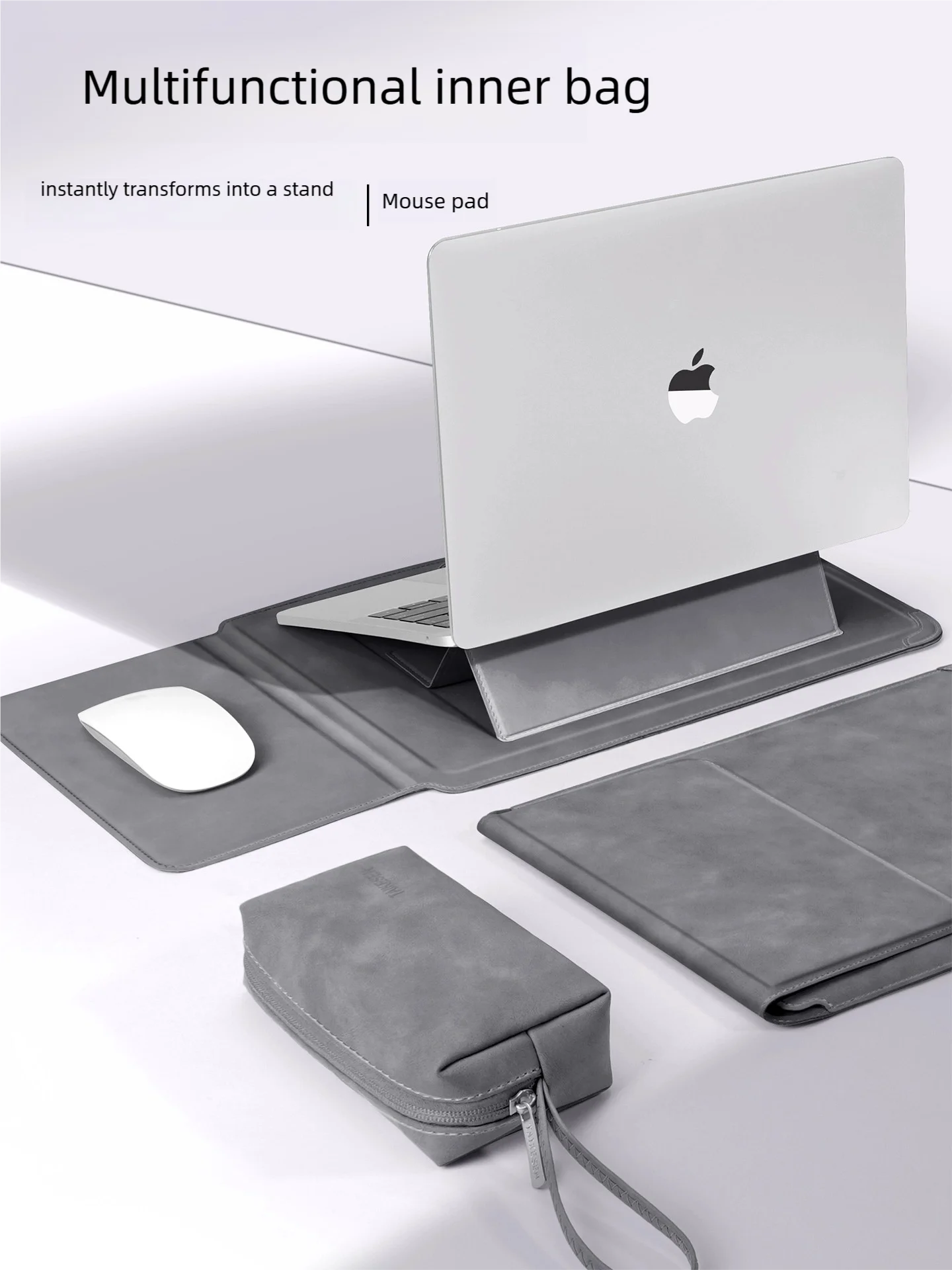
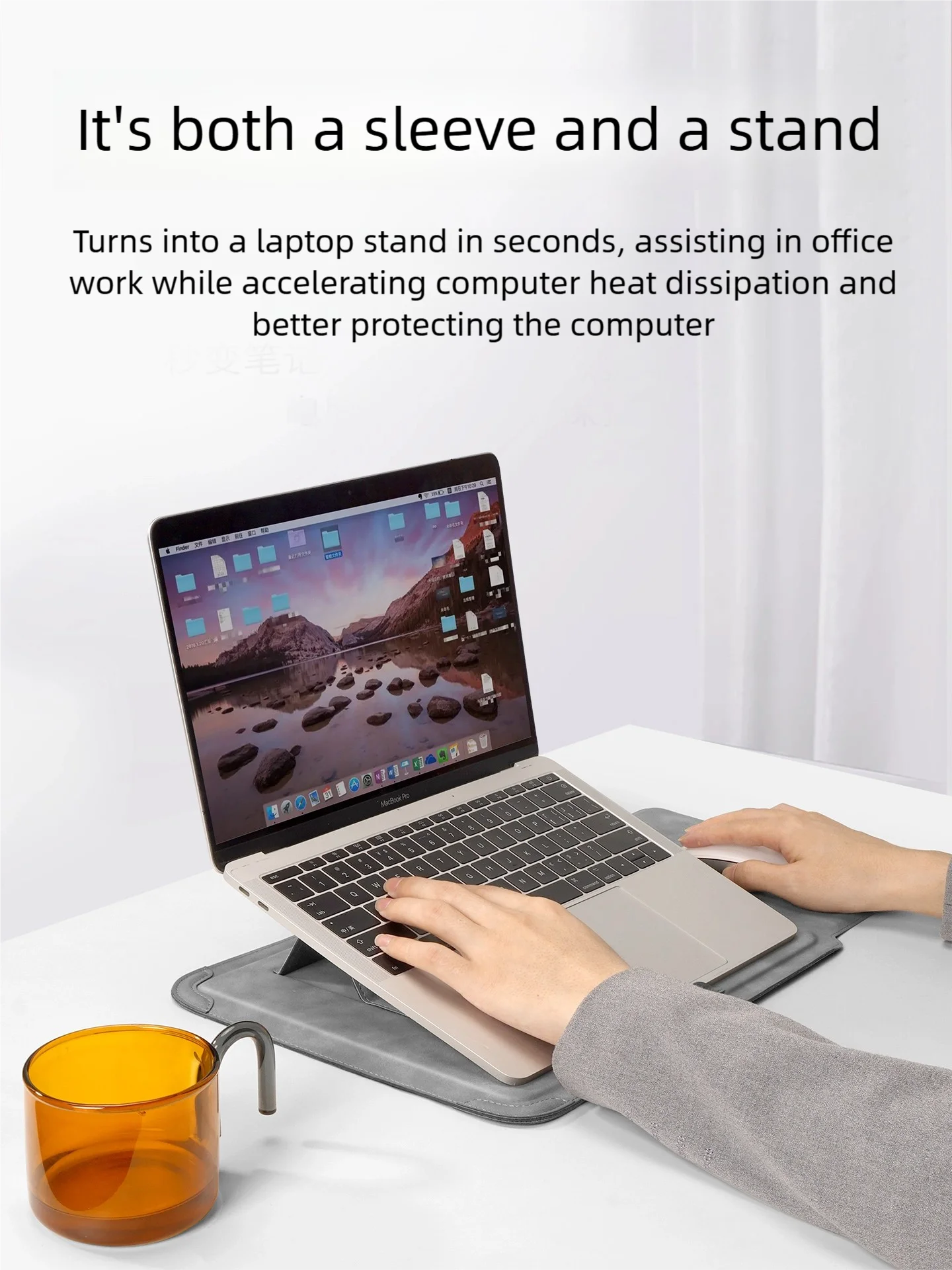
This page lists products whose own name says they are for Dell laptops. So far those are carry products: padded sleeves, one with a mouse-pad lining and one with a fold-out stand, and a PU leather messenger bag. Their names list Dell among several makes, because a sleeve fits by size rather than by brand. They come in size choices from 13 to 16 inches, so pick the size of your Dell, not just the name. Nothing here is made or approved by Dell.
Dell sells many ranges, from Inspiron and Latitude to XPS and Alienware, and each comes in several sizes. That is why most Dell accessories are found by size and socket in the departments, which this page points to.
Find your Dell's model and Service Tag
Dell puts a Service Tag on every laptop, etched into the bottom cover or printed on a sticker there. On some laptops, such as XPS and Precision models, it sits under a small flap. Typing it into Dell's support site brings up the exact model, so you can look up its screen size, its ports and the power adapter it came with. Those three facts are what you need to choose a sleeve, a hub or a charger with confidence.
Charging a Dell
Some Dells charge through USB-C and others through a round plug. Read the output line on the original adapter: volts, amps and watts.
- For USB-C, choose a USB-C laptop charger with at least the original's watts. A bigger USB Power Delivery charger does no harm, because the laptop takes only the power it asks for.
- For a round plug, a universal charger comes with a set of tips. Match the voltage and the tip to the original before plugging in.
Every charger in the shop has a UK three-pin plug.
Desks, docks and bags for a Dell
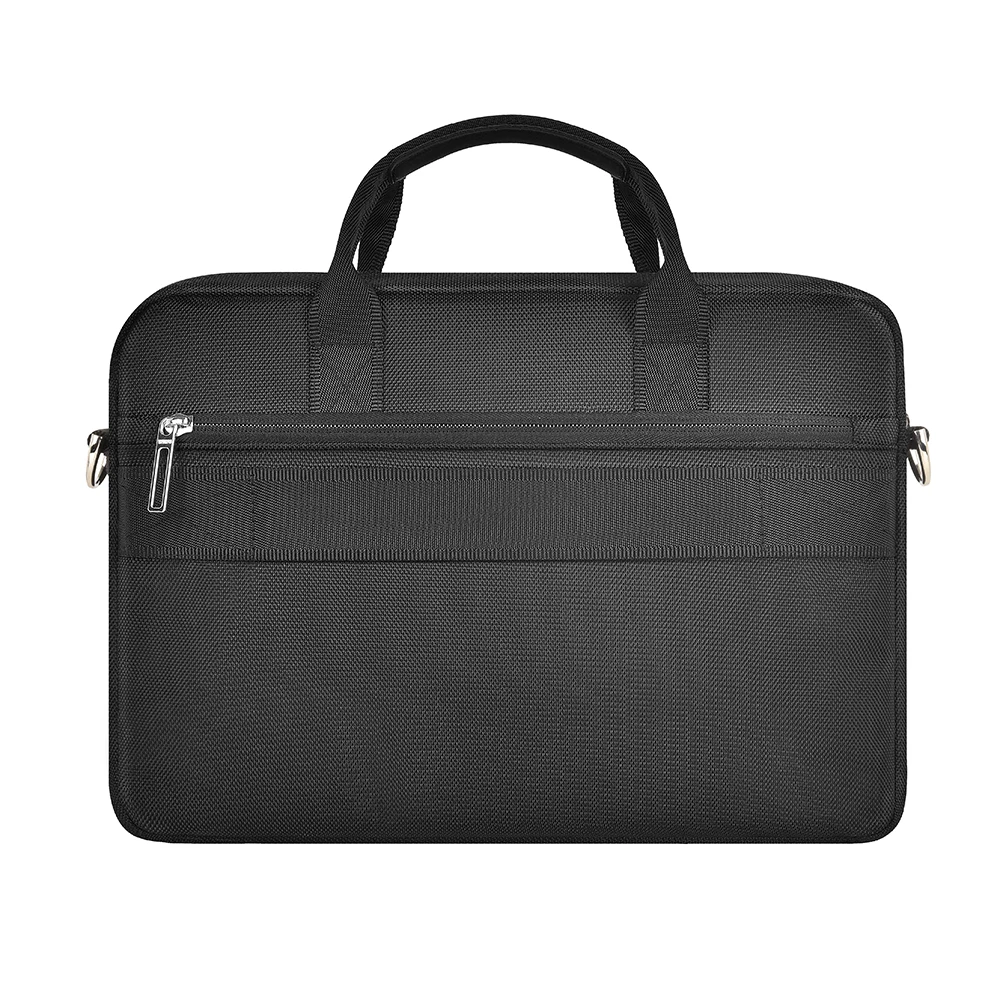
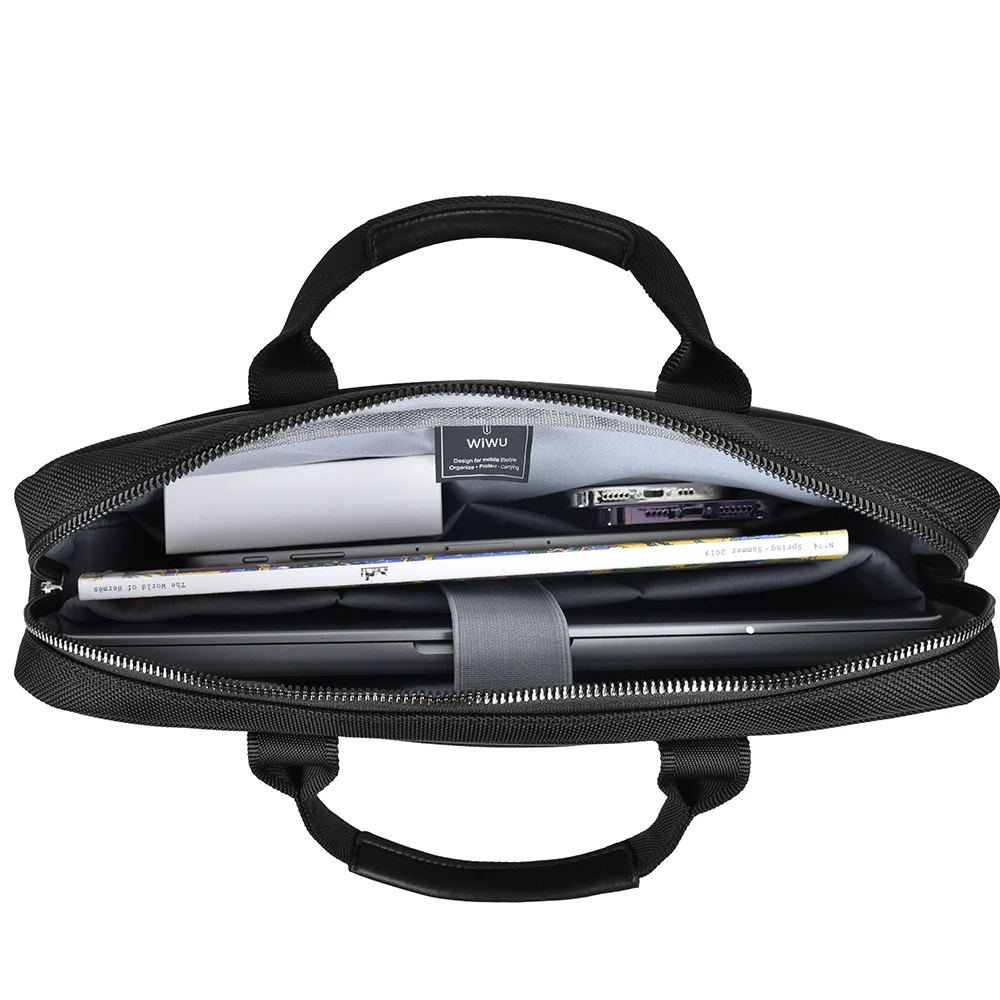
A Dell used at a desk with a monitor is a good match for a docking station, which brings the screen, the network, the keyboard and the charging to one USB-C cable; check that your Dell's USB-C port carries video and charging. For carrying, the laptop briefcases and messenger bags give their compartment sizes, which matter more than the brand.
Questions people ask about Dell laptop accessories
Is the size on my Dell the screen or the body?
The number in the name, such as 14 or 15, is the screen, measured diagonally. For a sleeve, measure the body as well.
Can I use a phone charger on my Dell?
Only a USB-C one with Power Delivery and enough watts for your Dell. One with too few watts charges slowly, if at all.
More to look at