Seven ways into the same shop
Every product in Laptop Equipment lives in a department: sleeves with the bags, chargers with the power, hubs with the adapters. The Shop by Feature pages cut across those departments. Each one gathers products by one thing they share, so you can start from what you know about your laptop, or about the way you work, not the kind of product. A sleeve on a screen-size page is the same sleeve that sits in its department, and it is filed here because its own name or its own choices say it belongs.
By the laptop, its screen and its sockets
- Shop by laptop: the four MacBook pages list the shells, screen protectors, privacy filters, skins, keyboard covers and sleeves whose name or choices name that MacBook. The Surface, Chromebook, Dell, HP, Lenovo, Asus and Acer pages list products whose own name says they are for that make.
- Shop by screen size: sleeves, bags, MacBook shells, privacy filters, screen protectors and keyboard covers, filed by the sizes they are sold in, from 13-inch to 17-inch. A sleeve offered in three sizes appears on all three pages.
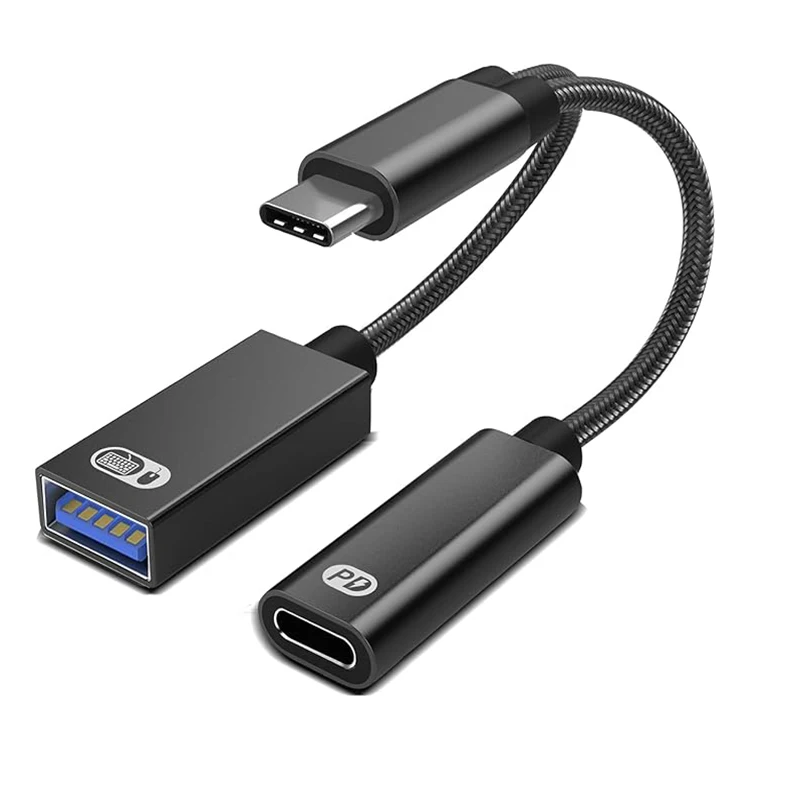
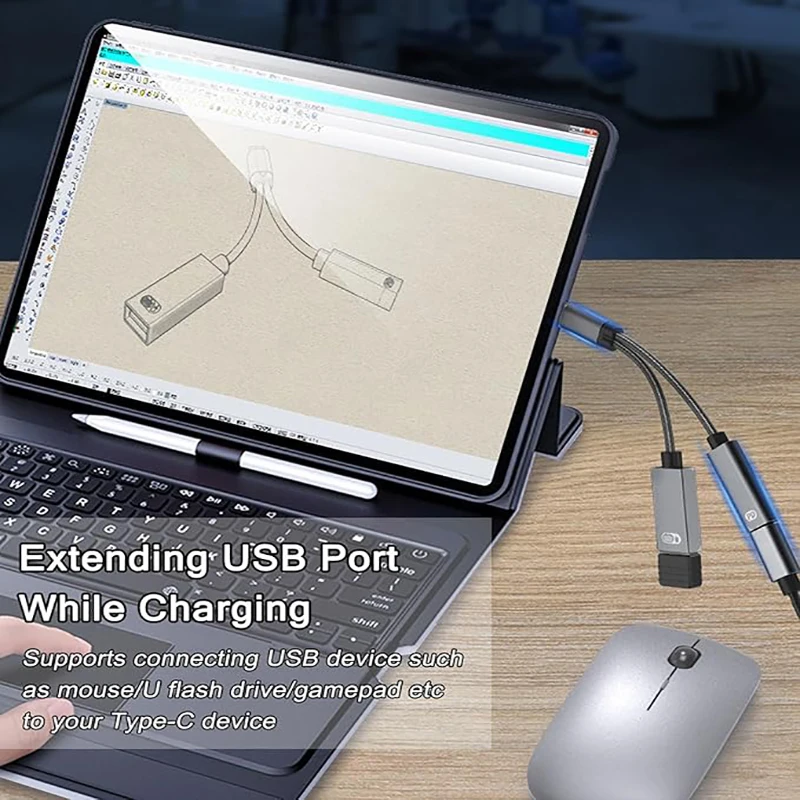
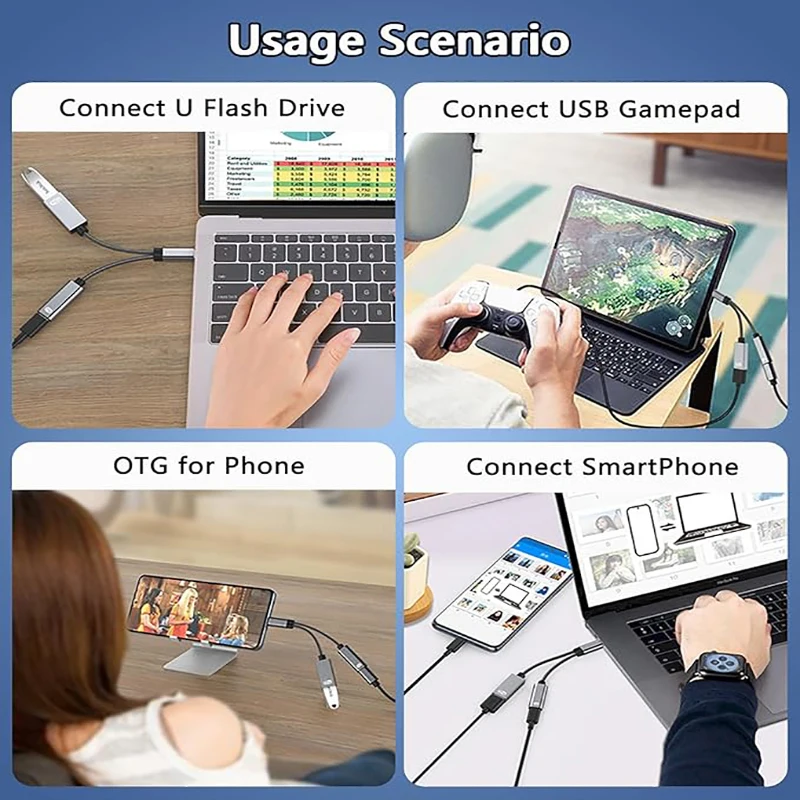
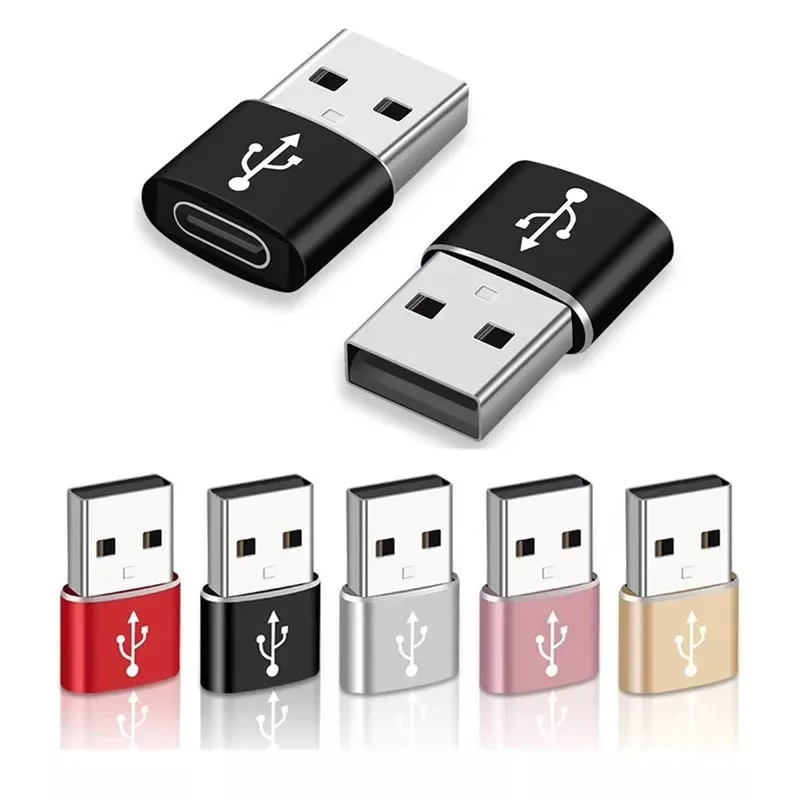
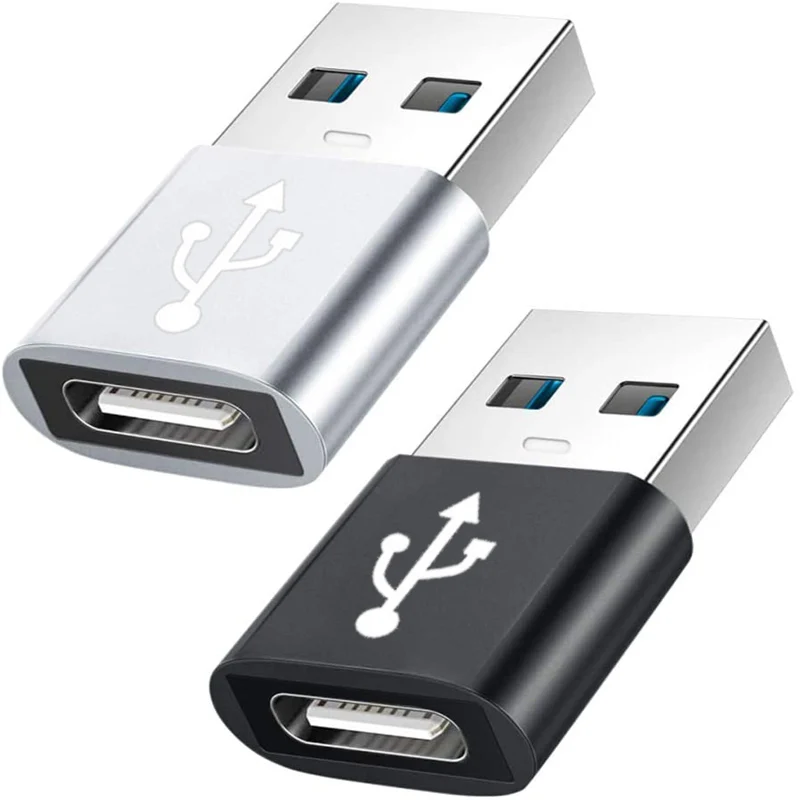
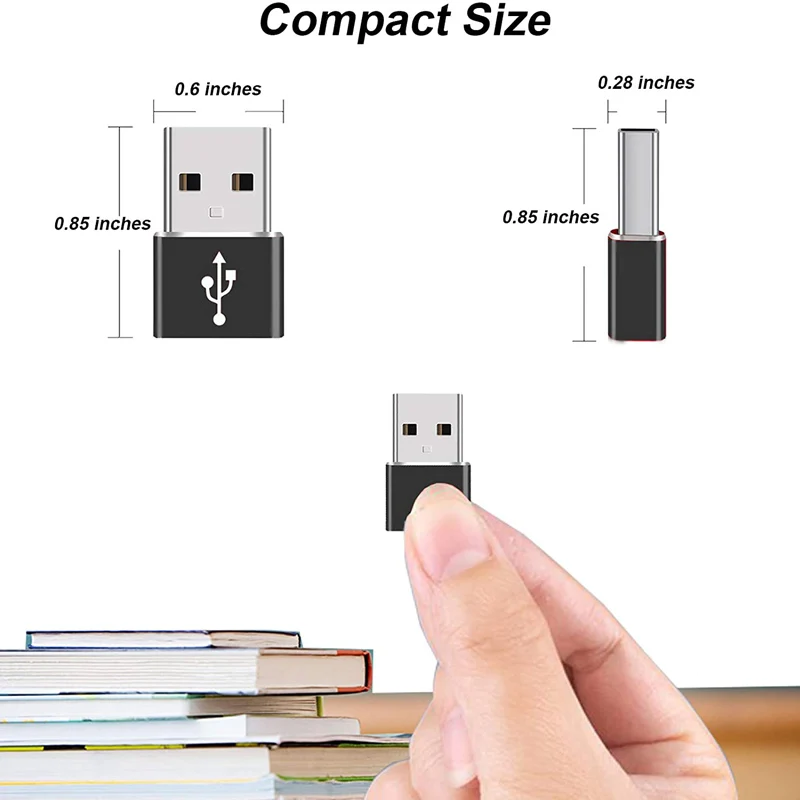
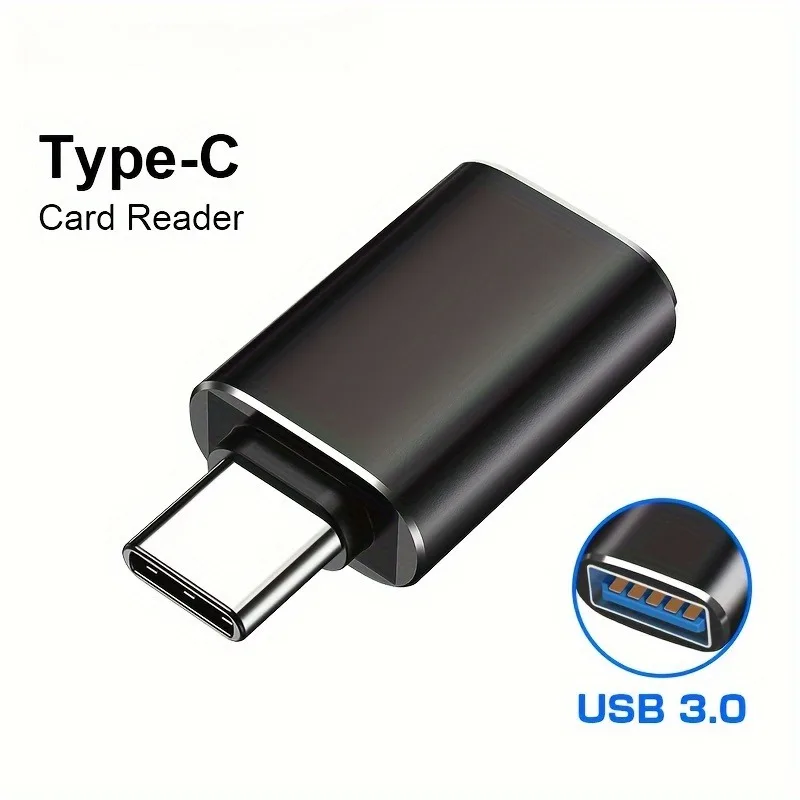
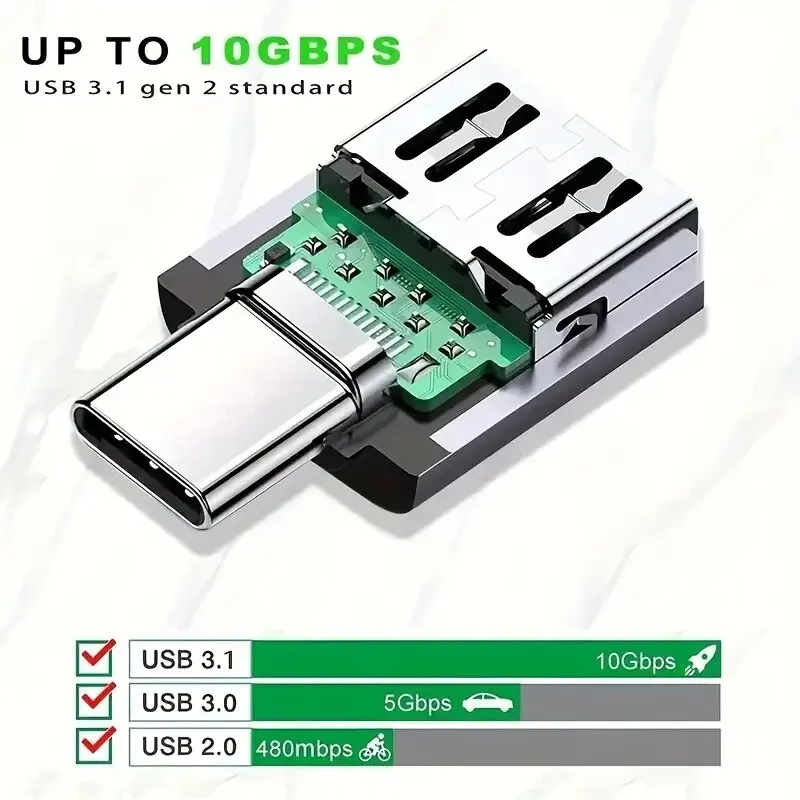
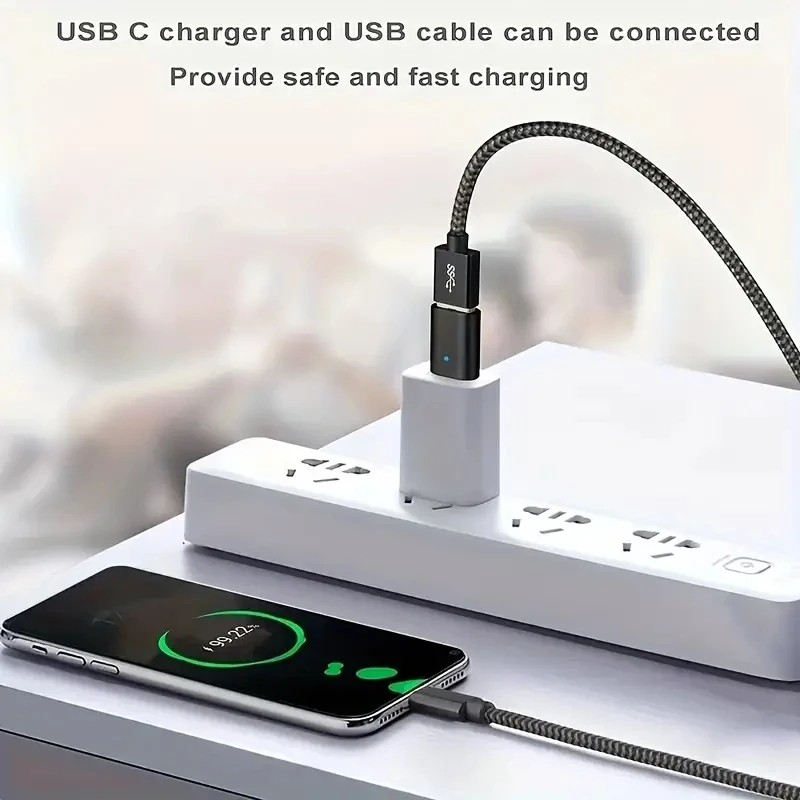
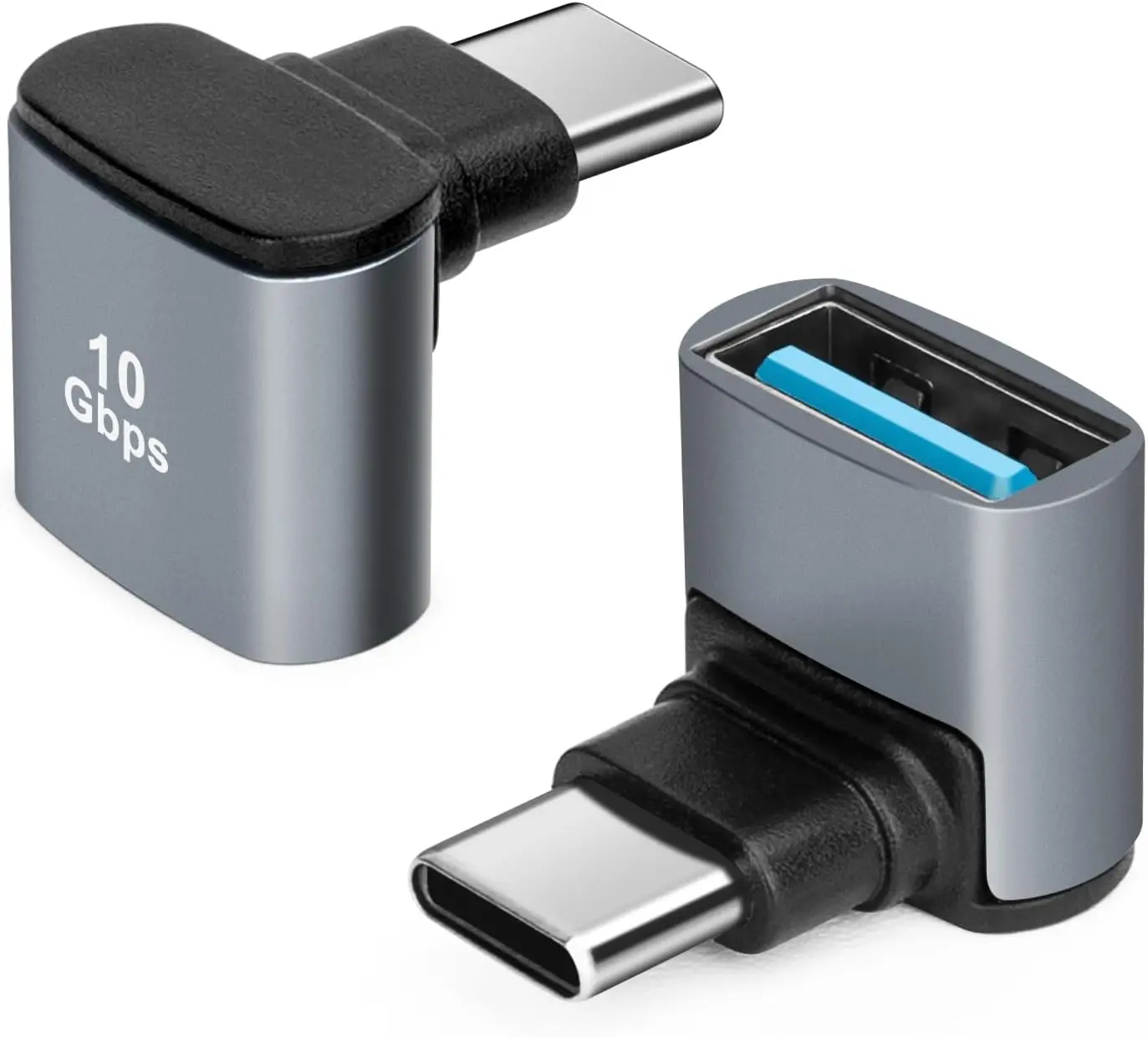
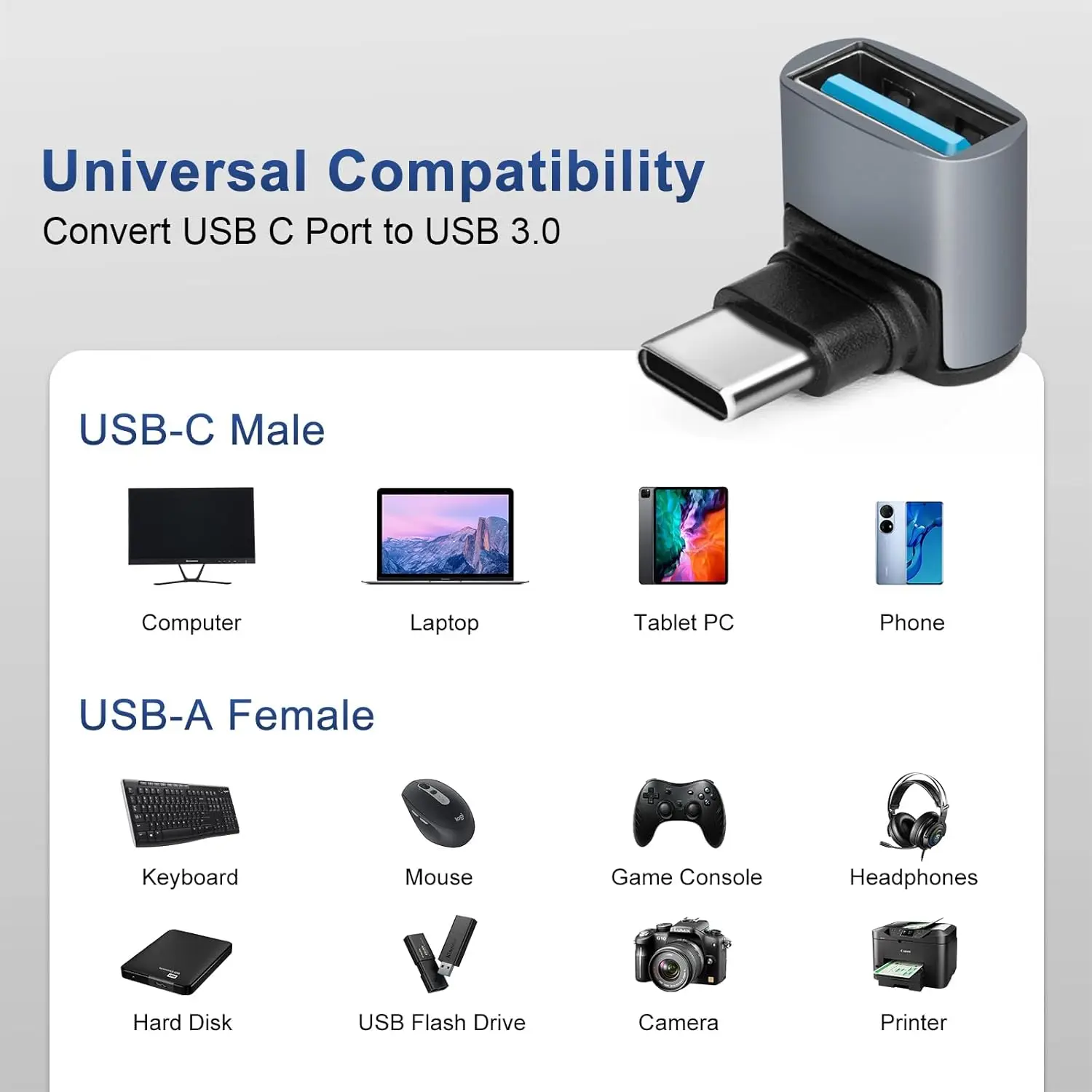
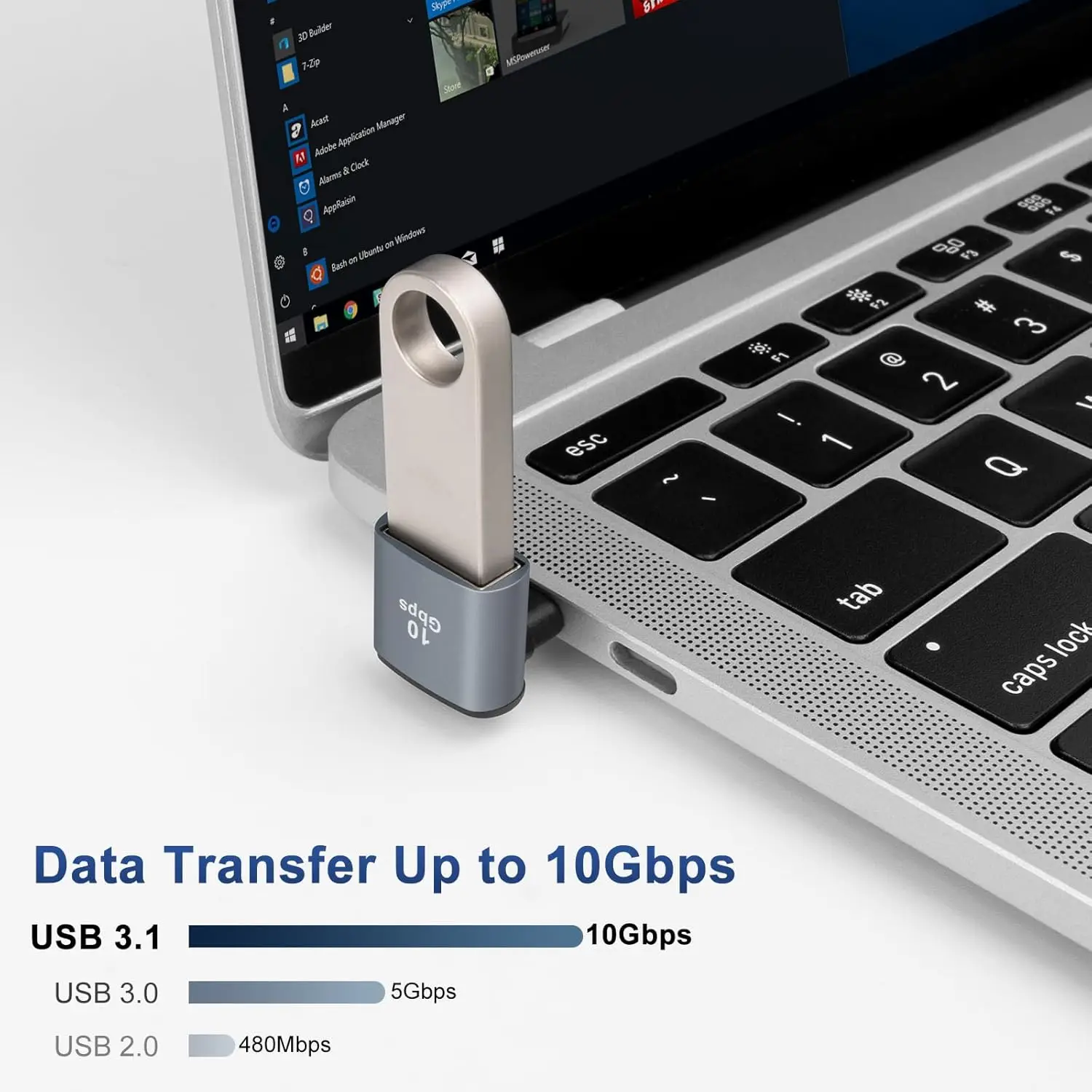
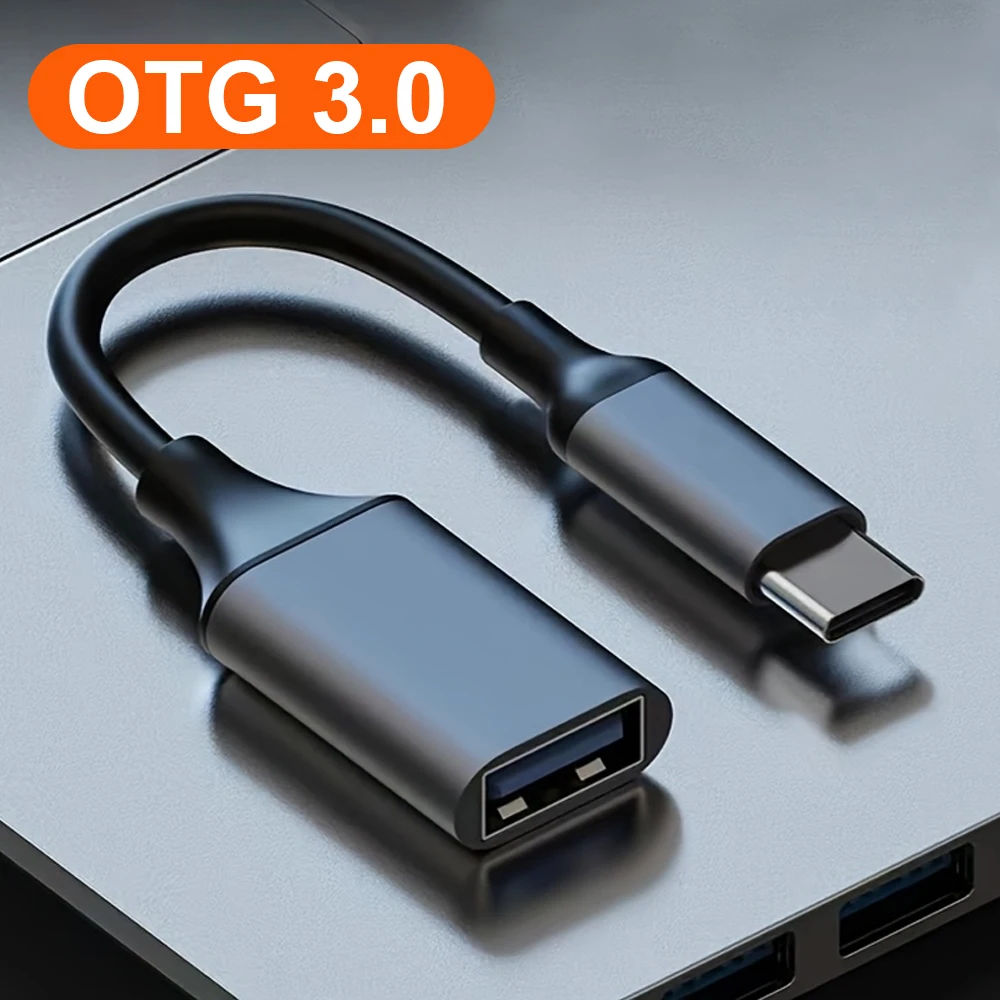
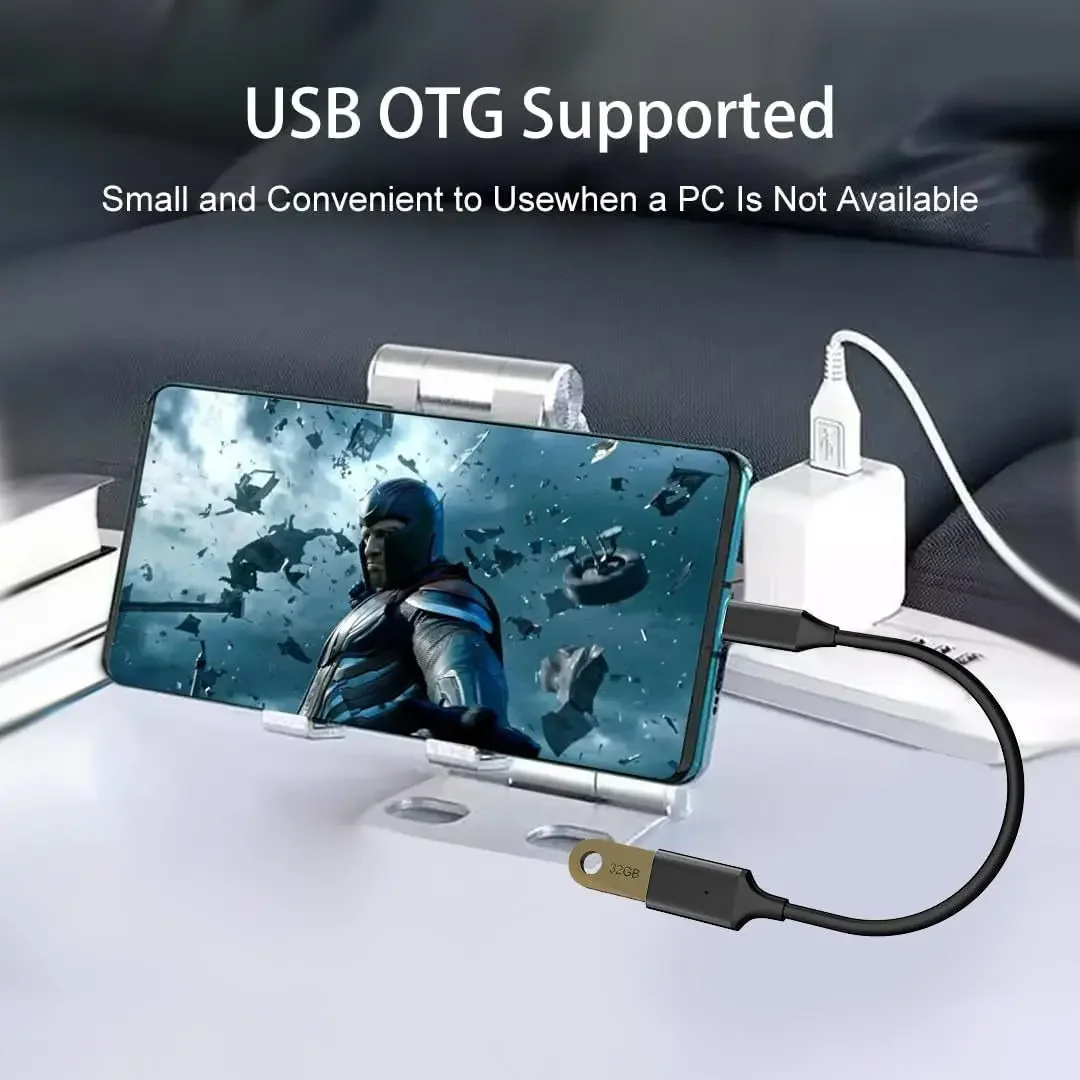
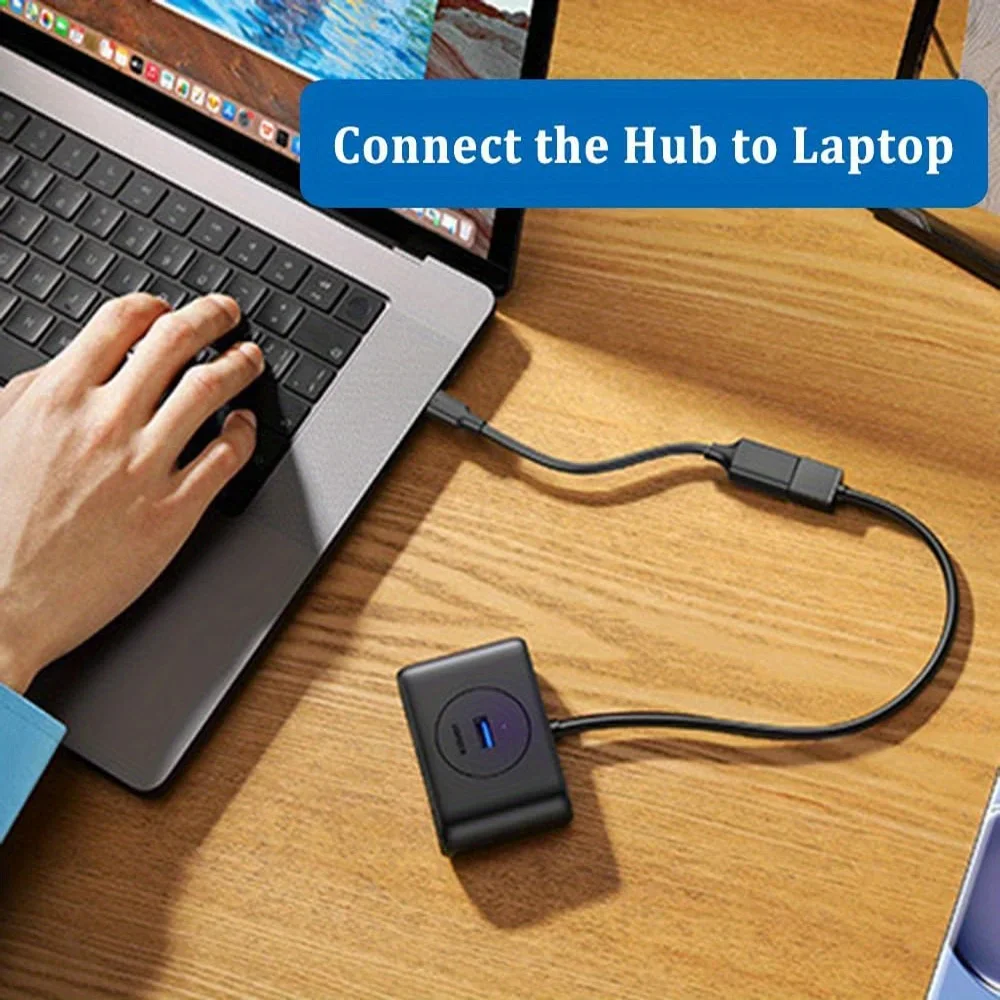
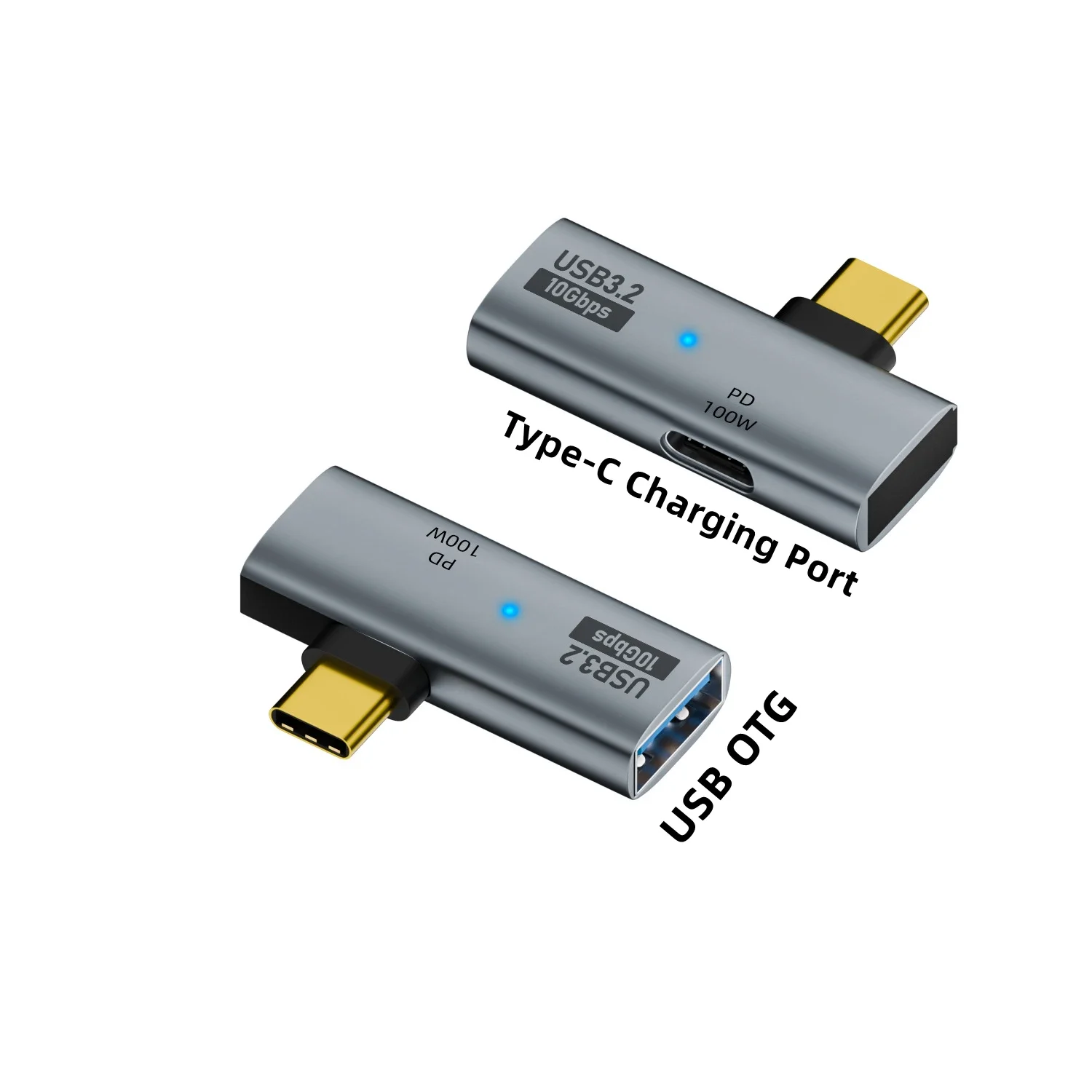
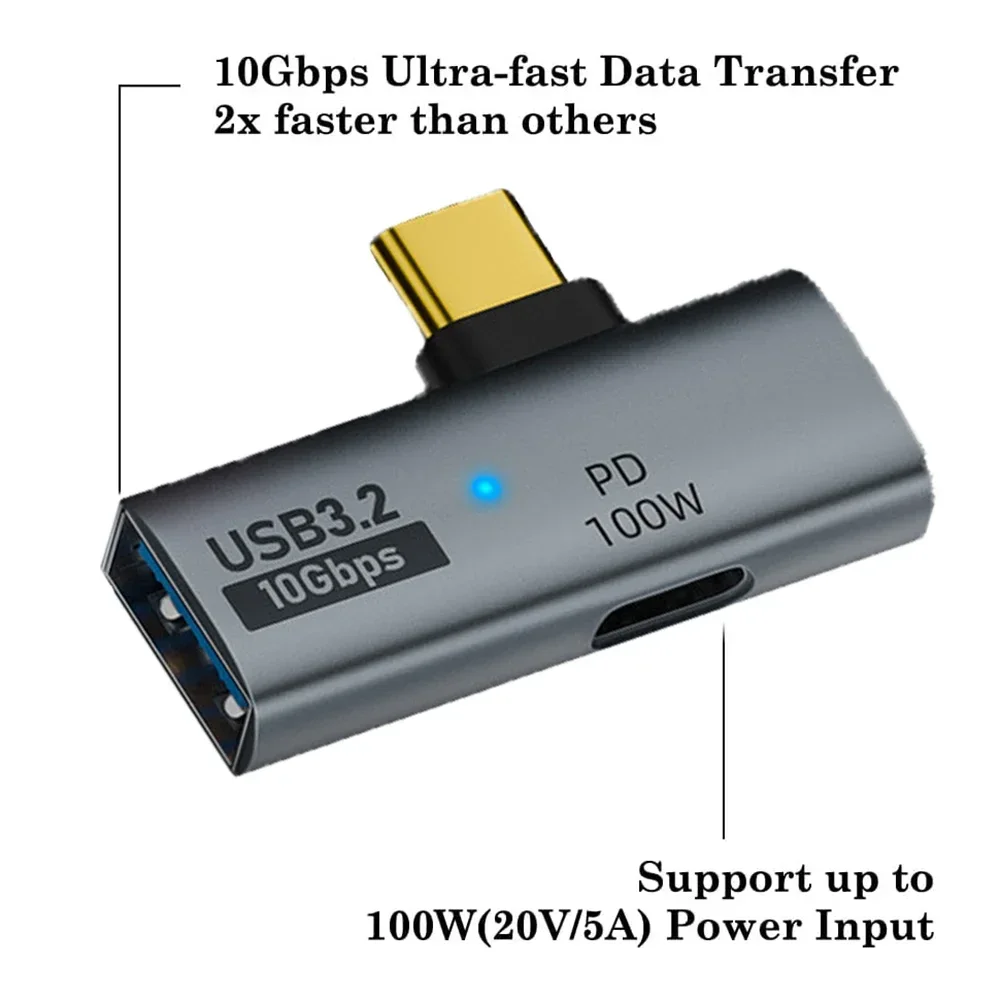
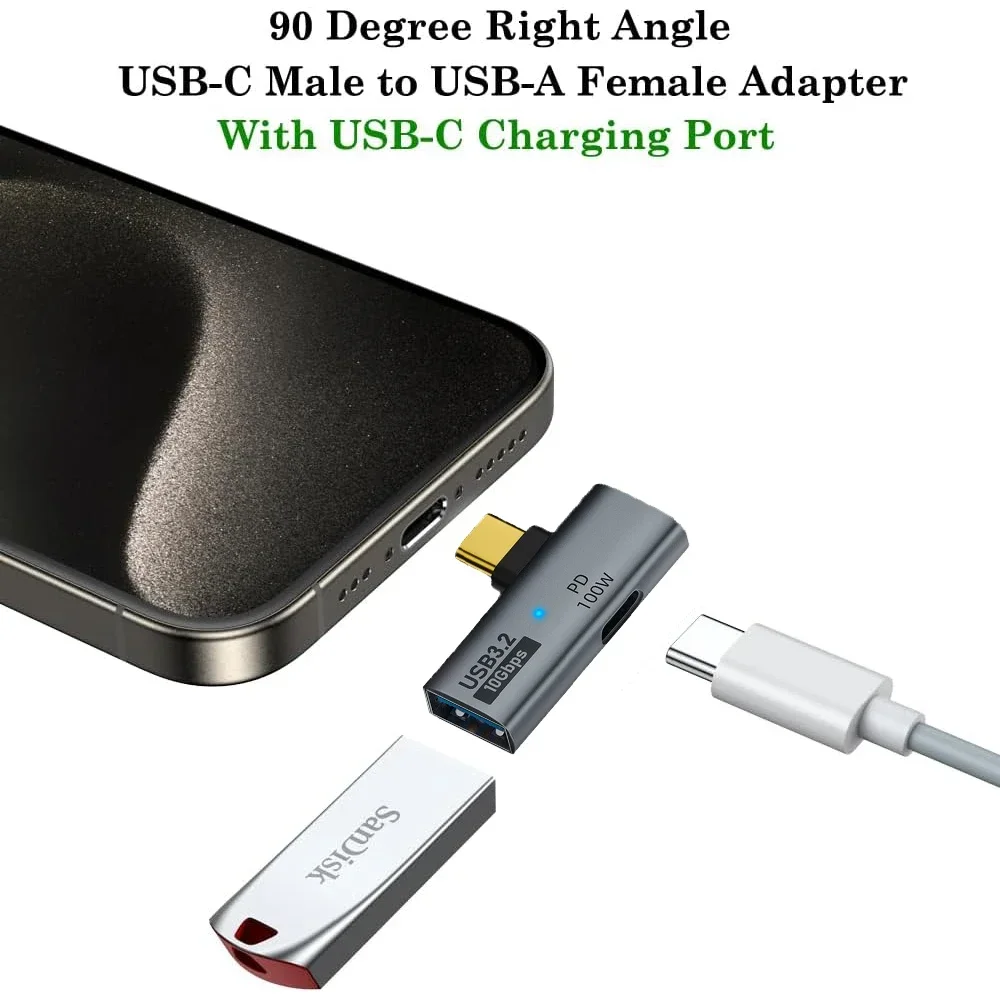
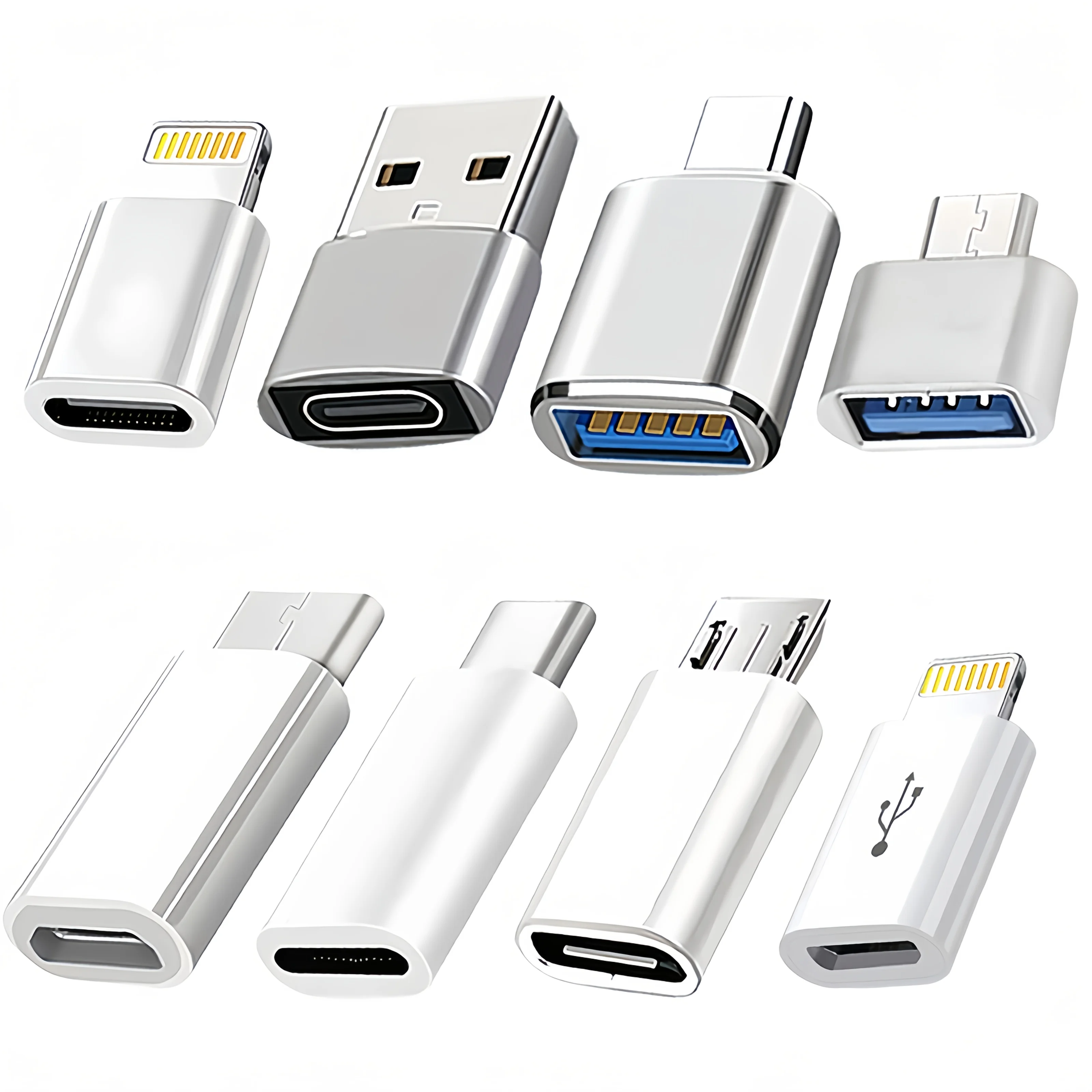
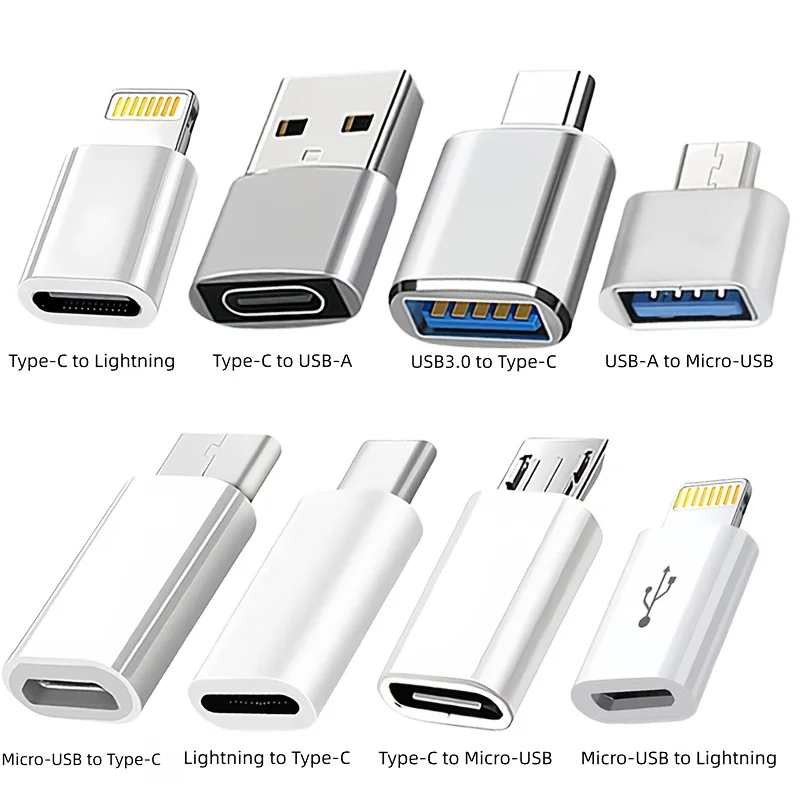
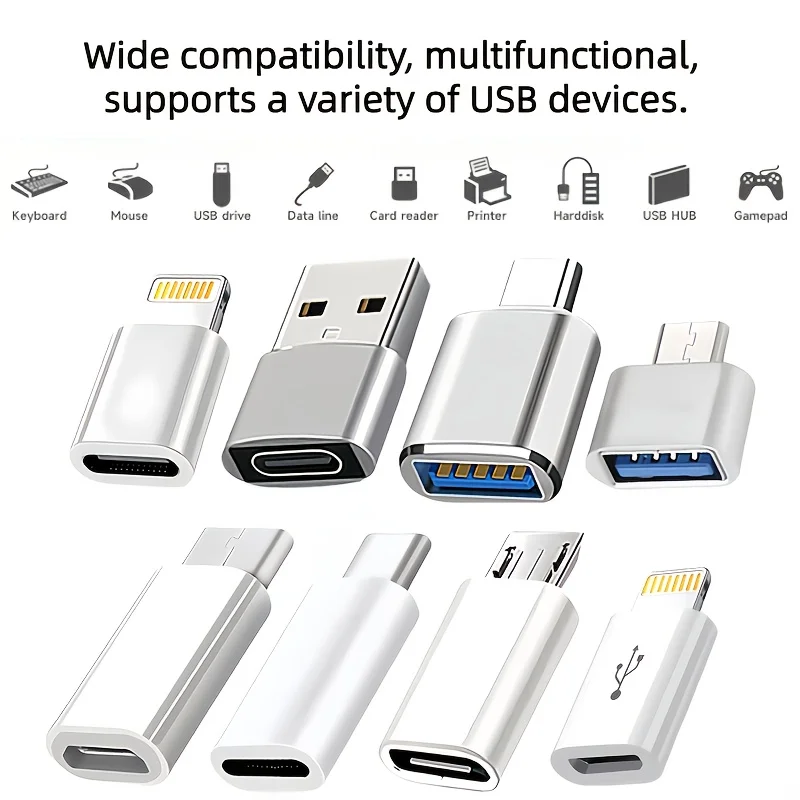
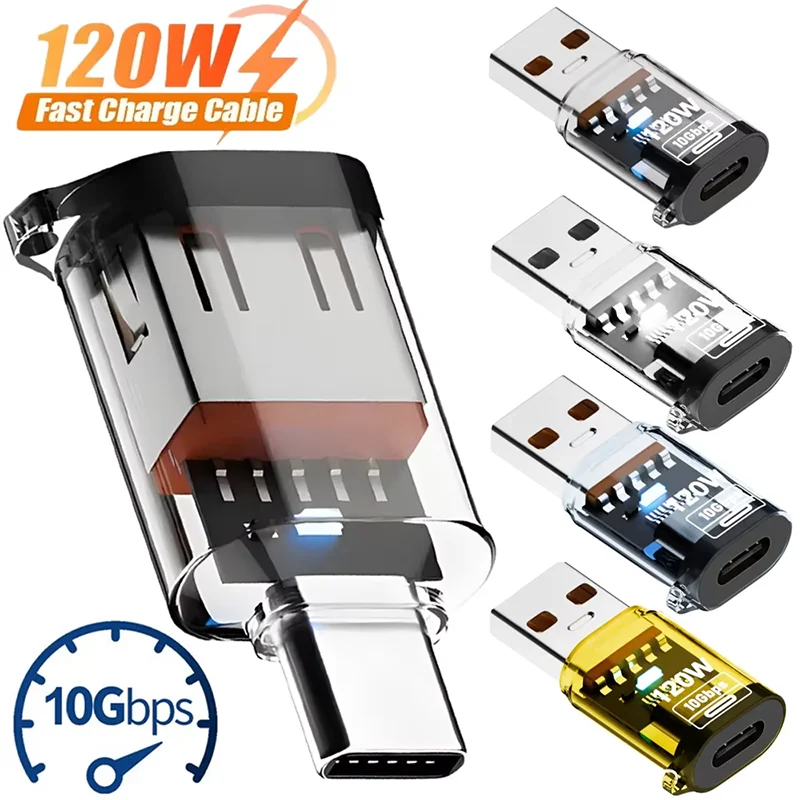
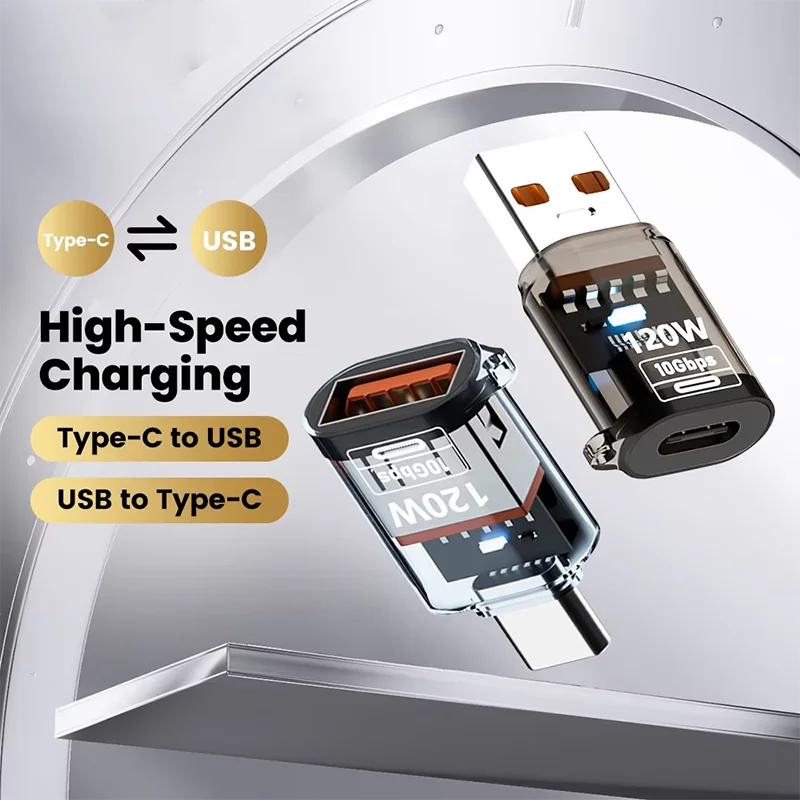
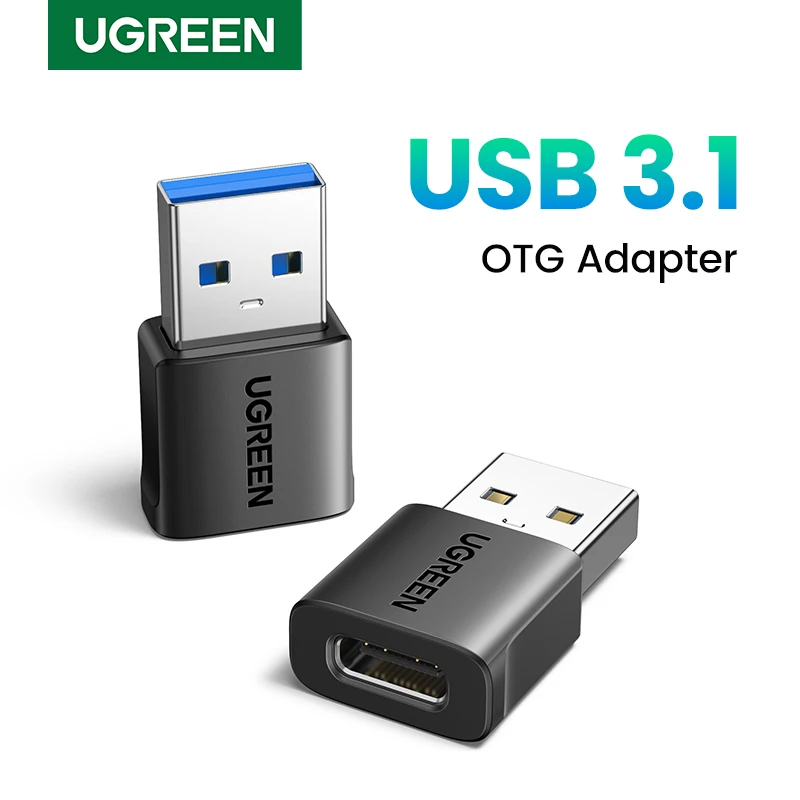
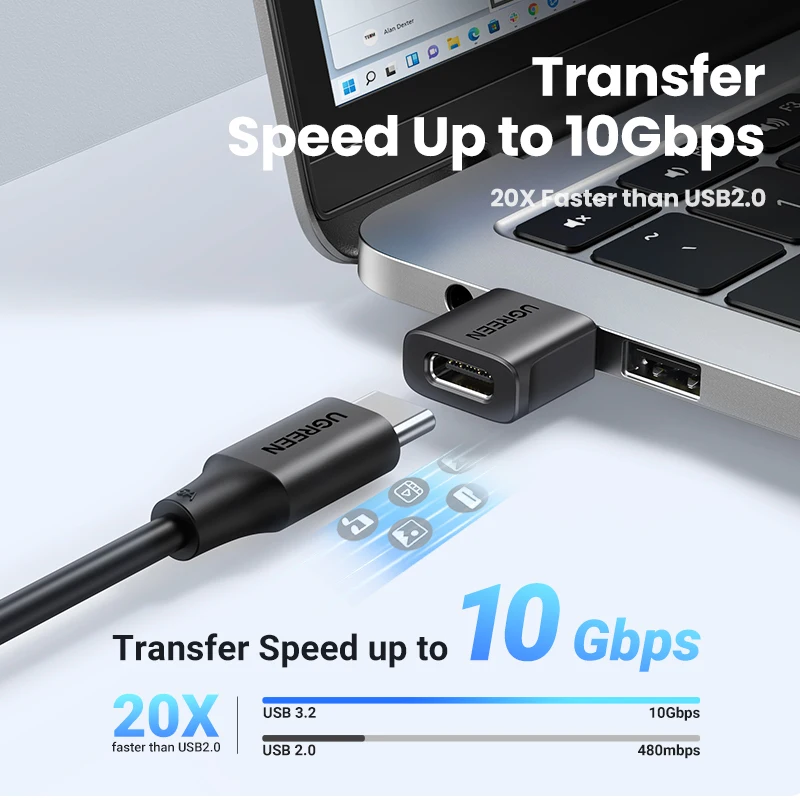
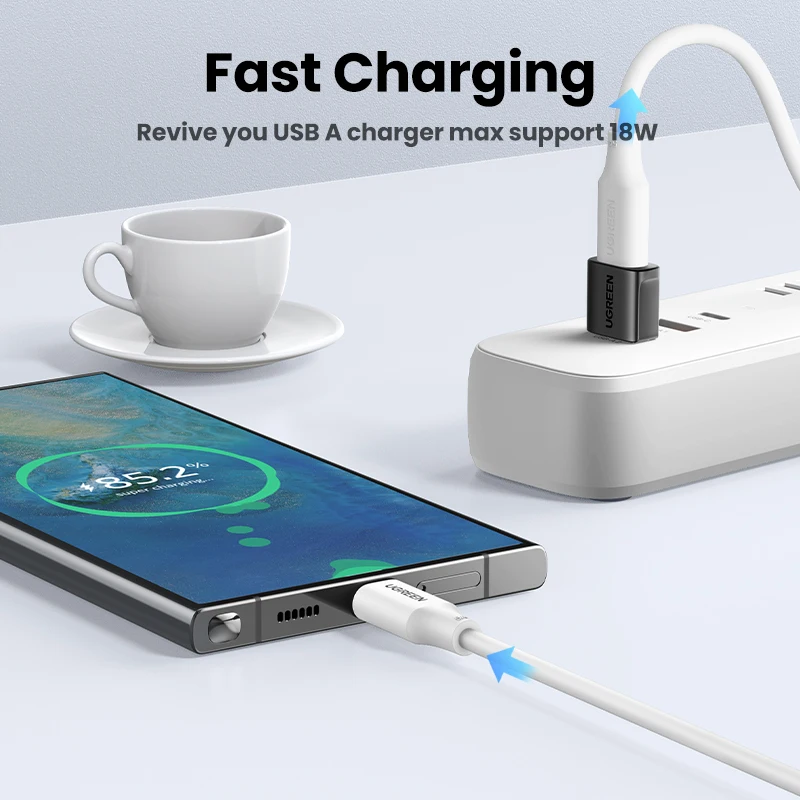
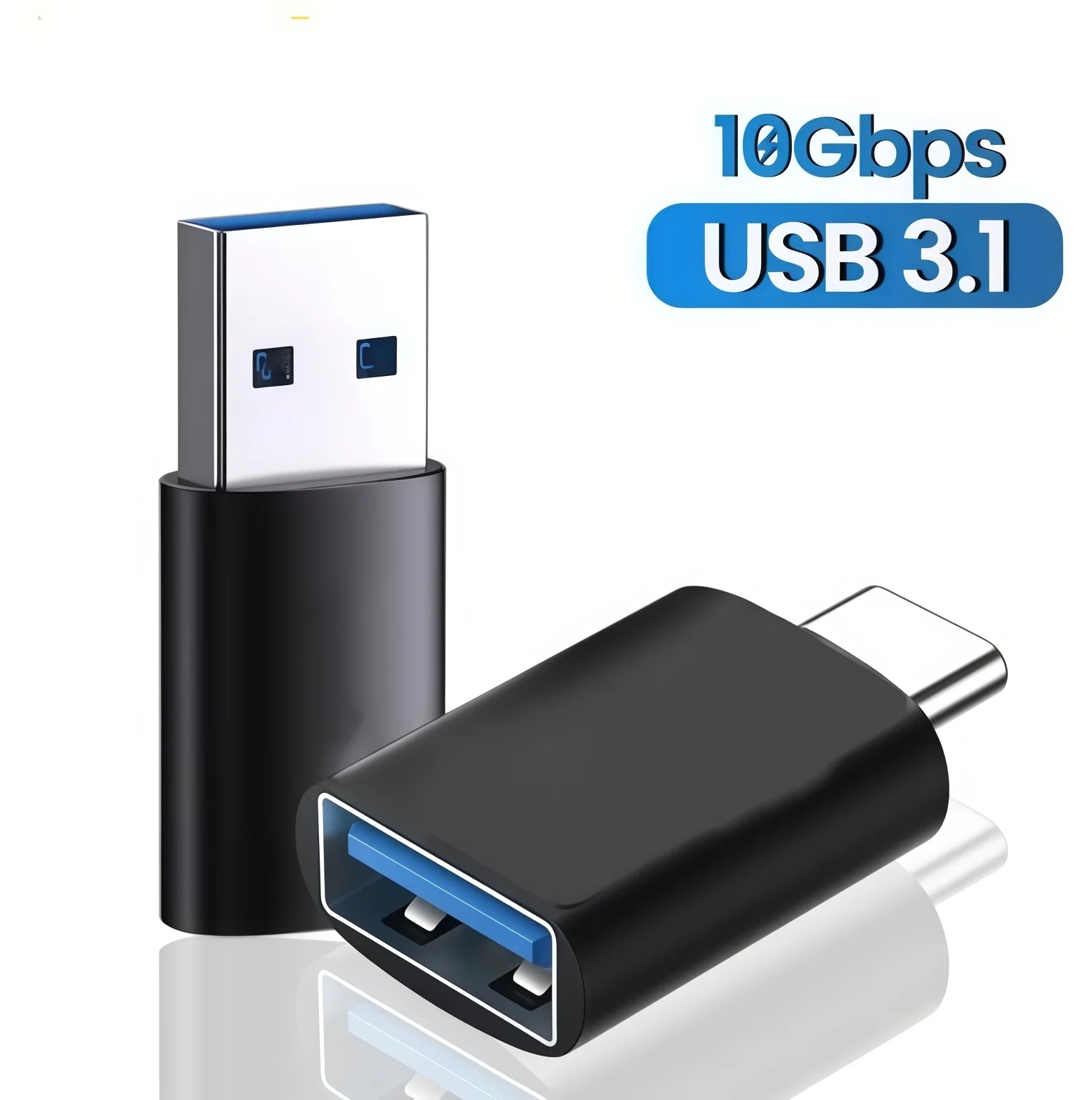
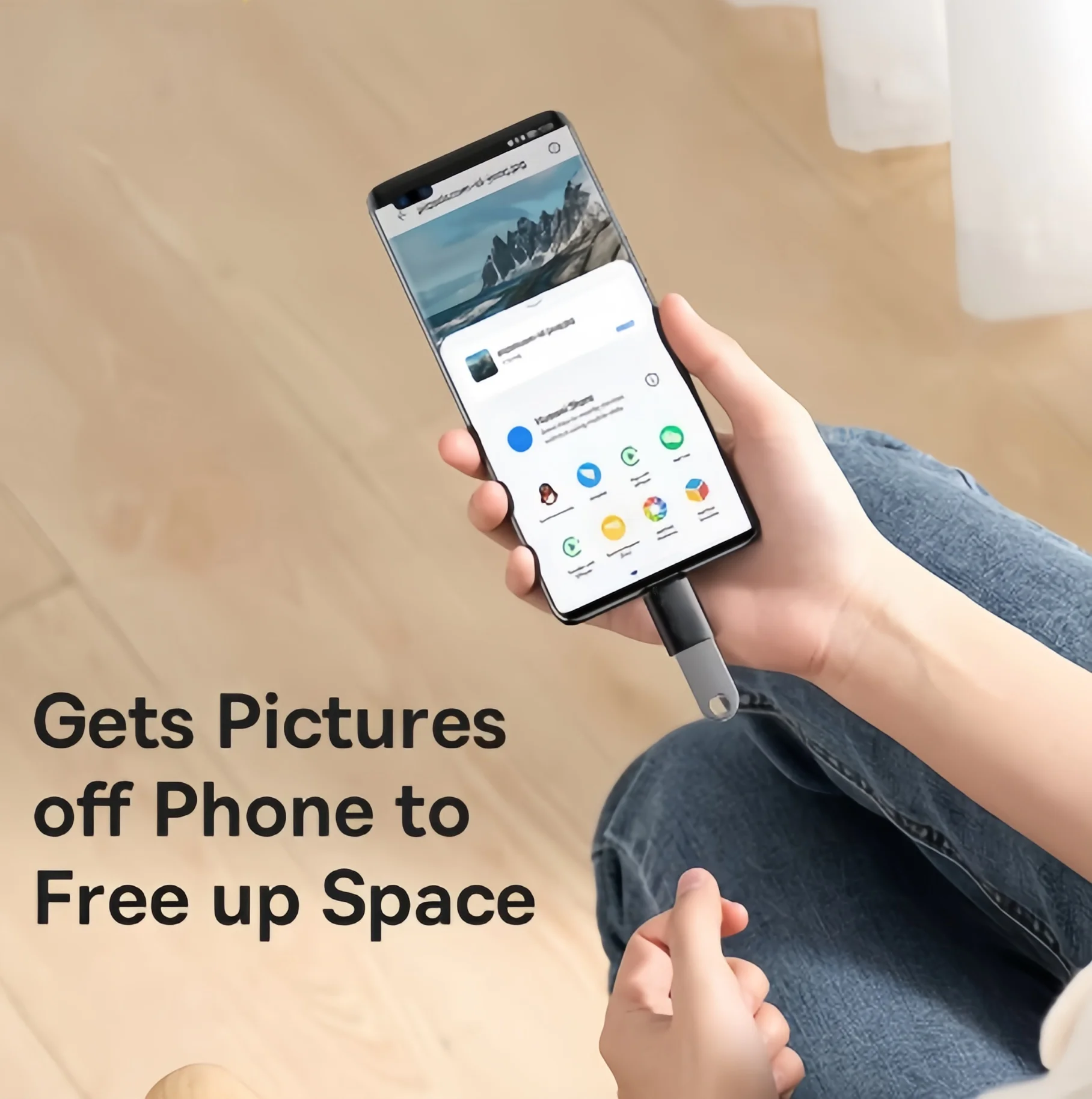
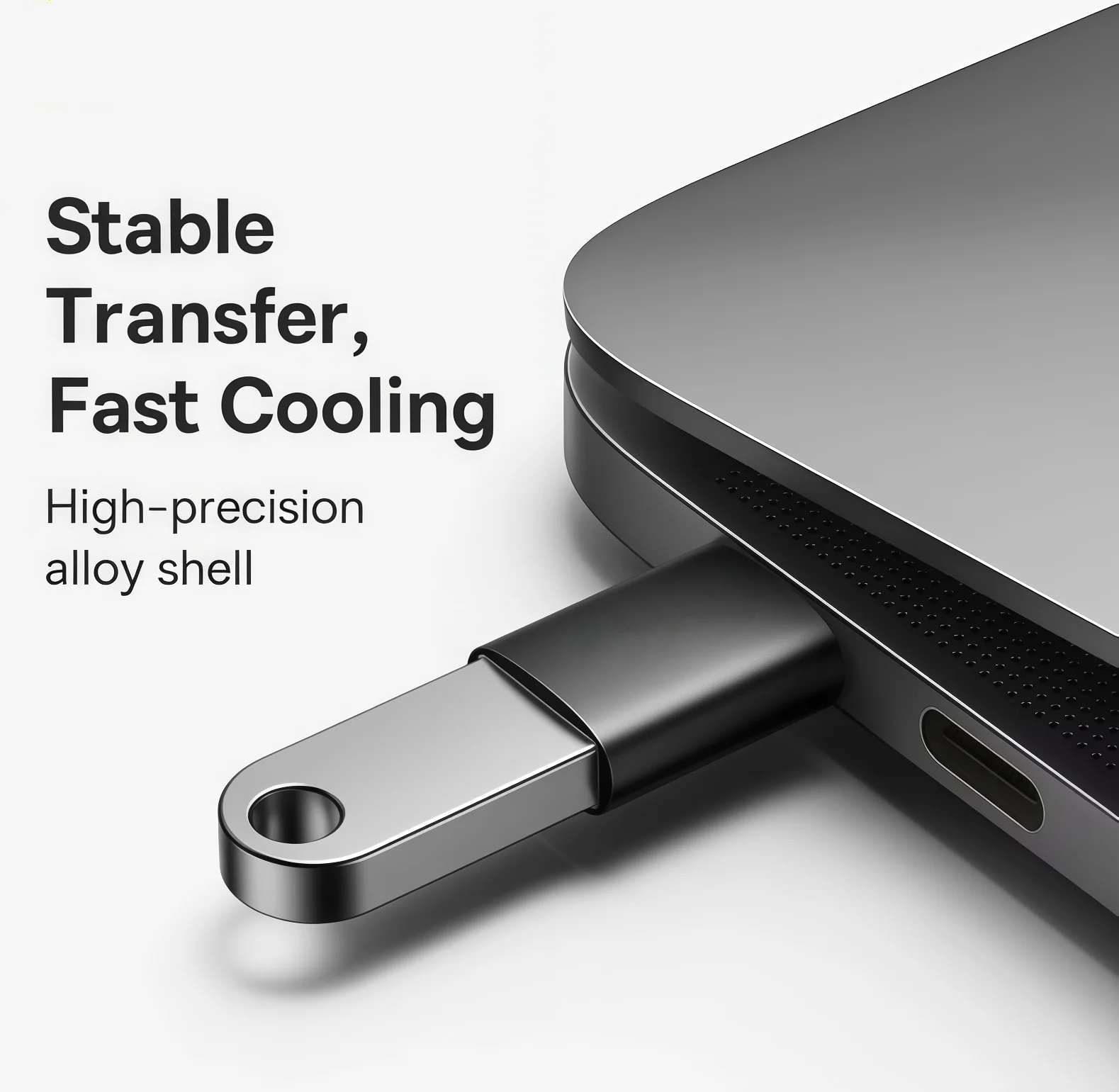
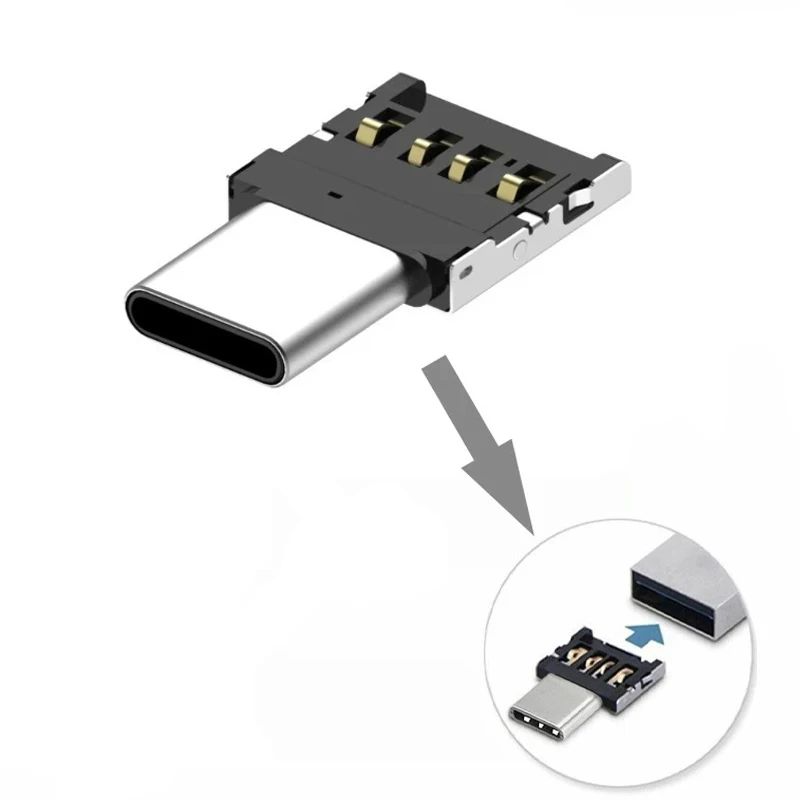
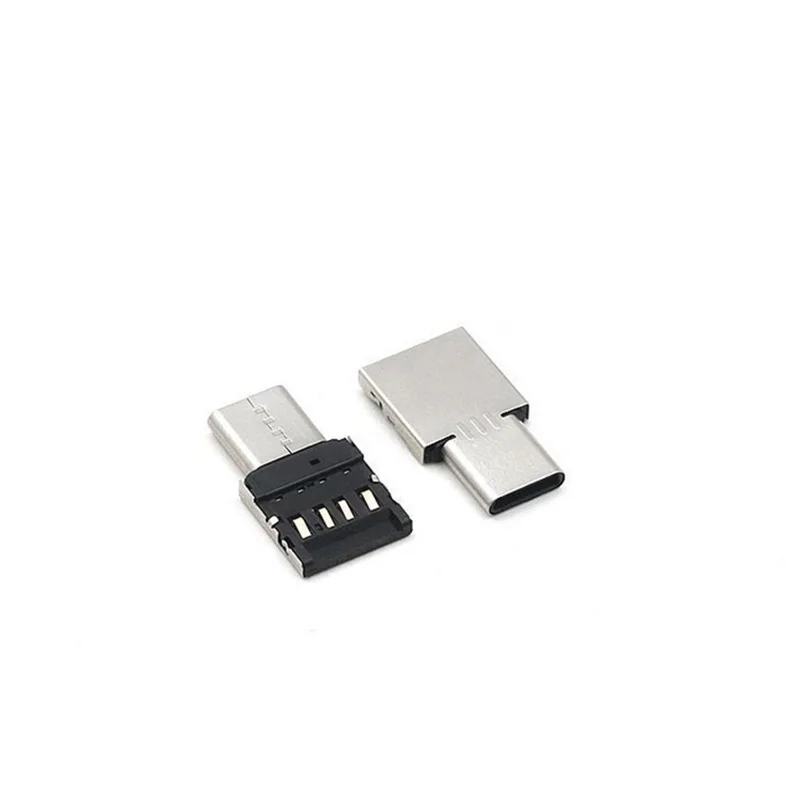
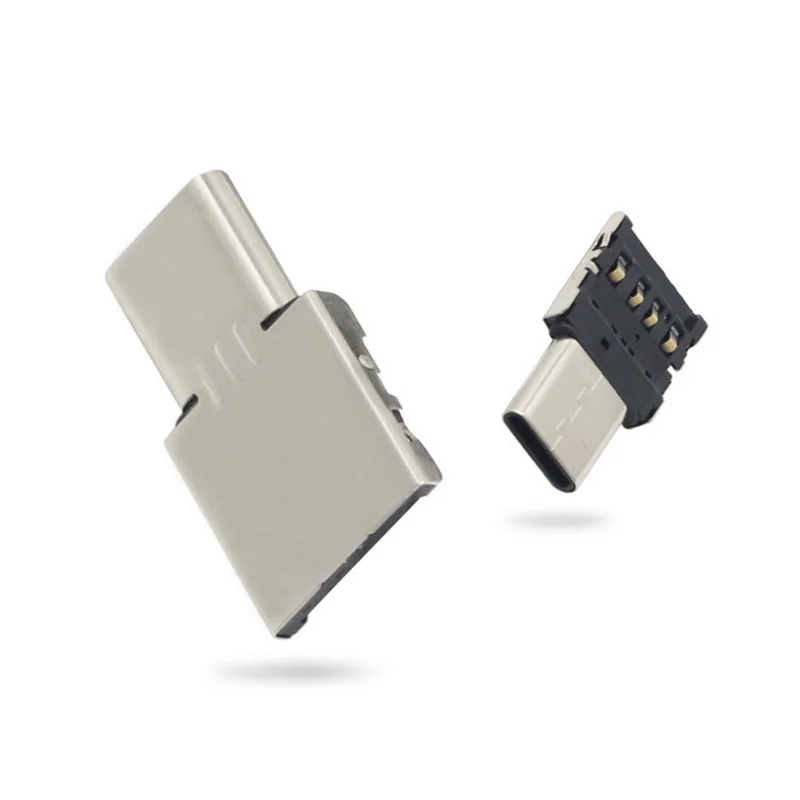
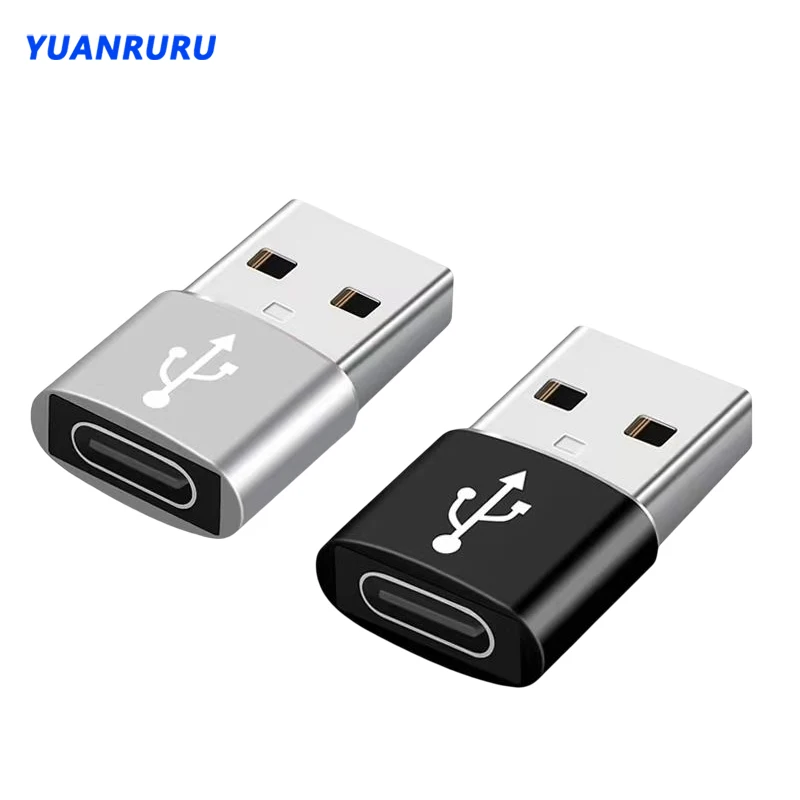
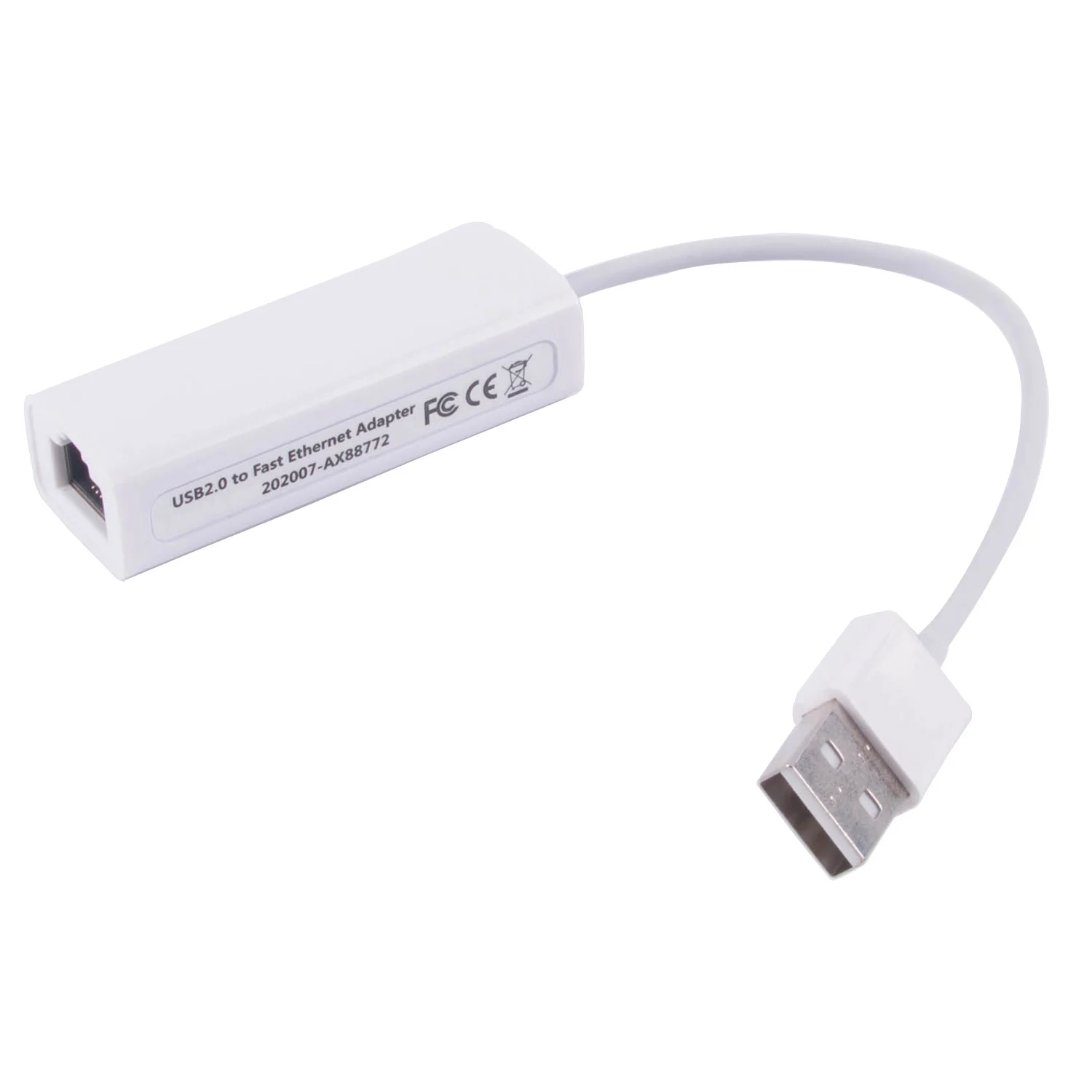
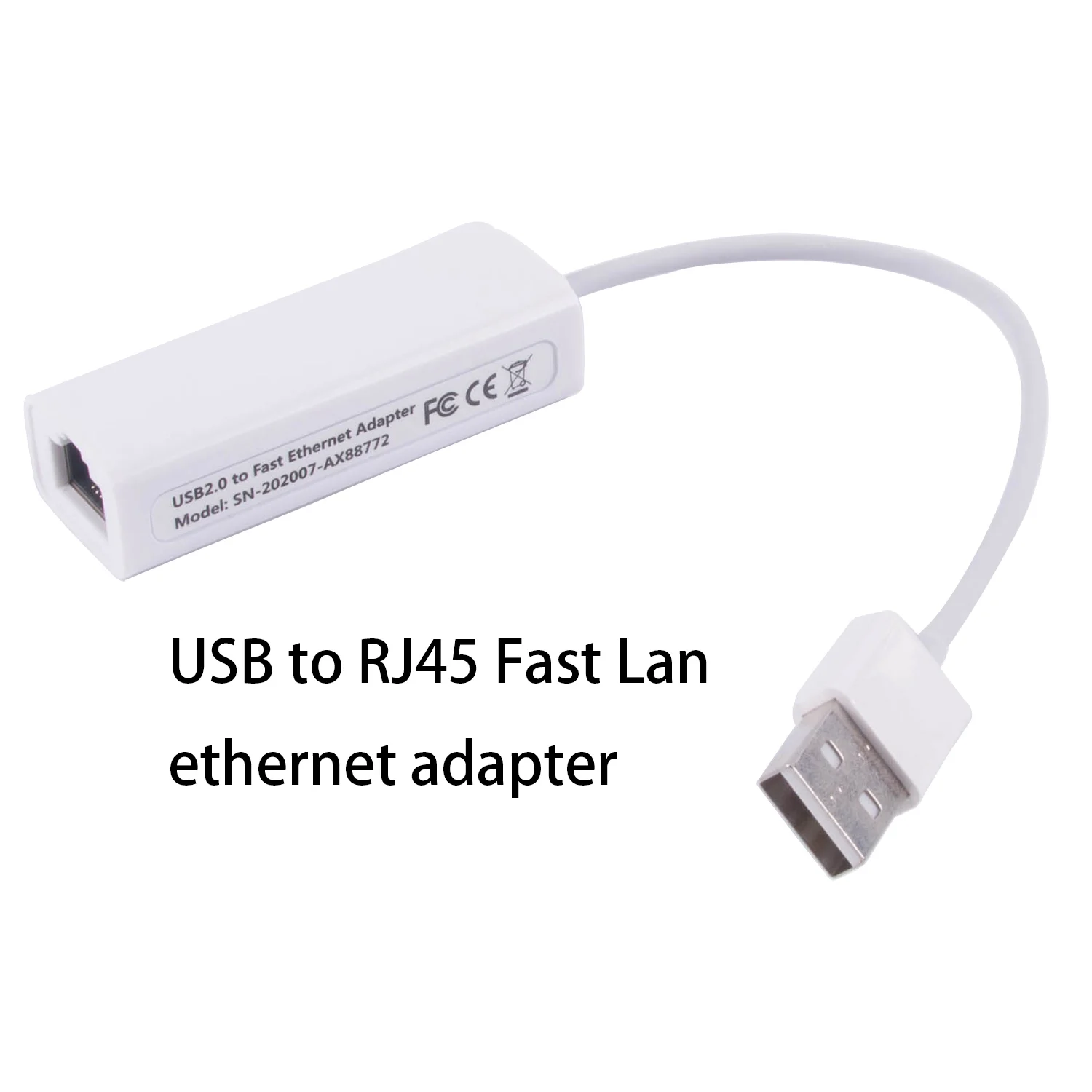
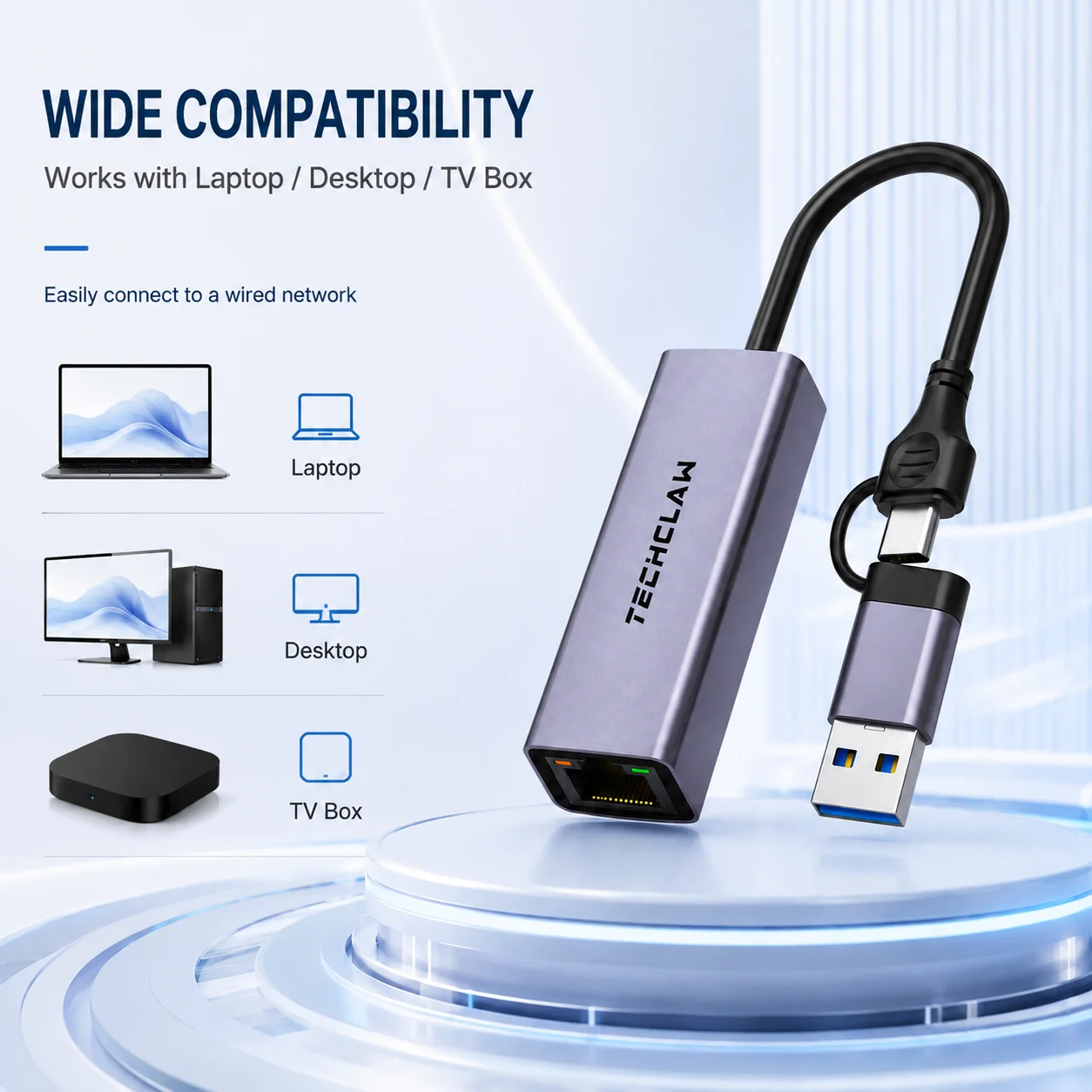
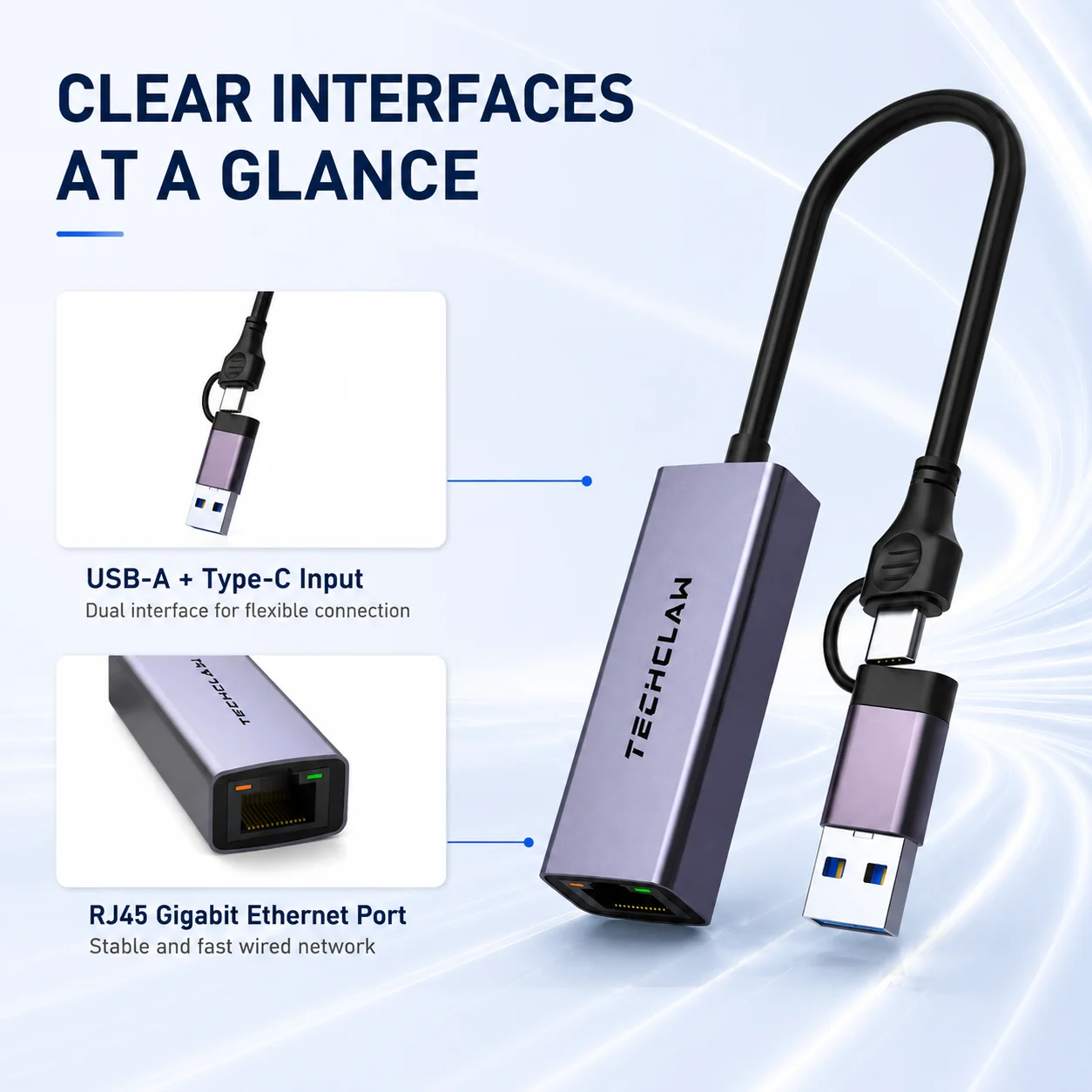
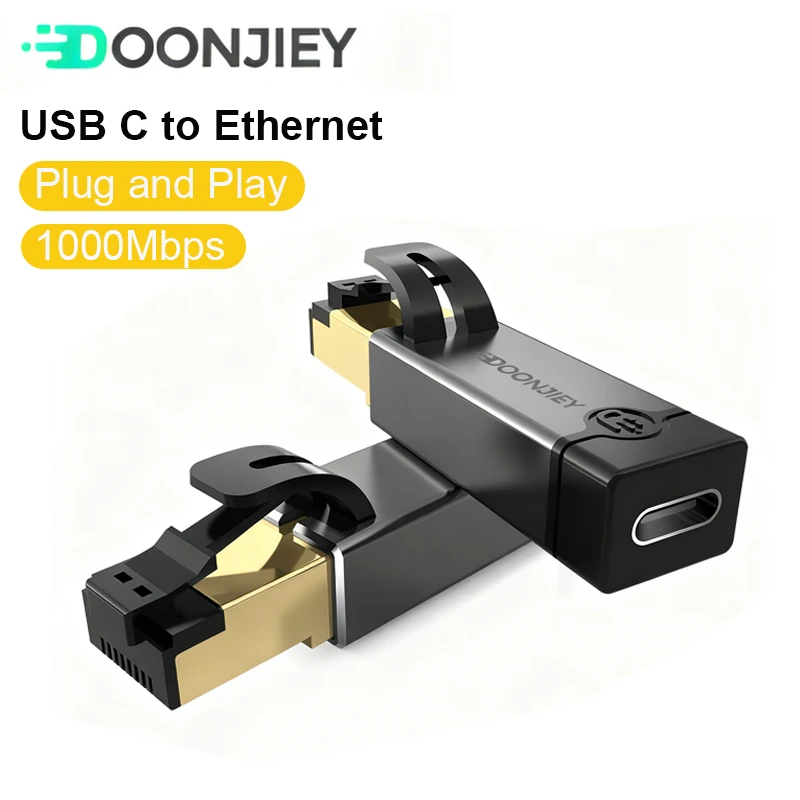
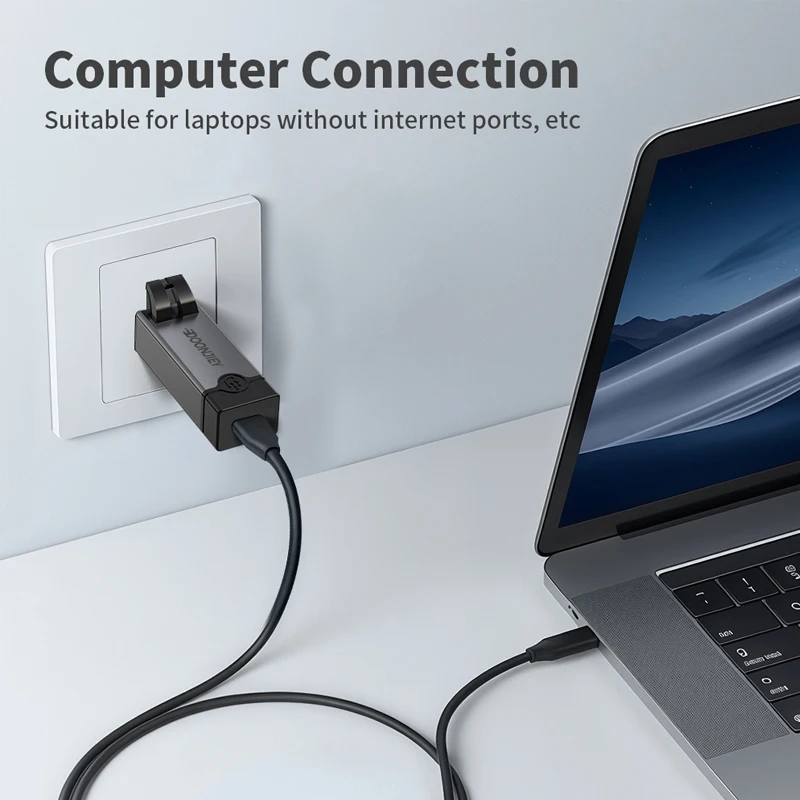
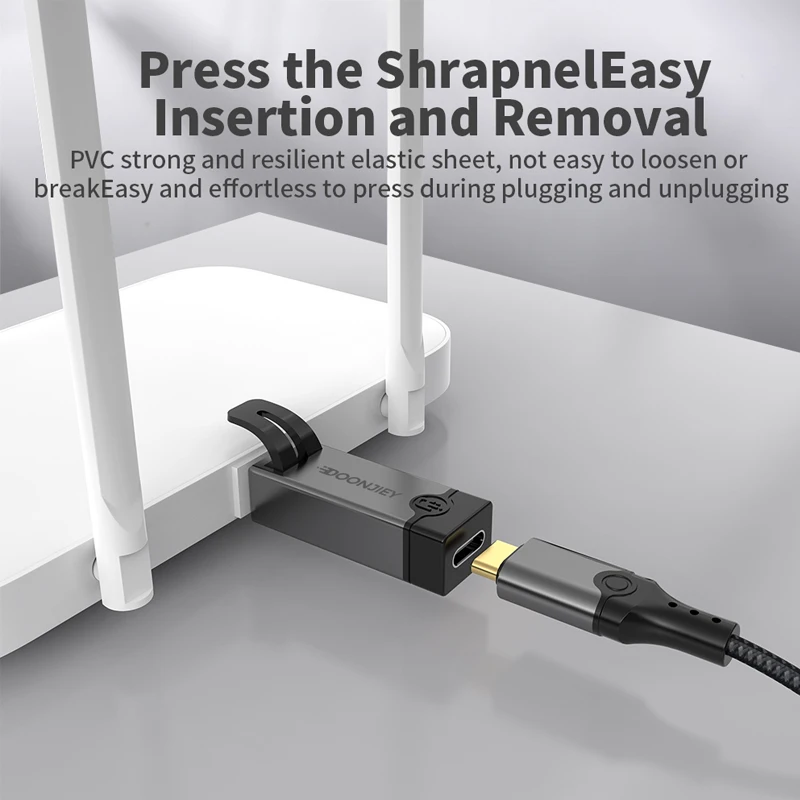
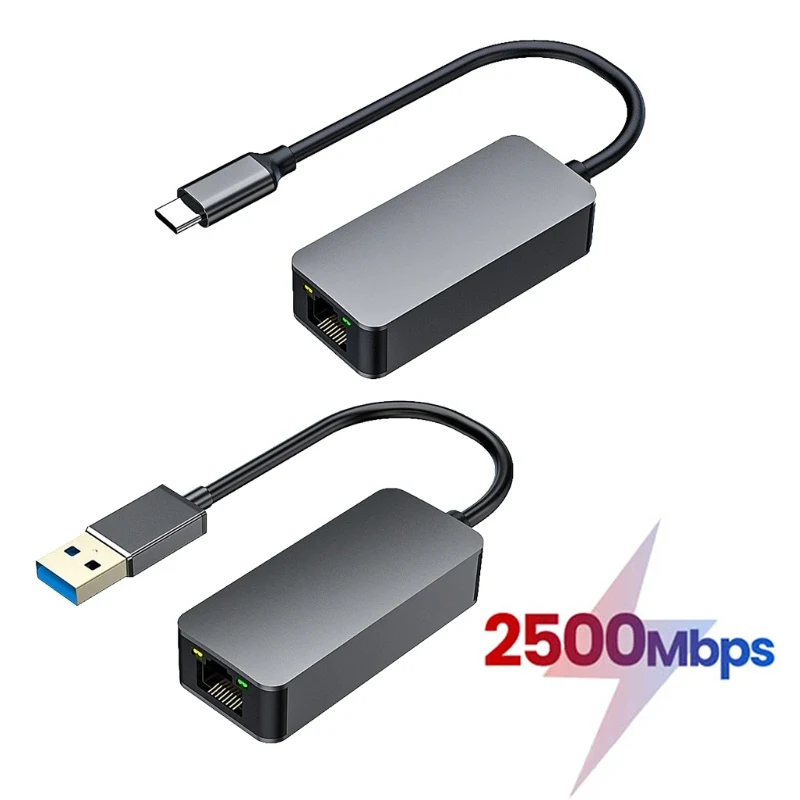
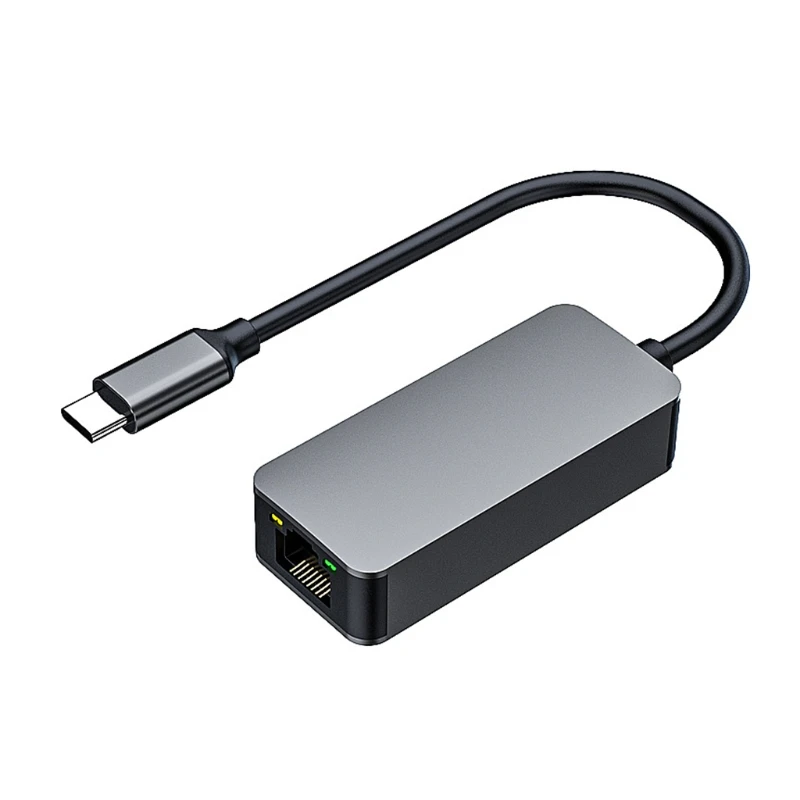
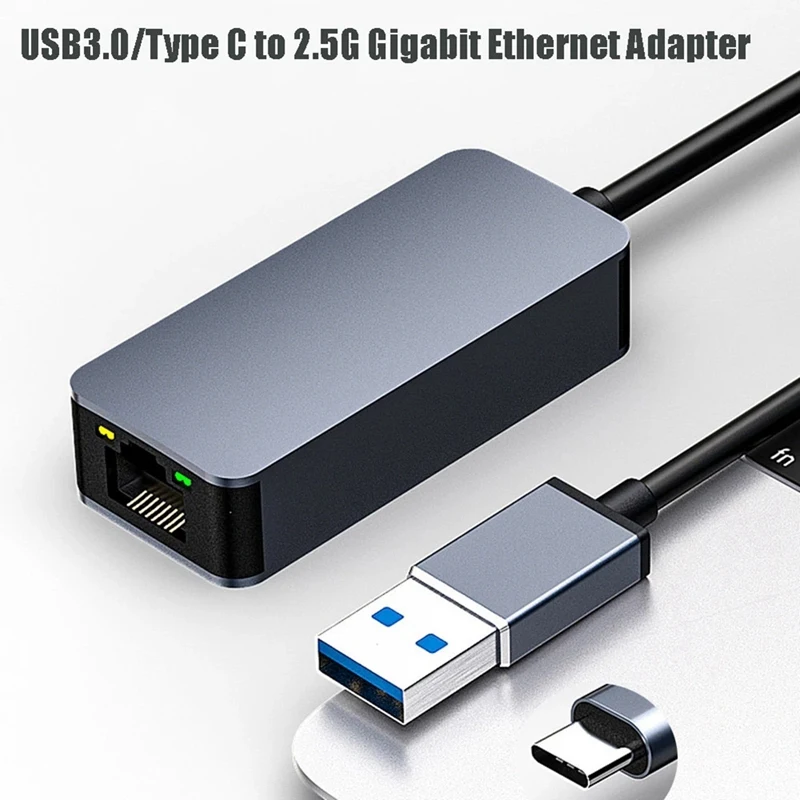
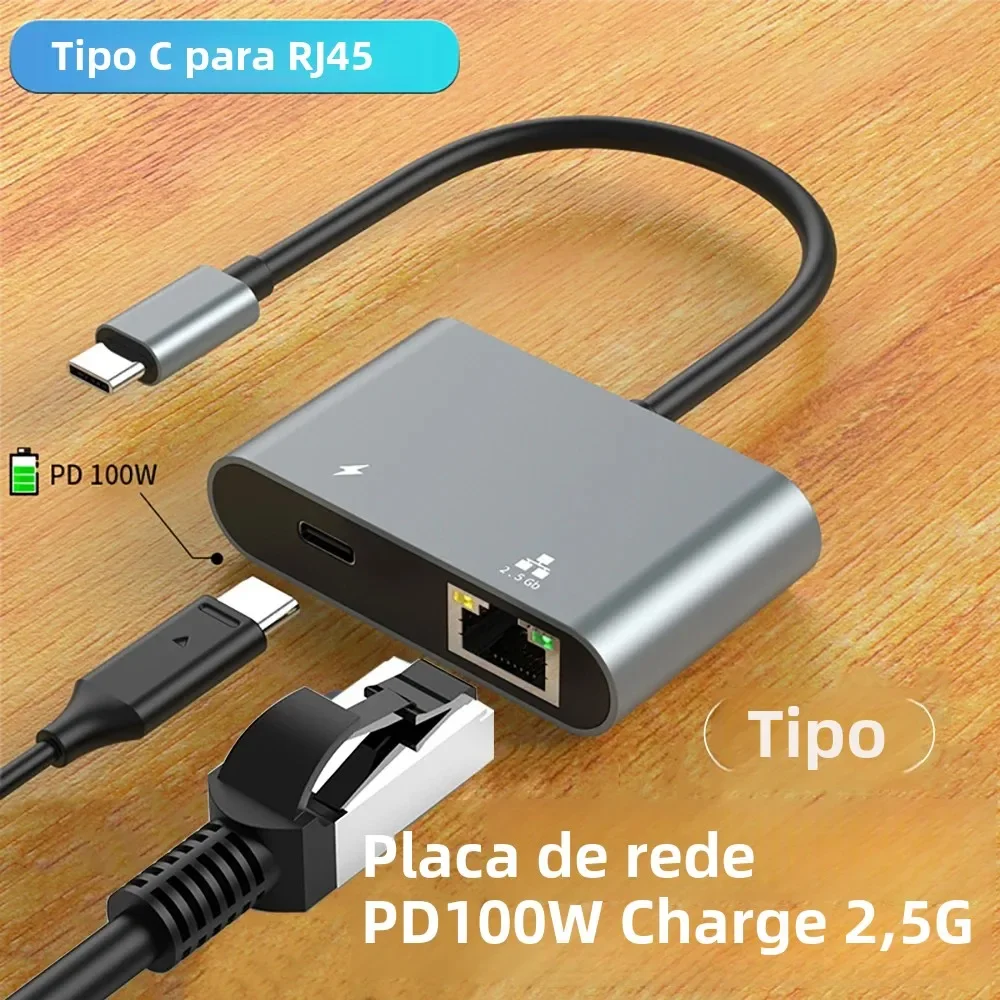
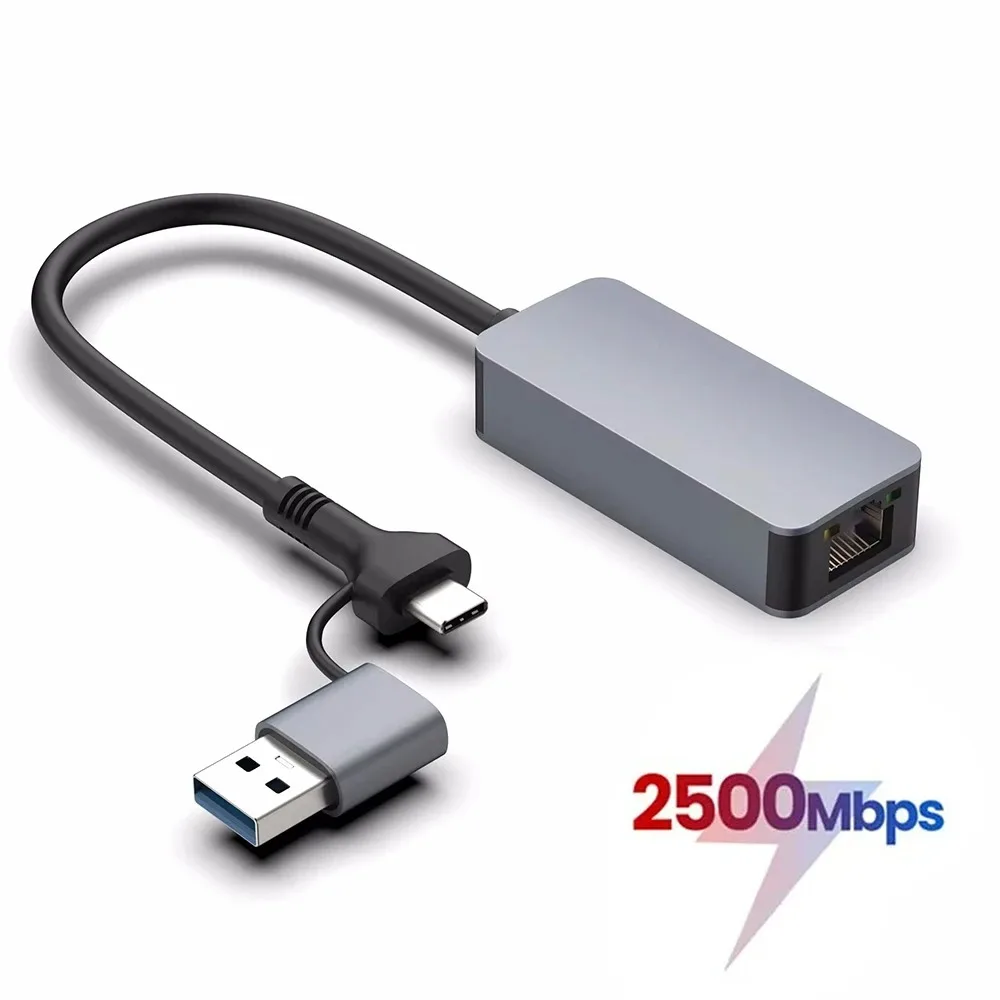
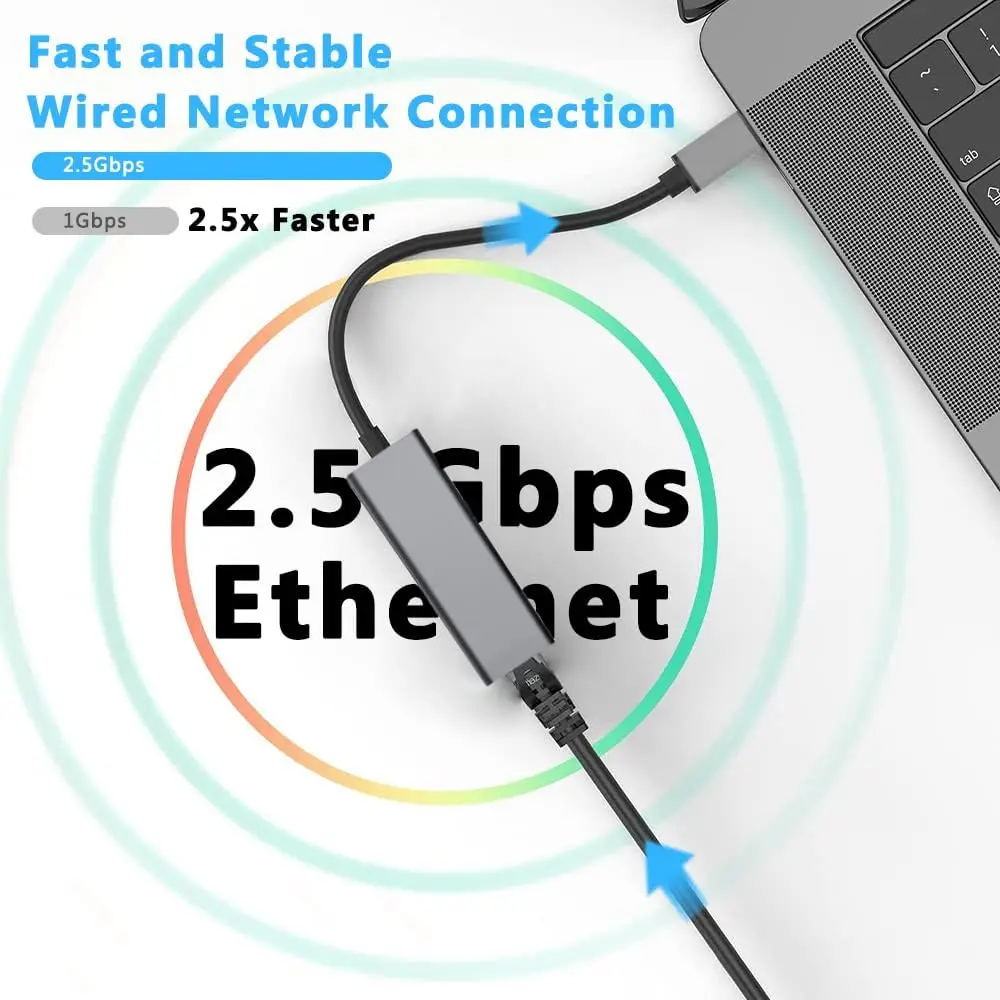
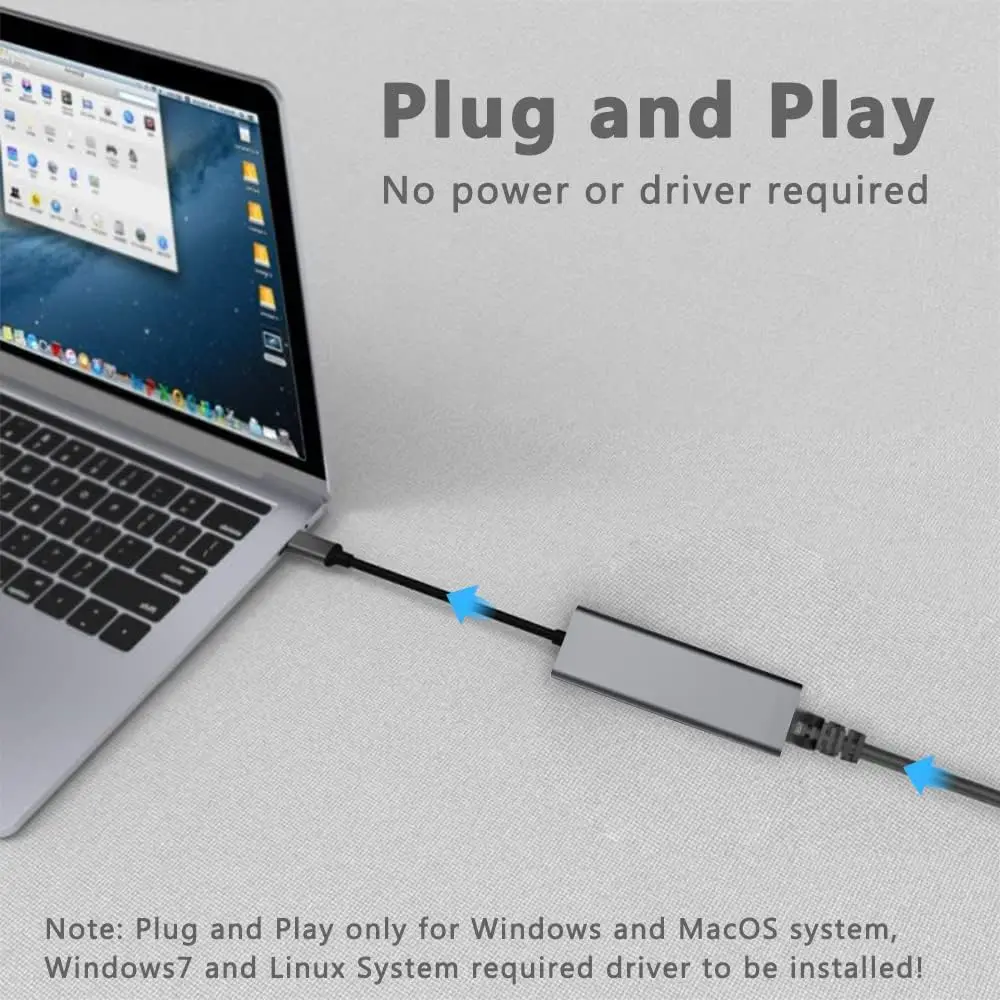
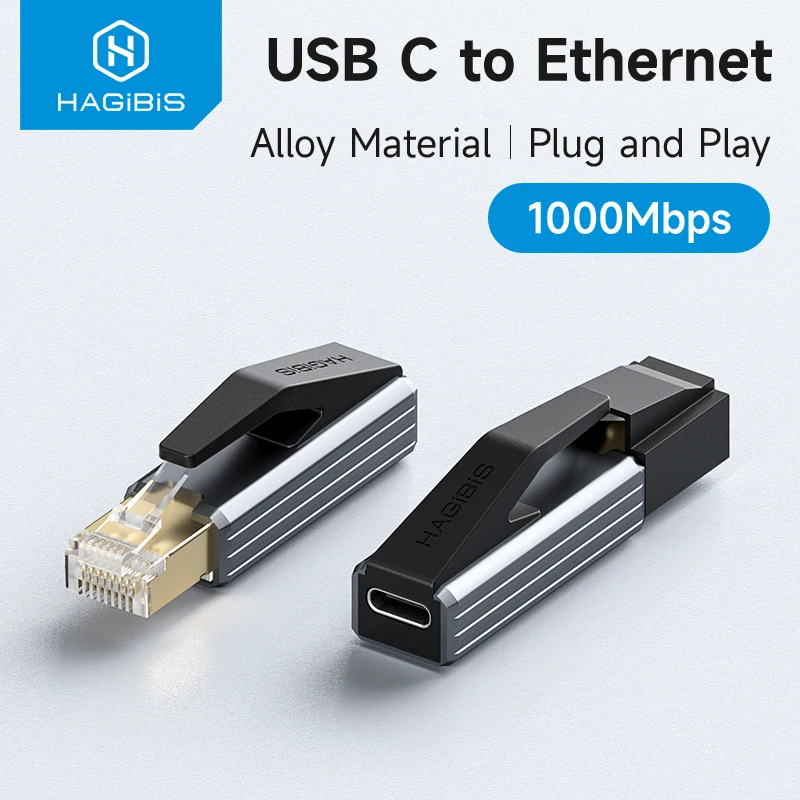
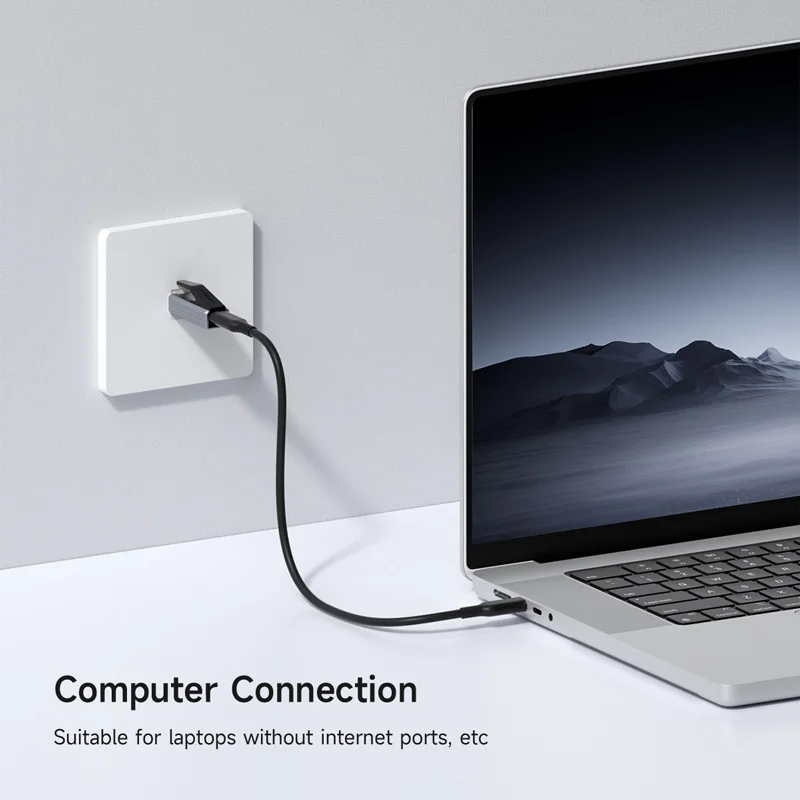
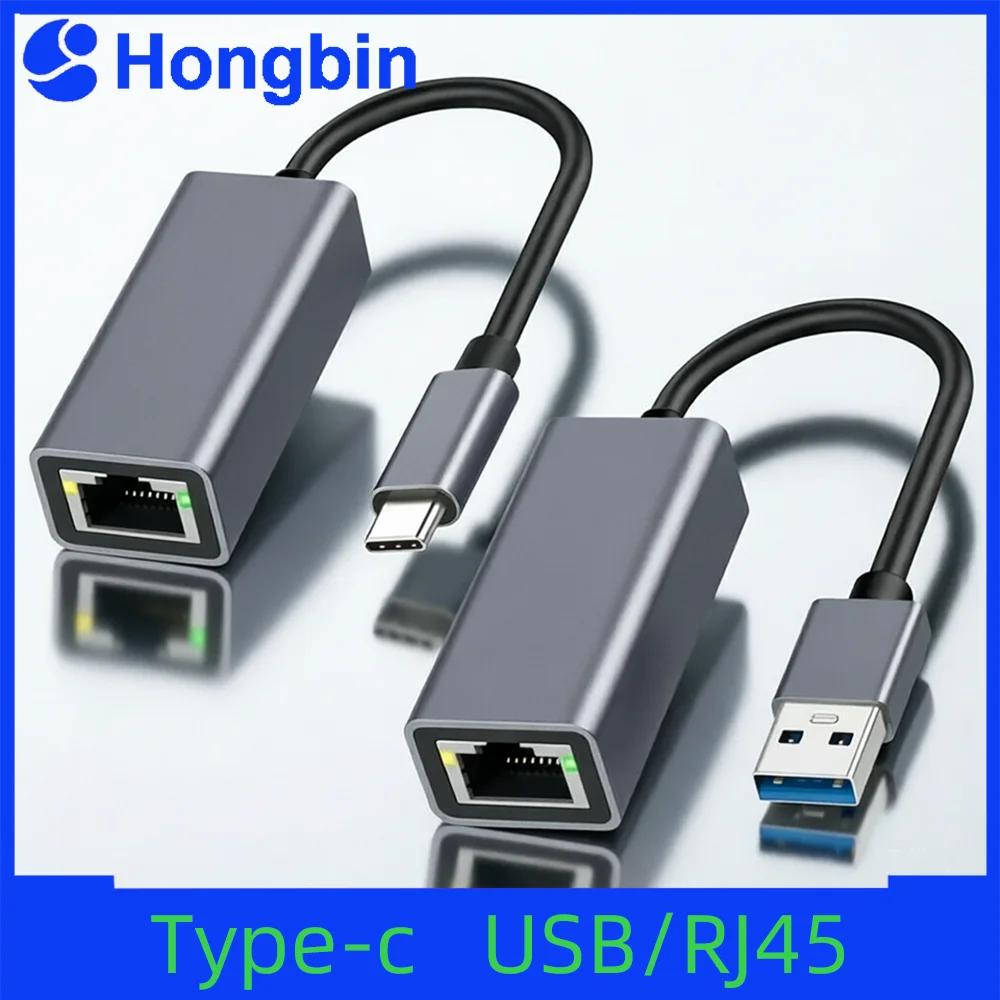
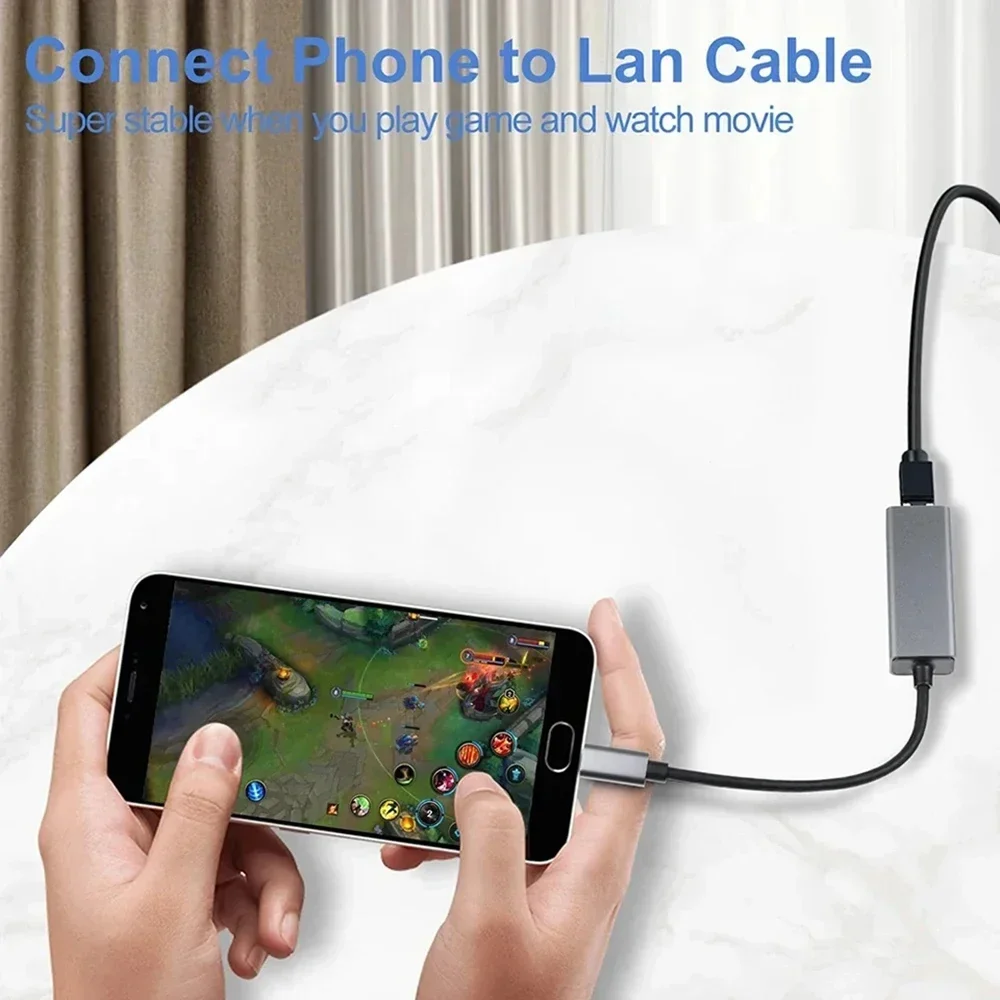
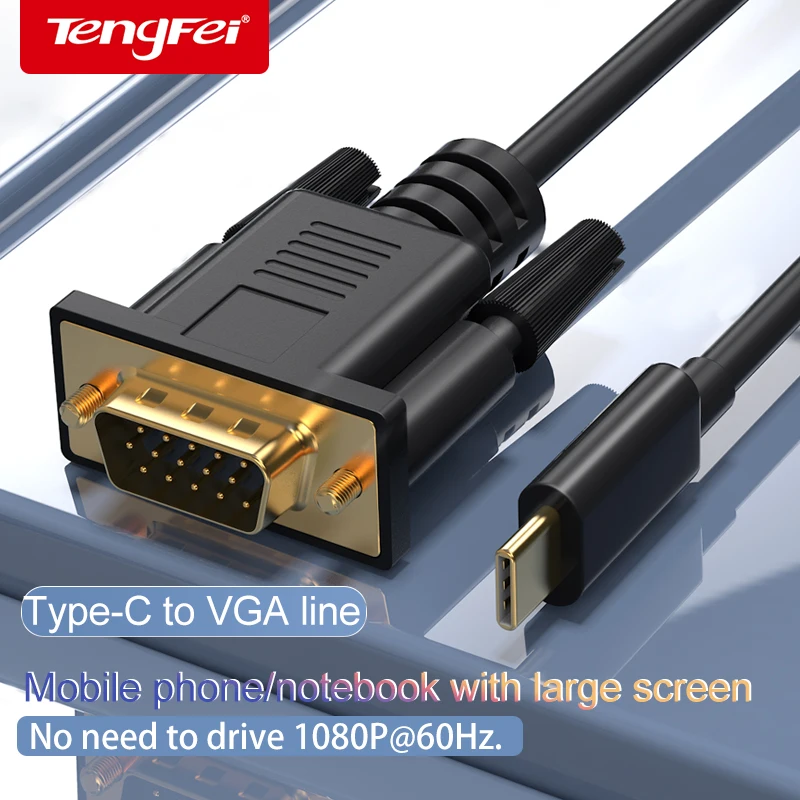
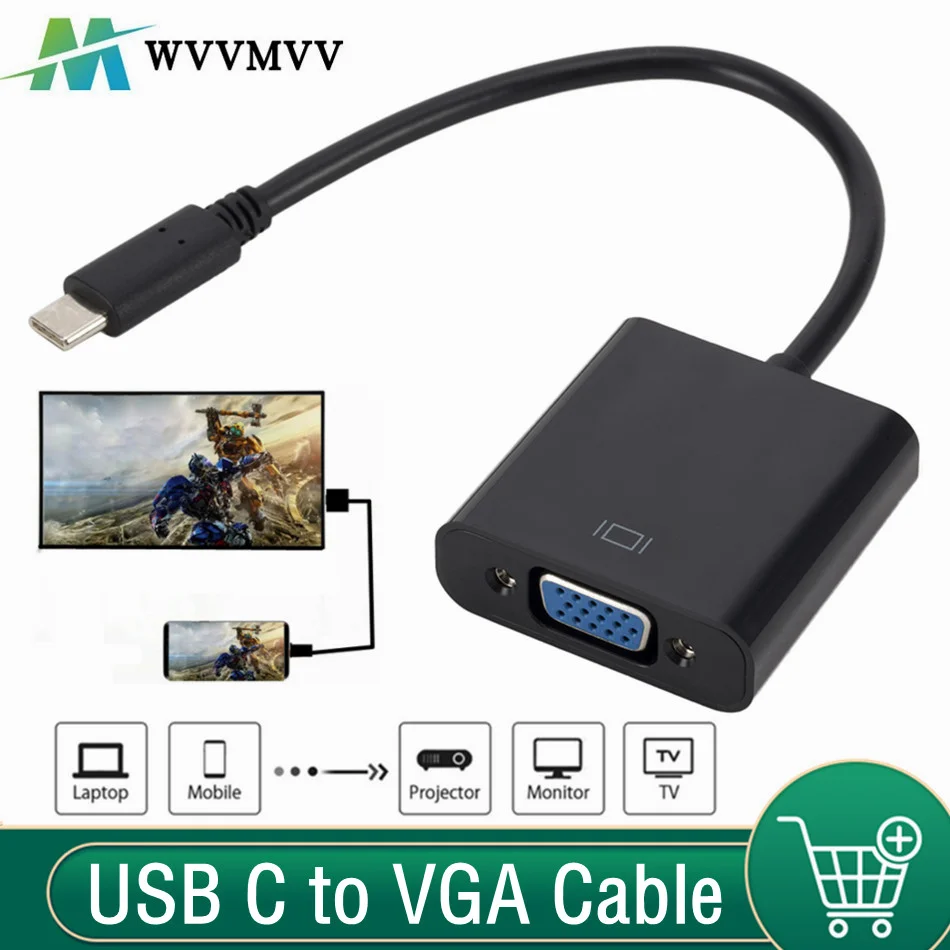
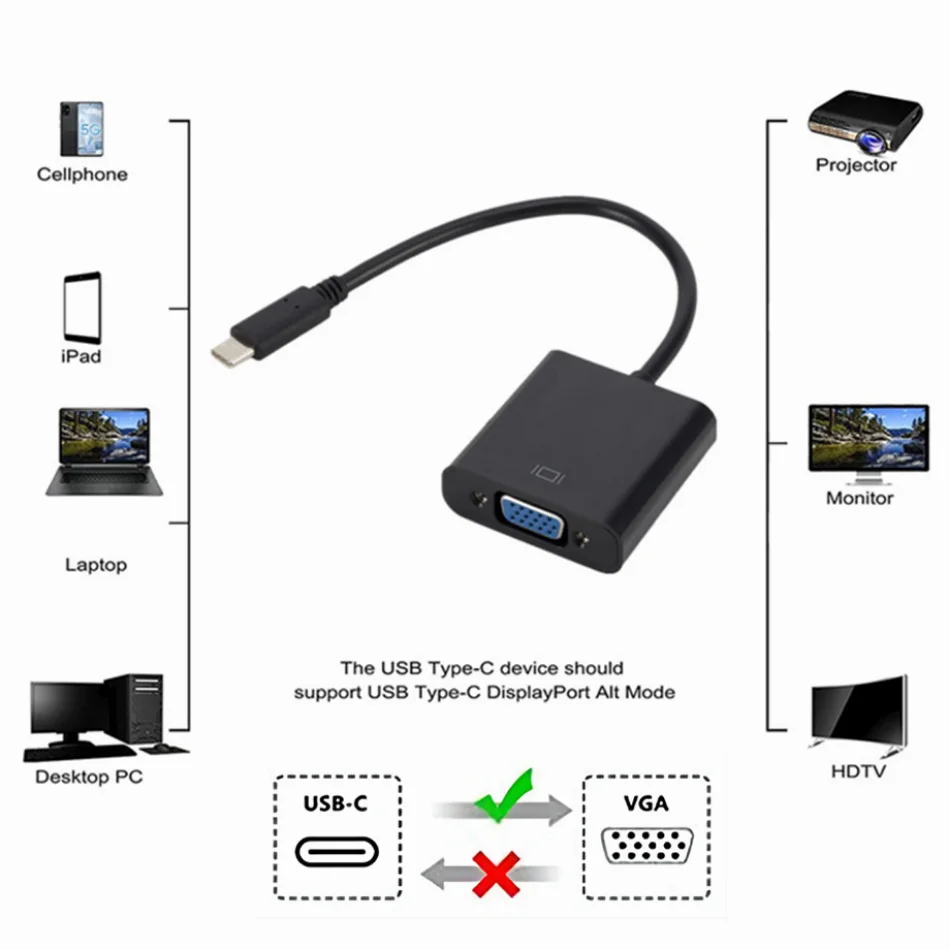
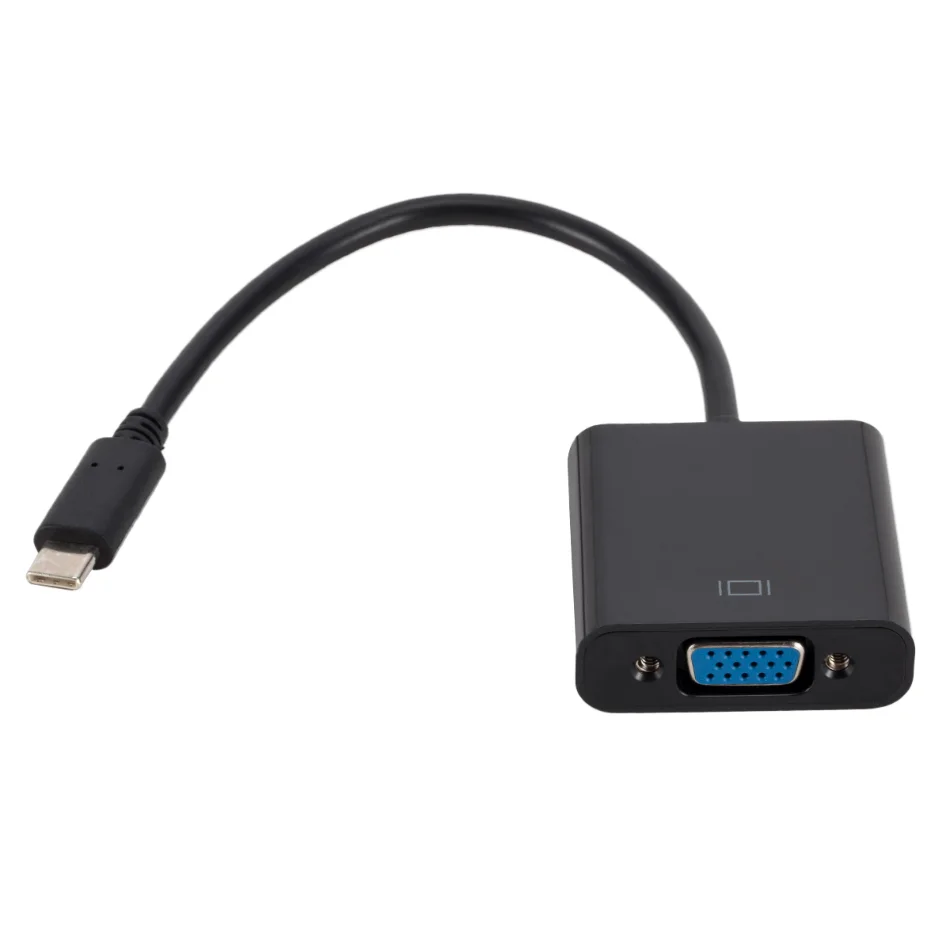
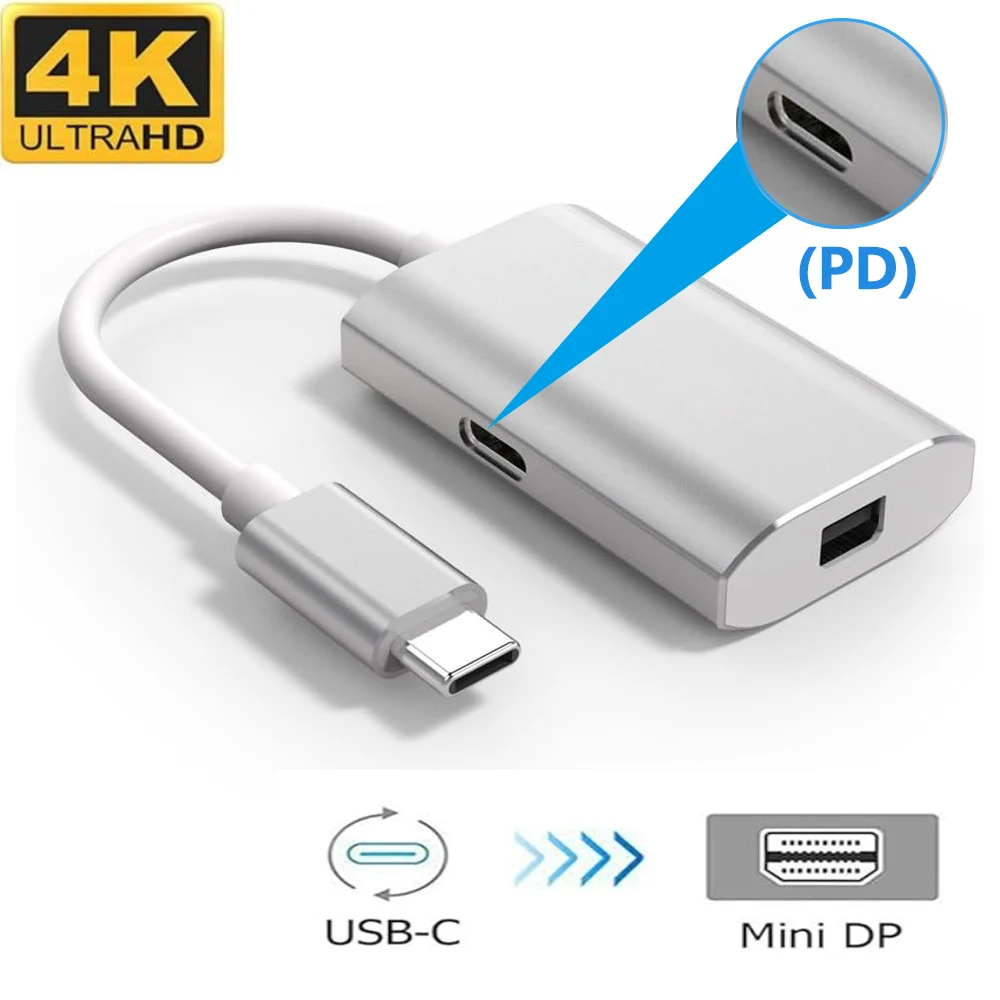
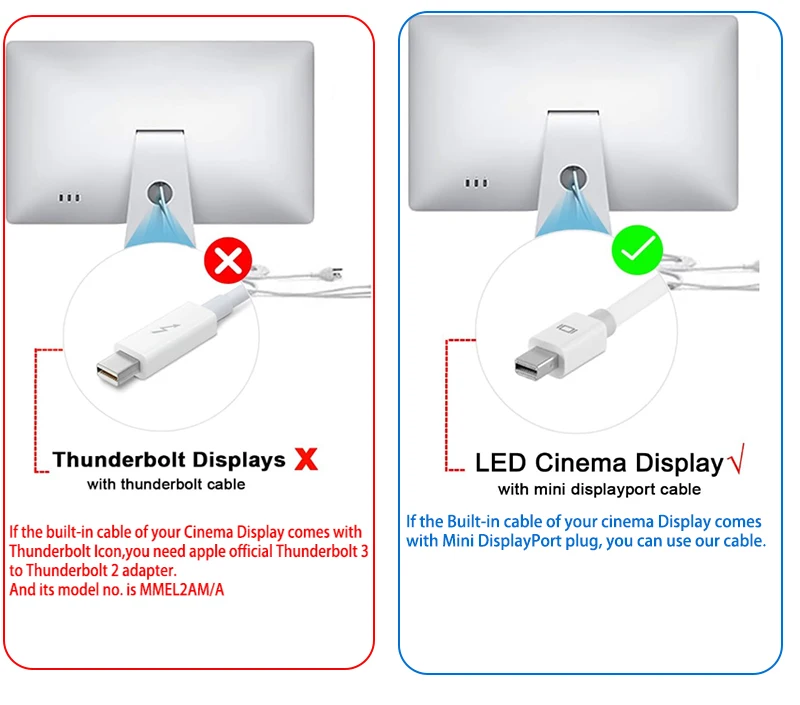
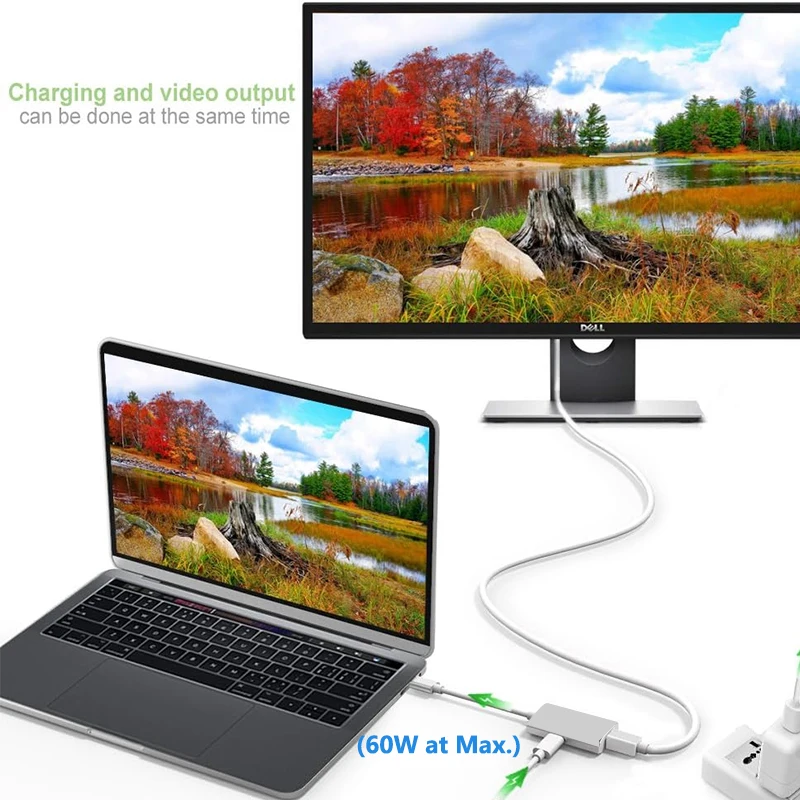
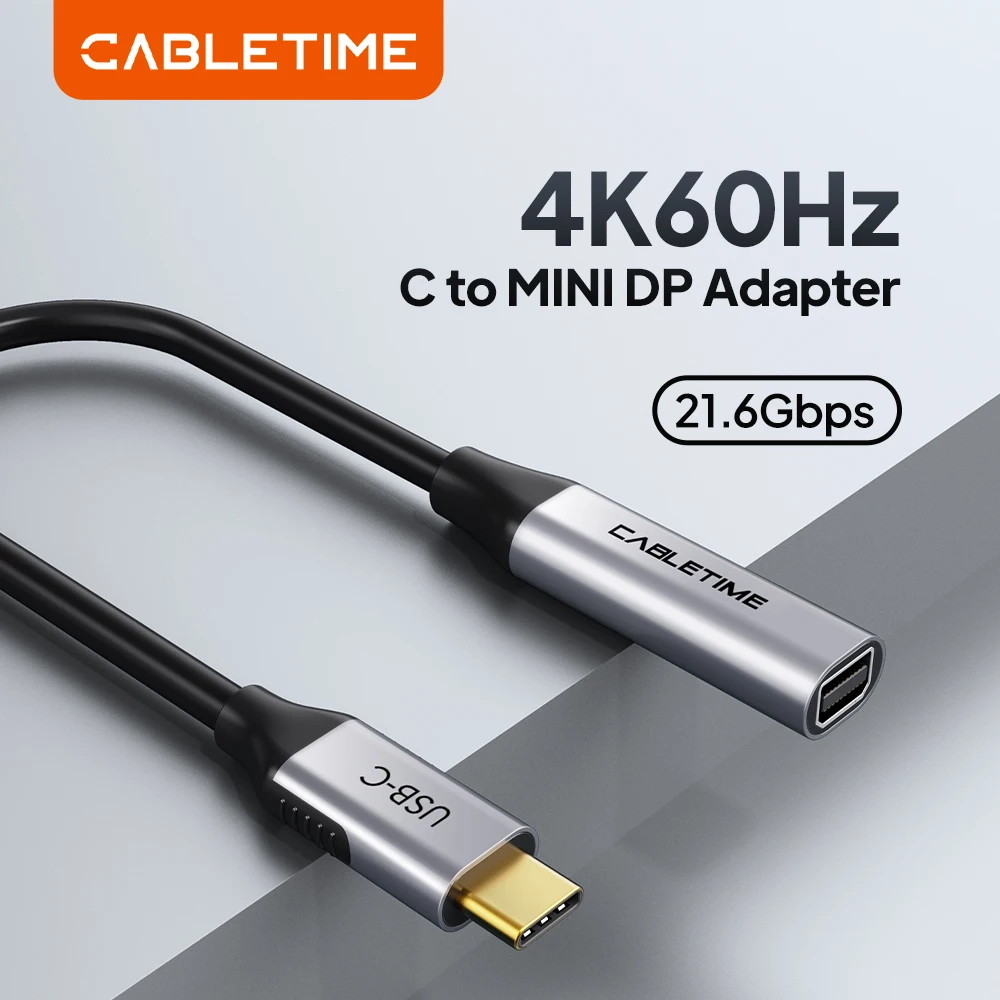
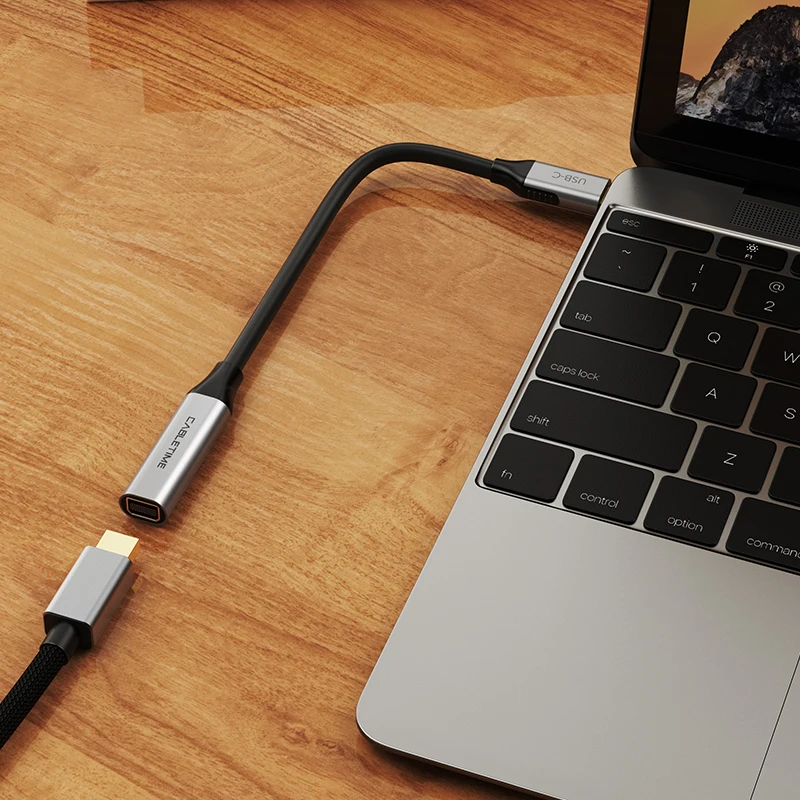
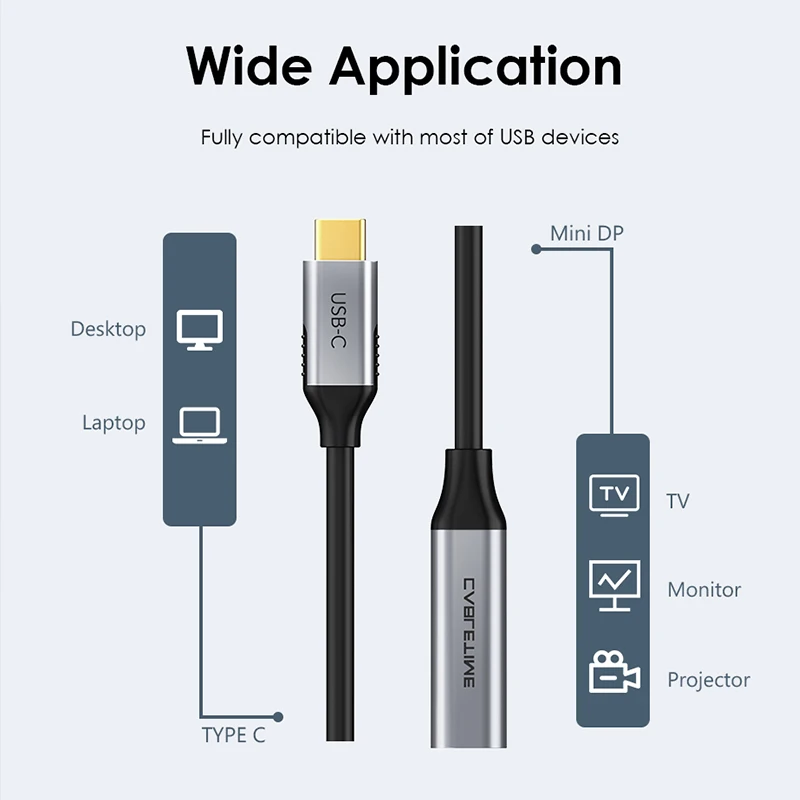
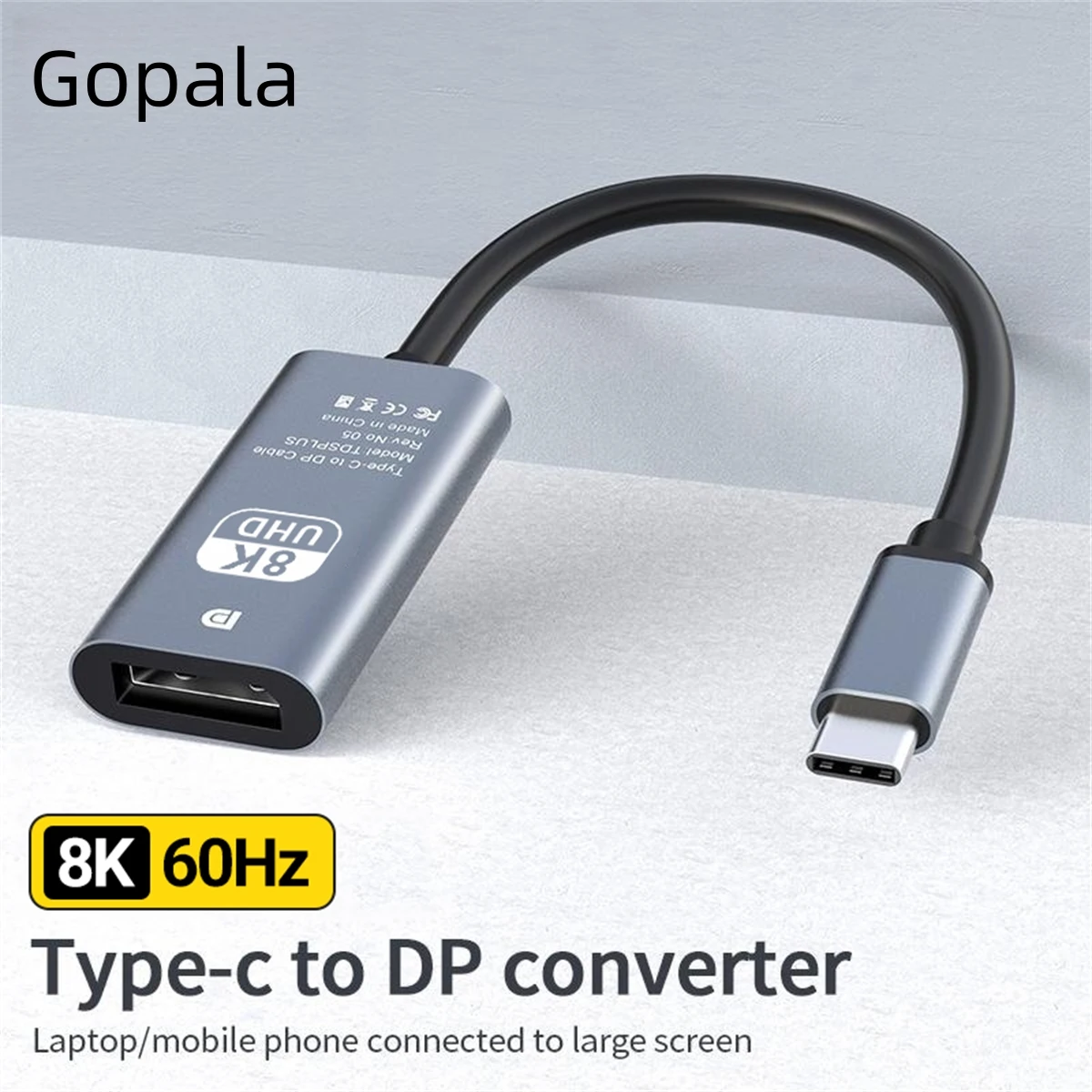
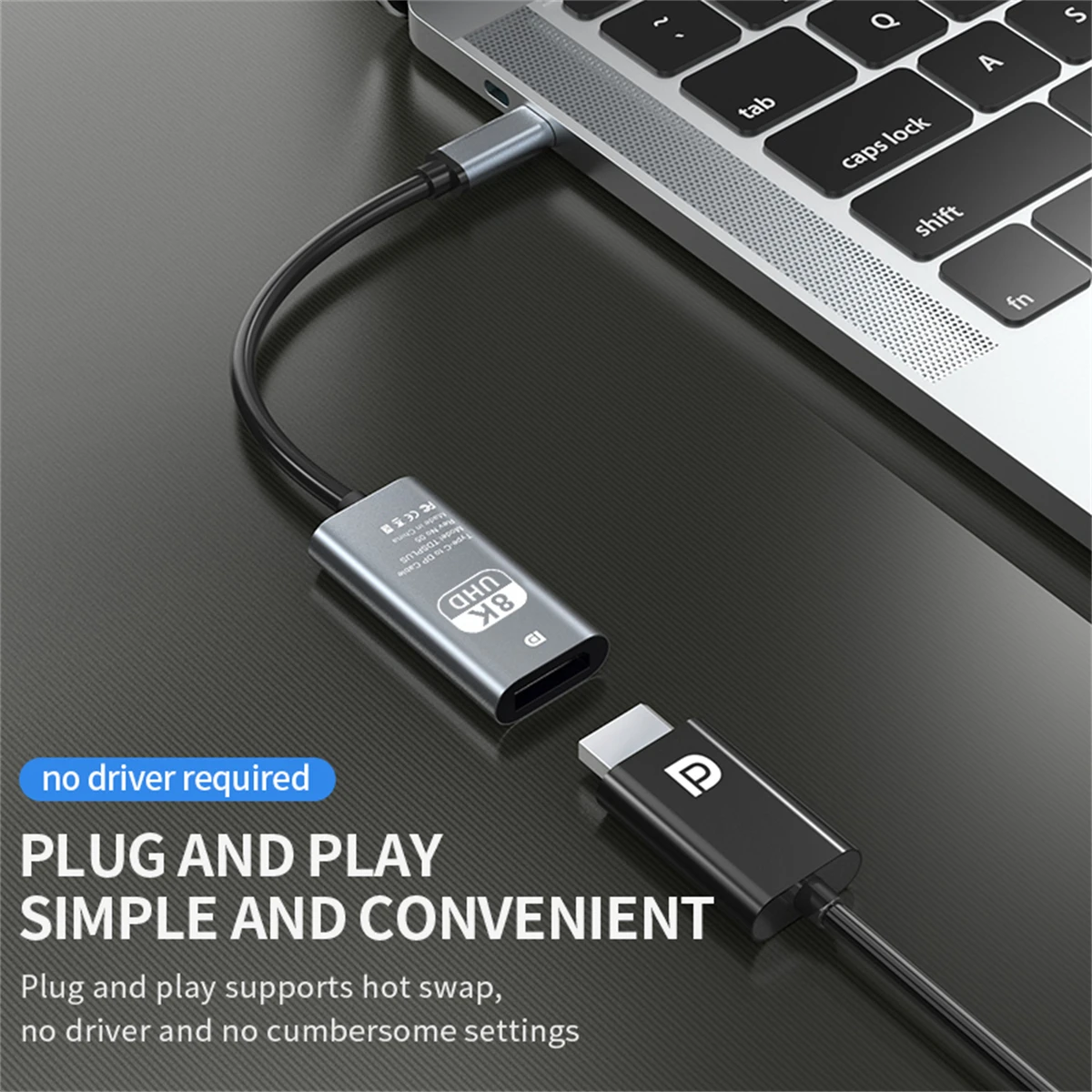
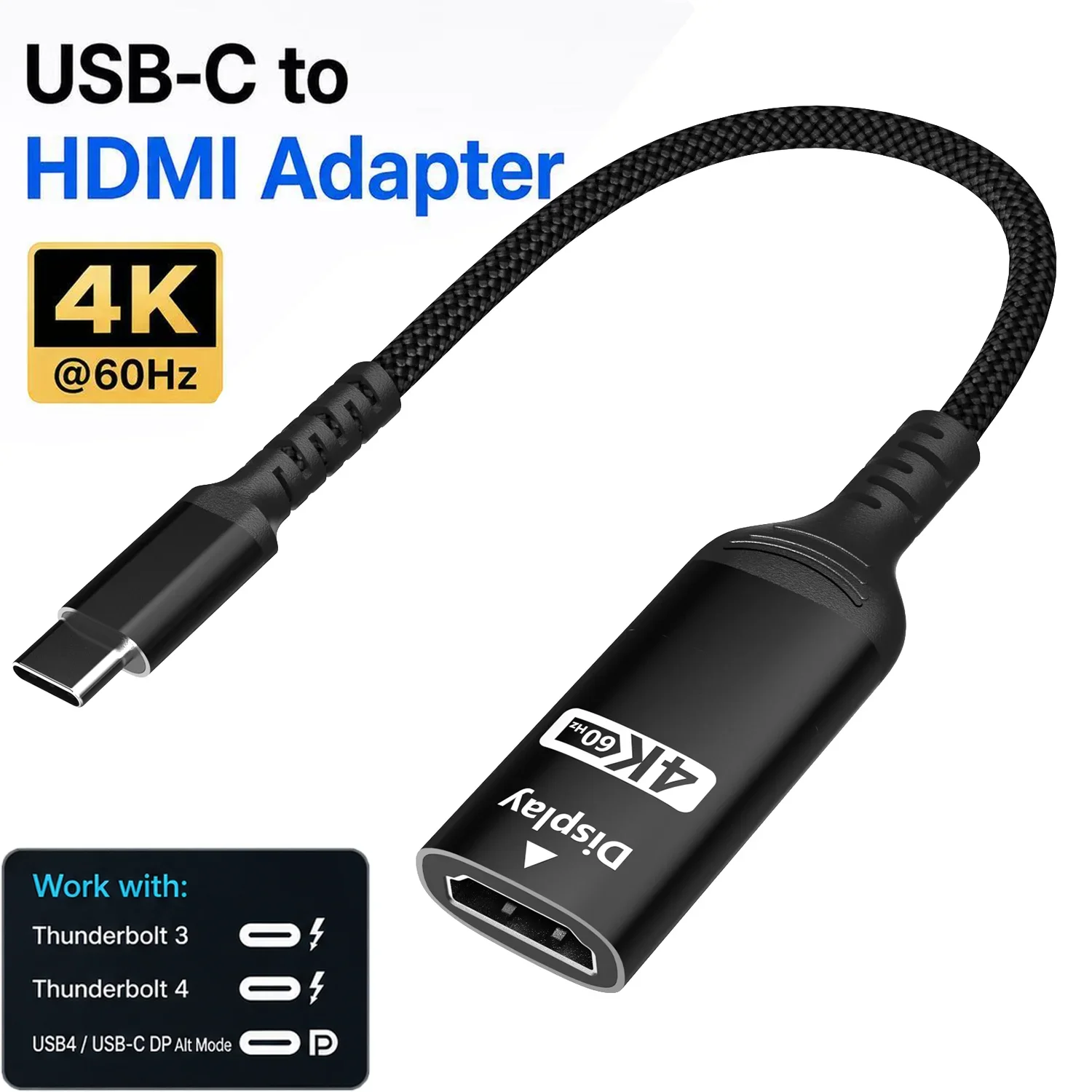
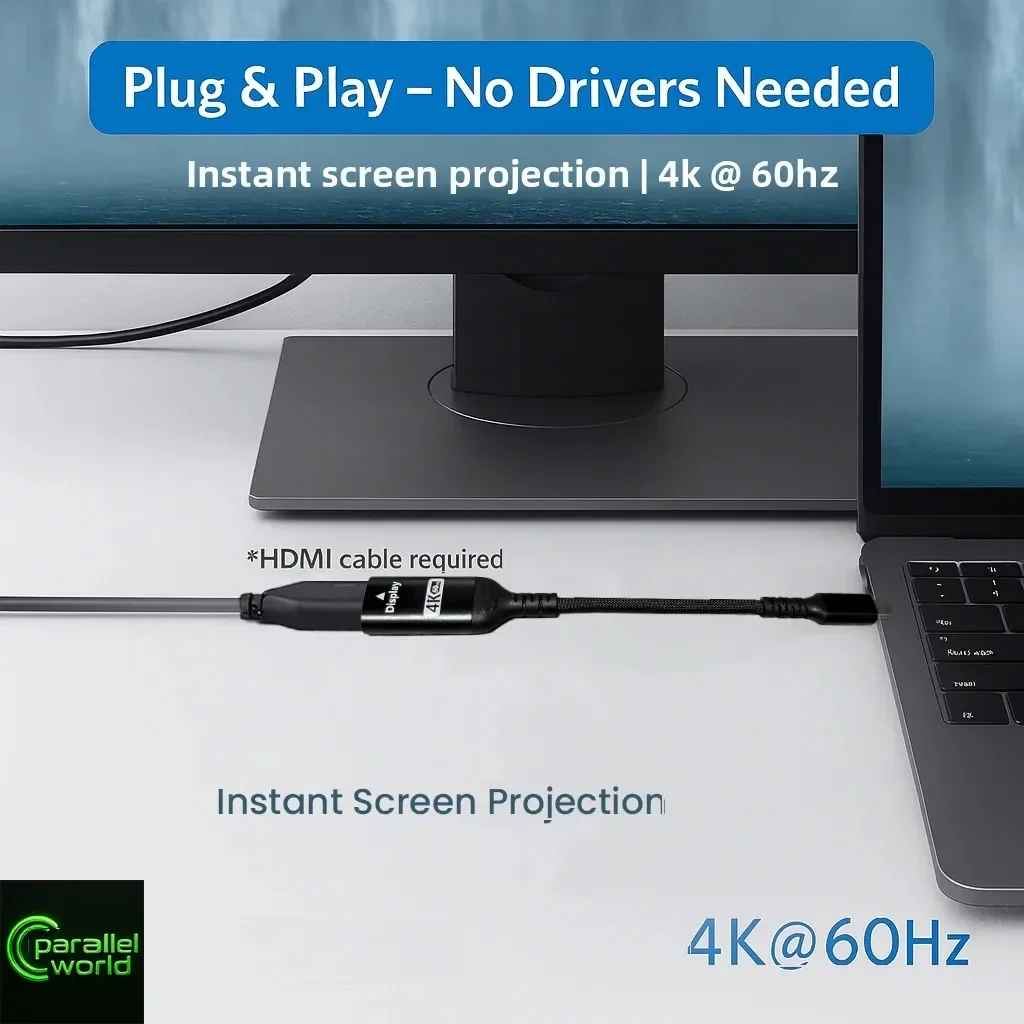
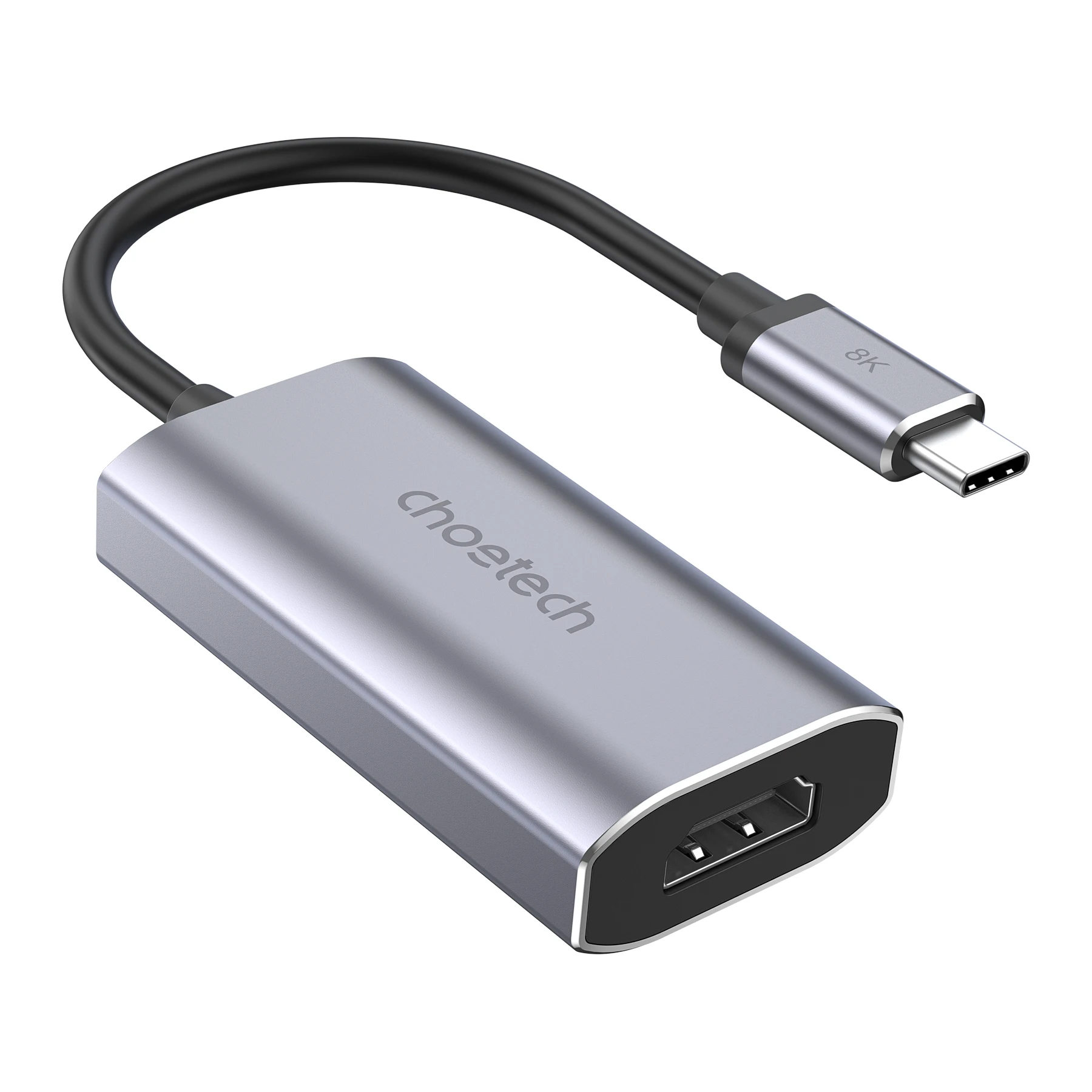
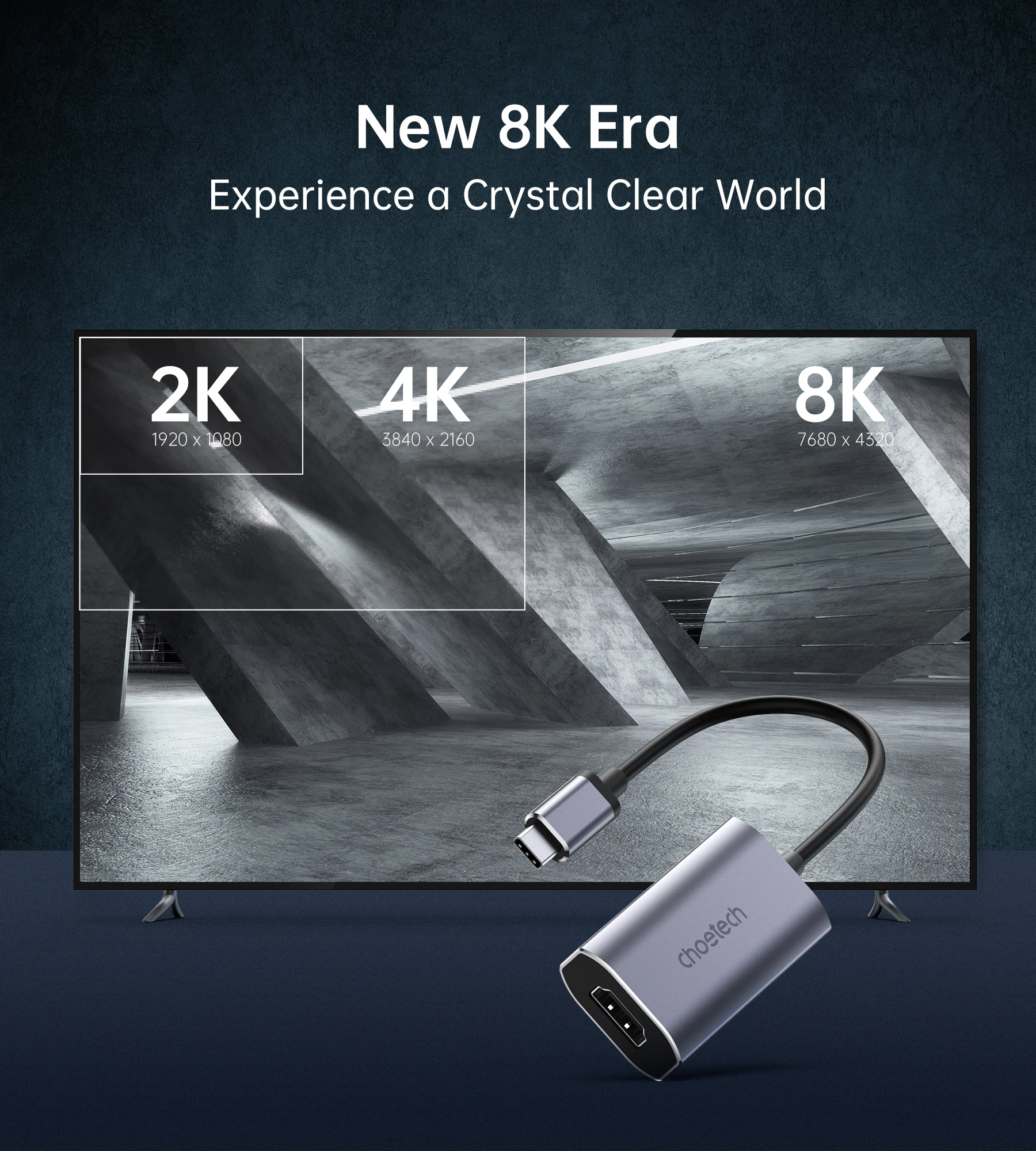
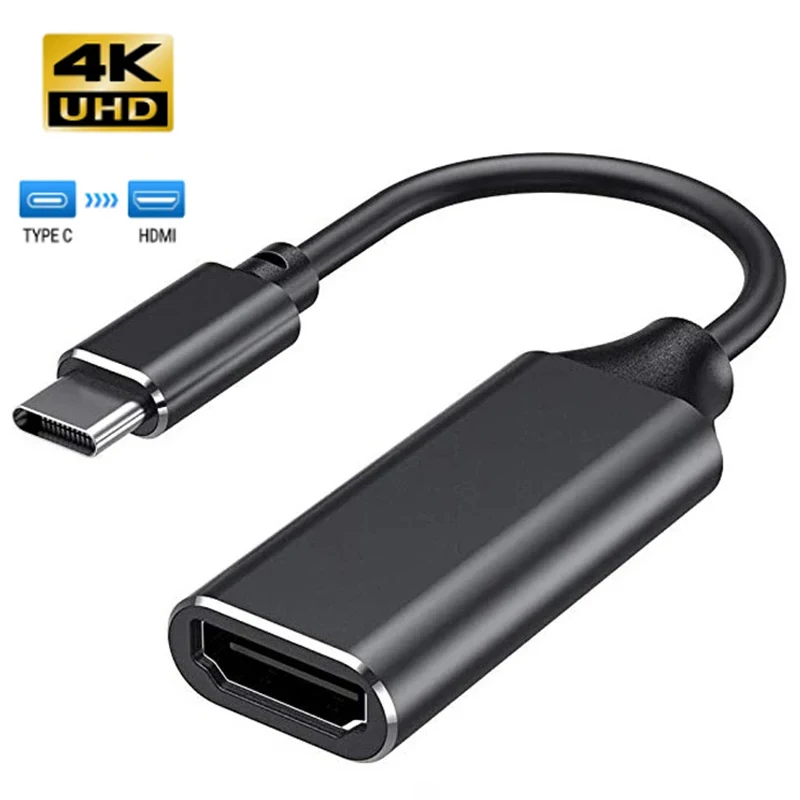
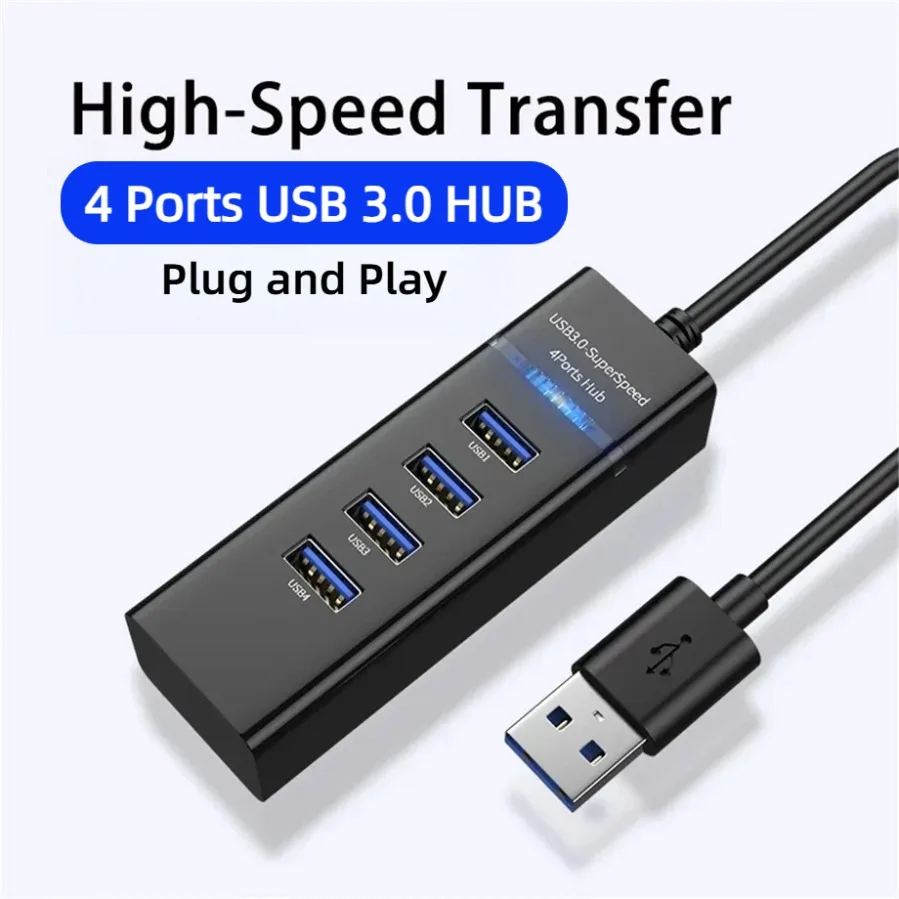
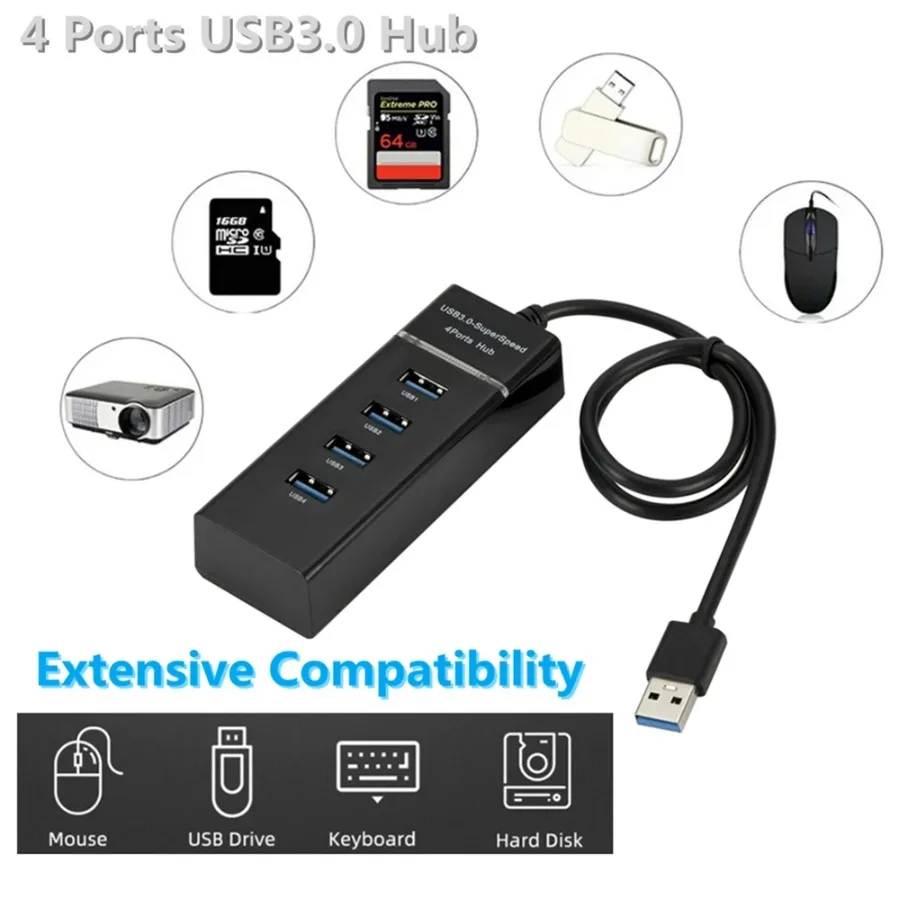
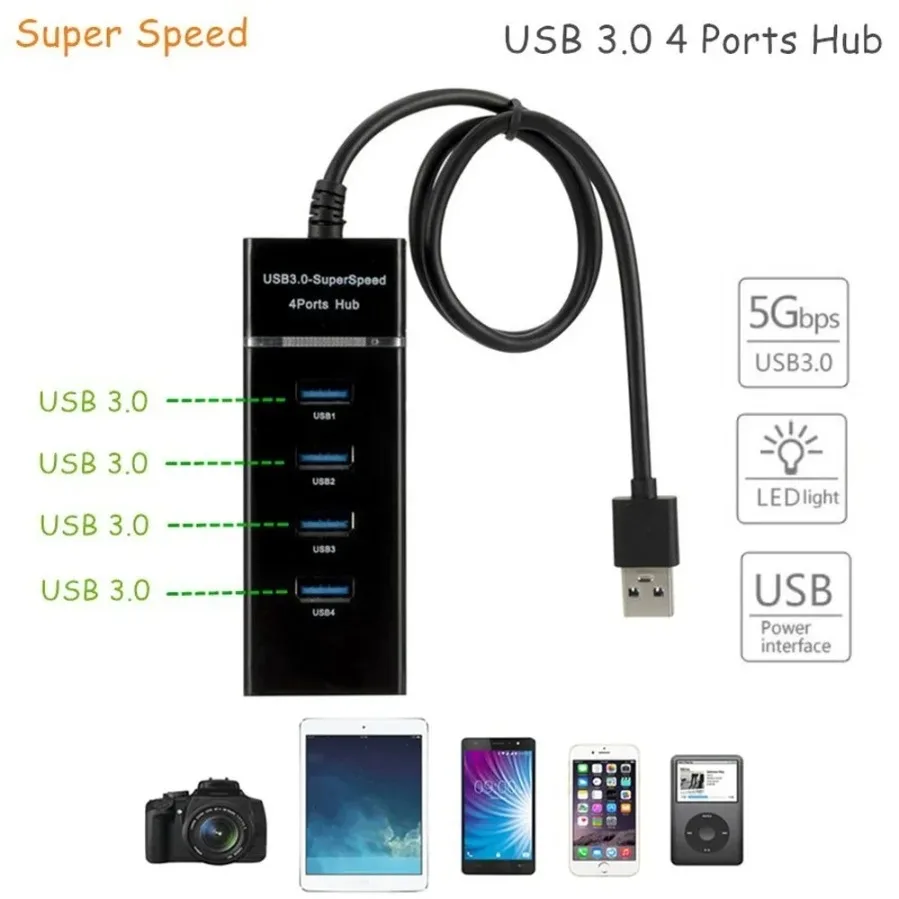
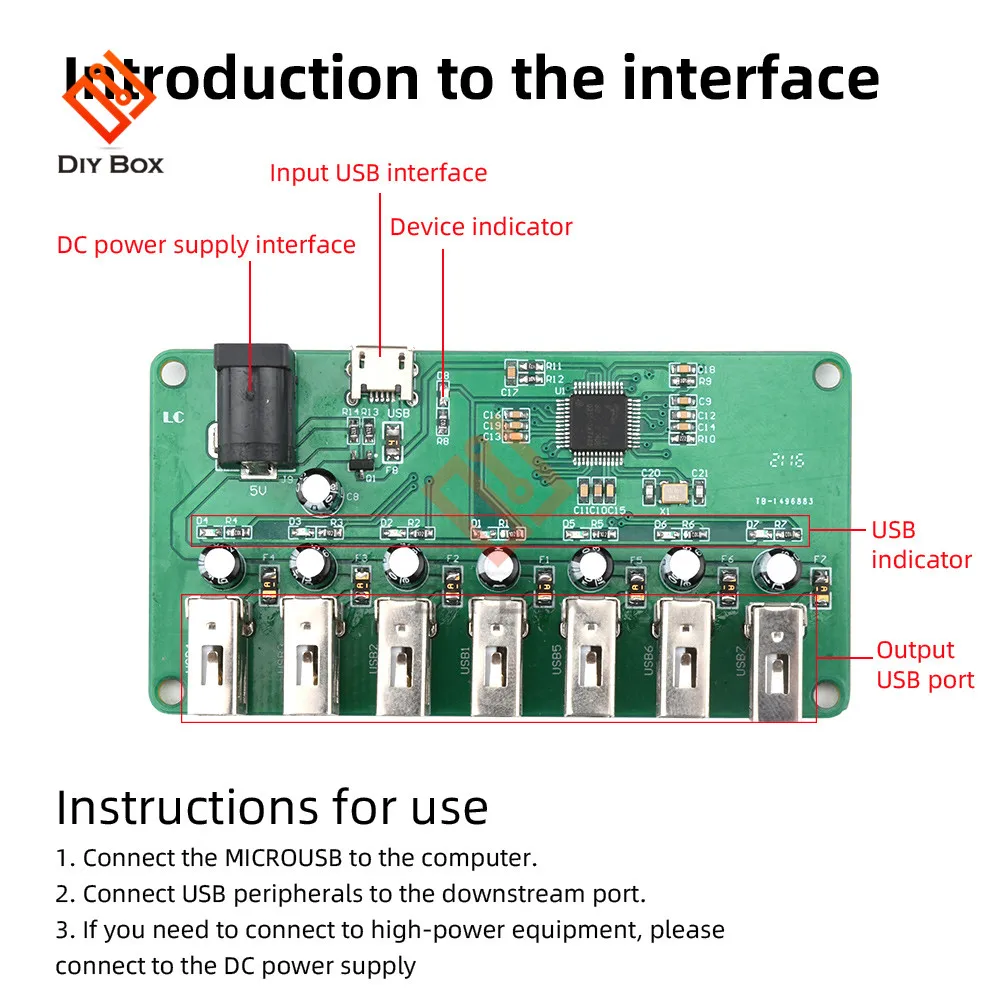
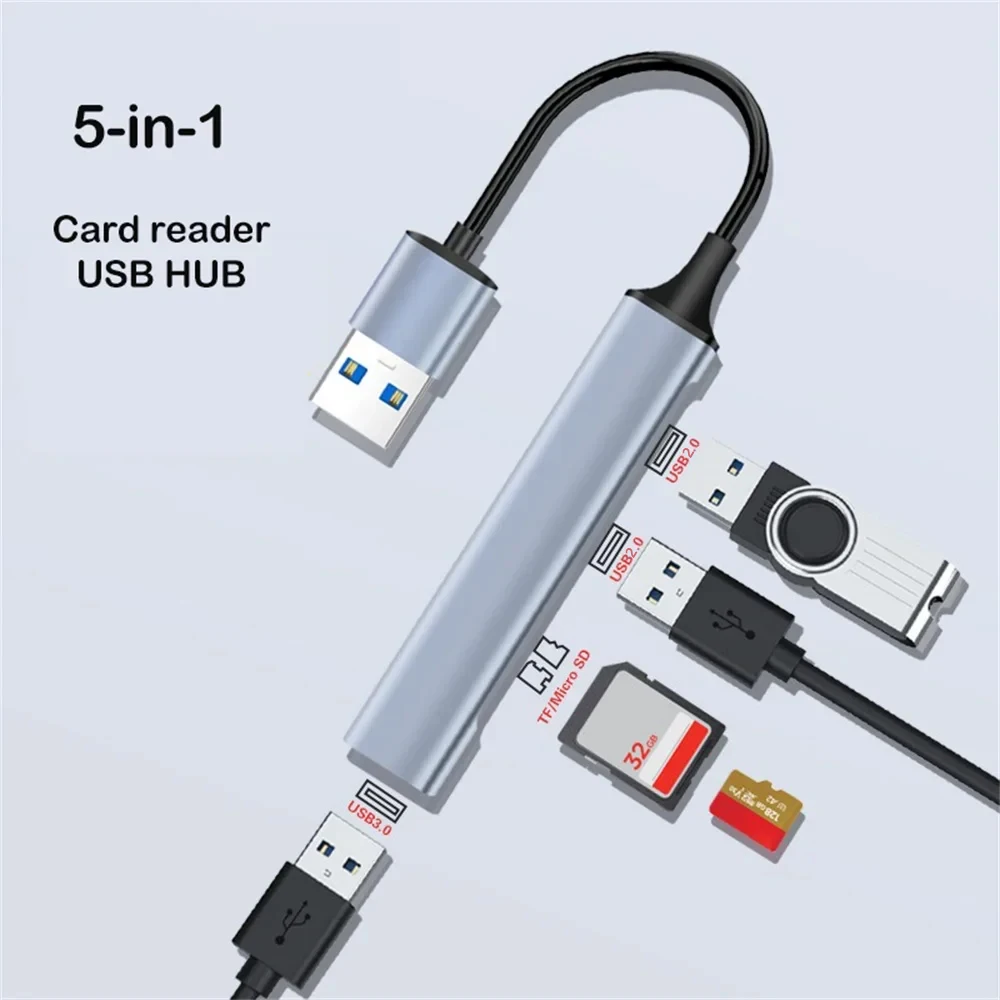
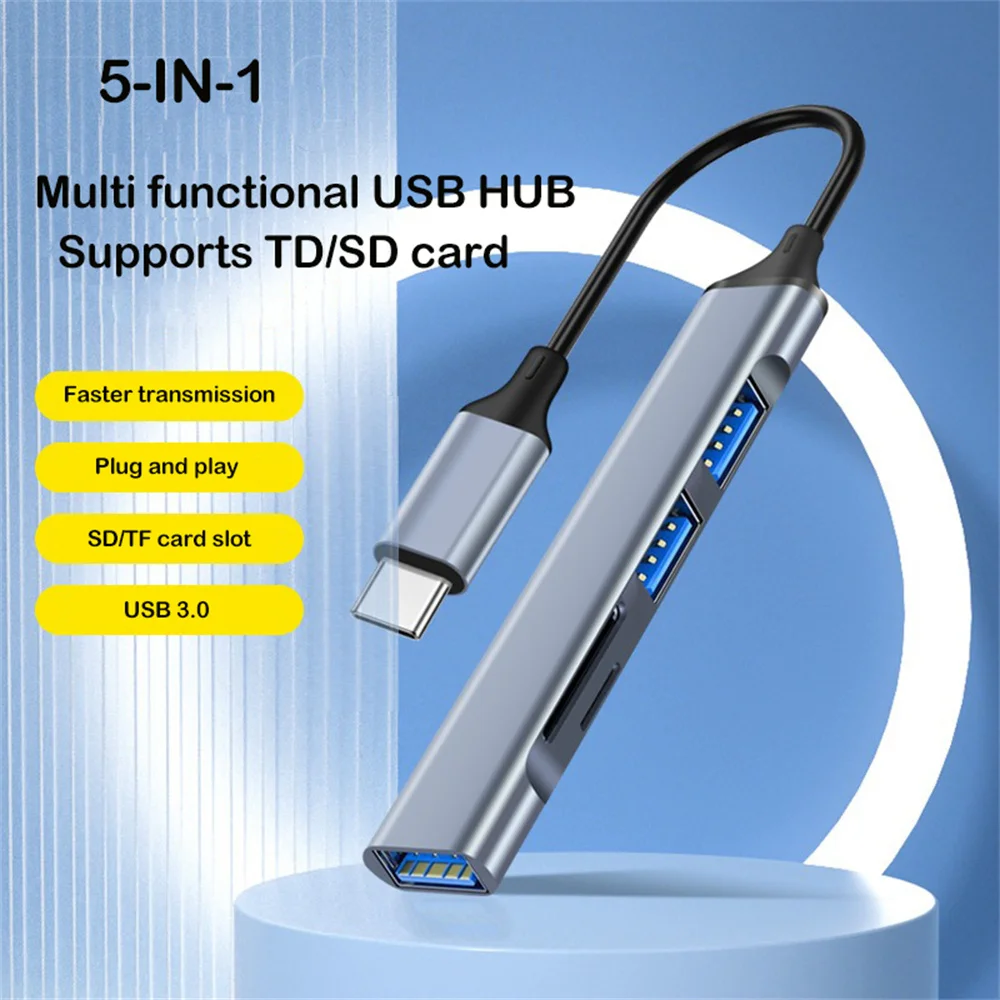
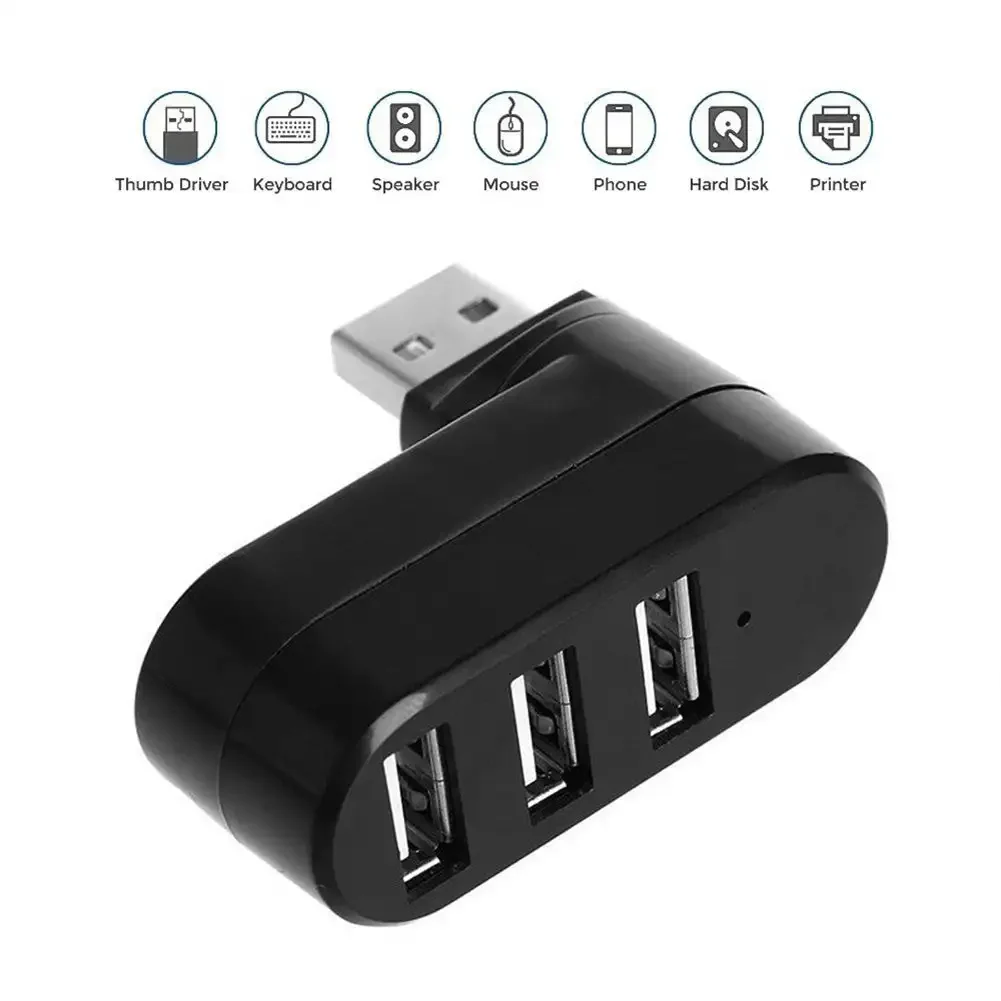
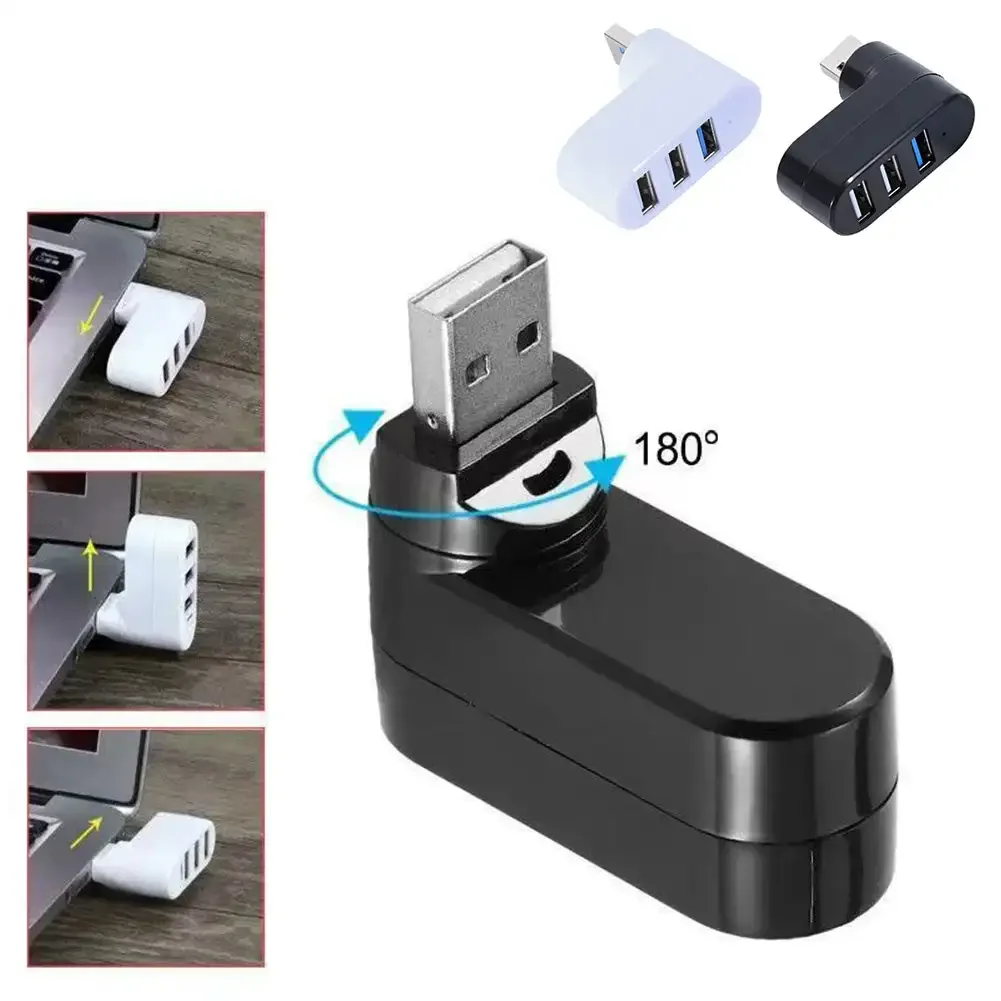
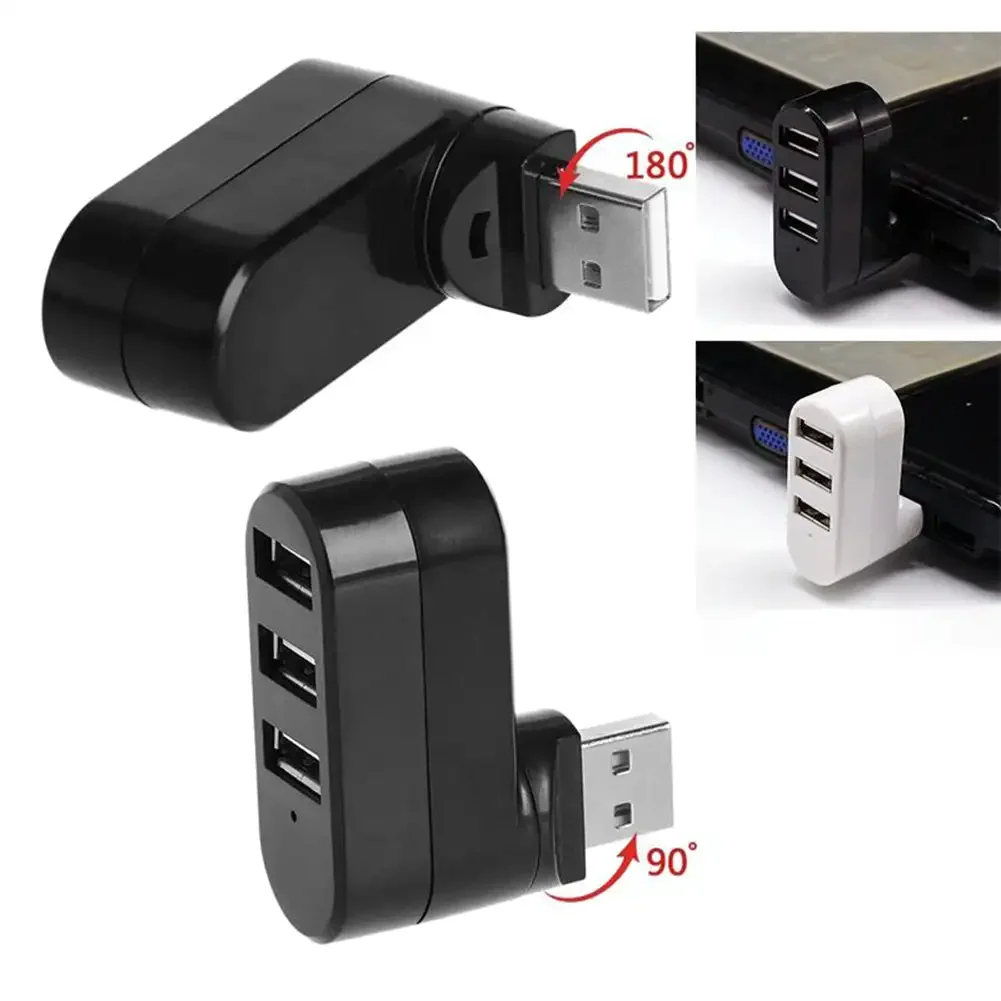
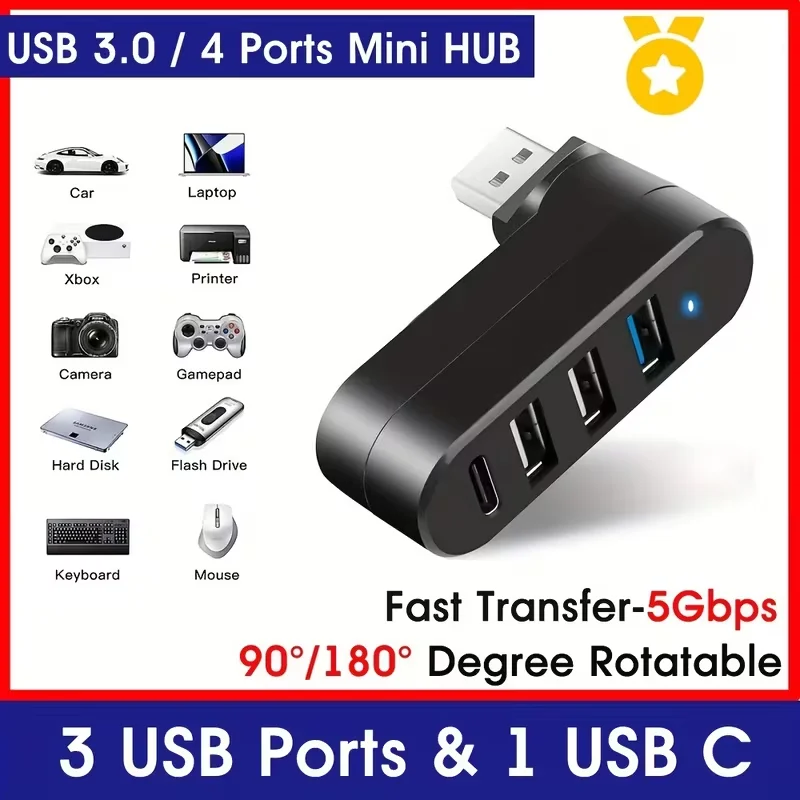
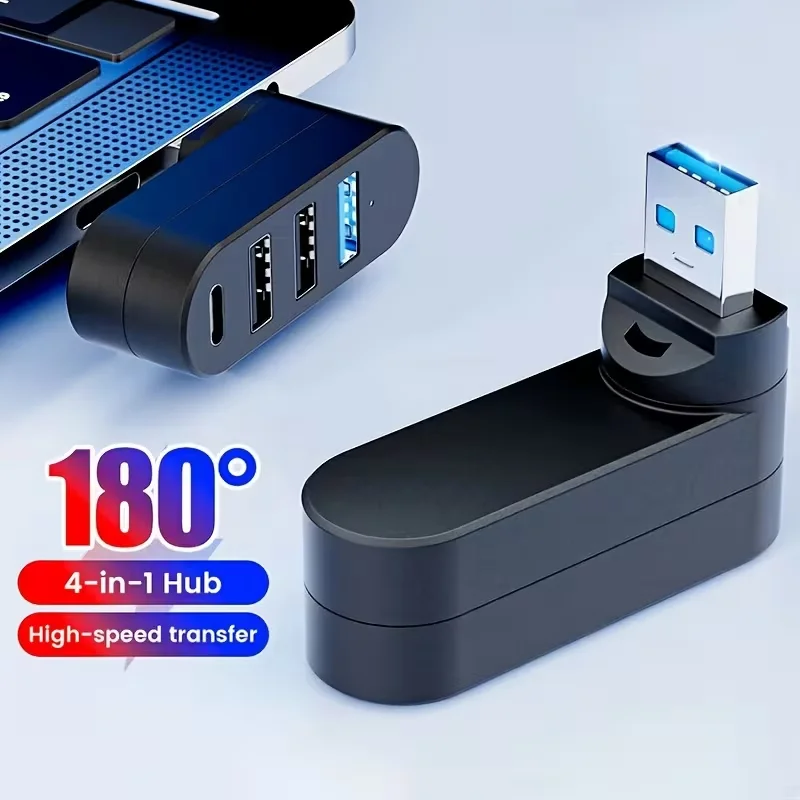
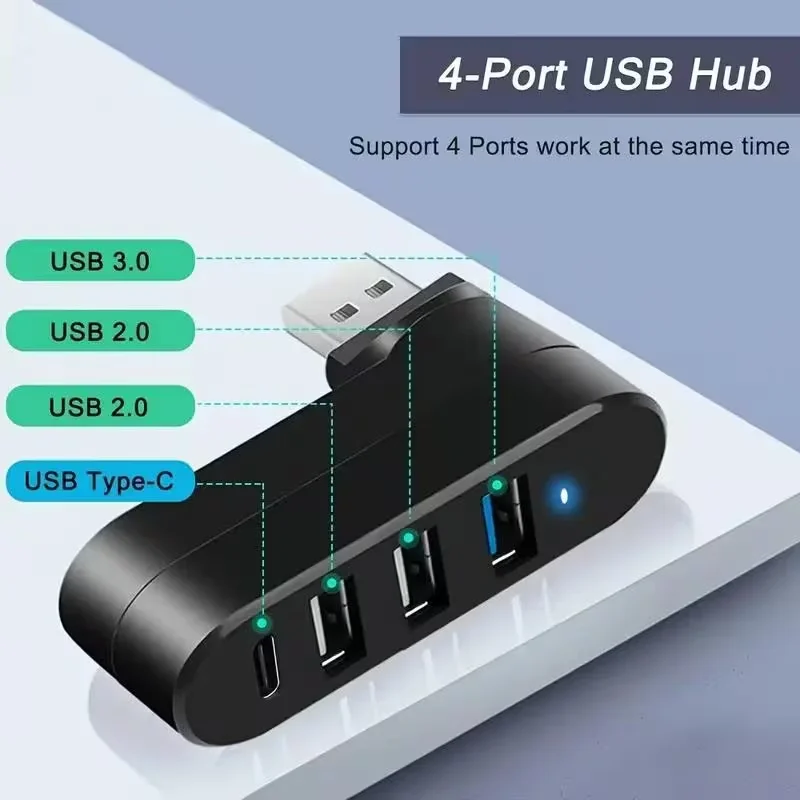
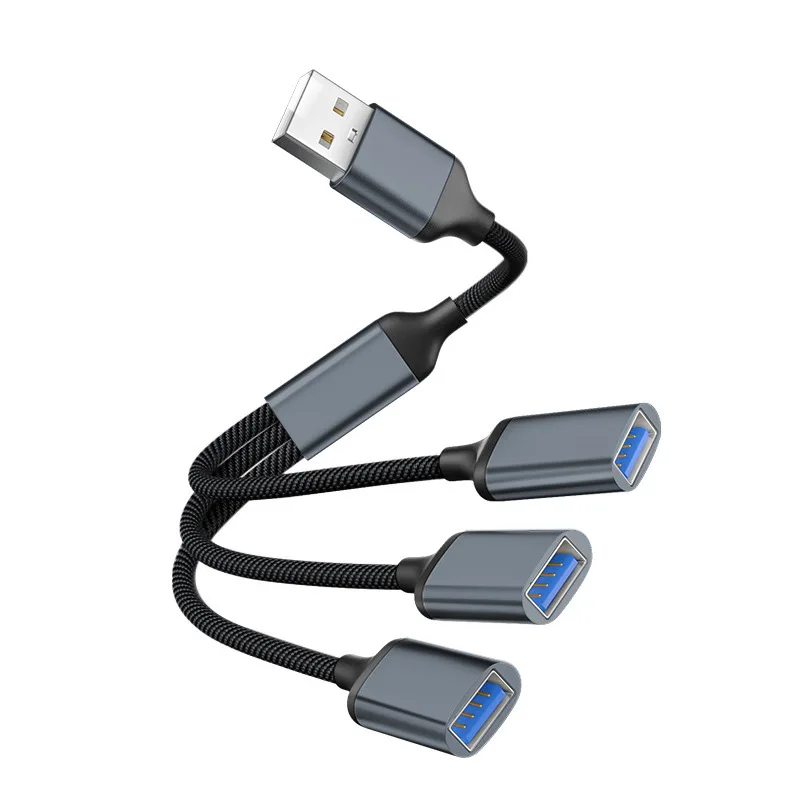
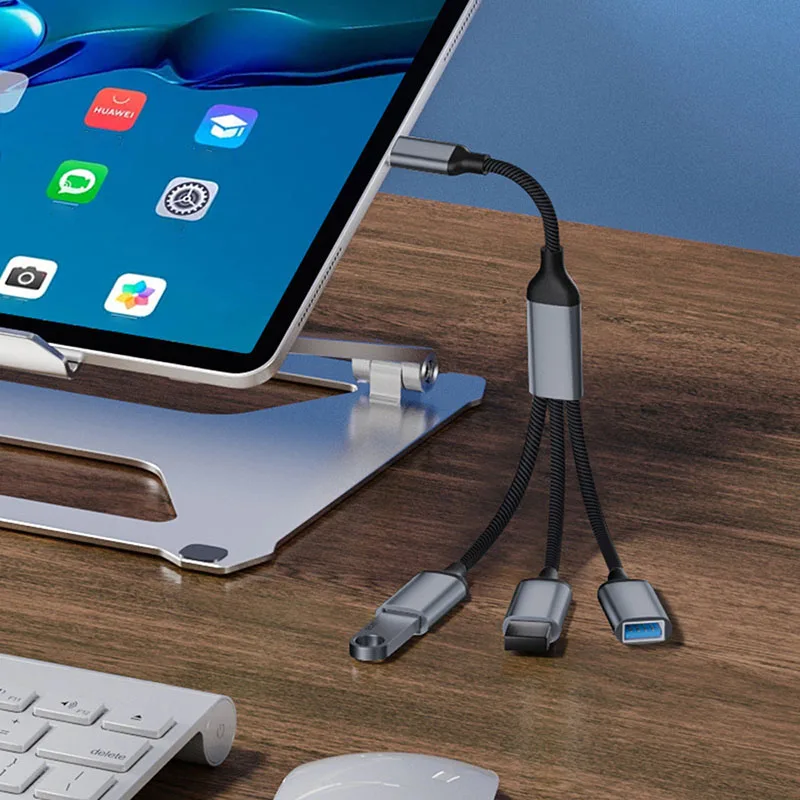
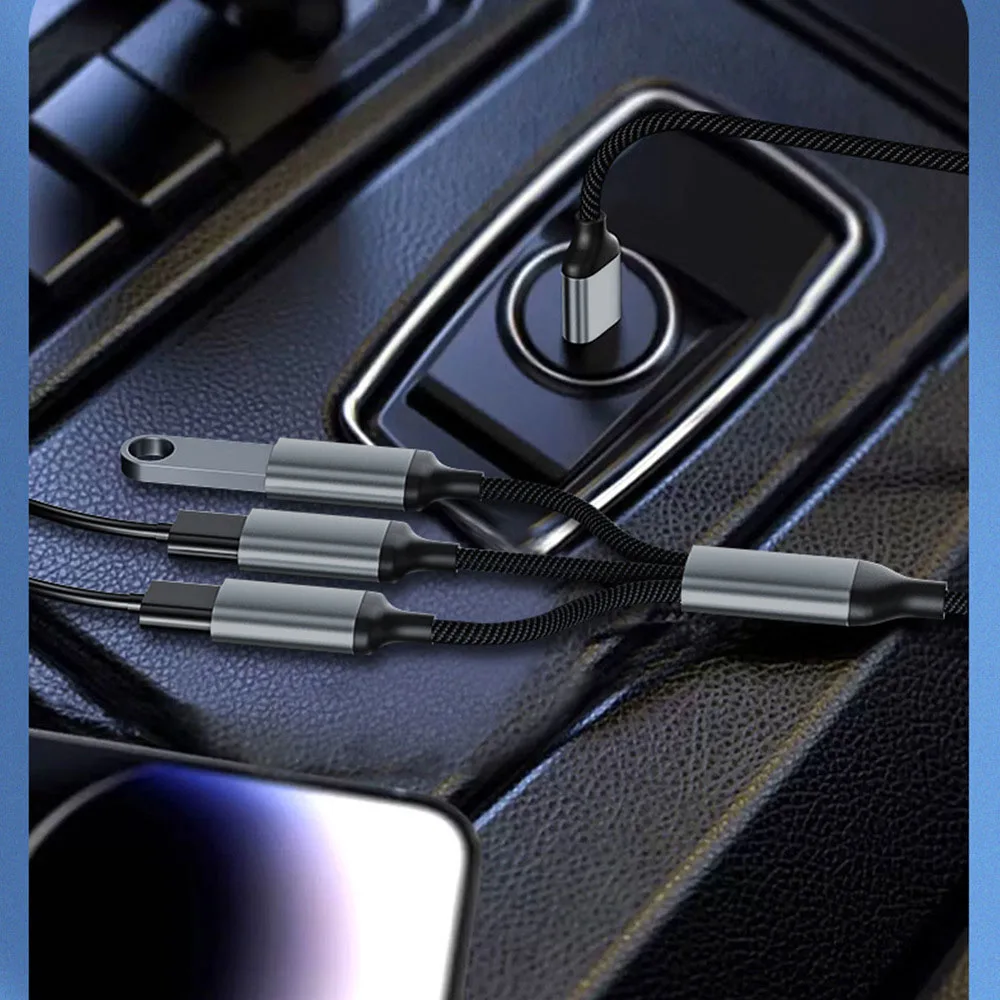
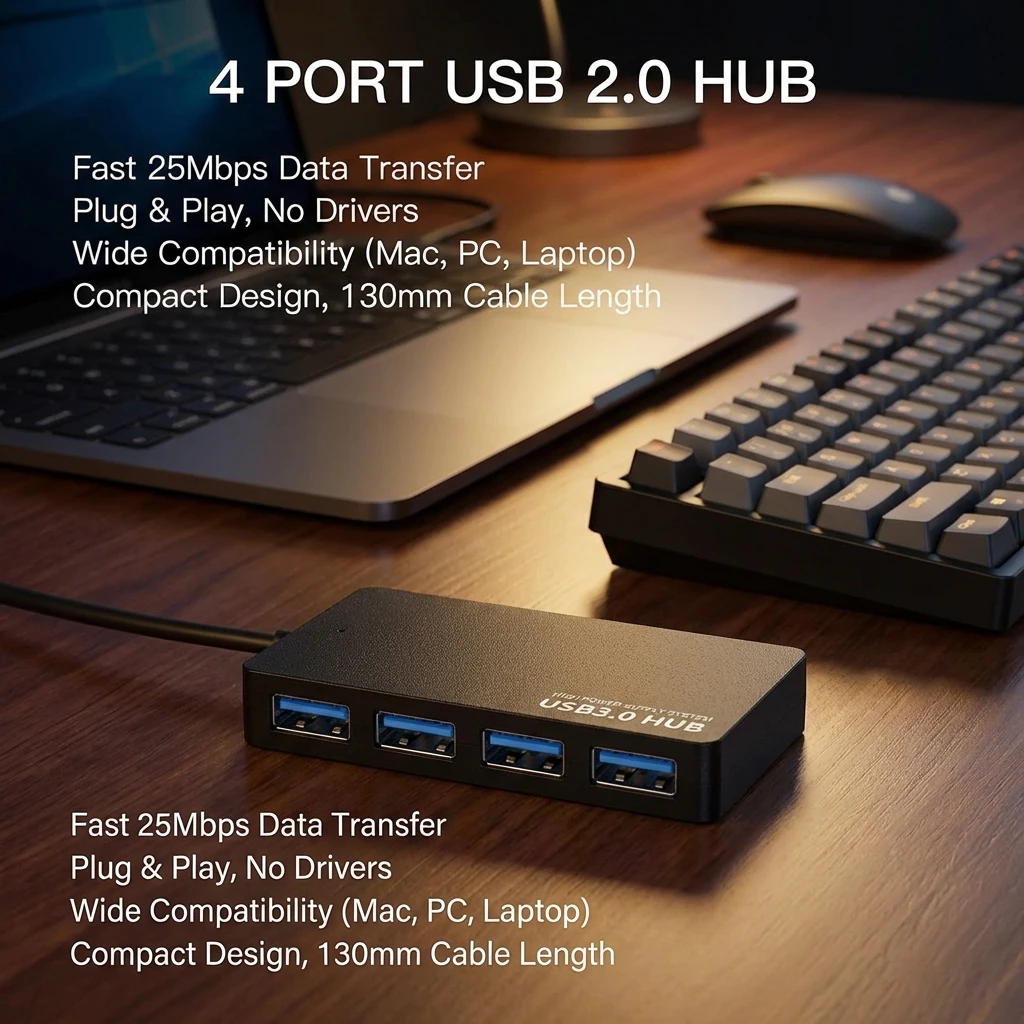
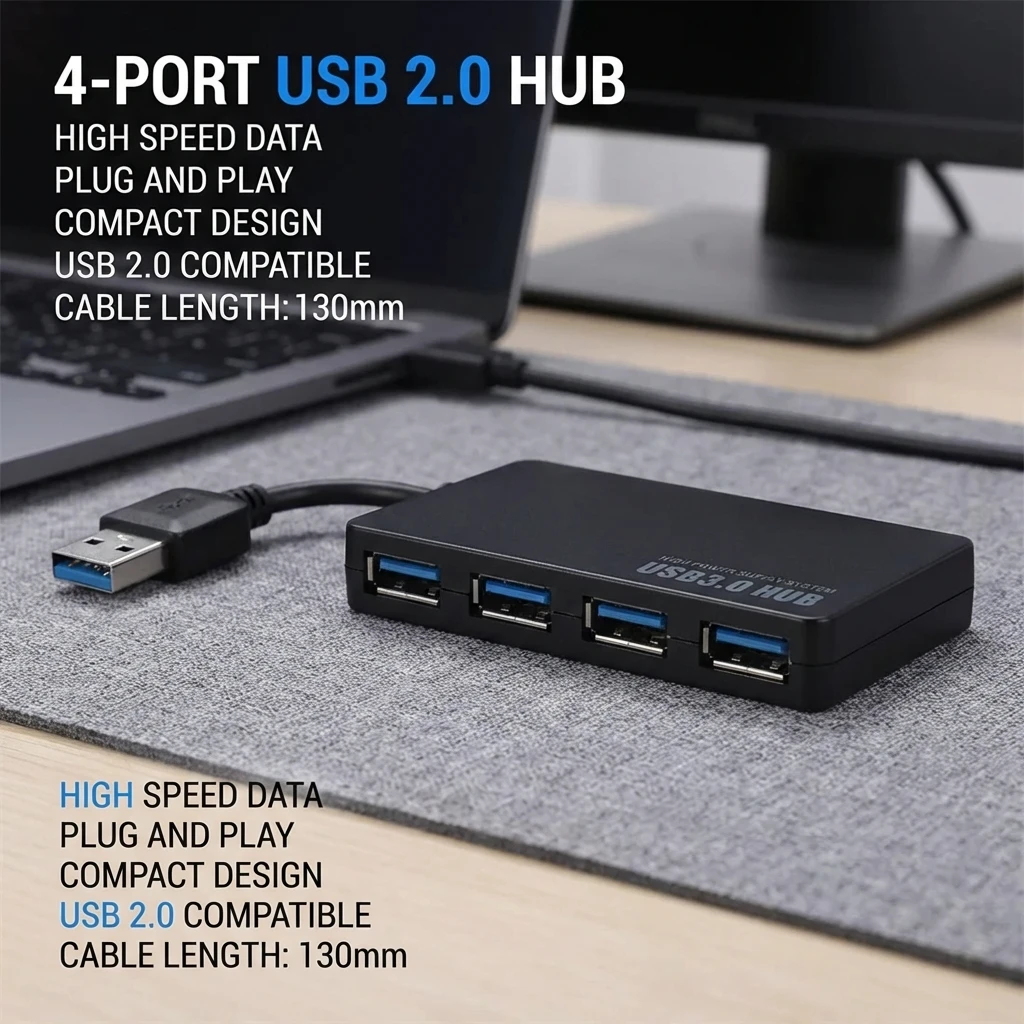
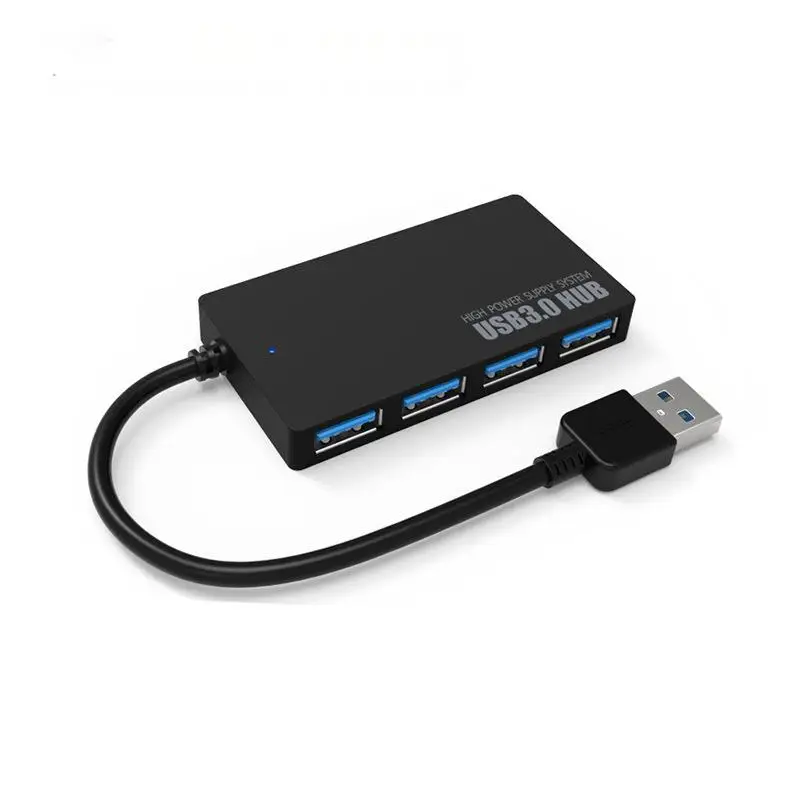
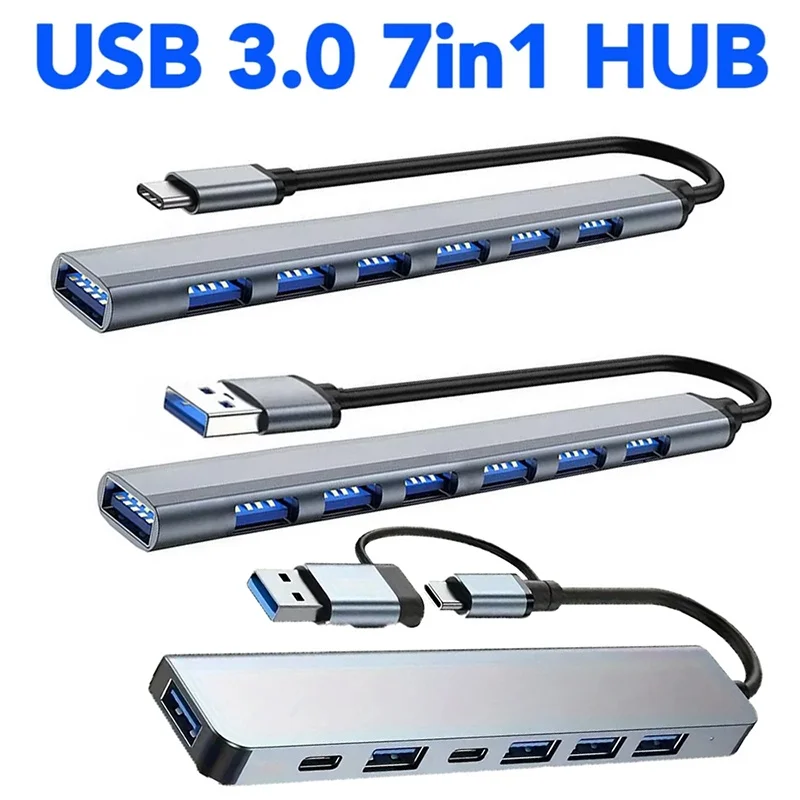
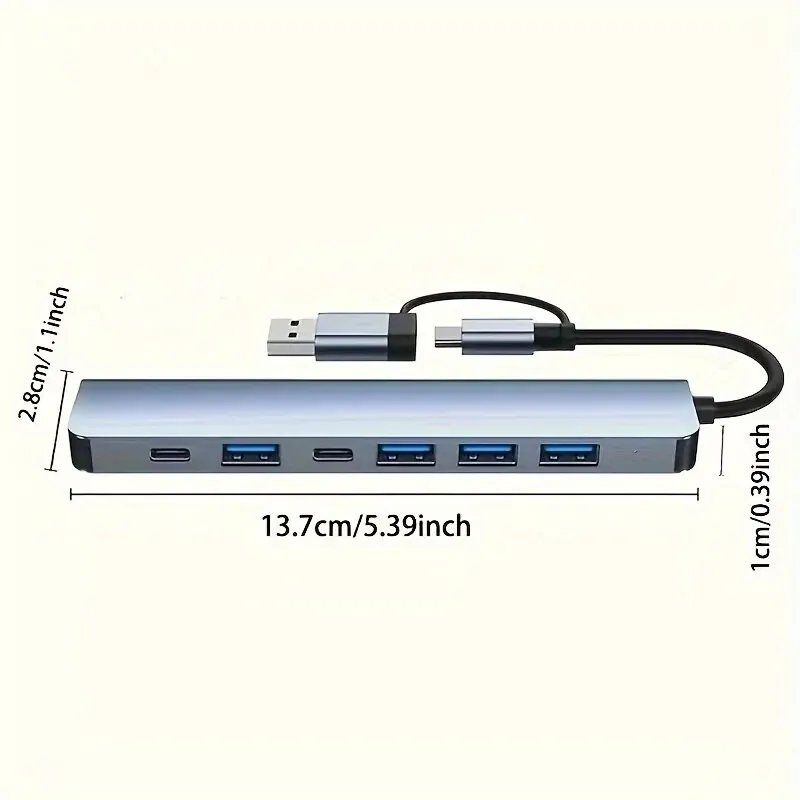
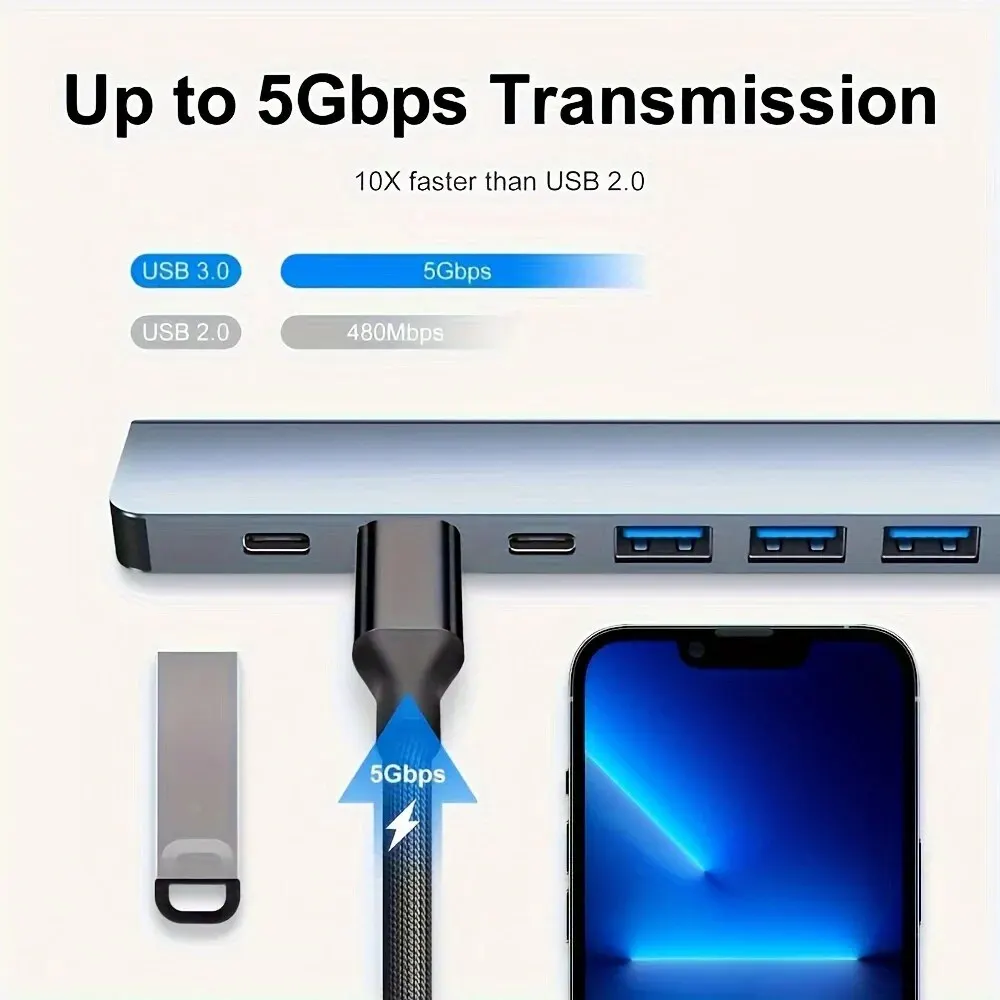
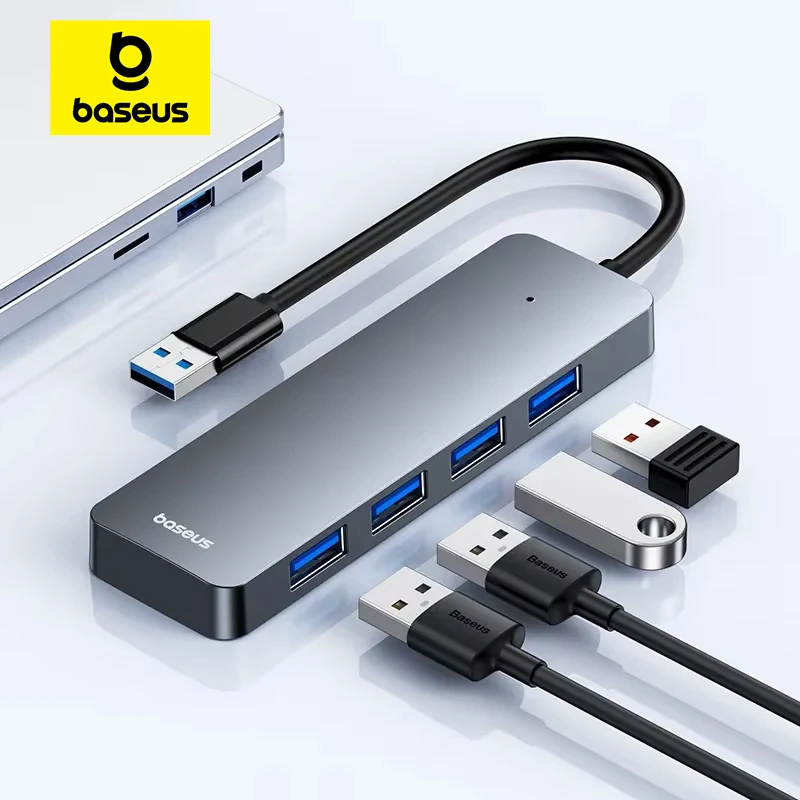
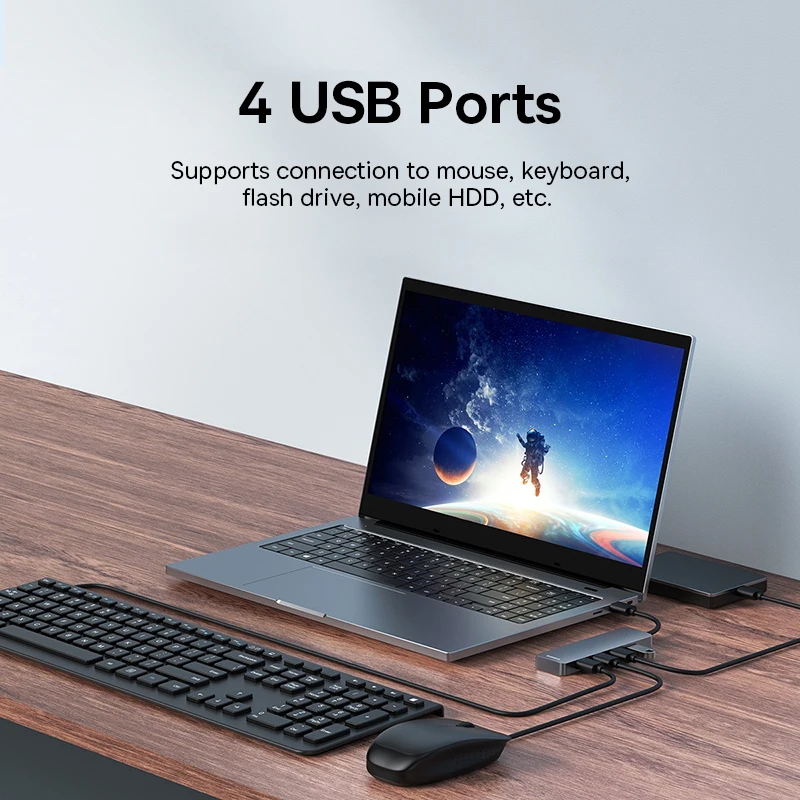
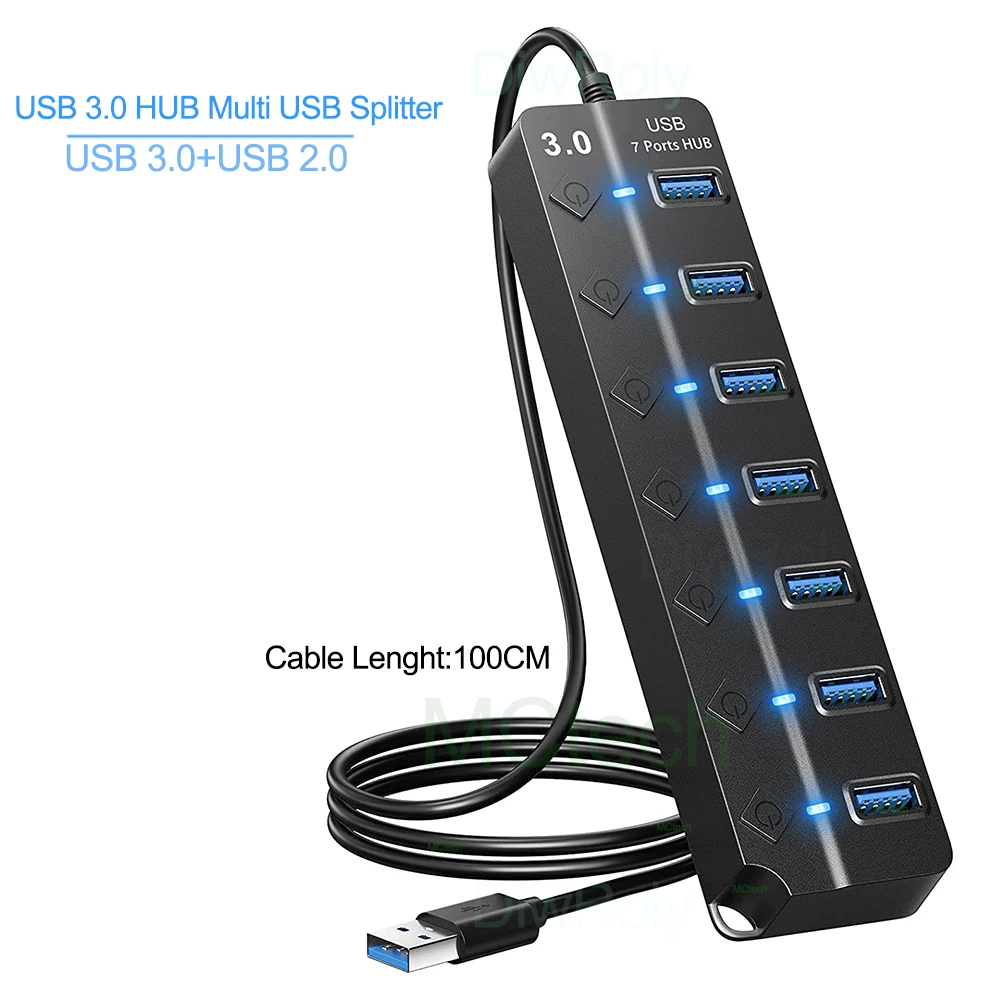
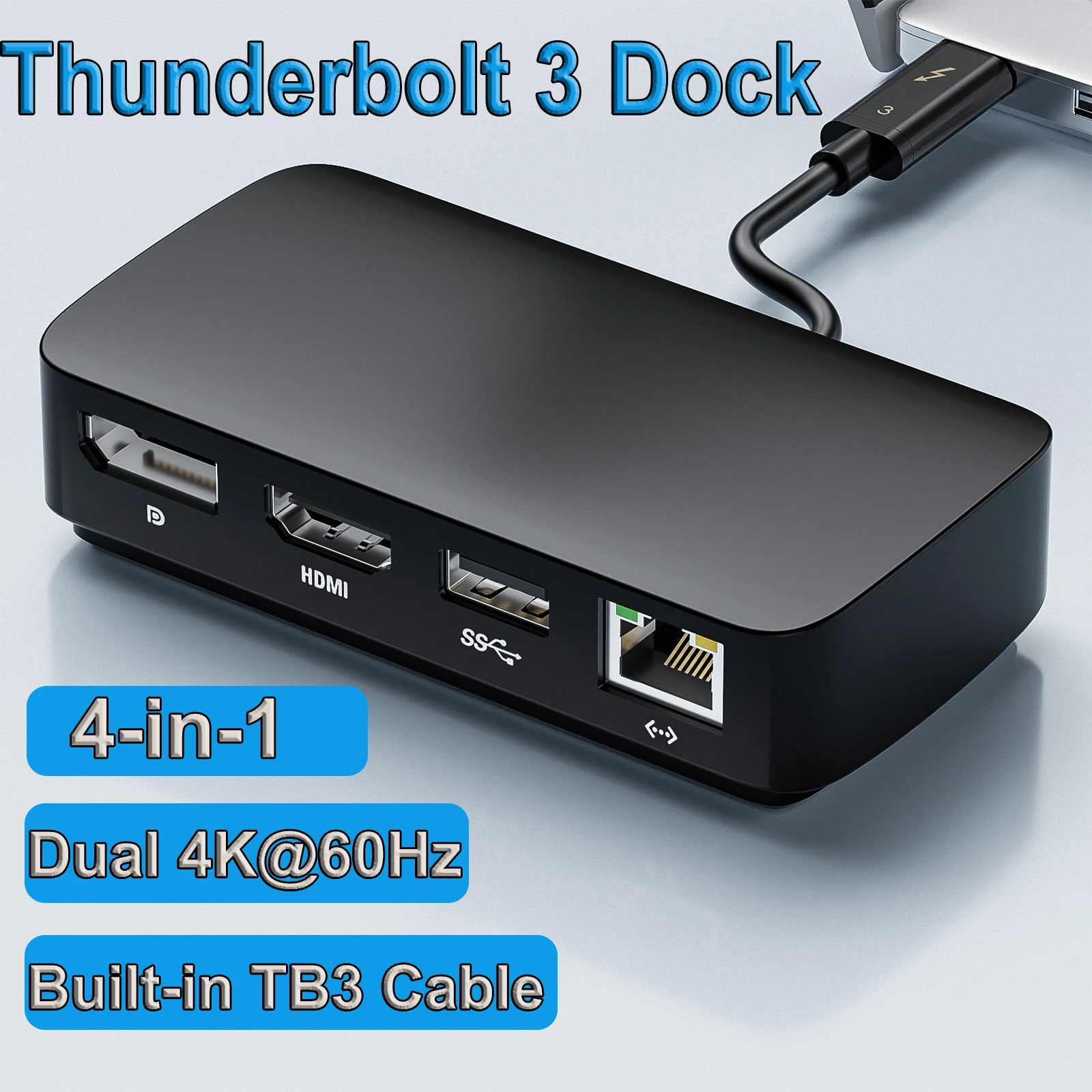
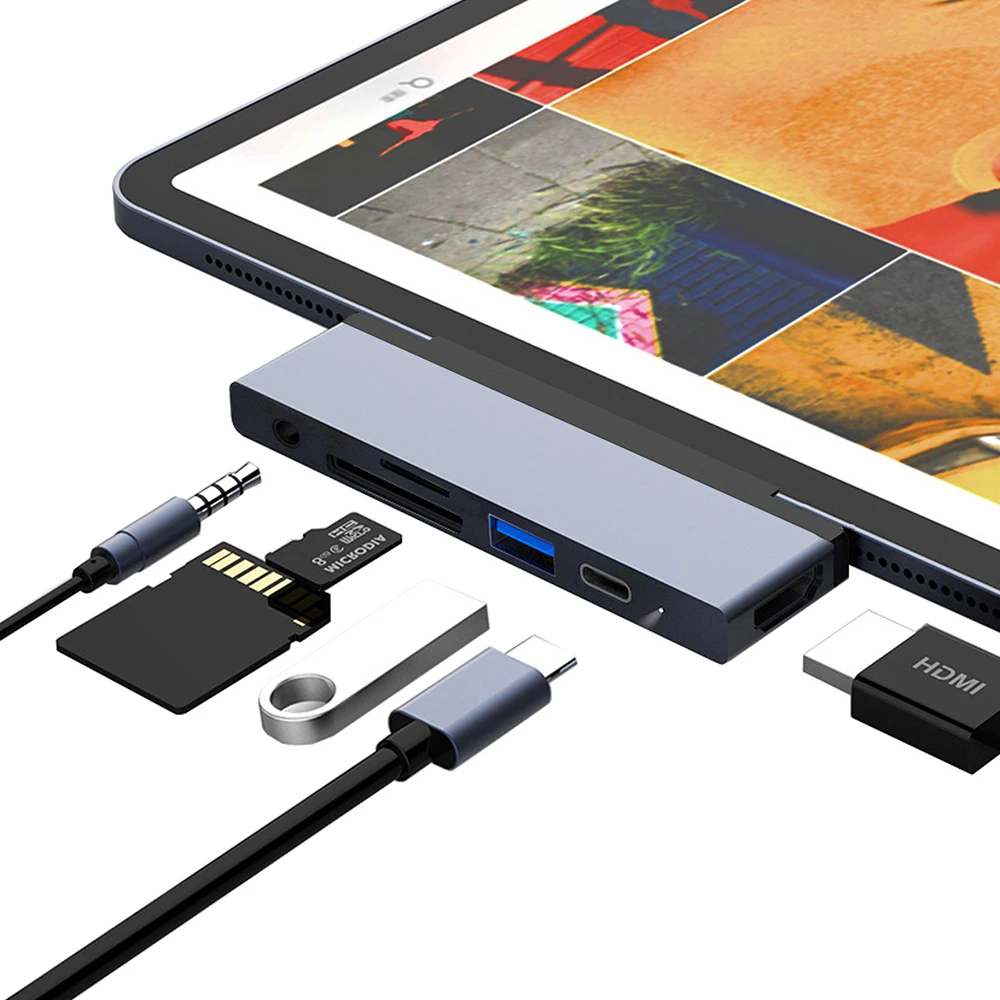
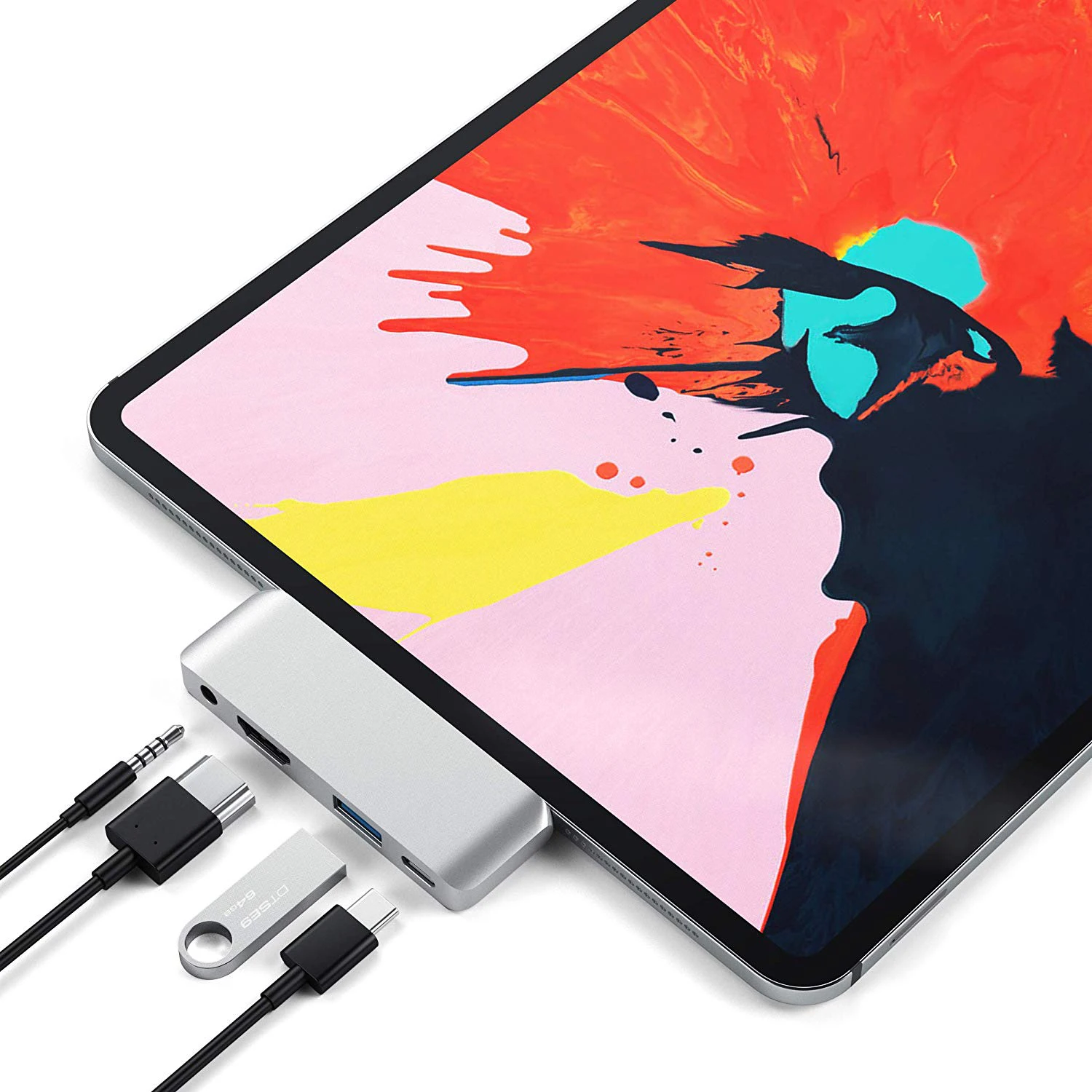
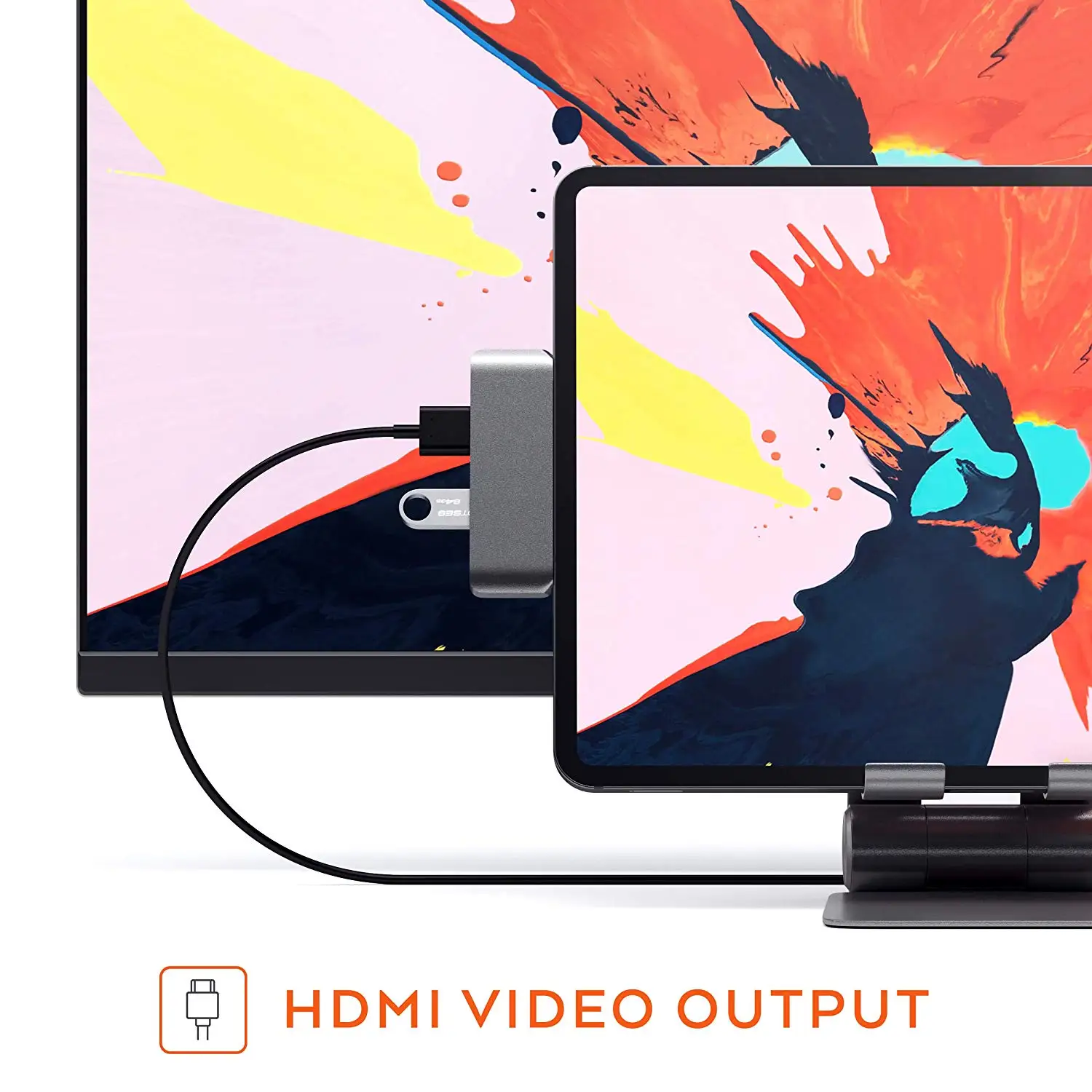
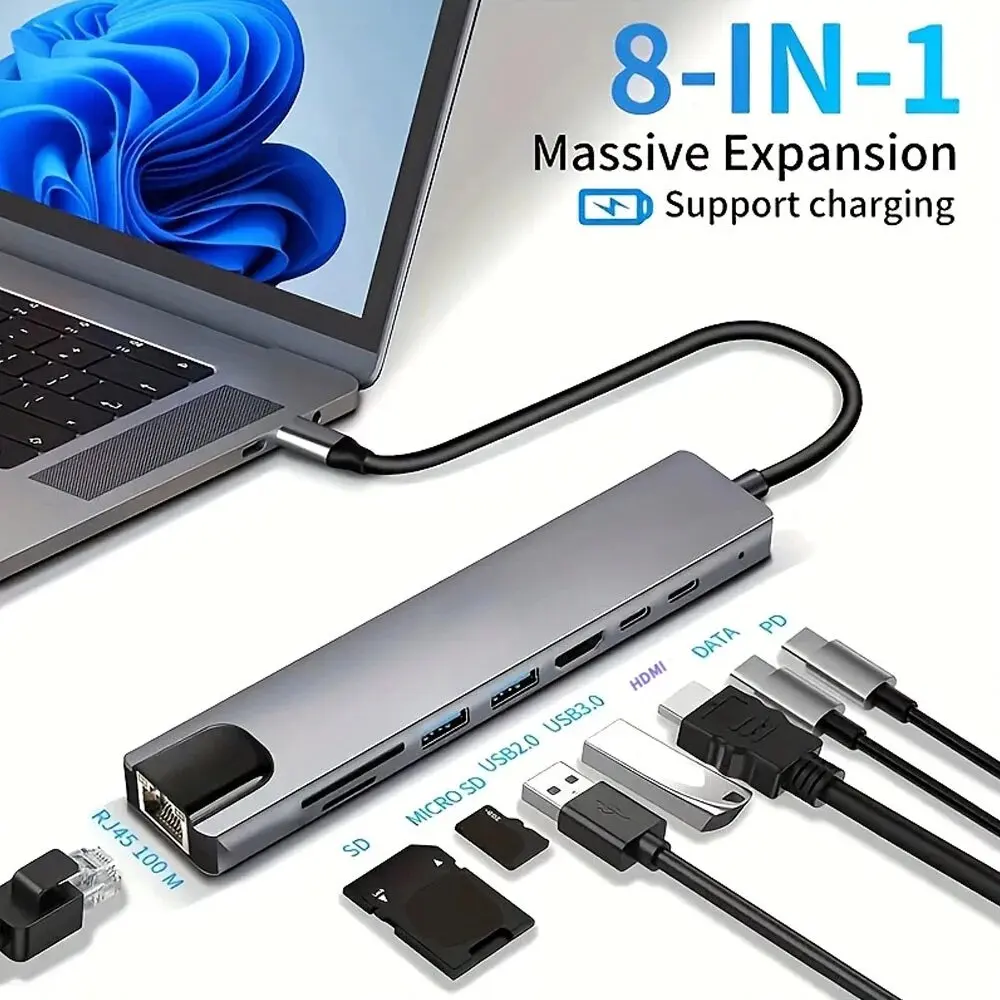
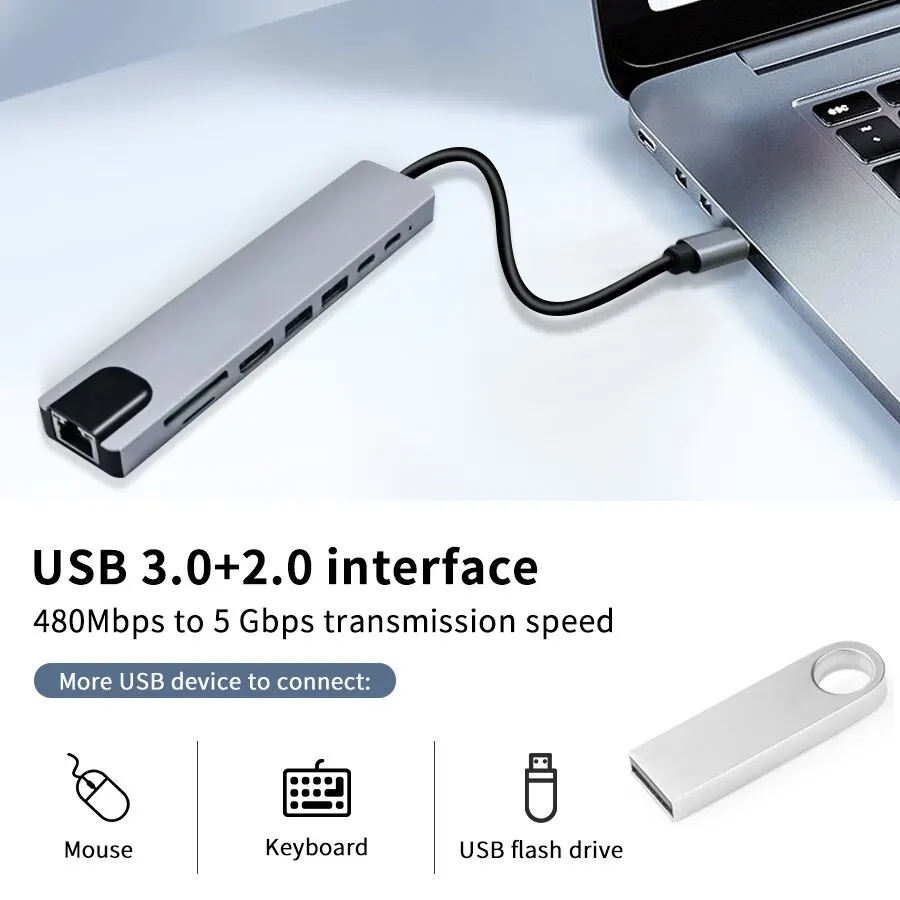
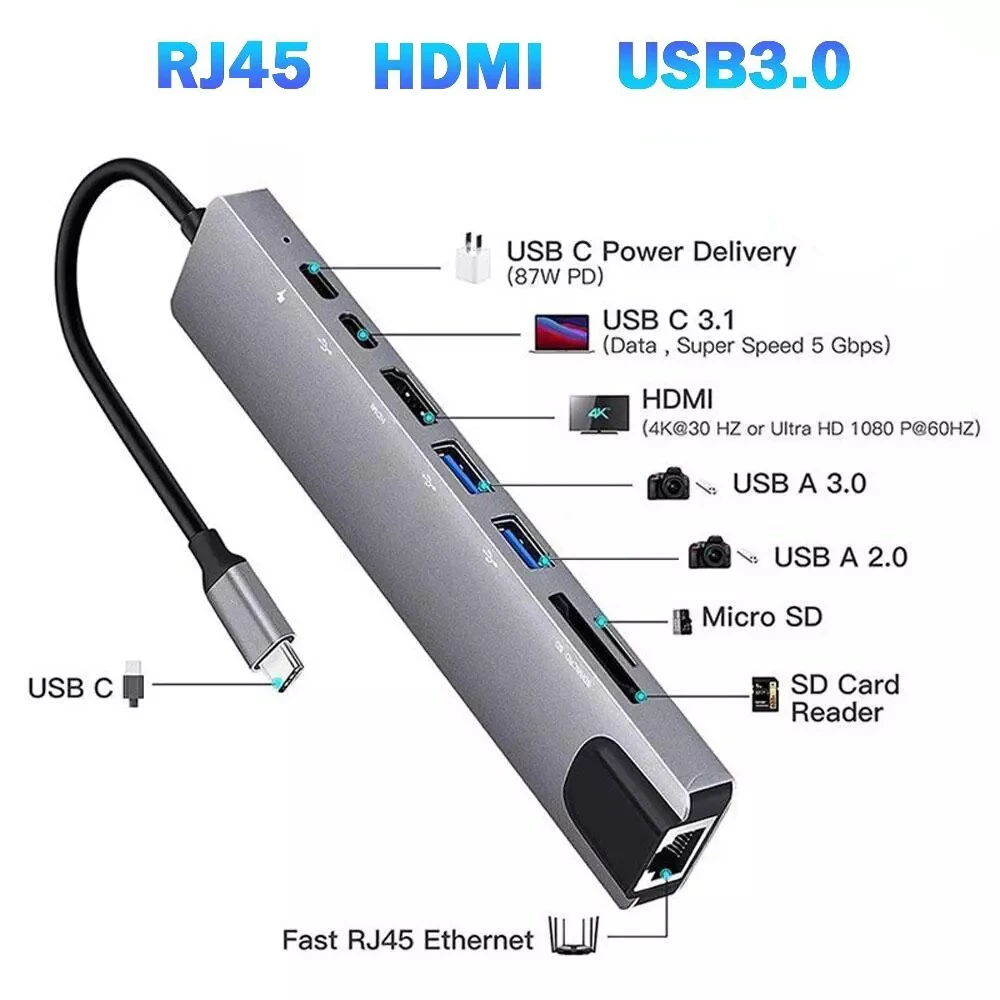
- Shop by connector: hubs, adapters, cables, chargers, drive enclosures, wireless adapters, call kit and screens, by the plugs they use: USB-C, USB-A, HDMI or DisplayPort.
- Shop by charging power: chargers, power banks and USB-C to USB-C cables, grouped by the highest watt figure in their name, from up to 45W to 140W and over.
By the person and by the look
- Shop by who it's for: students, home workers, travellers, gamers and creators. Each of these pages gathers whole ranges, and names the ranges it draws on.
- Shop by material: aluminium, leather, felt and fabric, and silicone, read from each product's name and short description.
- Shop by colour: black, grey and silver, white, pink and blue, from the name and the colour choices. A product offered in several colours appears on each colour's page.
Which page to start from
Start with what you are surest of. If you know your laptop's exact model, go by laptop. If you only know its size, remember that screen size is measured diagonally, corner to corner, so a 13-inch class laptop may have a 13.3 or 13.6-inch screen; the size pages allow for that. For a charger, read the watts on the one that came with the laptop, then go by charging power. For a hub or cable, look at the sockets on the side of the laptop and go by connector. Then check the product's choices and measurements against your laptop.
Questions people ask about shopping by feature
Why does the same product appear on more than one page?
Because it fits more than one description. A grey sleeve sold in 14 and 16-inch sizes belongs on both size pages and on the grey page as well.
My laptop is not listed under Shop by laptop. Where do I look?
Go by screen size for sleeves, bags and screen filters, and by connector or charging power for the things that plug in. Most accessories fit by size and socket, not by make.
How long does delivery take?
Delivery is included in every price and tracked to your door. Each product page says when that item usually arrives.
More to look at