Turning a laptop into a desk you can work at all day
A laptop is built to be carried, not to be worked at for eight hours. Its screen sits low, so you look down, and its keyboard is joined to the screen, so raising one raises the other. Working from home, at the kitchen table or in a spare room, that soon tells. This page brings together the things that turn a laptop into a proper desk.
What is on this page
This page is put together from whole ranges, not product by product. Every product in the ranges named here is on it, so when a range gains something new, it appears here too. Each product also stays in its own department, and some are on more than one of the pages for different people as well as home workers.
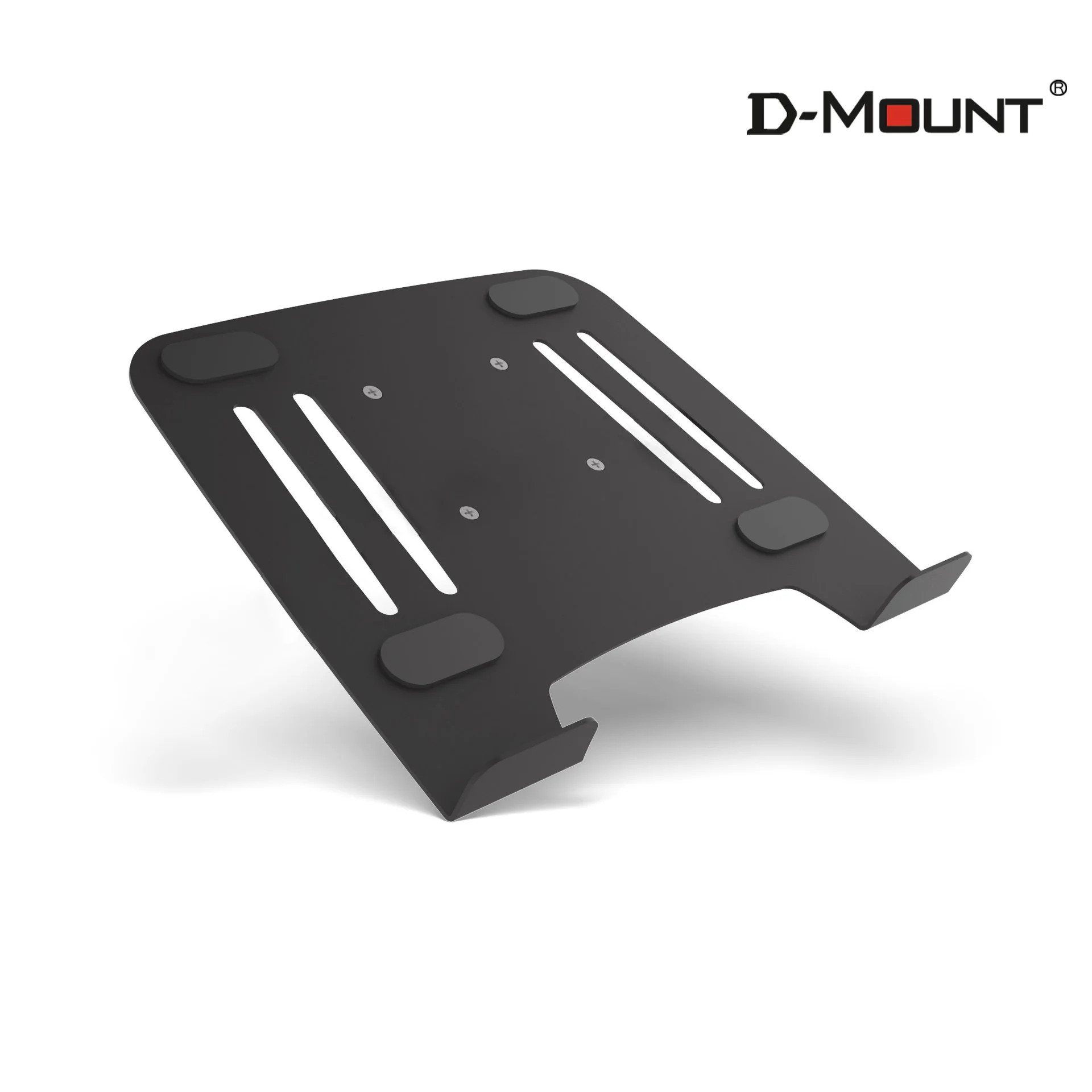
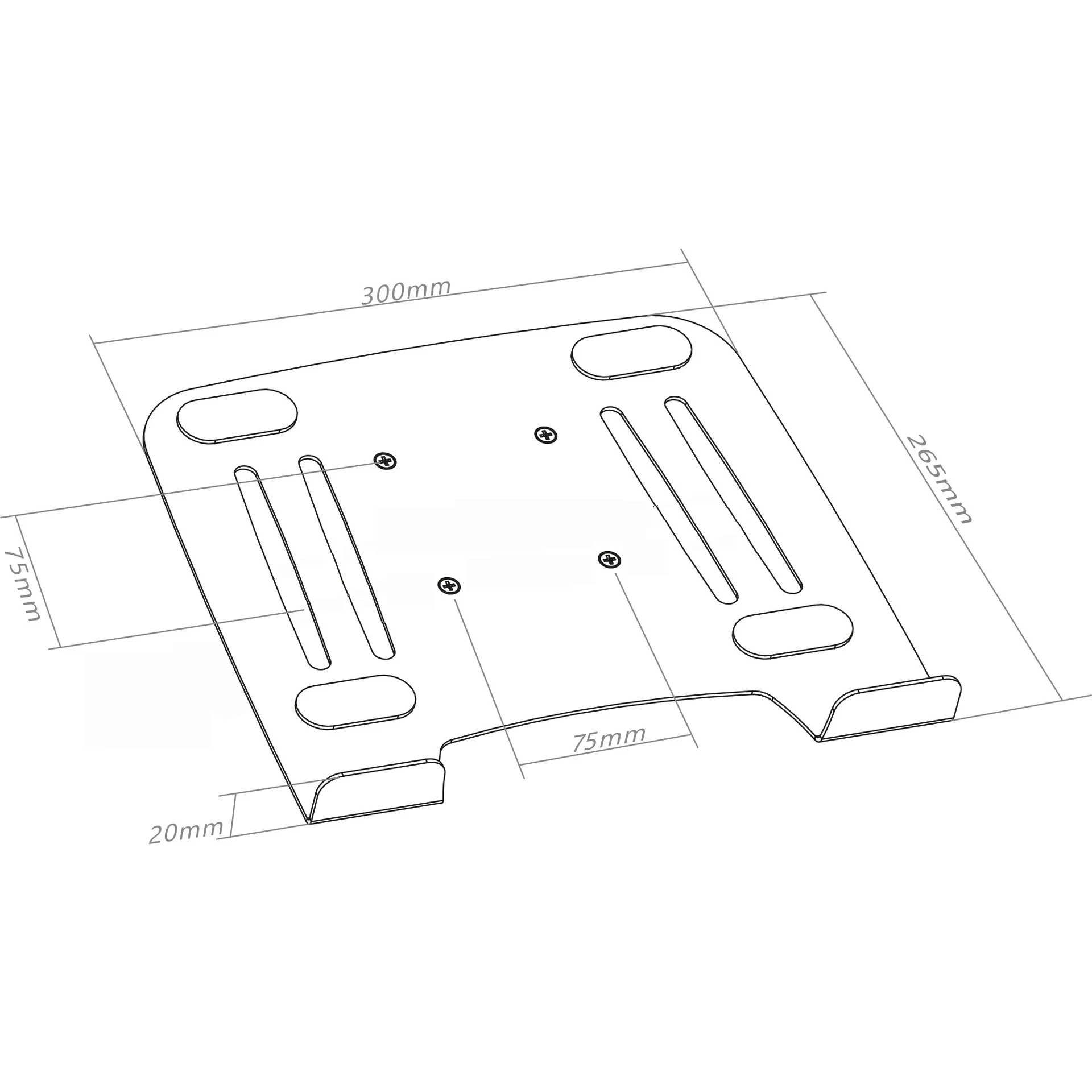
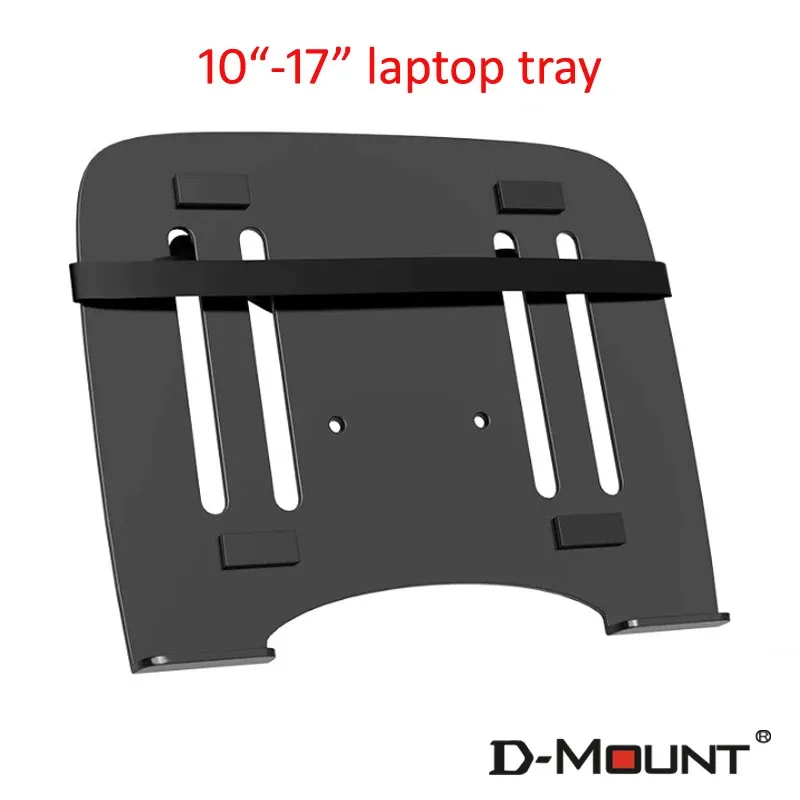
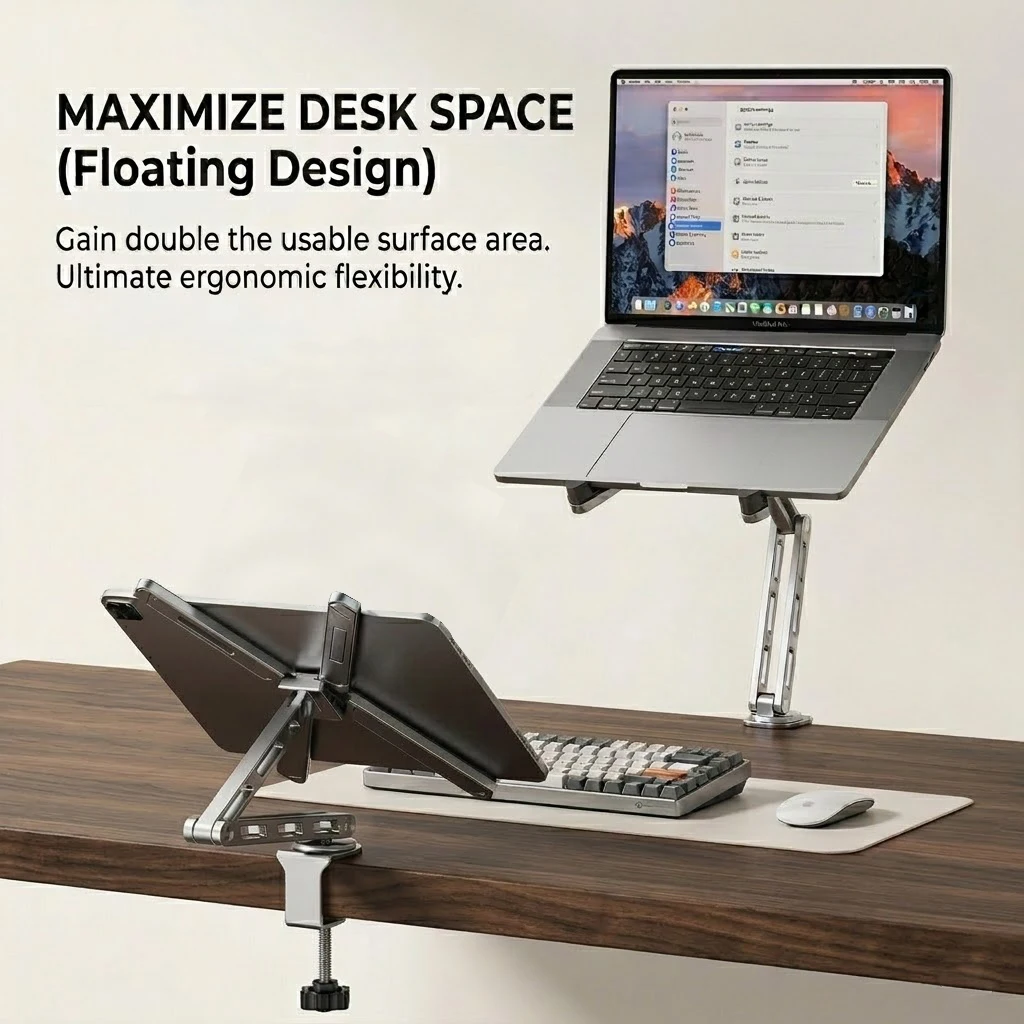
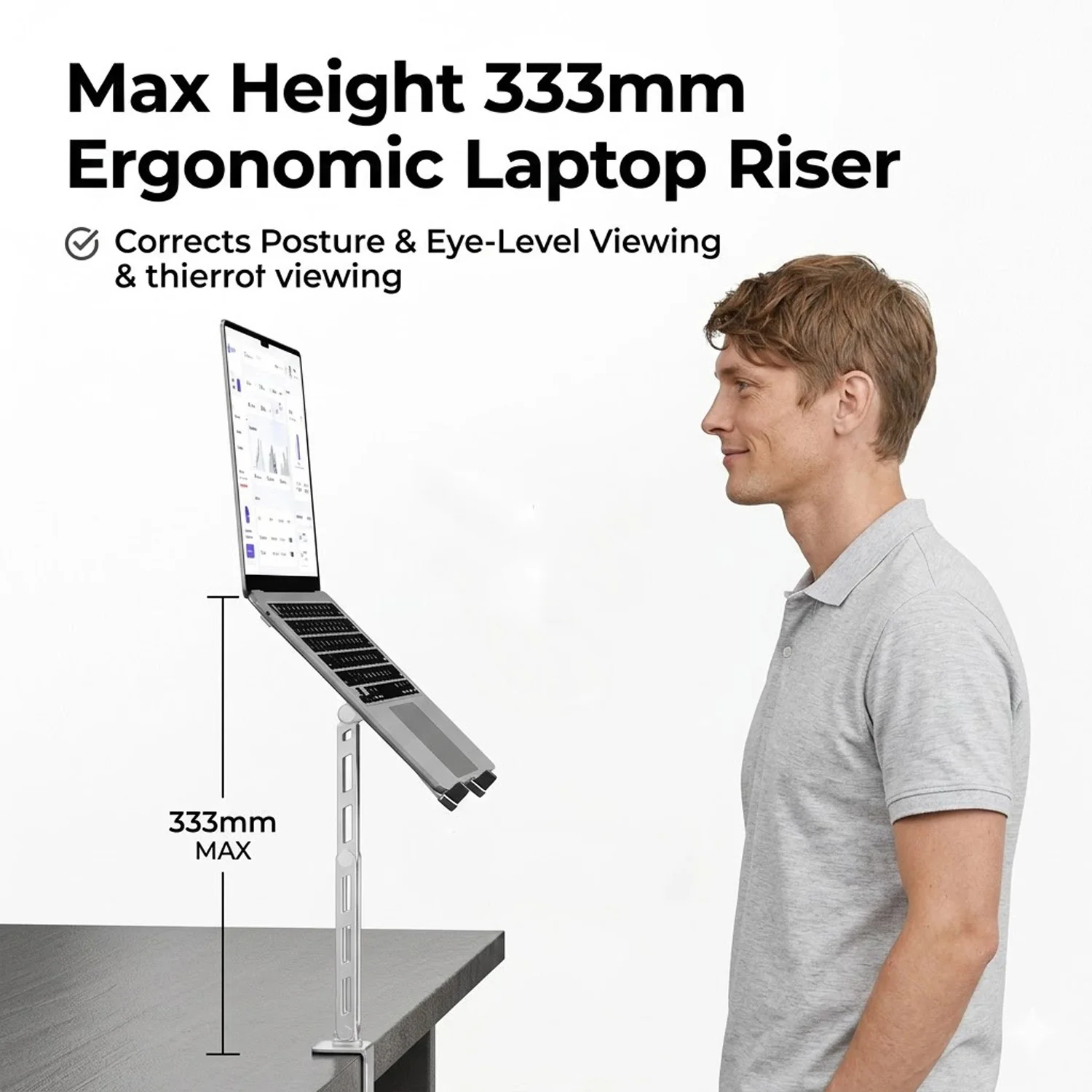
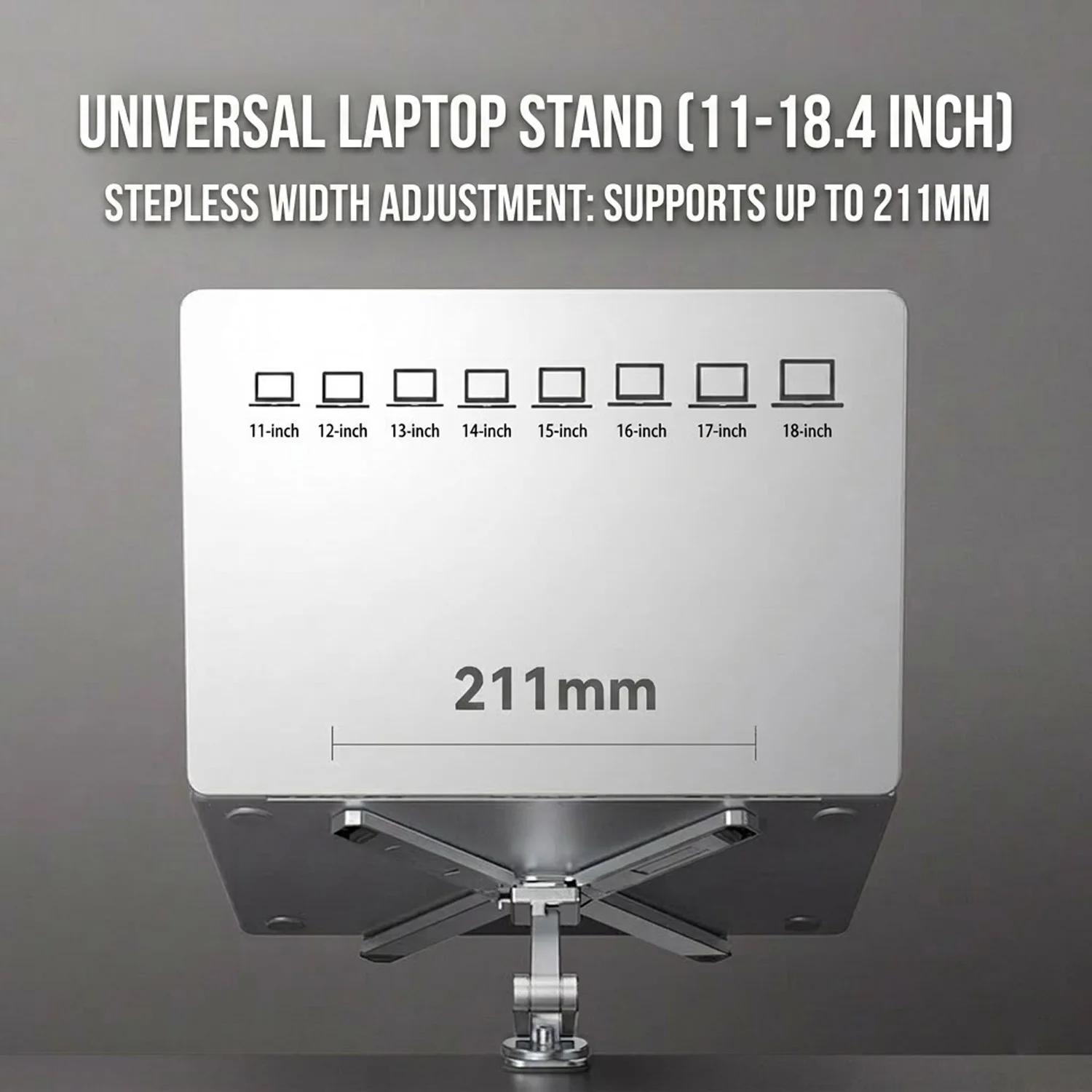
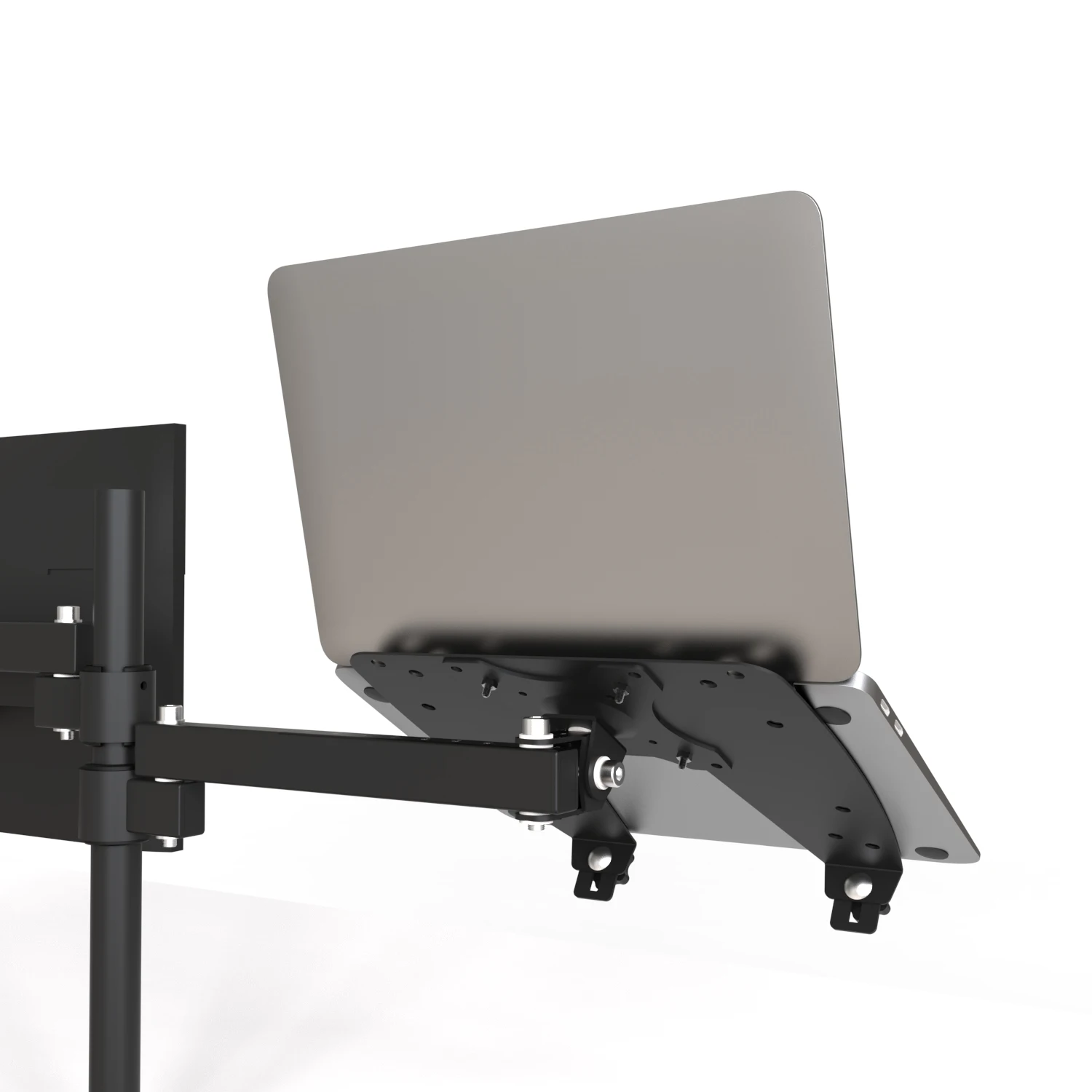
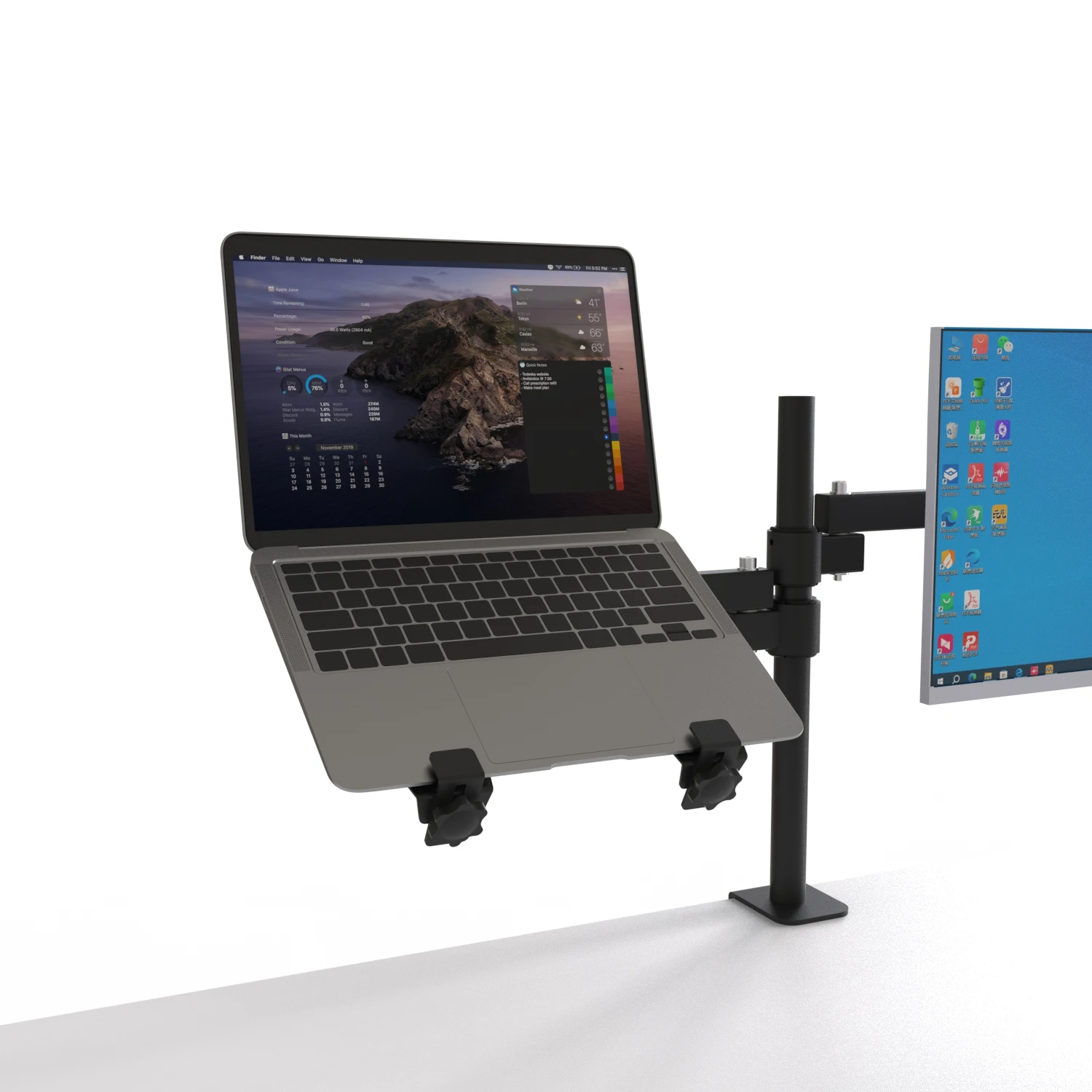
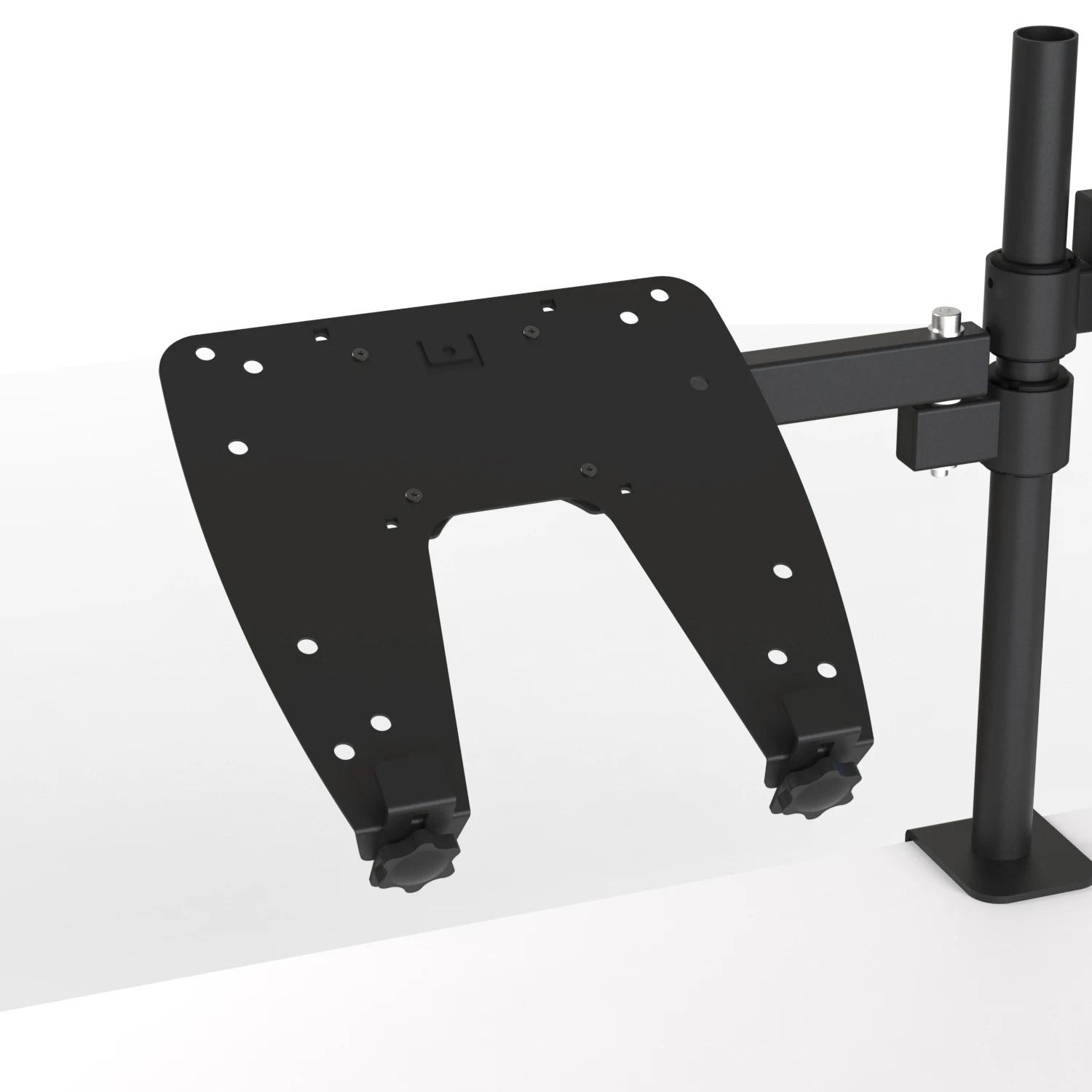
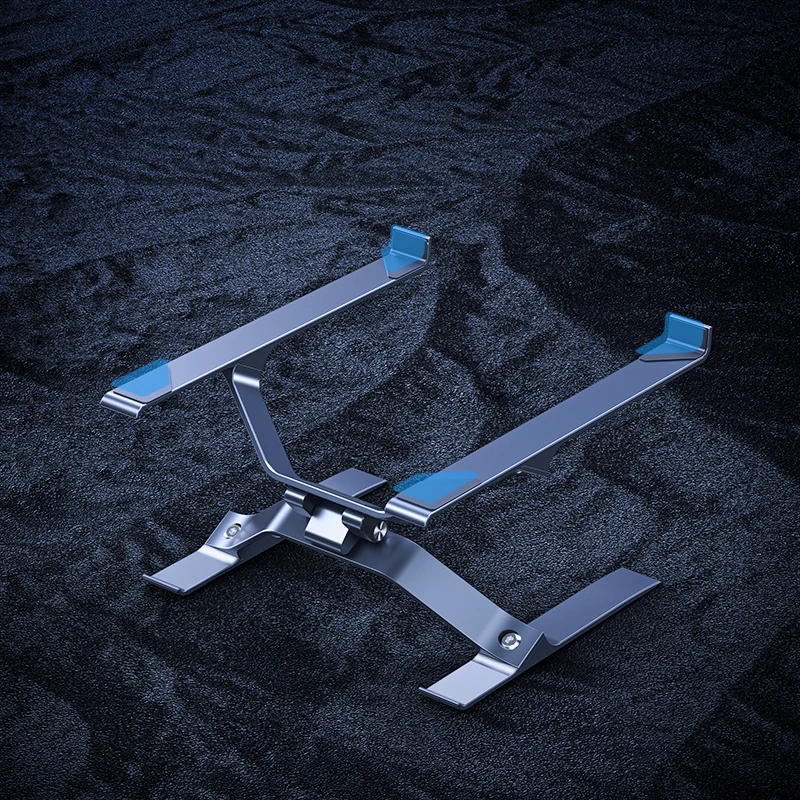
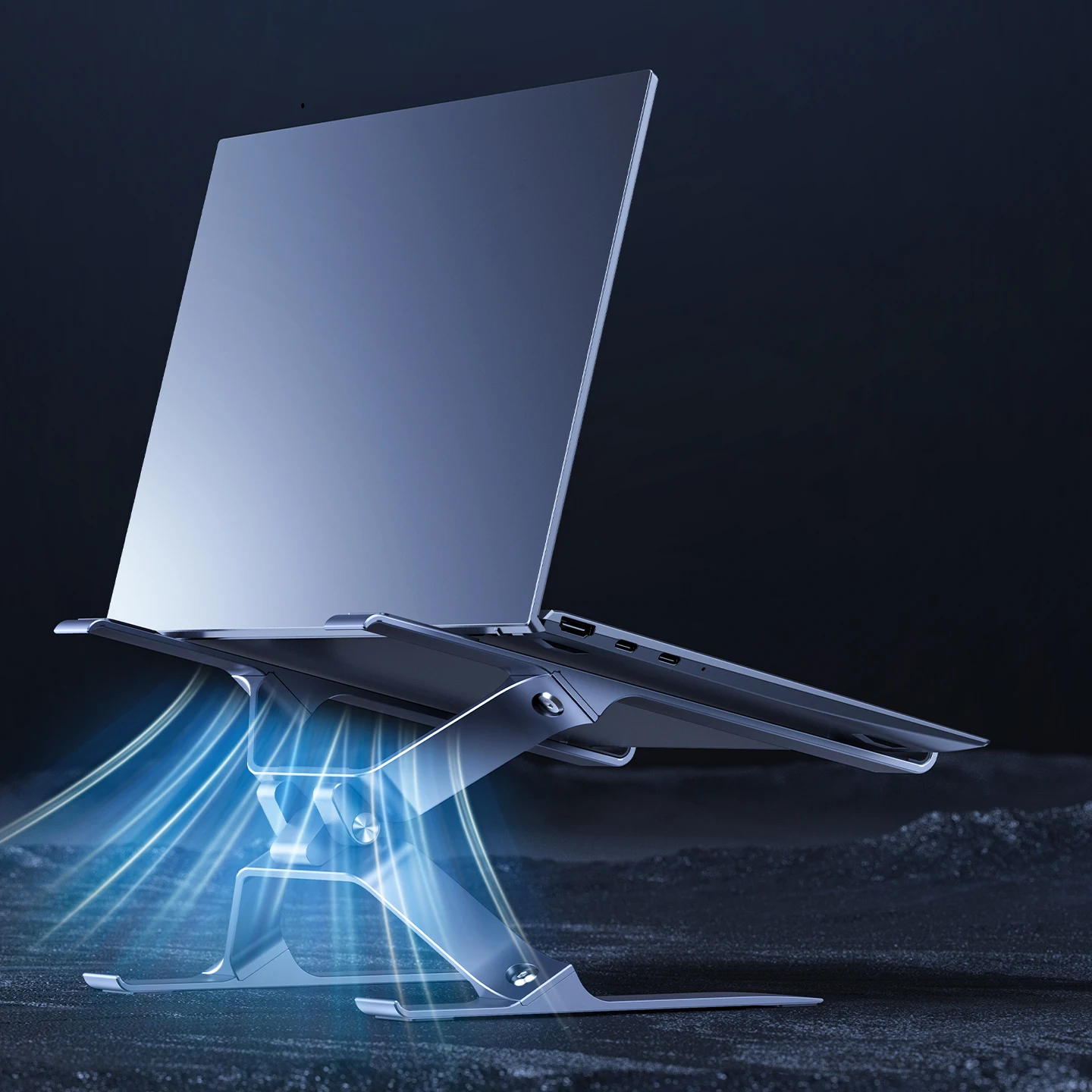
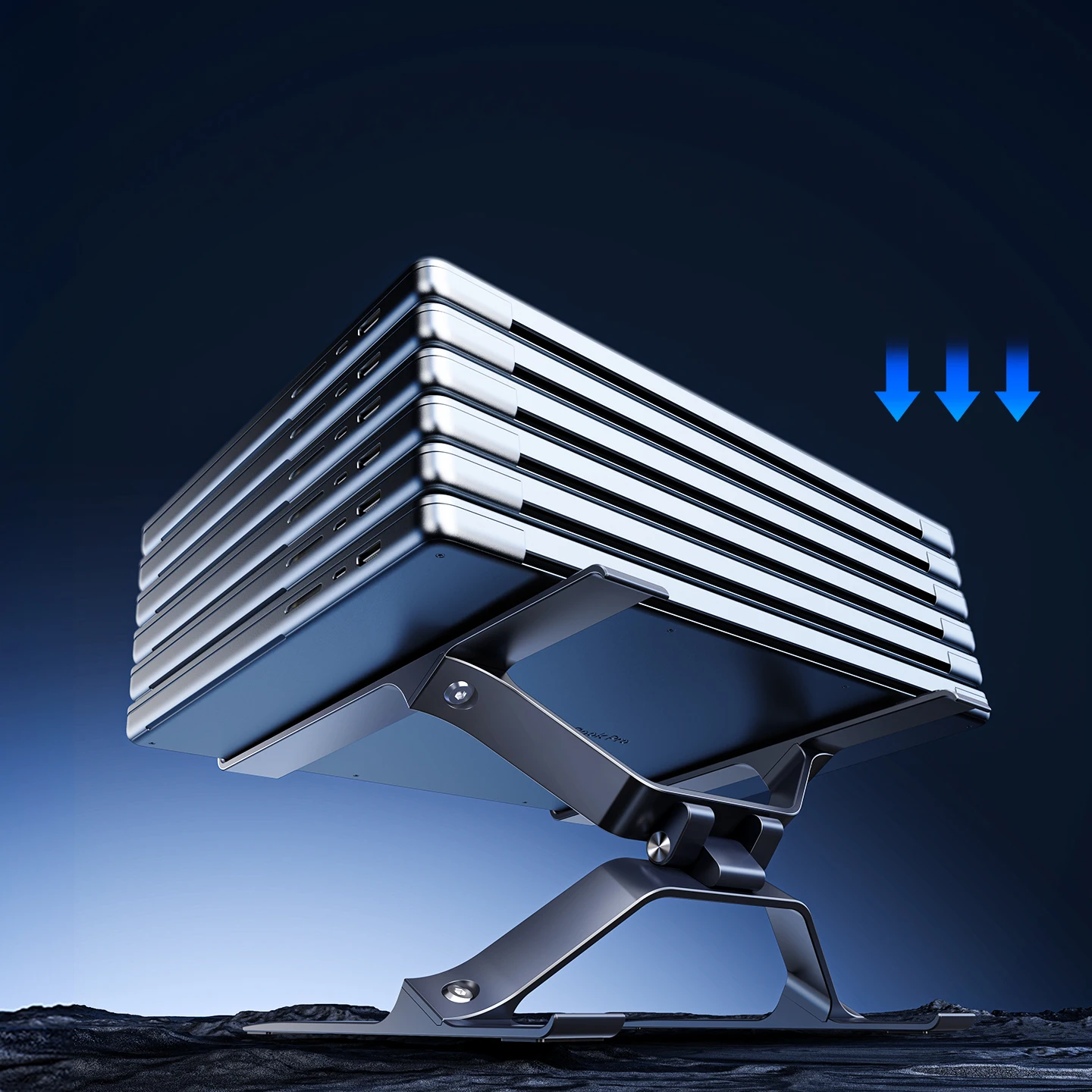
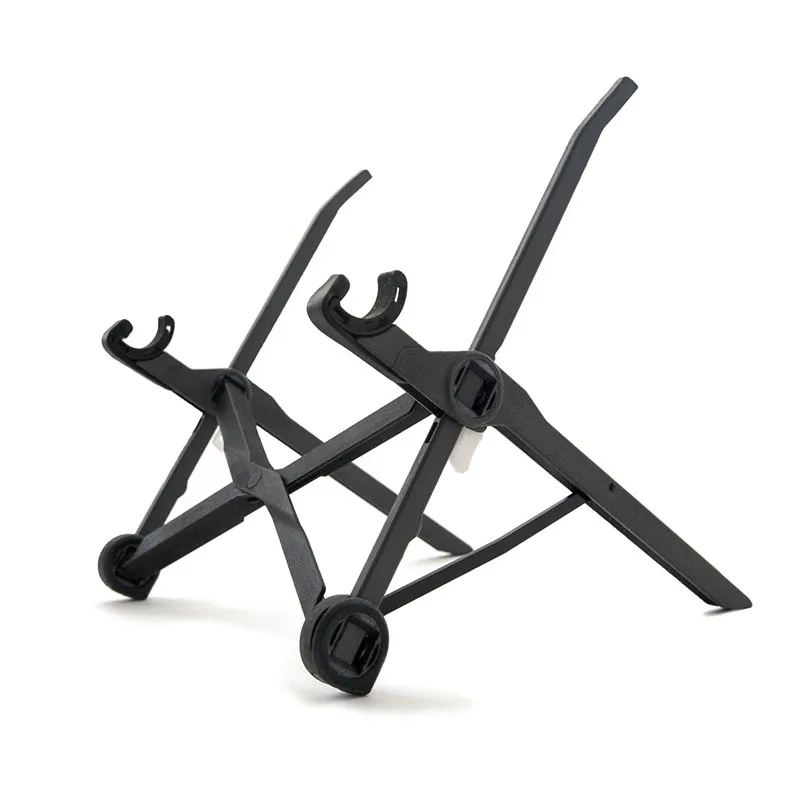
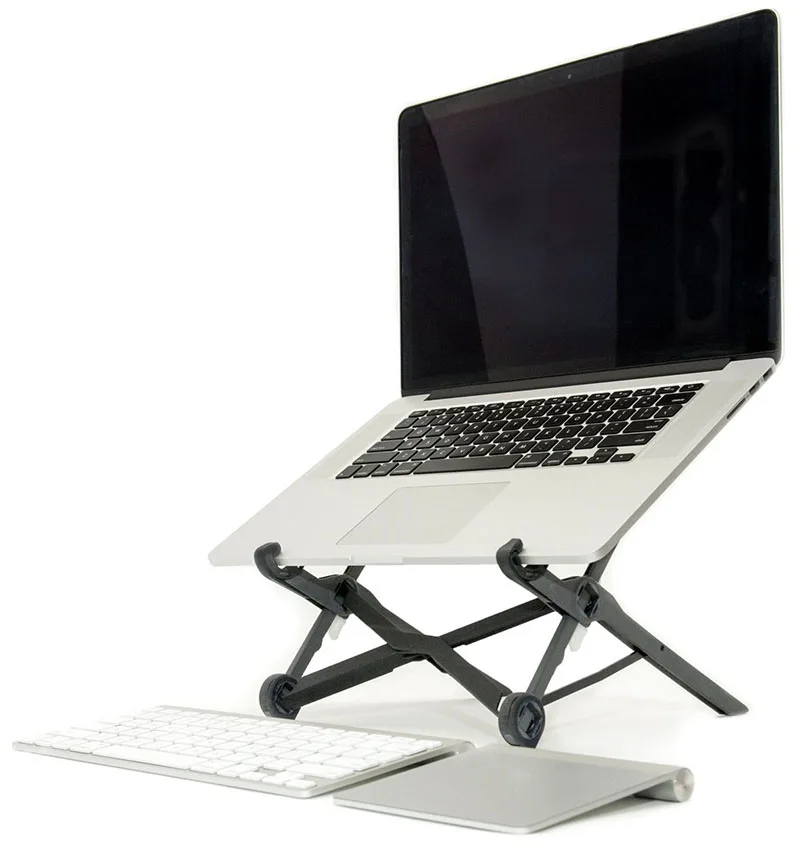
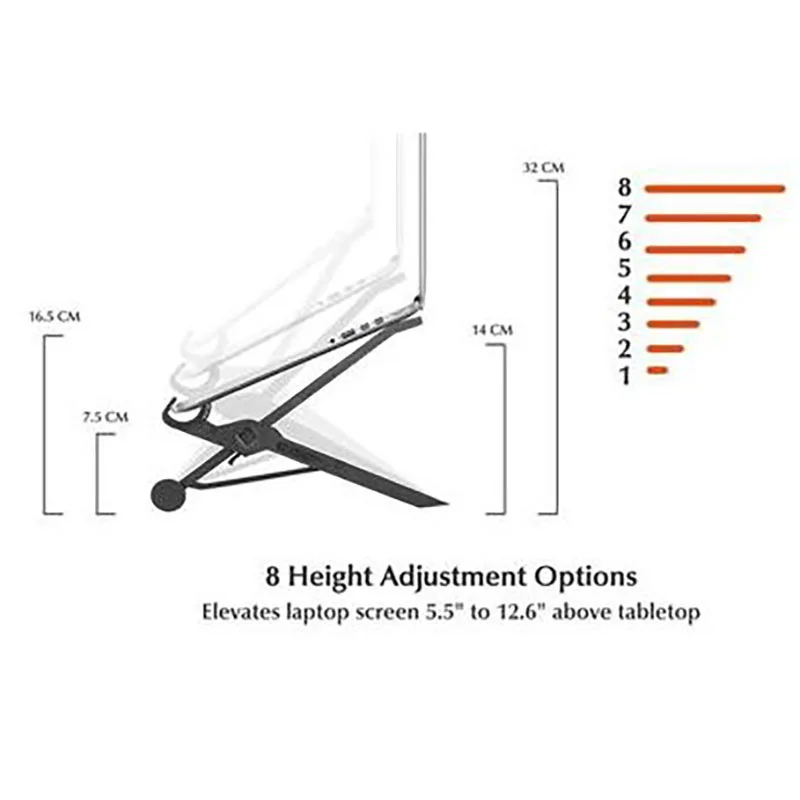
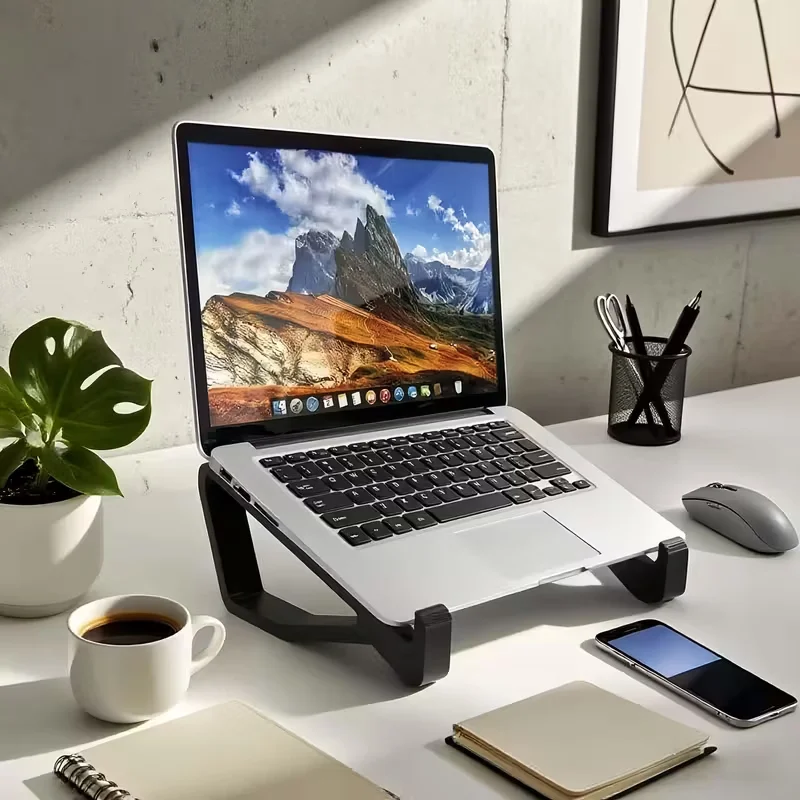
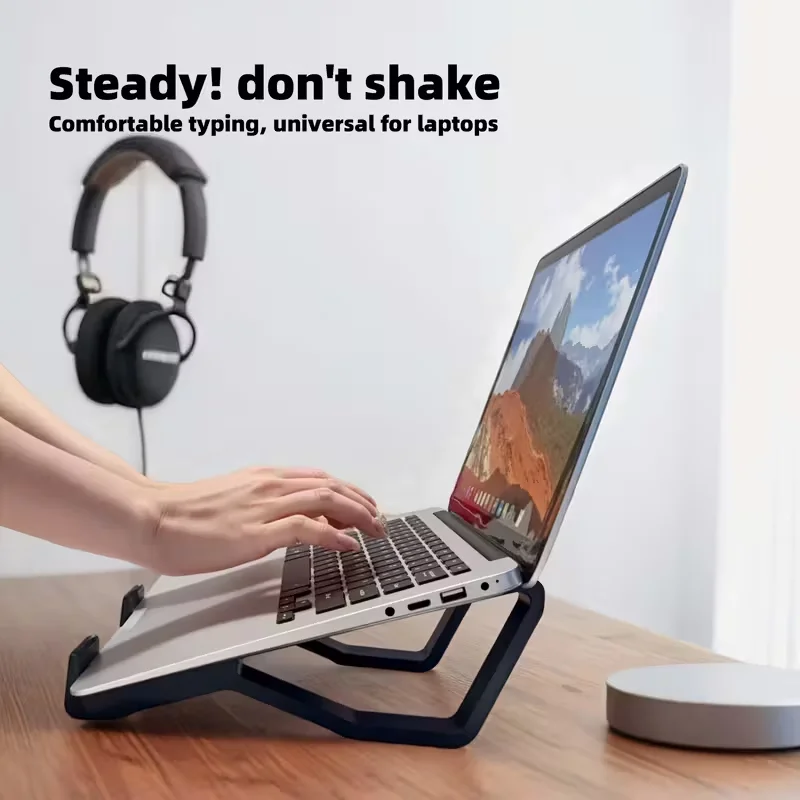
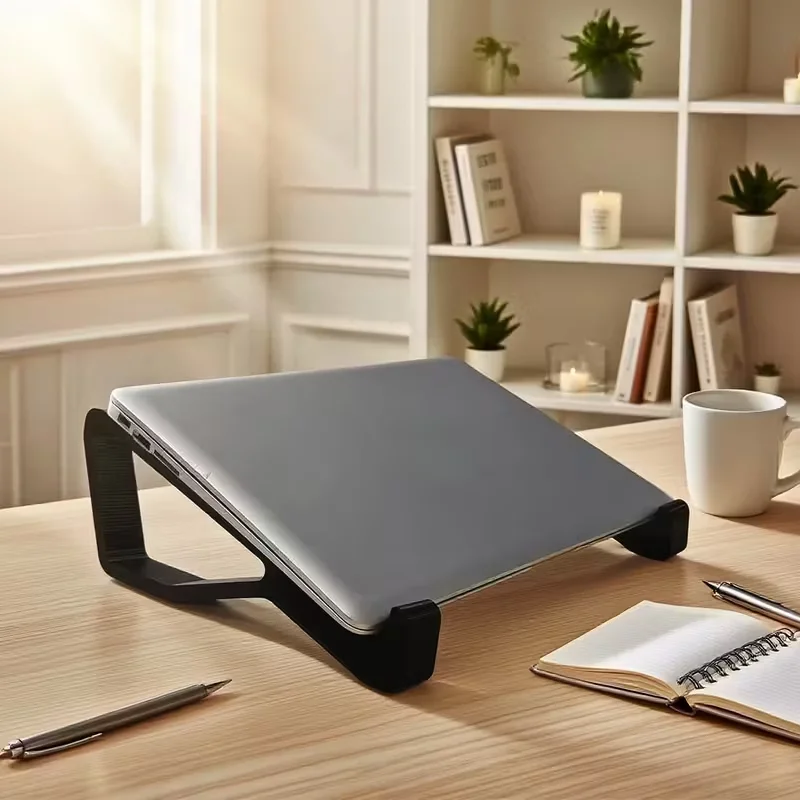
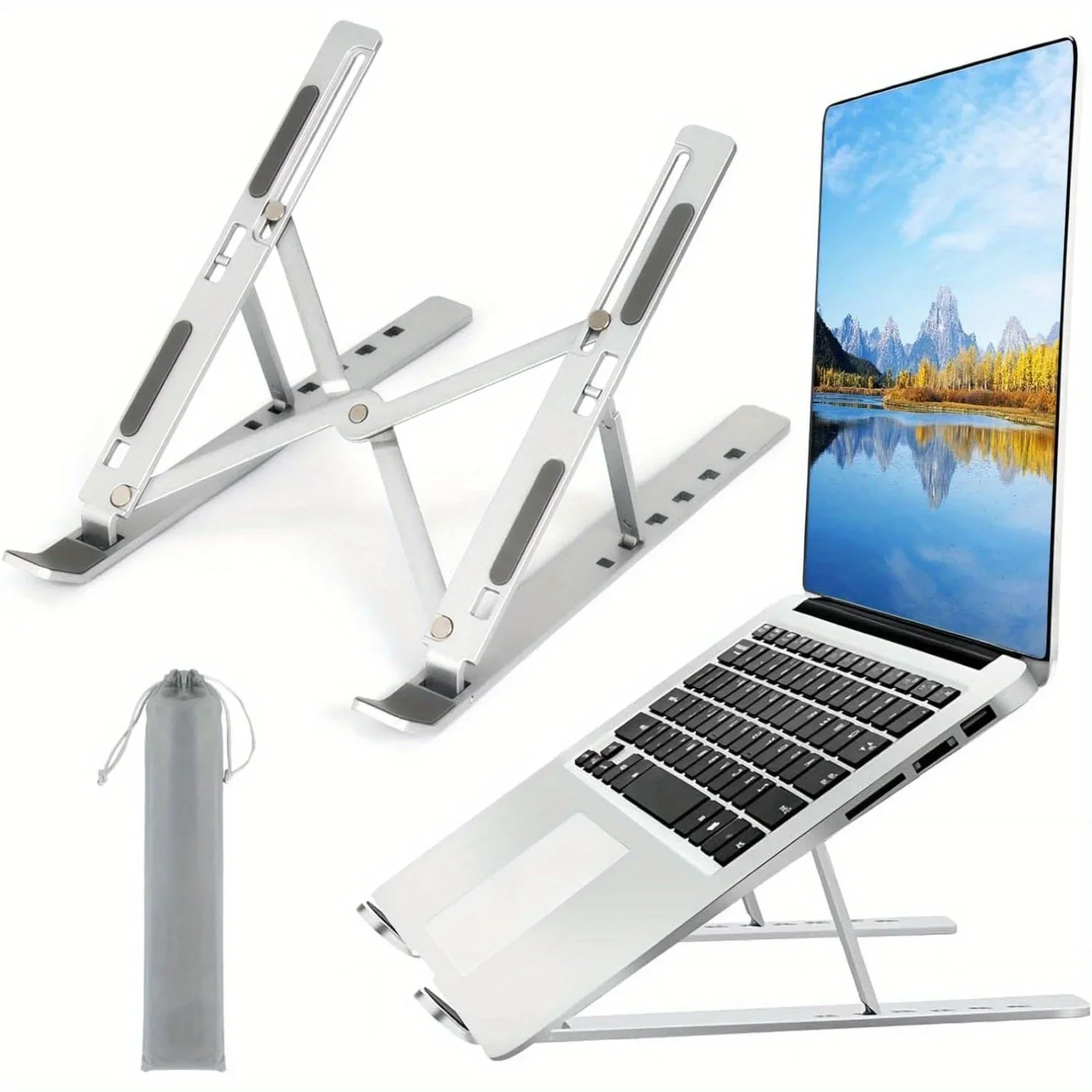
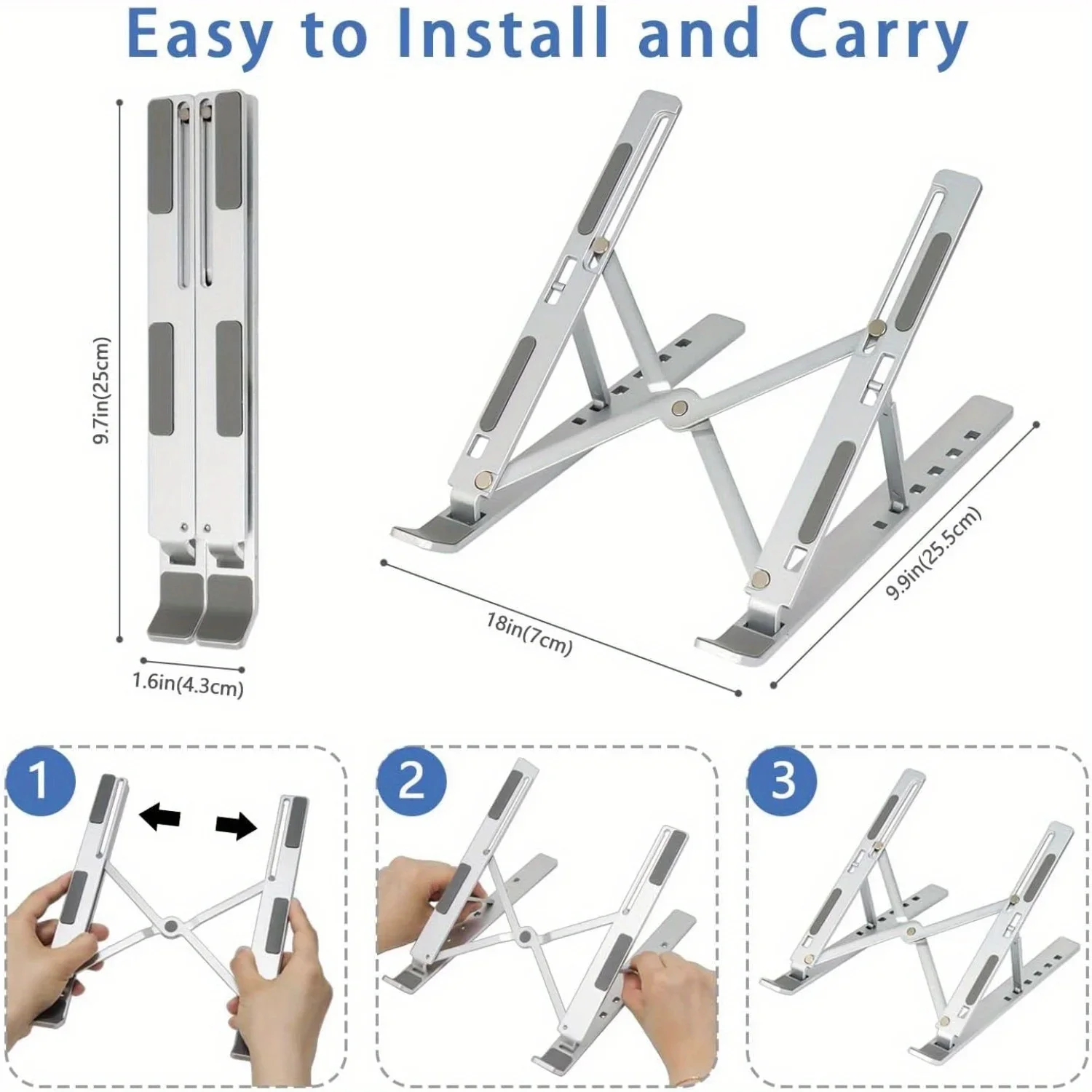
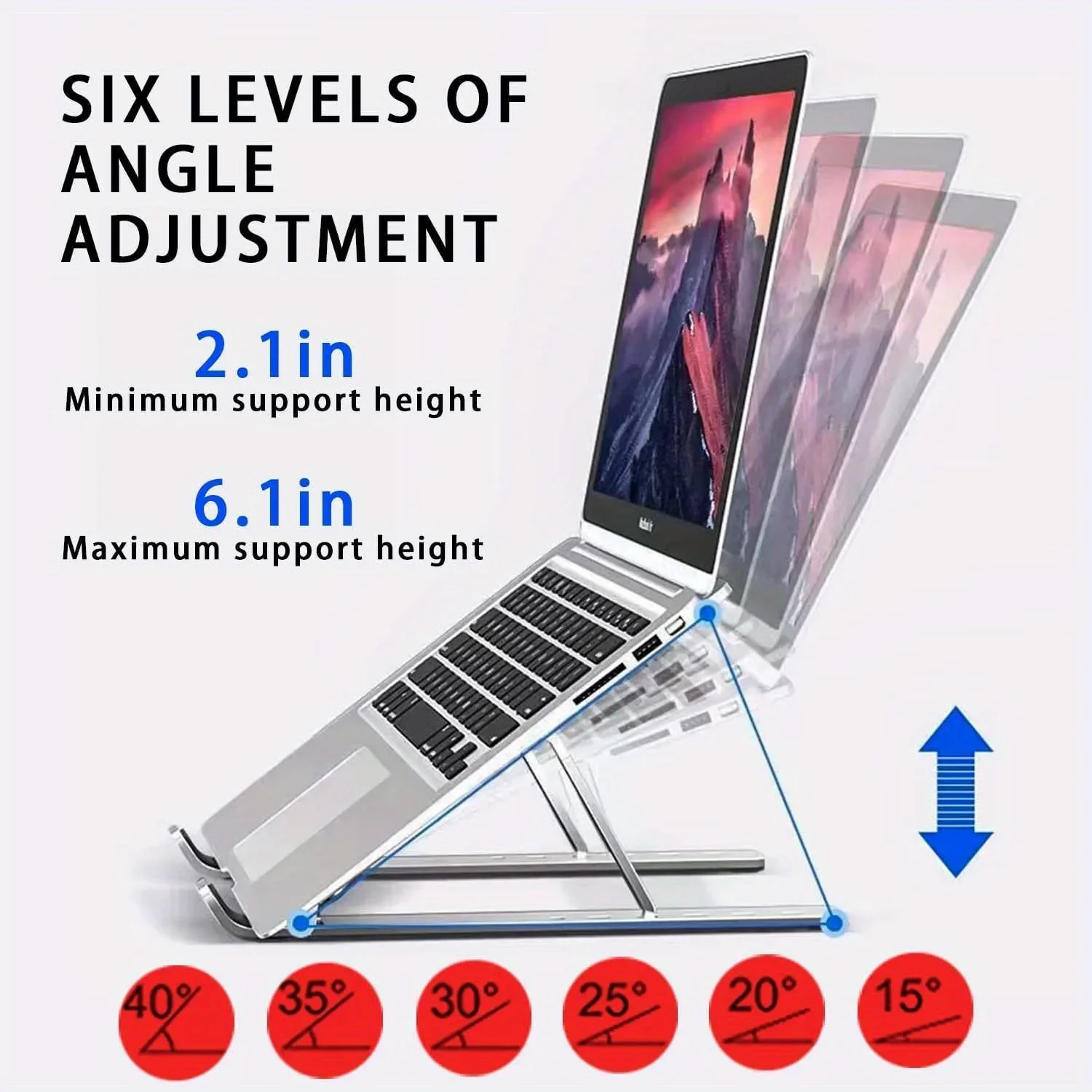
- Raising the screen: adjustable laptop stands, foldable aluminium stands and monitor arm laptop trays, which hold the laptop on a desk clamp or a monitor arm.
- Plugging in once: USB-C hubs and docking stations, many with HDMI, Ethernet, card slots and charging through, some driving three screens.
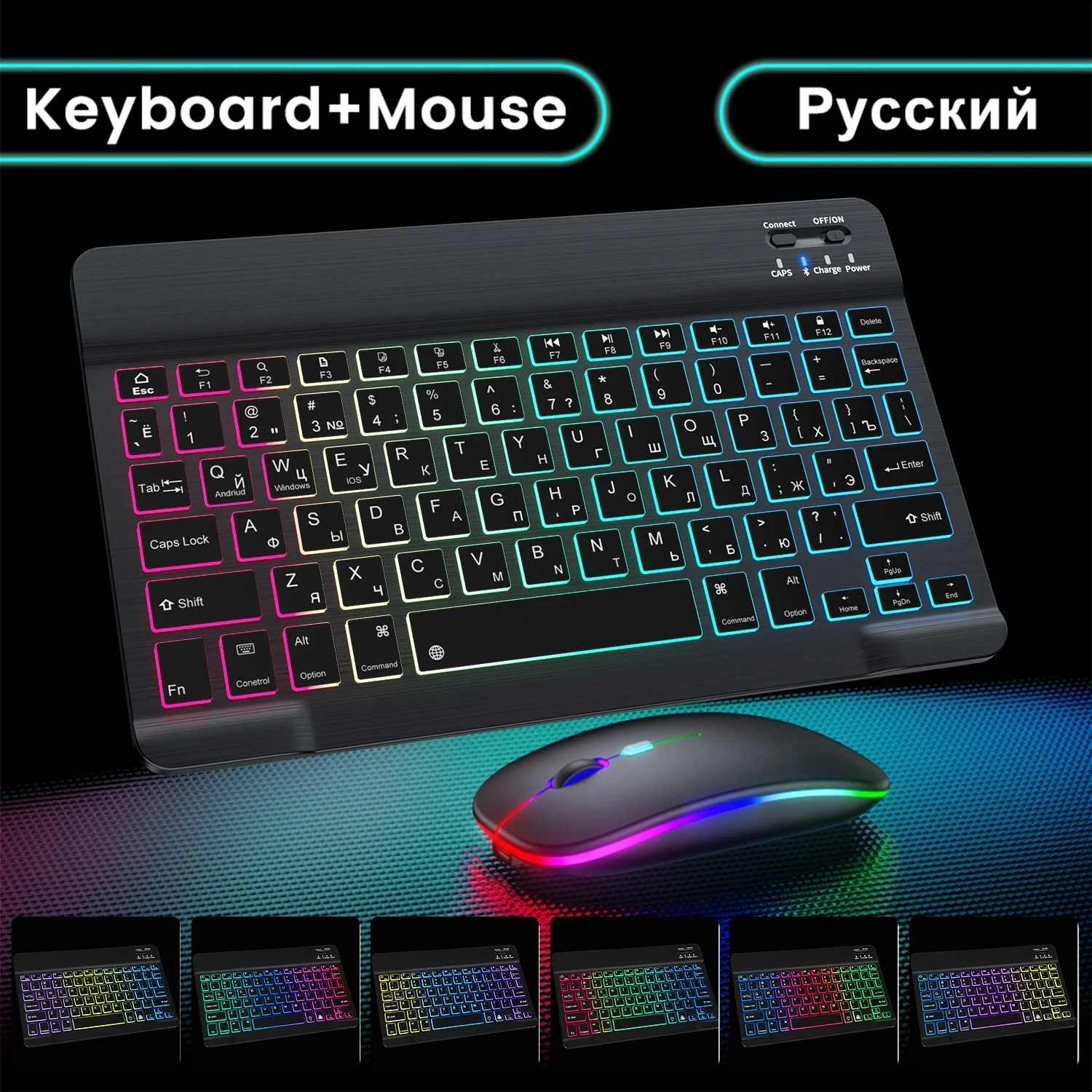
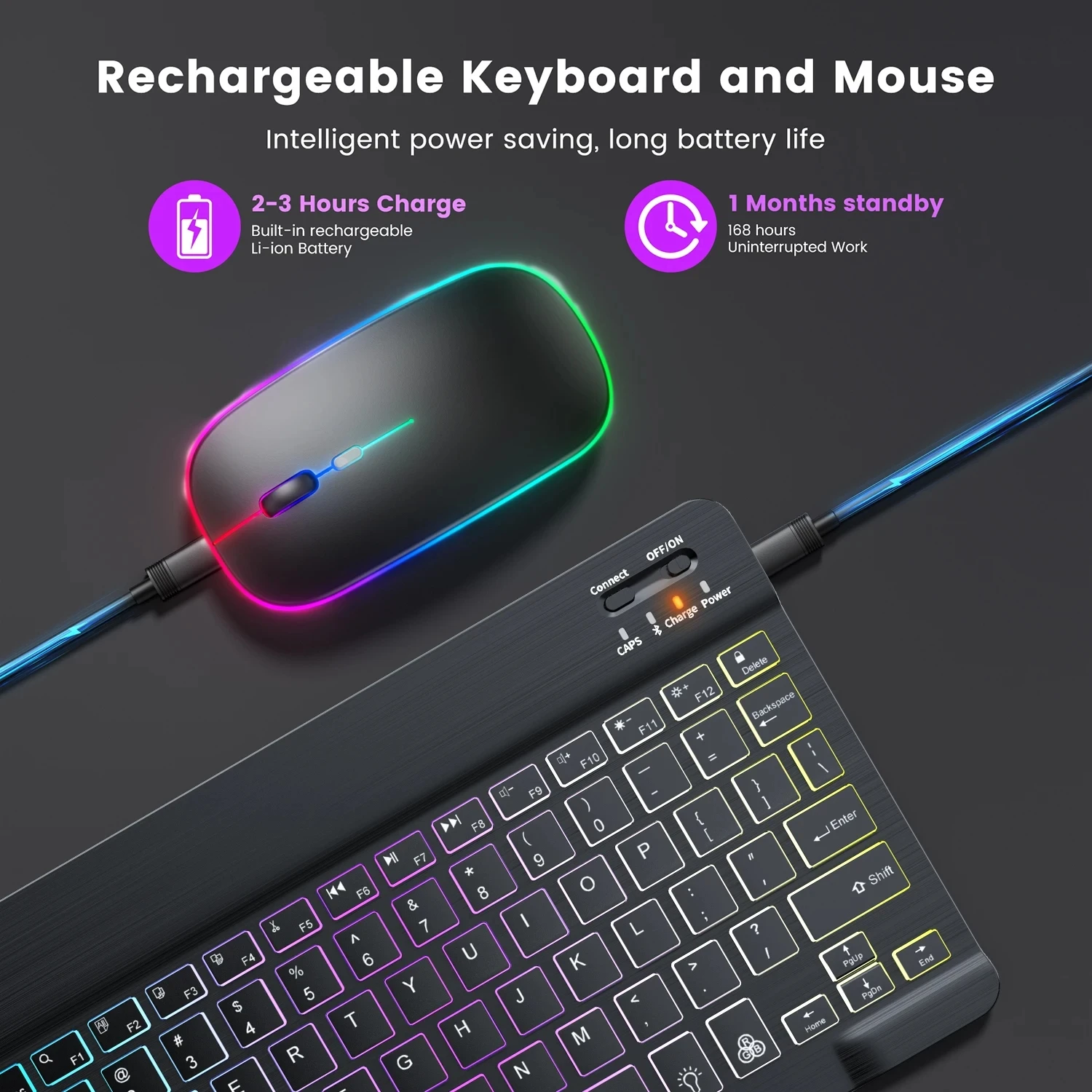
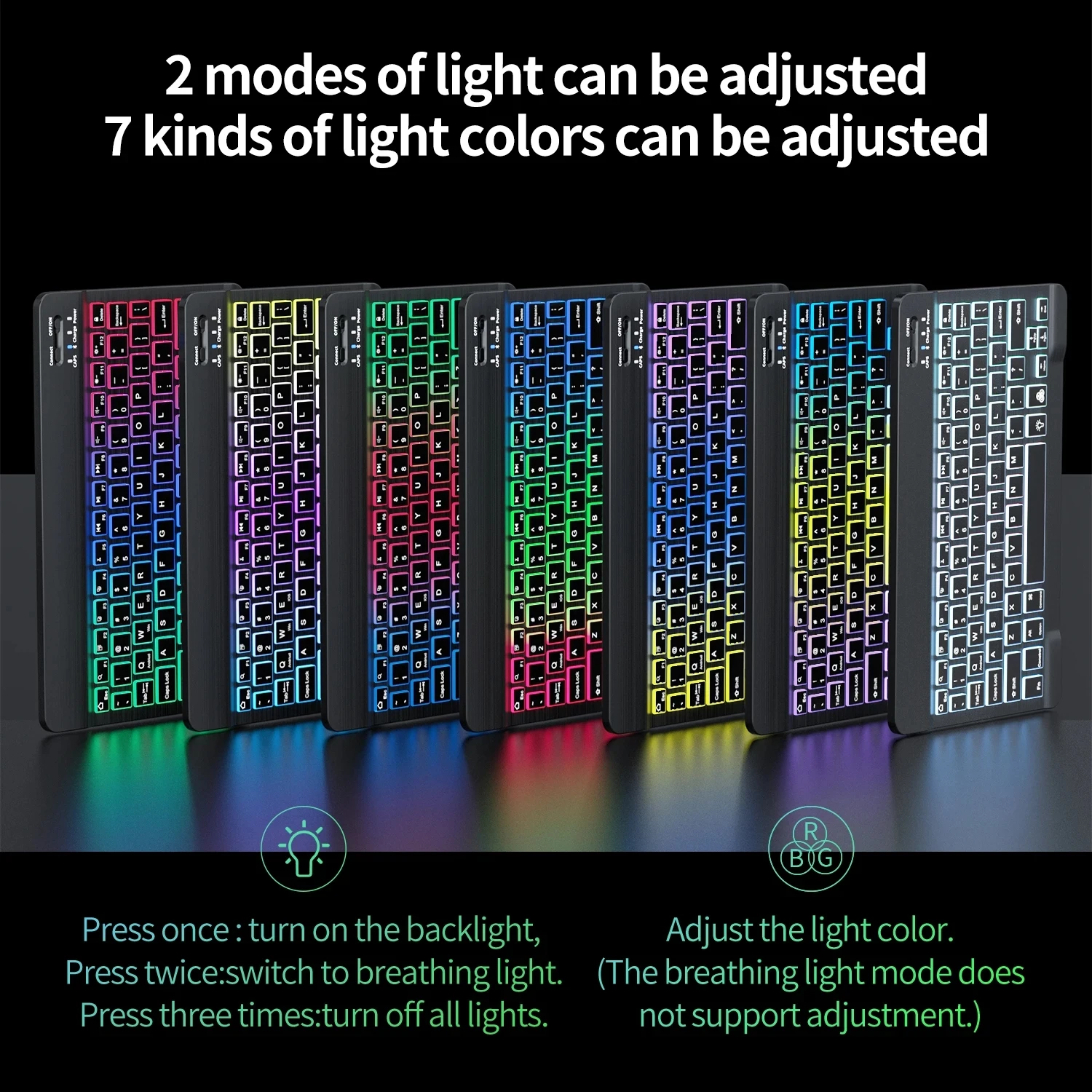
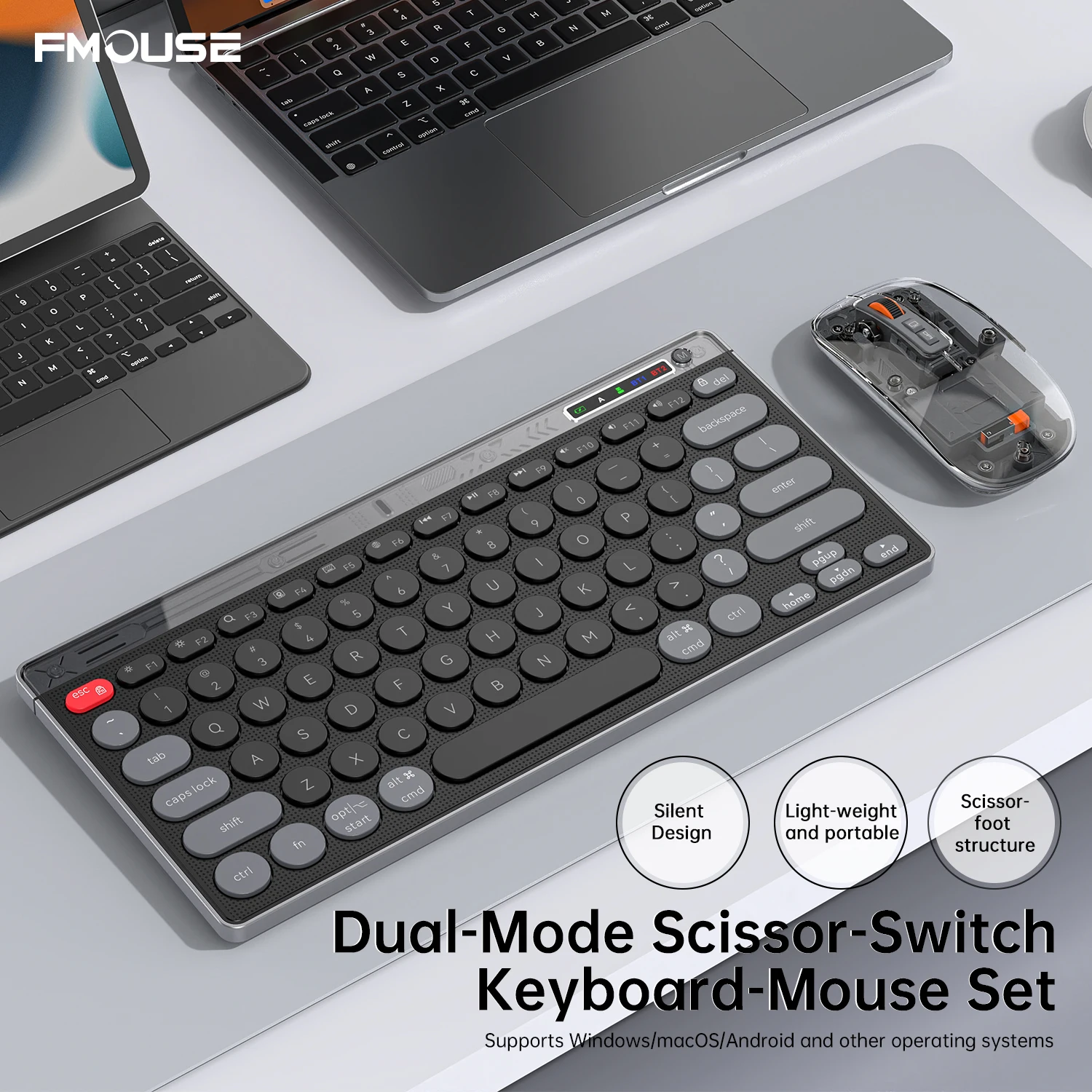
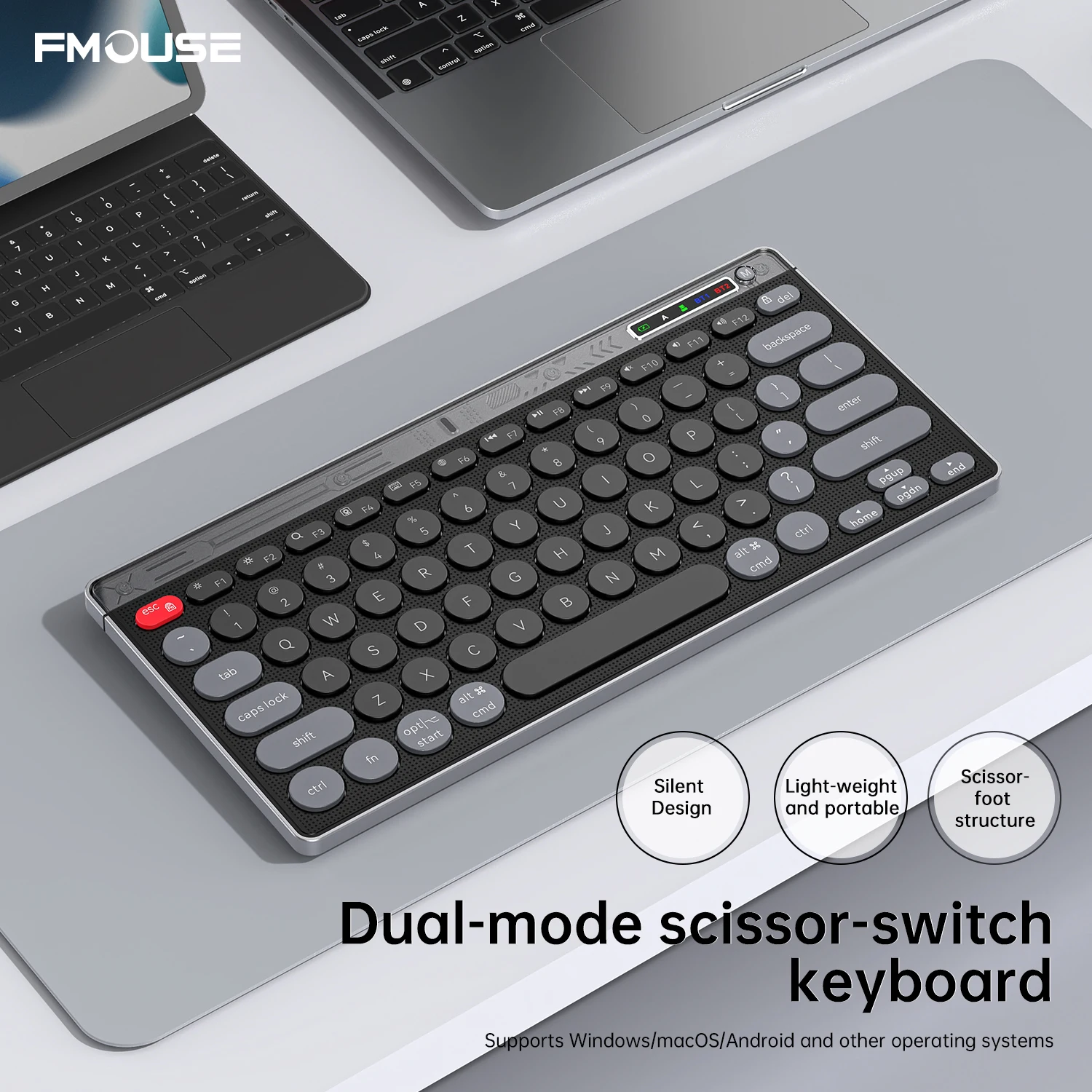
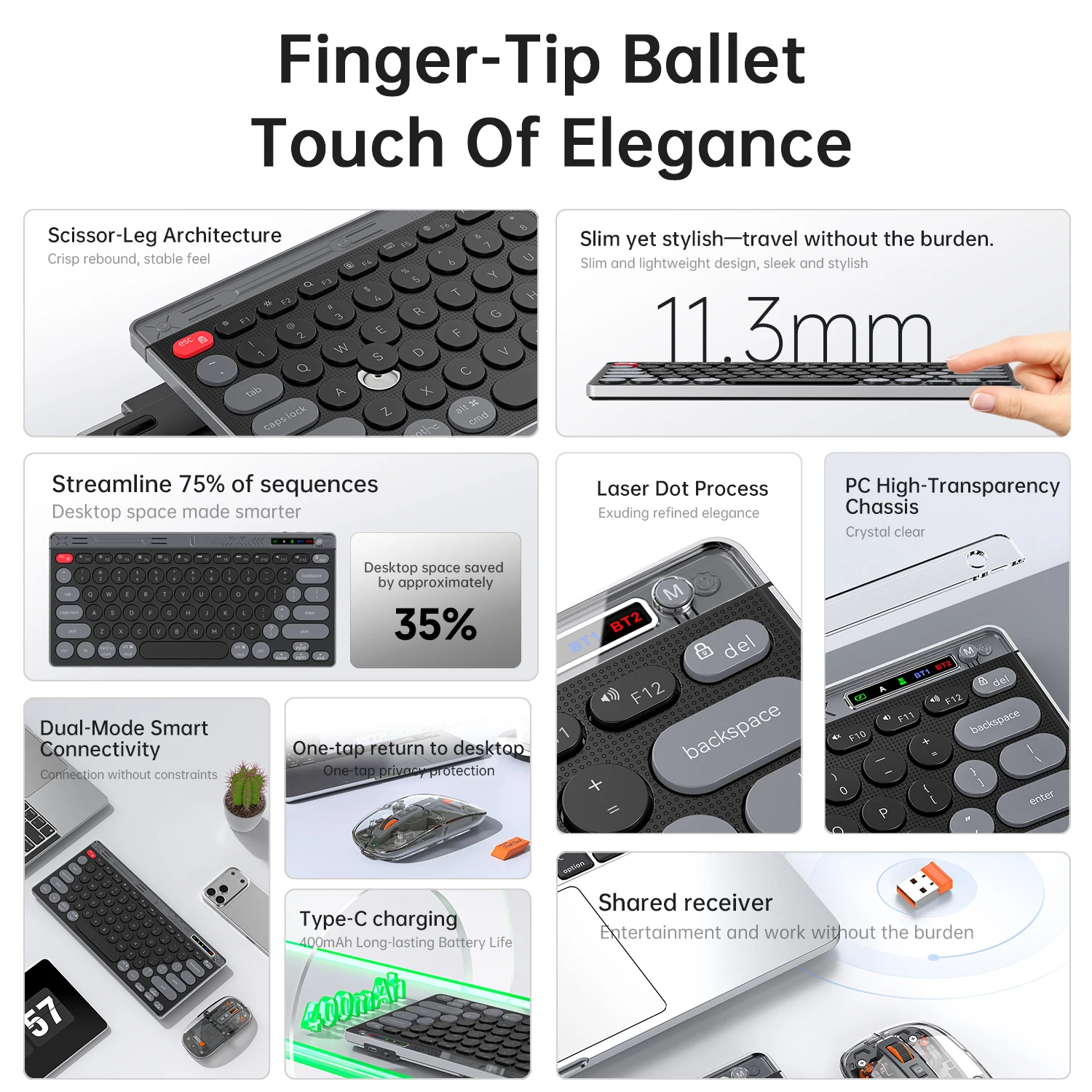
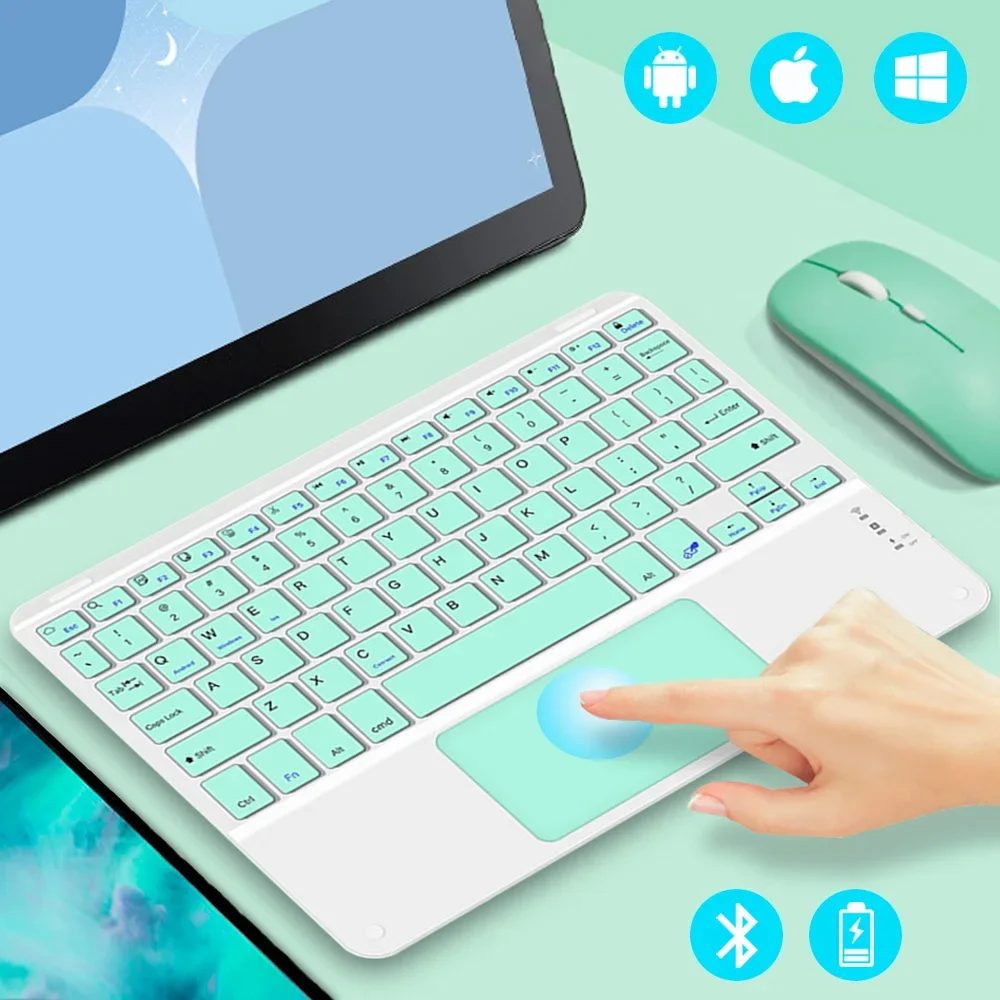
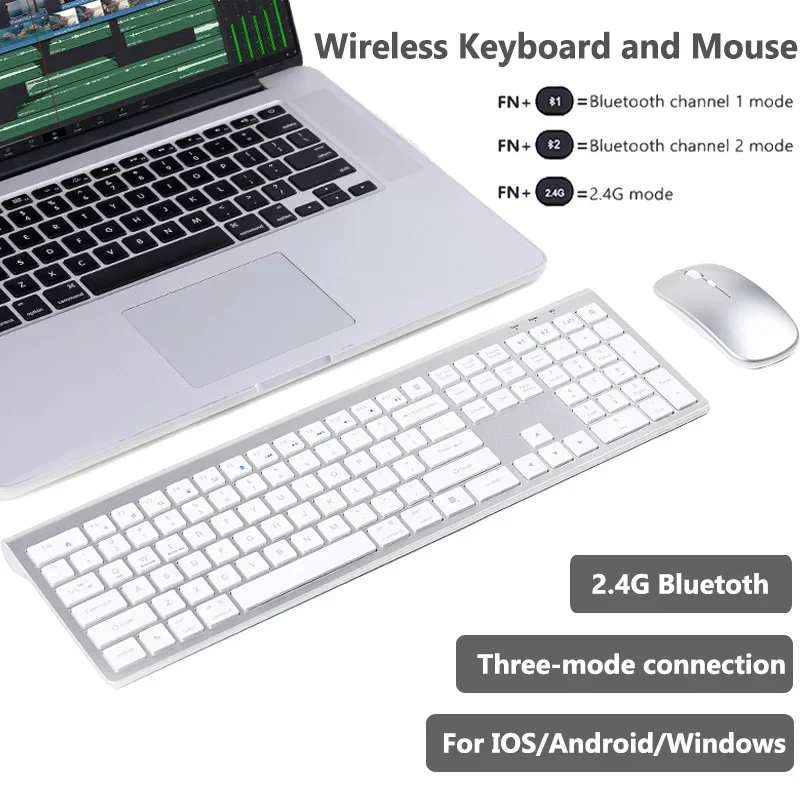
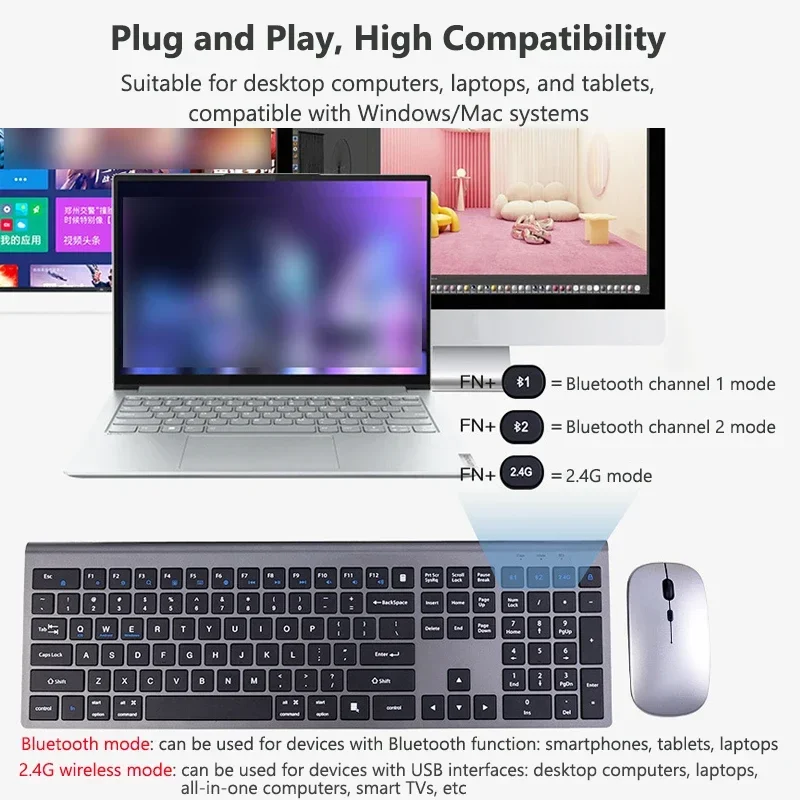
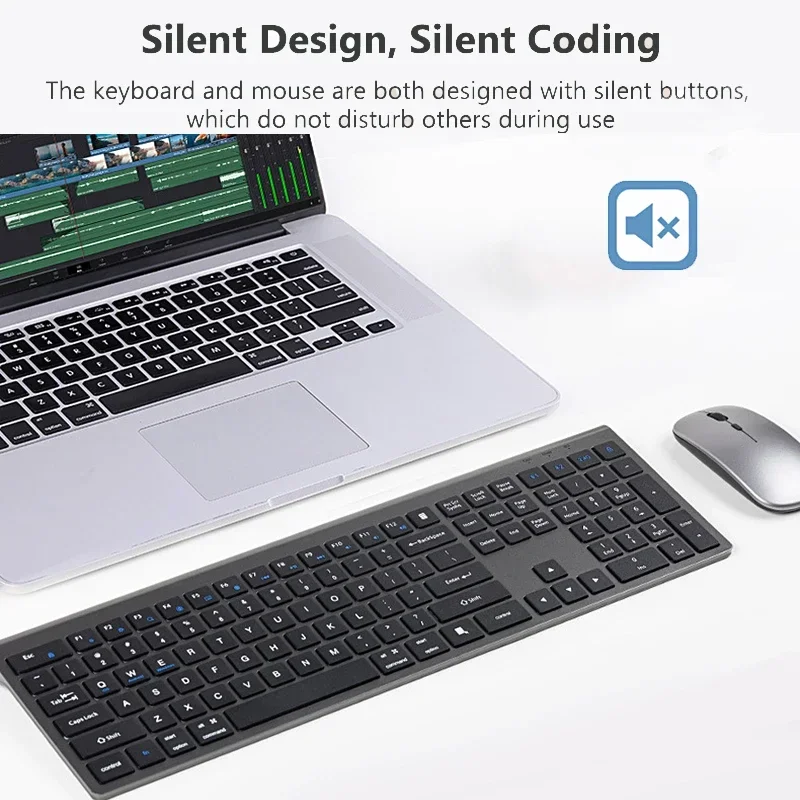
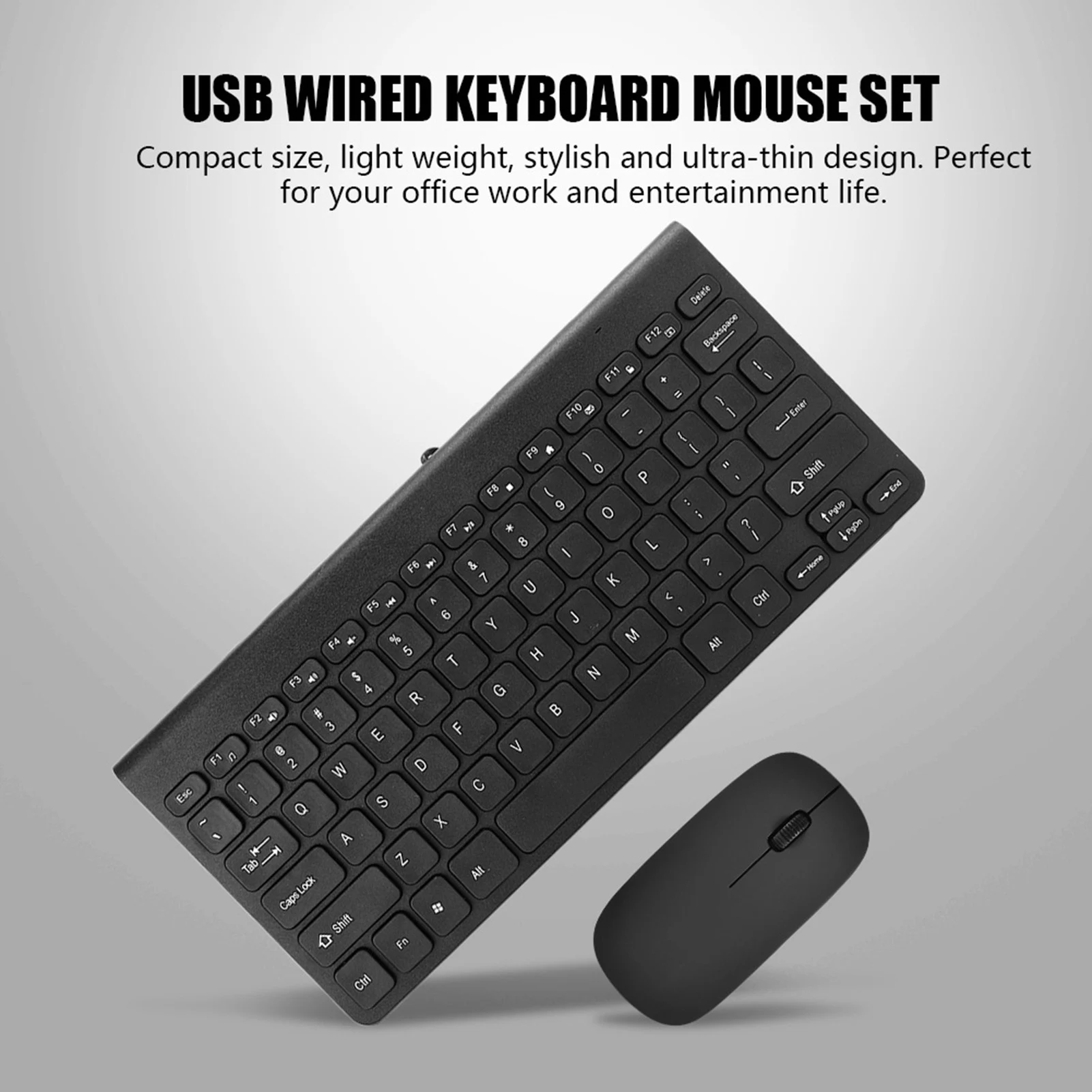
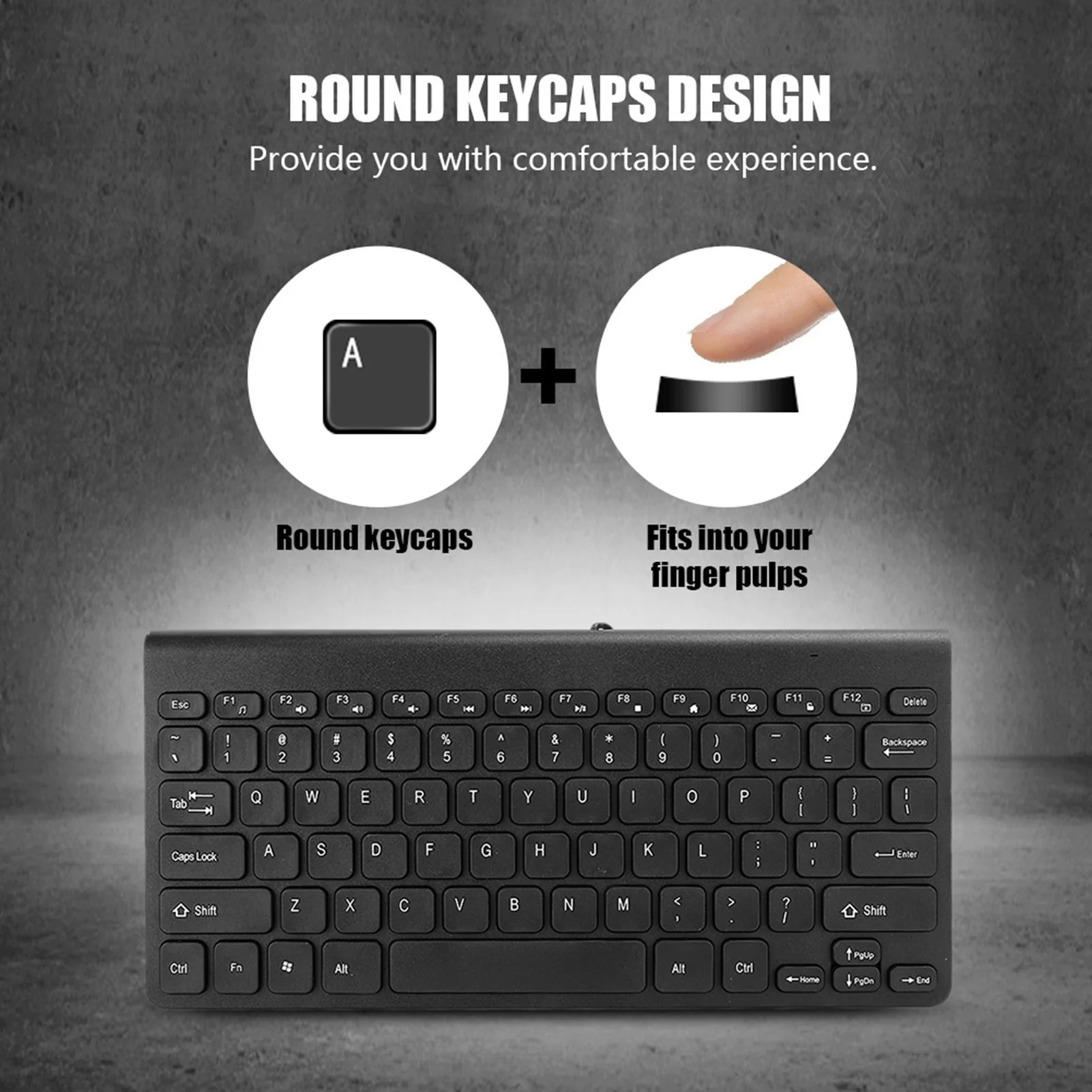
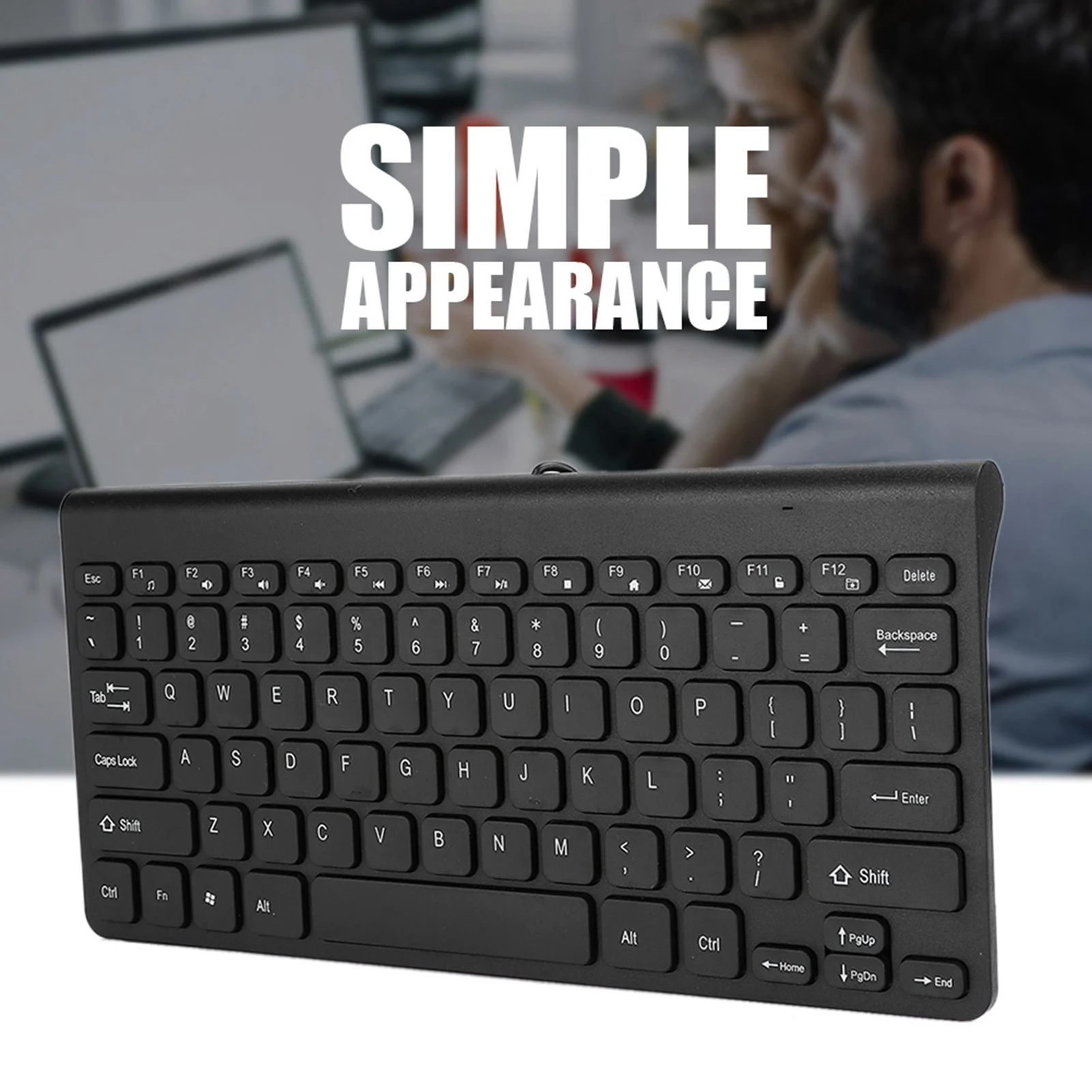
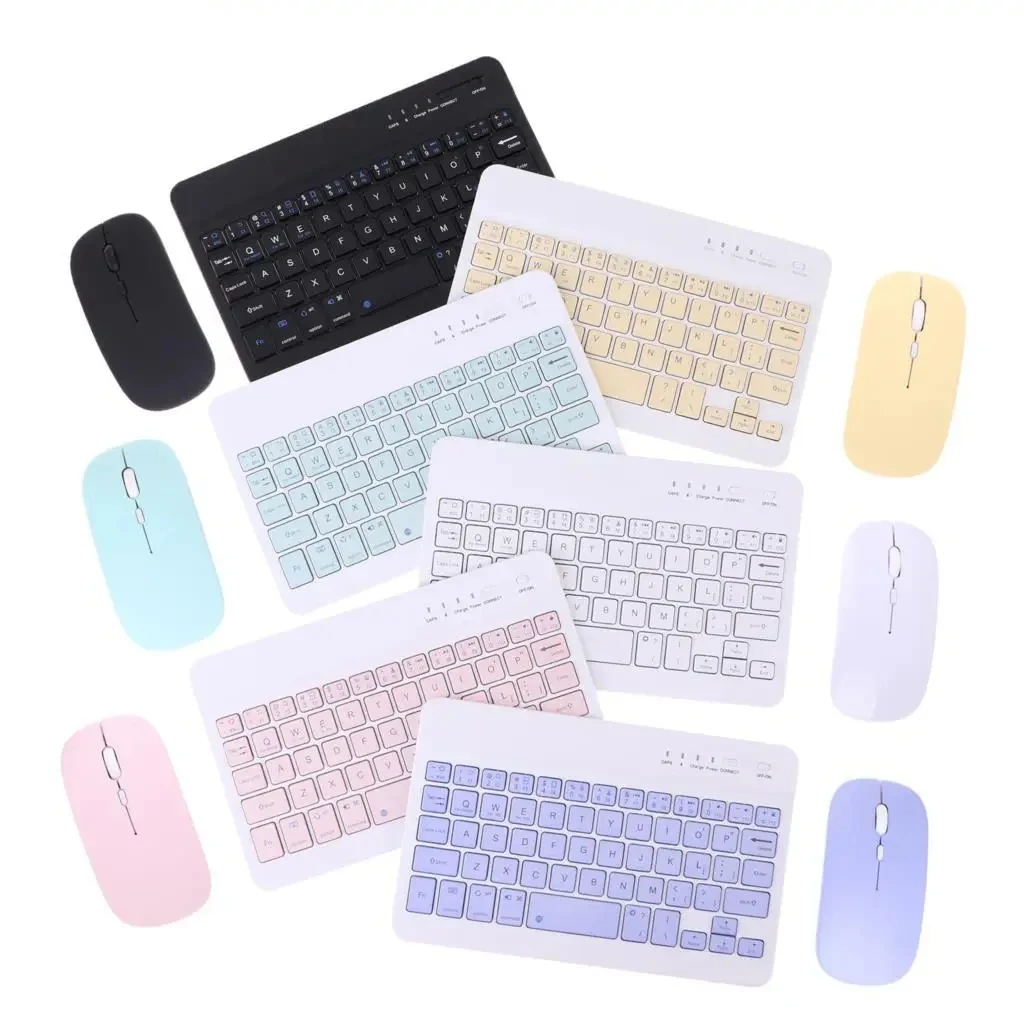
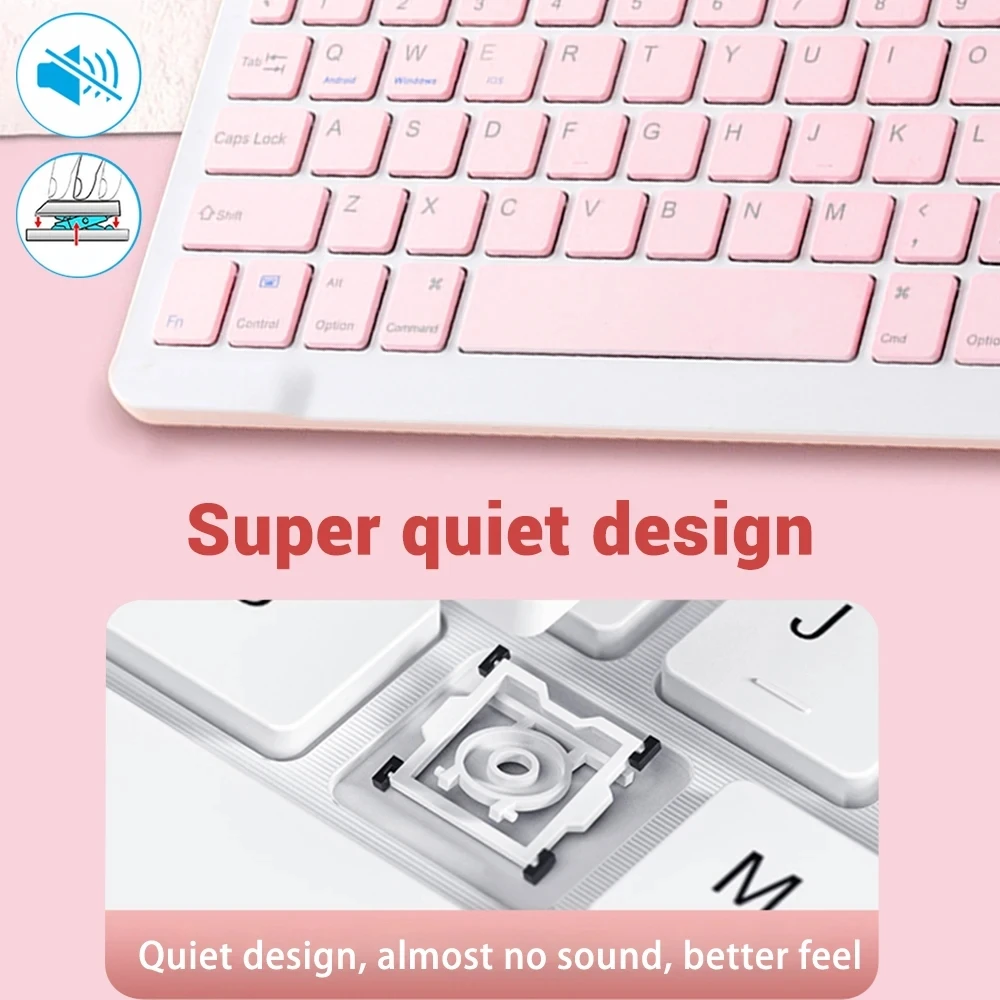
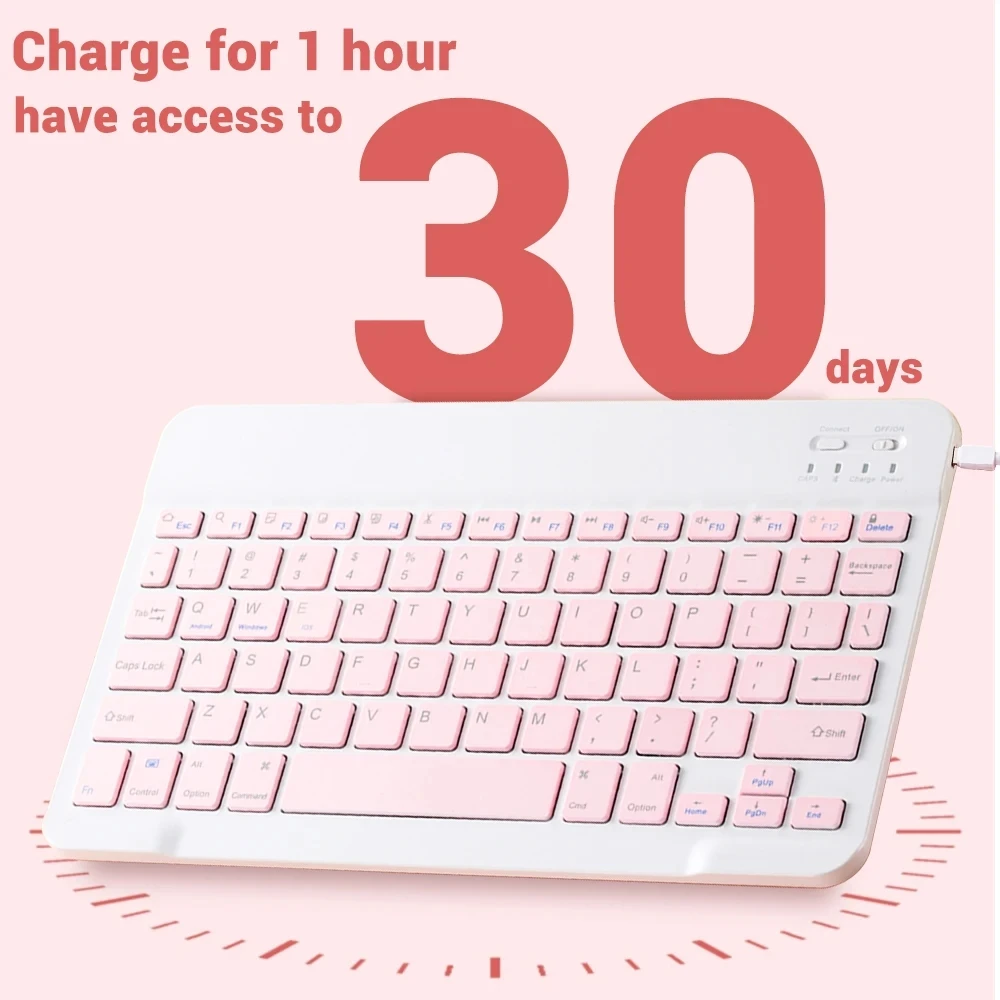
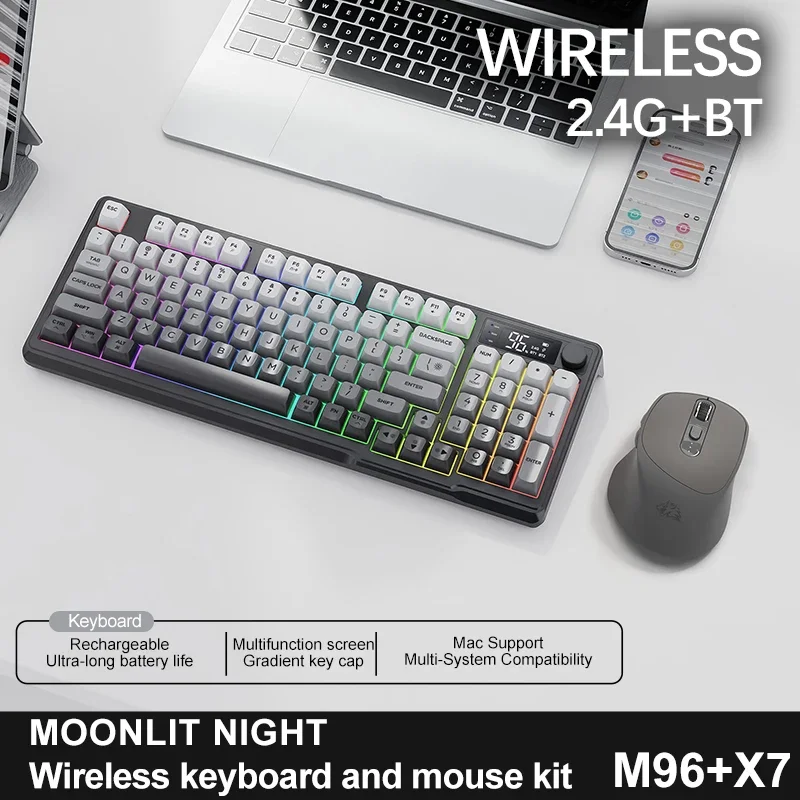
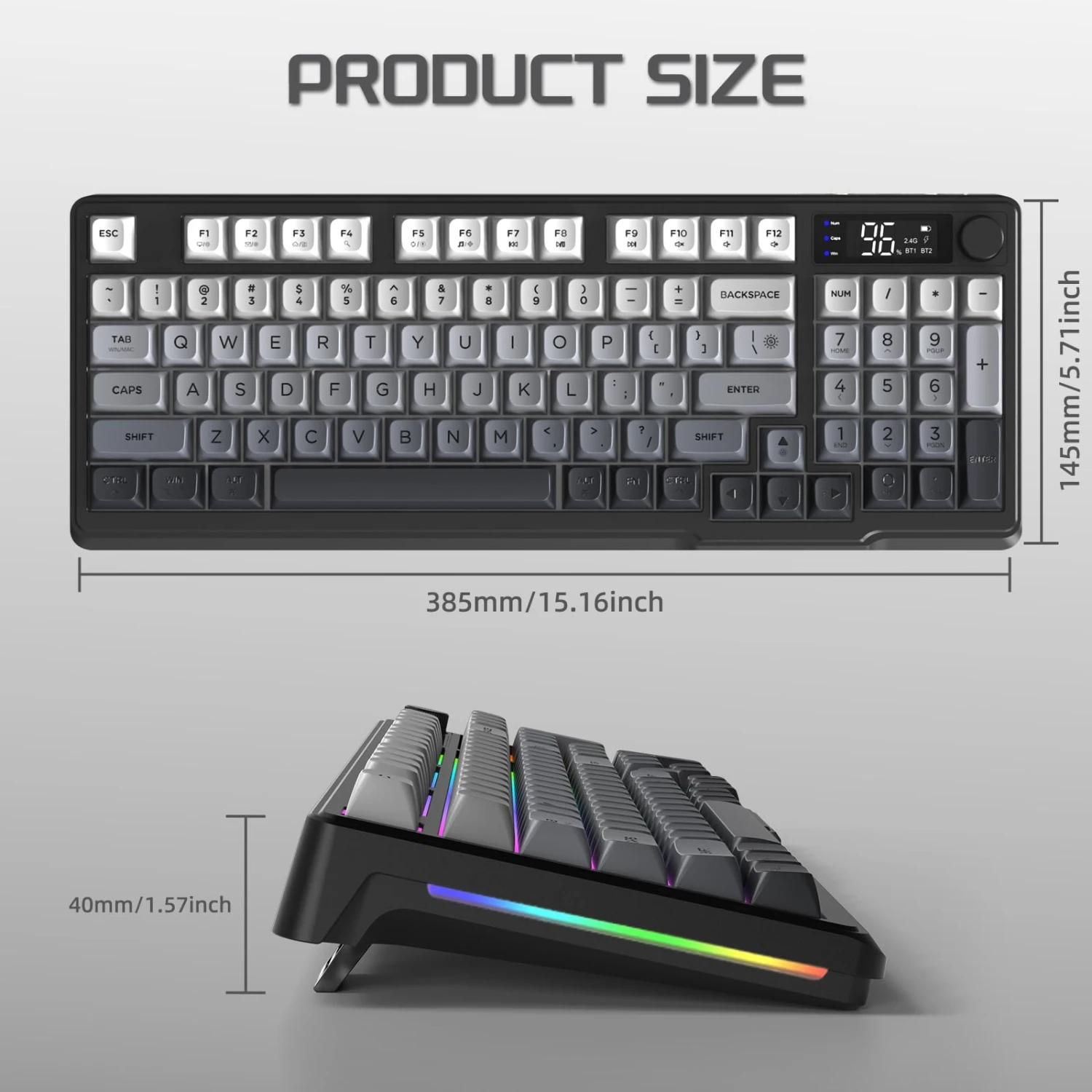
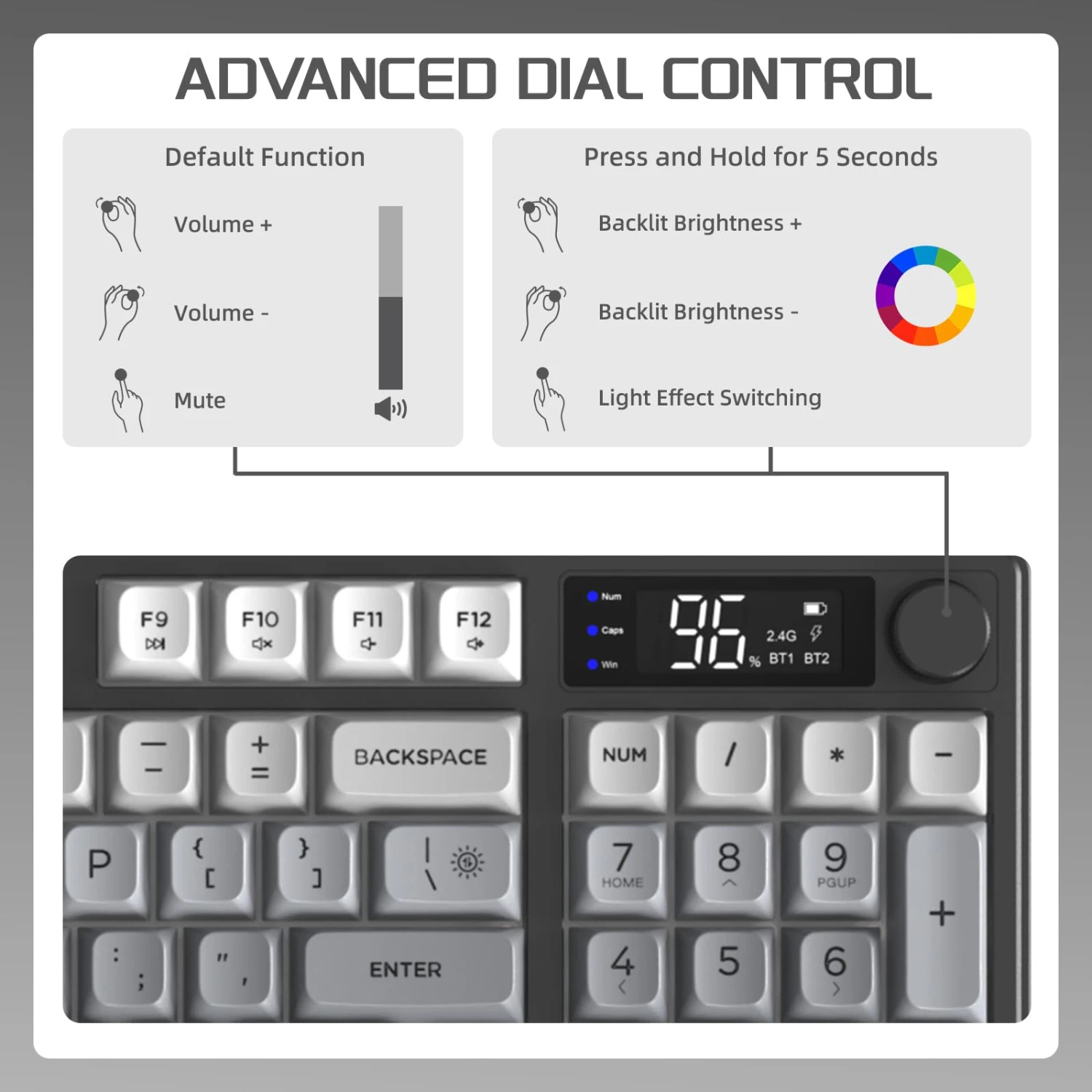
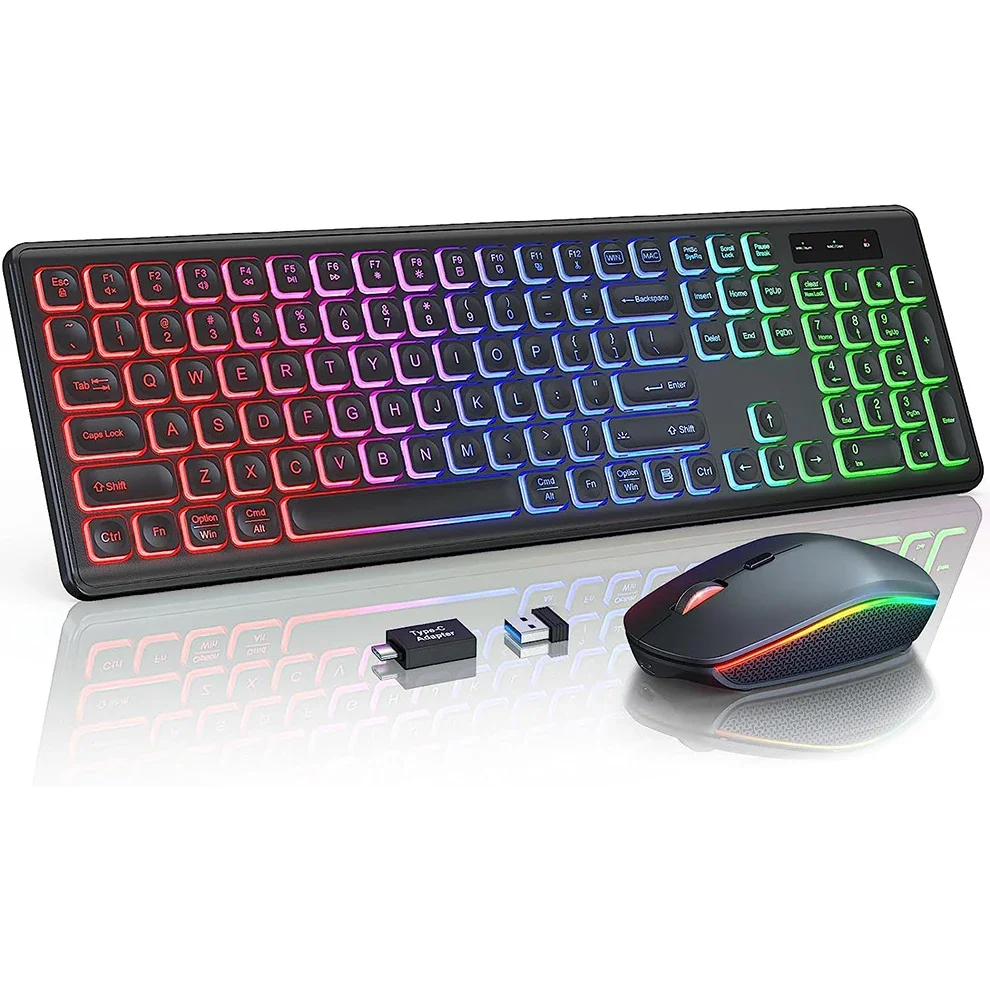
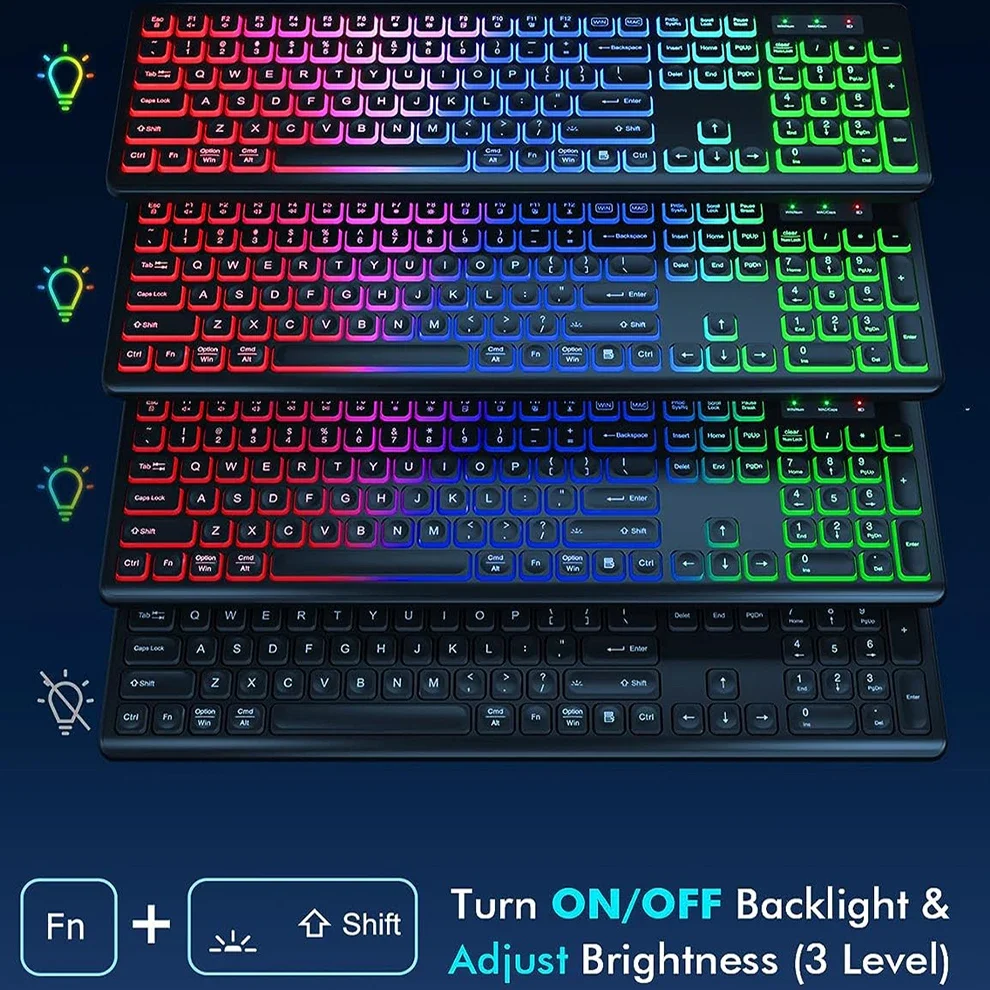
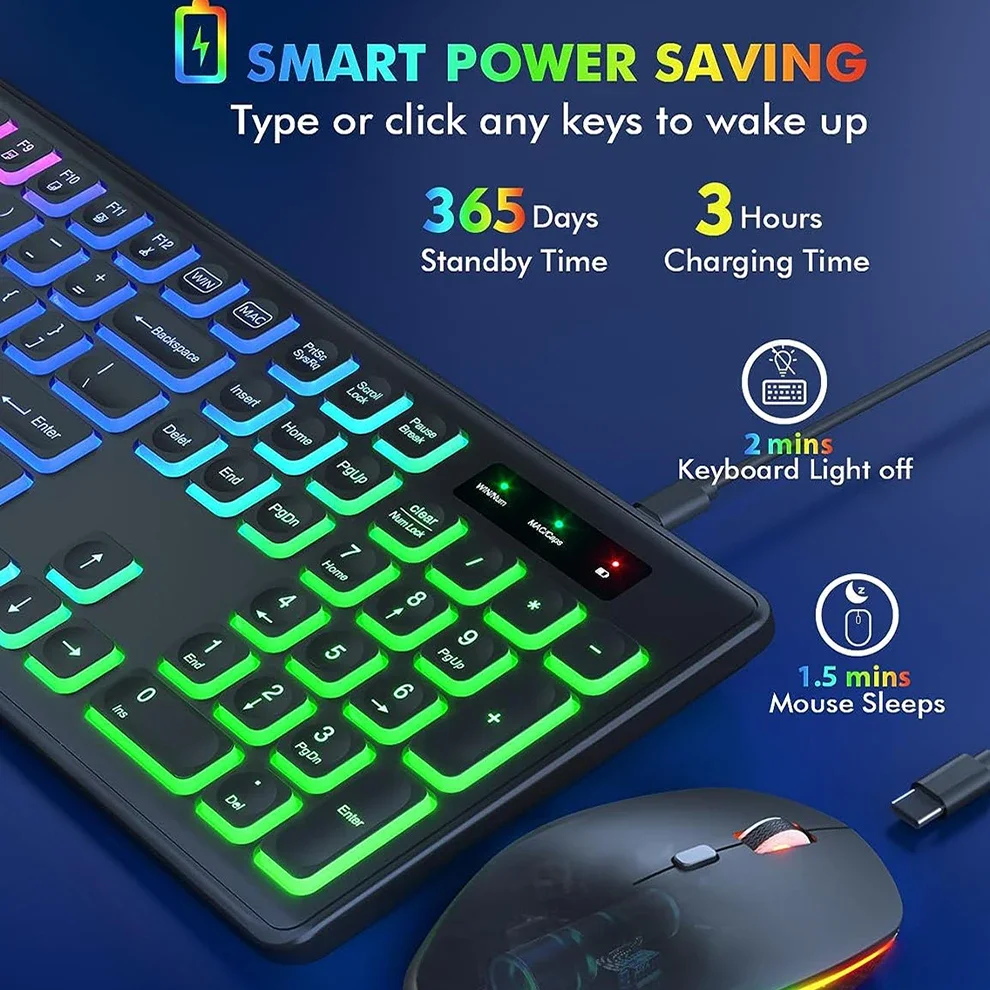
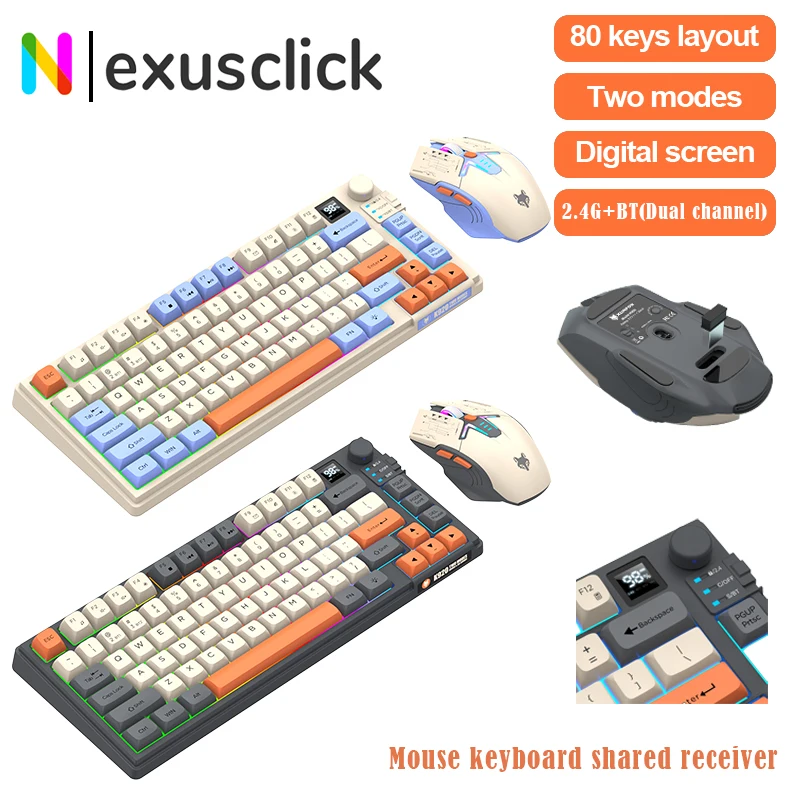
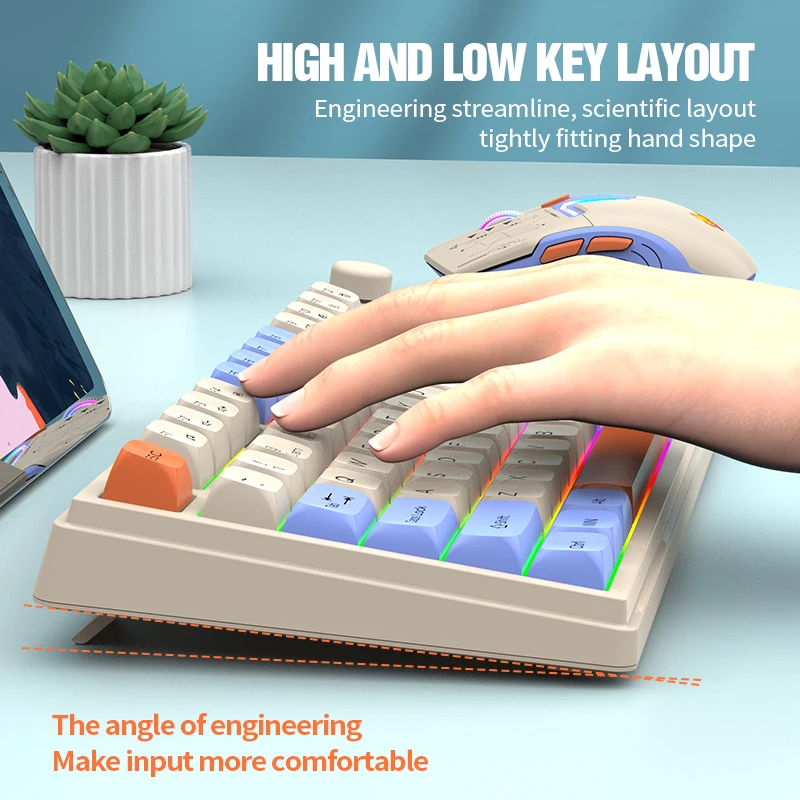
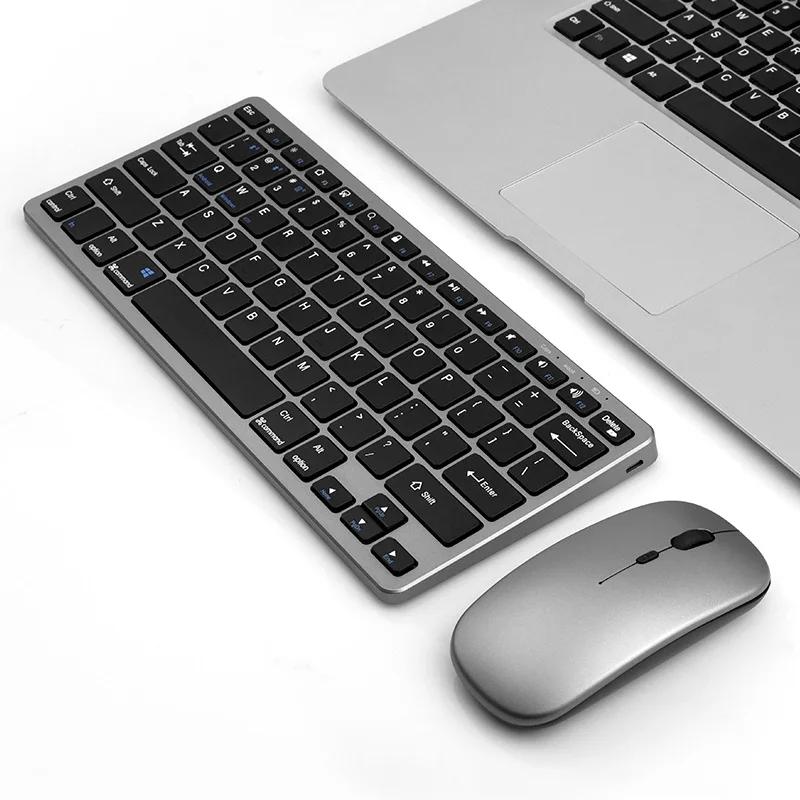
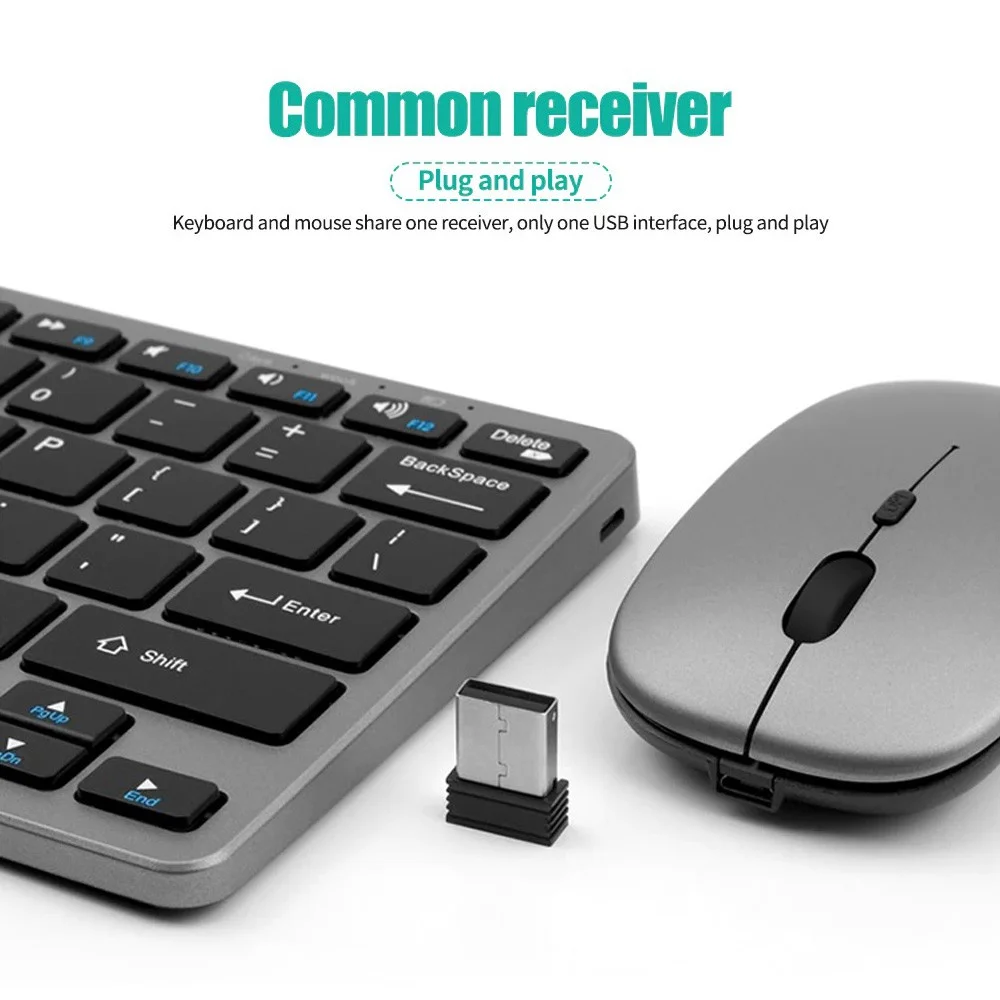
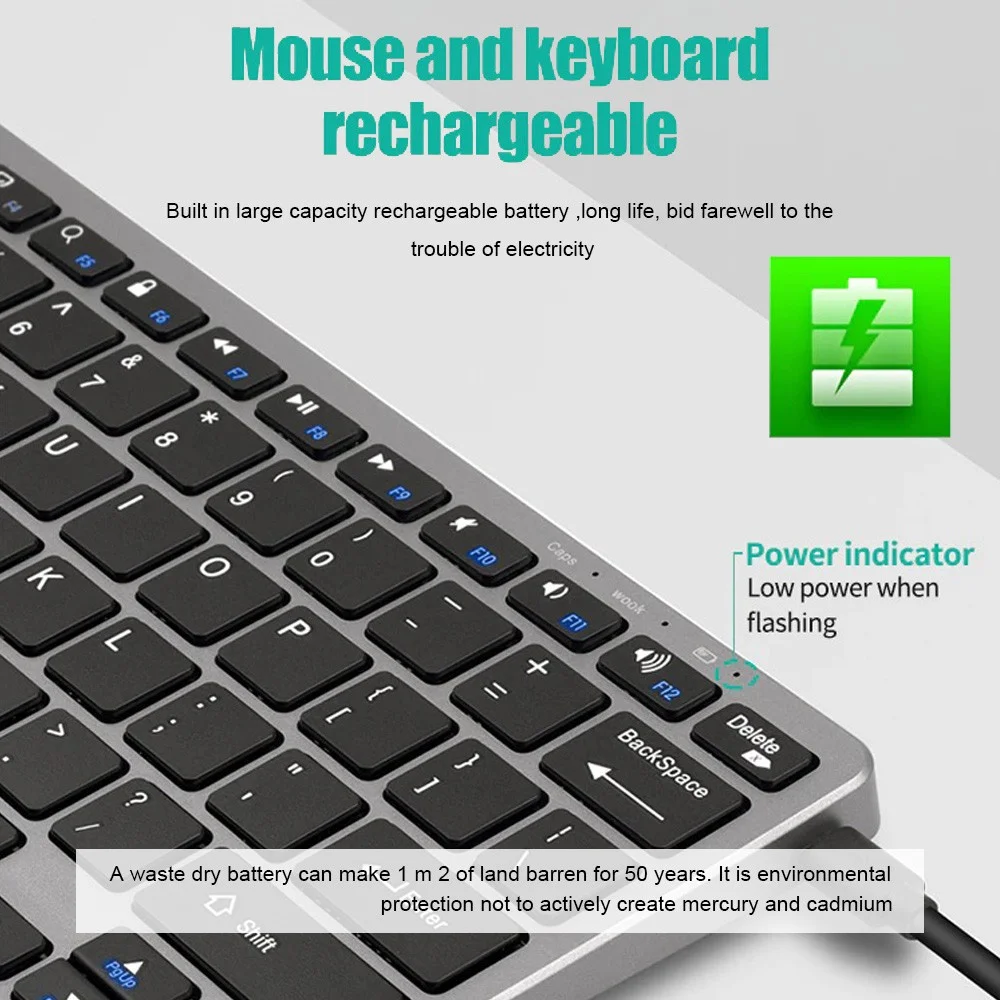
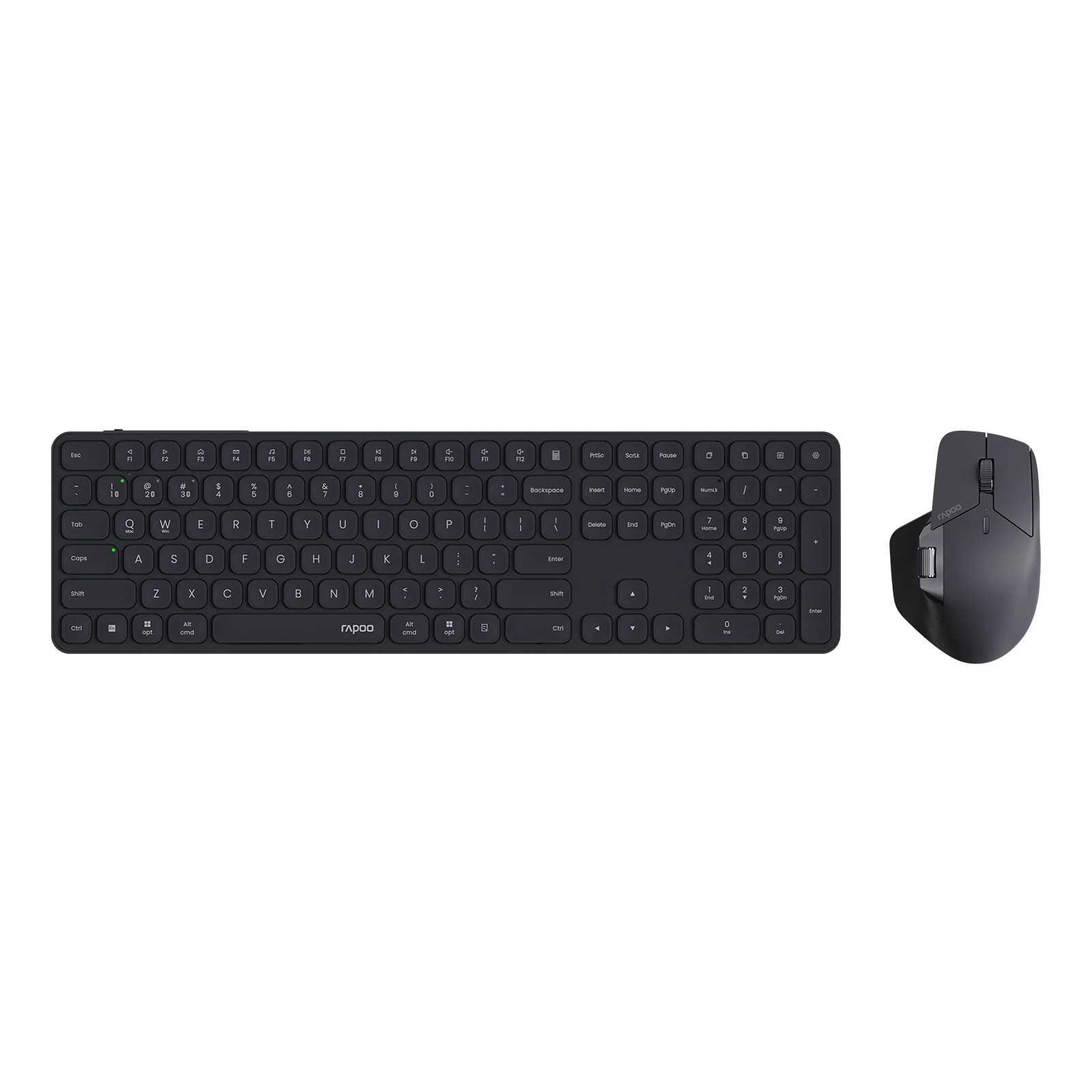
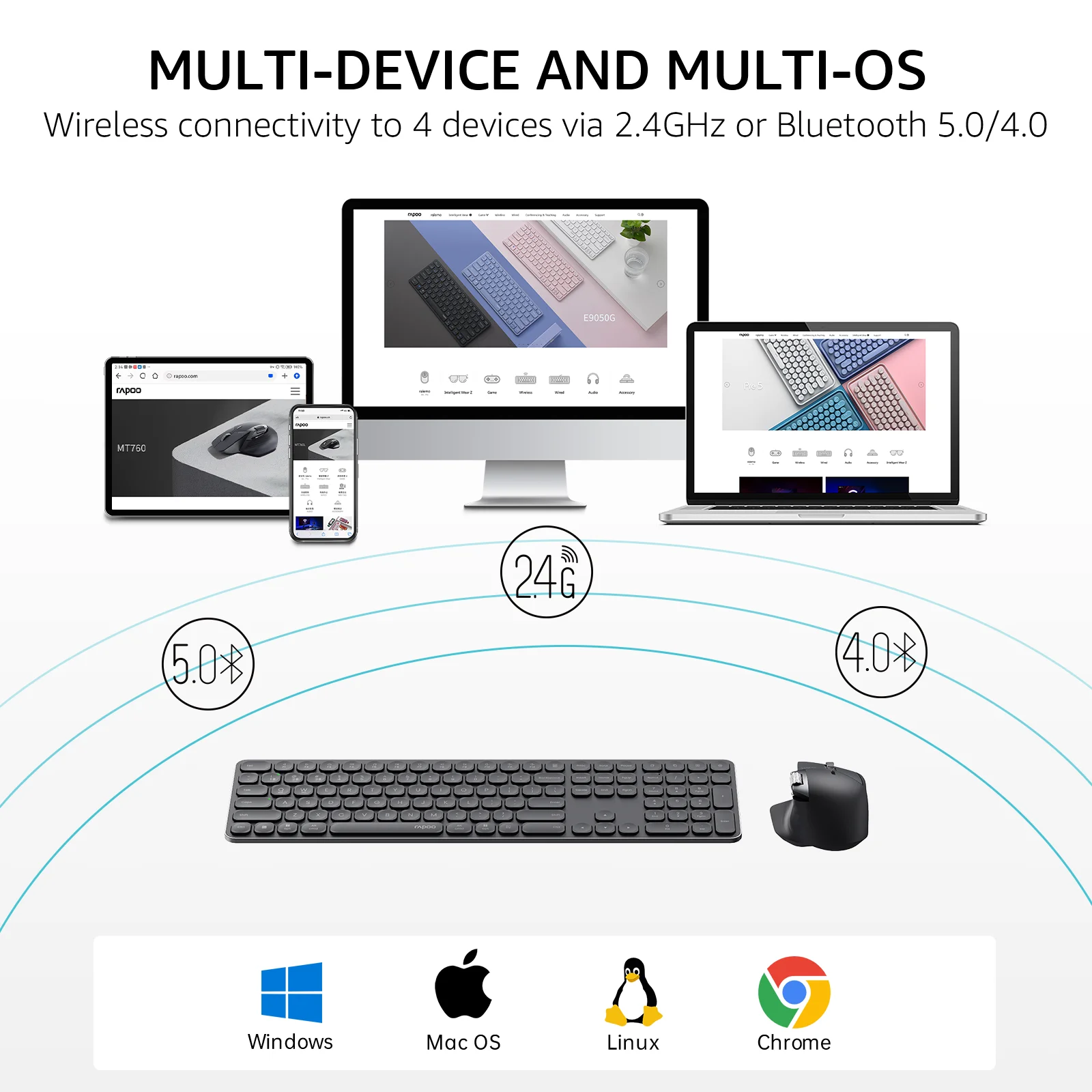
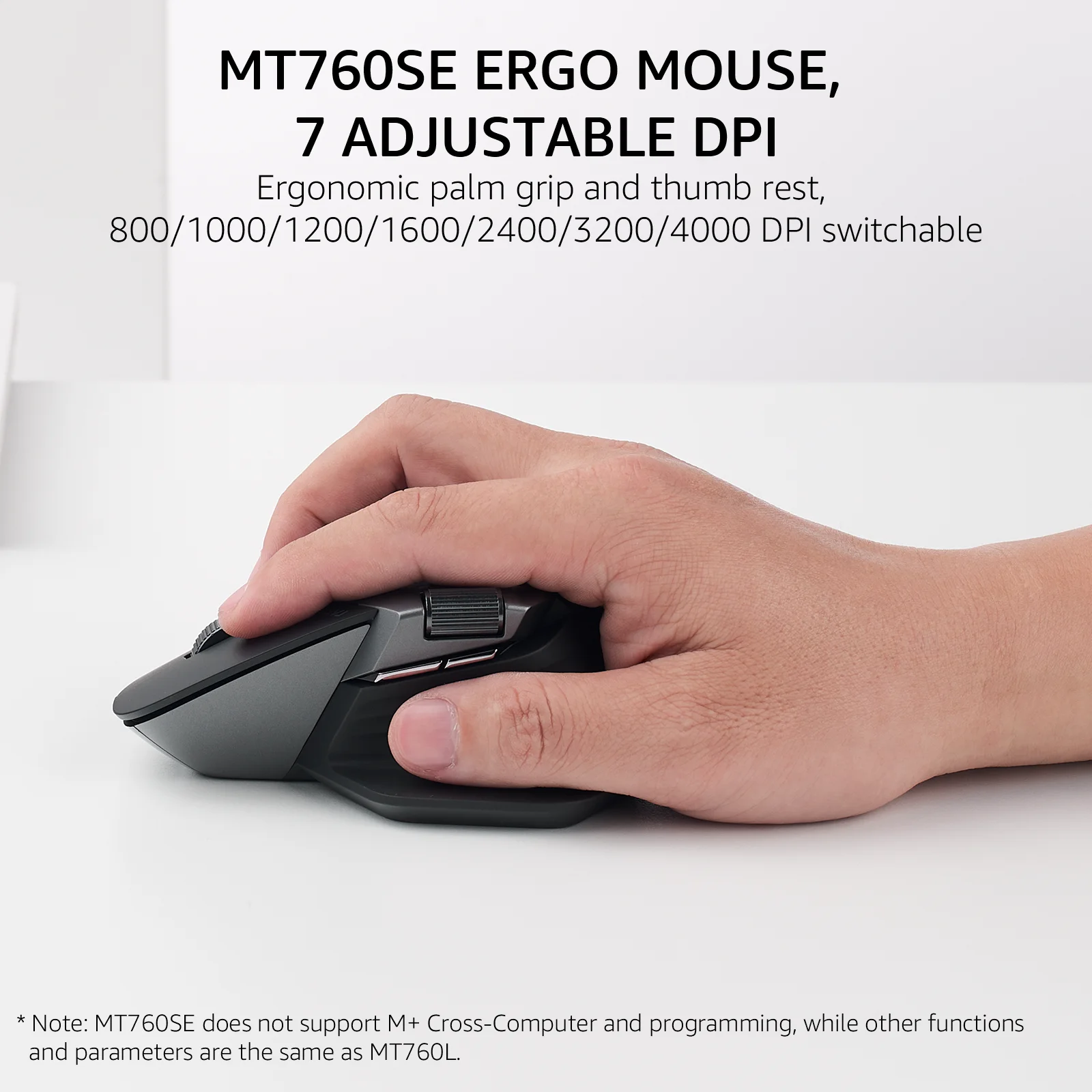
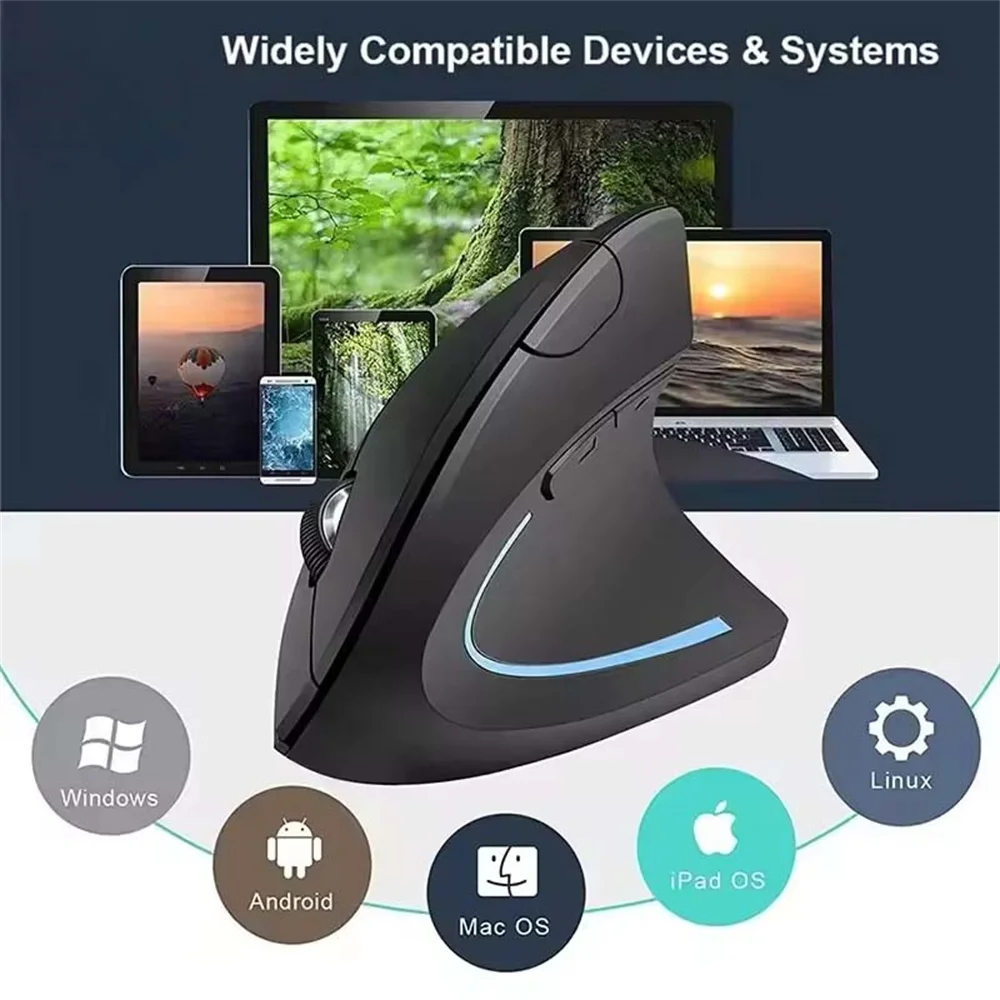
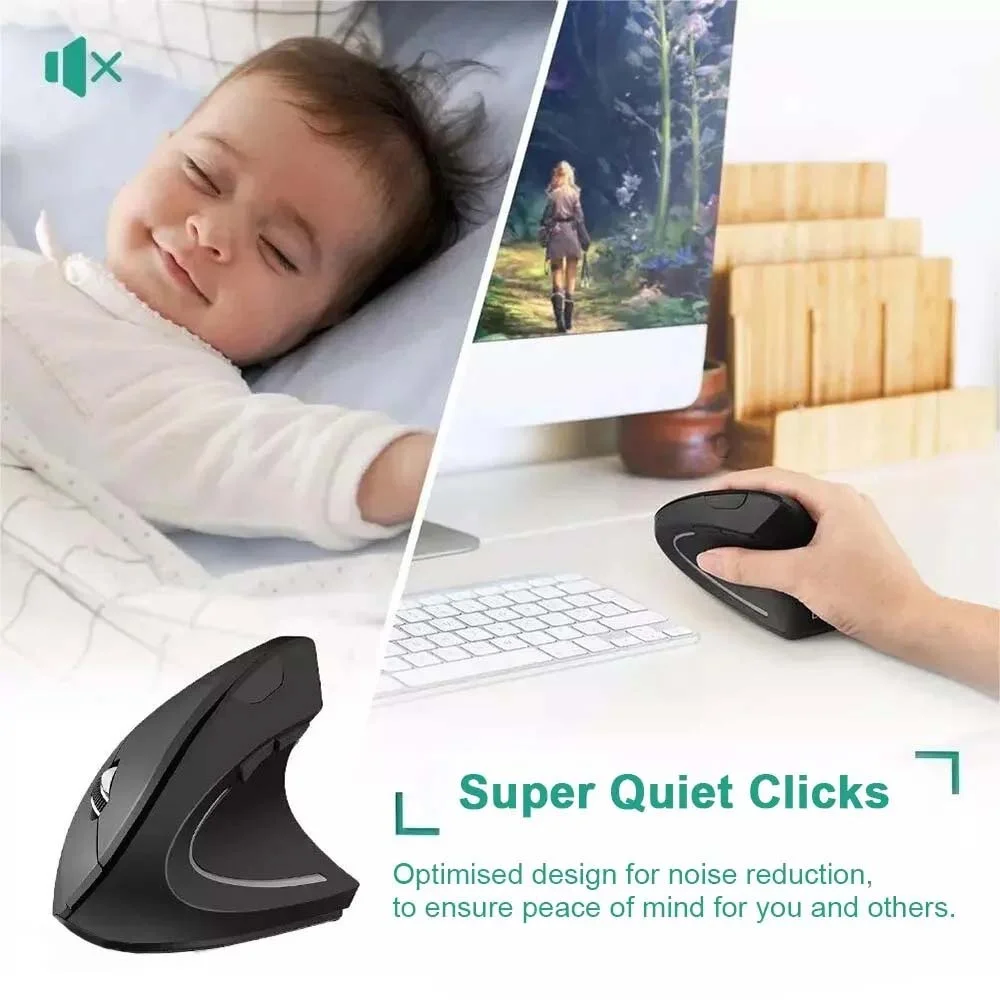
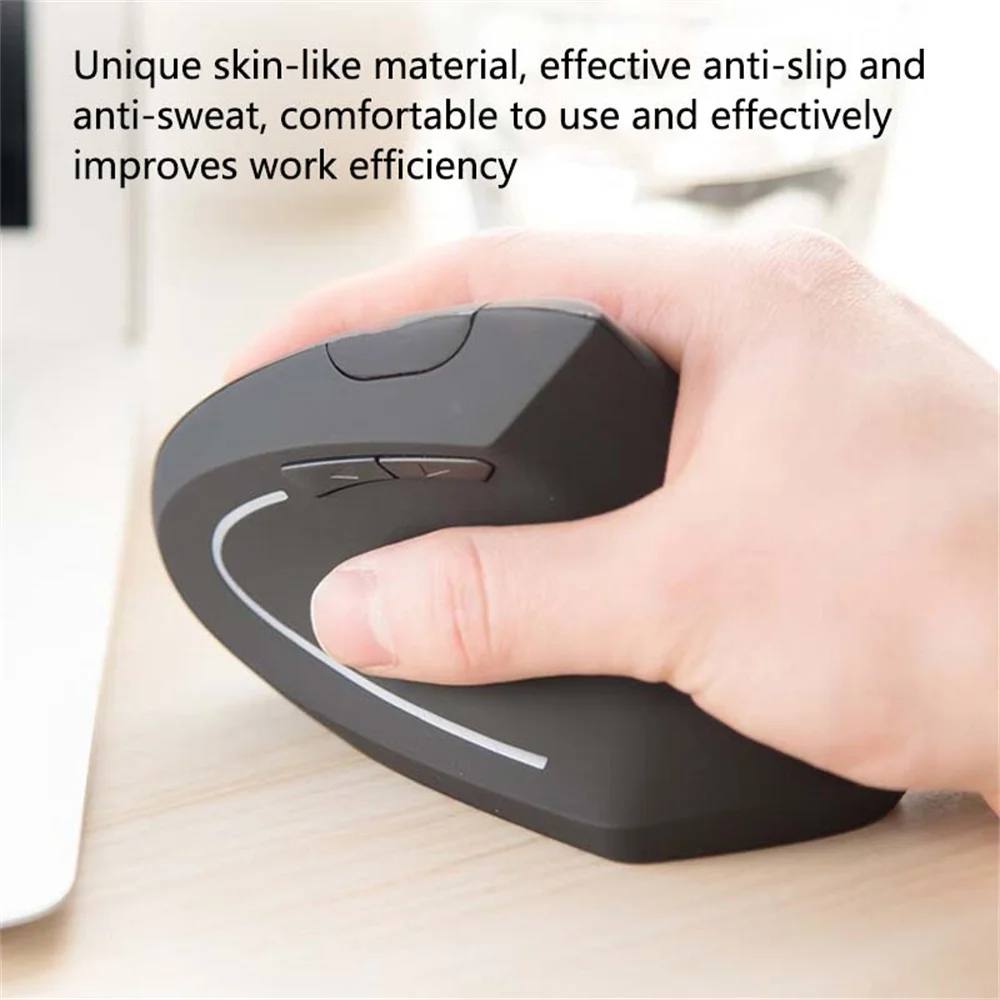
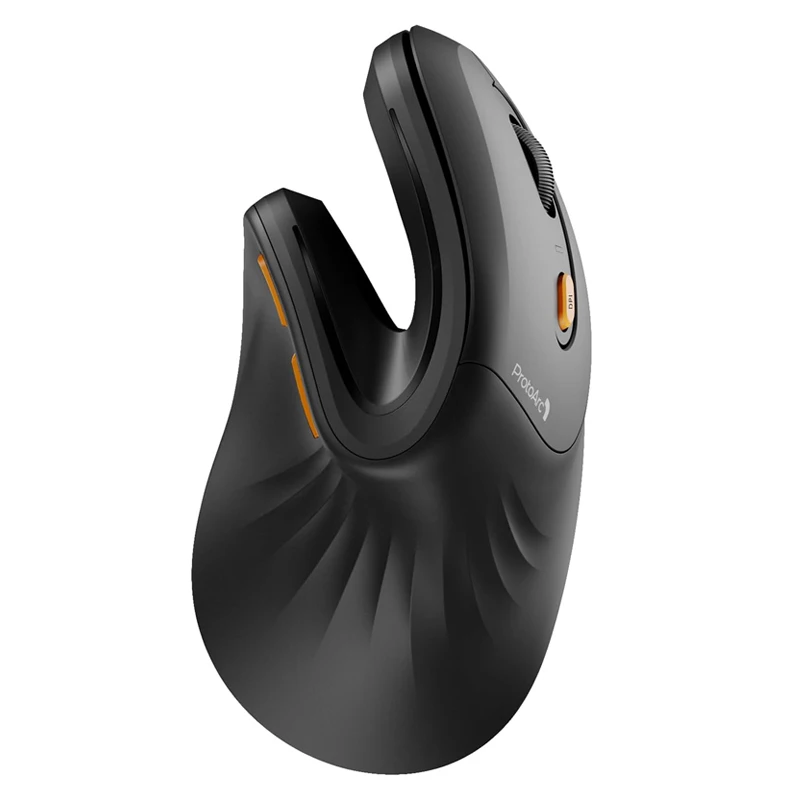
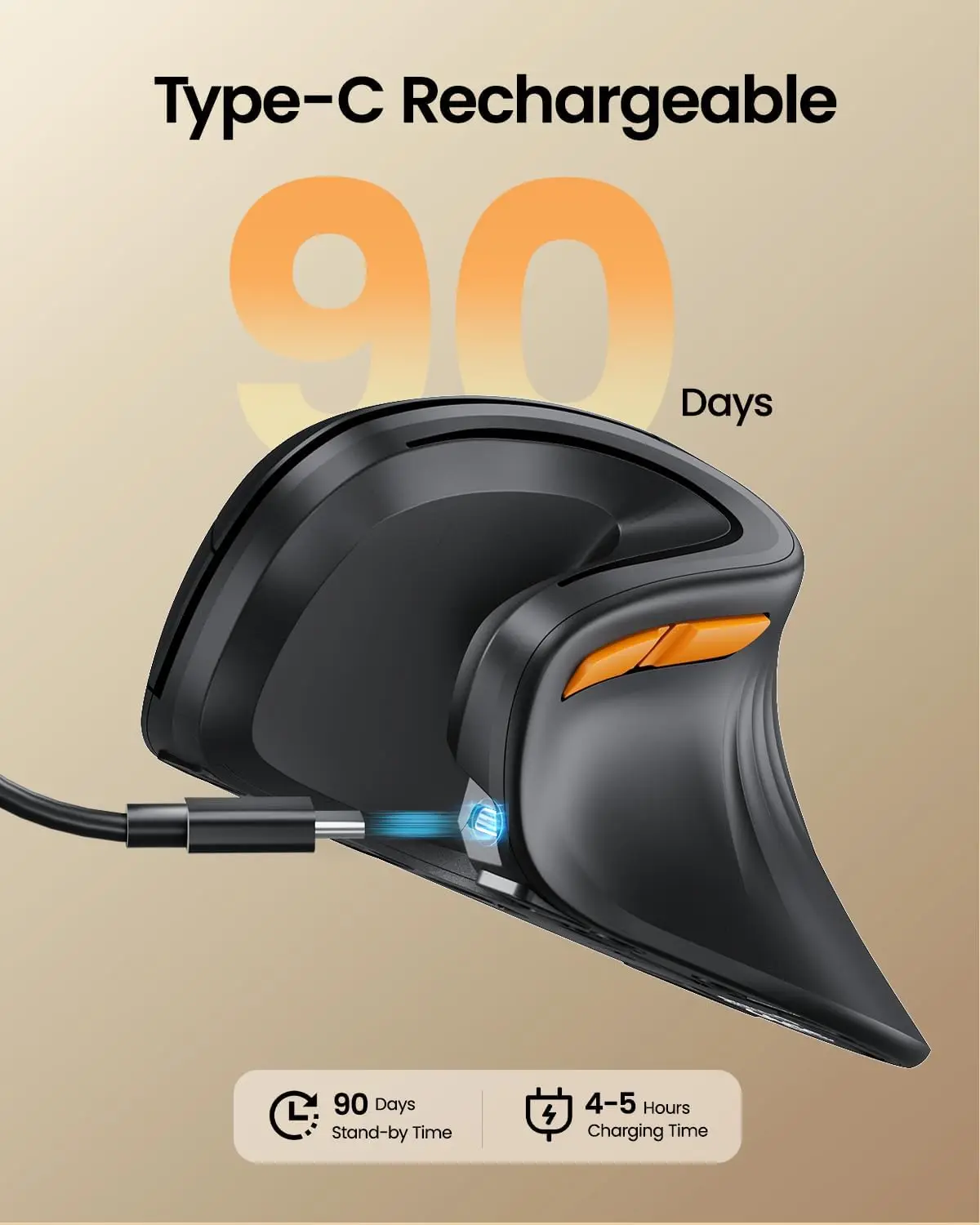
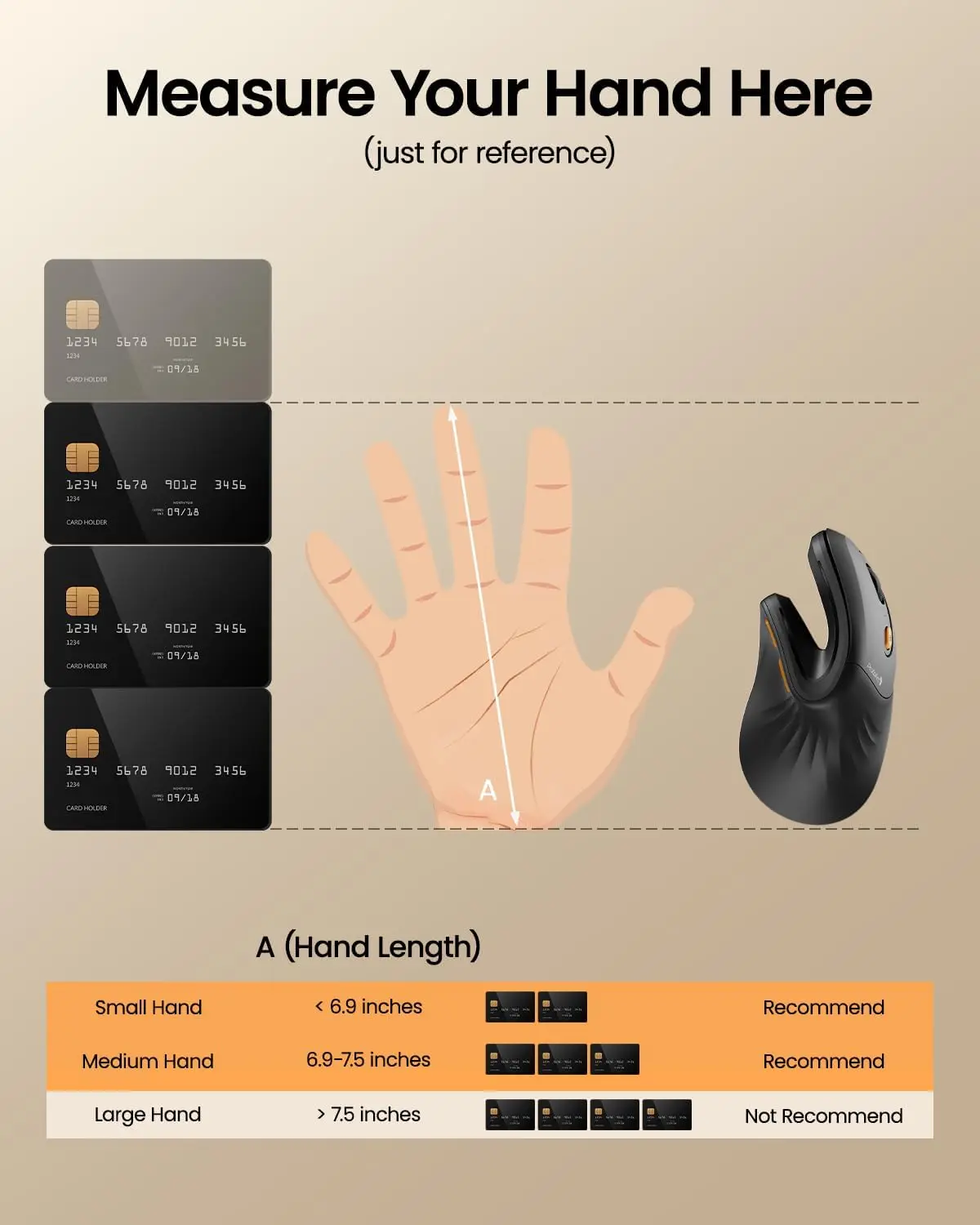
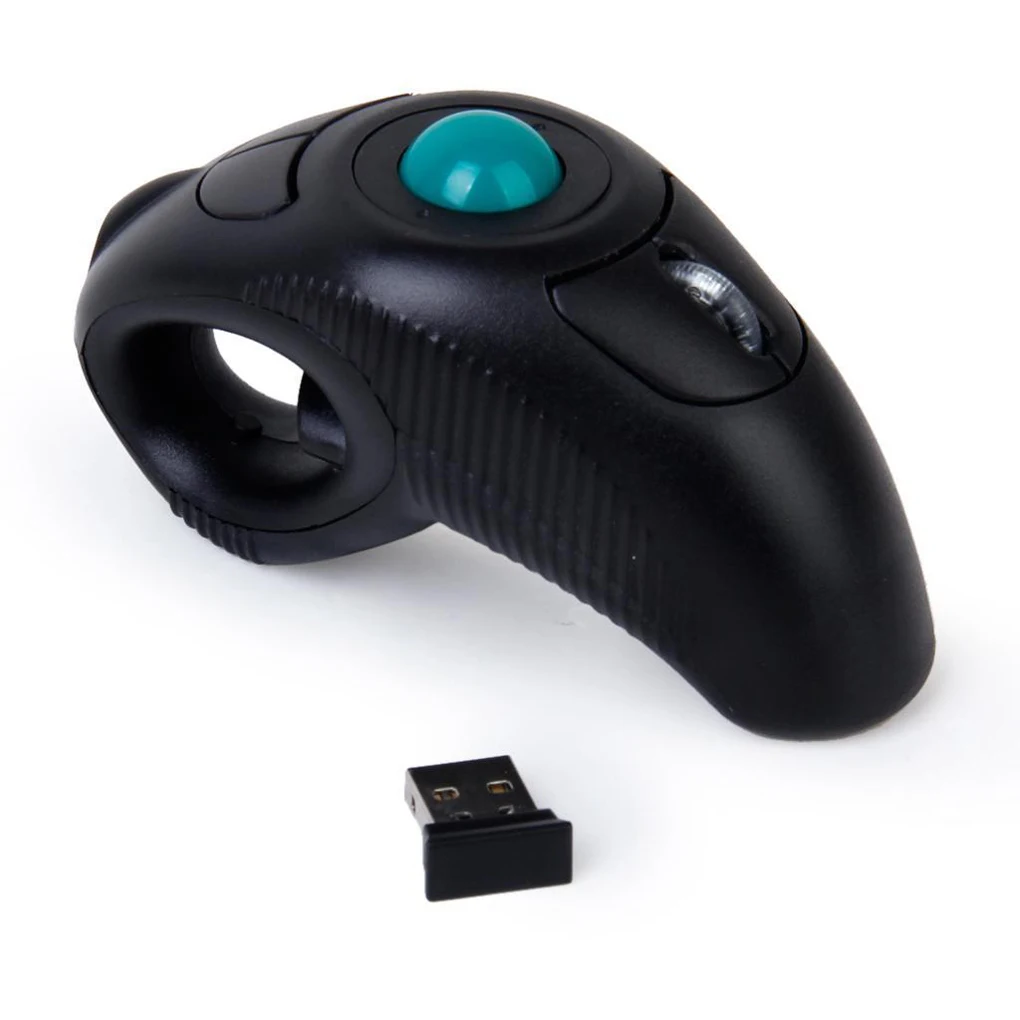
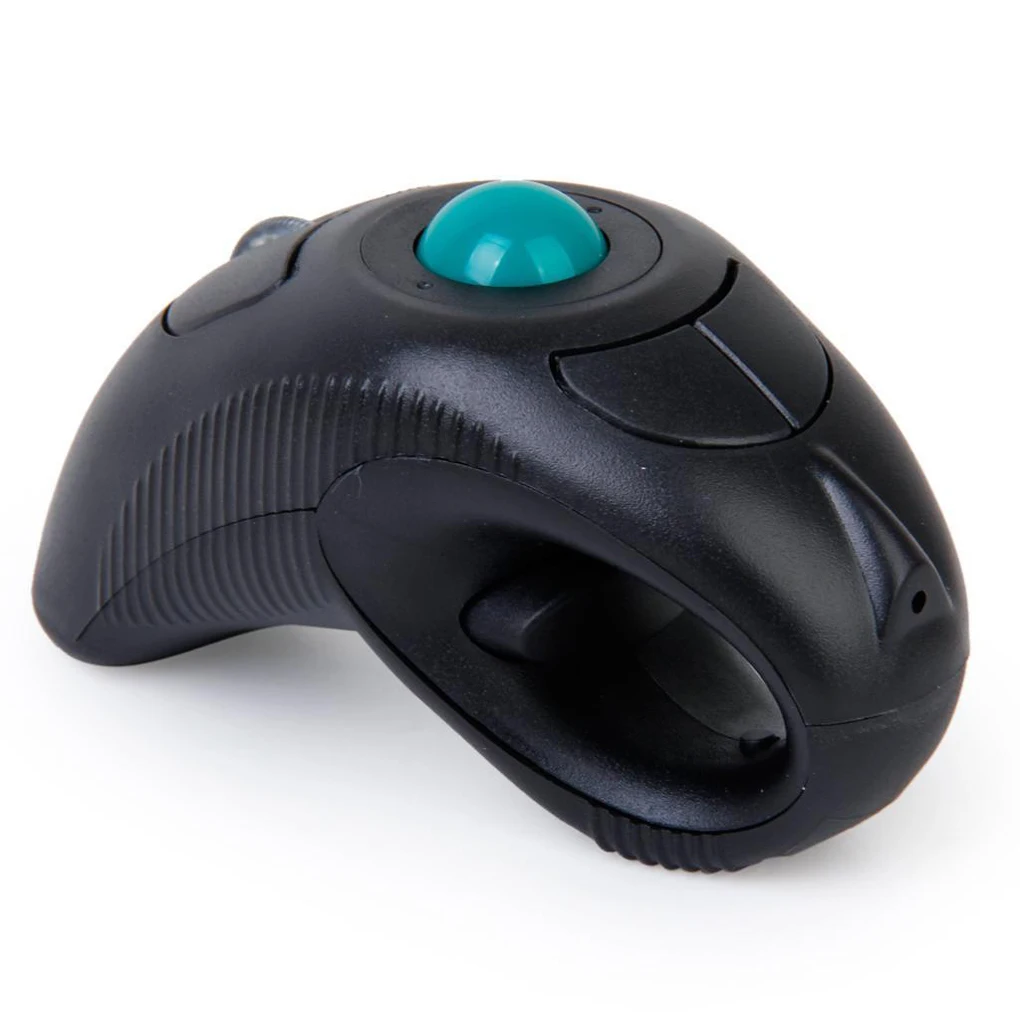
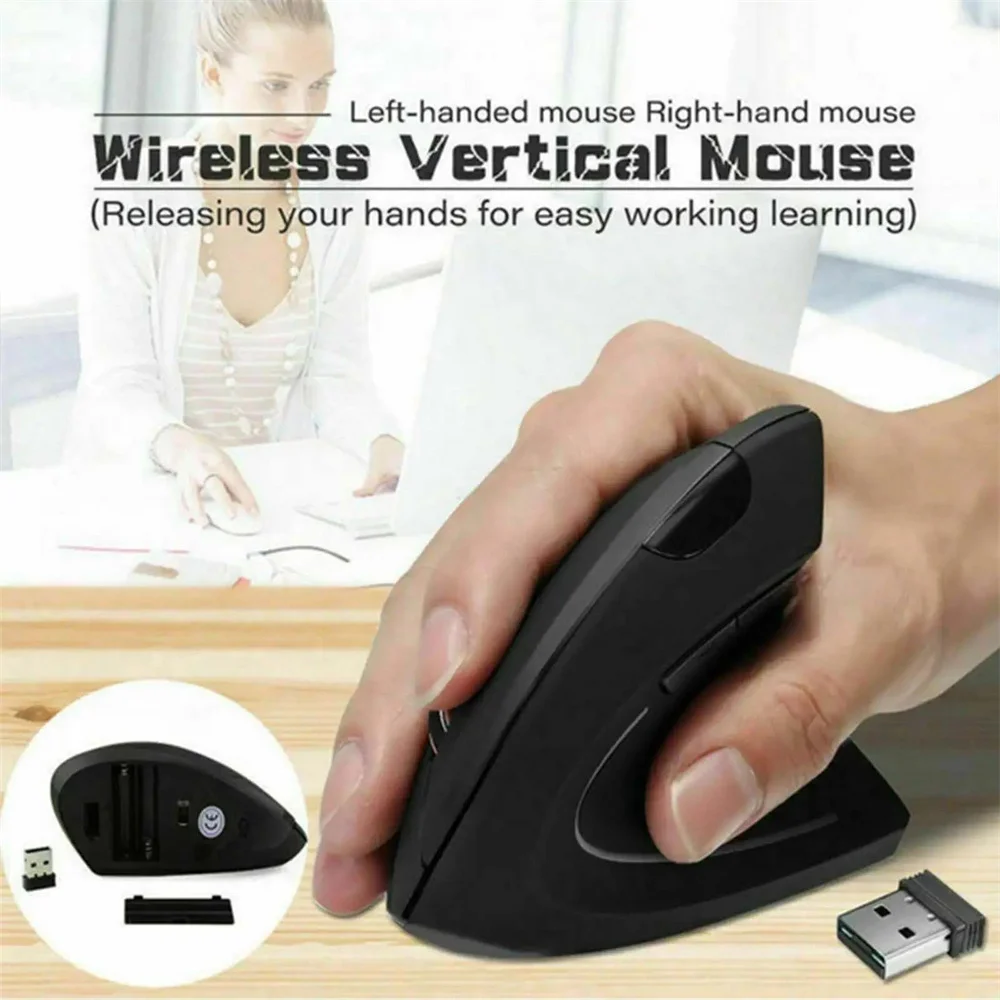
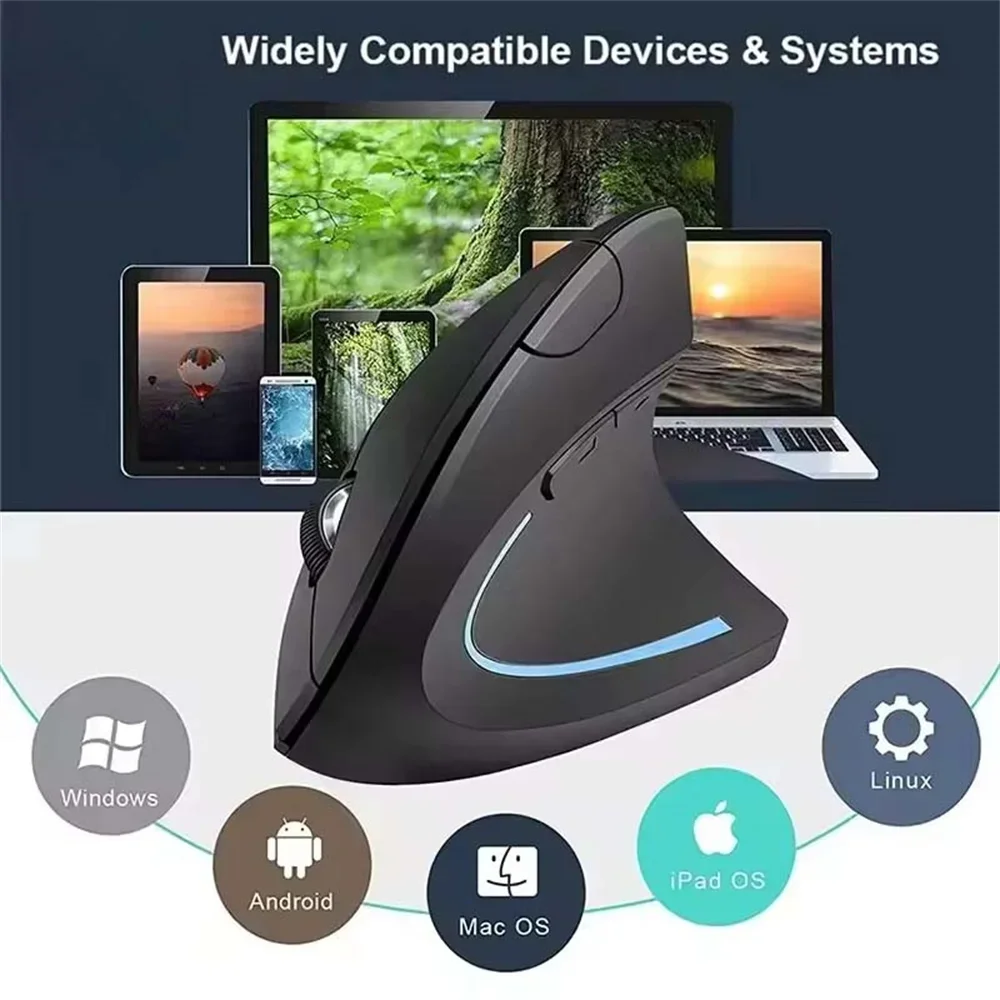
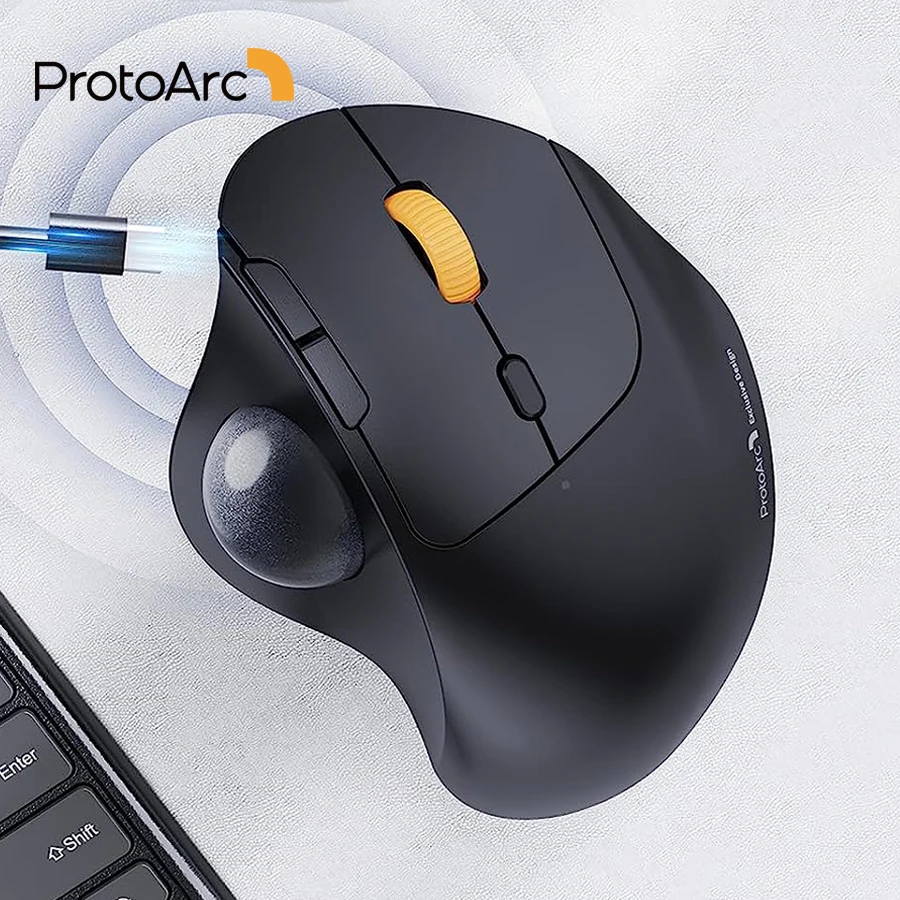
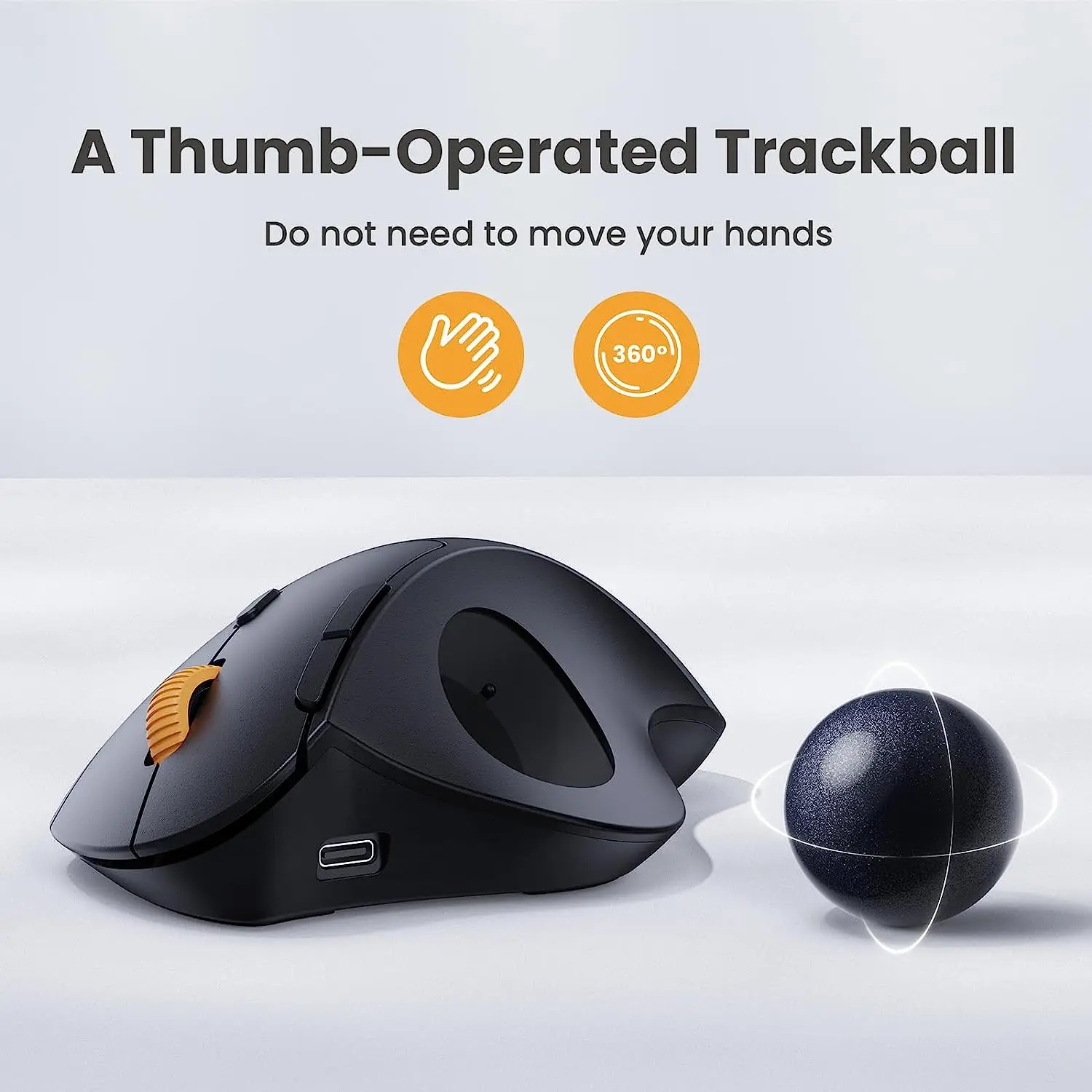
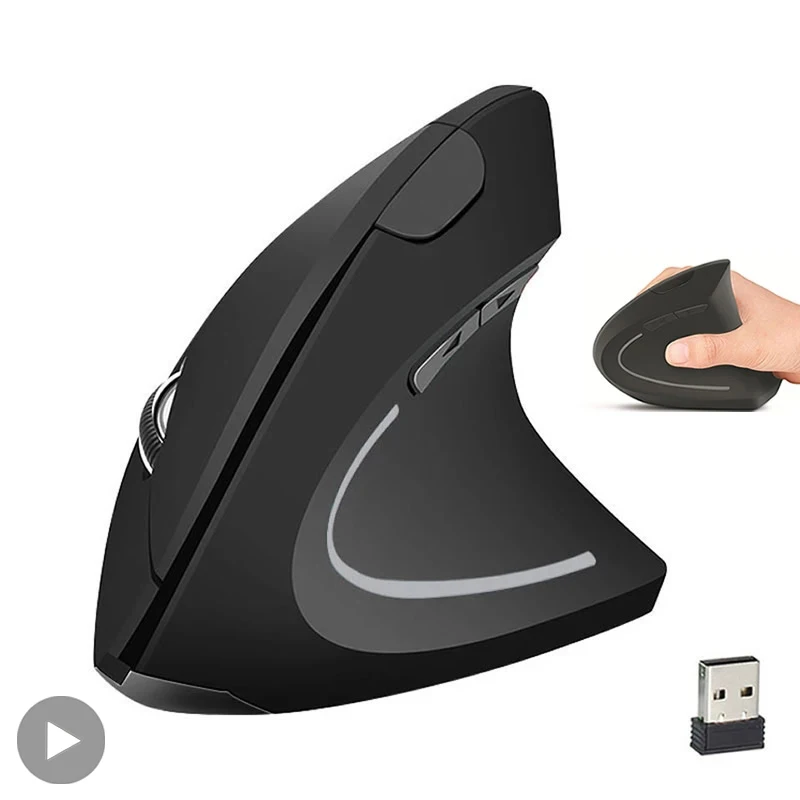
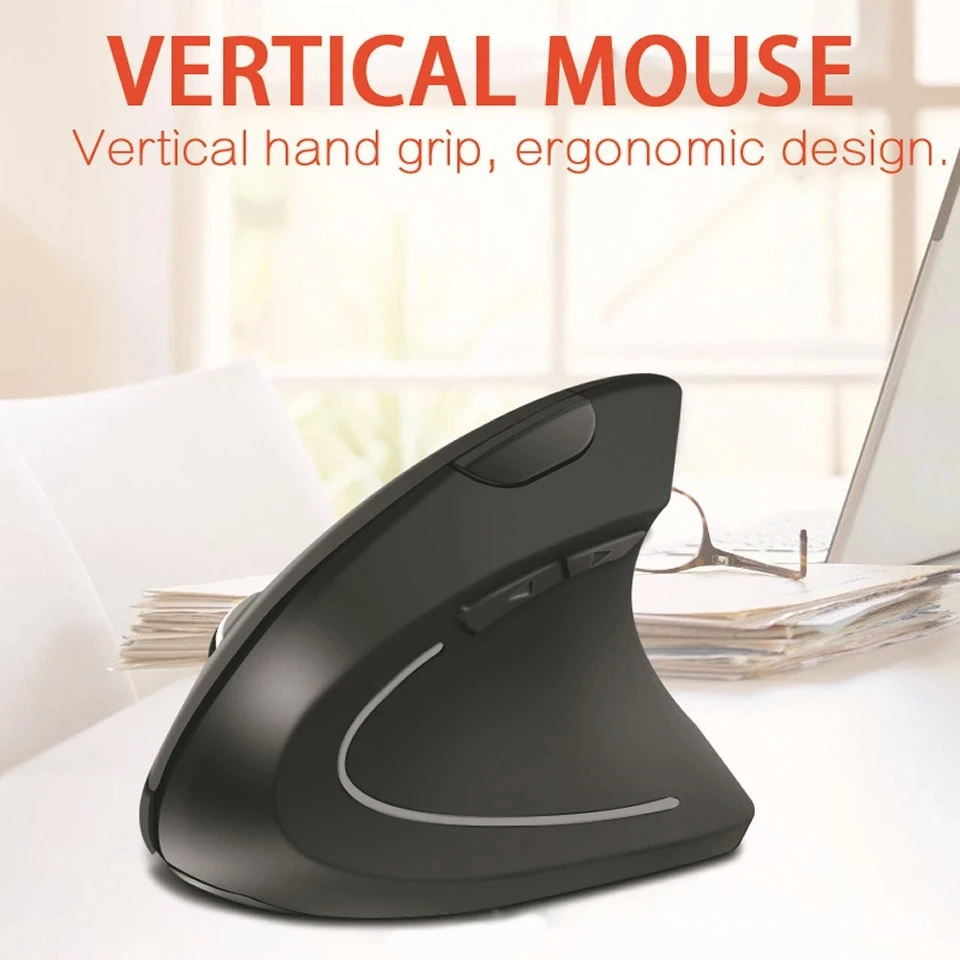
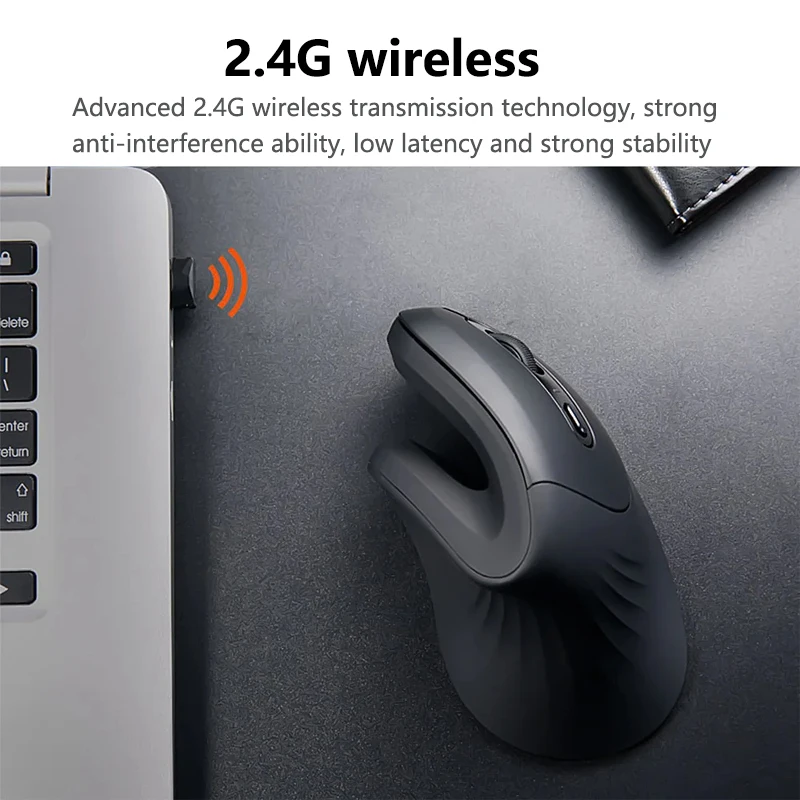
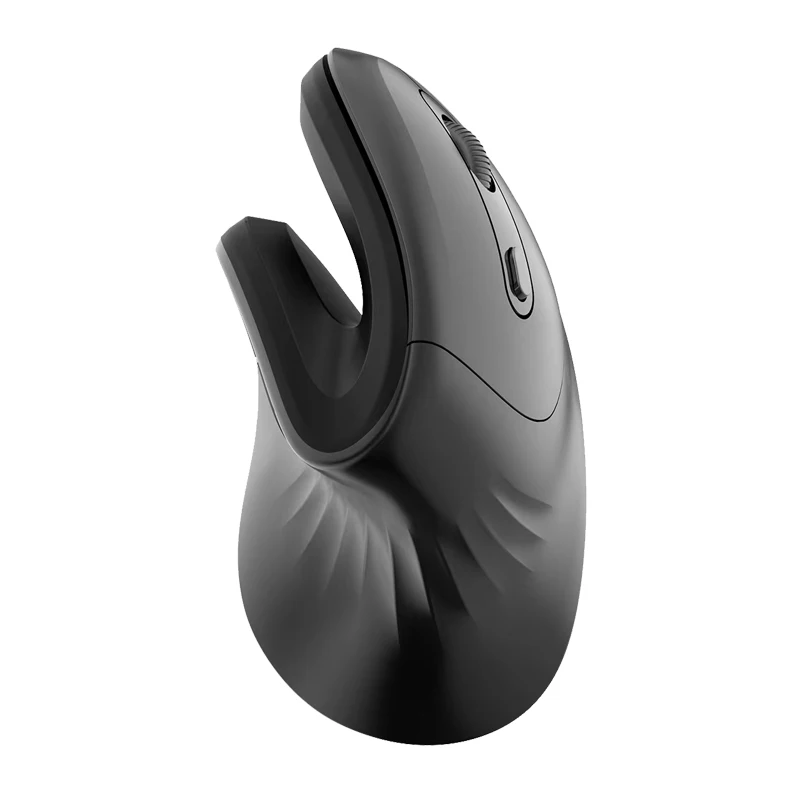
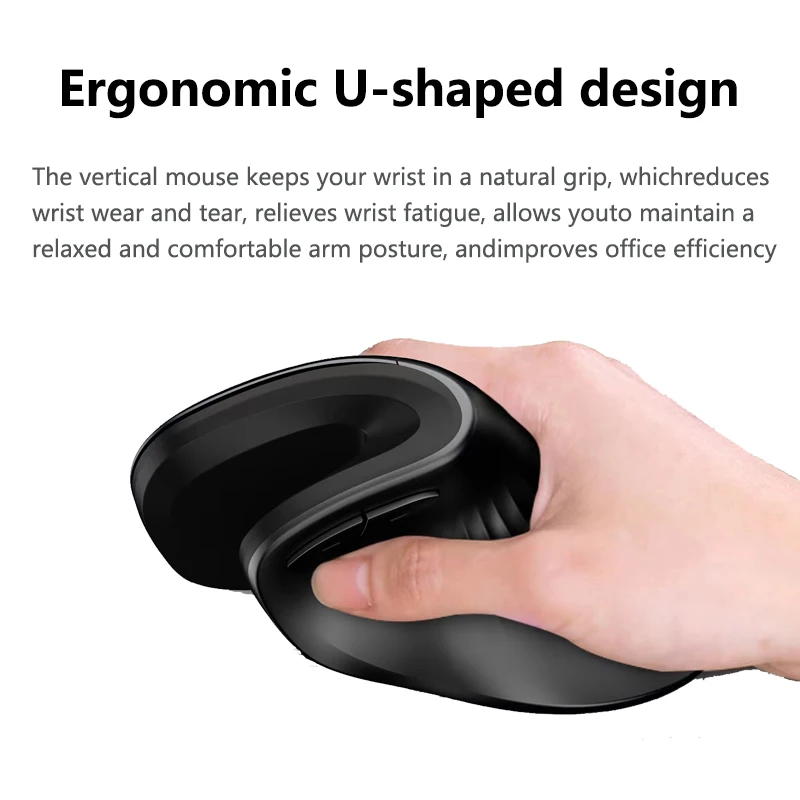
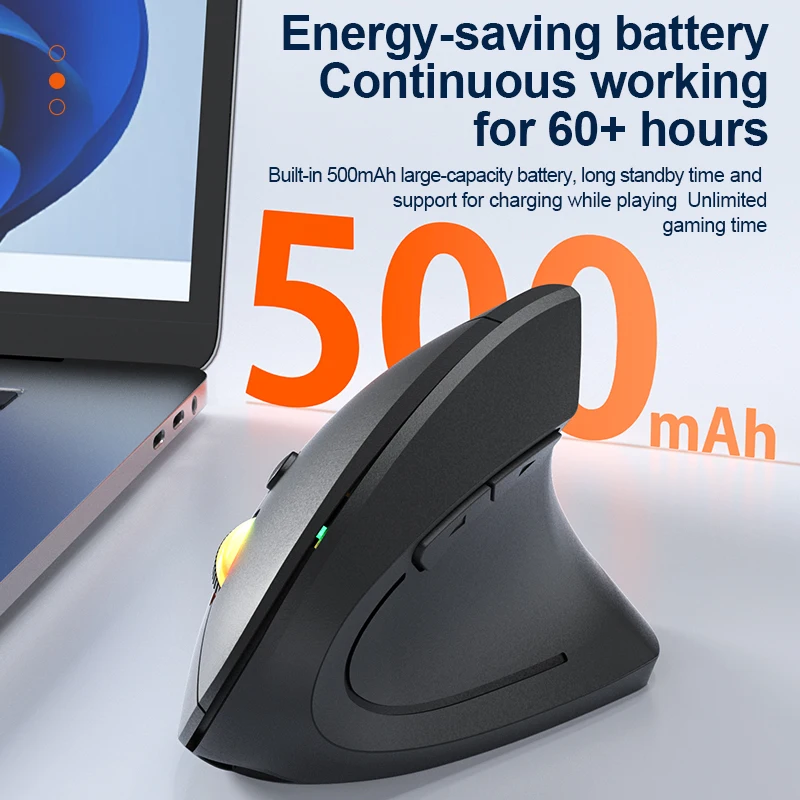
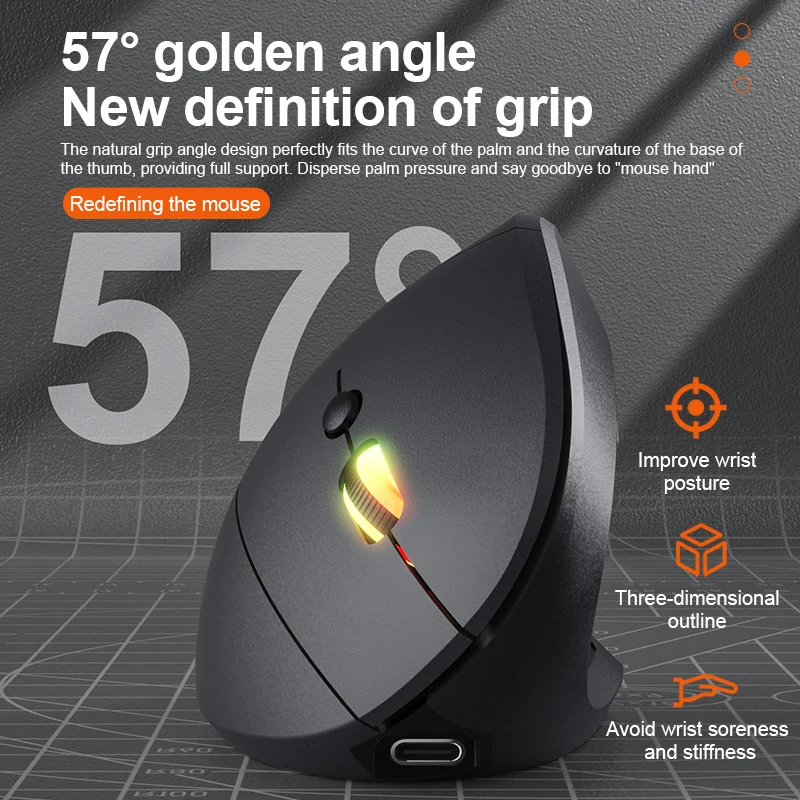
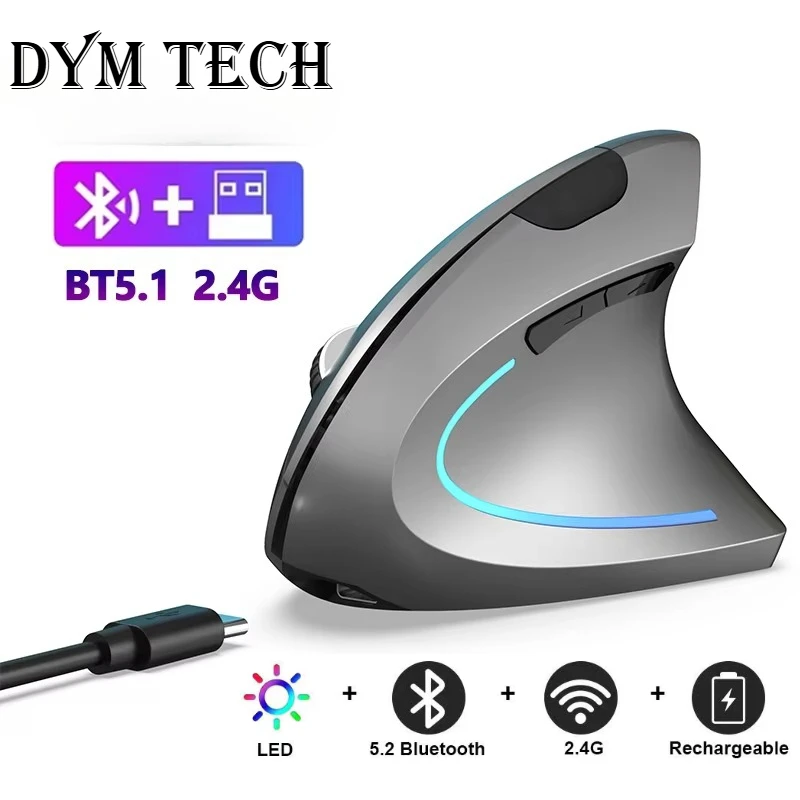
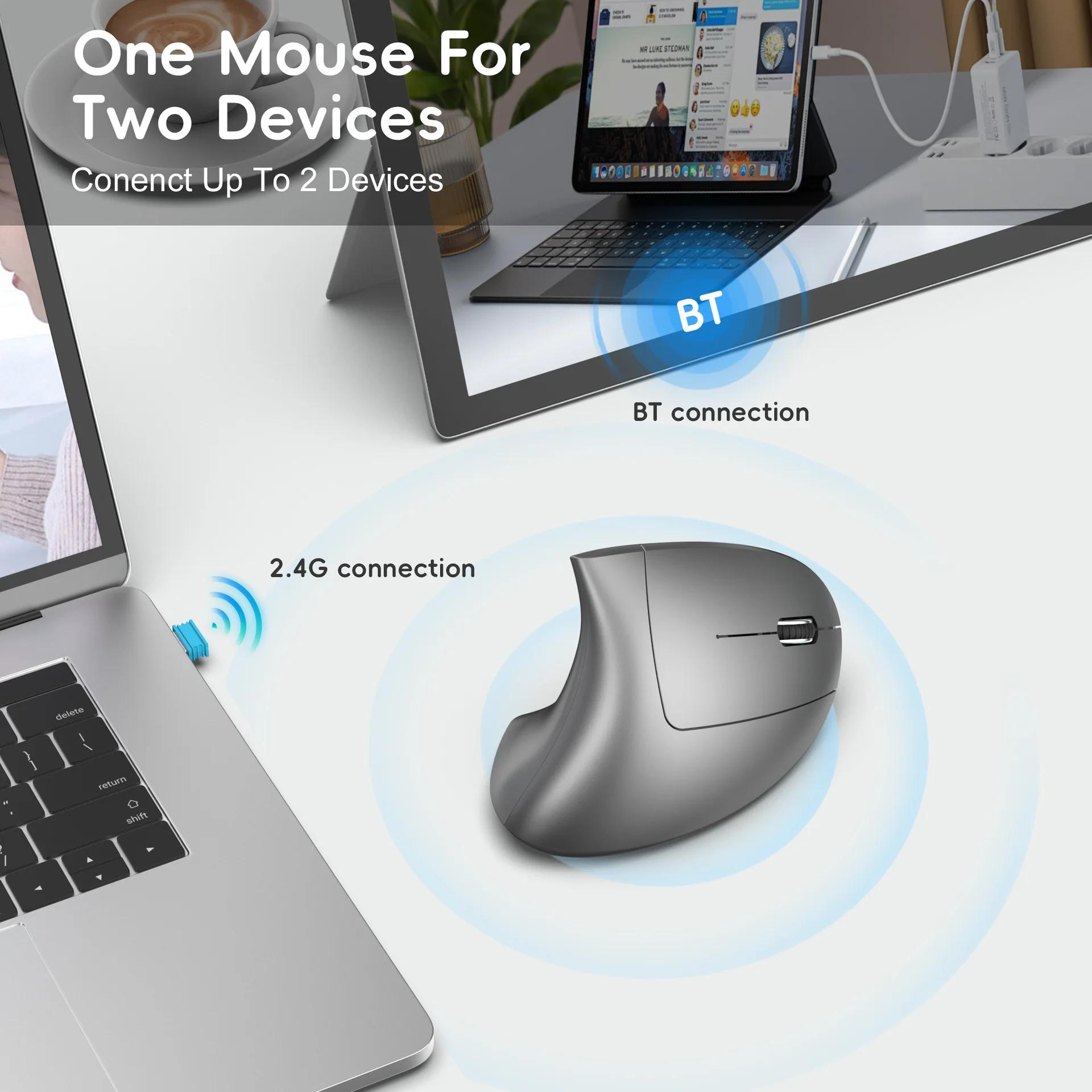
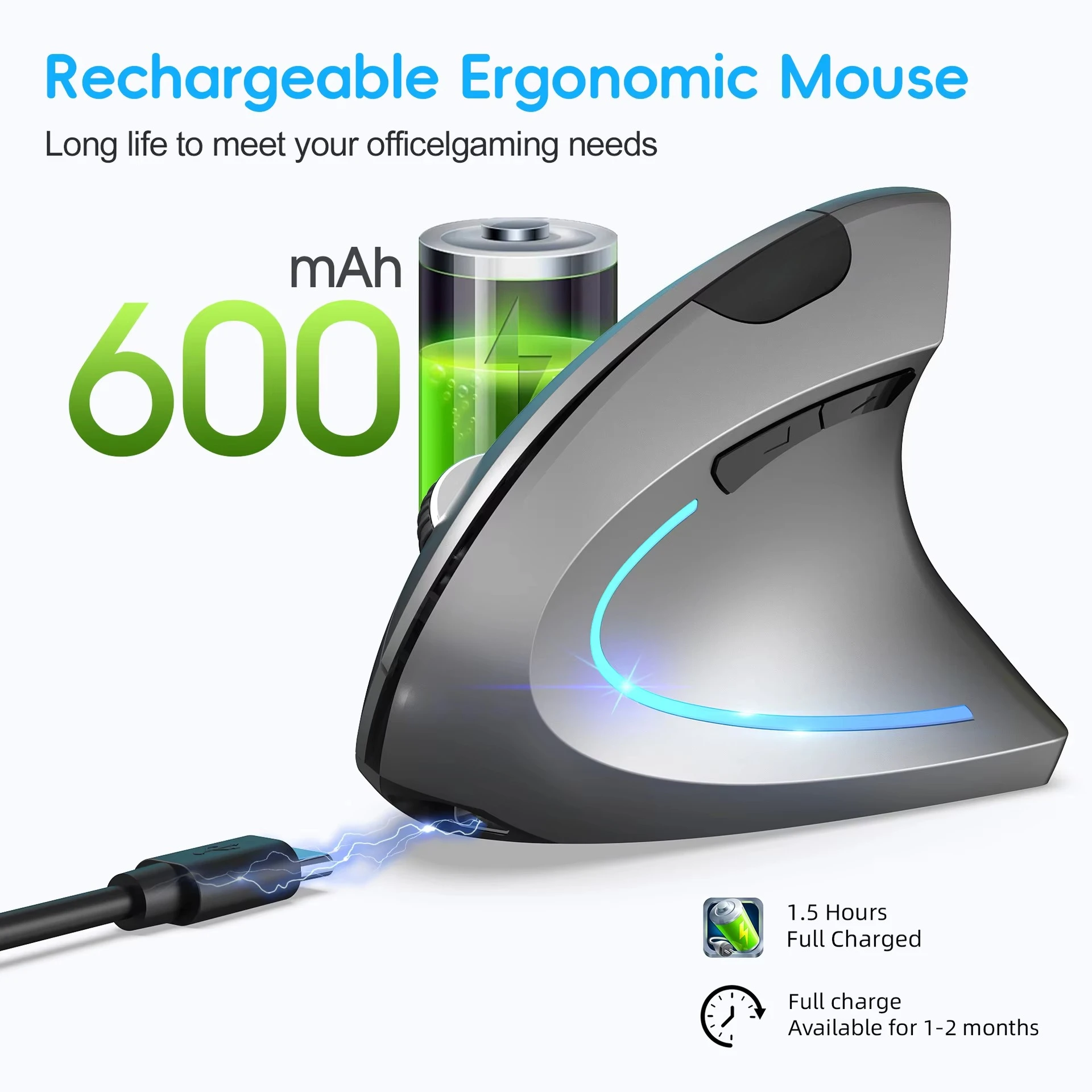
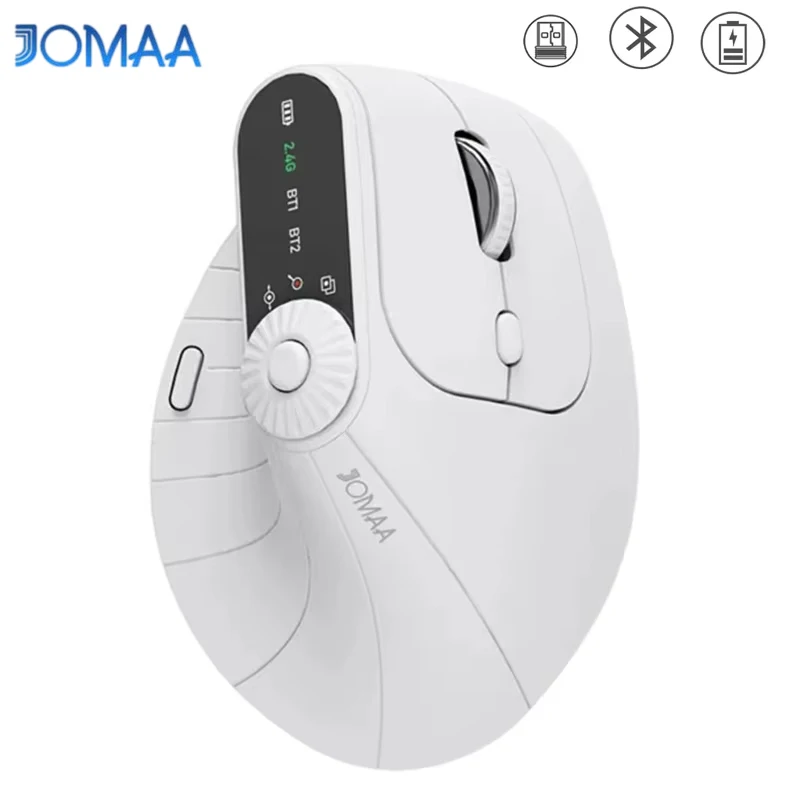
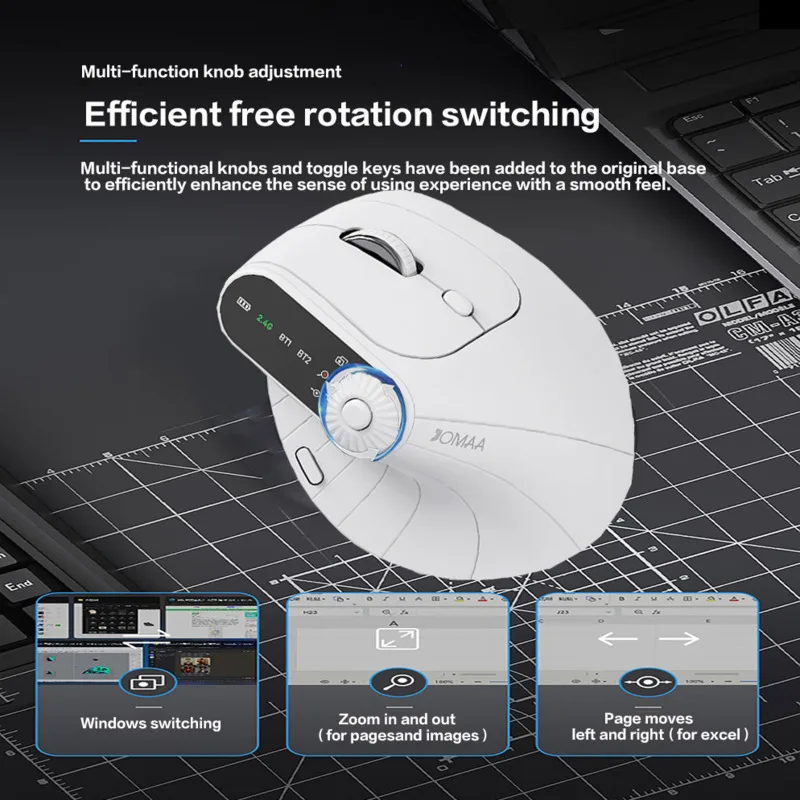
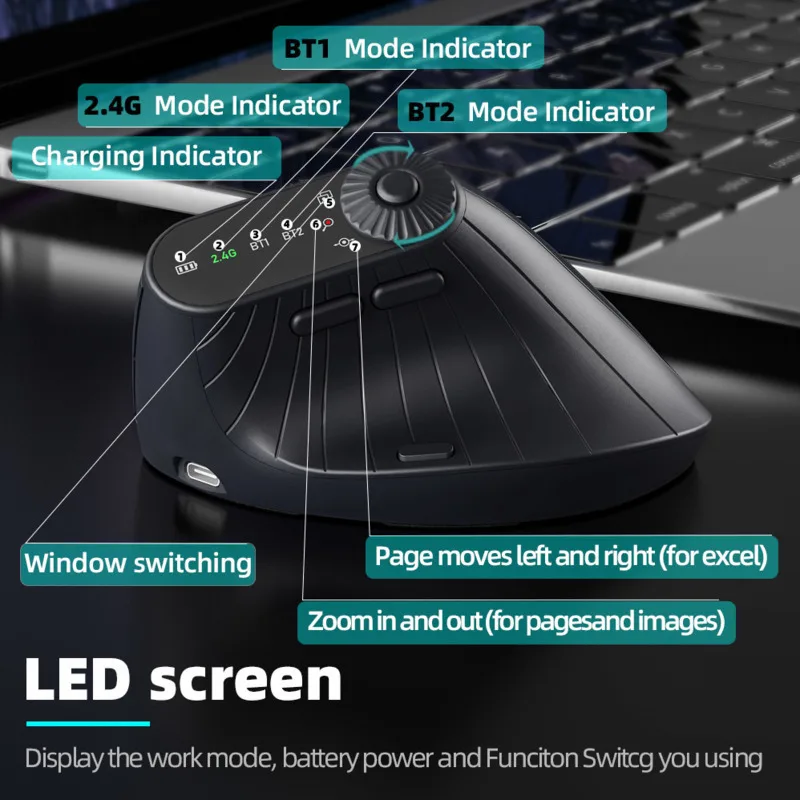
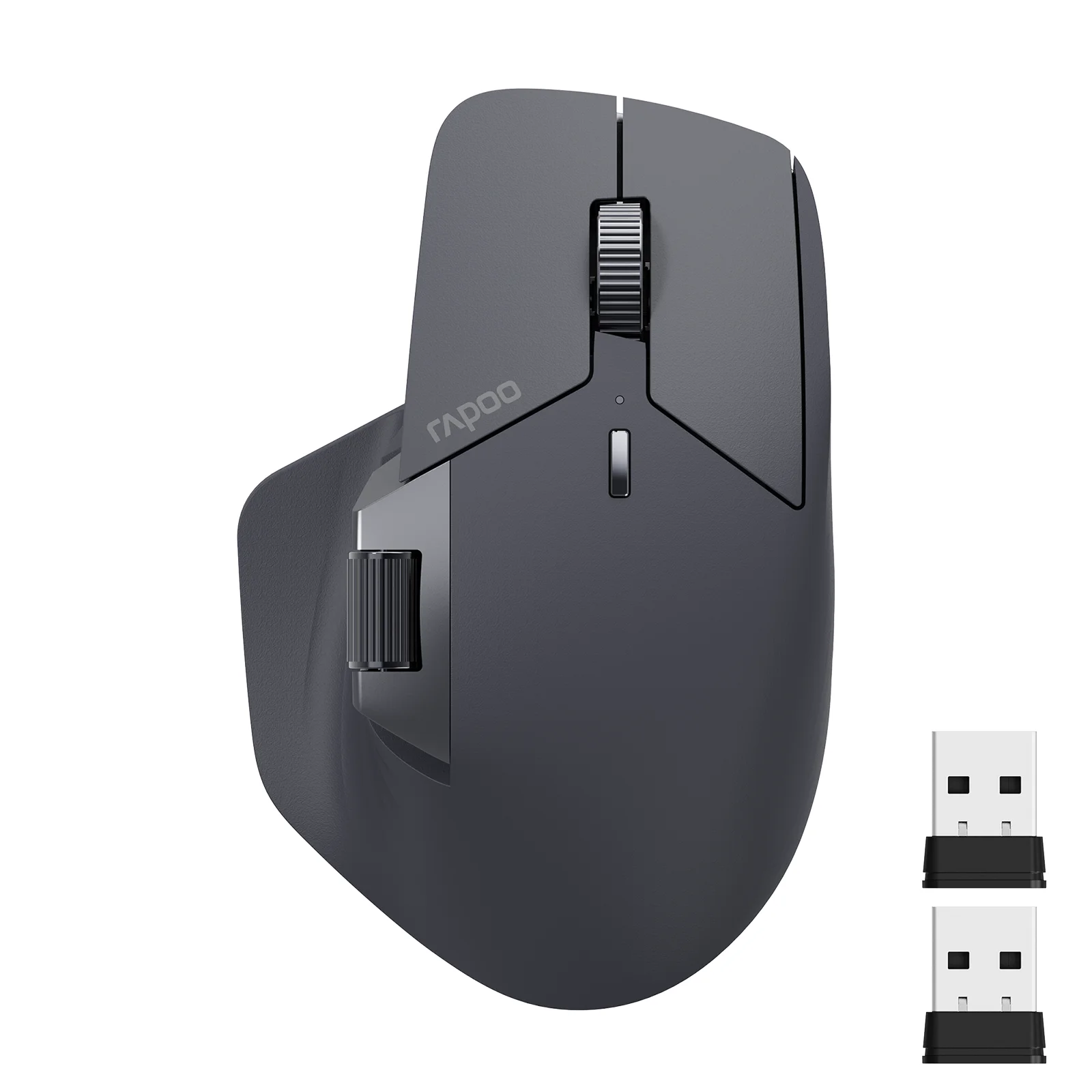
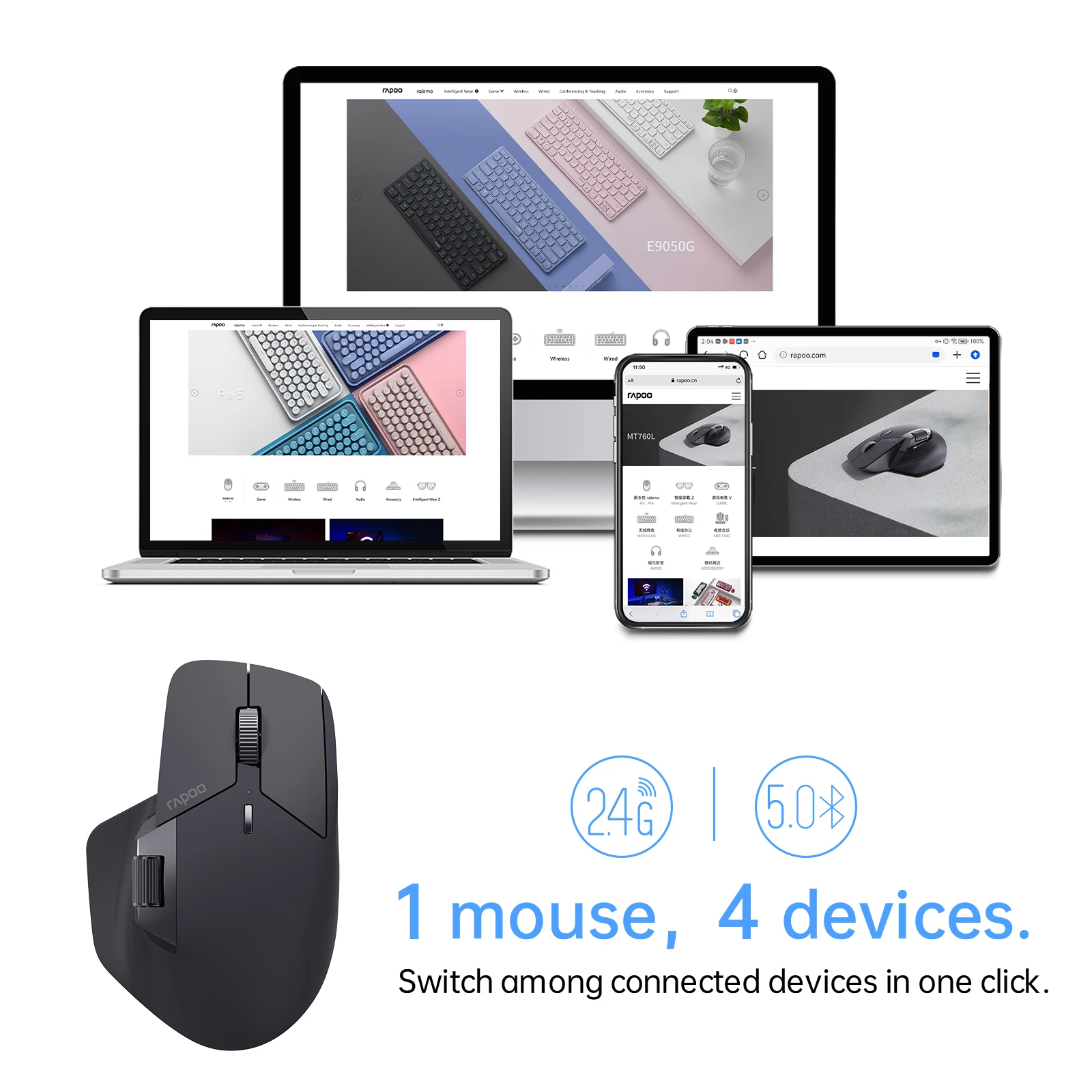
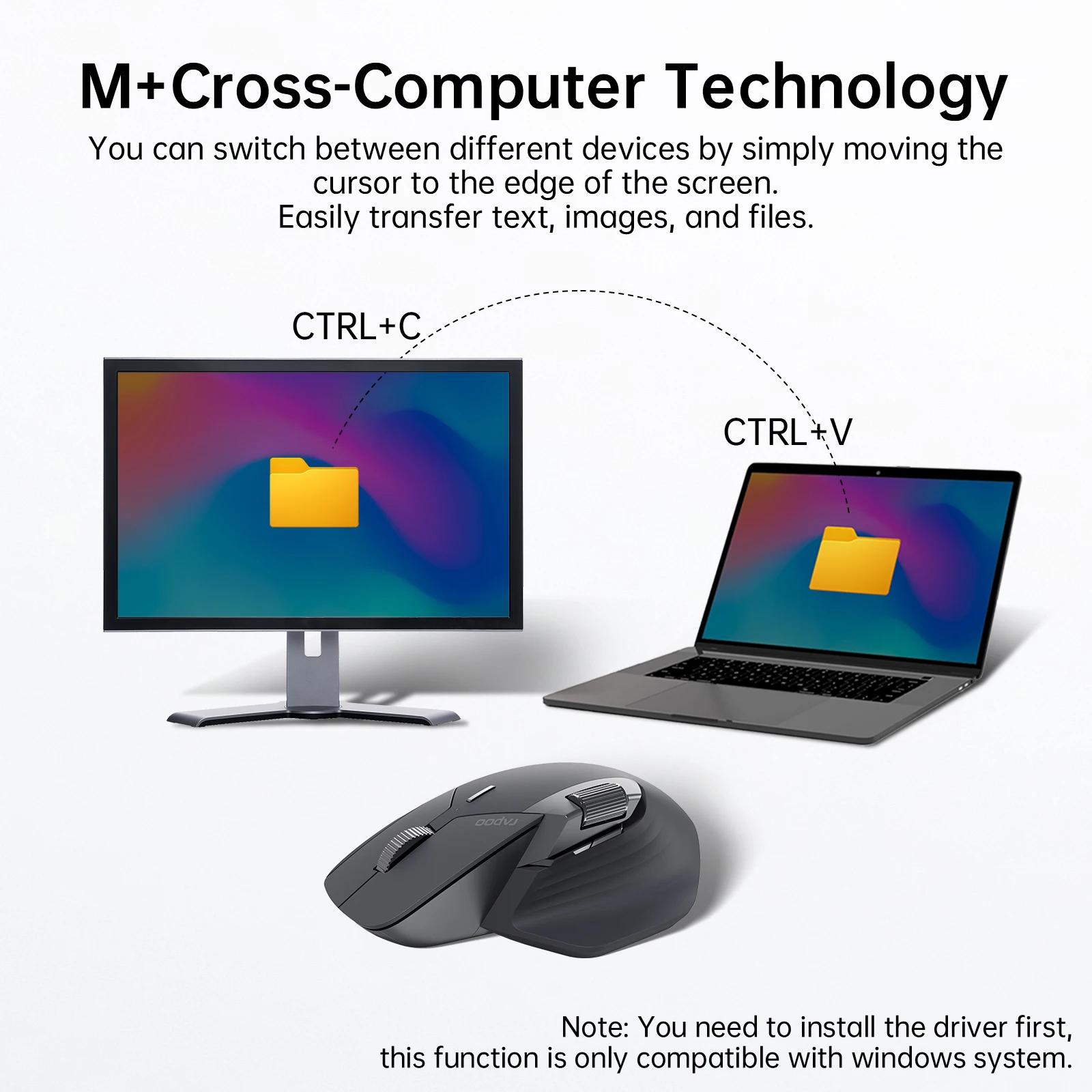
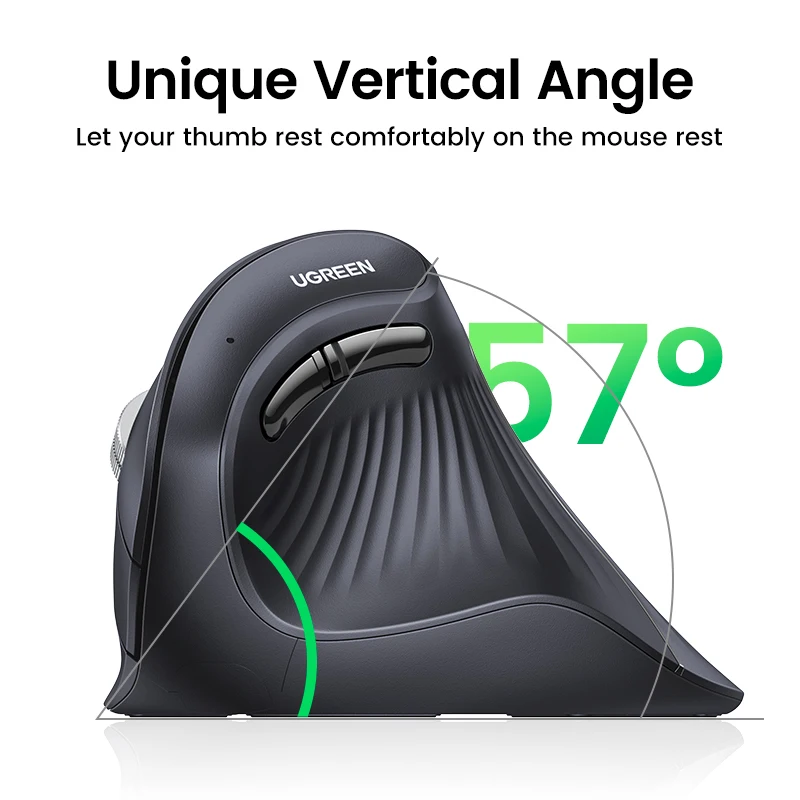
- Typing and pointing: keyboard and mouse sets, ergonomic and vertical mice and trackballs, and wrist rests in memory foam and wood.
- Calls: webcams from 1080p to 4K, video call lights and headsets with a microphone.
- The desk itself: everything in desk set-up, from footrests and monitor risers to document holders, desk organisers and no-drill under-desk cable trays.
What the HSE says about a laptop desk
The Health and Safety Executive's advice on screen work applies at home as much as in an office. For long spells on a laptop, it suggests a separate keyboard and mouse, so the screen can go up on a stand or riser to around eye level while your hands stay low. Keep the mouse close beside the keyboard, so you use it with a straight wrist. A footrest may help if your feet do not rest flat once the chair is at the right height. And take short breaks often: its own example is that five to ten minutes every hour is better than twenty minutes every two hours. The guide to setting up a laptop desk goes through it step by step.
Questions people ask about accessories for home workers
Where should I start?
A stand plus a keyboard and mouse set is the biggest single change, because it fixes the height of the screen and of your hands at once.
Hub or docking station?
A hub adds ports and travels in a bag; a dock stays on the desk, often drives more screens and takes its own power. The guide to choosing a hub or dock explains which laptops can drive which.
How long does delivery take?
Delivery is included in every price and tracked to your door. Each product page says when it usually arrives.
More to look at