Everything round the laptop
A laptop on a desk is only part of a comfortable place to work. The Health and Safety Executive's guidance on screen work covers the whole desk: the screen at the right height, the feet supported, papers where you can read them without craning, and room to move, with cables tidy rather than a trip or snag hazard. This department holds the pieces that do those jobs. The guide to setting up a laptop desk goes through the HSE's advice part by part.
The ranges in this department
- Monitor risers are shelves that lift a monitor or a laptop and leave room beneath for the keyboard, papers or a drawer.
- Footrests raise the feet when the chair has been raised to bring your arms level with the desk and your feet no longer sit flat on the floor.
- Document holders keep a page upright beside the screen, so your eyes move across rather than up and down.
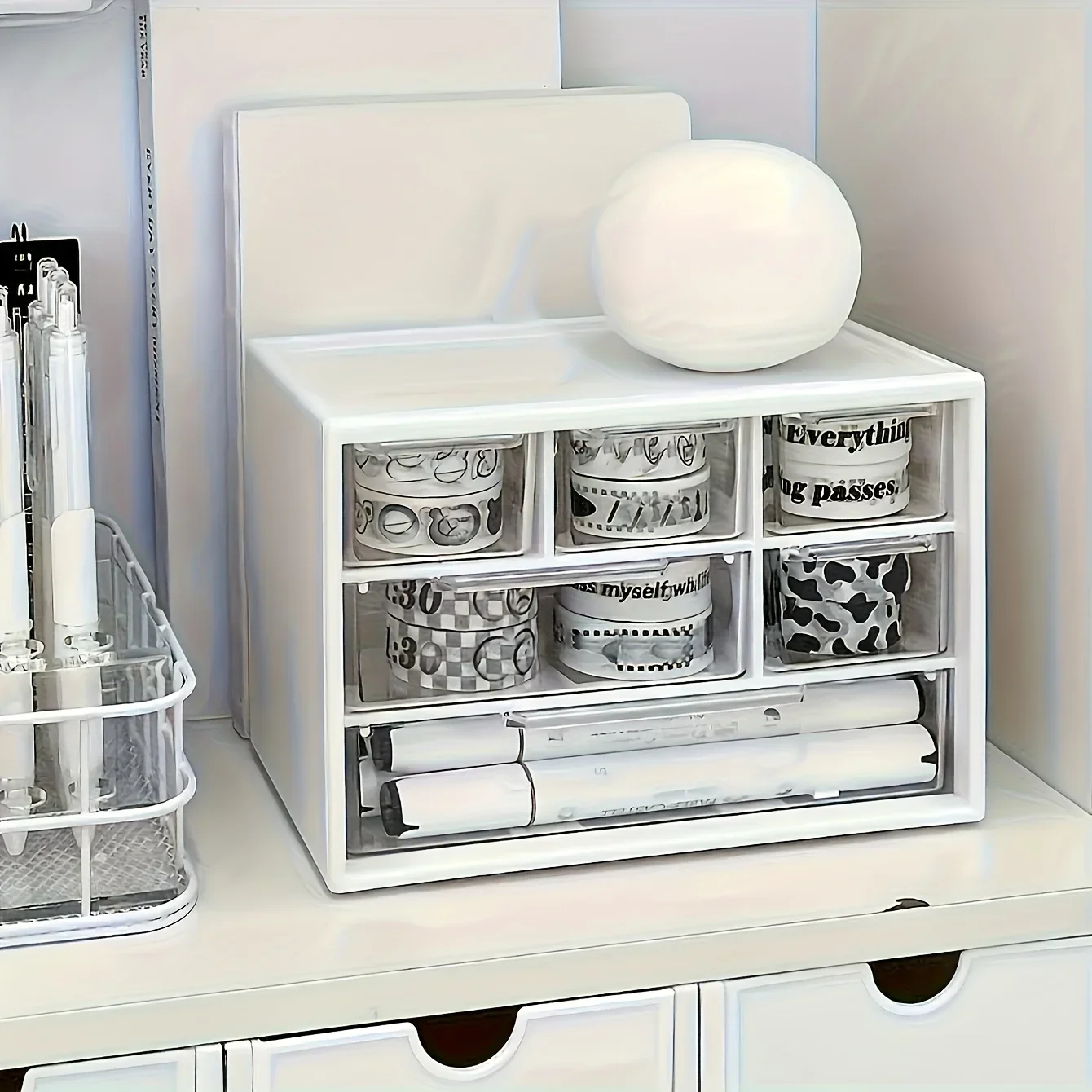
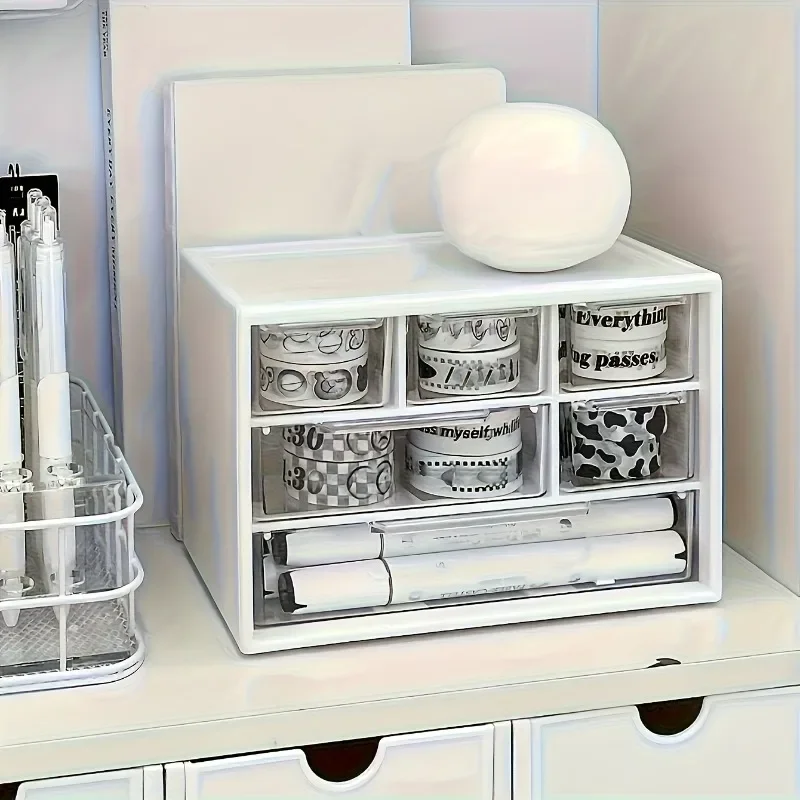
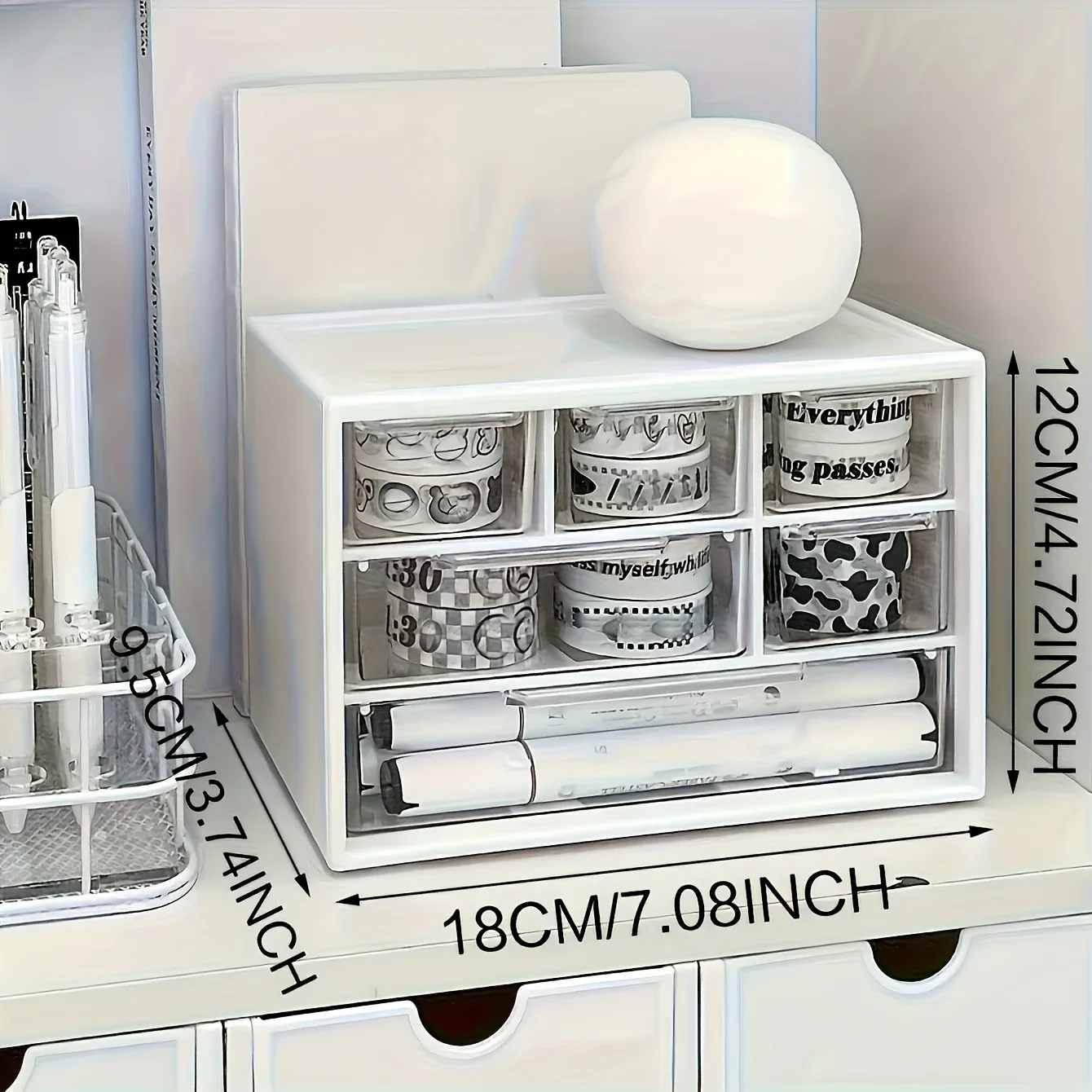
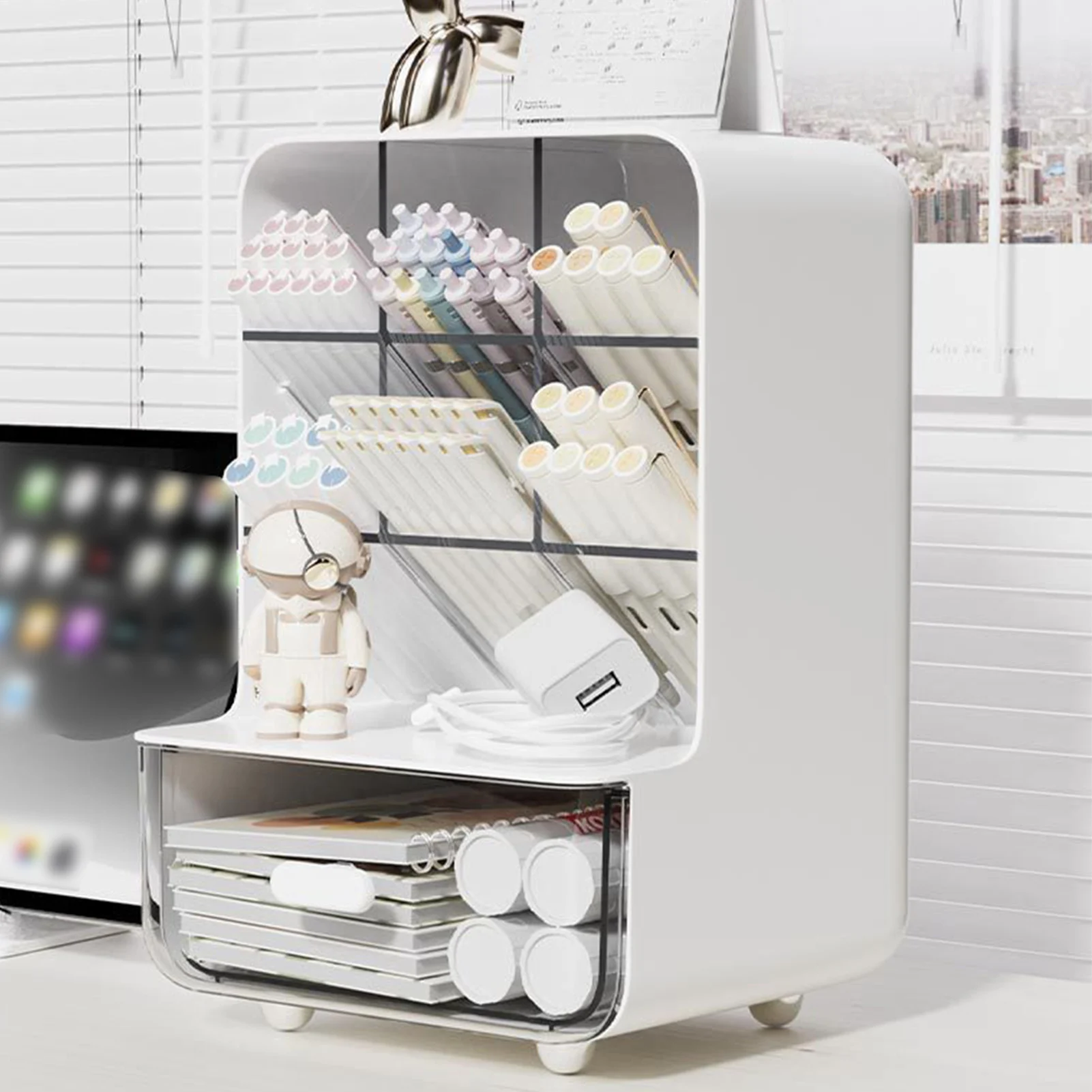
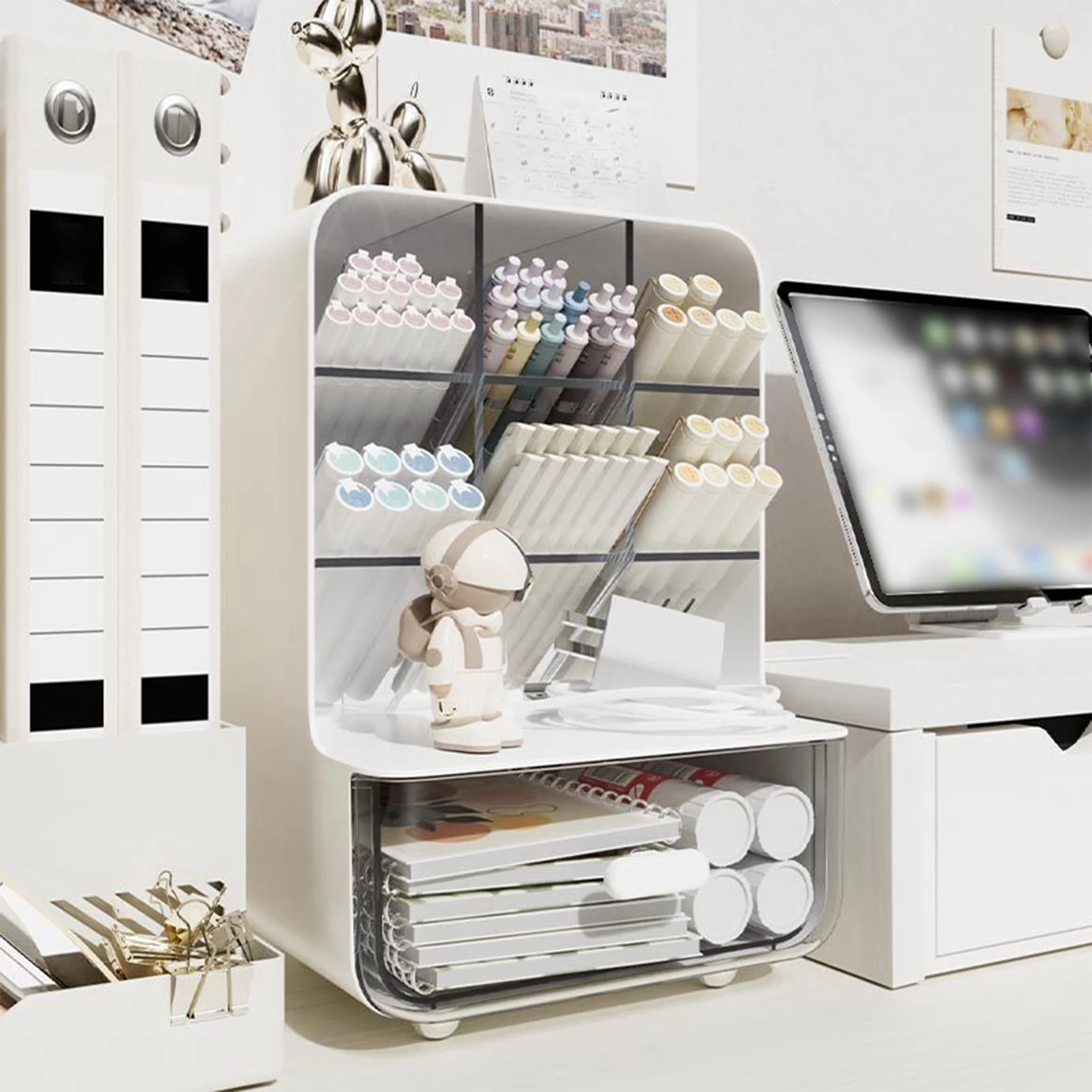
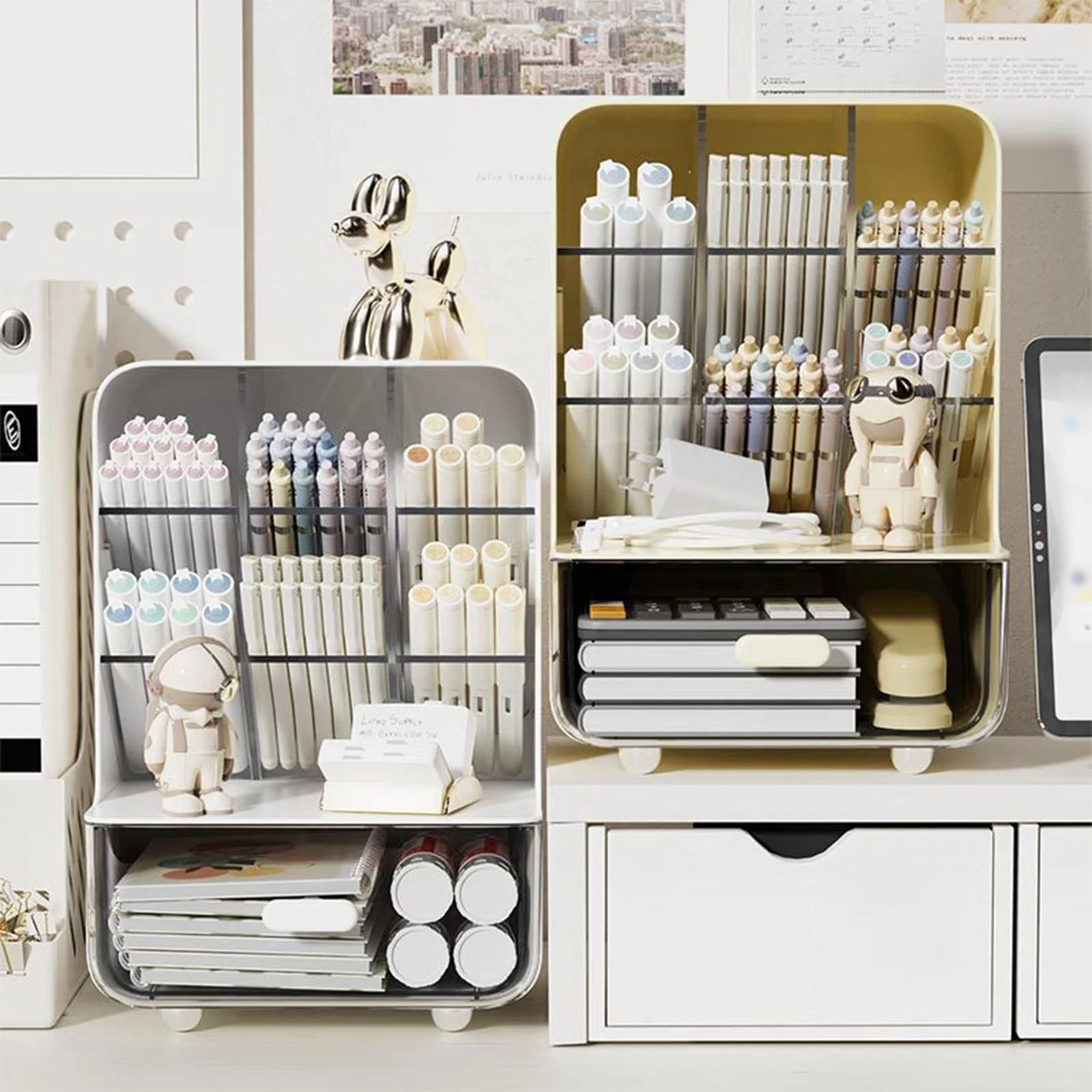
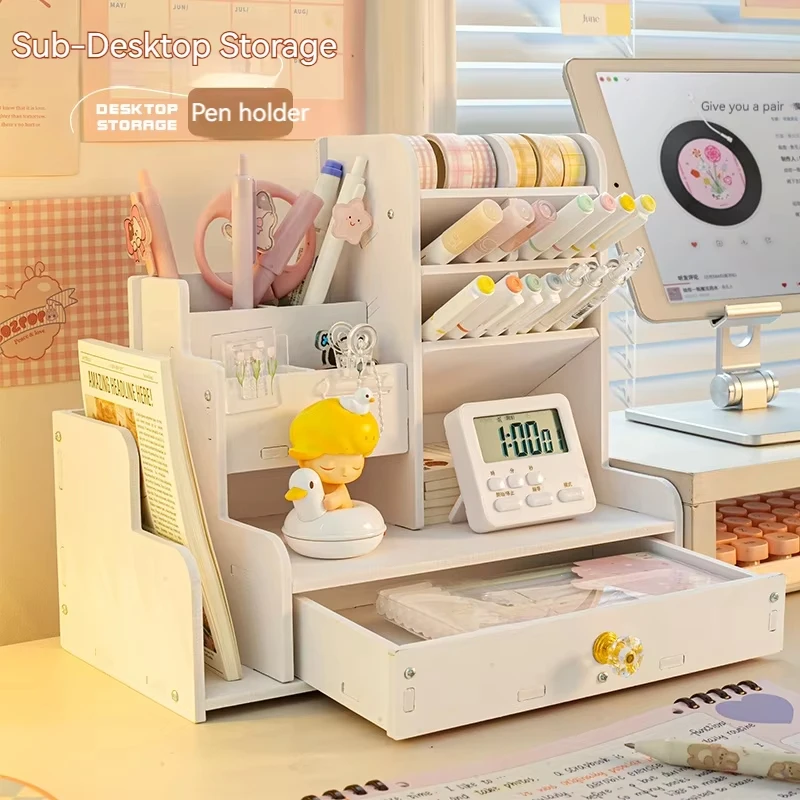
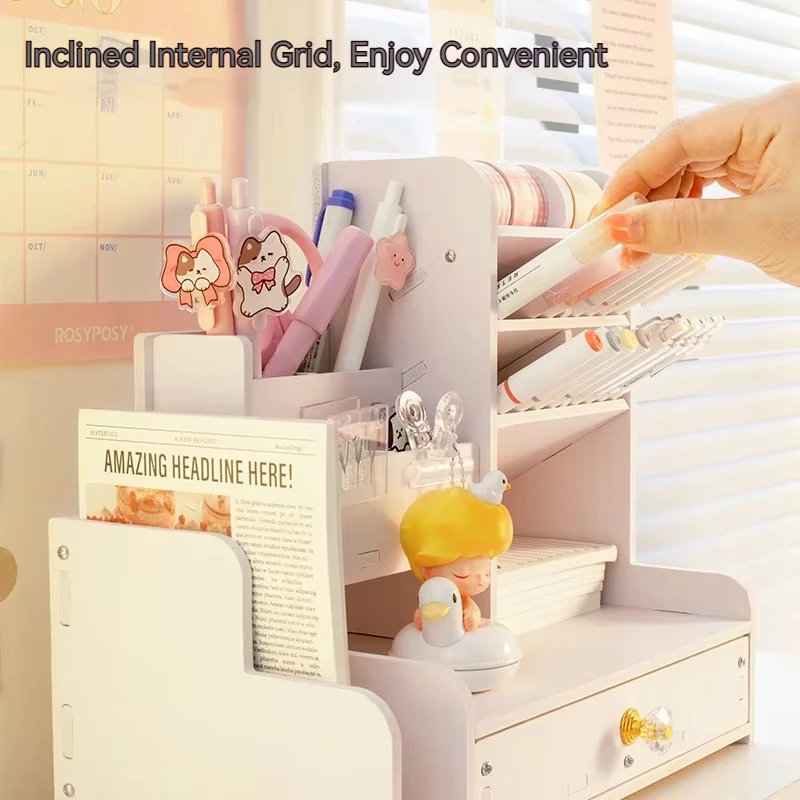
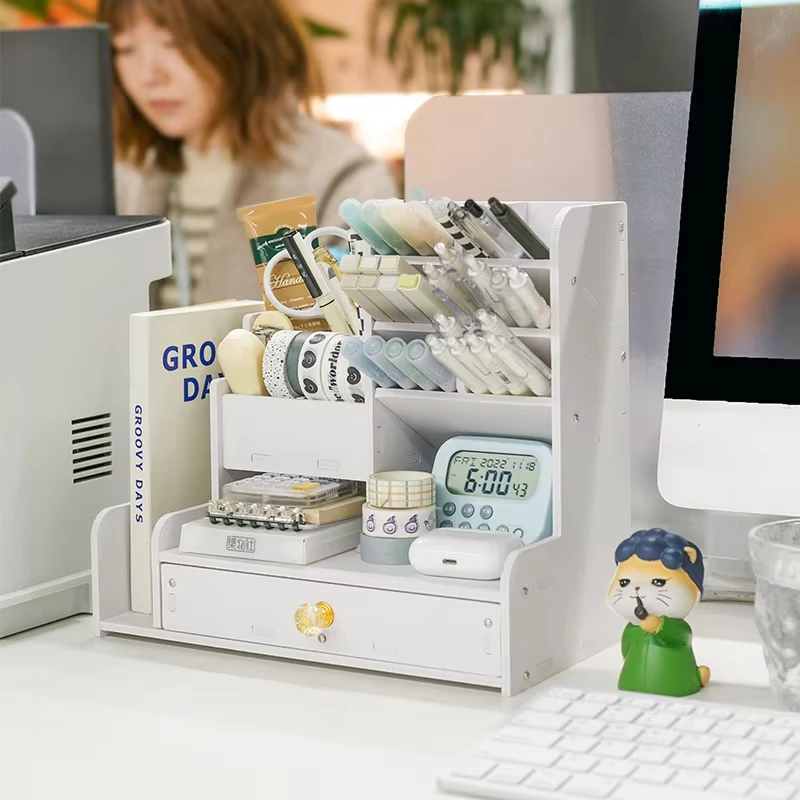
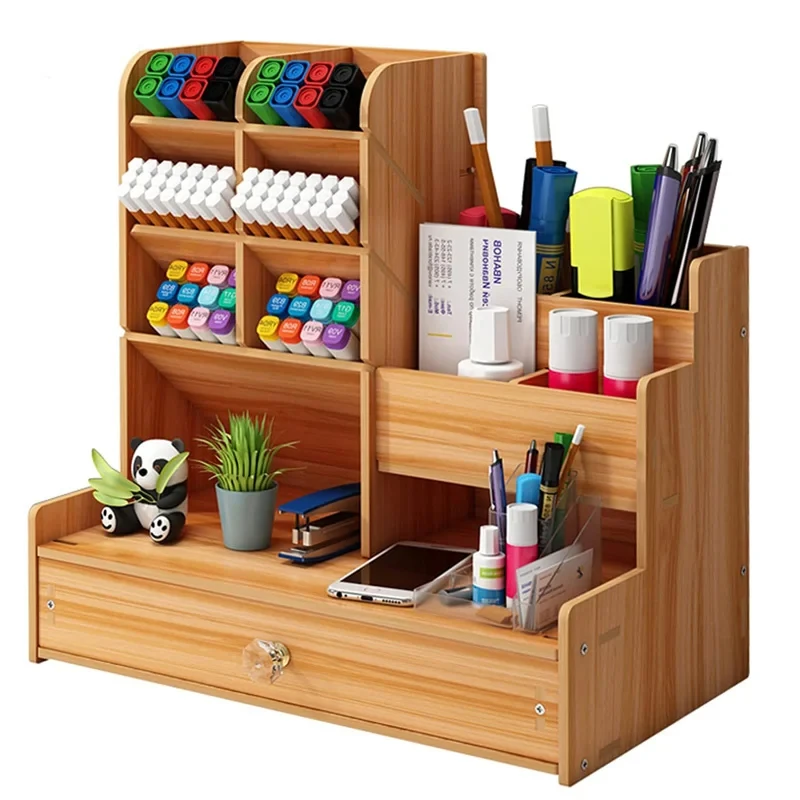
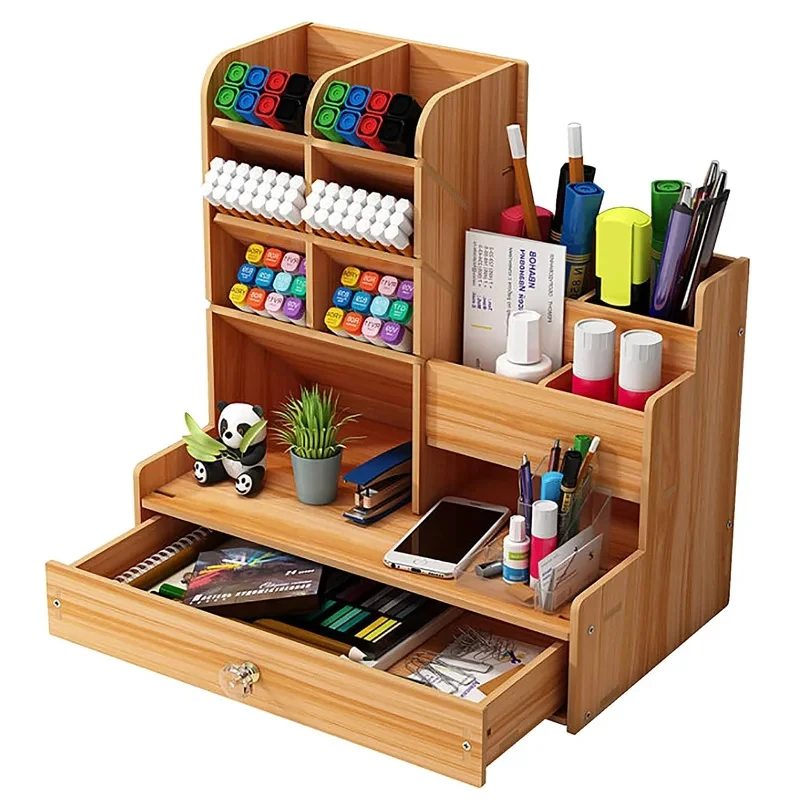
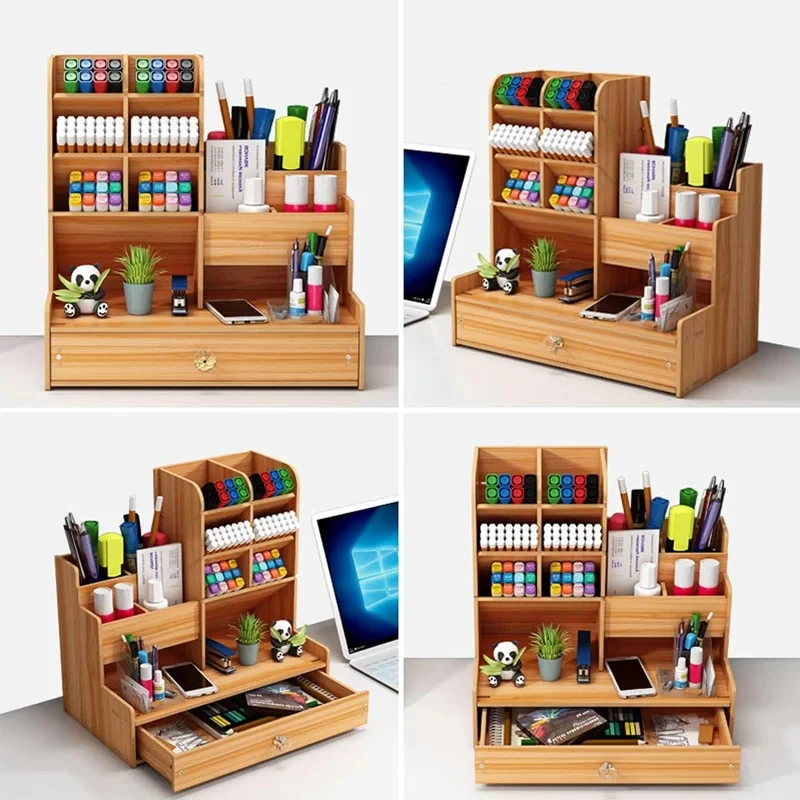
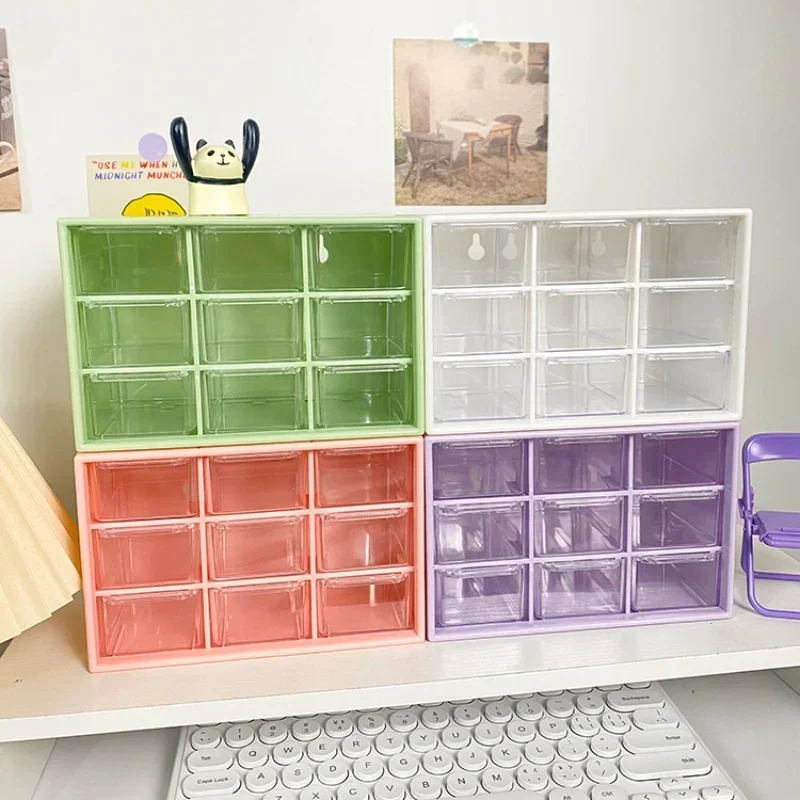
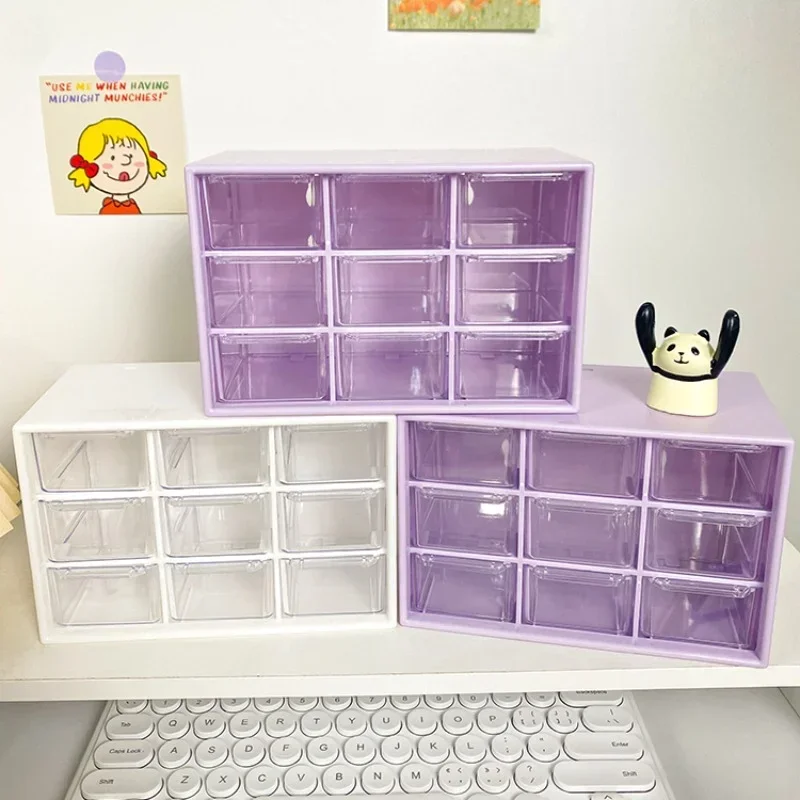
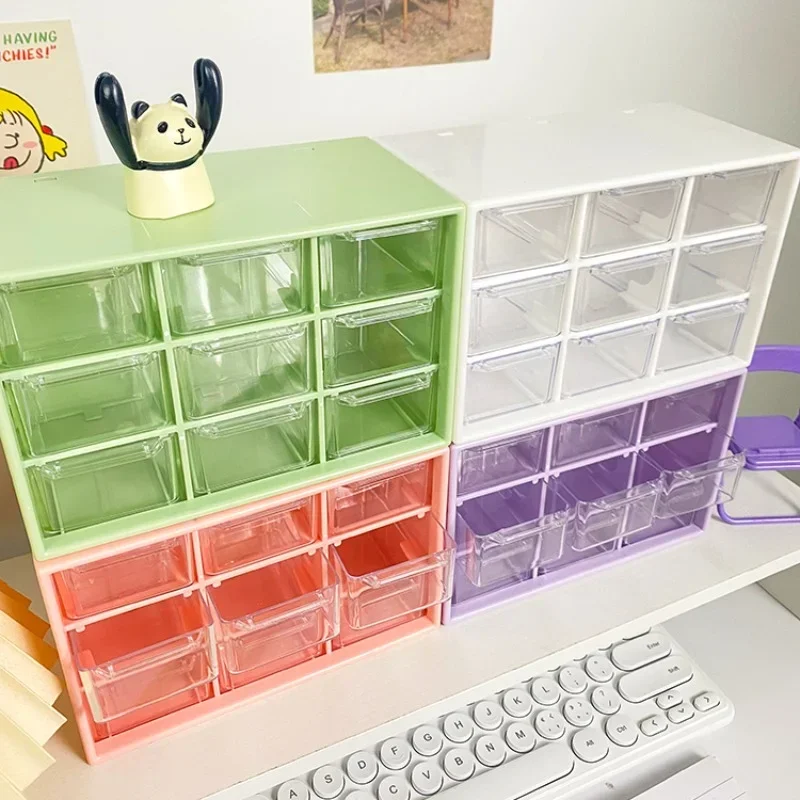
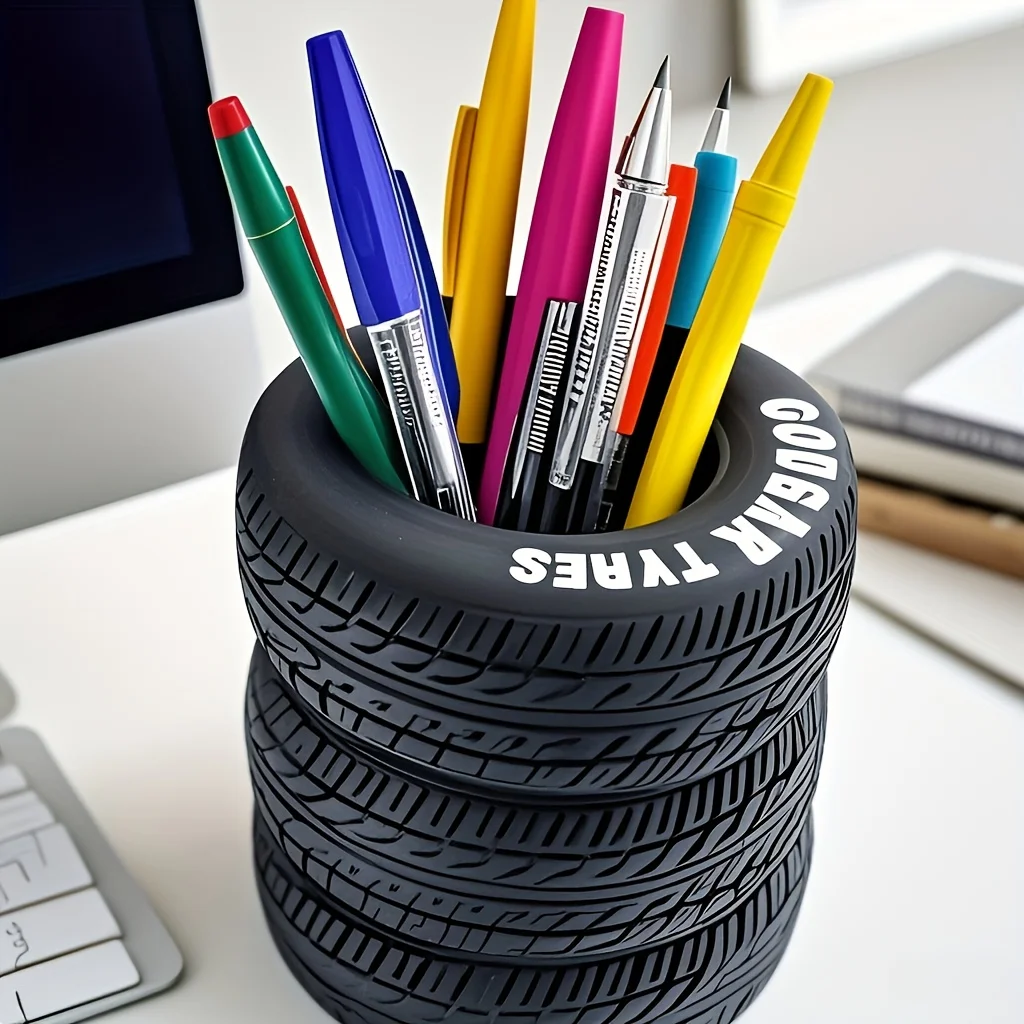
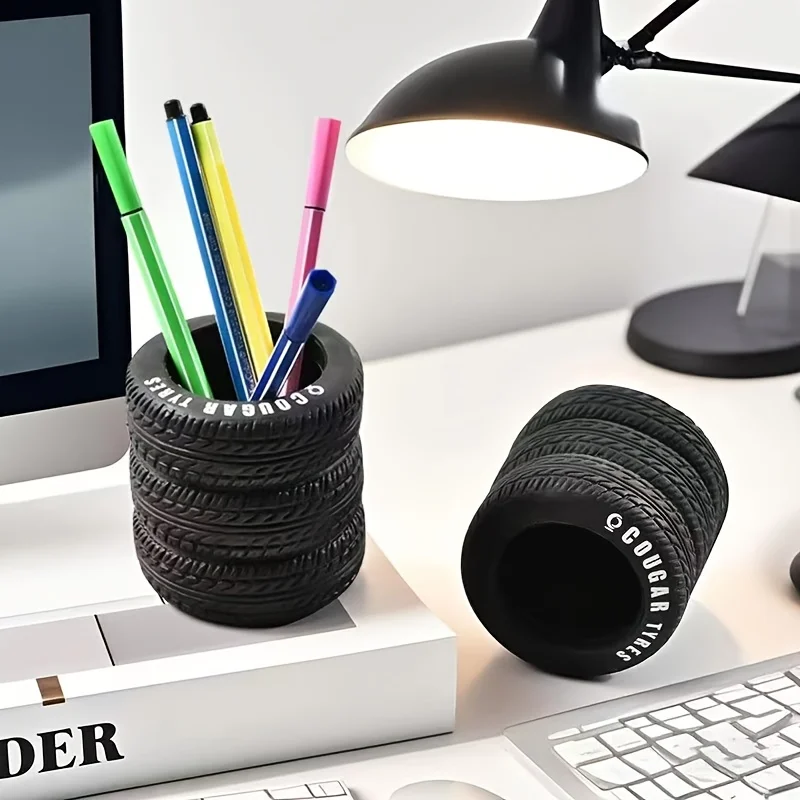
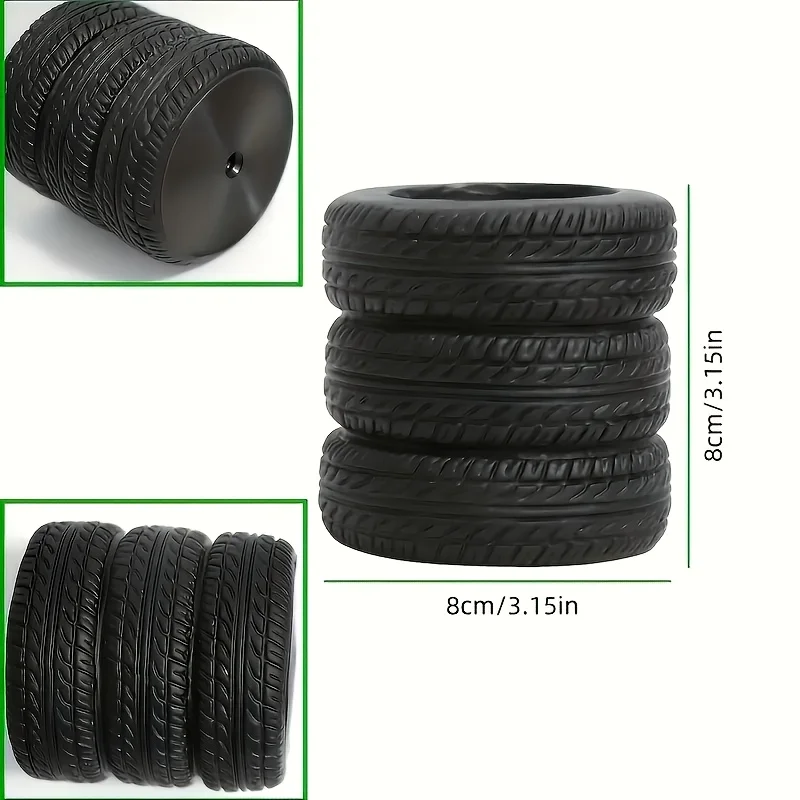
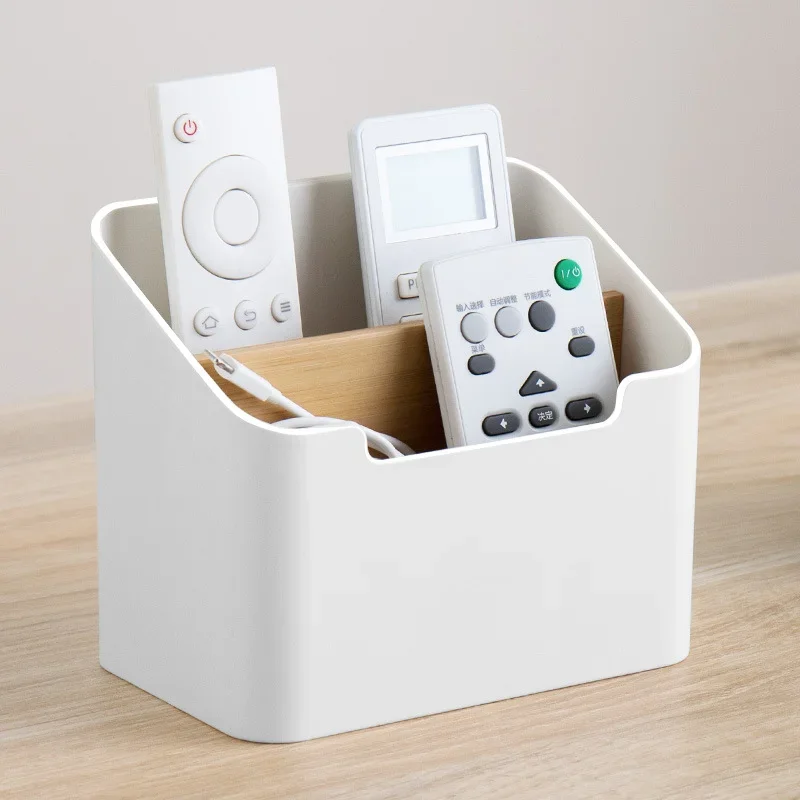
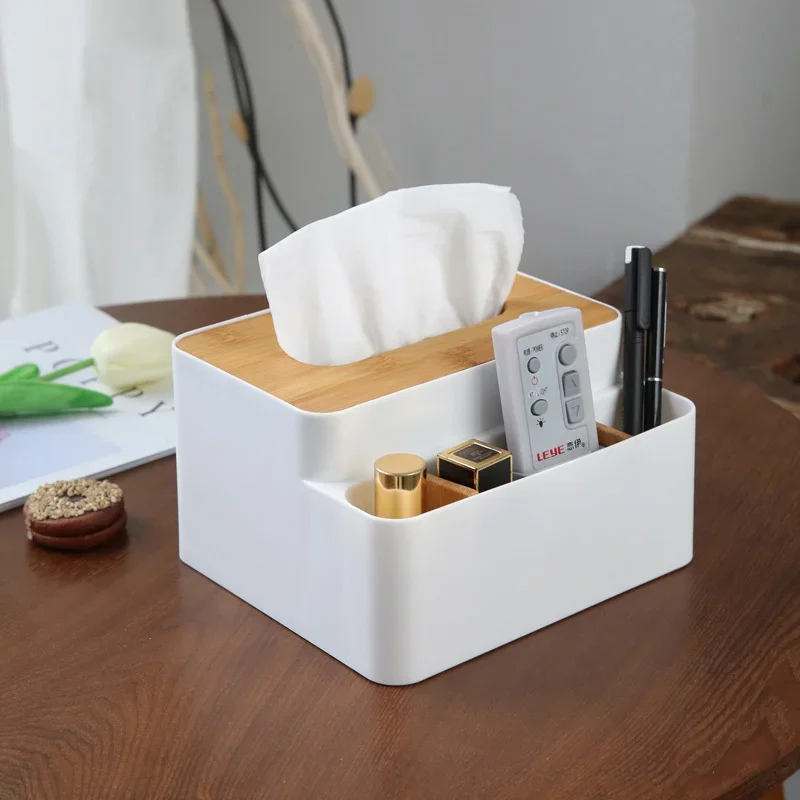
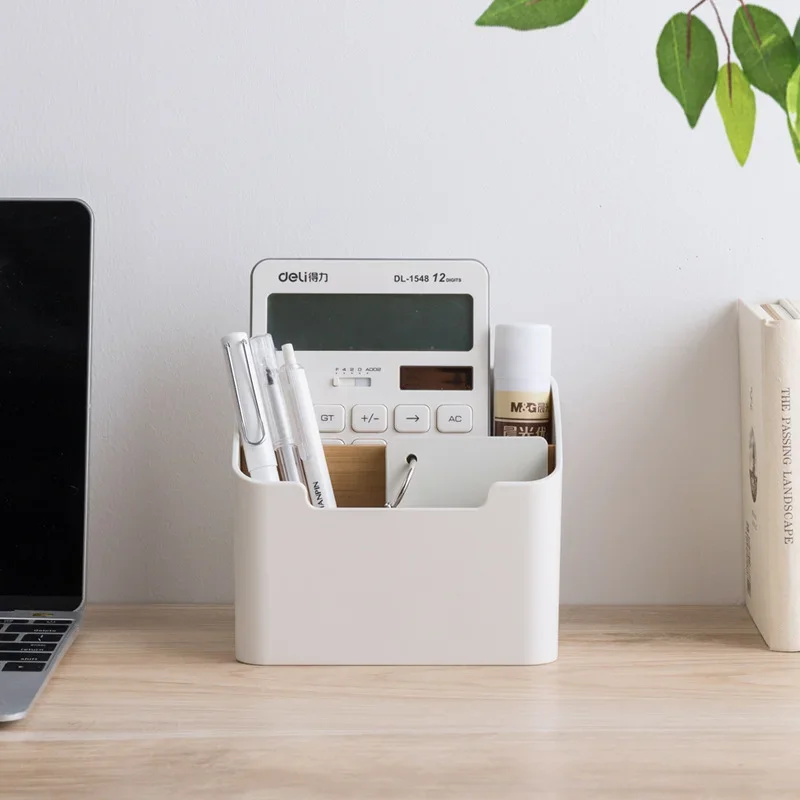
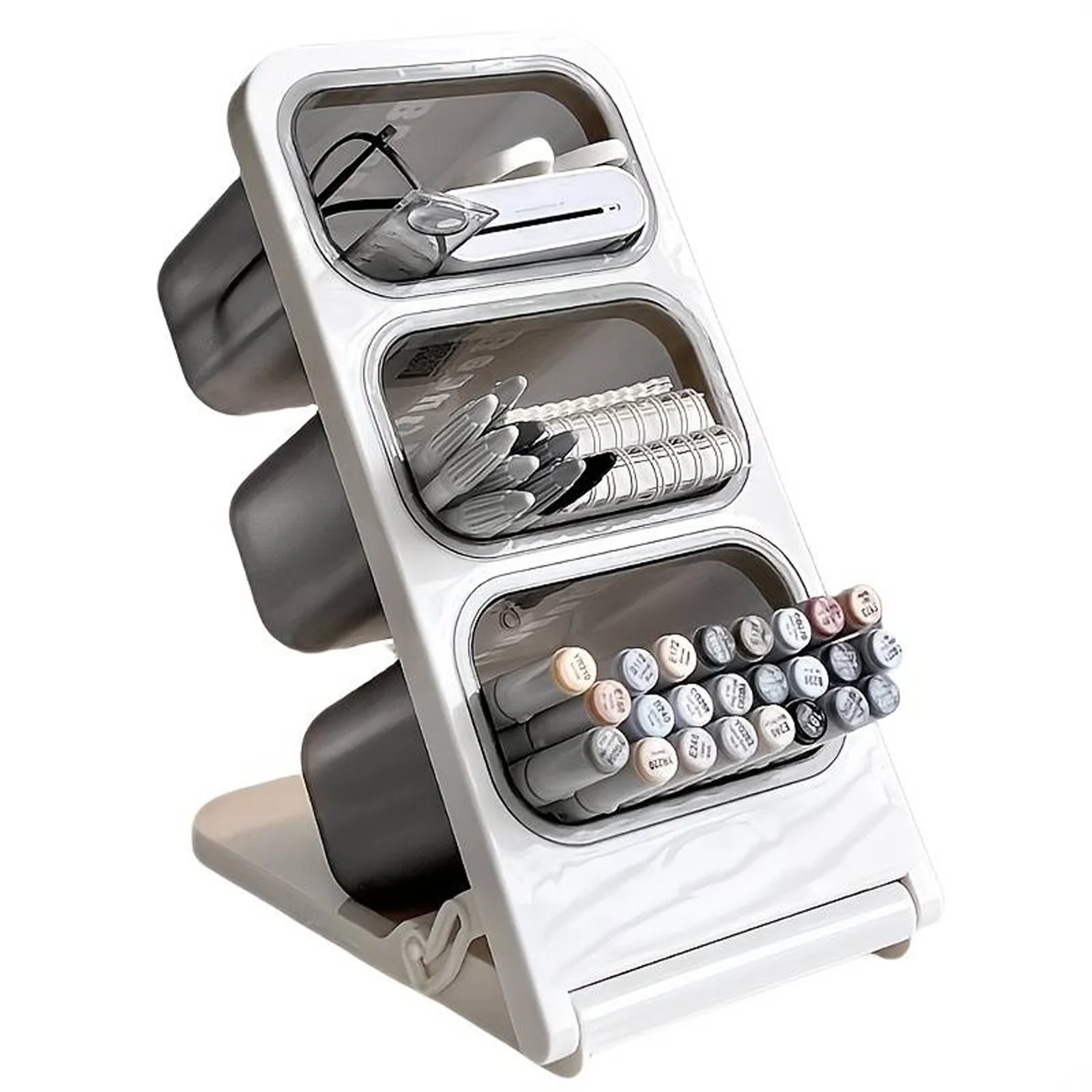
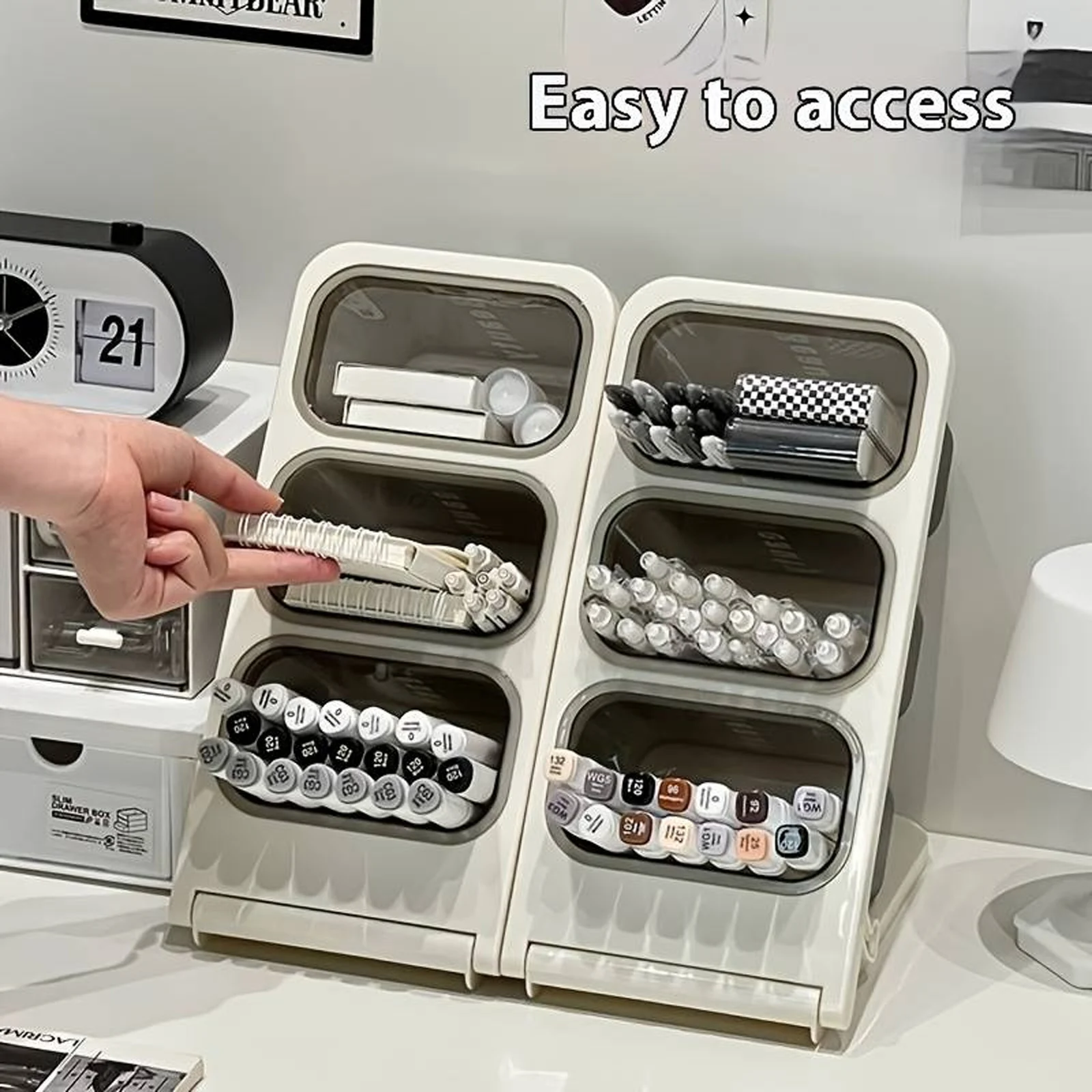
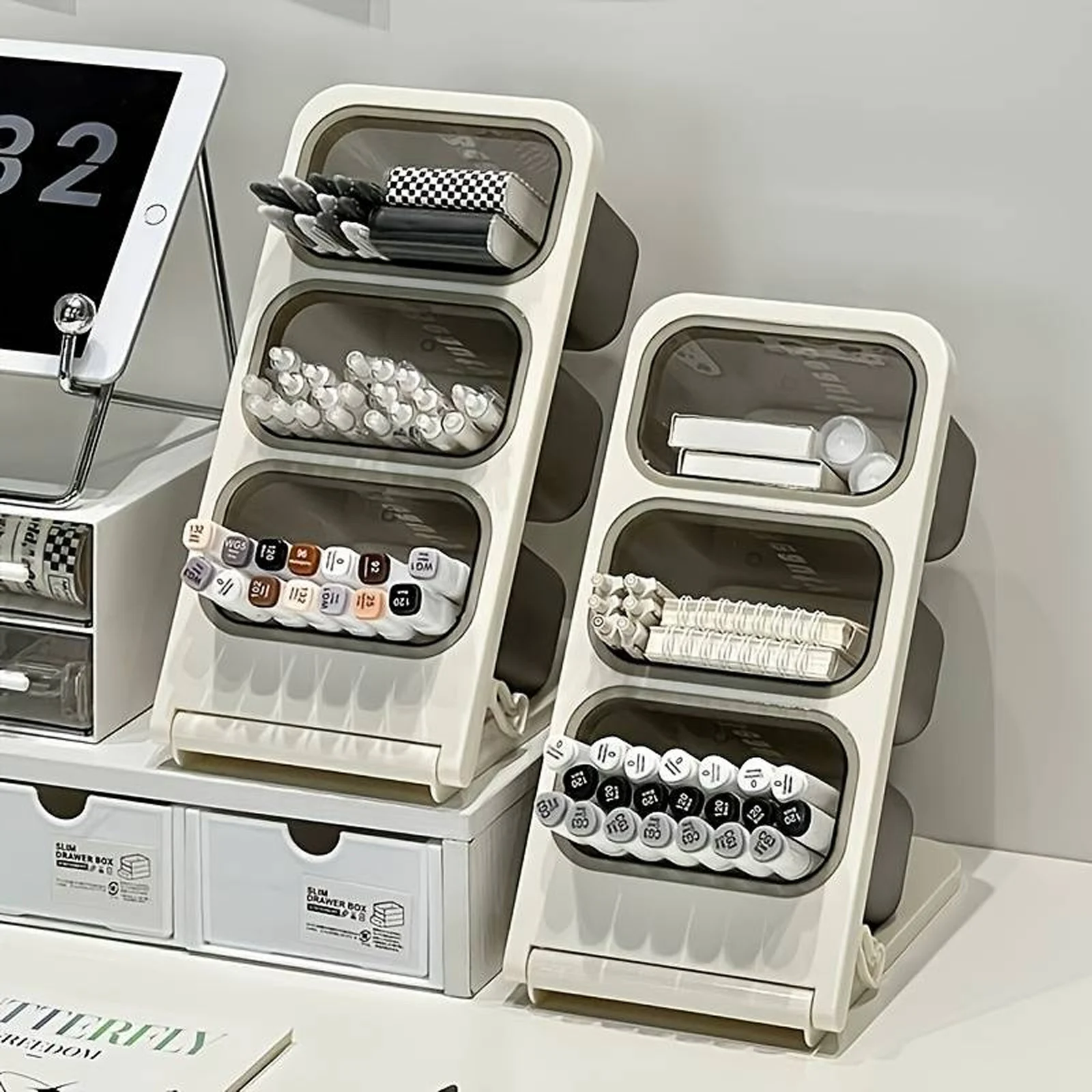
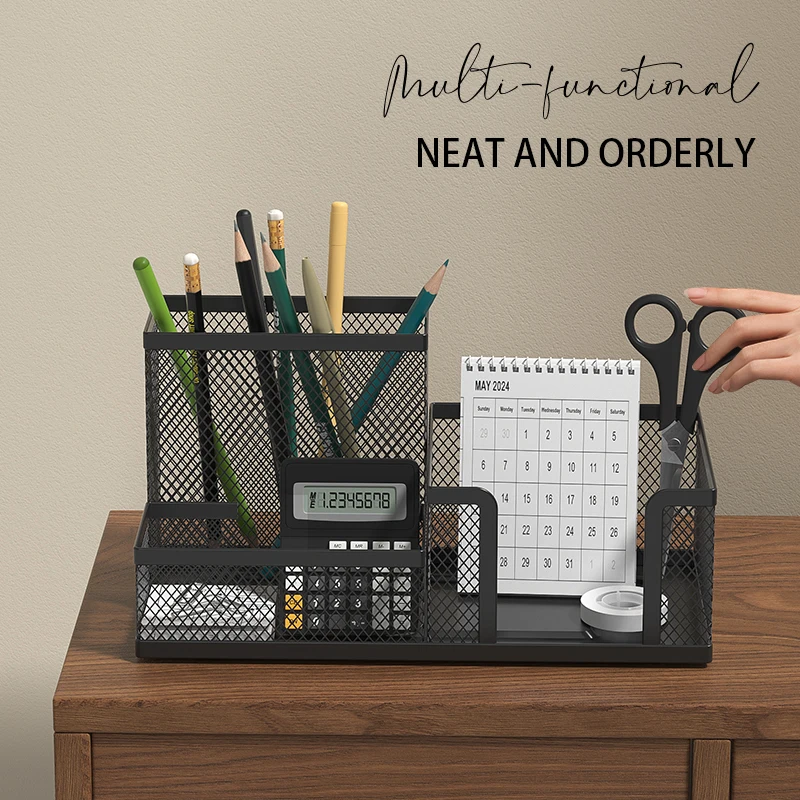
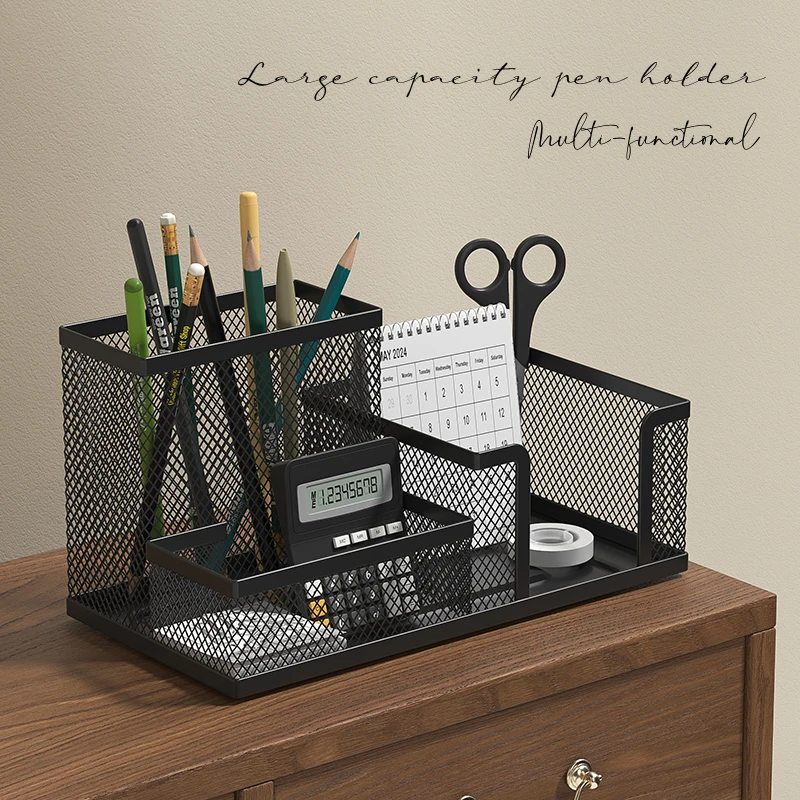
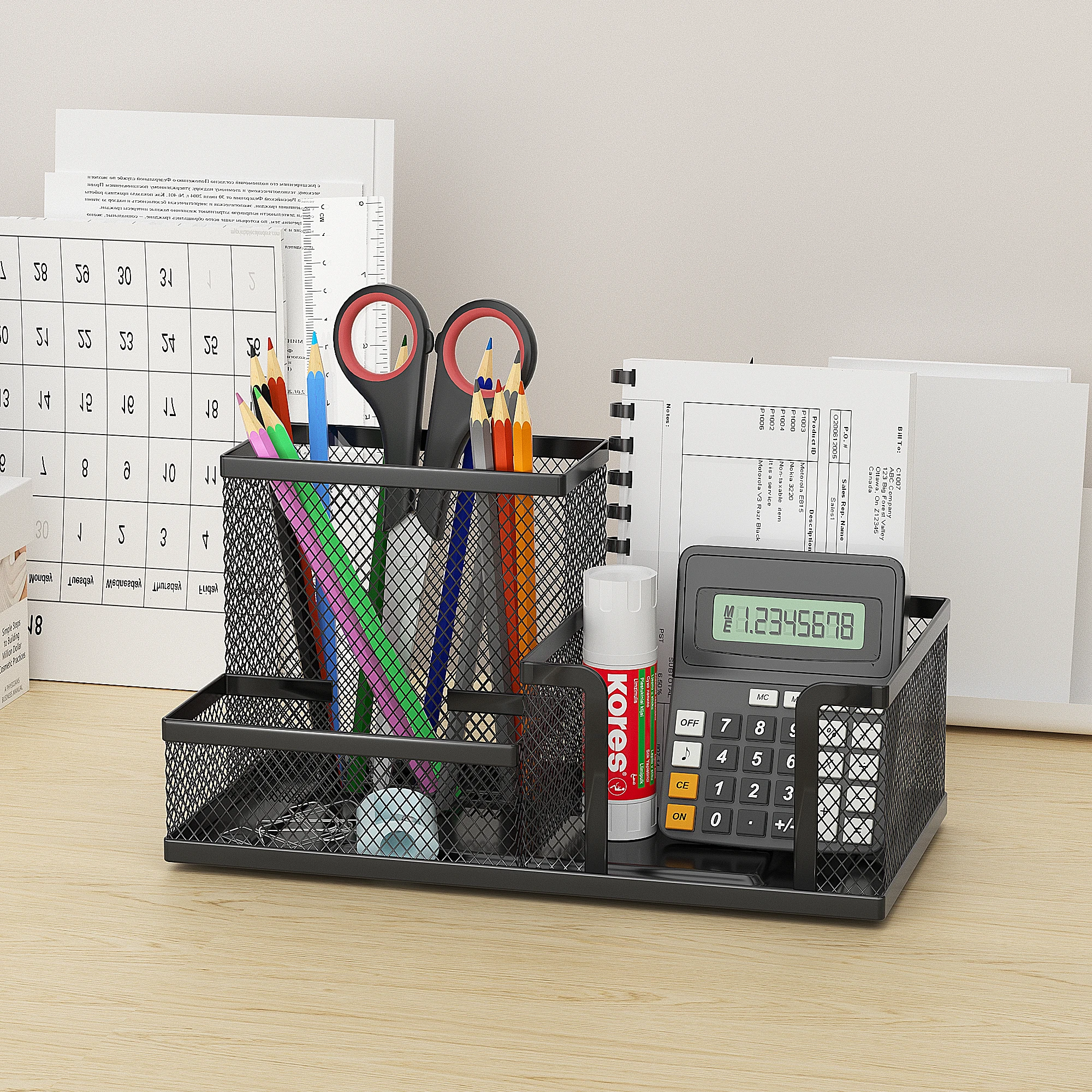
- Desk organisers hold pens, notes and small things in trays, pots and drawers, so the desk stays clear for the keyboard and mouse.
- Under-desk cable trays lift the extension lead, chargers and spare cable off the floor and out of the way of your feet.
Where to start
The HSE's workstation checklist gives a useful order. Set the chair first, so your forearms are roughly horizontal at the desk. Then set the screen, with the top level with your eyes and about an arm's length away. For a laptop that means a laptop stand and a separate keyboard and mouse. Then look at your feet: if they do not rest flat on the floor, a footrest. The HSE says a footrest may be helpful particularly for smaller users.
After that, clear the desk. Papers go in a document holder by the screen, the small things in an organiser, and the cables underneath. The checklist also suggests mats or blotters to cut reflections off a shiny desk, which a large desk mat does.
At home
Most people working from home do not have an office chair, and the HSE accepts they may not need one to work comfortably. A dining chair with a firm cushion, a footrest and a raised screen gets surprisingly close.
Questions people ask about a laptop desk
What makes the biggest difference?
A laptop stand, a separate keyboard and mouse, and a footrest if your feet do not reach the floor.
Does my employer have to provide these?
If a workstation assessment says you need a piece of equipment, the HSE says you cannot be charged for it.
How long does delivery take?
Delivery is included in every price and tracked to your door. Each product page says when it usually arrives.
More to look at