For the classic USB plug
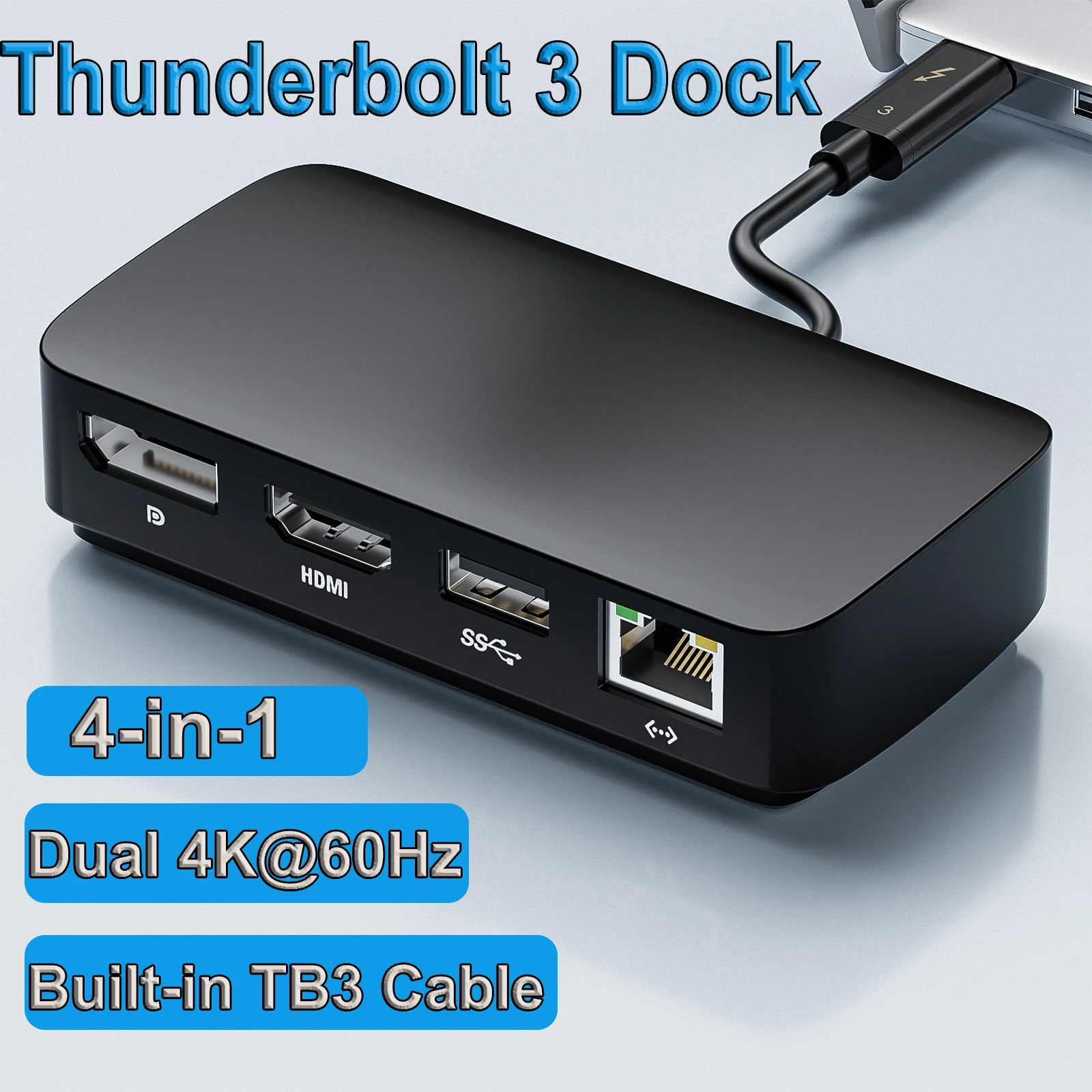
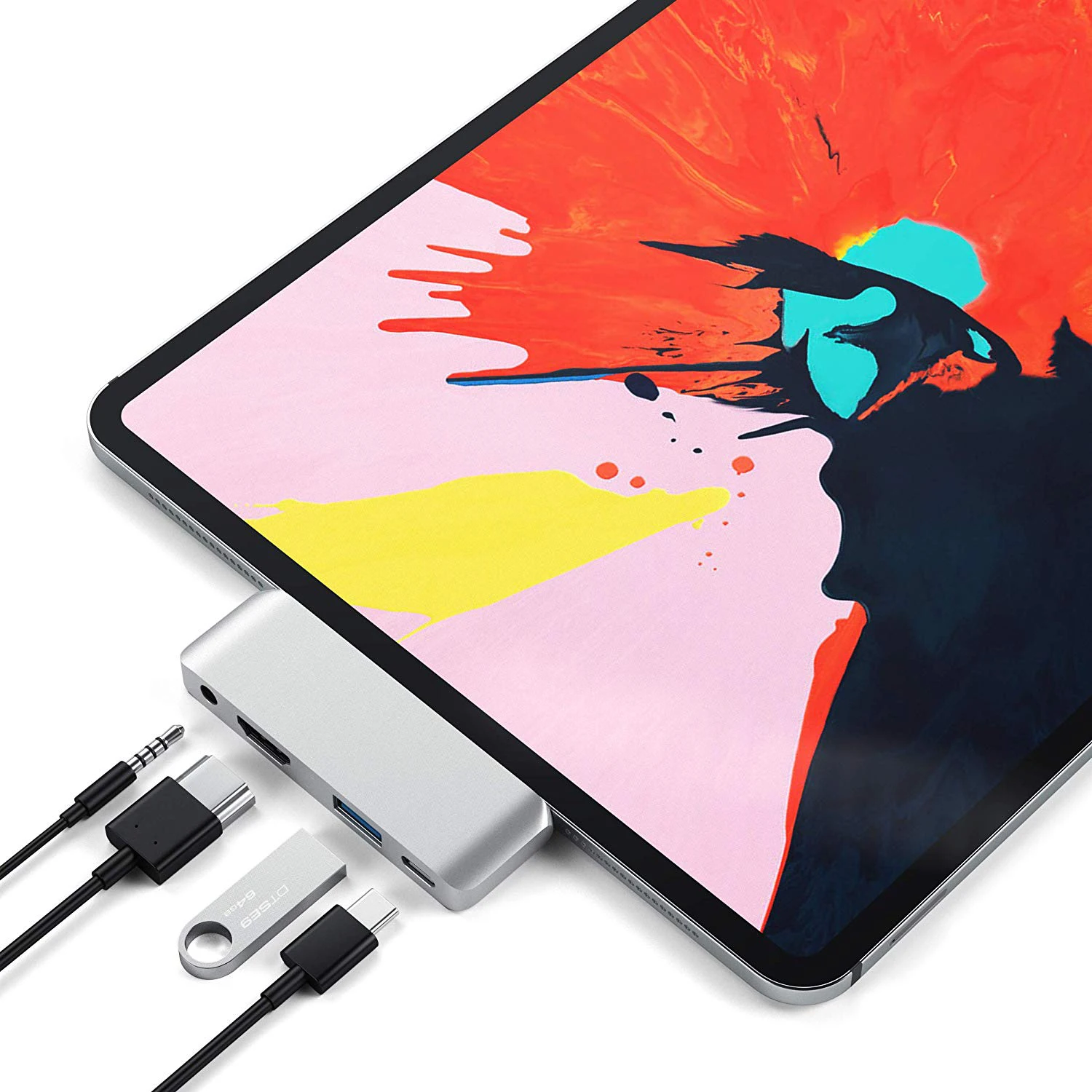
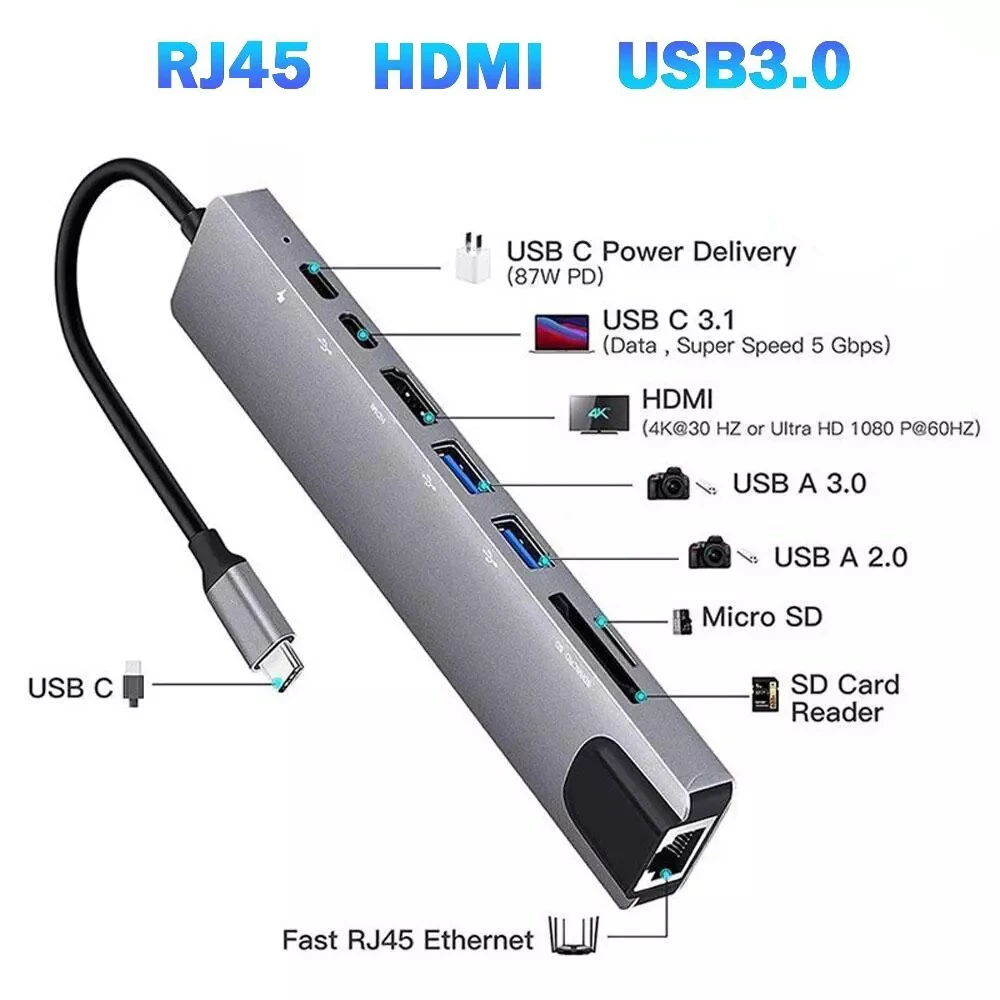
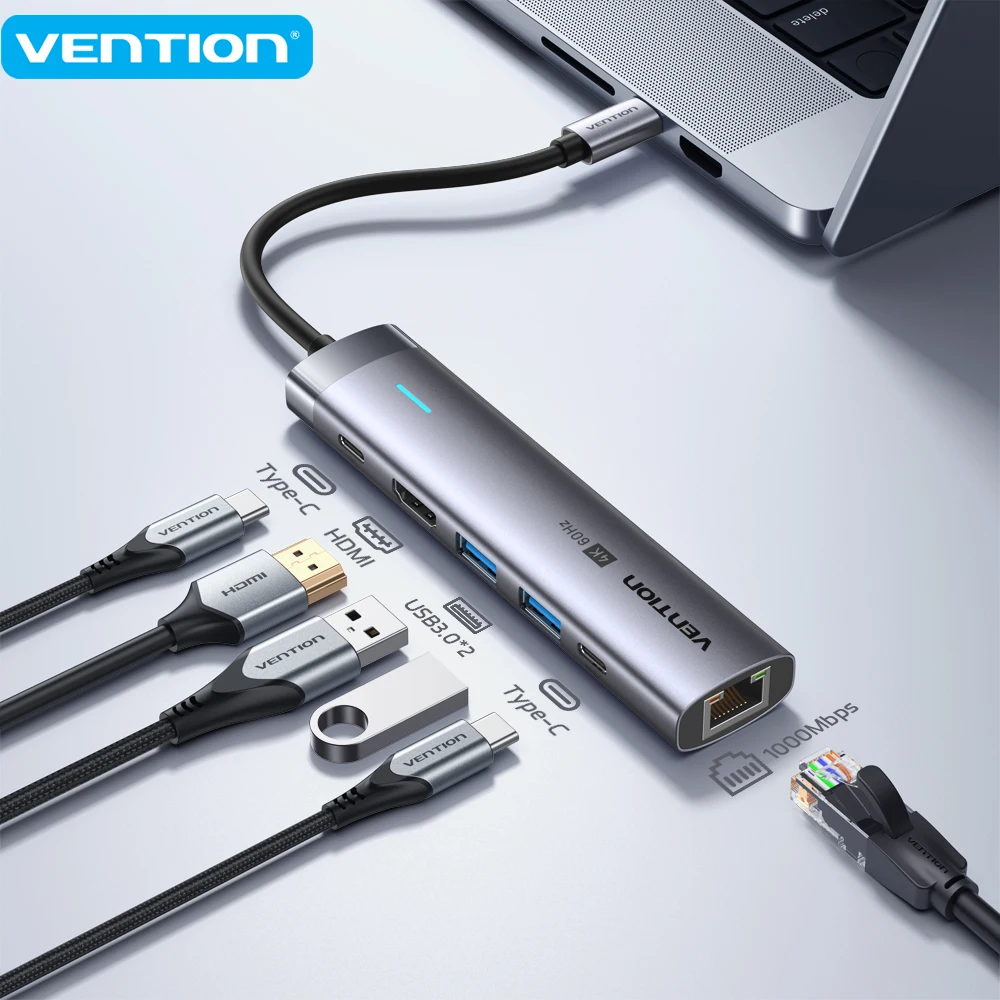
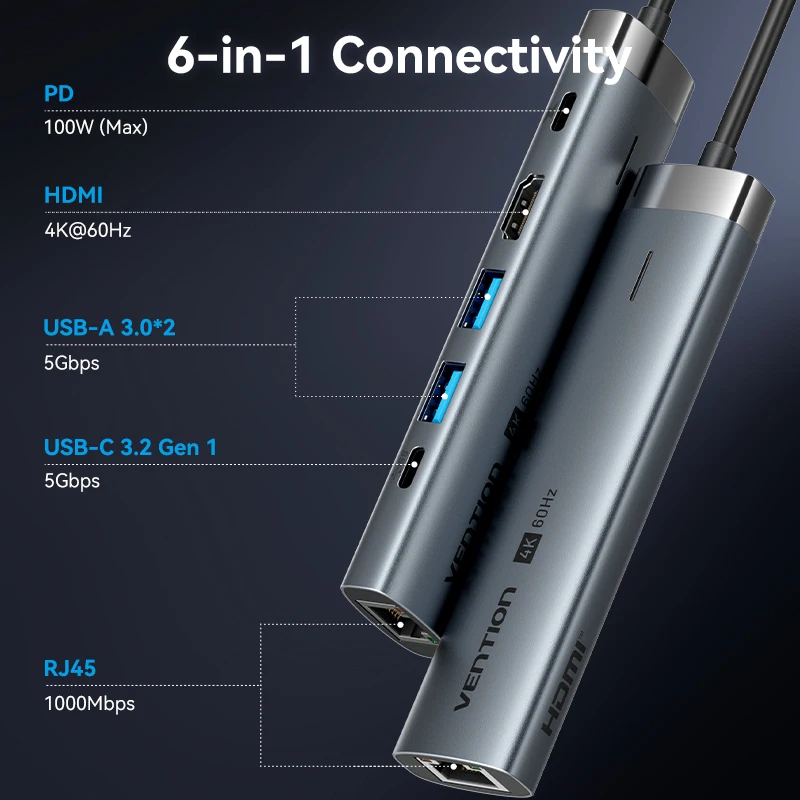
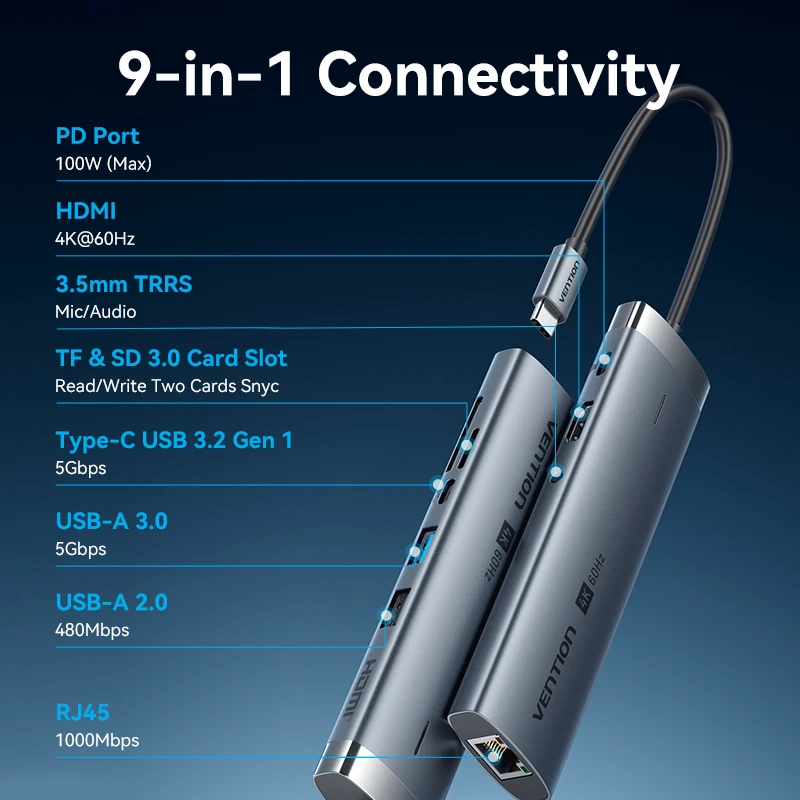
USB-A is the flat, rectangular USB plug that has been on computers for decades. Newer laptops have fewer USB-A ports, or none, but keyboards, mice, memory sticks, printers and wireless receivers still use it. This page gathers the products that bring USB-A to your laptop or use it themselves. A product is listed when its name, short description or choices mention USB-A, or the USB 2.0 and USB 3 names that USB-A ports carry. That means some products here are USB-C at the laptop end with USB-A sockets on the other, or offer a USB-A and a USB-C version as a choice. Check which end is which on the product page.
What is here
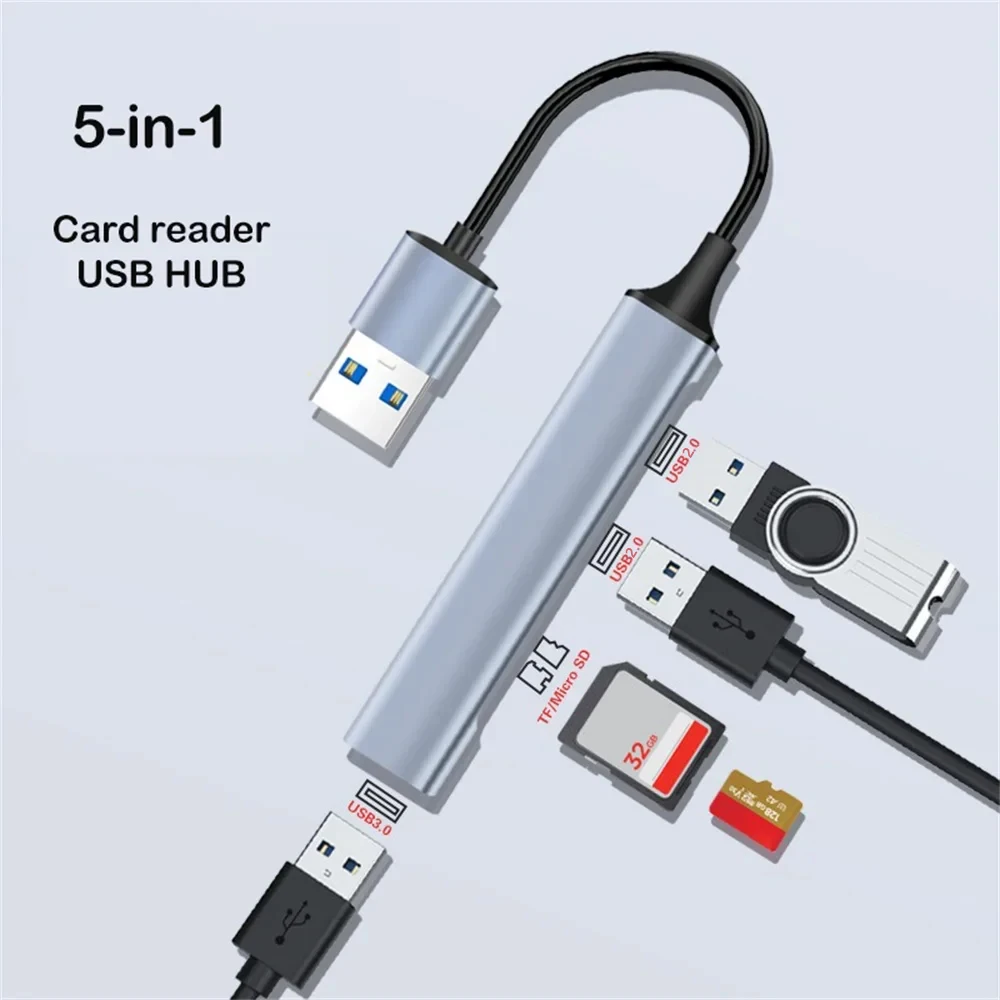
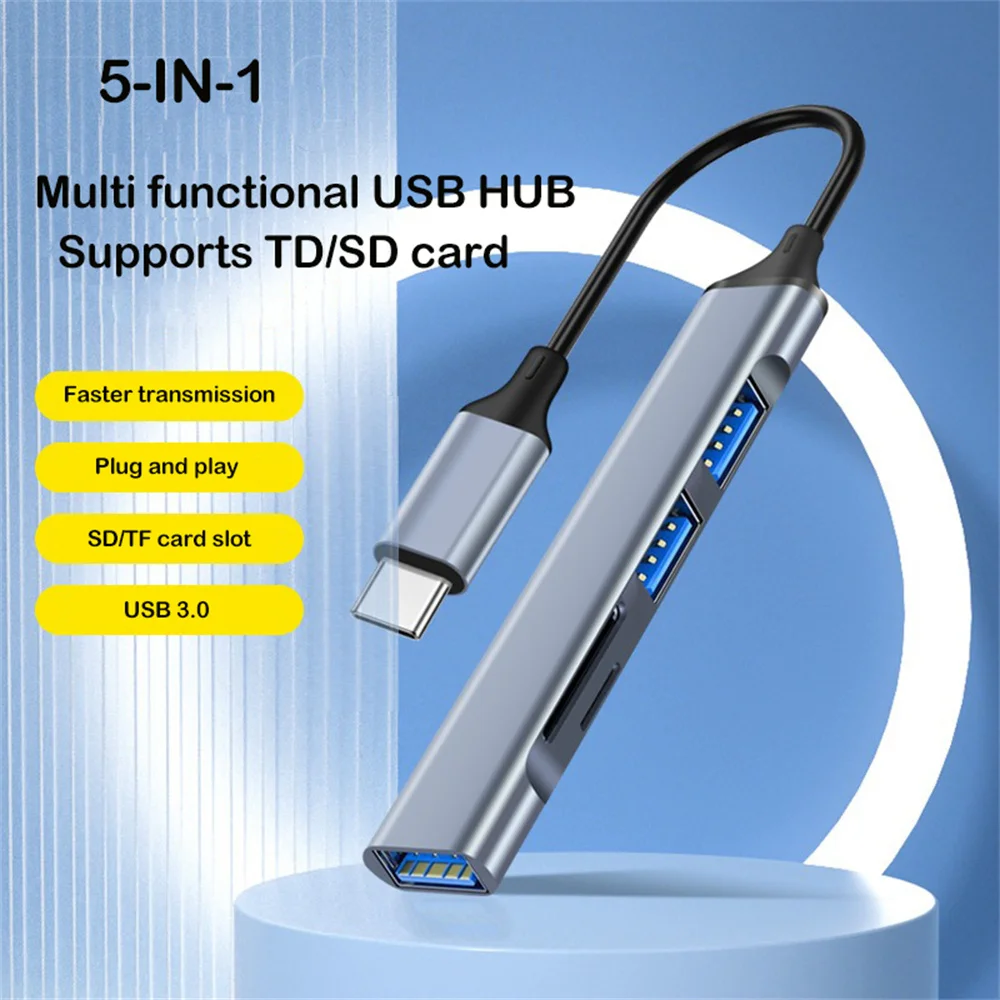
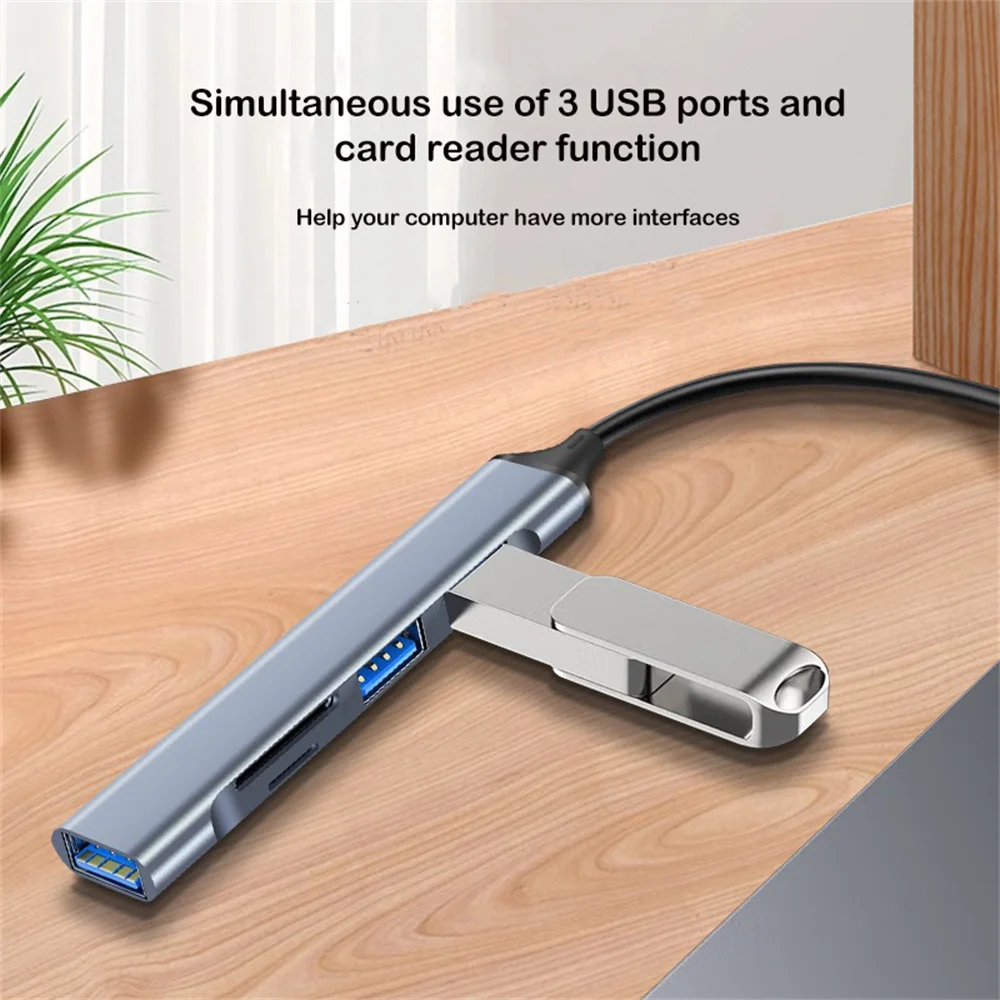
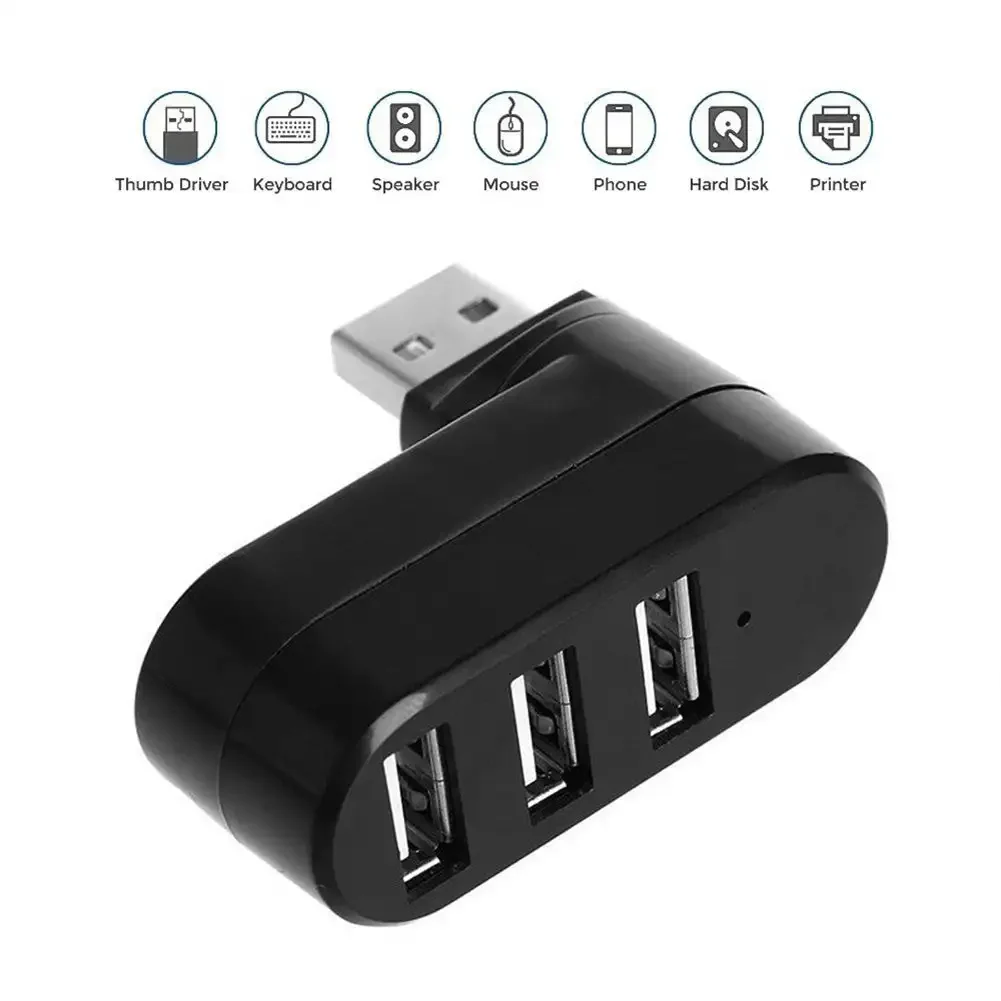
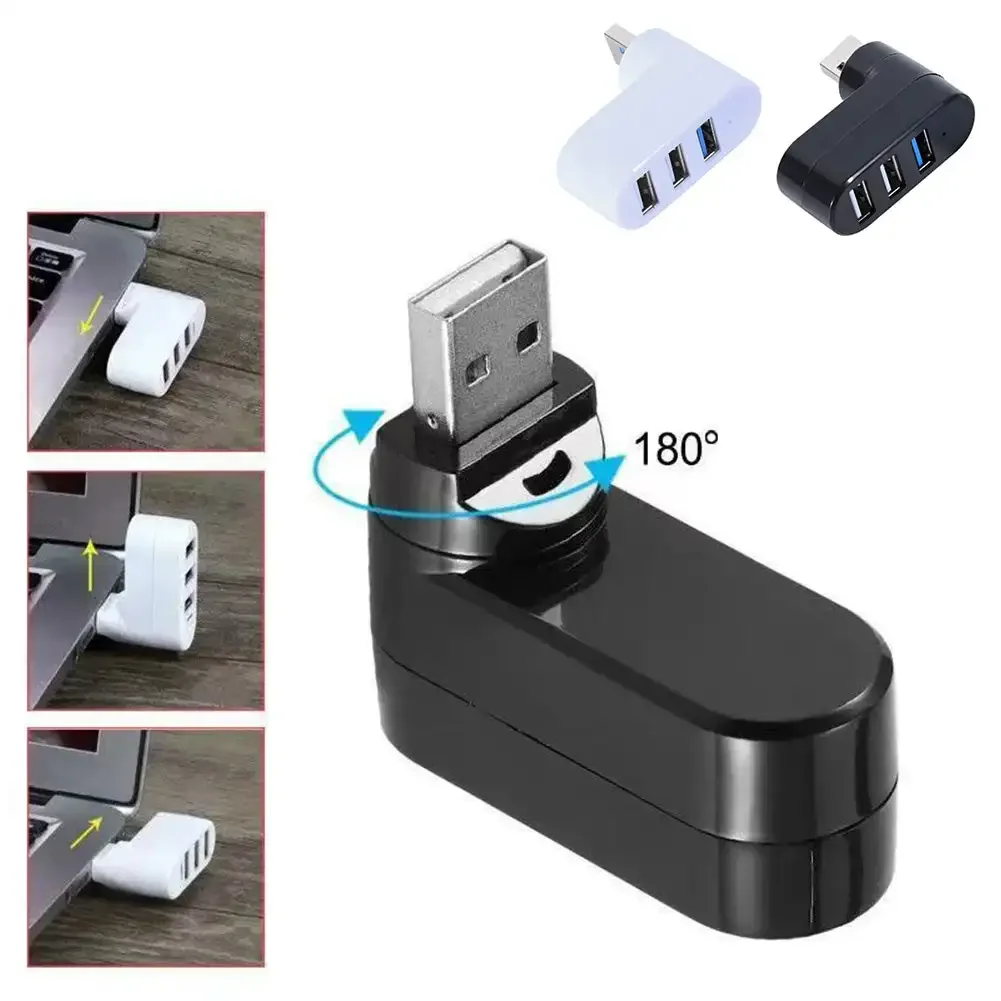
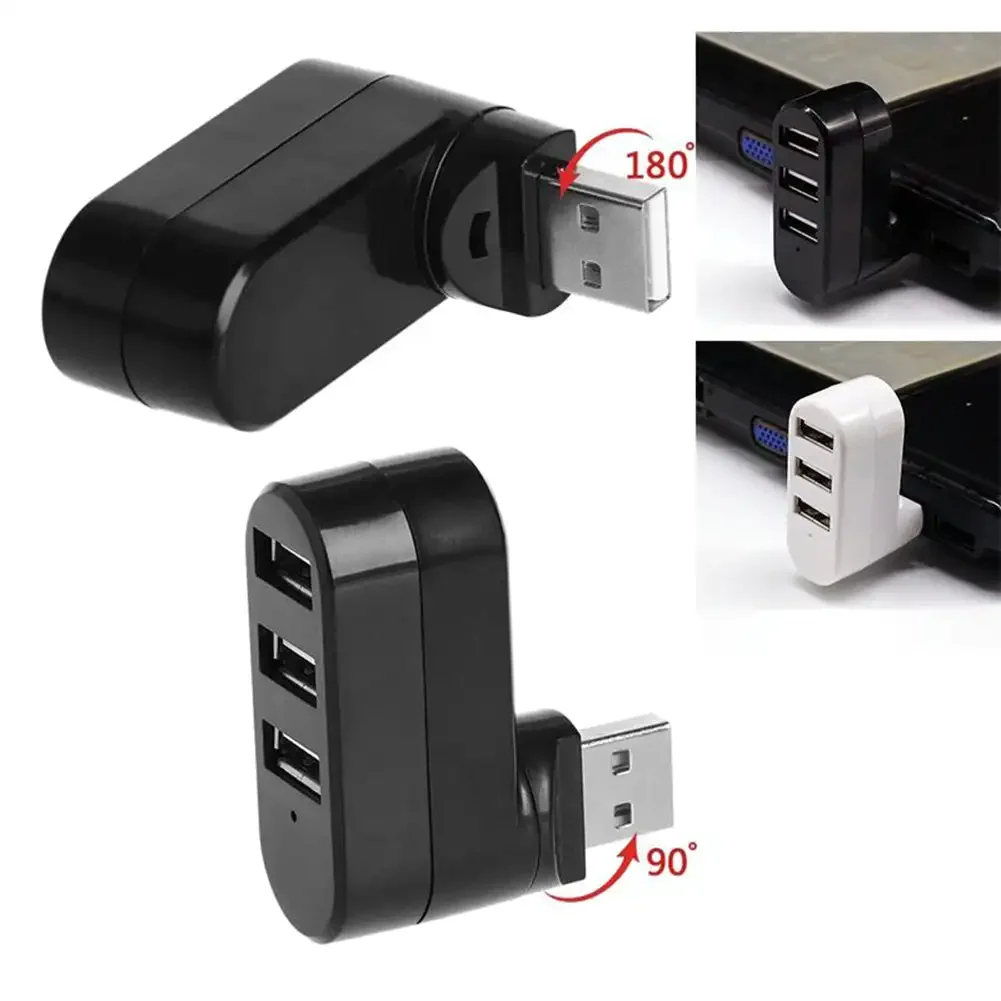
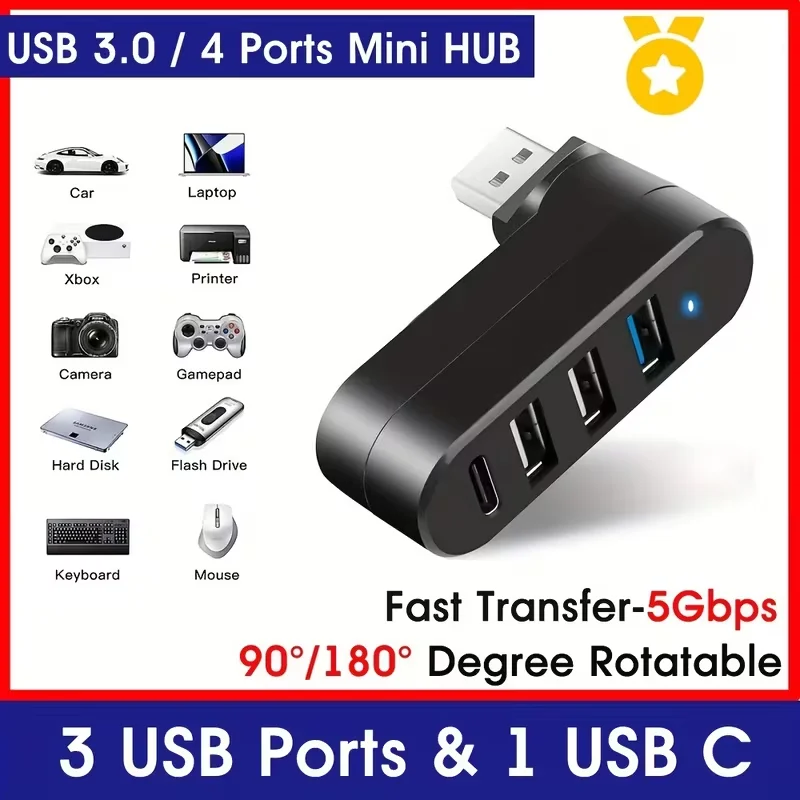
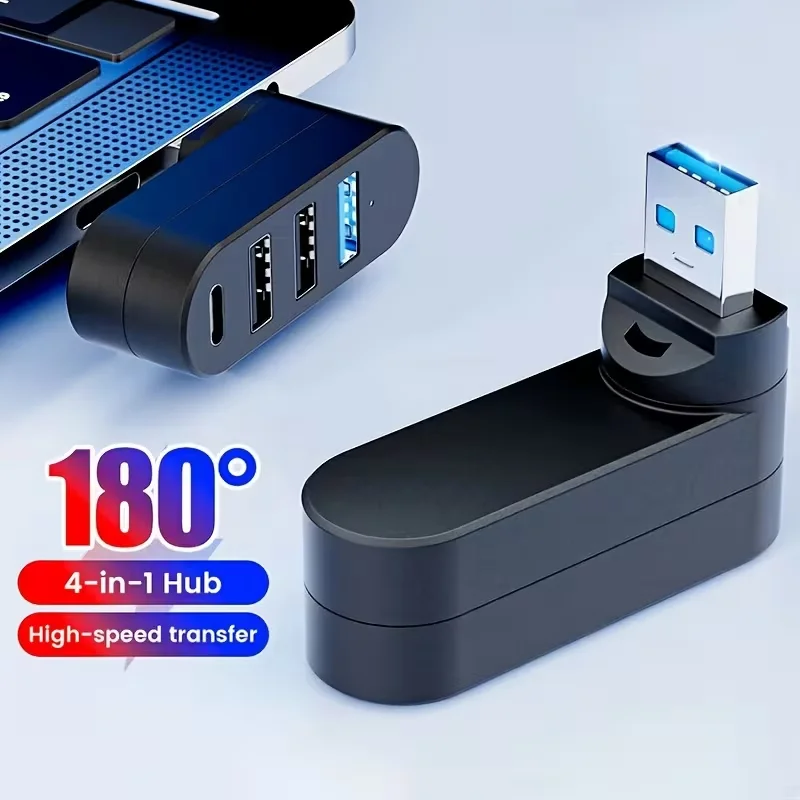
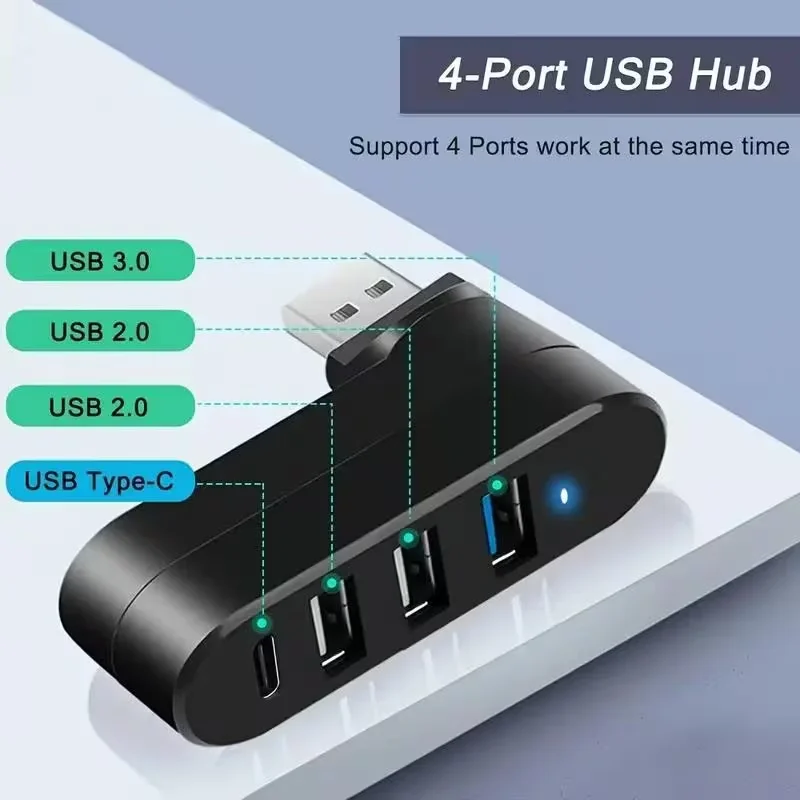
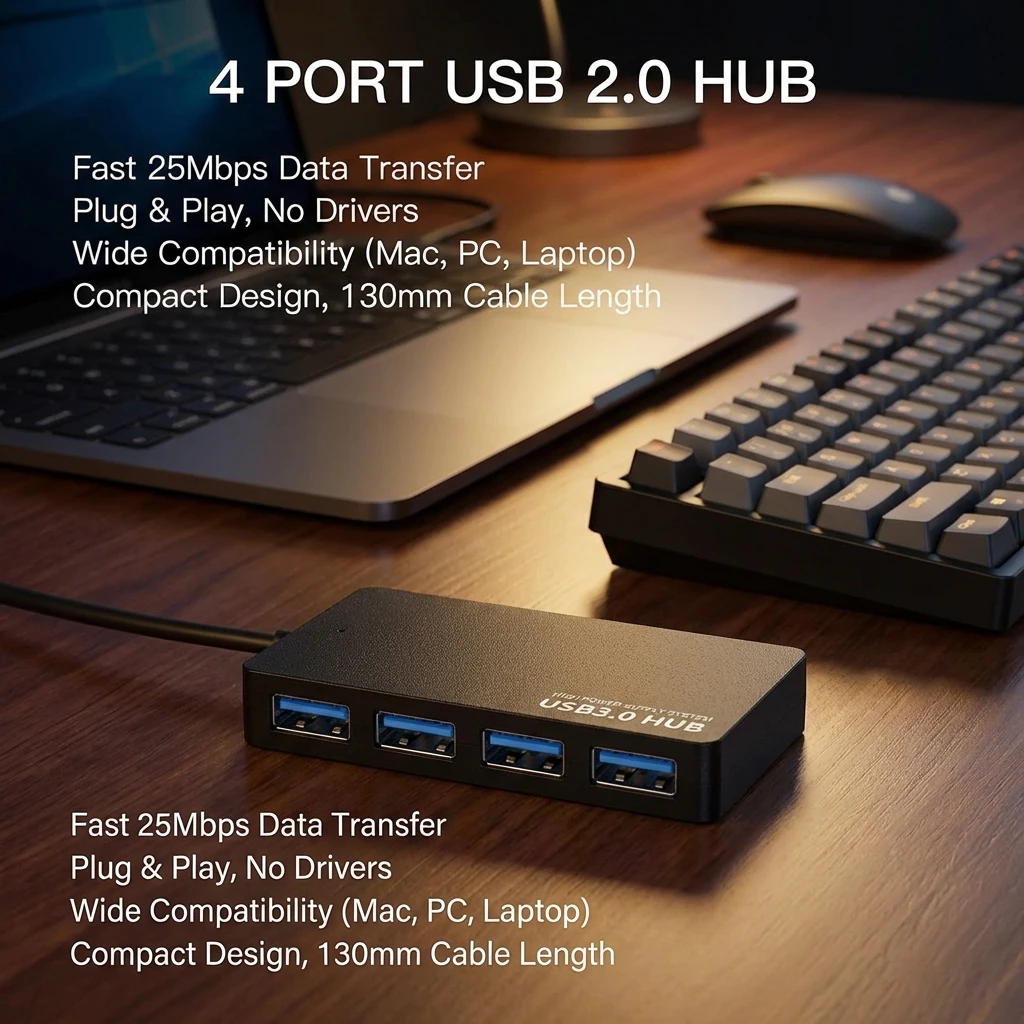
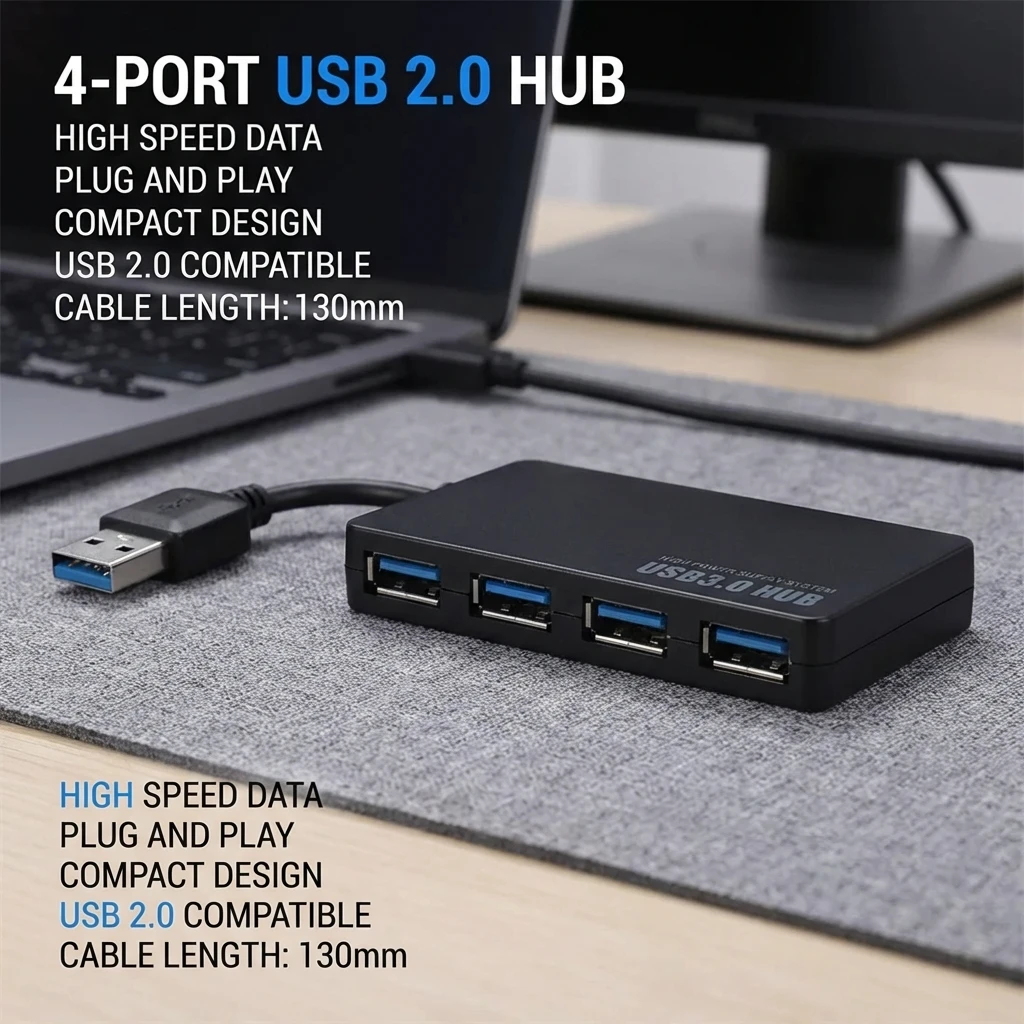
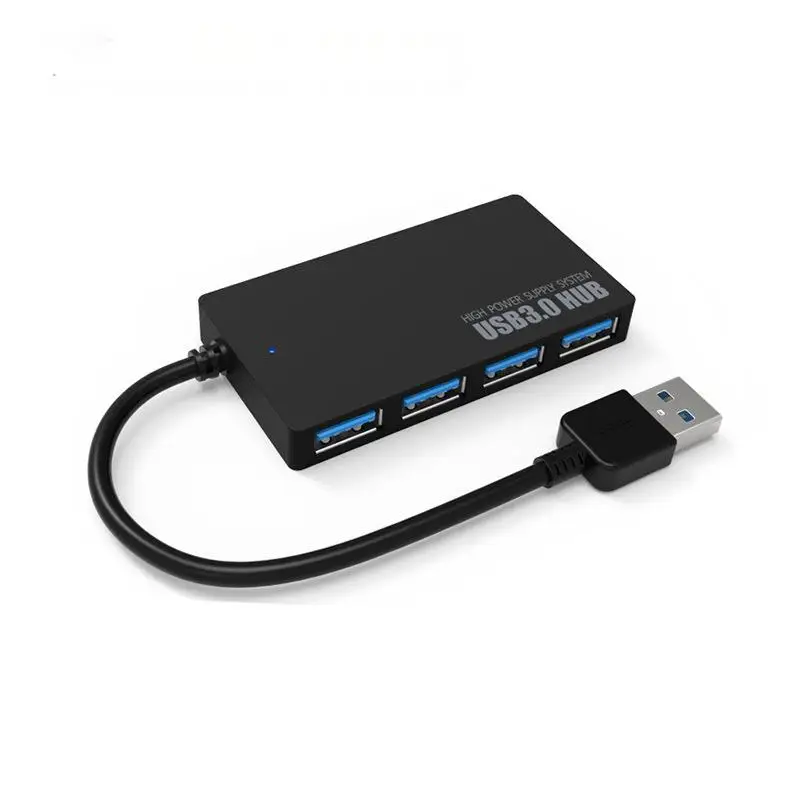
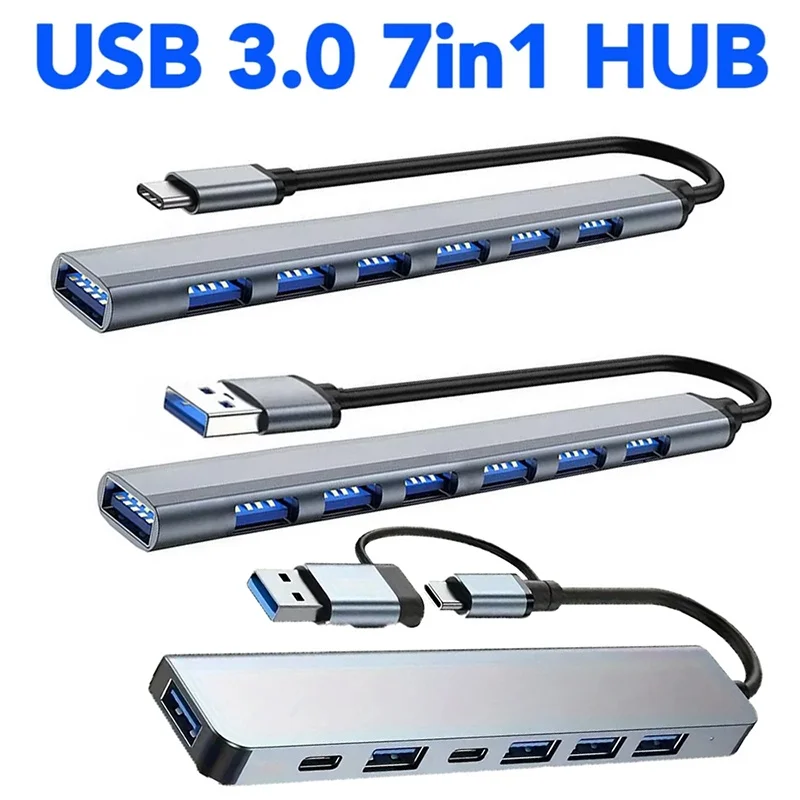
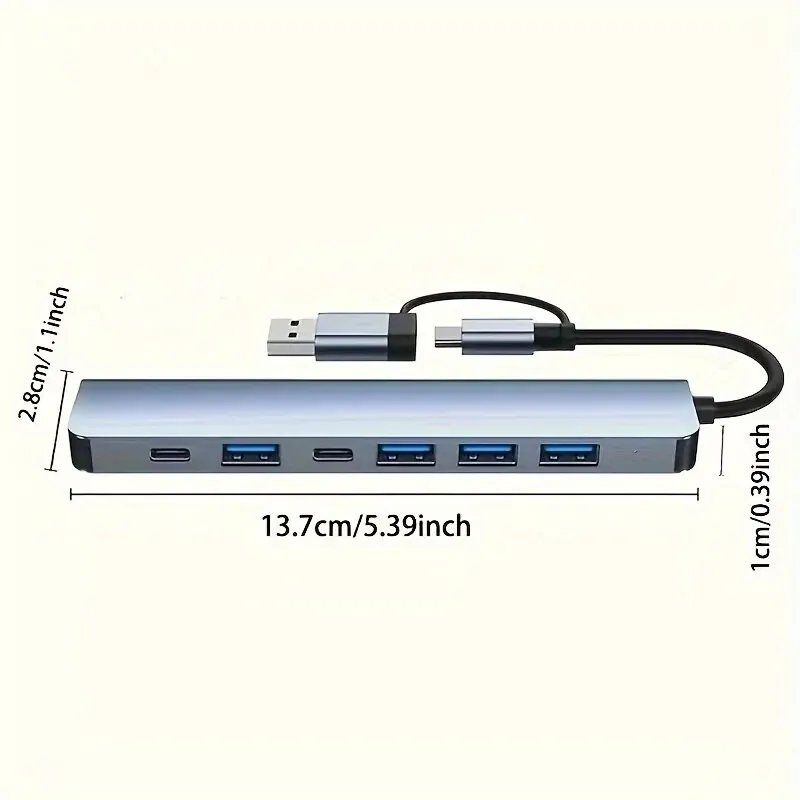
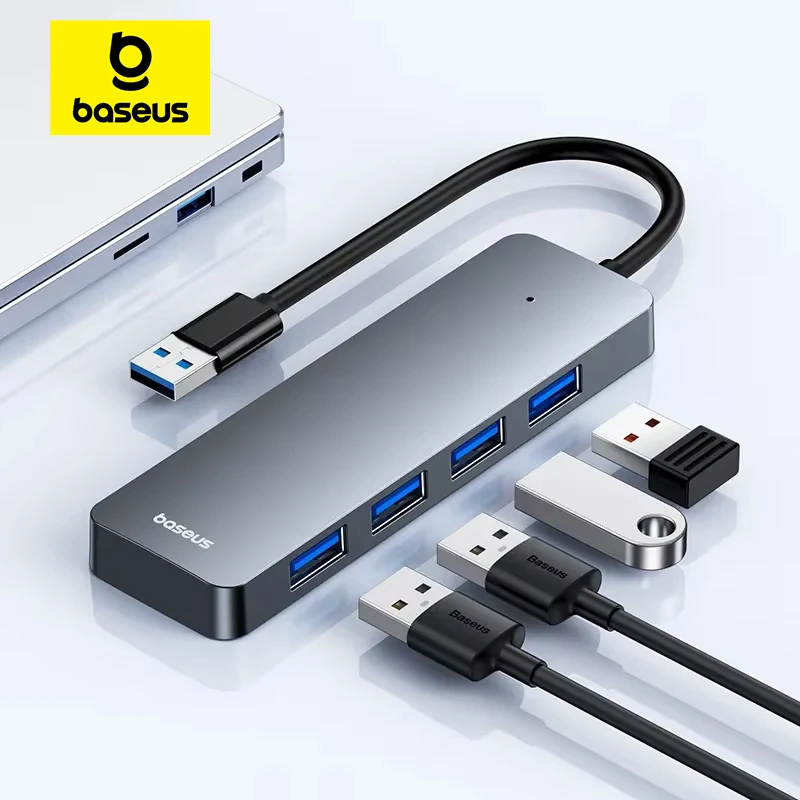
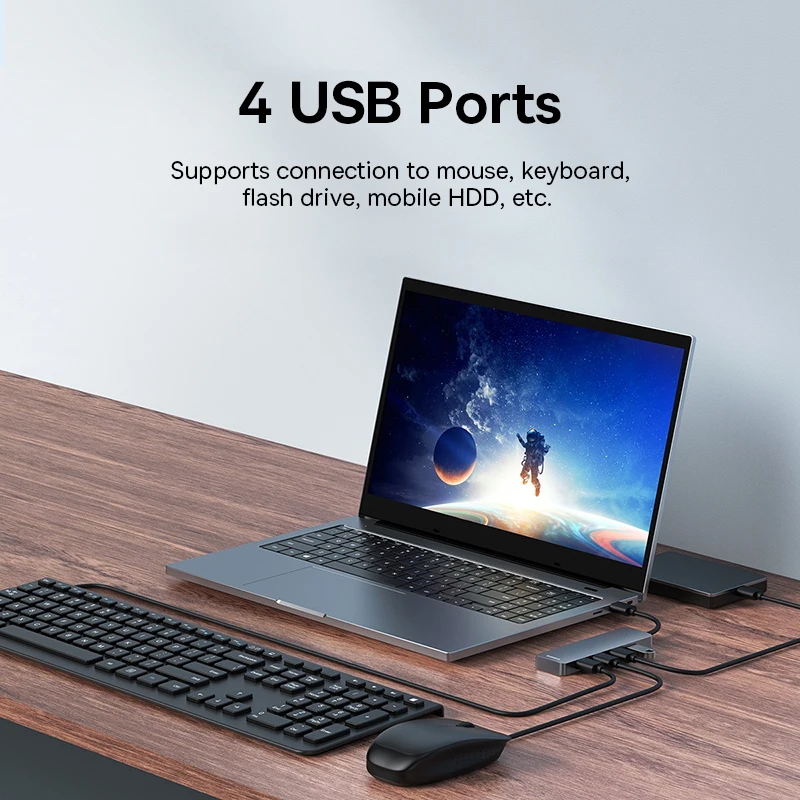
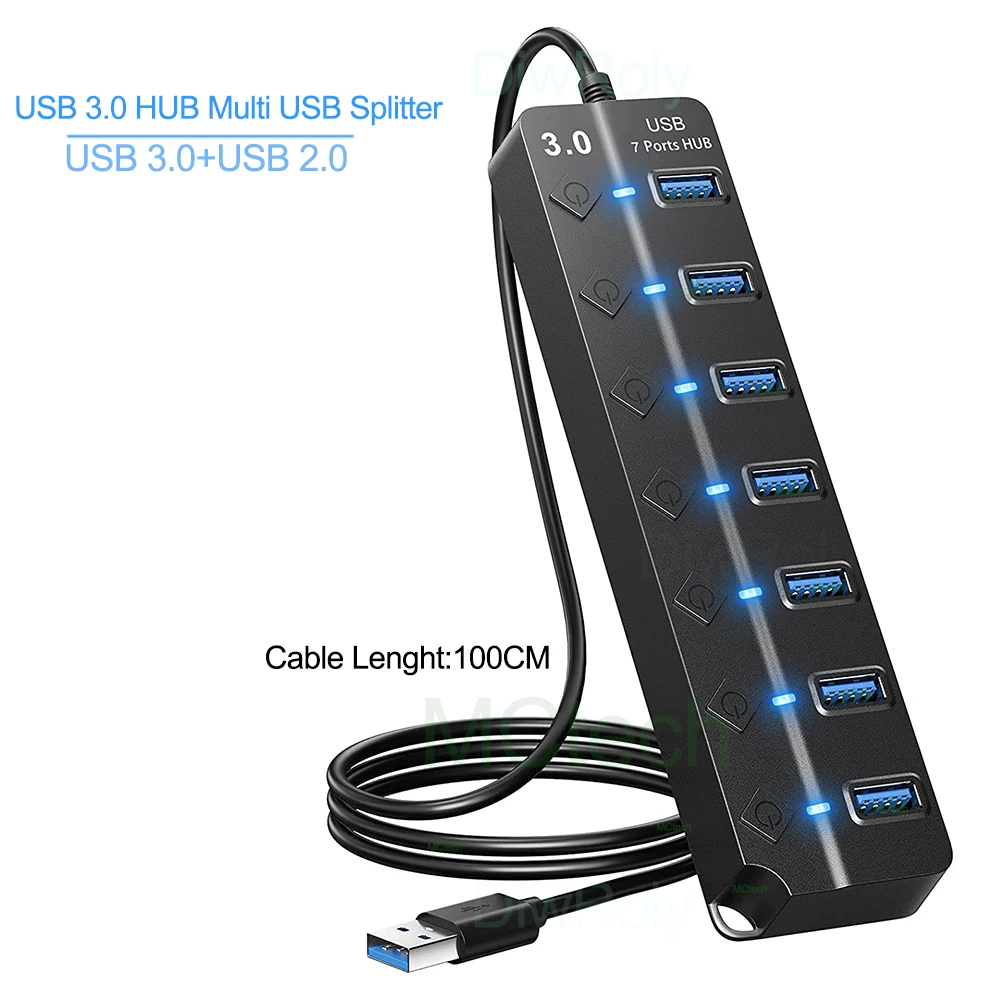
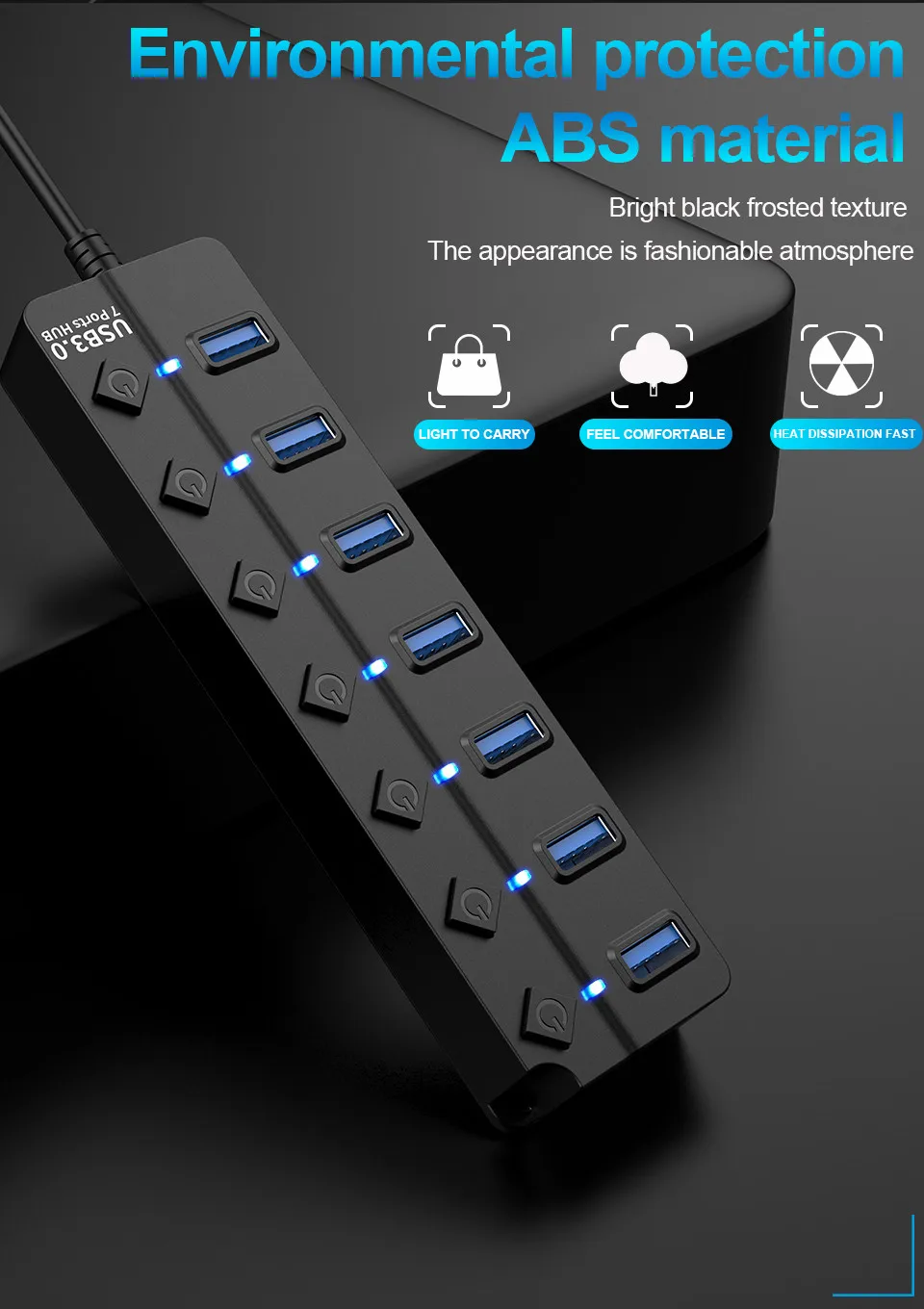
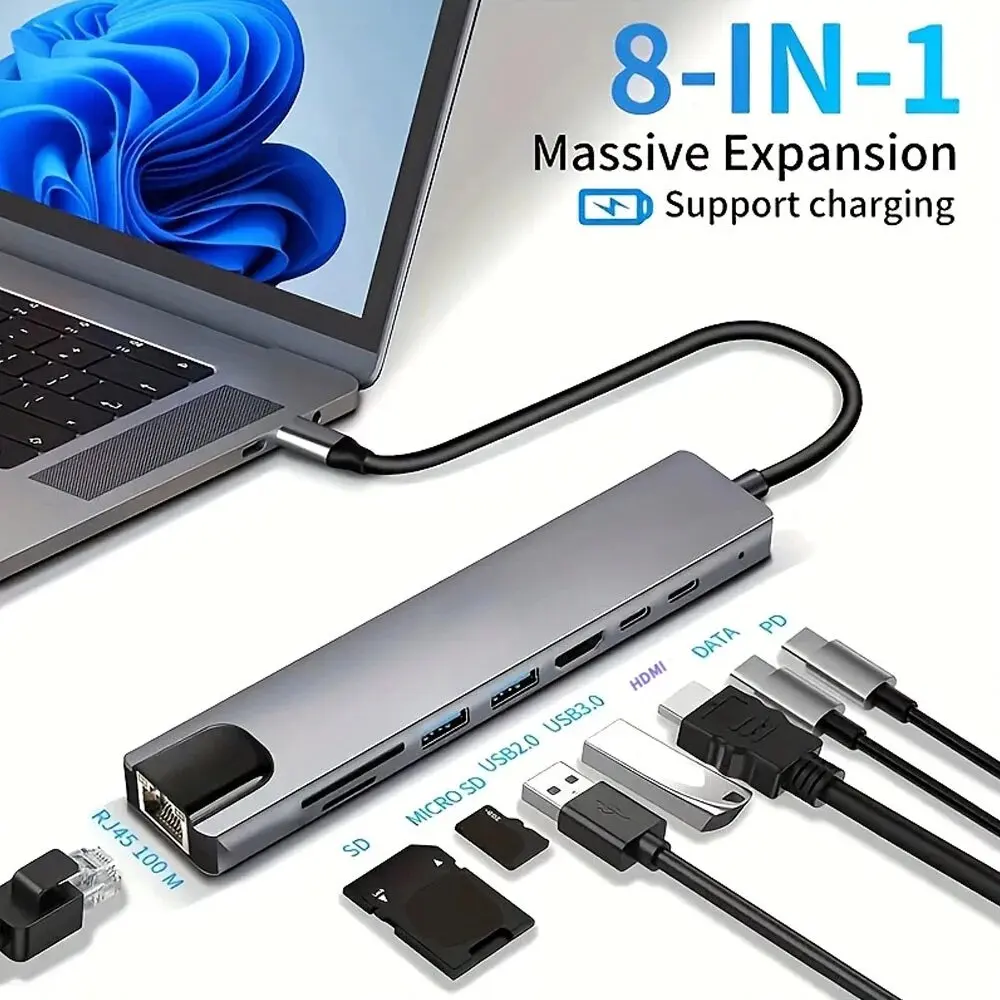
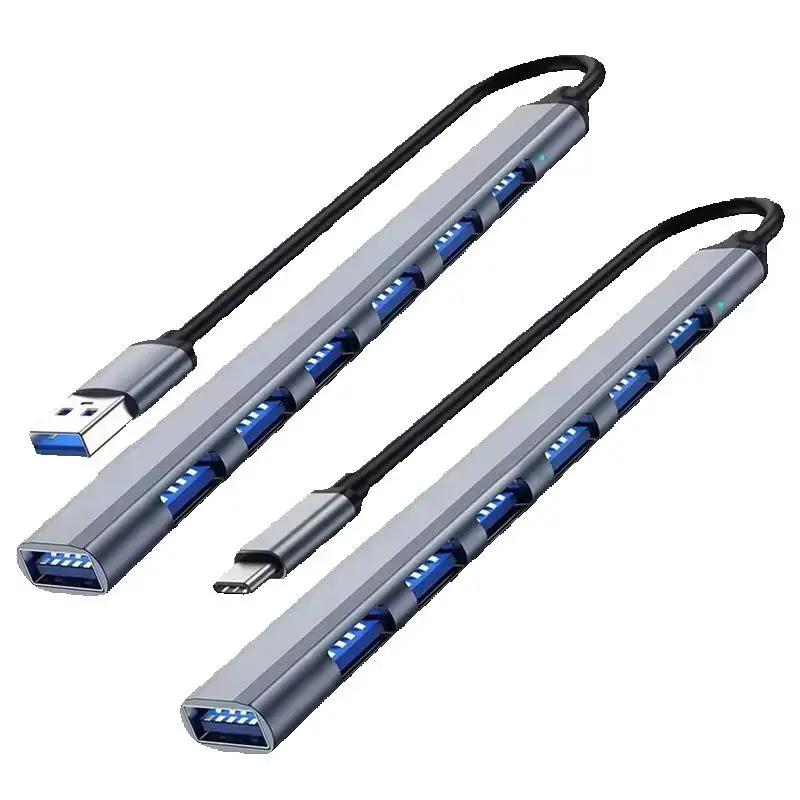
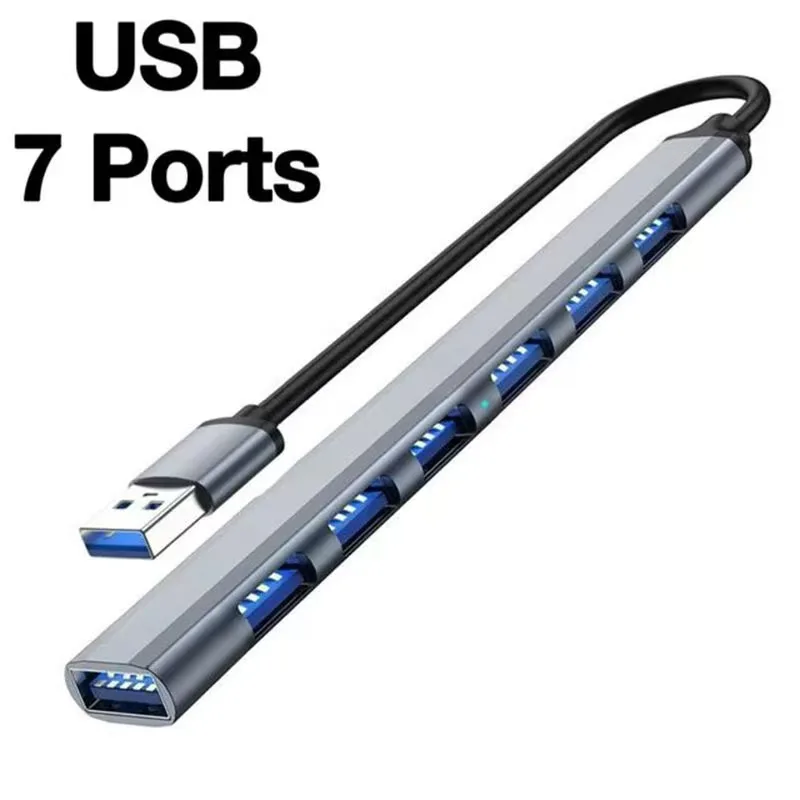
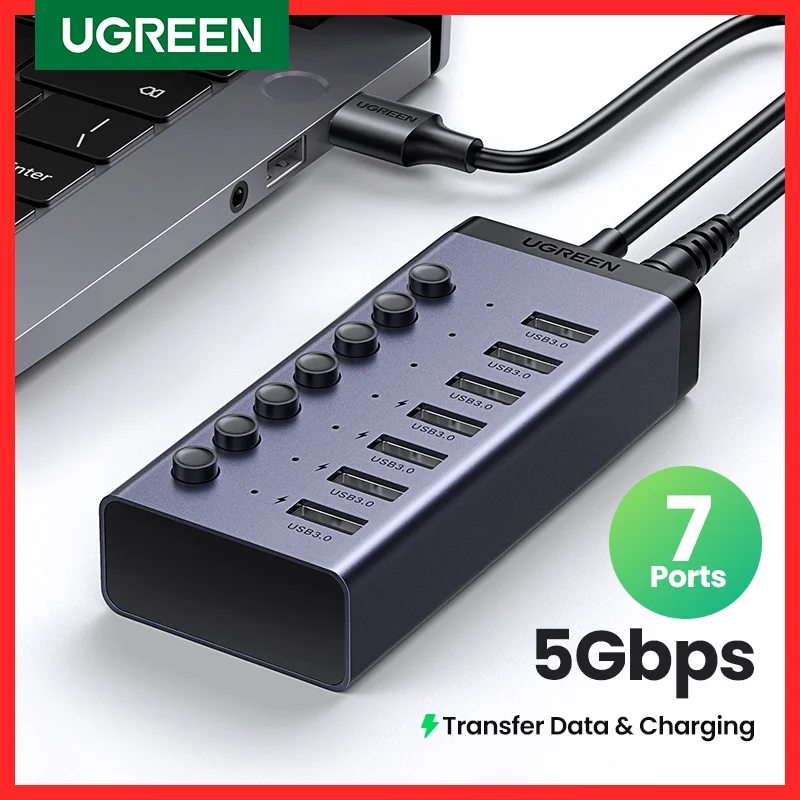
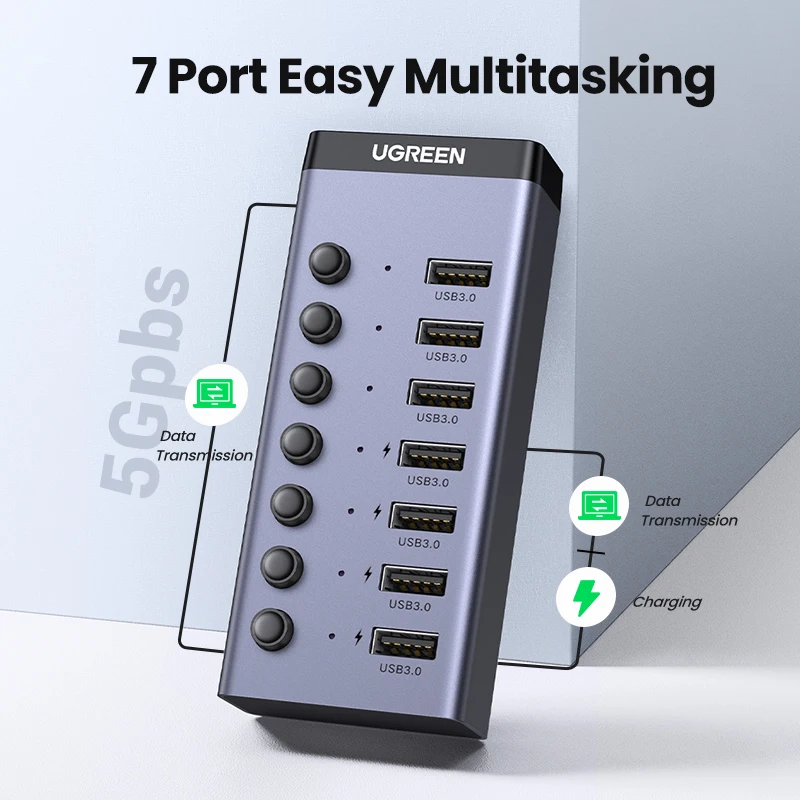
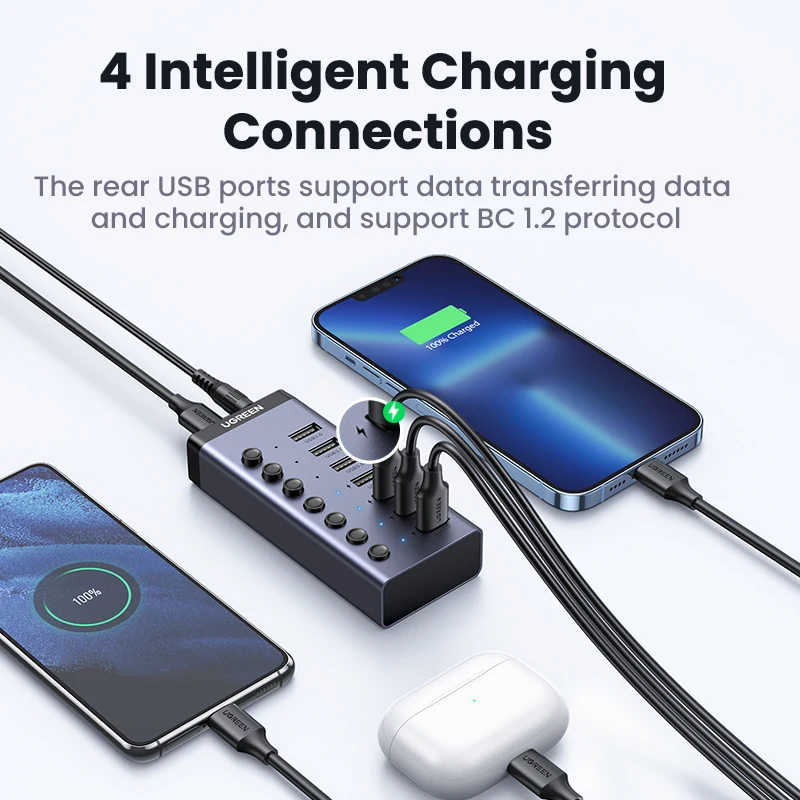
- USB-A hubs that turn one port into four or seven, some with a switch for each port and some with their own power supply. See USB-A hubs.
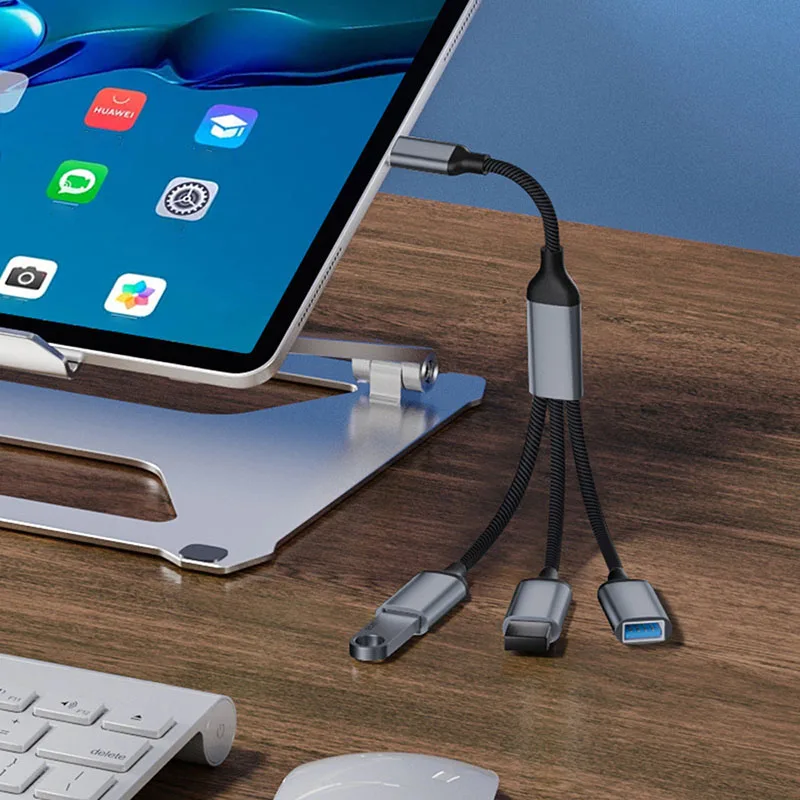
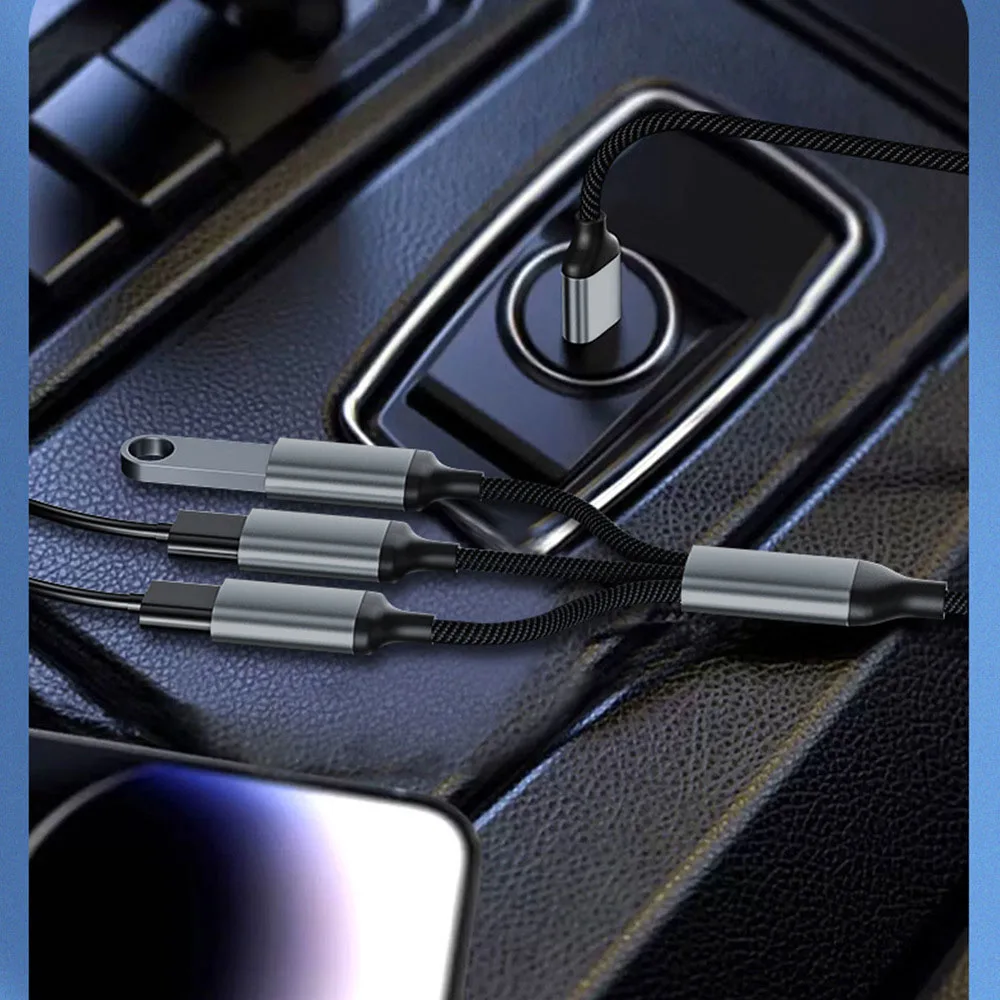
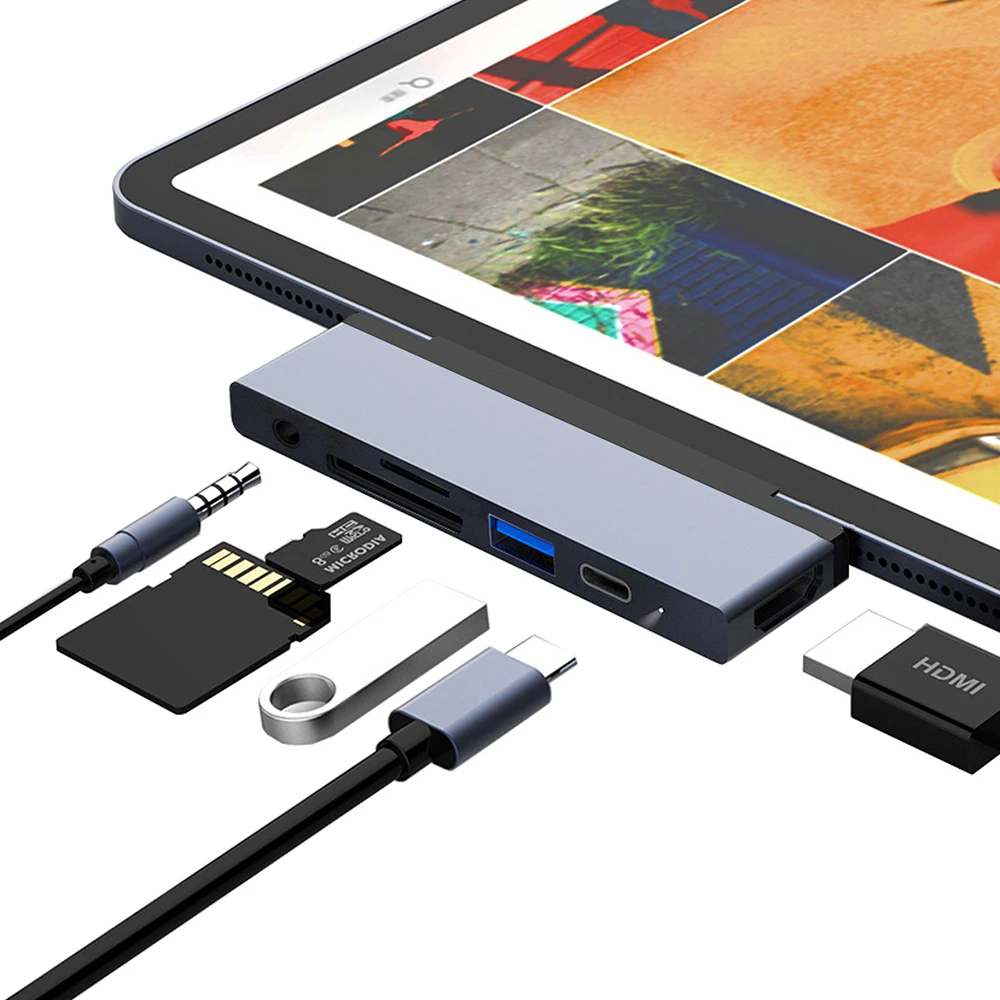
- Adapters between USB-C and USB-A, both ways round, for a laptop with only USB-C or a USB-C stick in an older laptop. See USB-C to USB-A adapters.
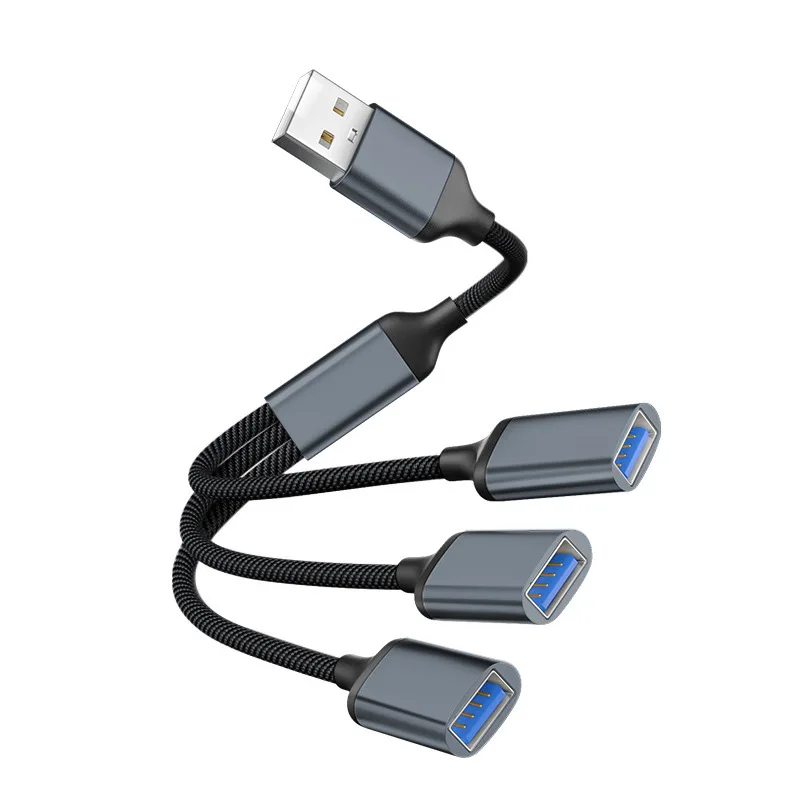
- Extension cables, male to female, to bring a port to the front of the desk. See USB extension cables.
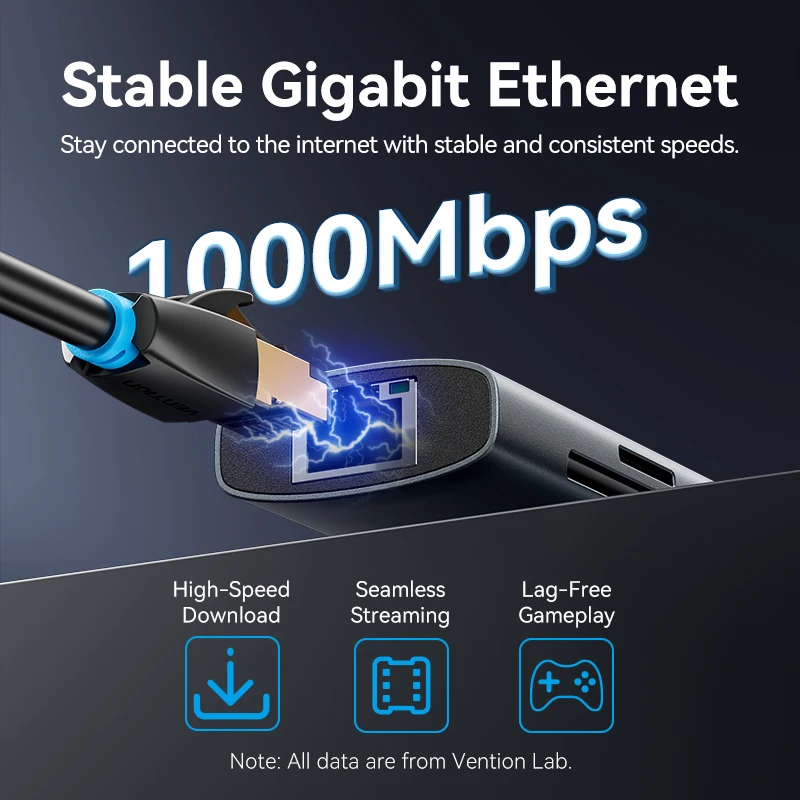
- Things that plug in by USB: Wi-Fi adapters, SD and microSD card readers, 2.5-inch and M.2 drive enclosures, Ethernet adapters and USB sound cards.
- Chargers with a USB-A port alongside their USB-C ports, for a phone or older lead.
Speed: USB 2.0 or USB 3
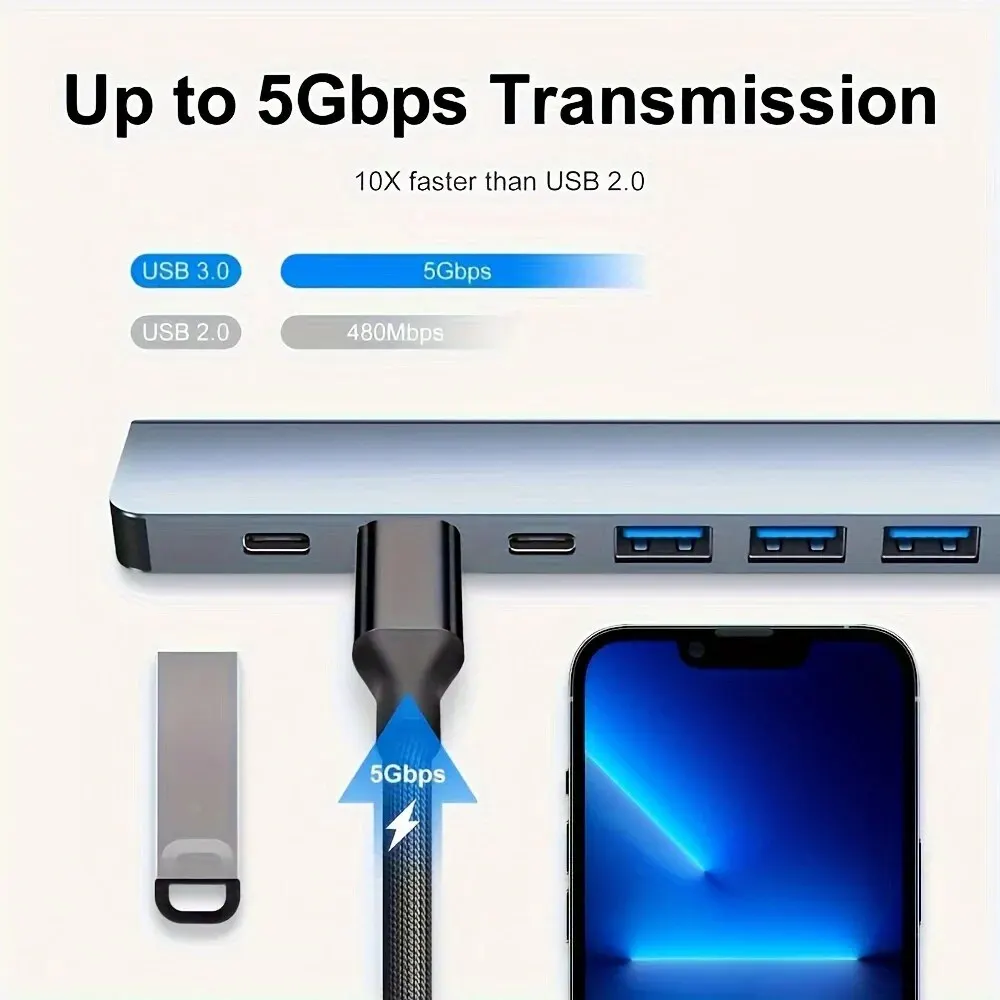
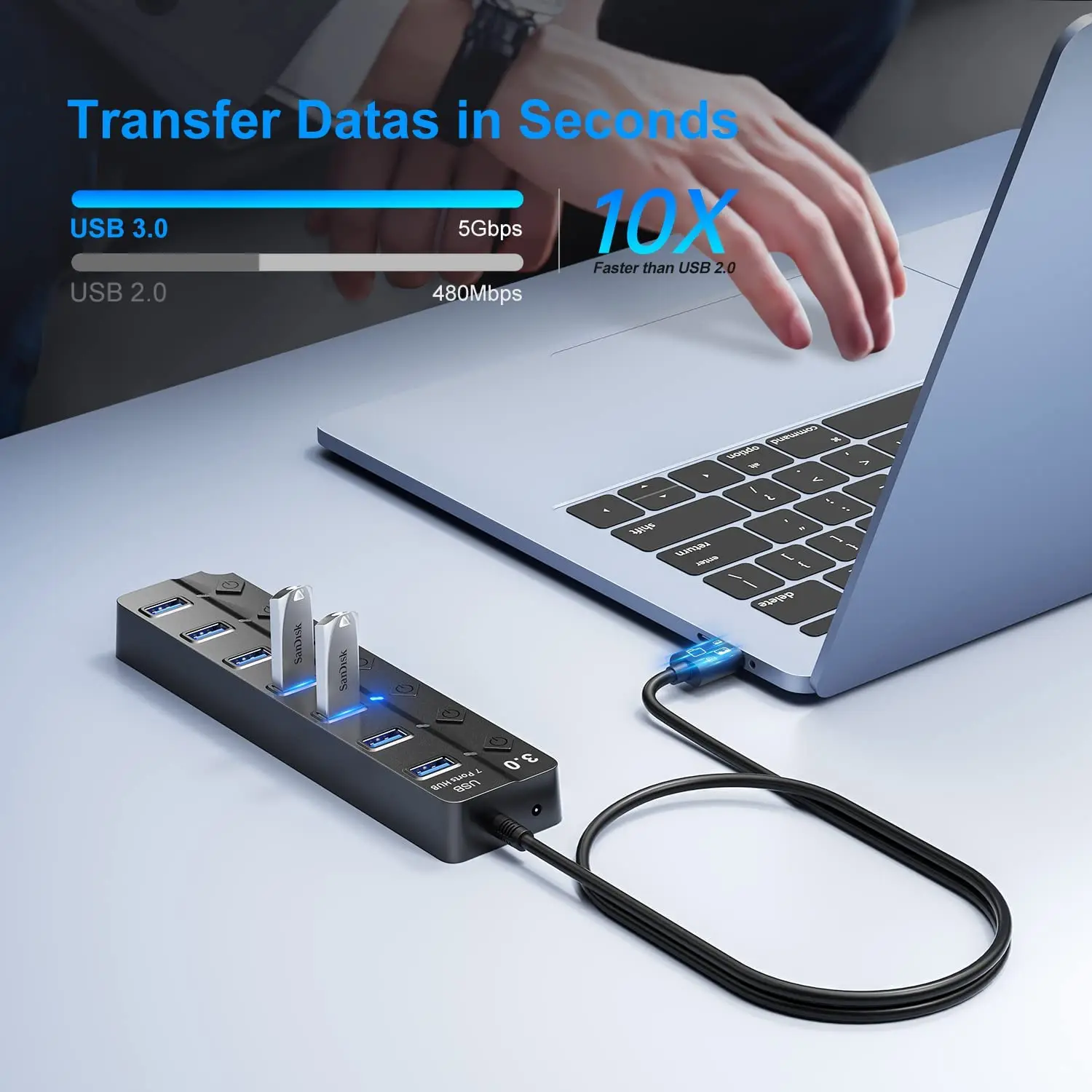
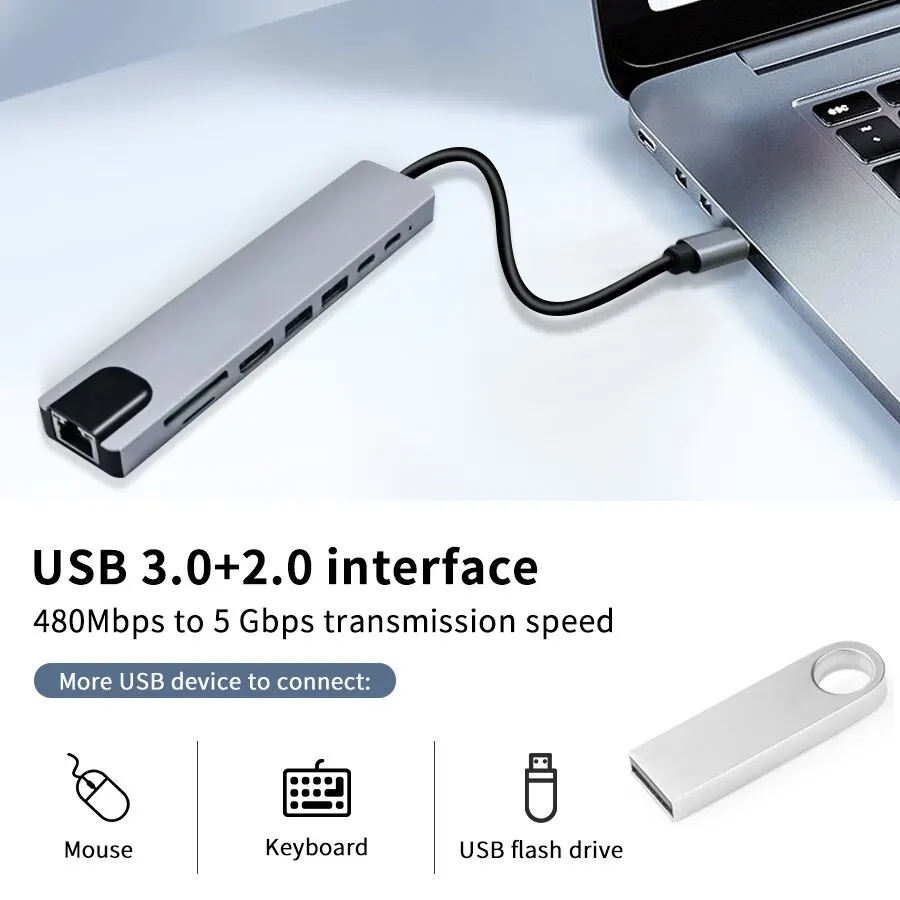
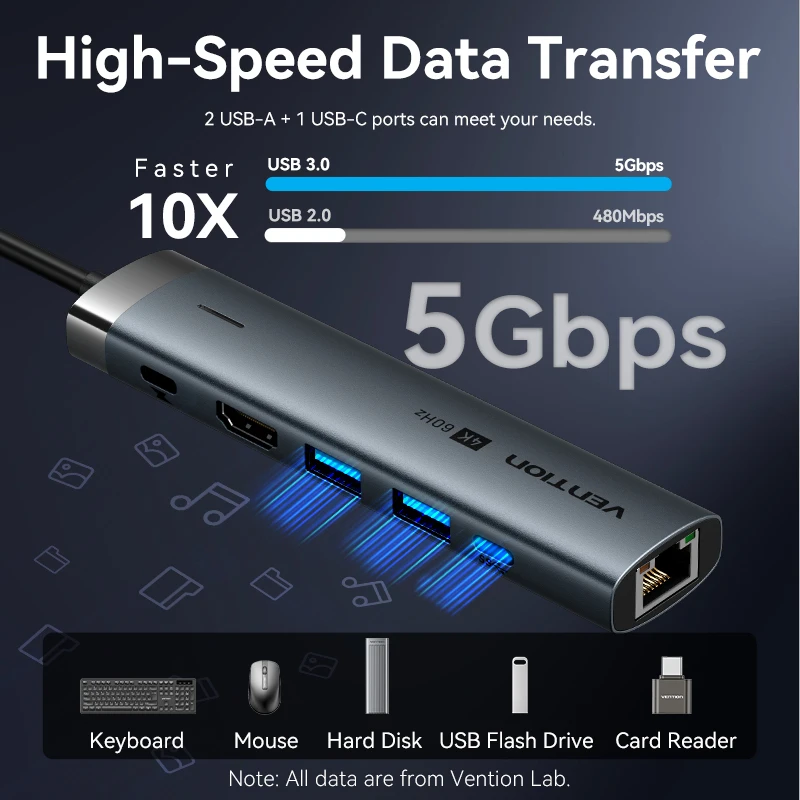
USB-A comes in two main speeds. USB 2.0, which the USB-IF now calls Hi-Speed USB, is plenty for a keyboard, mouse or wireless receiver. USB 3 runs from 5Gbps, which matters for drives, card readers and fast Ethernet adapters. The USB-IF now puts the speed on the box, such as USB 5Gbps or USB 10Gbps, in place of names like USB 3.2 Gen 1. A device runs at the speed of the slower of the two ends, so a fast drive enclosure on a USB 2.0 port works, but slowly.
To see what your laptop's ports are, look up the model on the maker's own specification page. Find the model under Settings, System, About on Windows, or About This Mac on a Mac.
Questions people ask about USB-A
My new laptop has no USB-A port. What do I need?
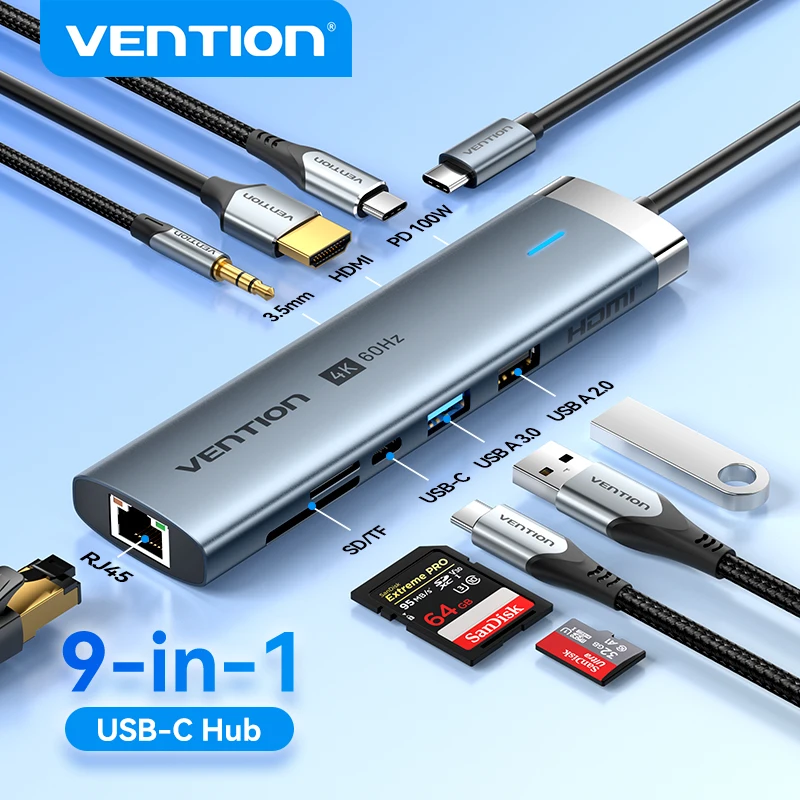
A small USB-C to USB-A adapter for one device, or a USB-C hub with several USB-A ports for more.
Why does a hub have its own power supply?
A laptop's port can only give so much power. A hub with several hard drives or chargeable devices on it may need more, and its own supply provides it.
Will a USB 3 device work in a USB 2.0 port?
Yes, at USB 2.0 speed. The plugs are made to fit and work together.
More to look at