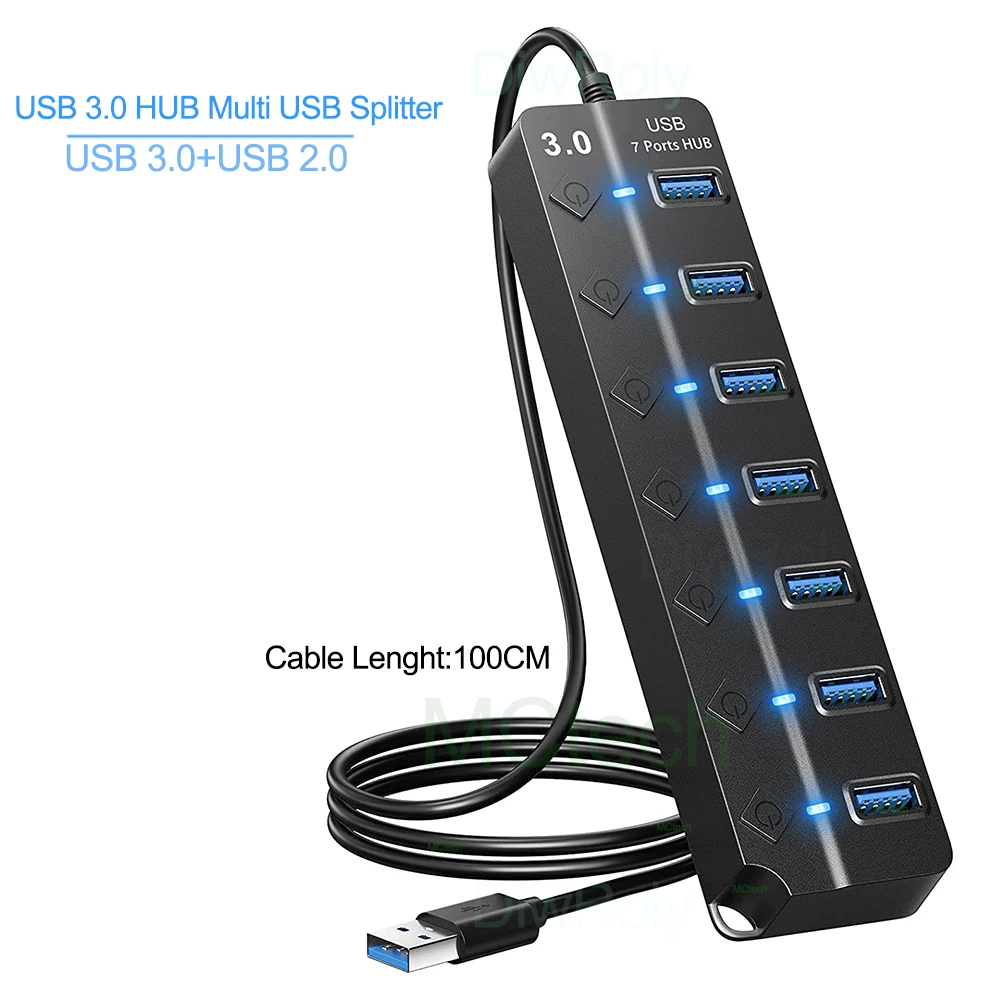
Start with the sockets on your laptop
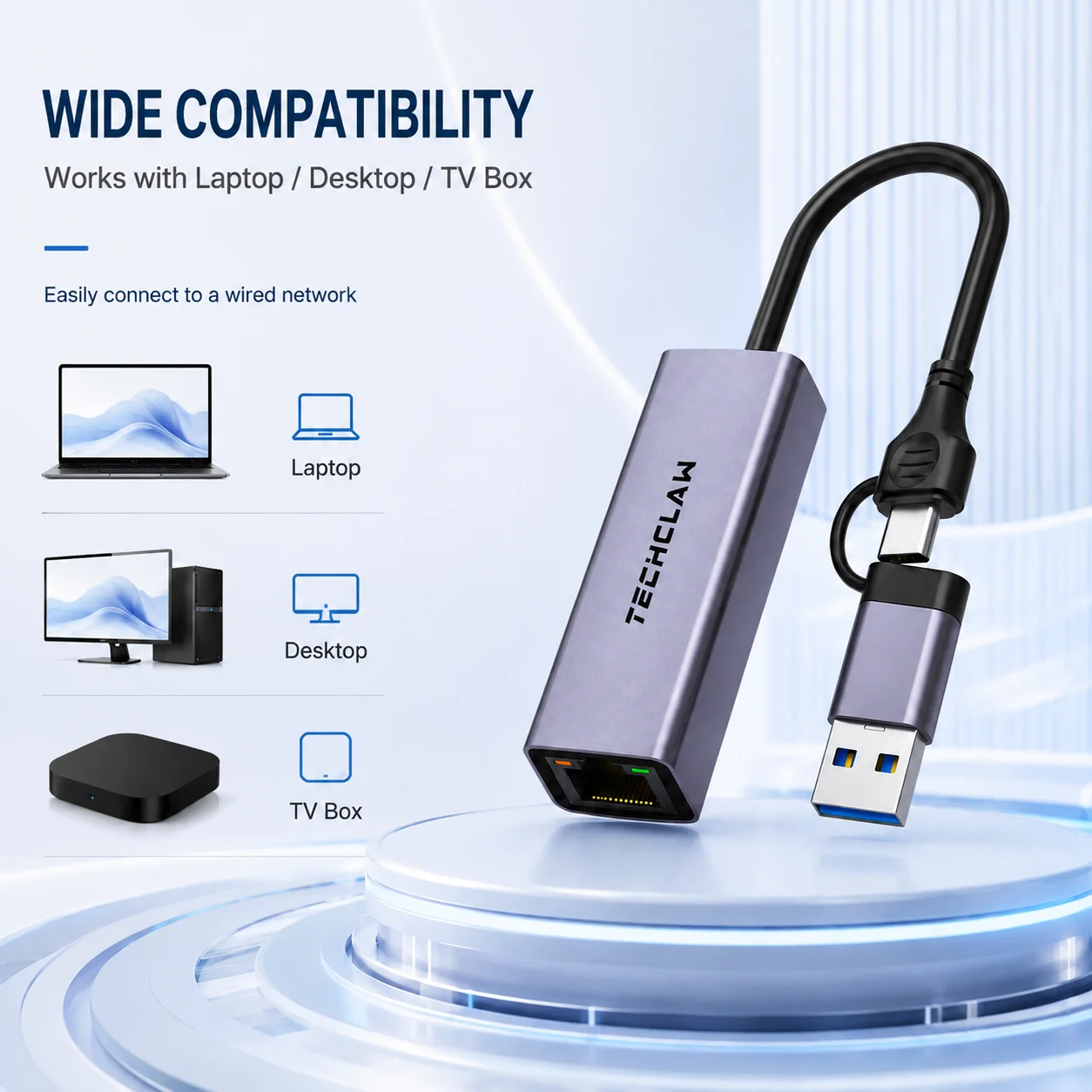
Most of what plugs into a laptop is chosen by its connector. A hub is no use if its plug does not fit your laptop, and a cable for a monitor has to match the socket on the monitor as well. These pages sort hubs, docks, adapters, cables, chargers, drive enclosures, Wi-Fi adapters, sound cards and portable monitors by the connectors they have.
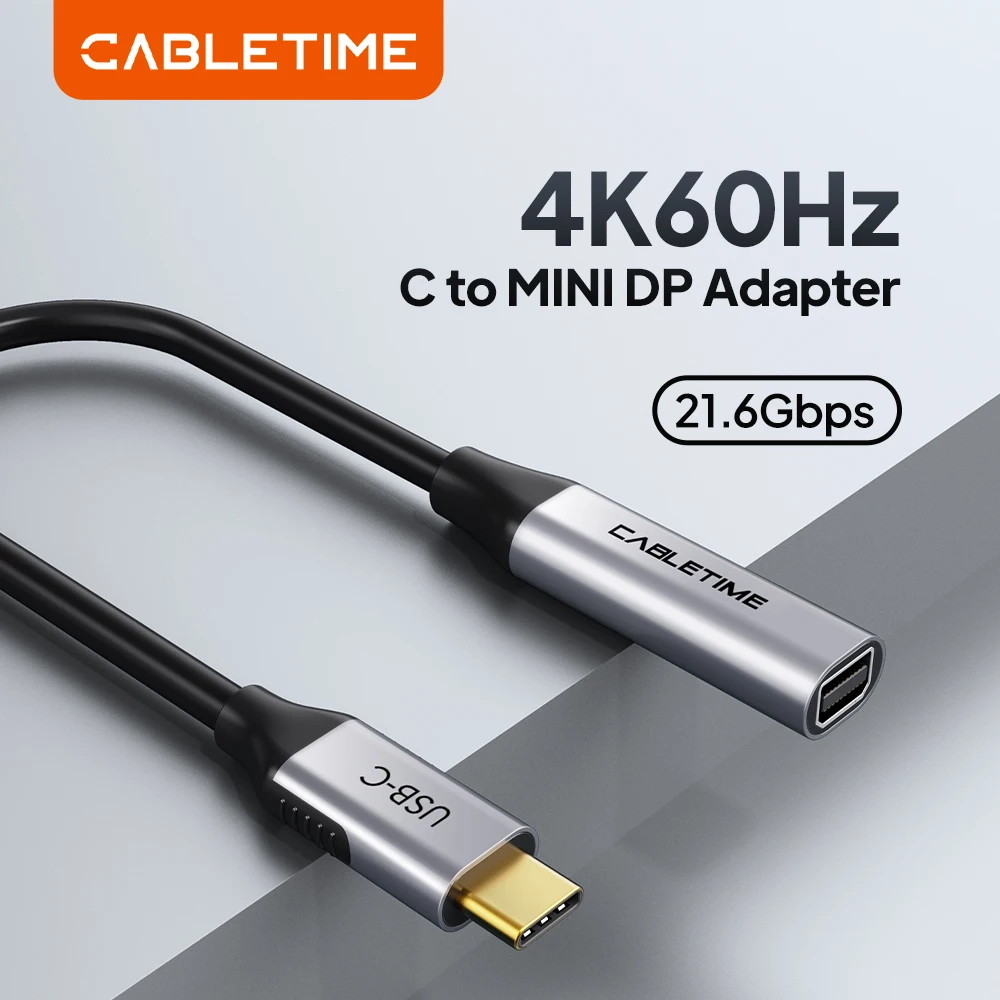
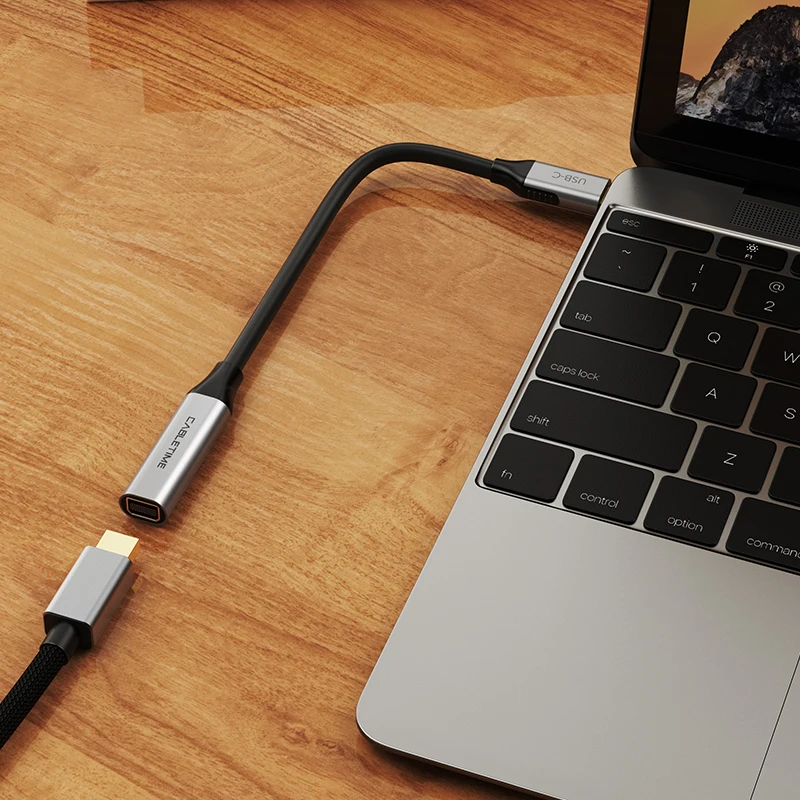
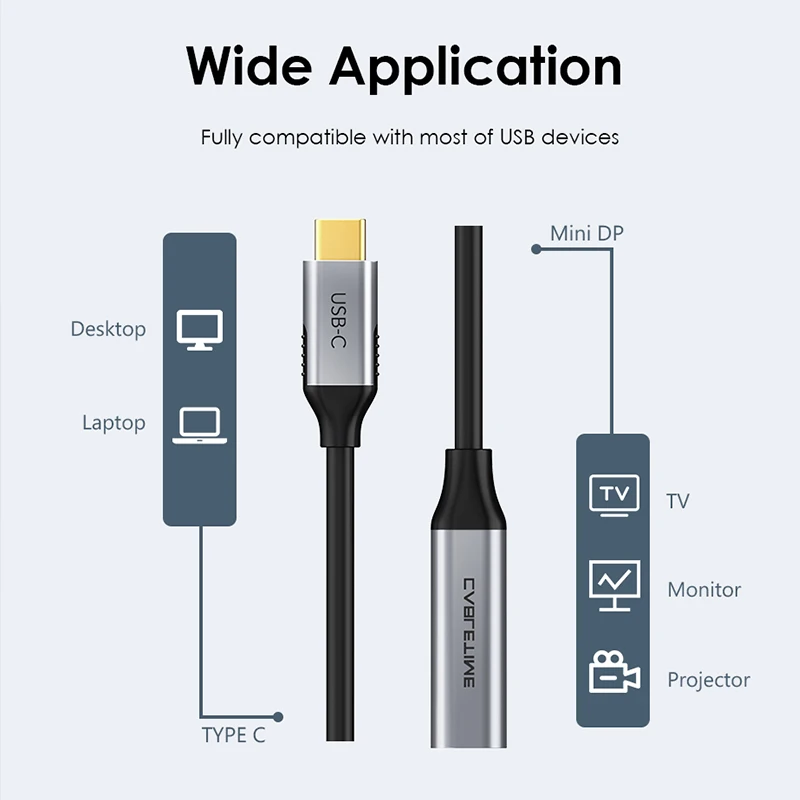
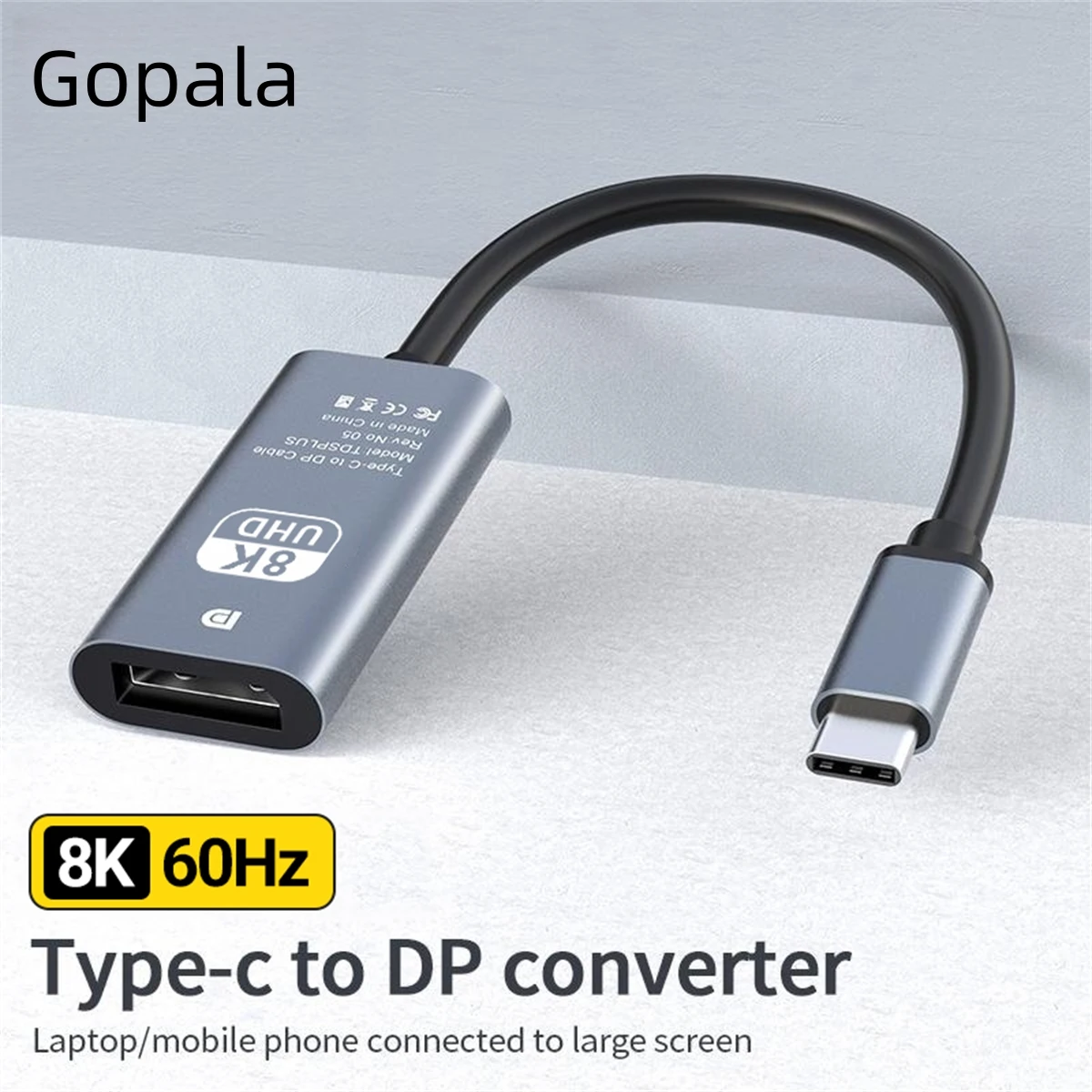
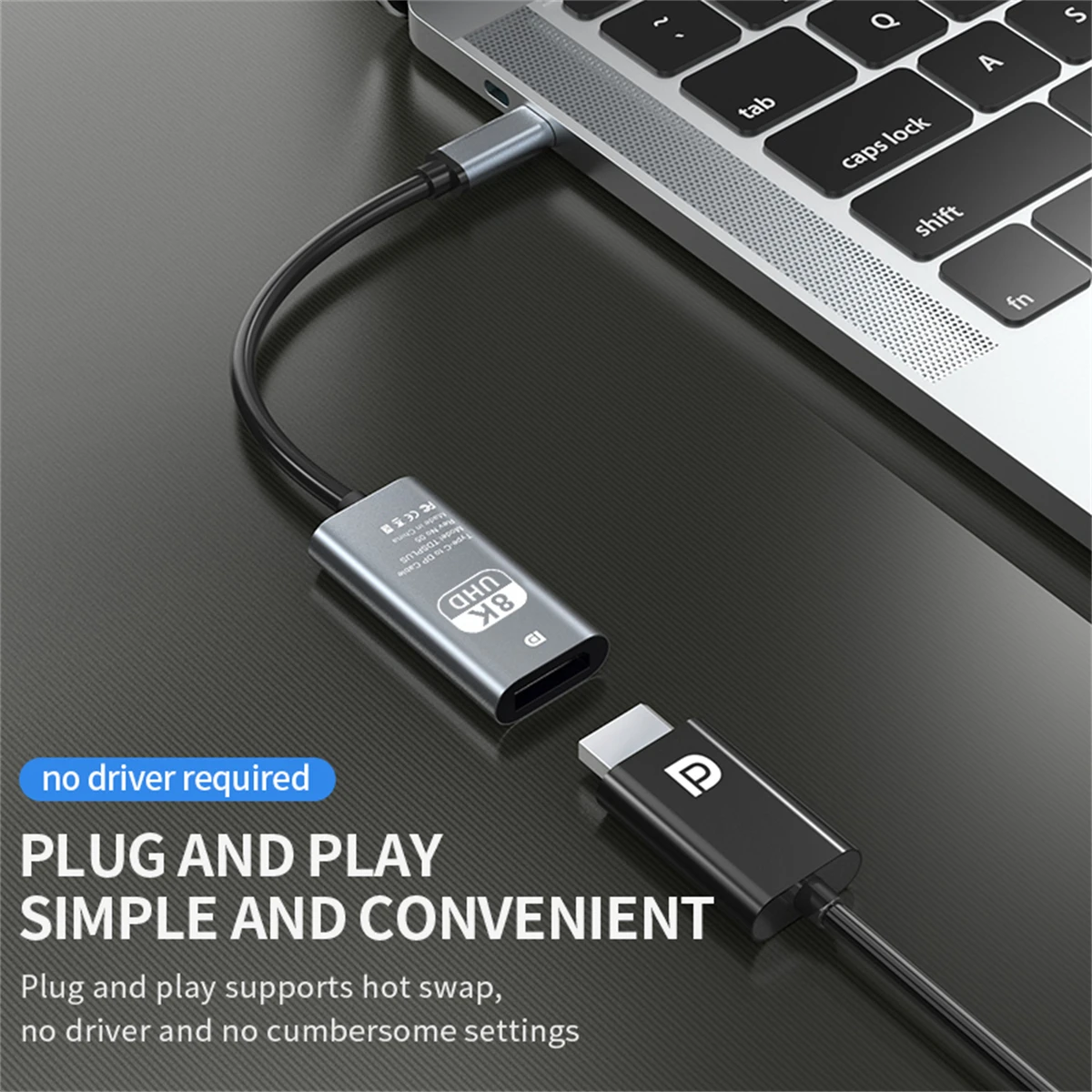
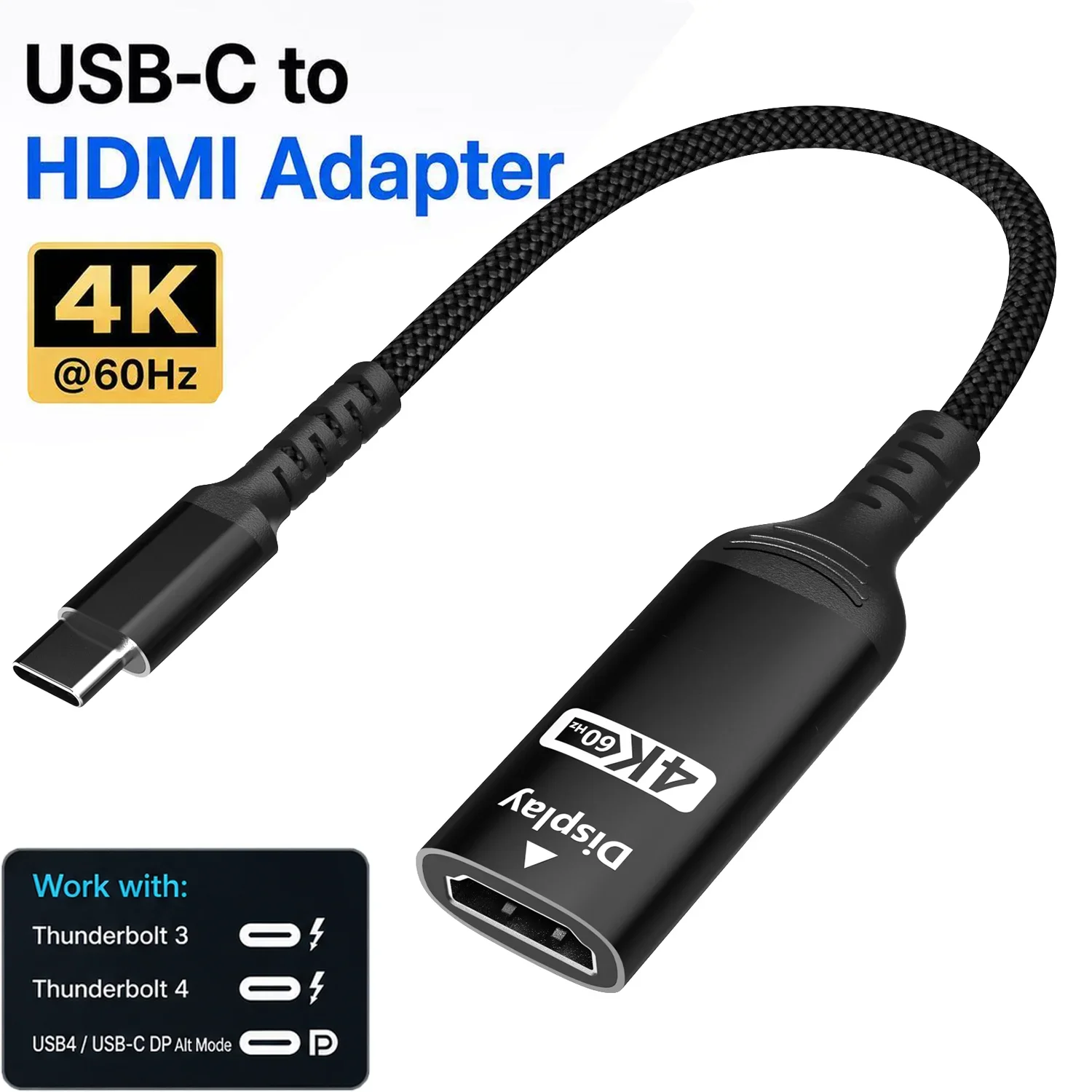
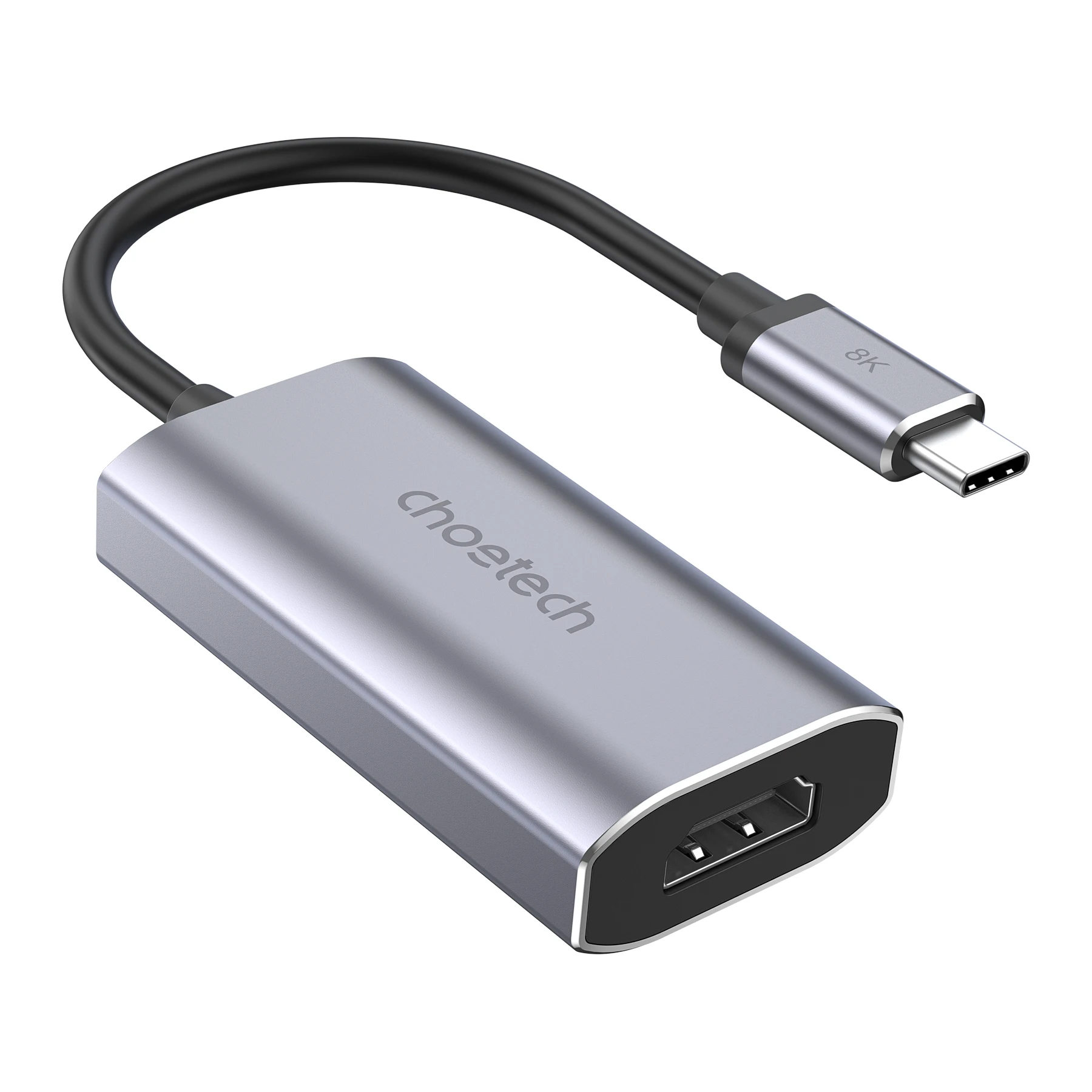
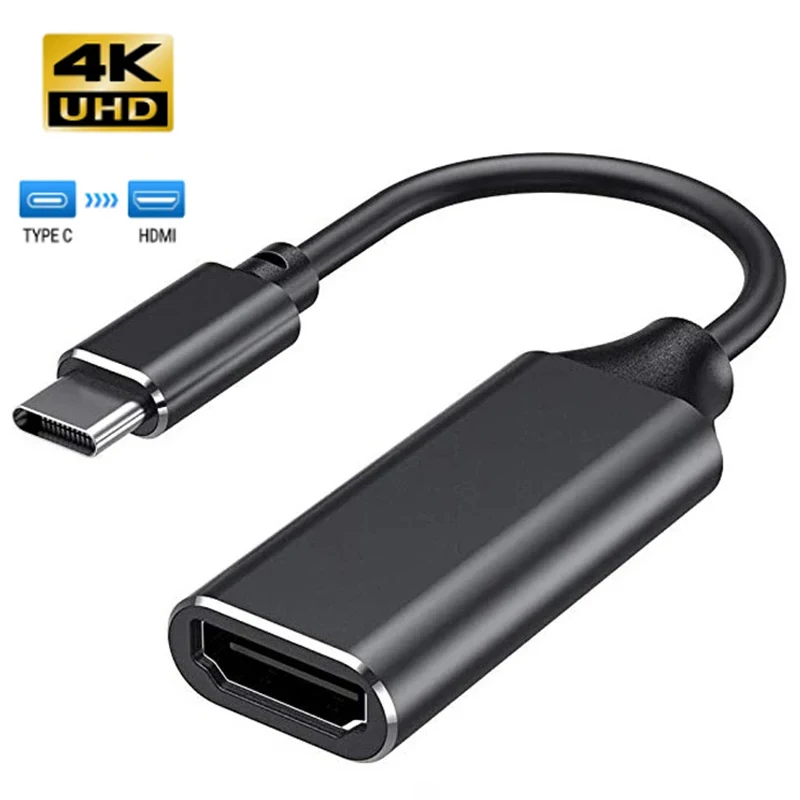
A product is listed under a connector when its own name, short description or choices mention it. Many products have more than one: a USB-C hub with an HDMI output is on both the USB-C and HDMI pages, and a USB-C to DisplayPort adapter is on both of those. So think of each page as "everything here has this connector somewhere", and check which end is which on the product page.
The four connectors
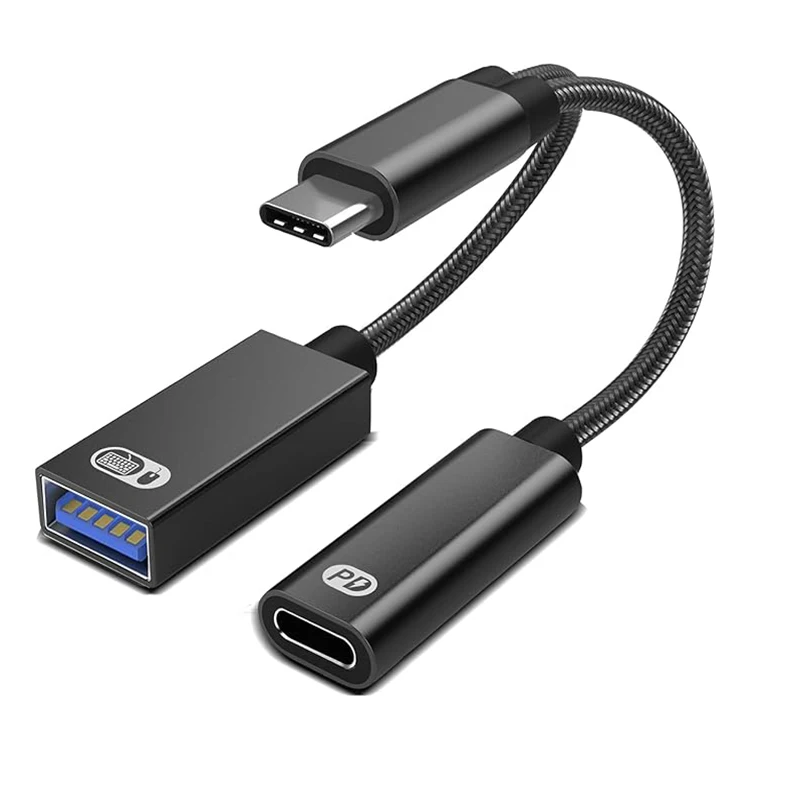
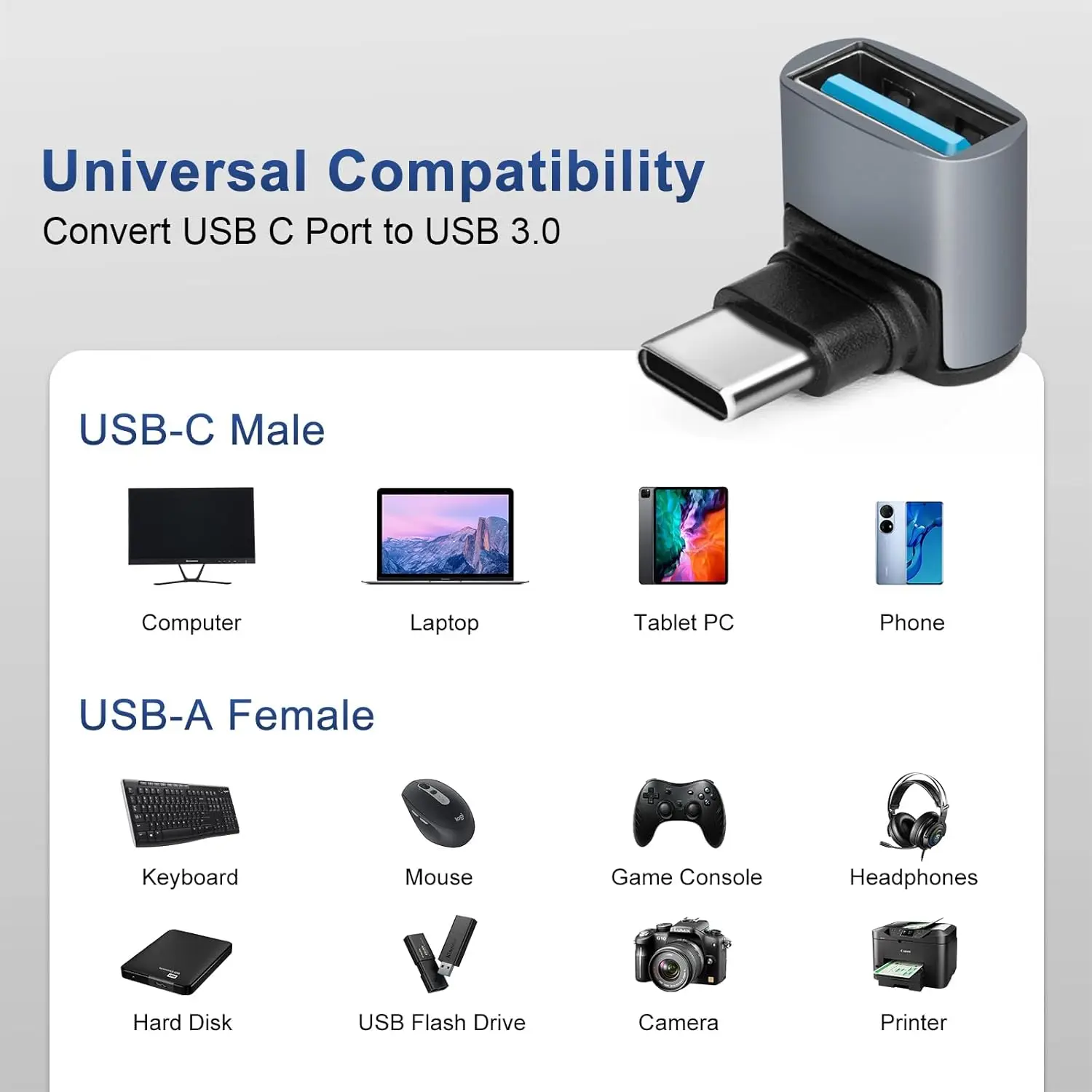
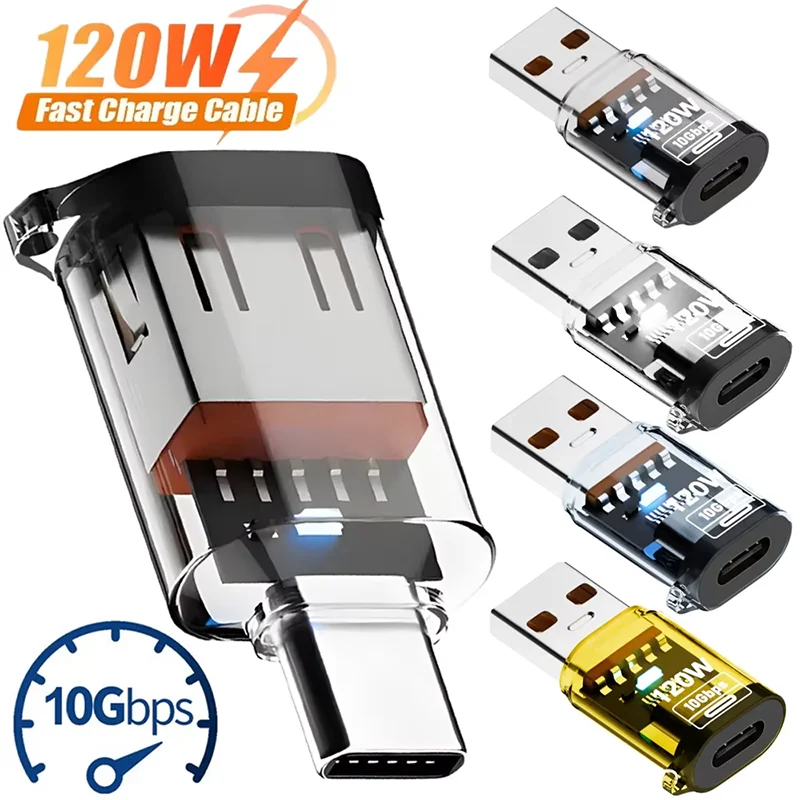
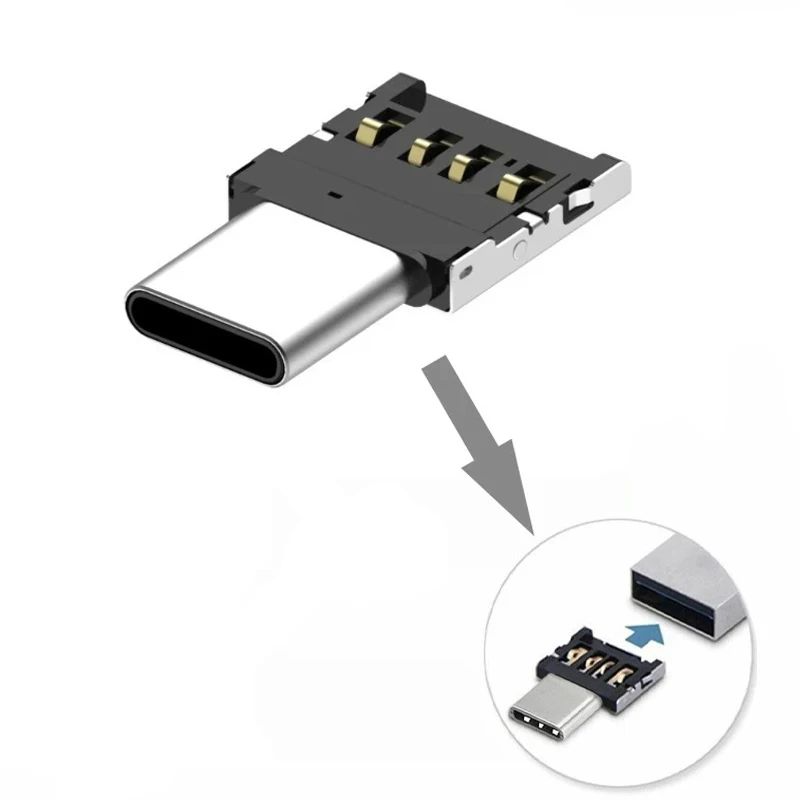
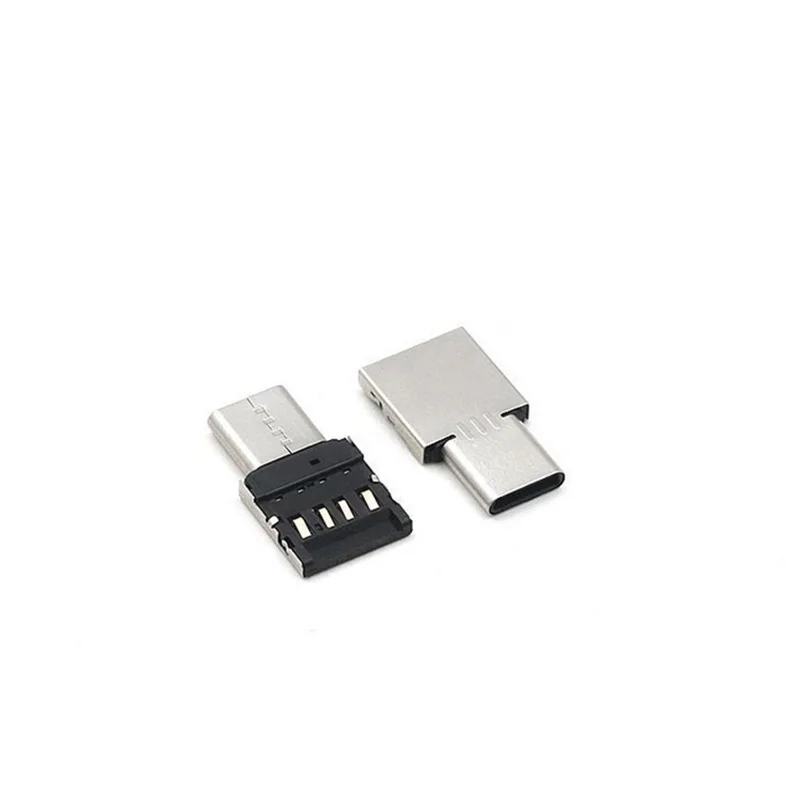
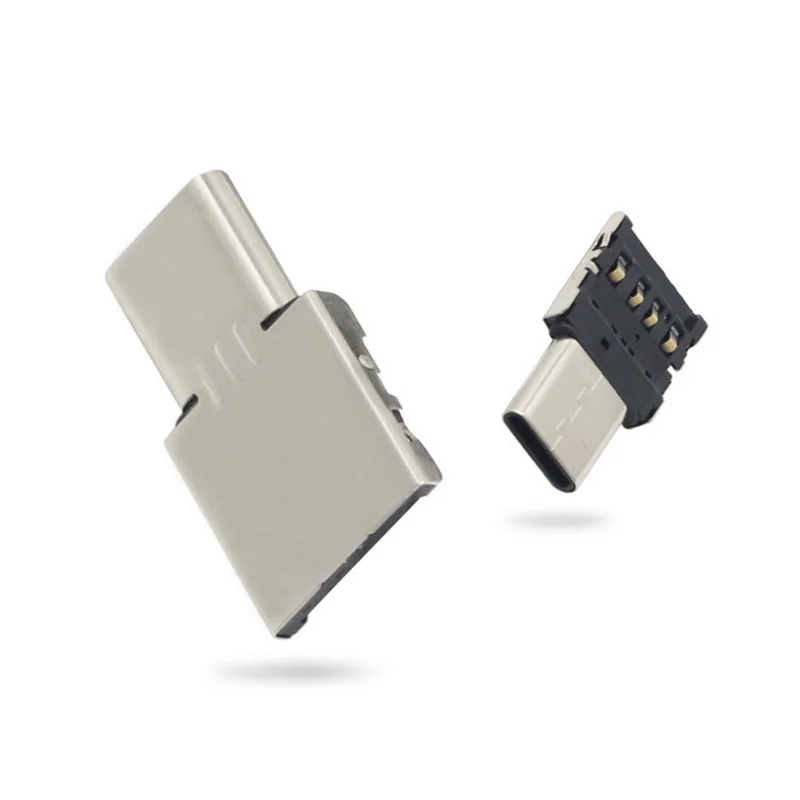
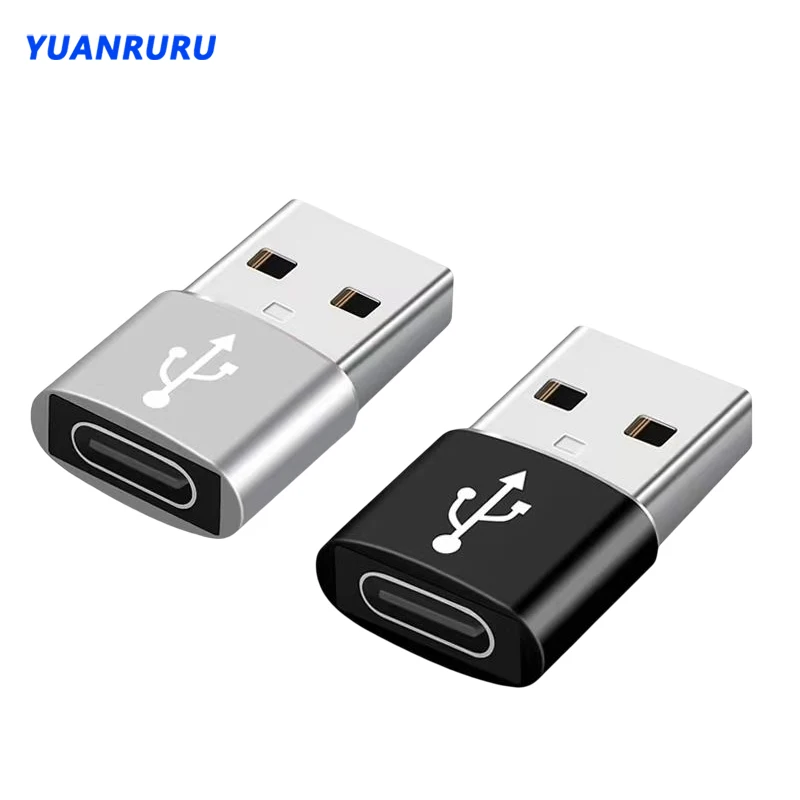
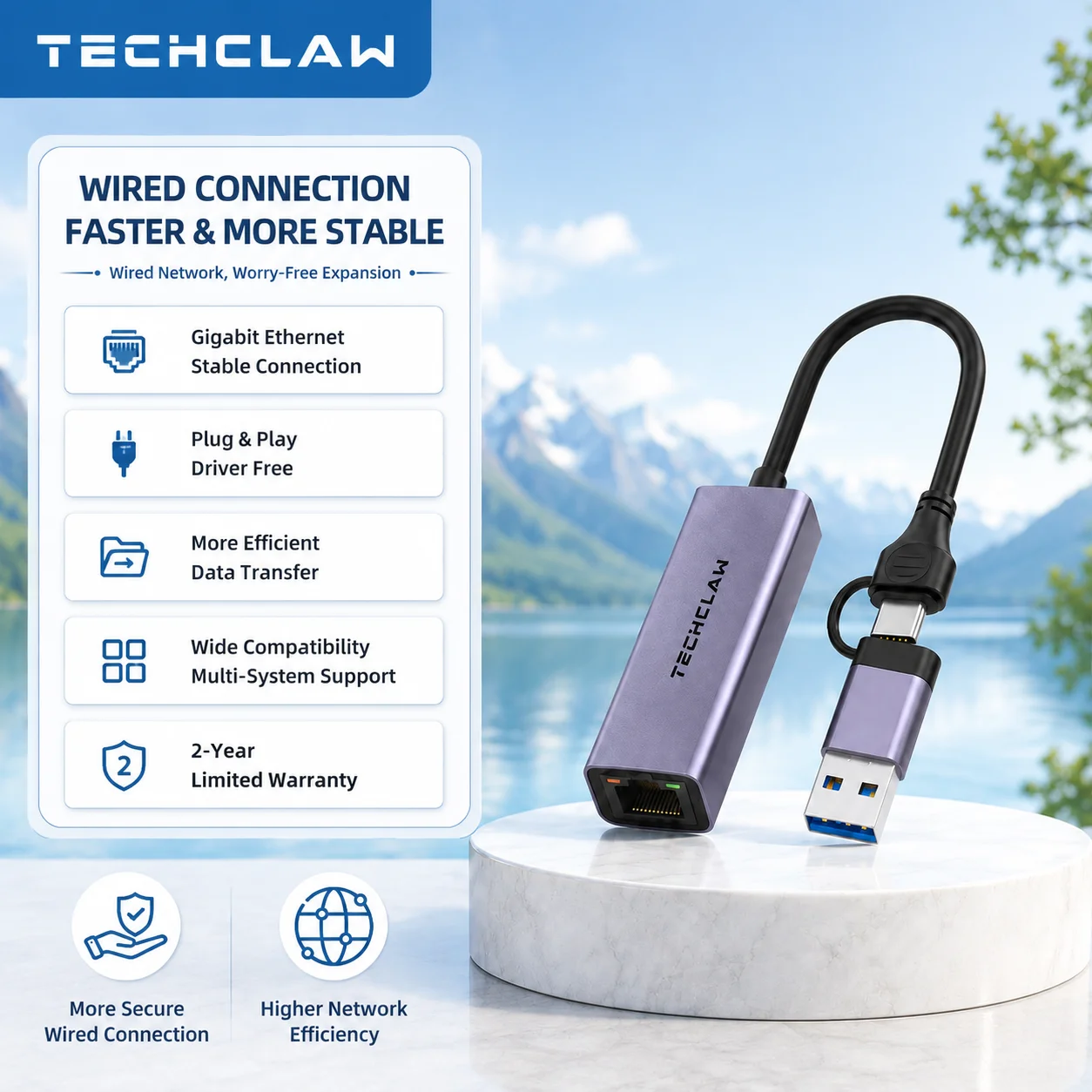
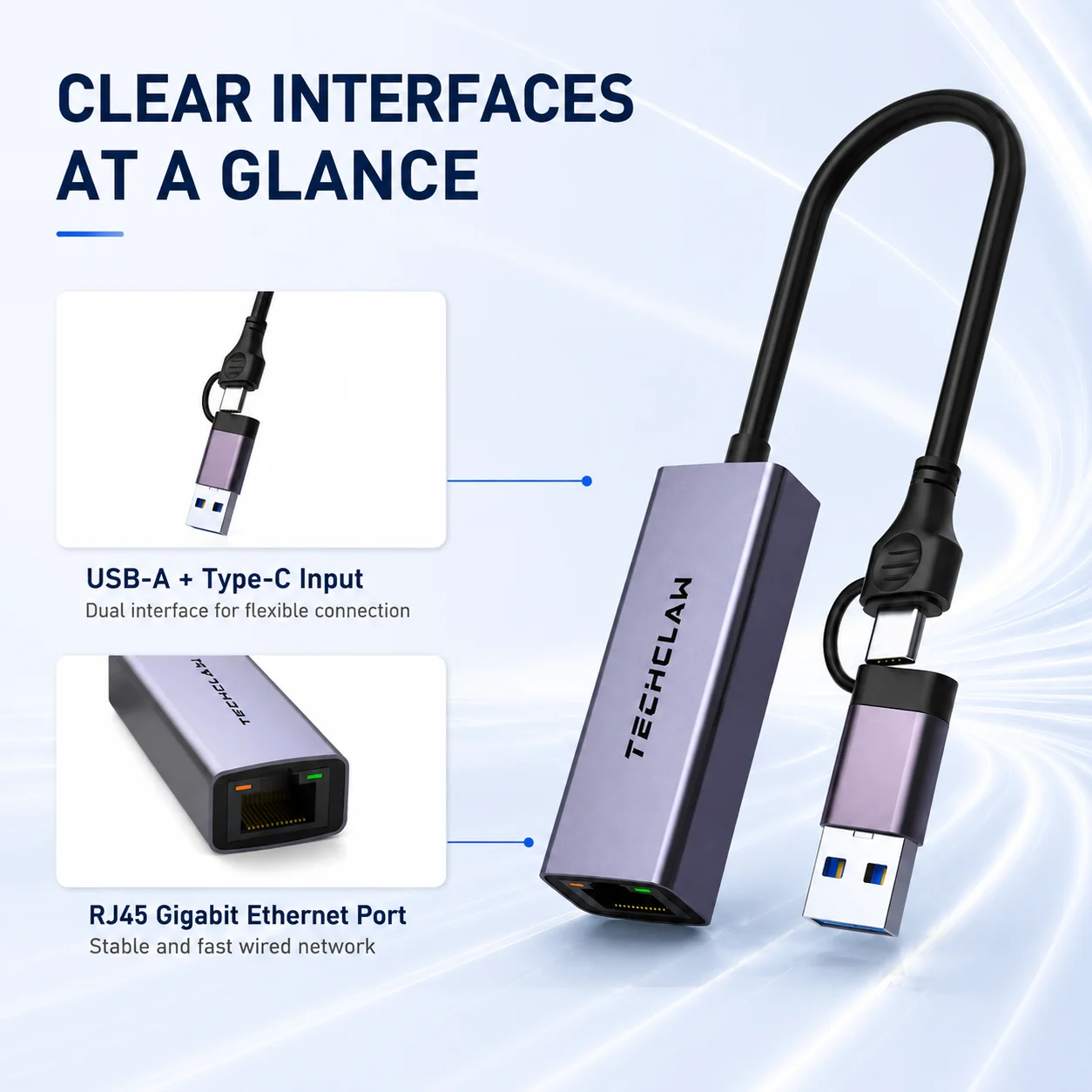
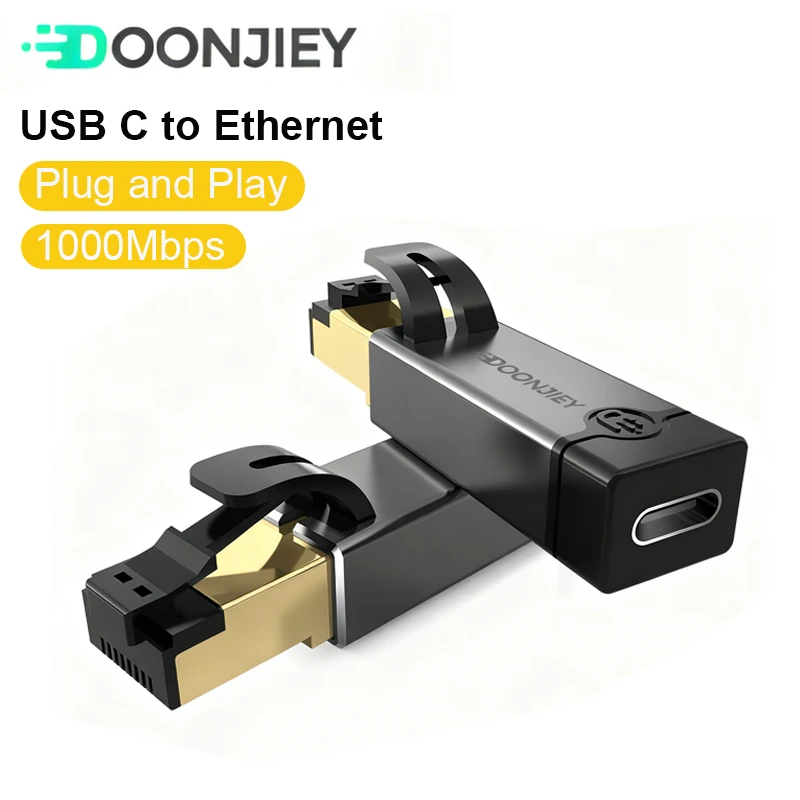
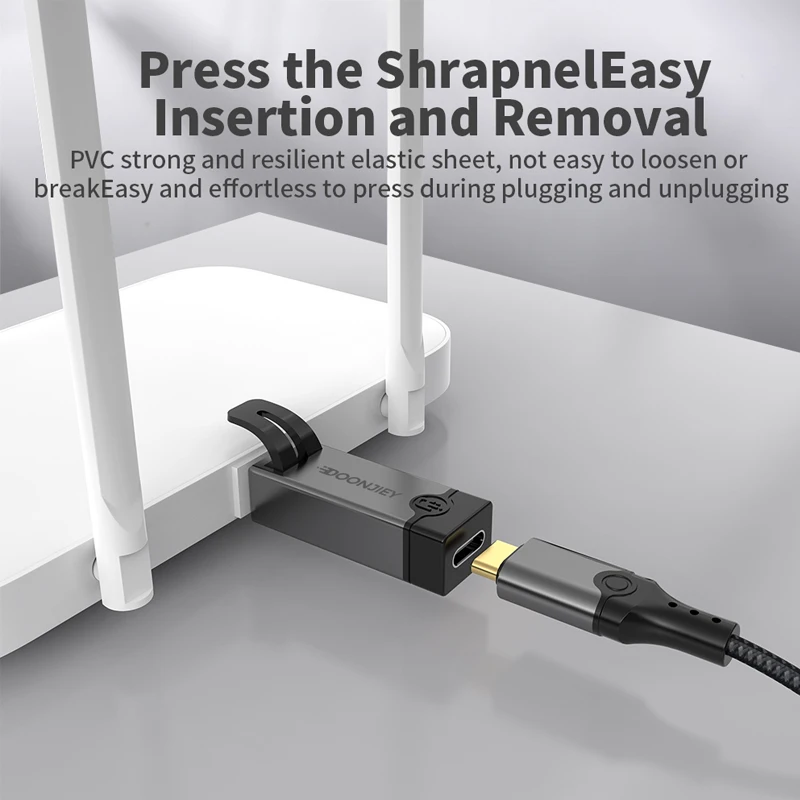
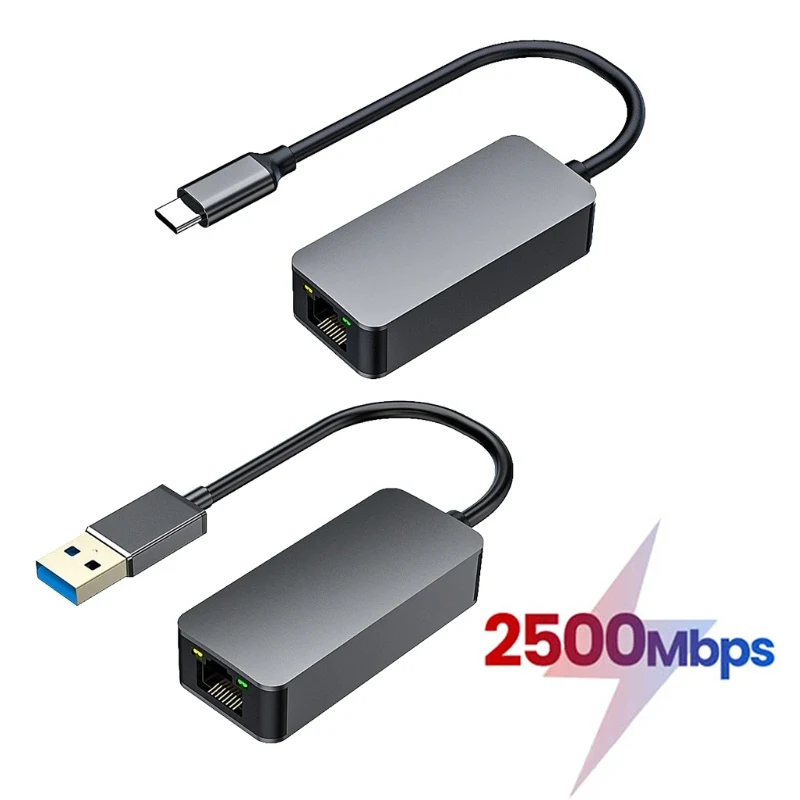
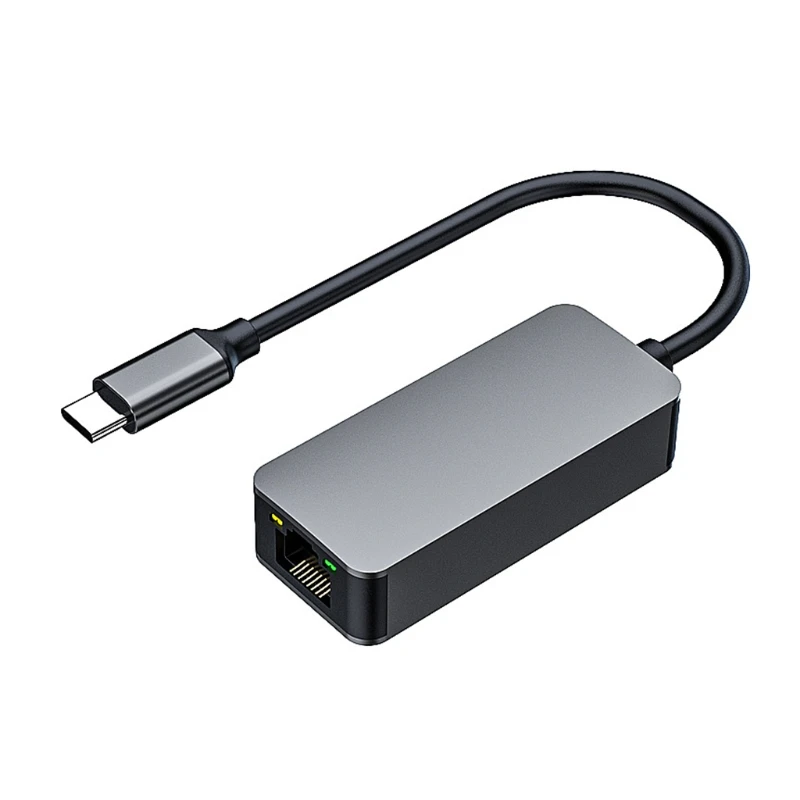
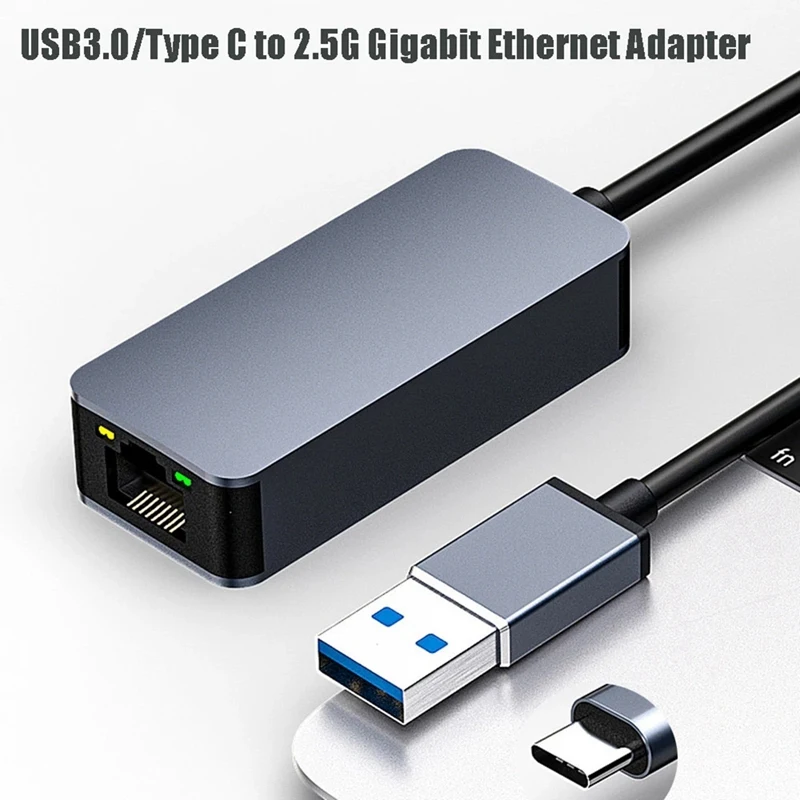
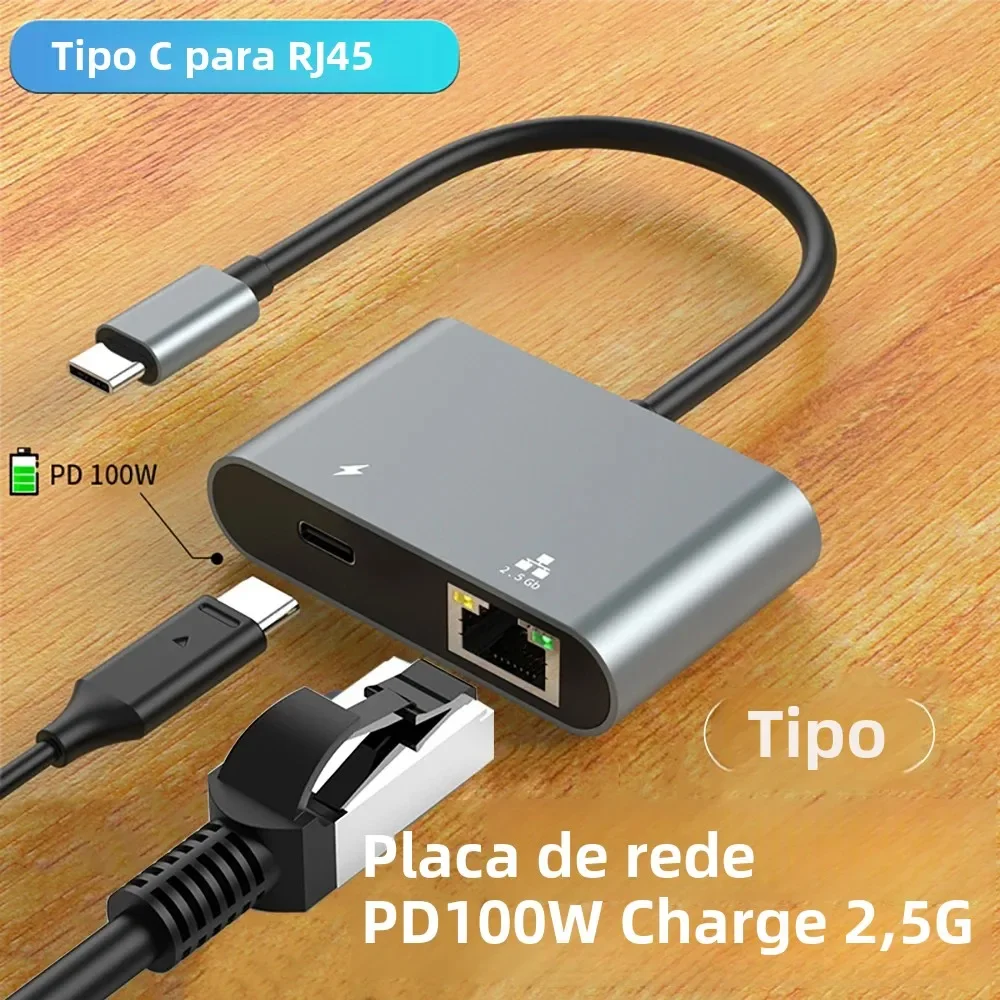
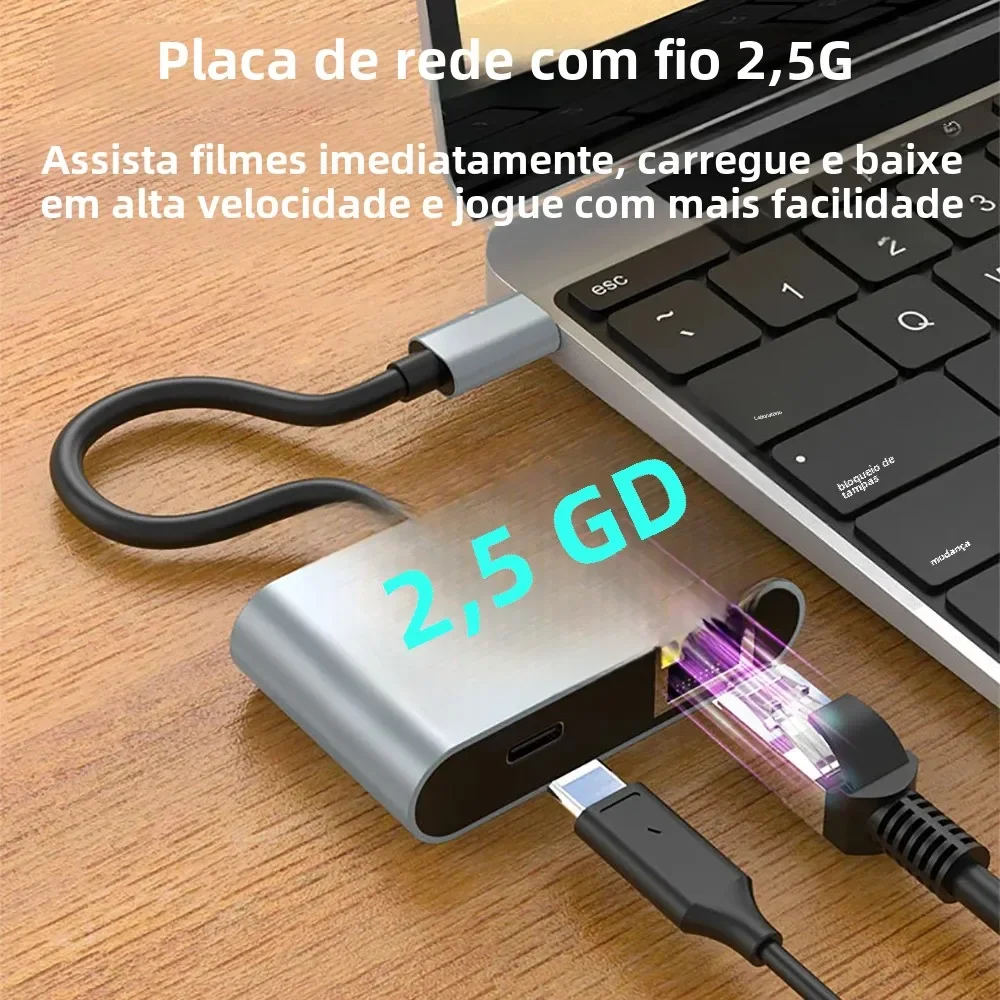
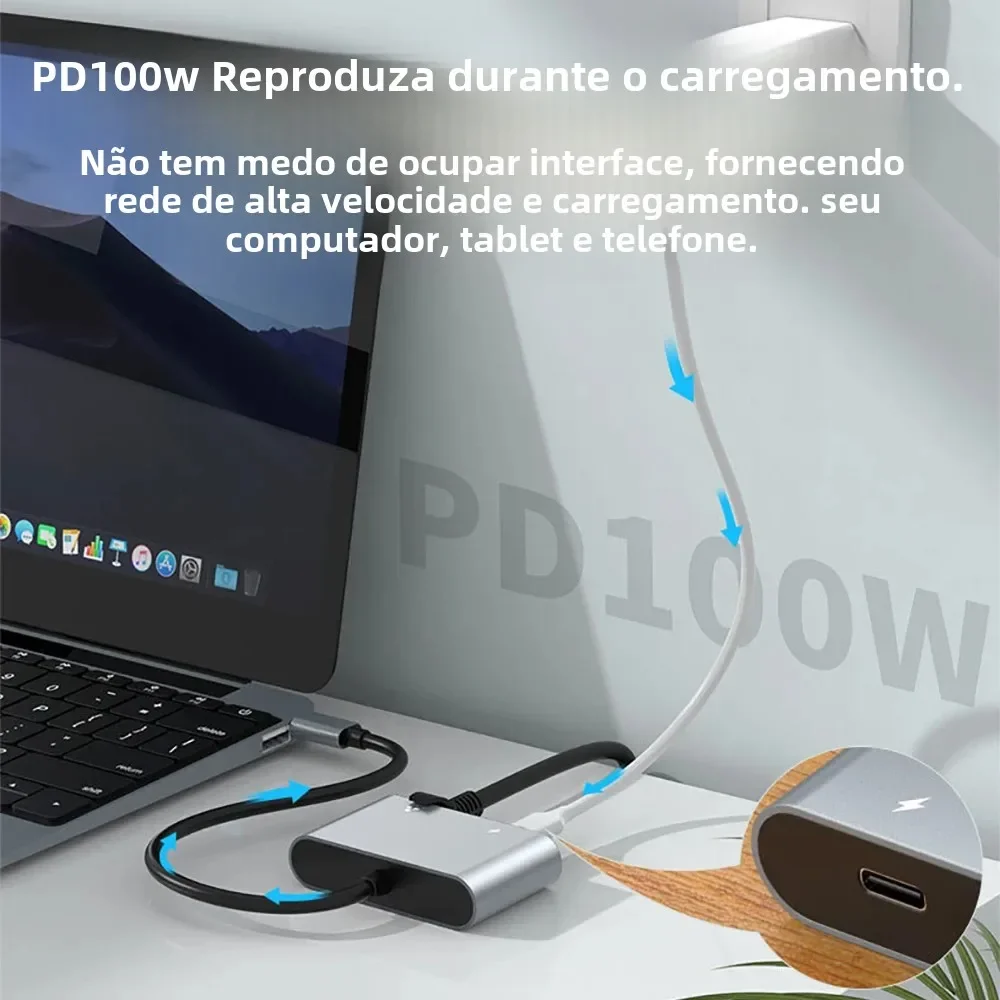
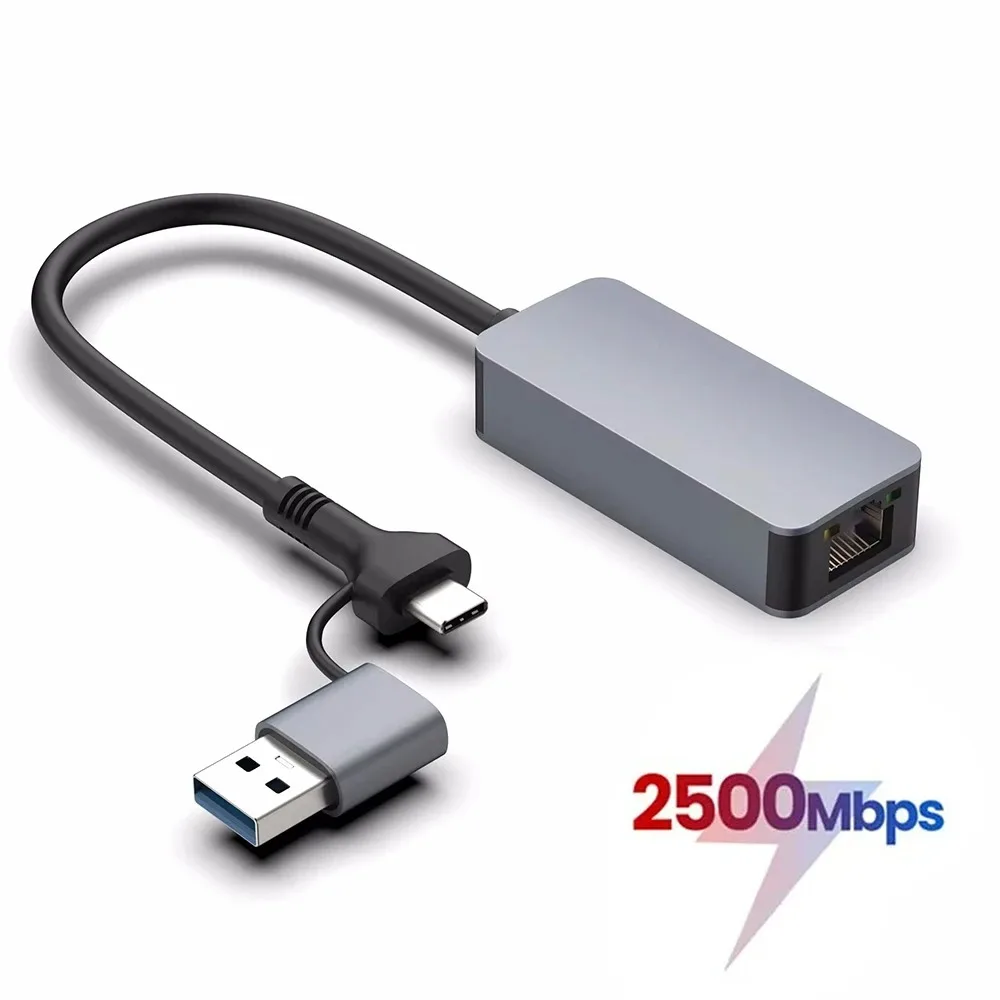
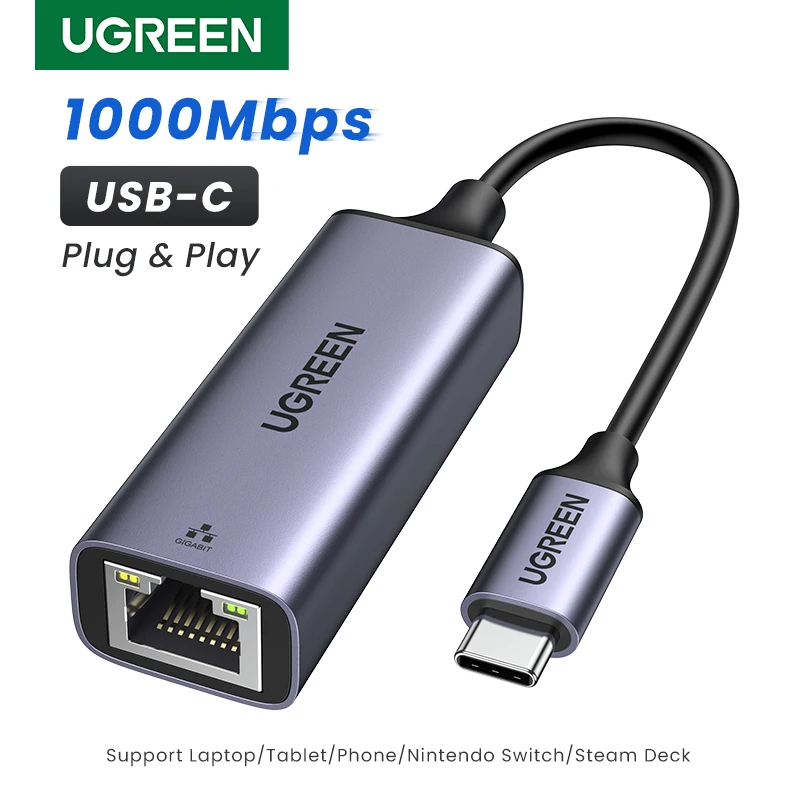
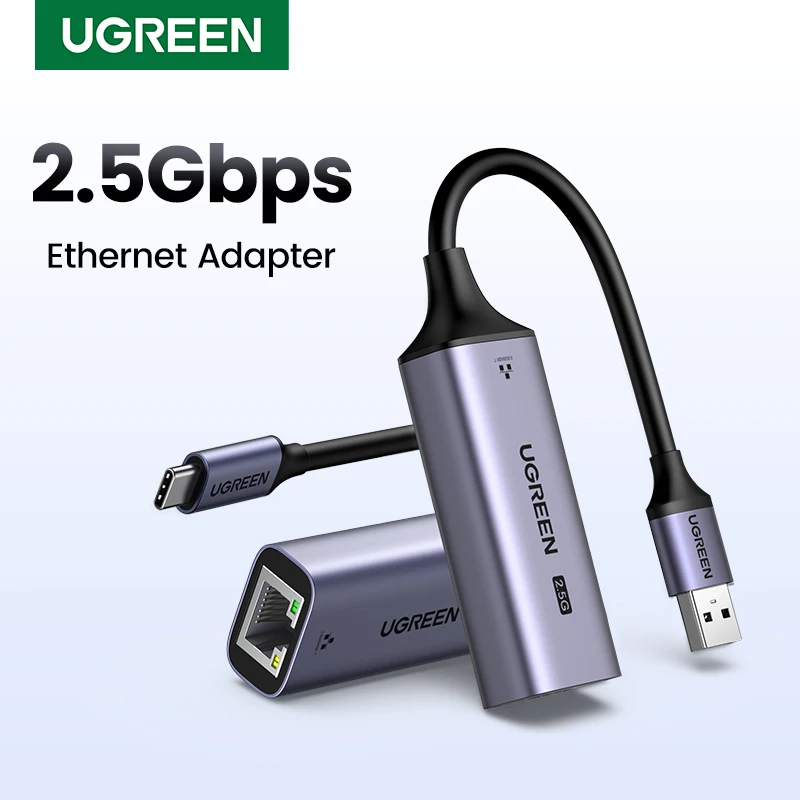
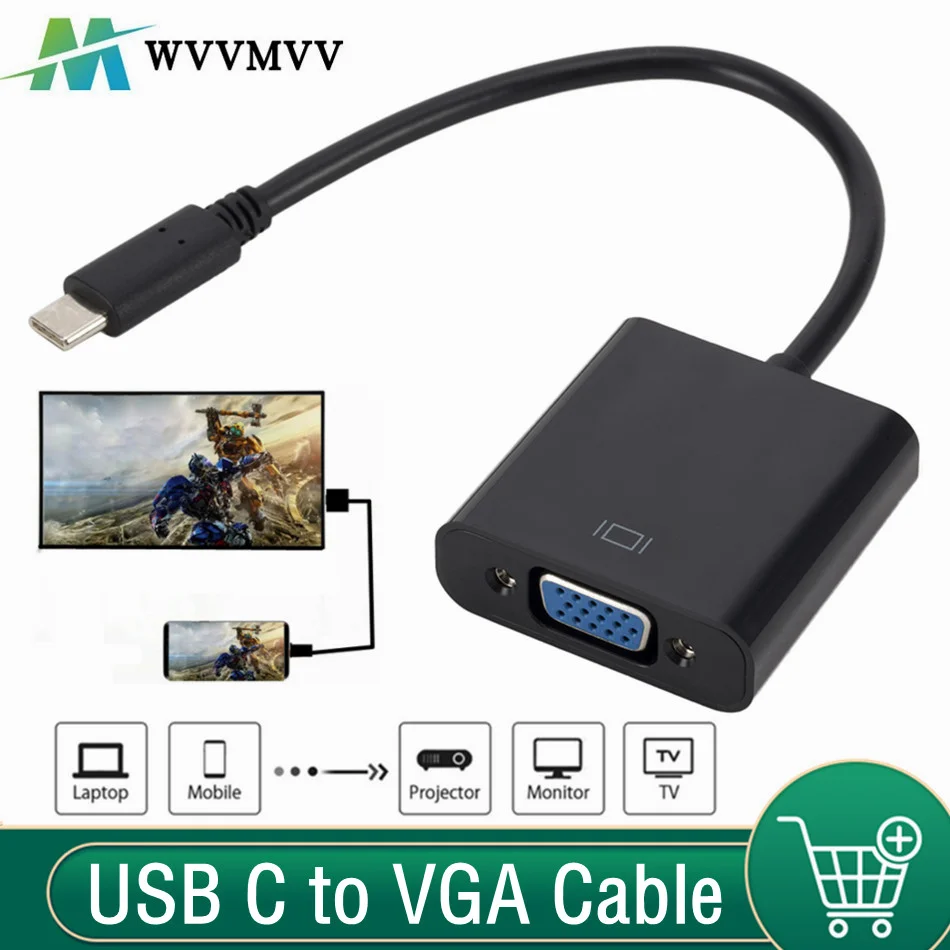
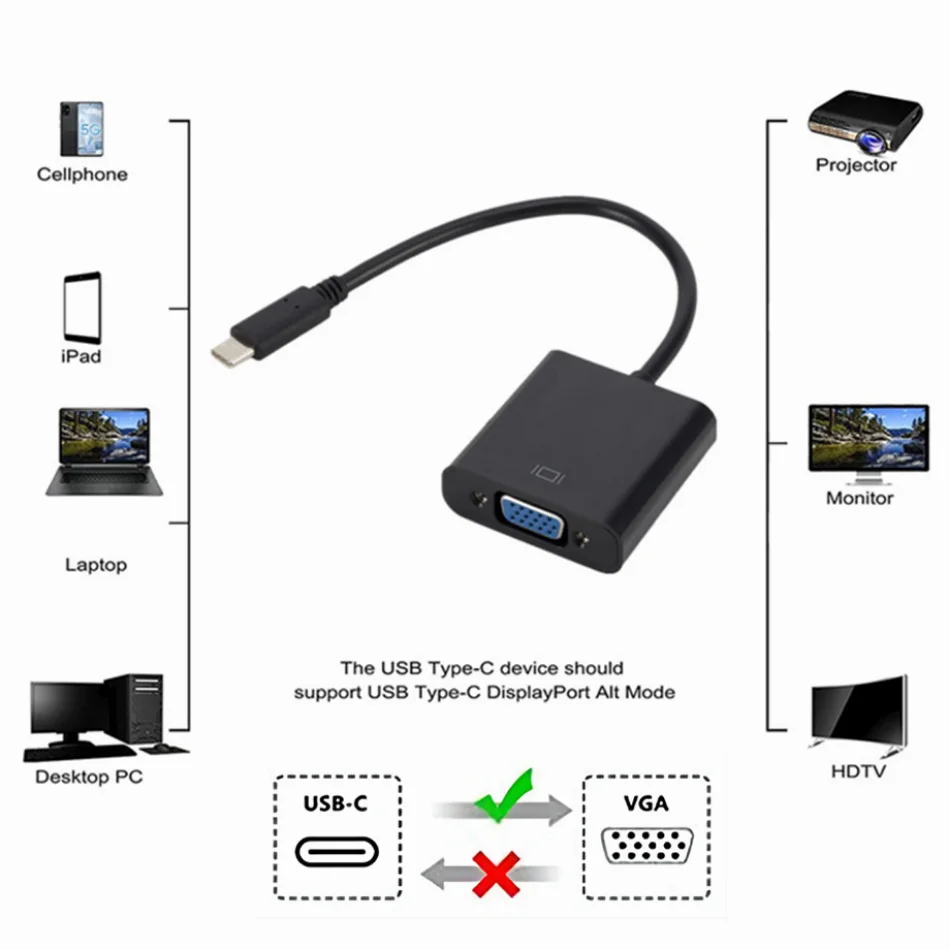
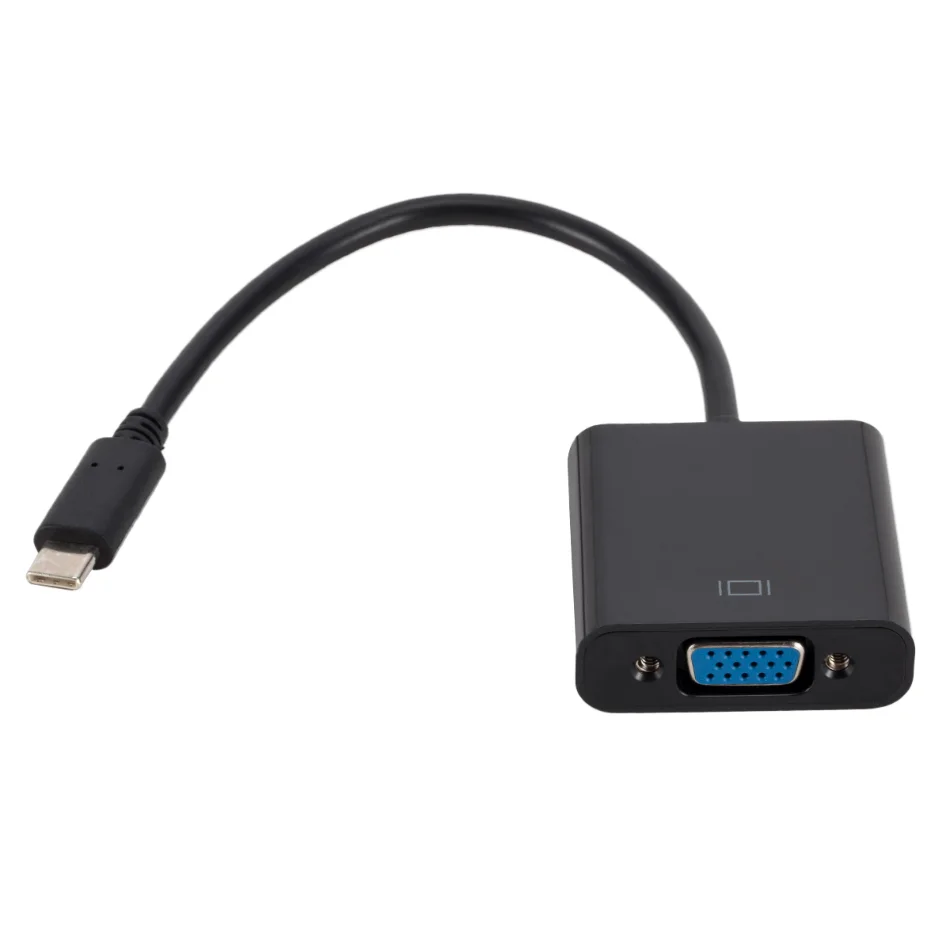
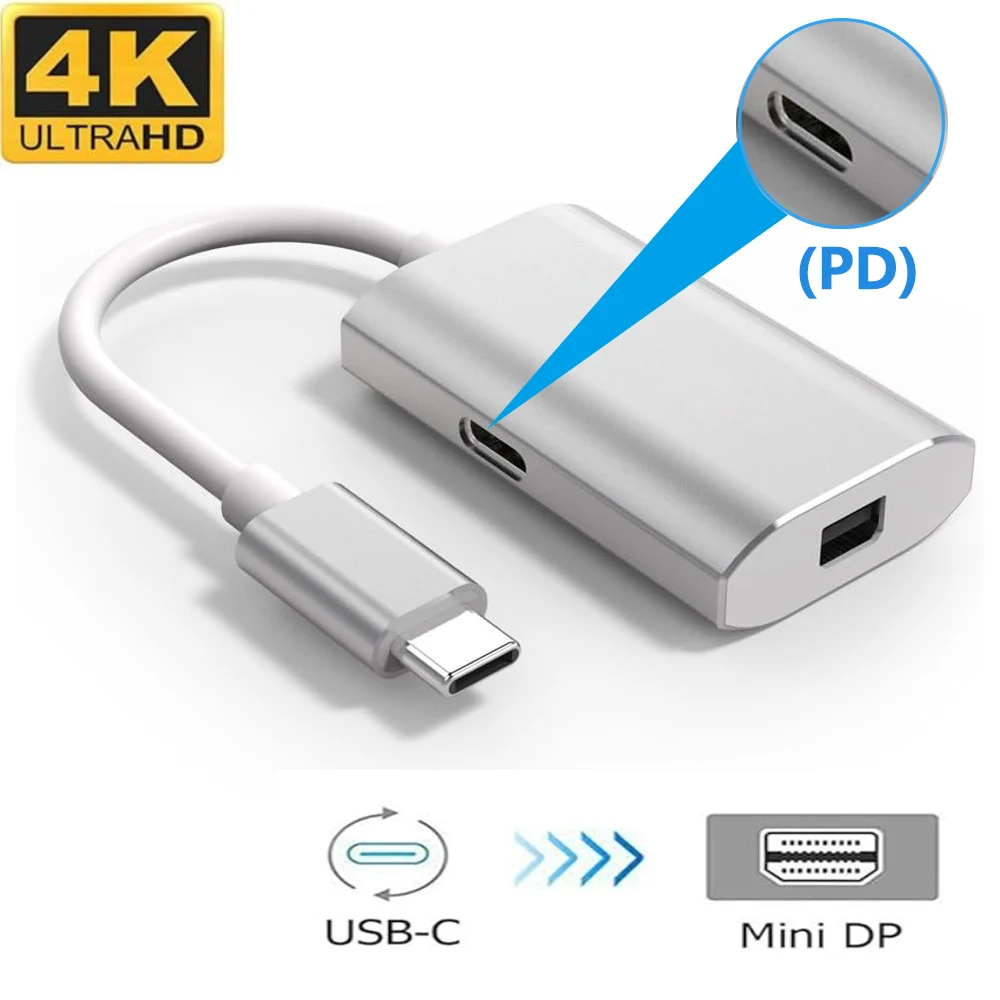
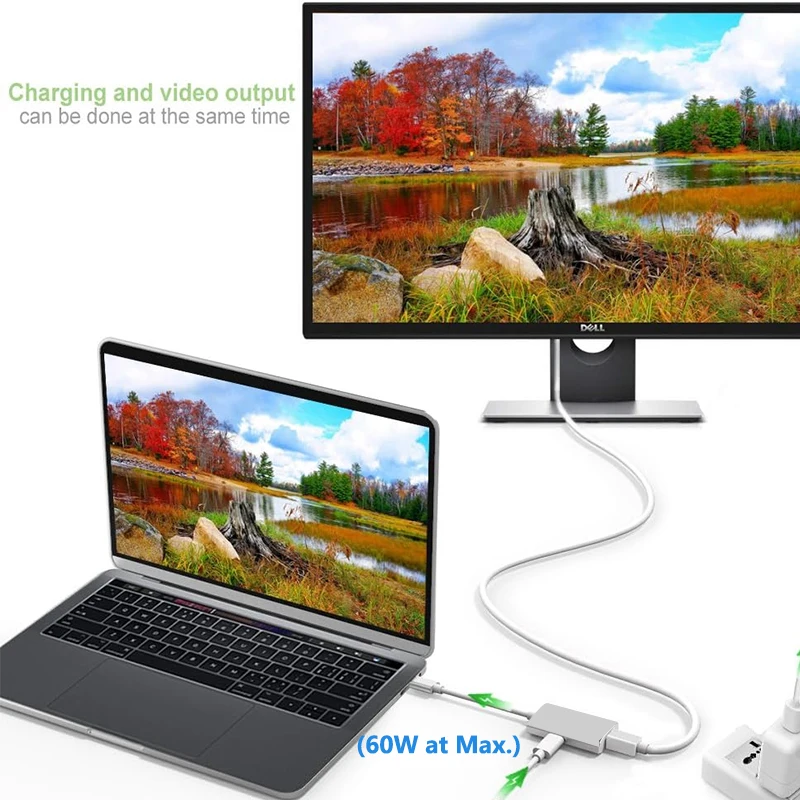
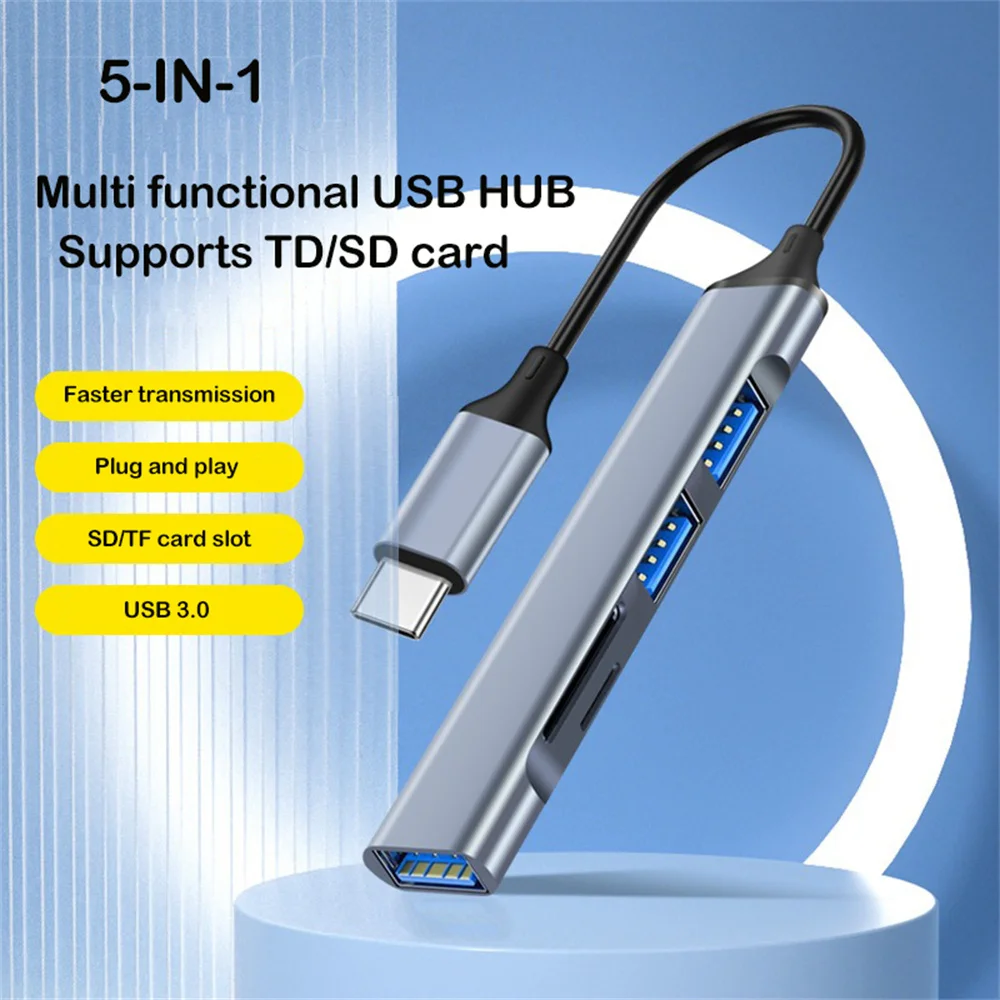
- USB-C laptop accessories: the small oval plug that fits either way up. On most new laptops it charges, carries data and often a picture too.
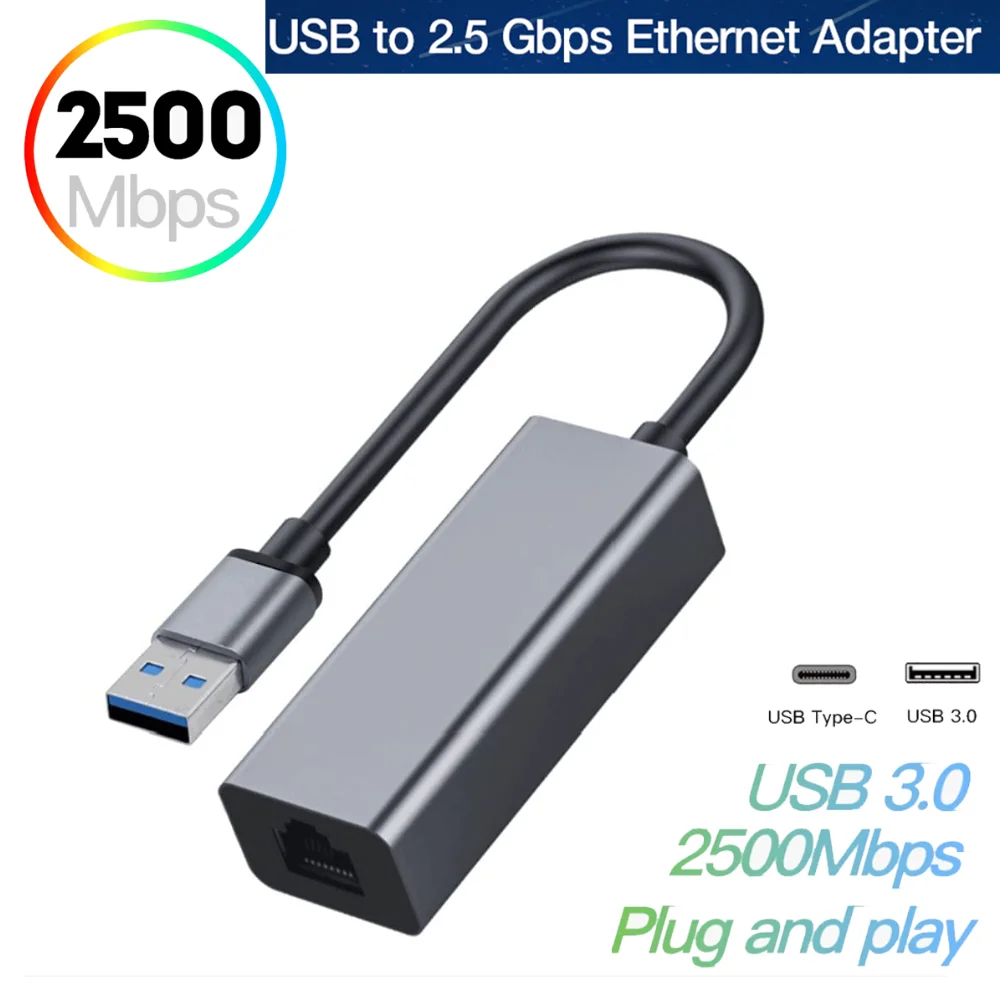
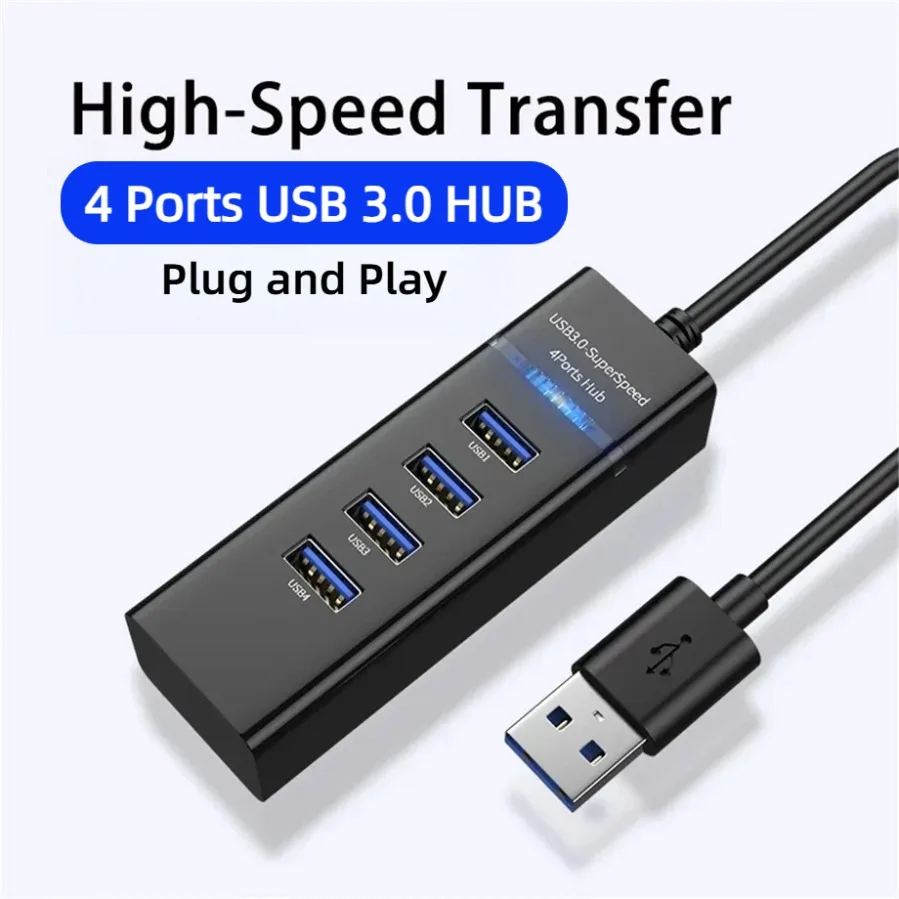
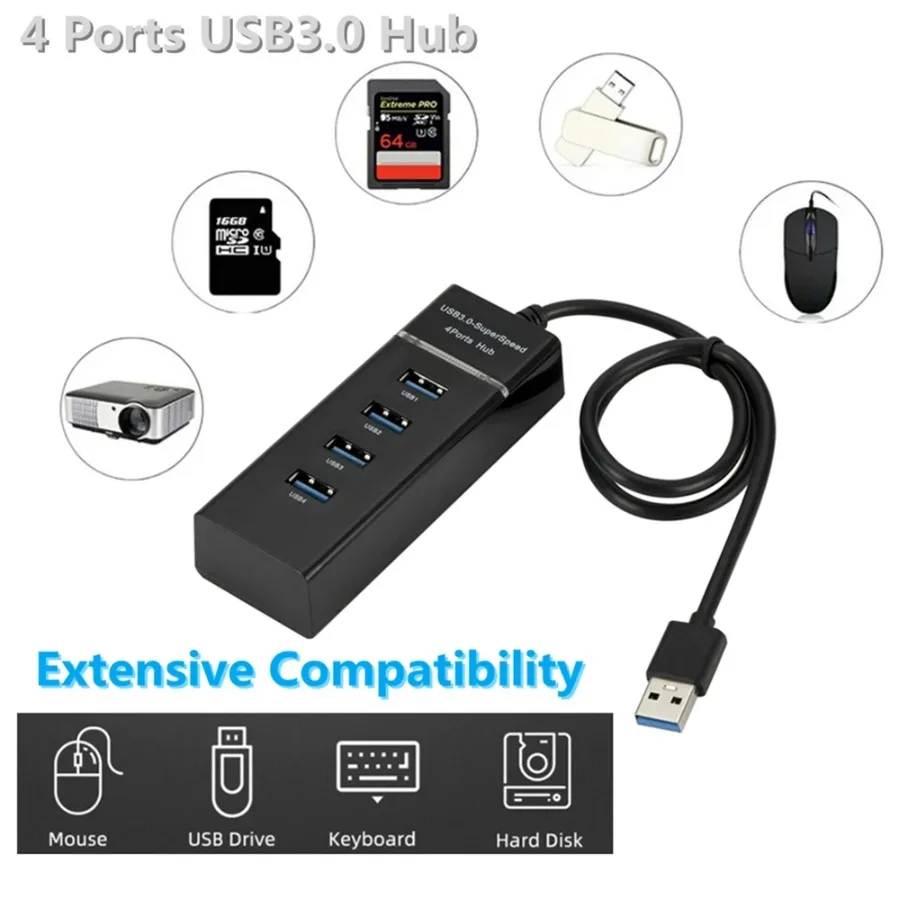
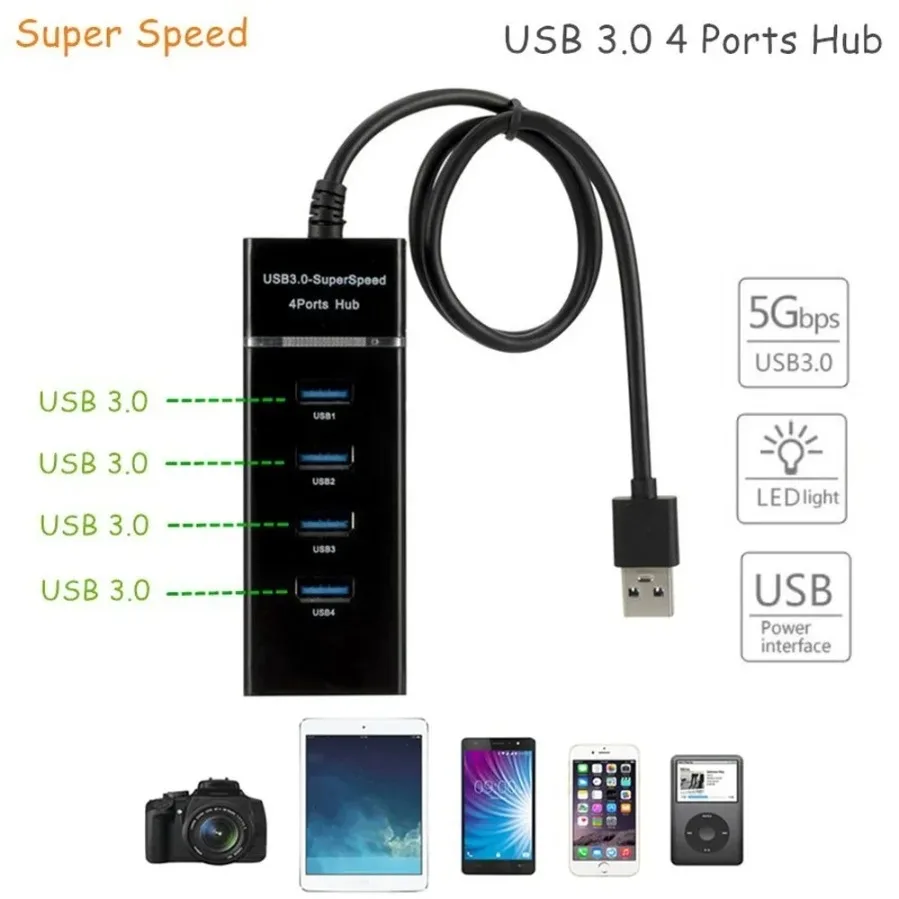
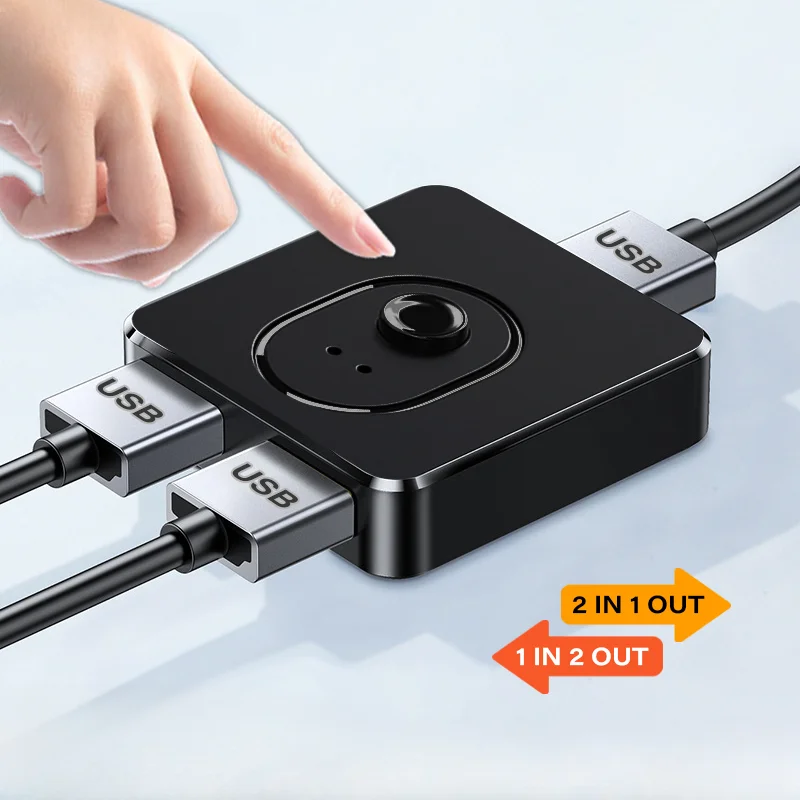
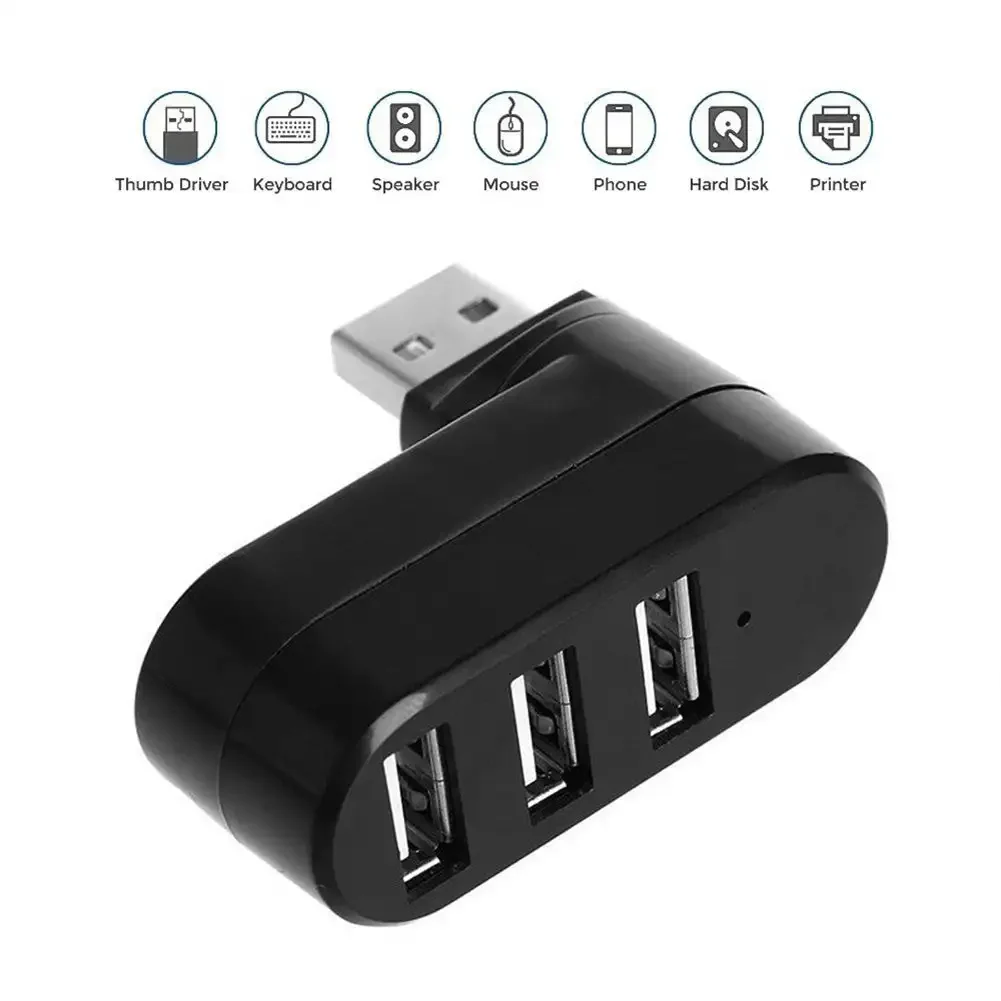
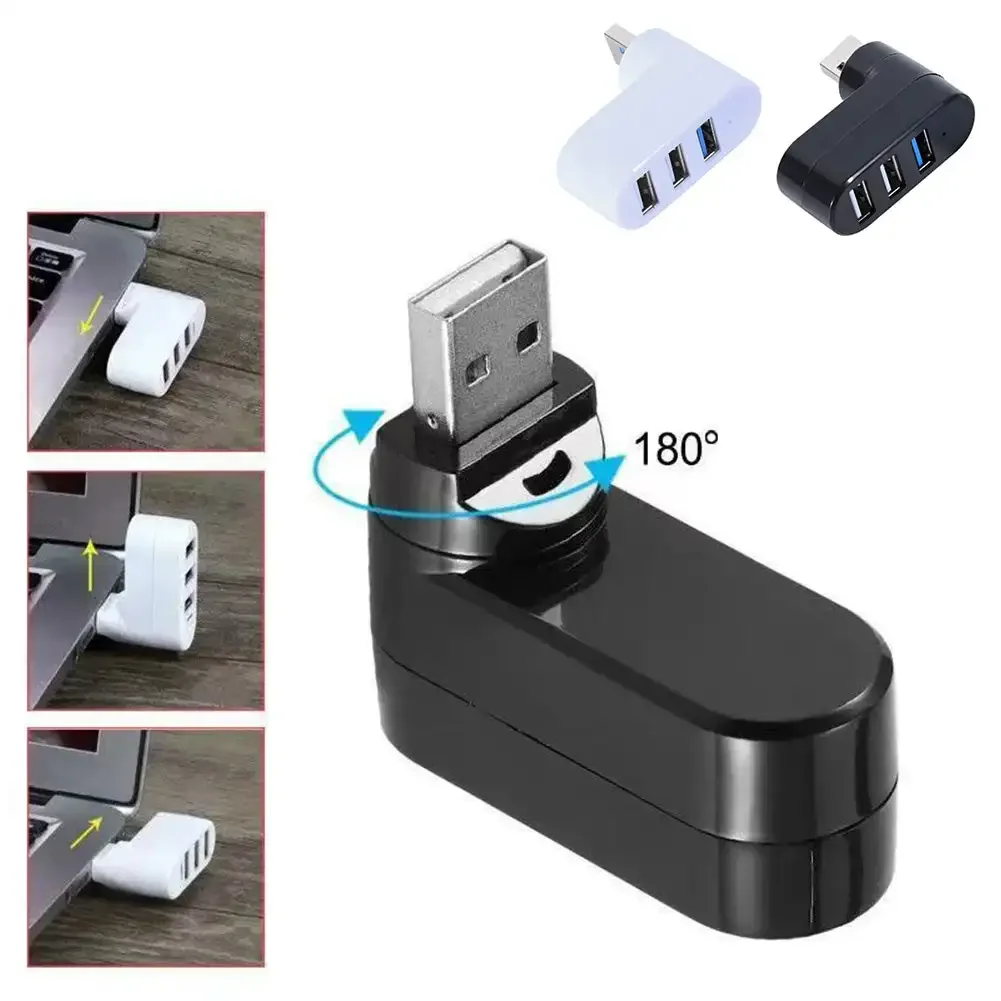
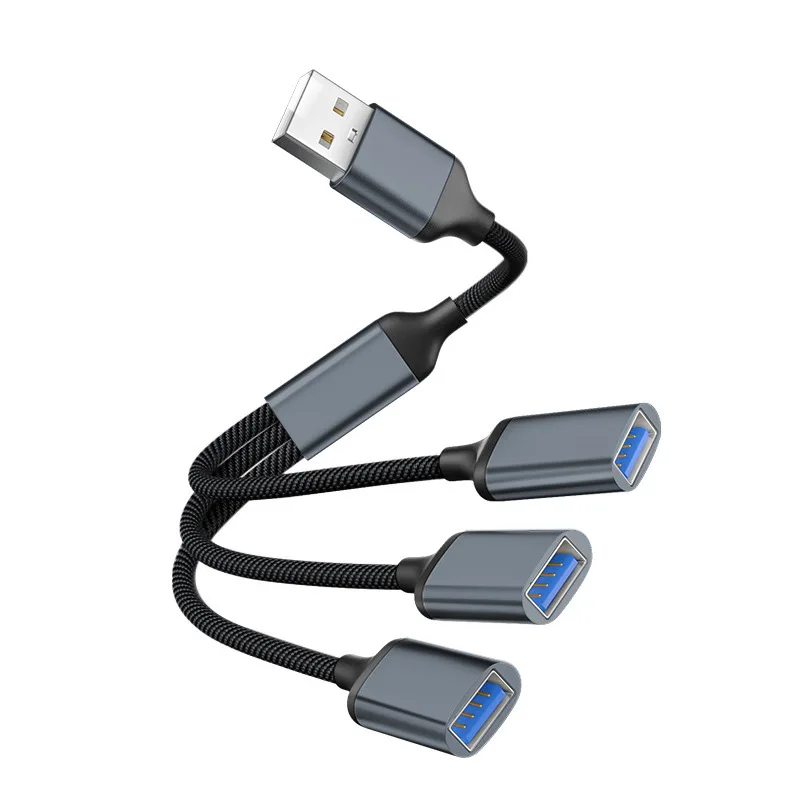
- USB-A laptop accessories: the older, flat rectangular USB plug, still on many laptops, keyboards, mice and memory sticks.
- HDMI accessories: the connector on TVs, projectors and most monitors.
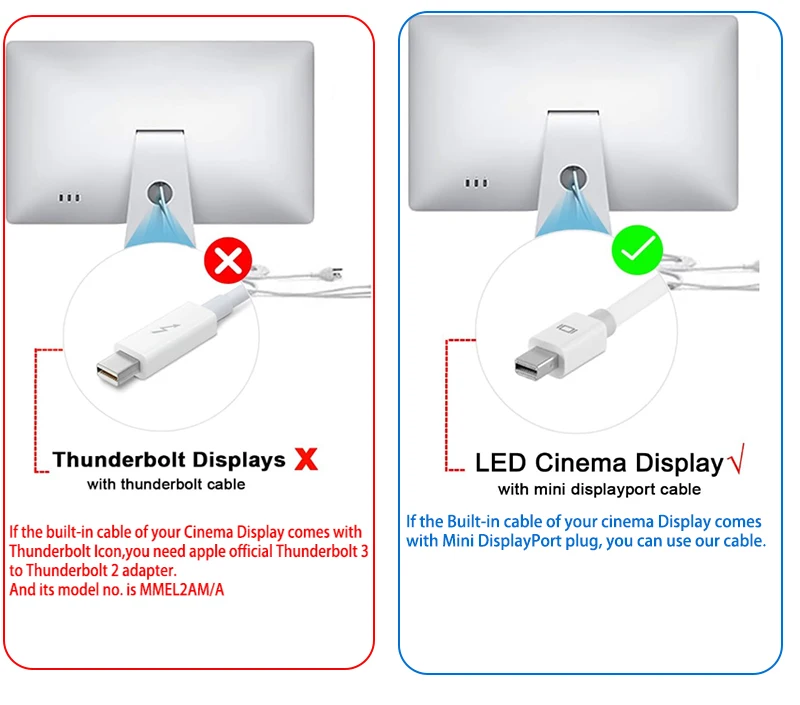
- DisplayPort accessories: the computer monitor connector, with one corner cut off, and its smaller Mini DisplayPort form.
How to tell what your laptop has
Look along both sides. A USB-C port is small and rounded at both ends. A USB-A port is wider and flat. HDMI is a wide socket with sloping lower corners. A full-size DisplayPort is rare on laptops, but USB-C ports often carry DisplayPort video. A USB-C port that does is normally marked with the DisplayPort logo, or a lightning-bolt symbol where it is a Thunderbolt port. The surest answer is your model's specification page from its maker: find the model name under Settings, System, About on Windows, or About This Mac on a Mac.
Questions people ask about connectors
Do all USB-C ports do the same thing?
No. The plug is the same, but one port may charge and carry video while another only carries data. The maker's specification says what each port does. Our guide USB-C explained goes through it.
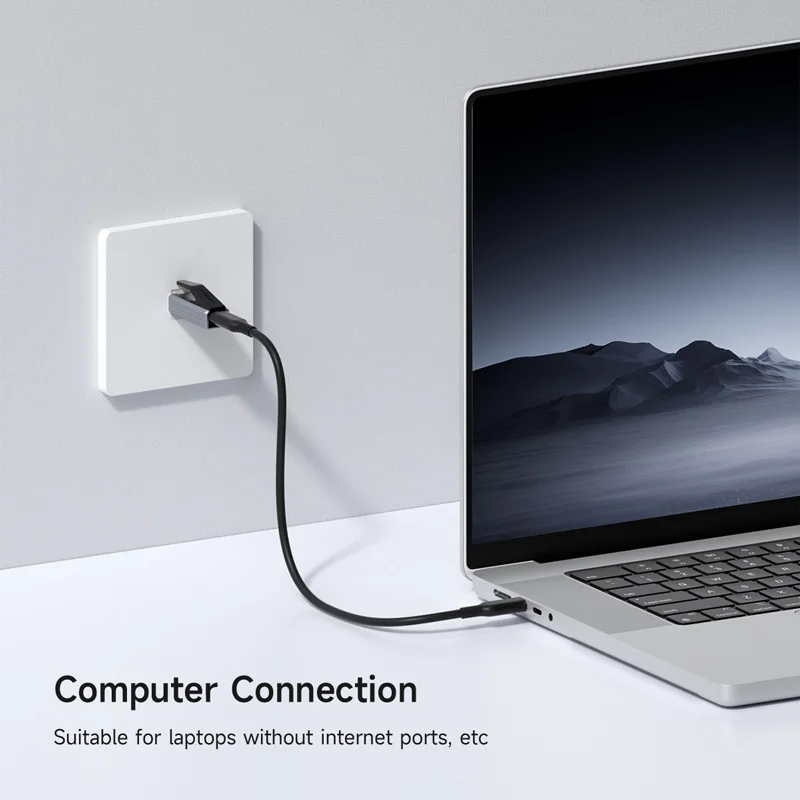
My laptop has only USB-C. Can I still use my older things?
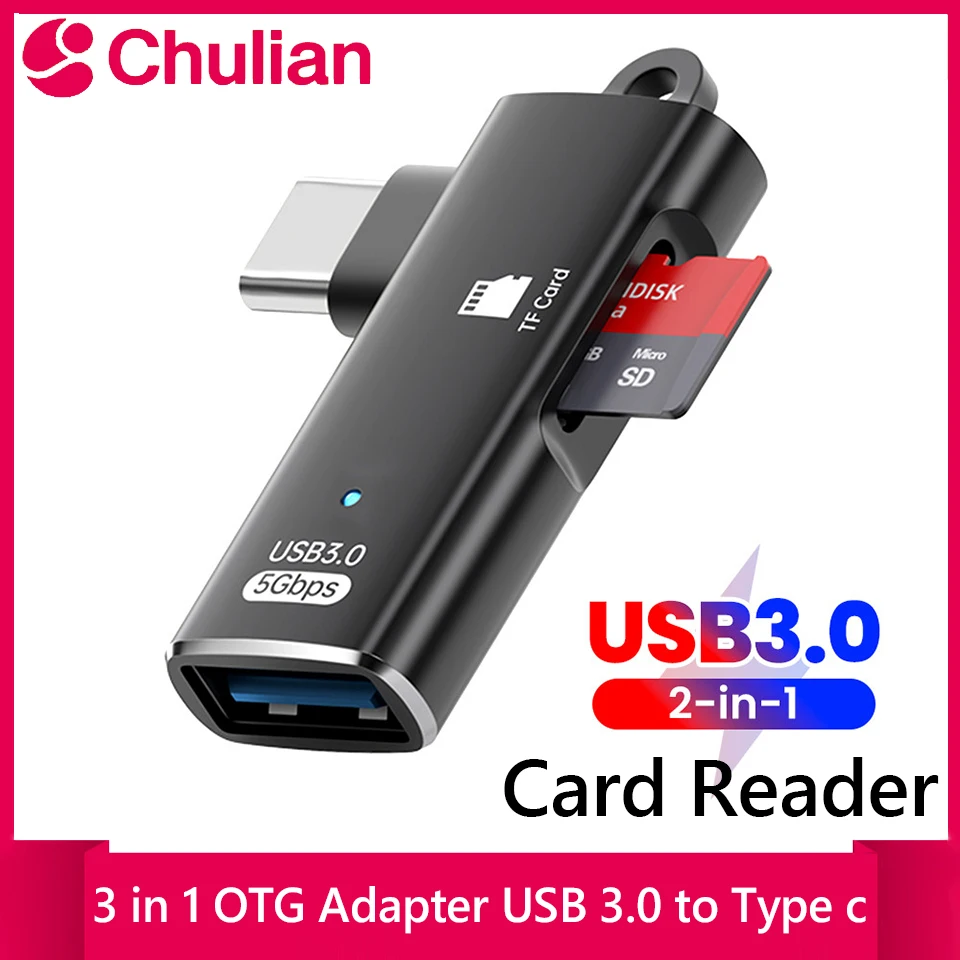
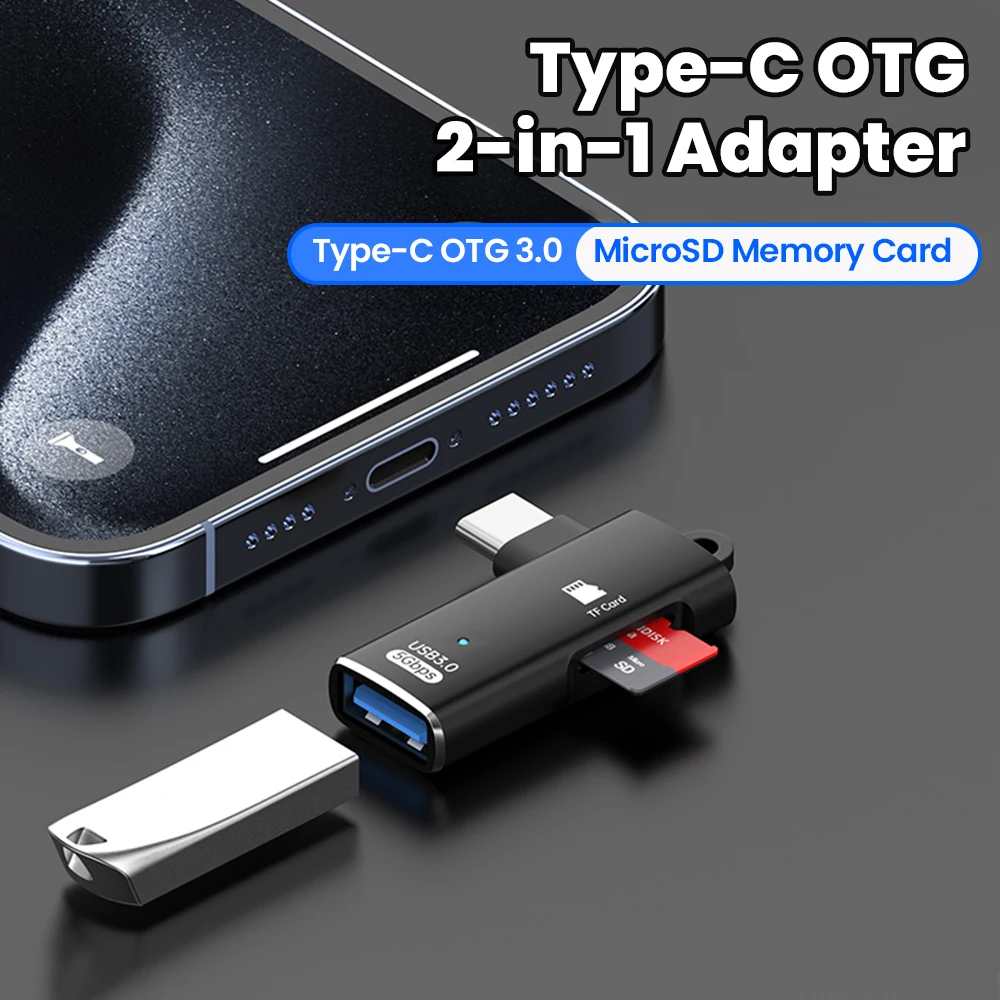
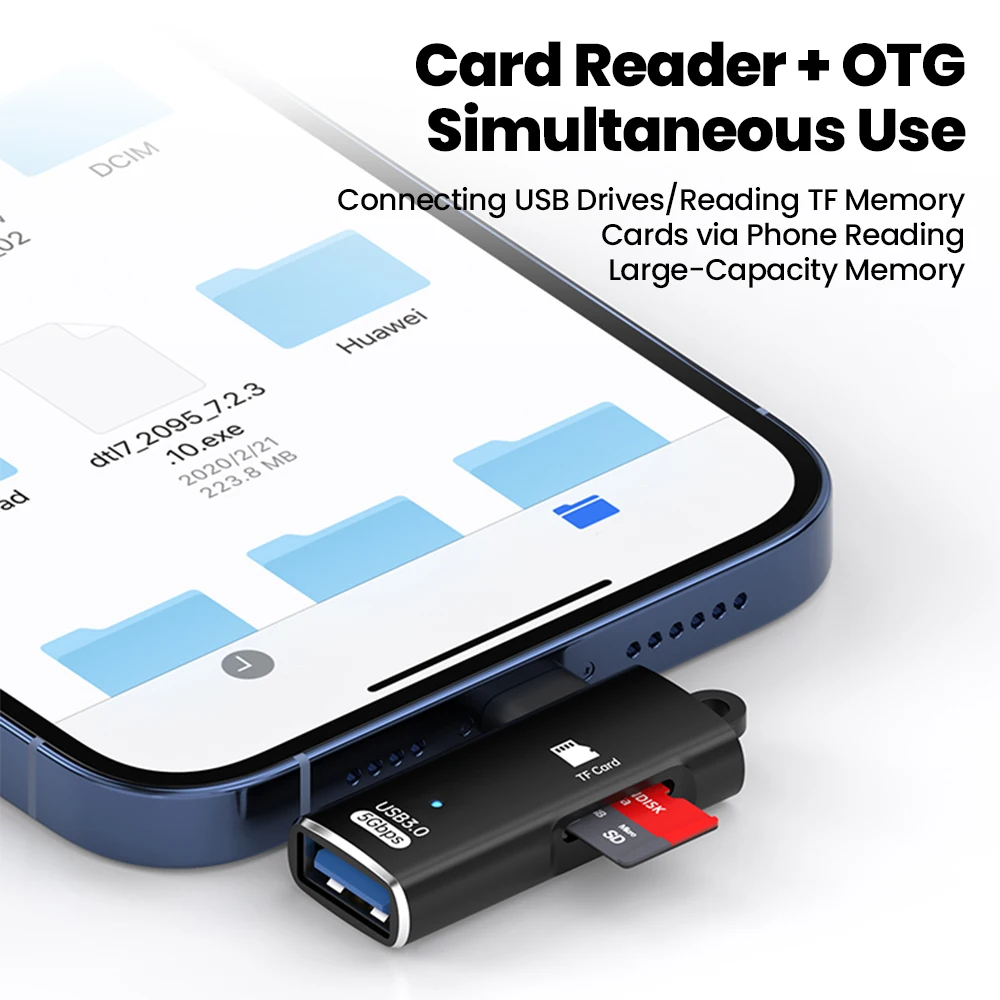
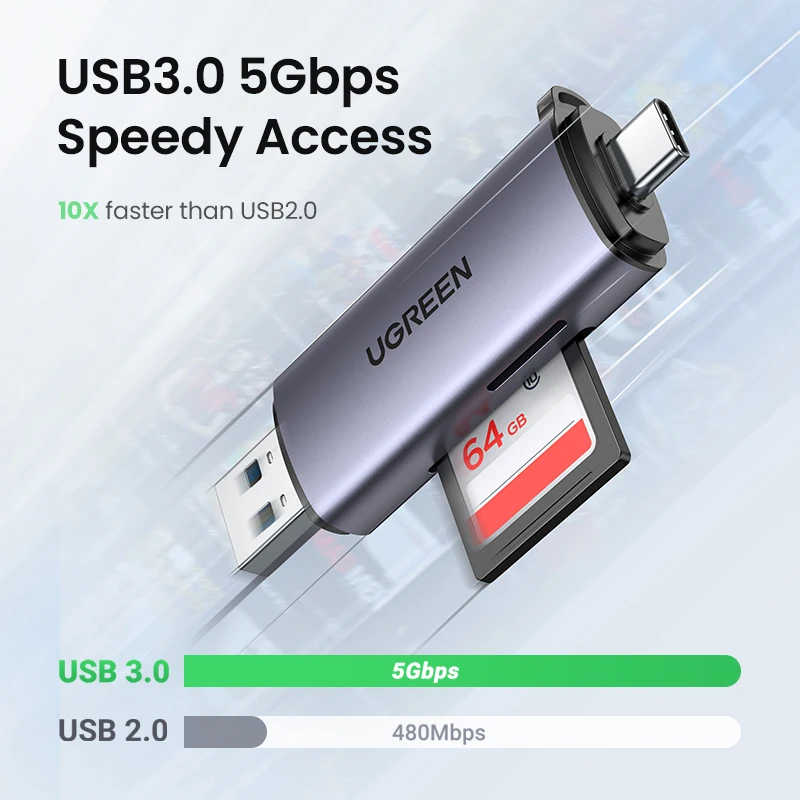
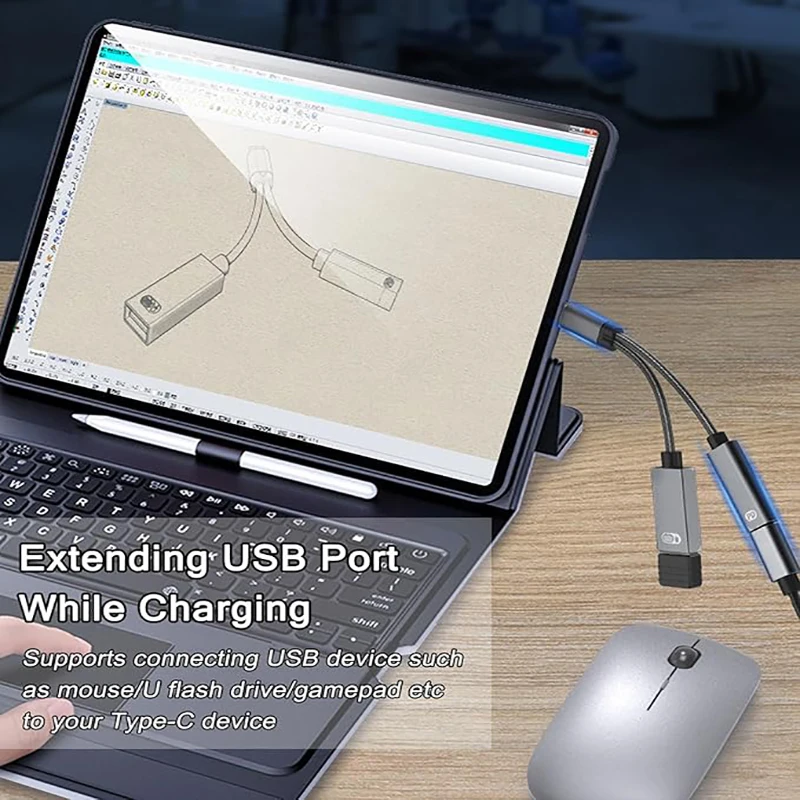
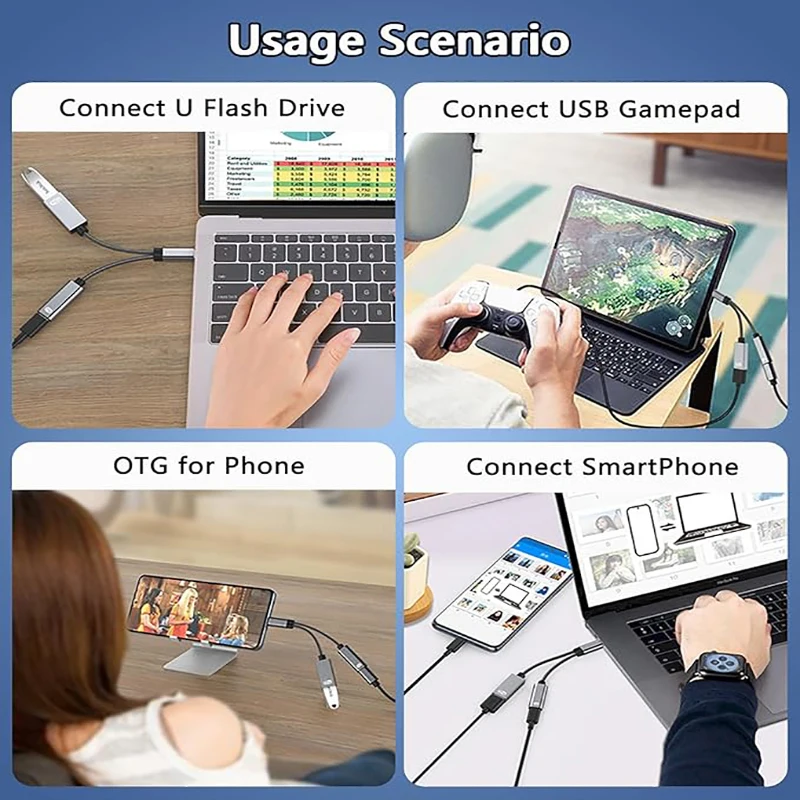
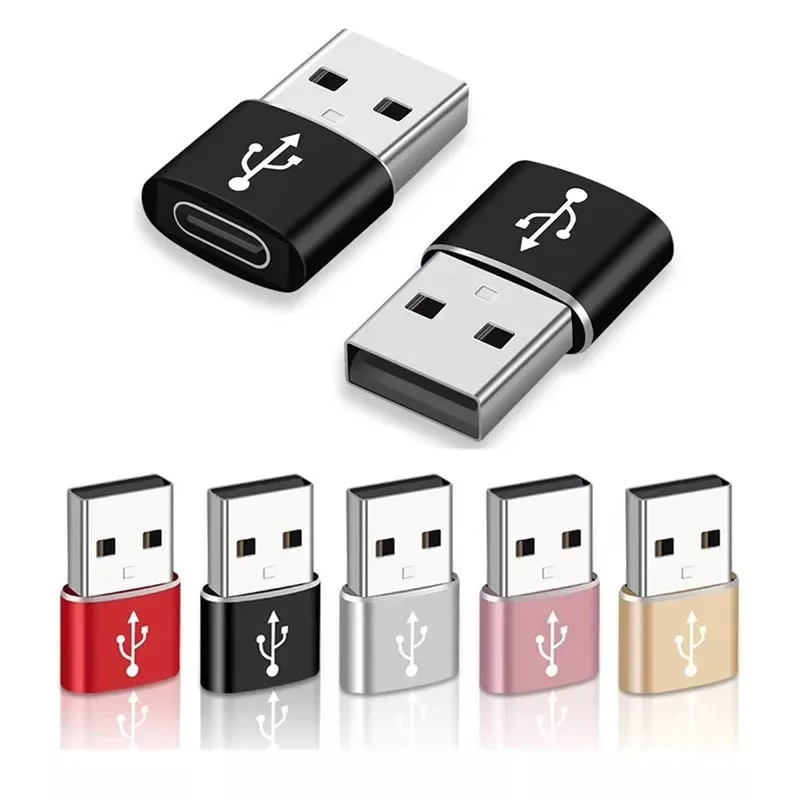
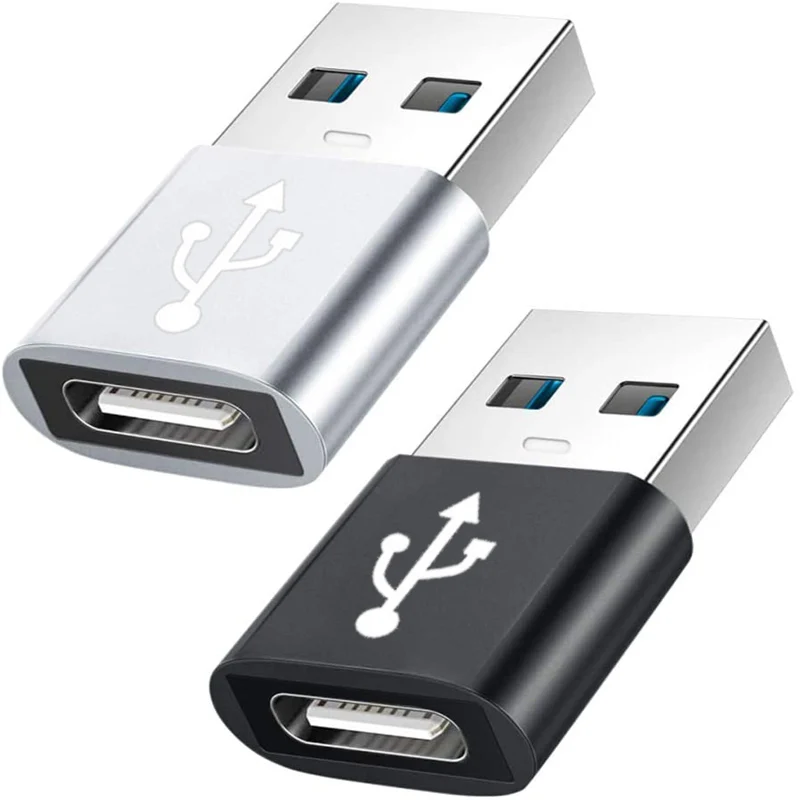
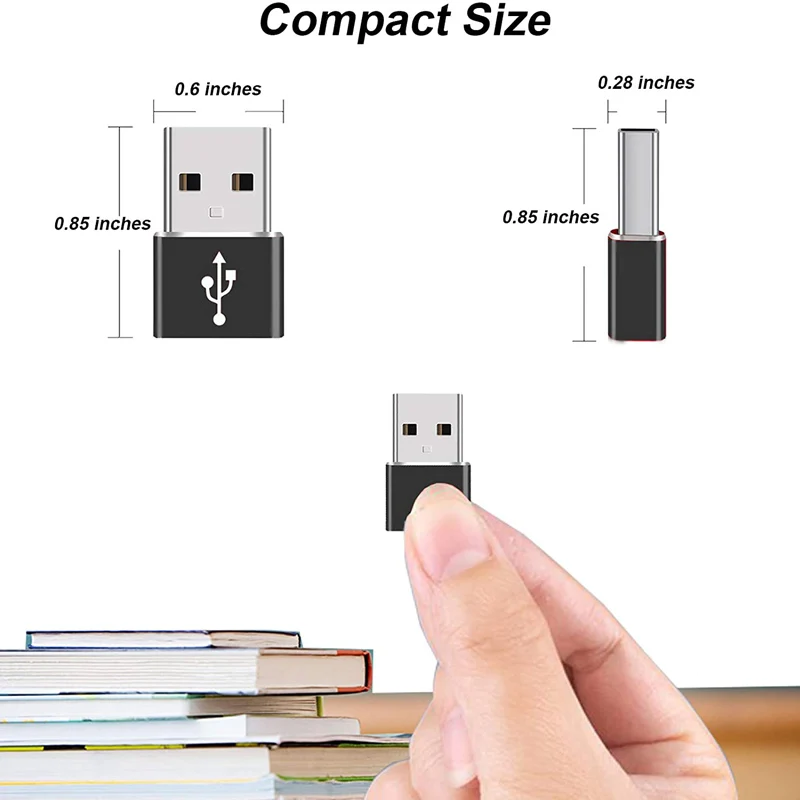
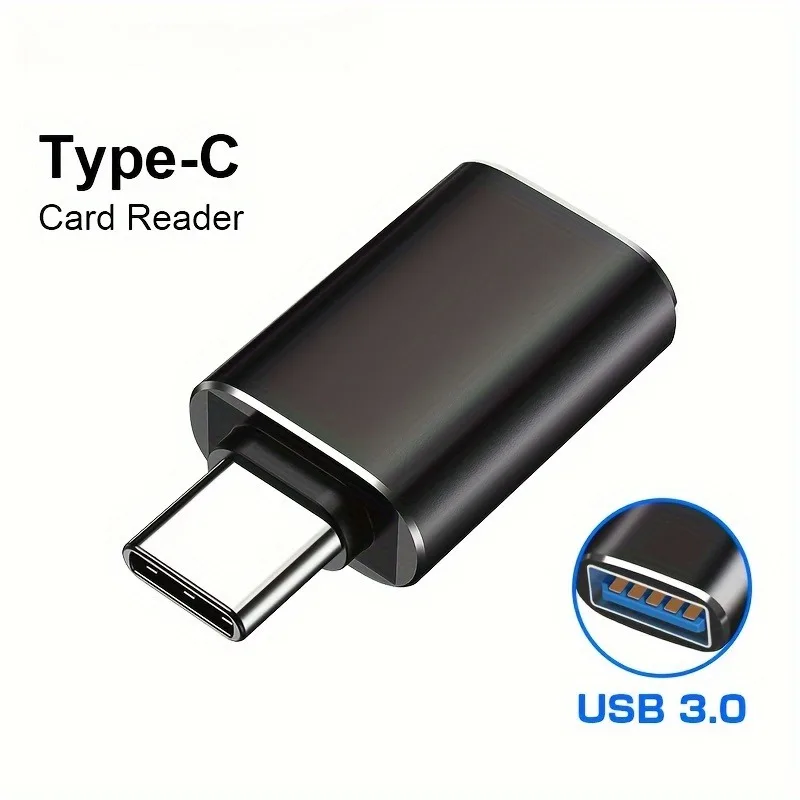
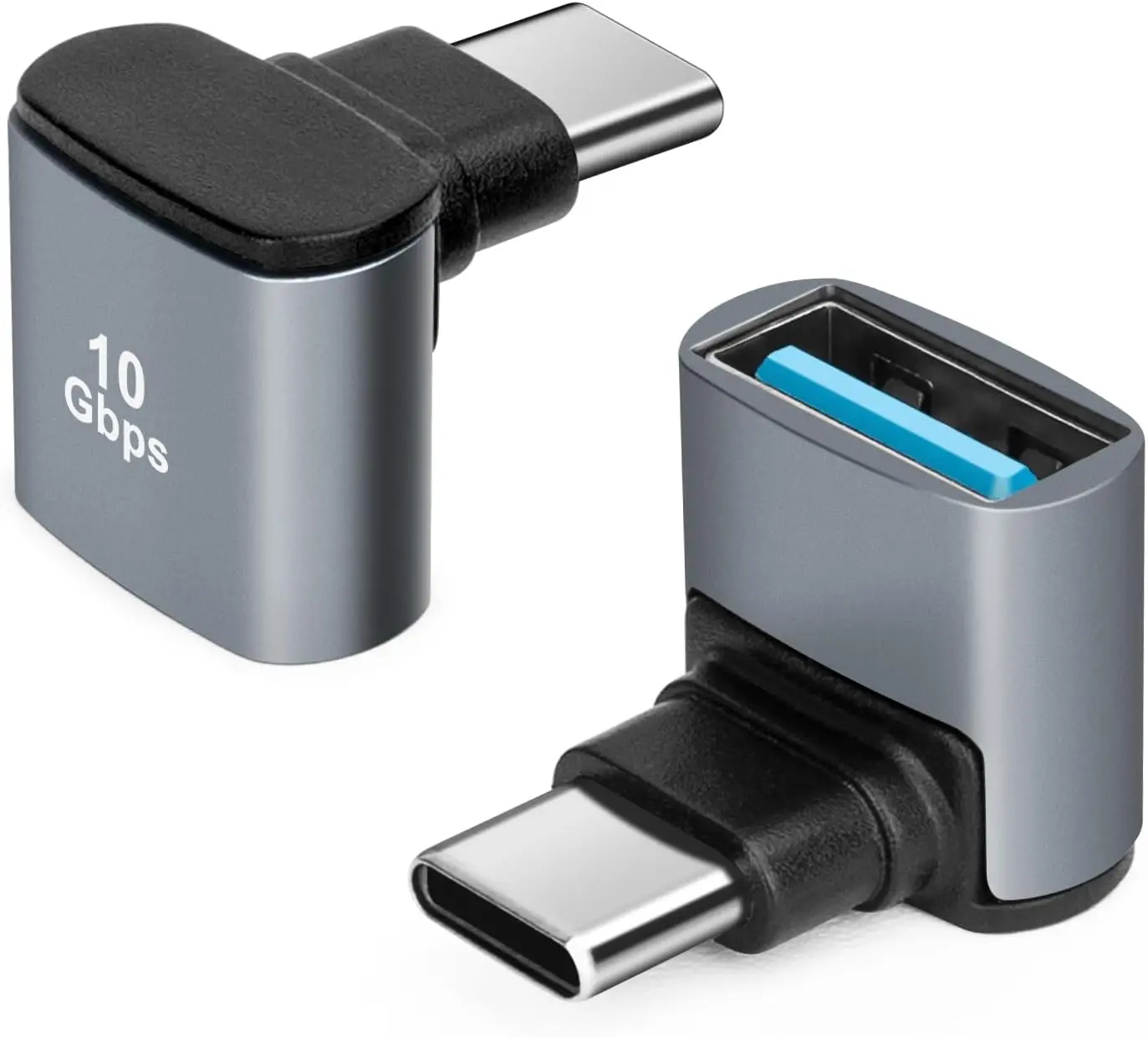
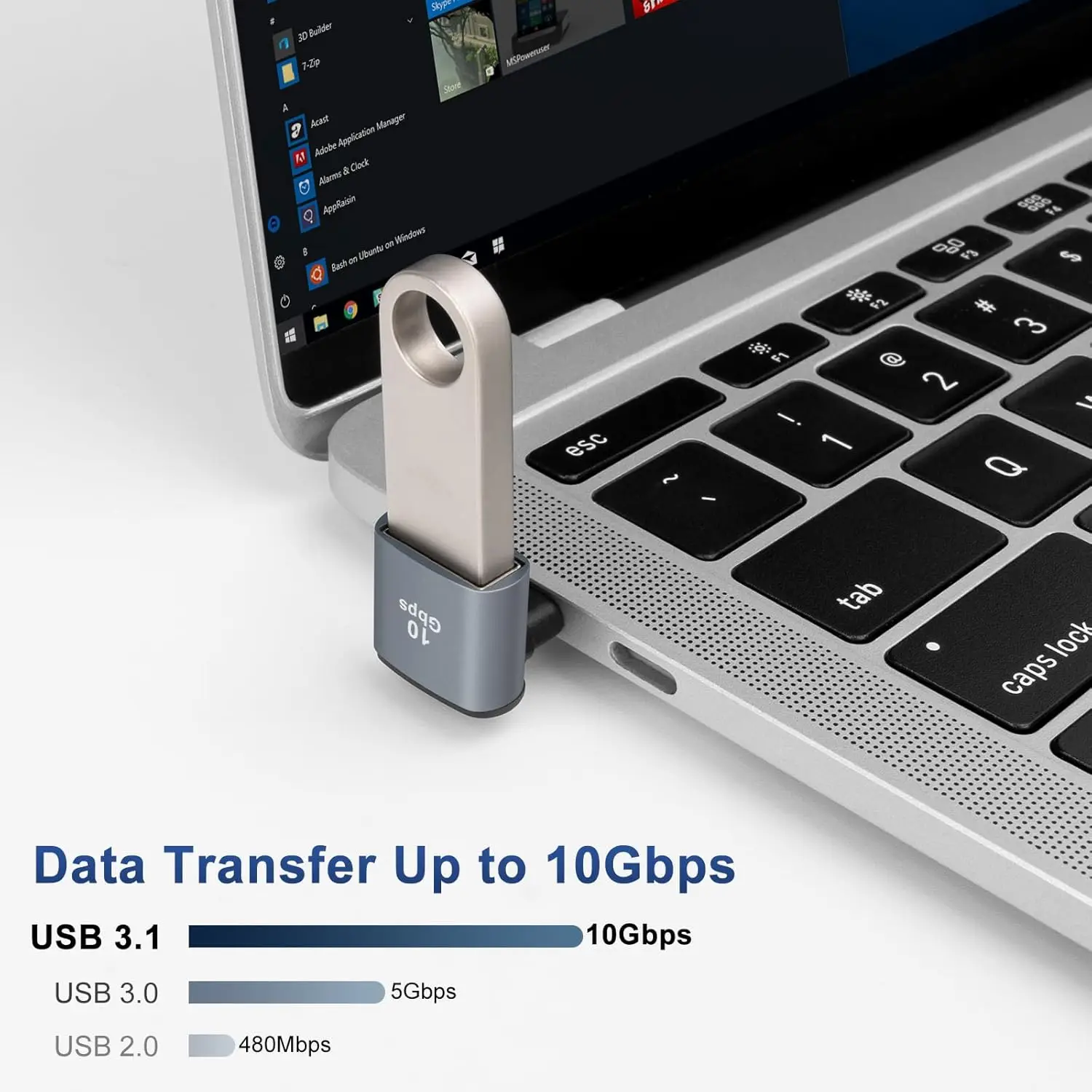
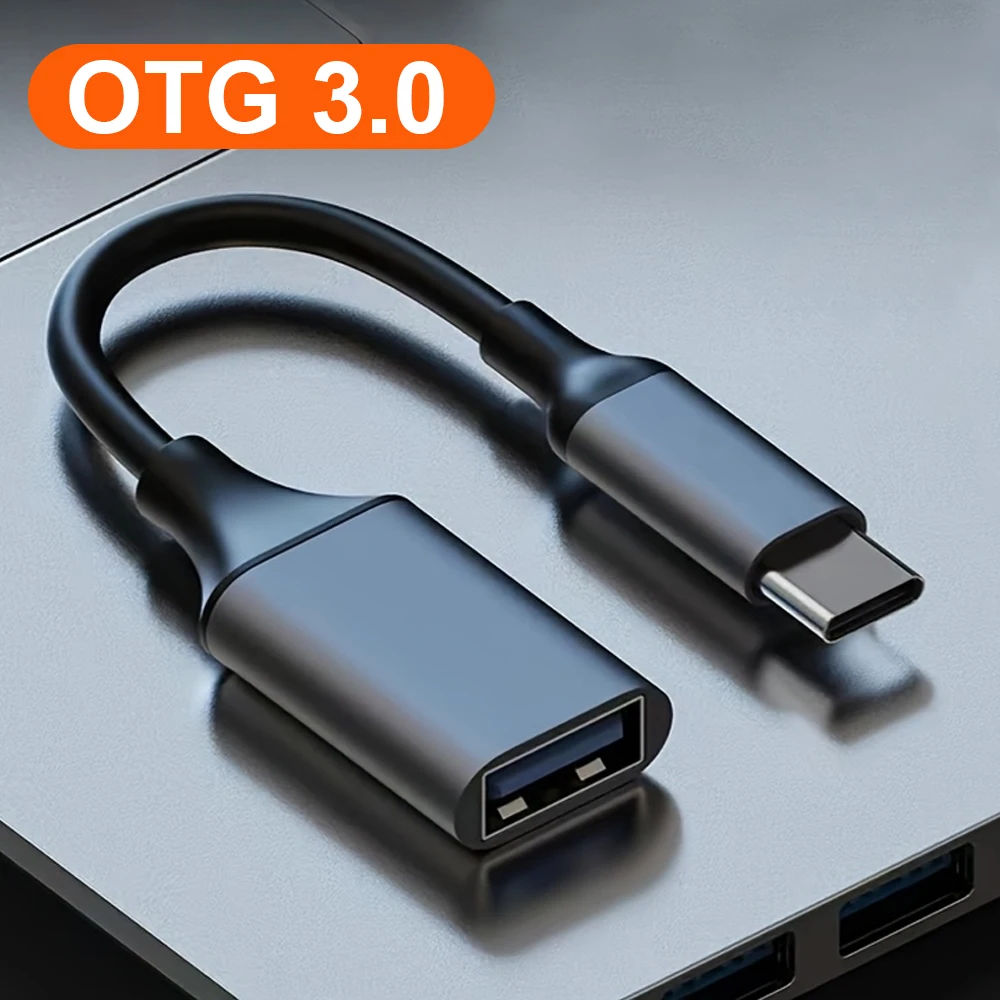
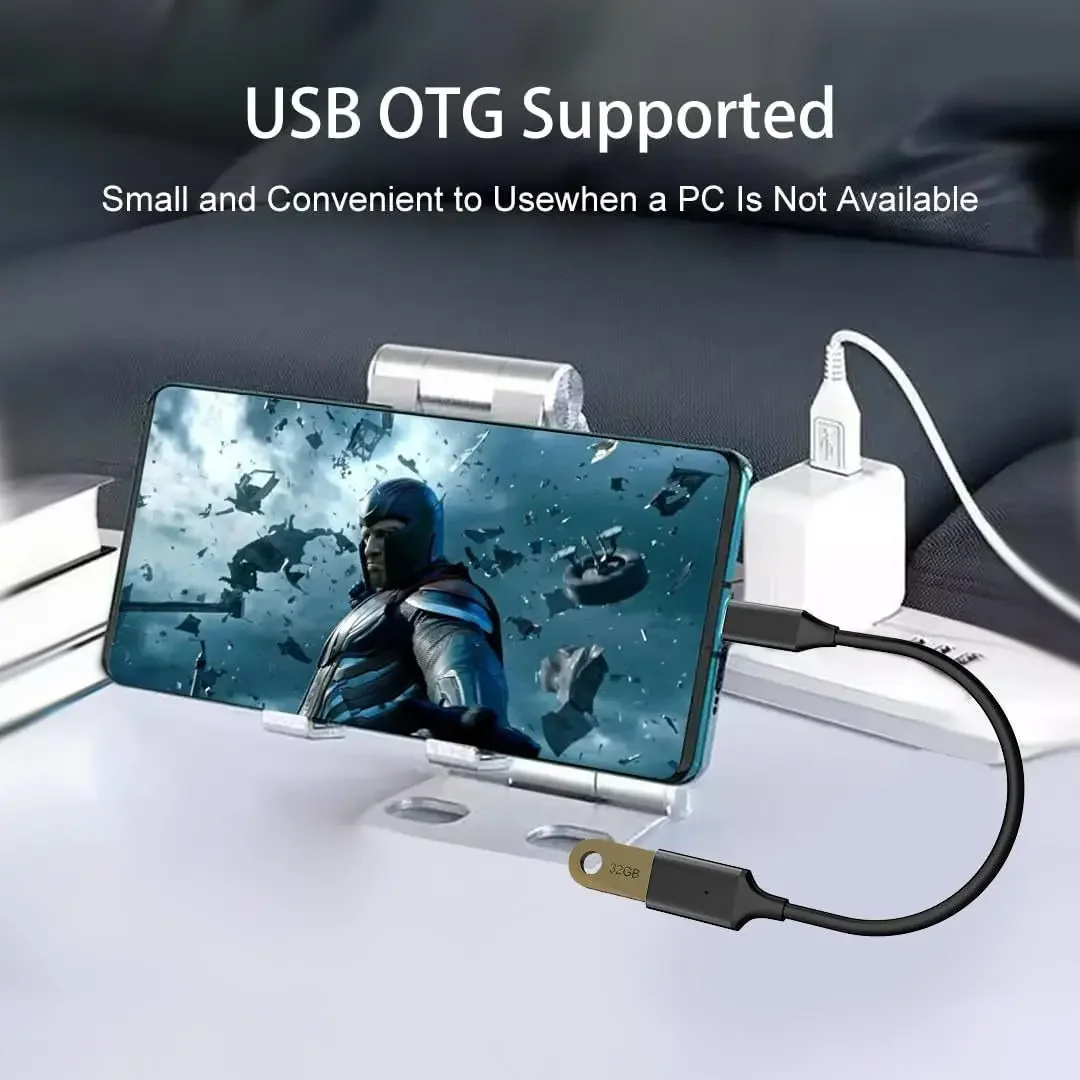
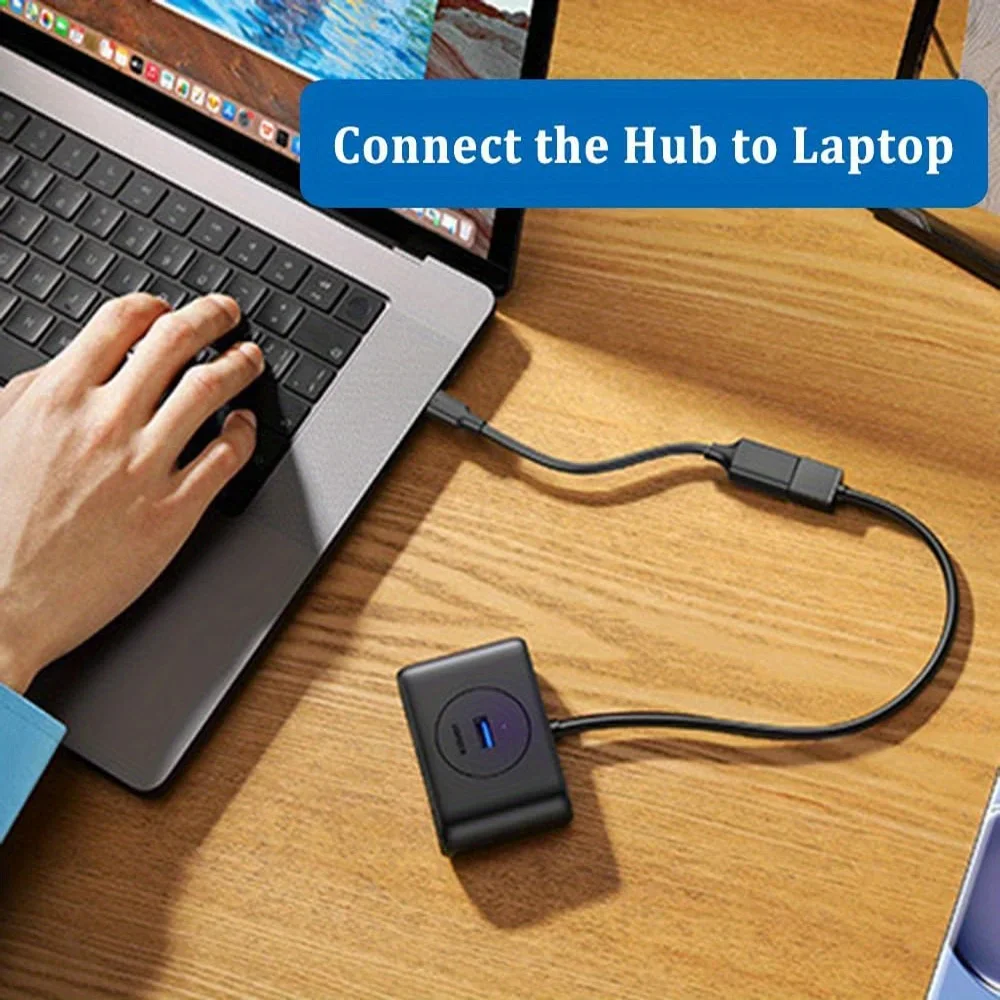
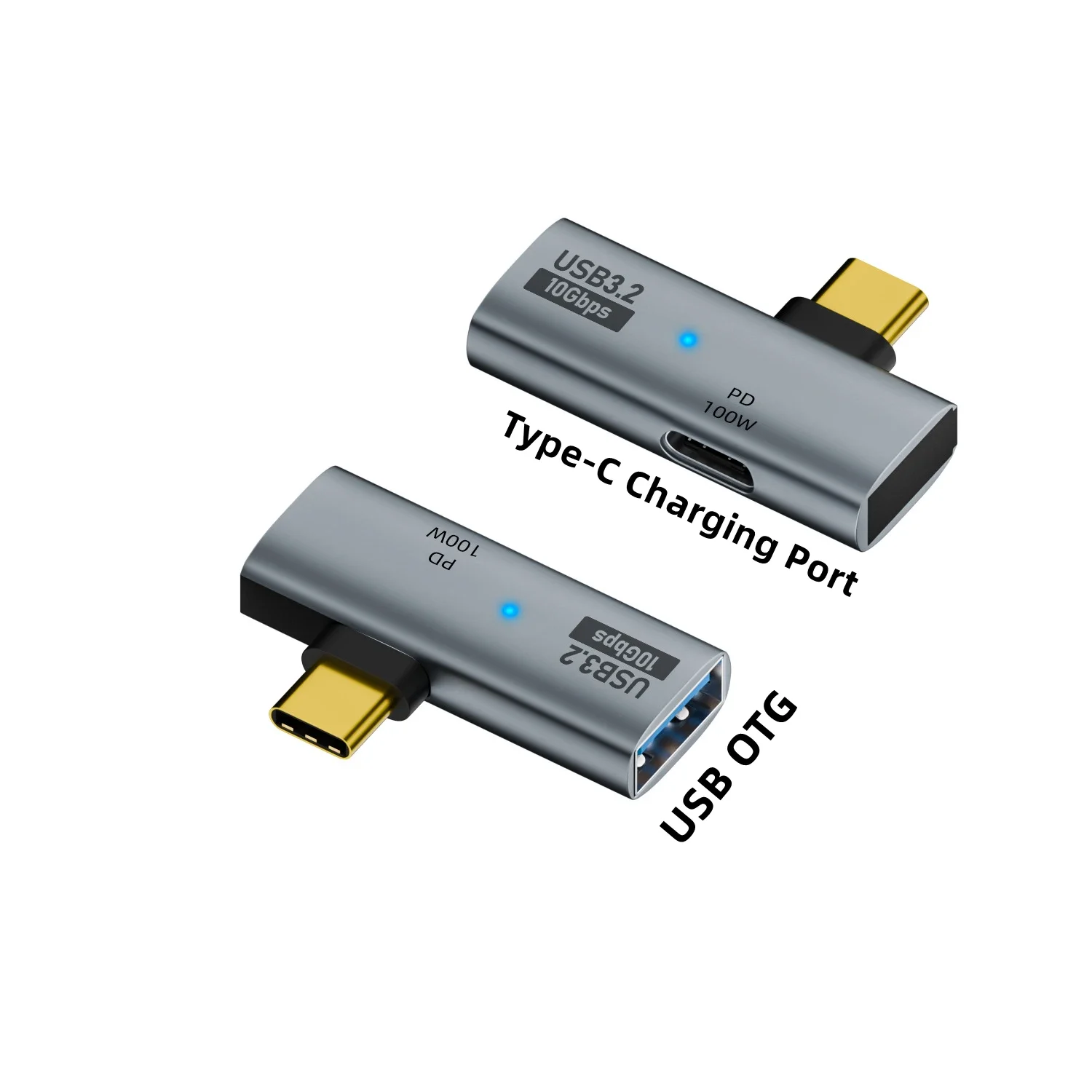
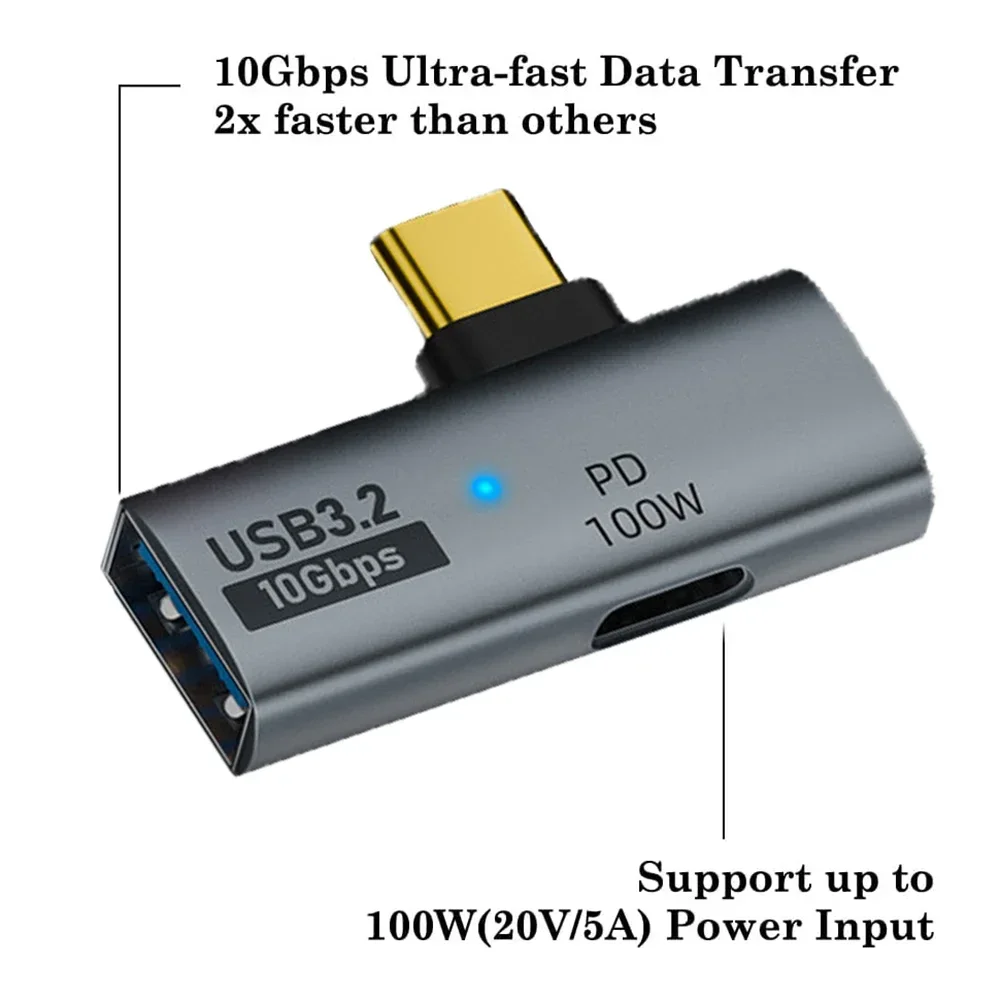
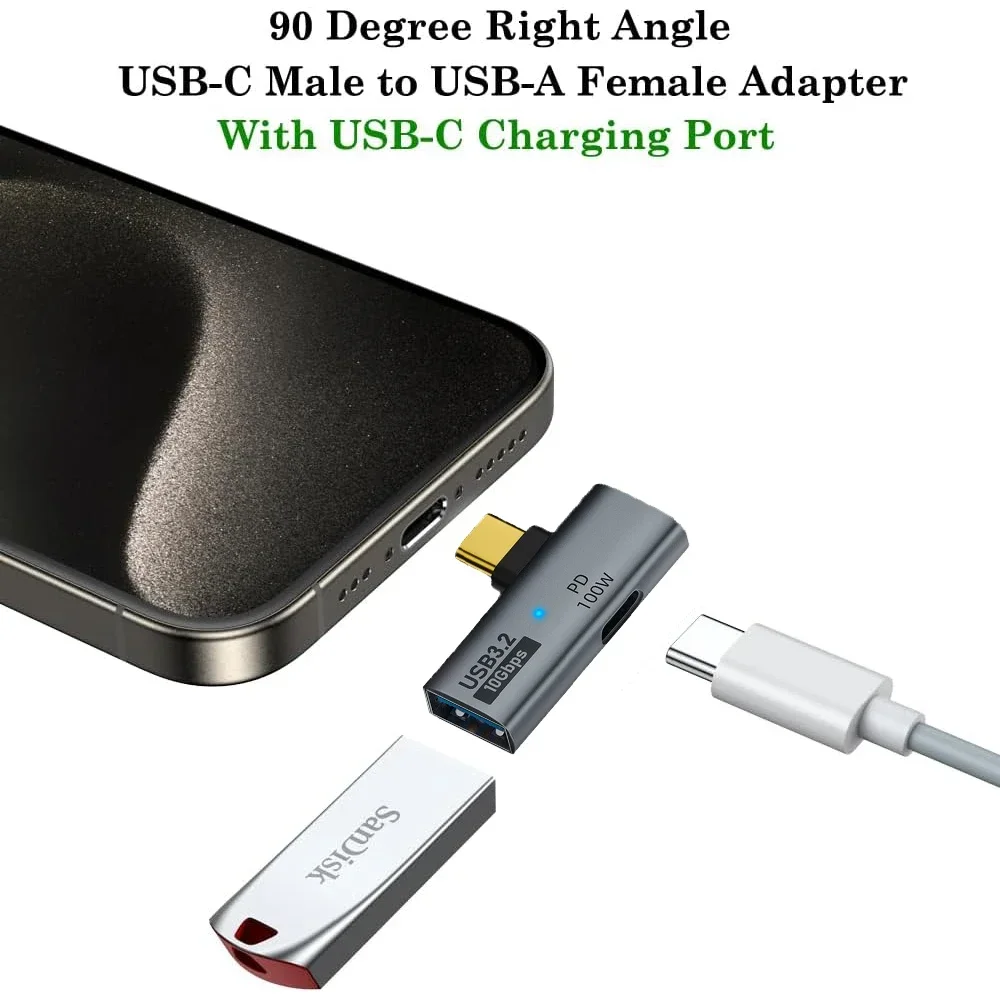
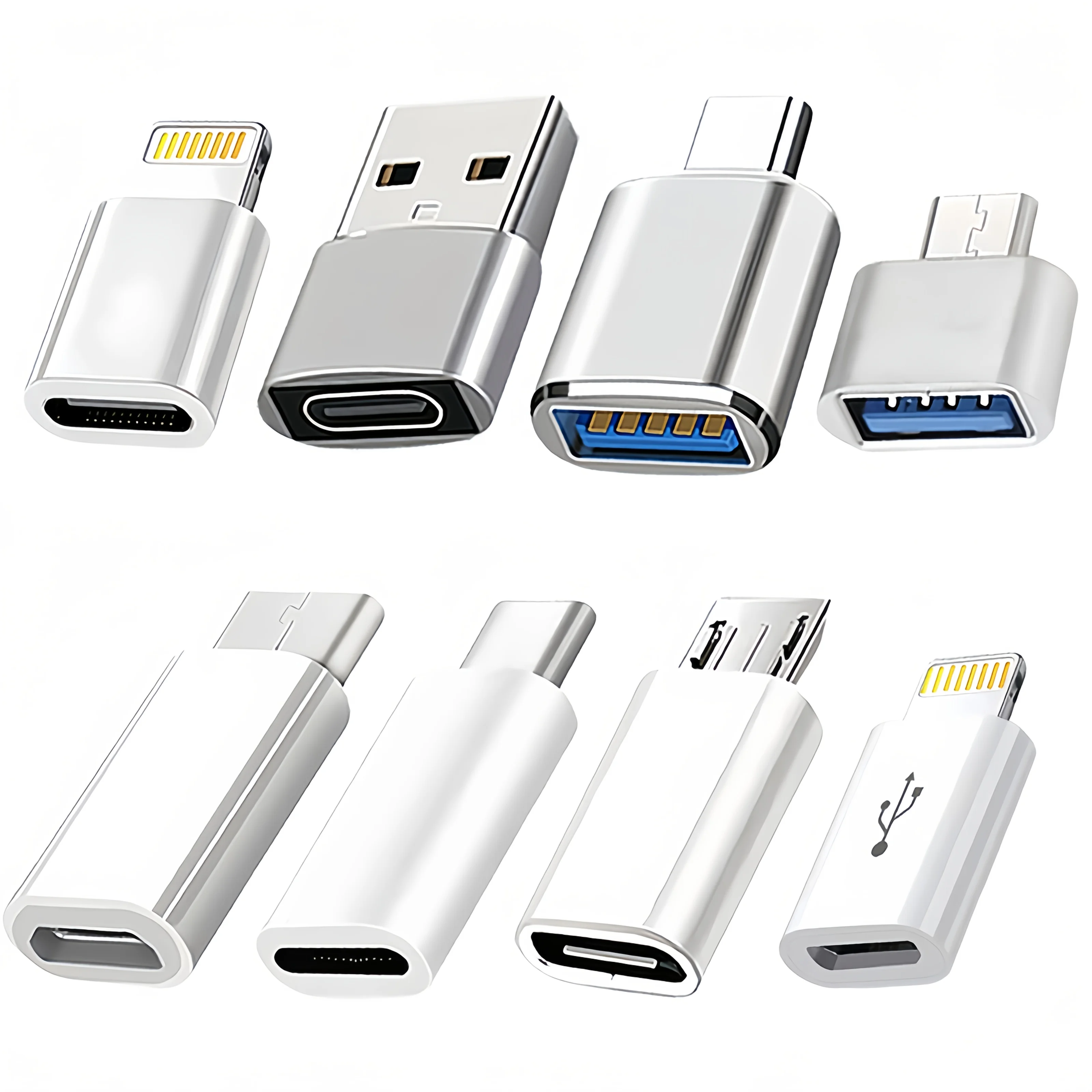
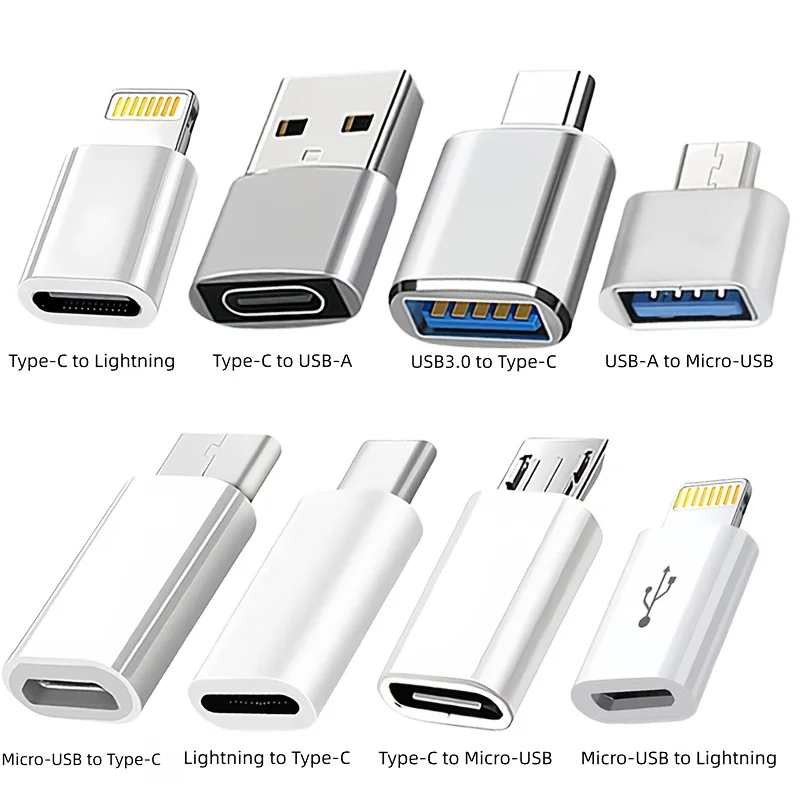
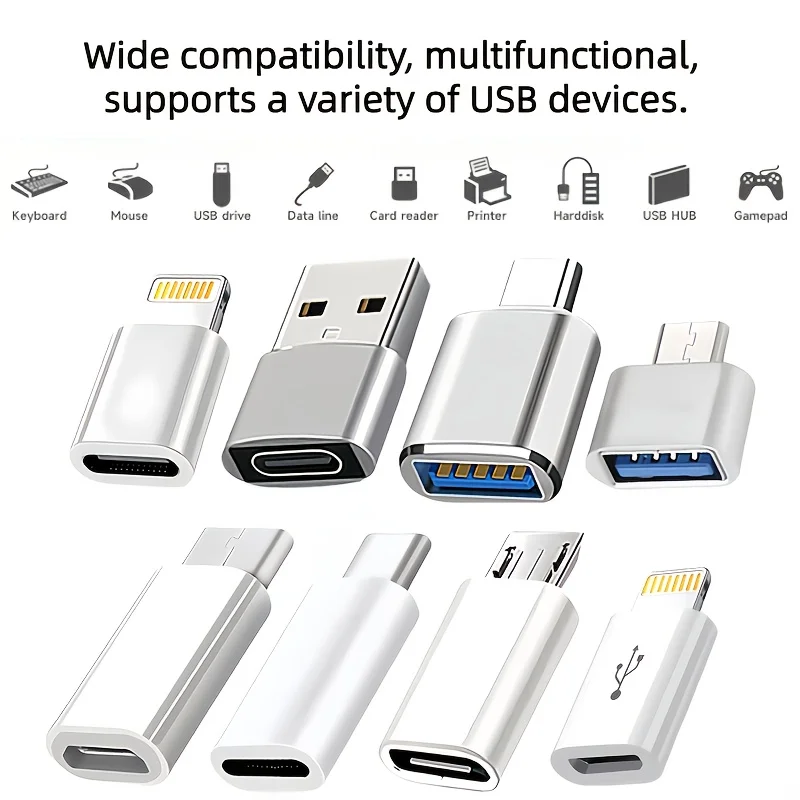
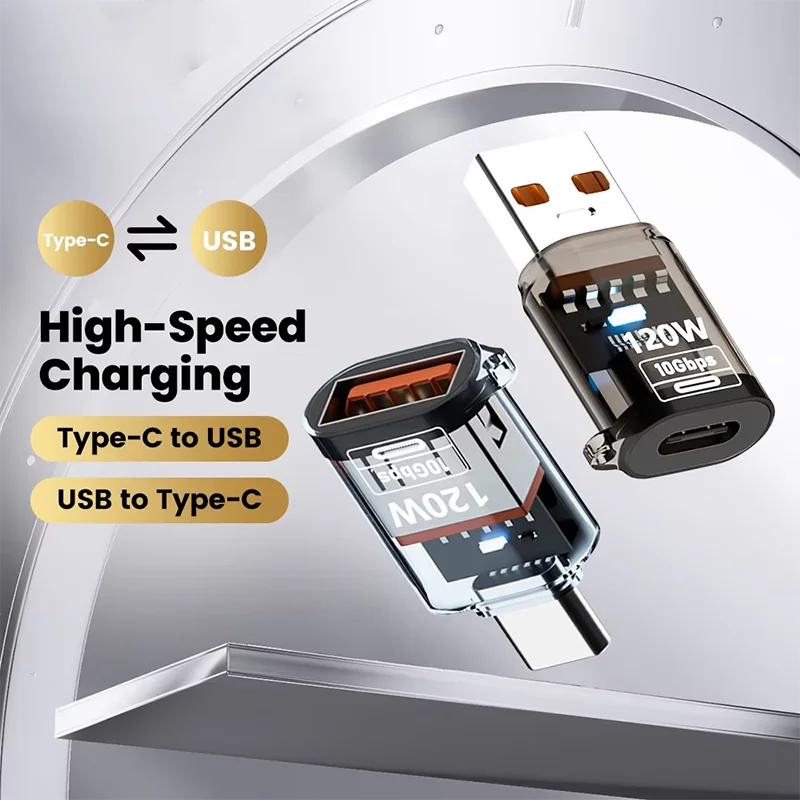
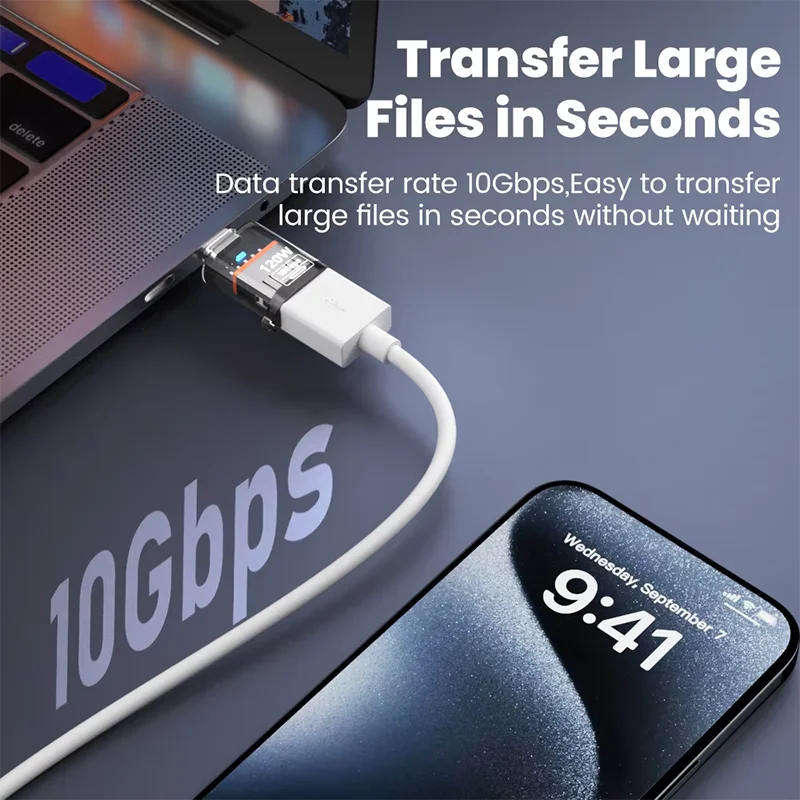
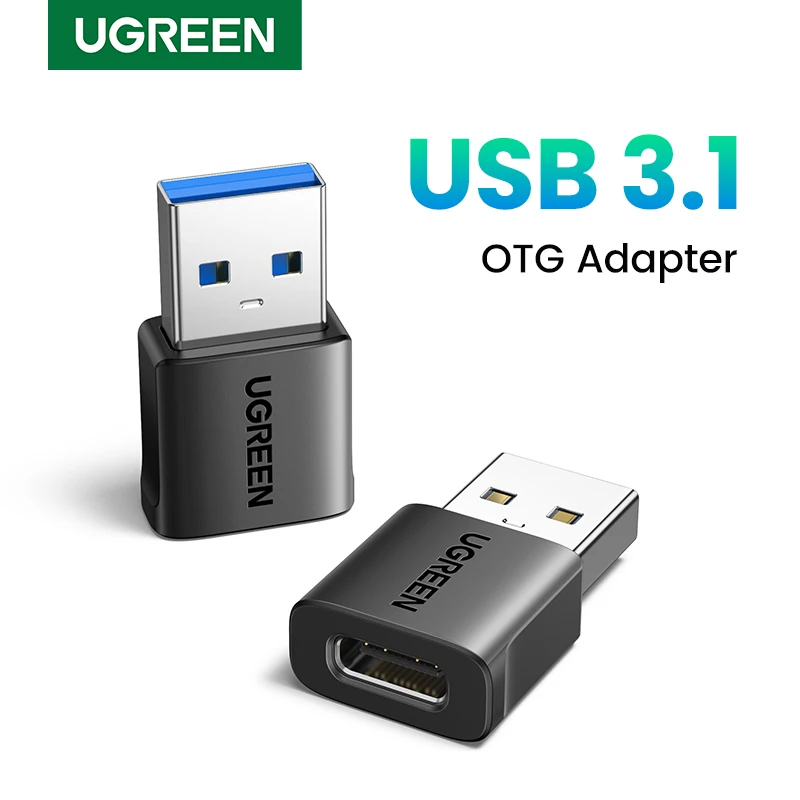
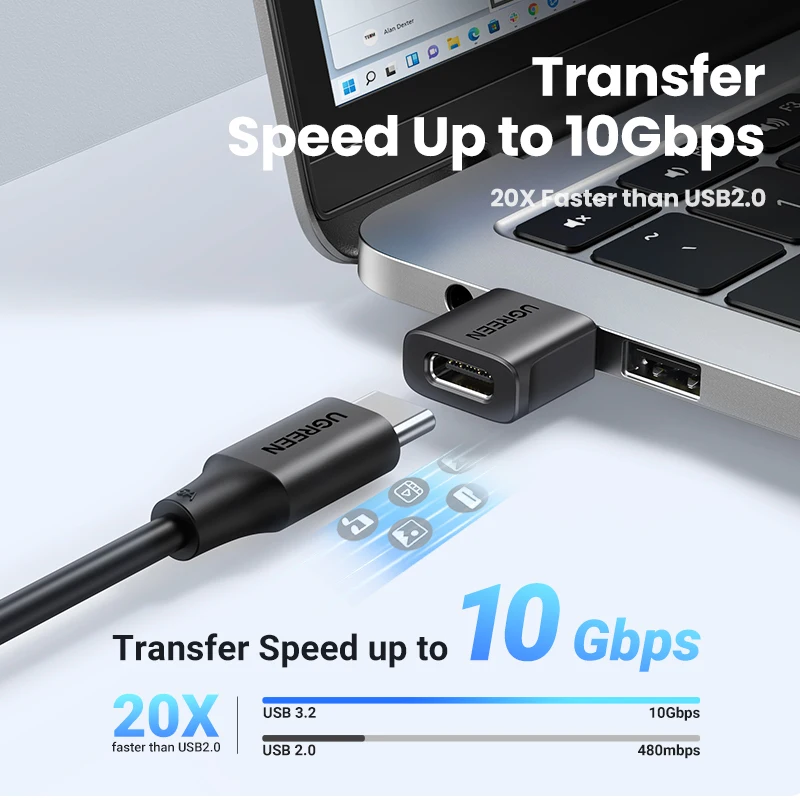
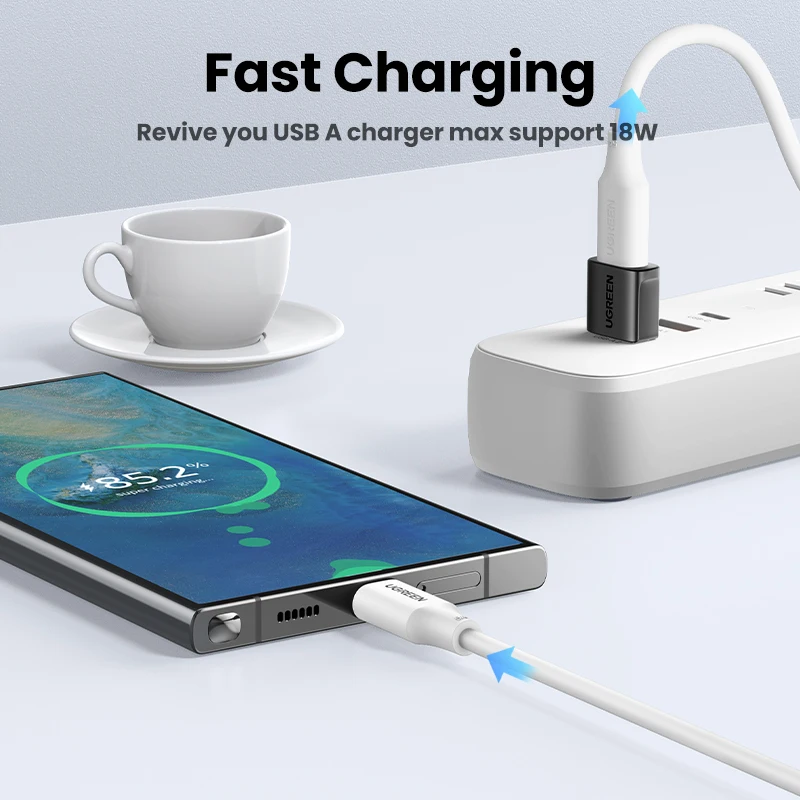
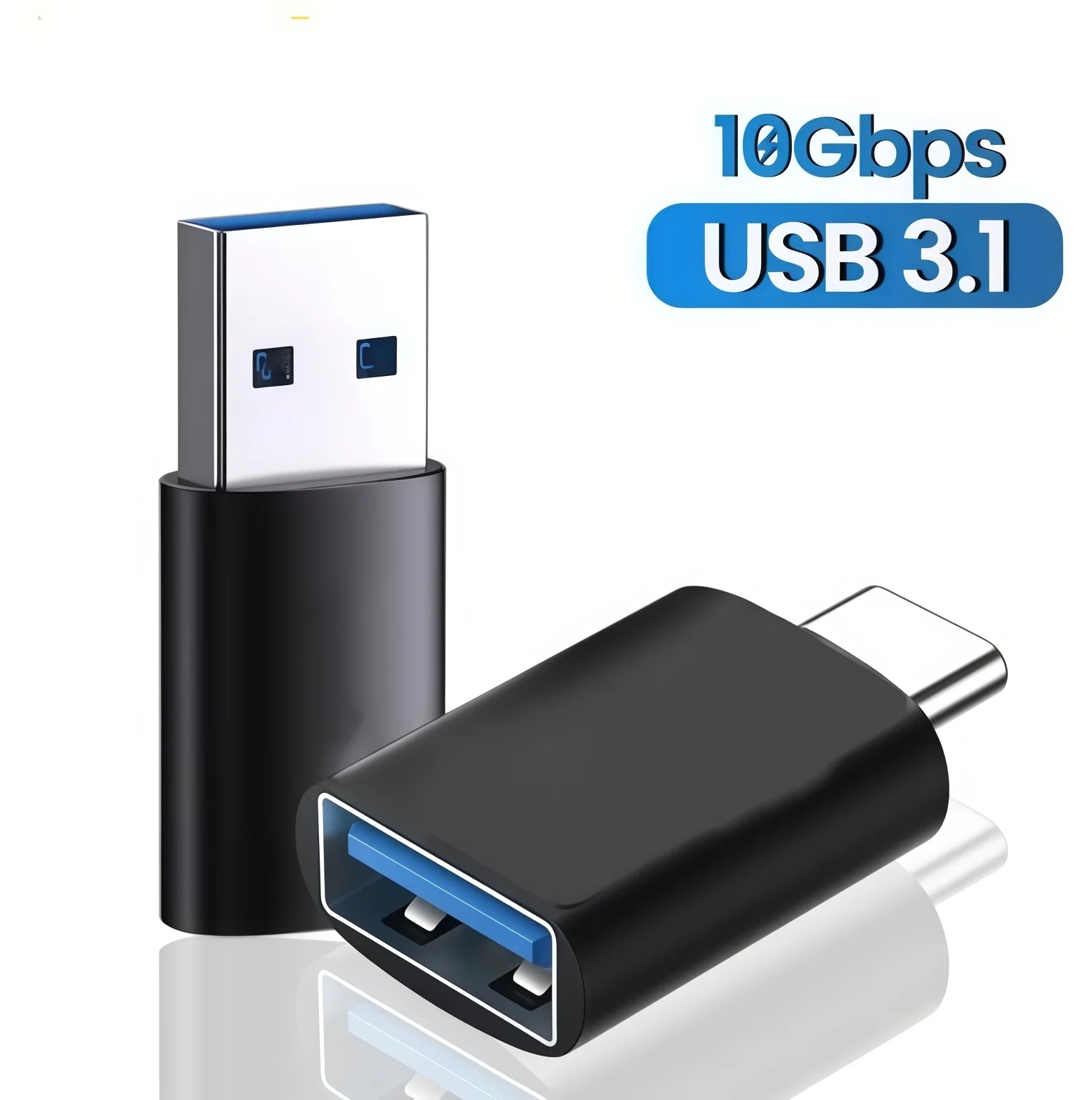
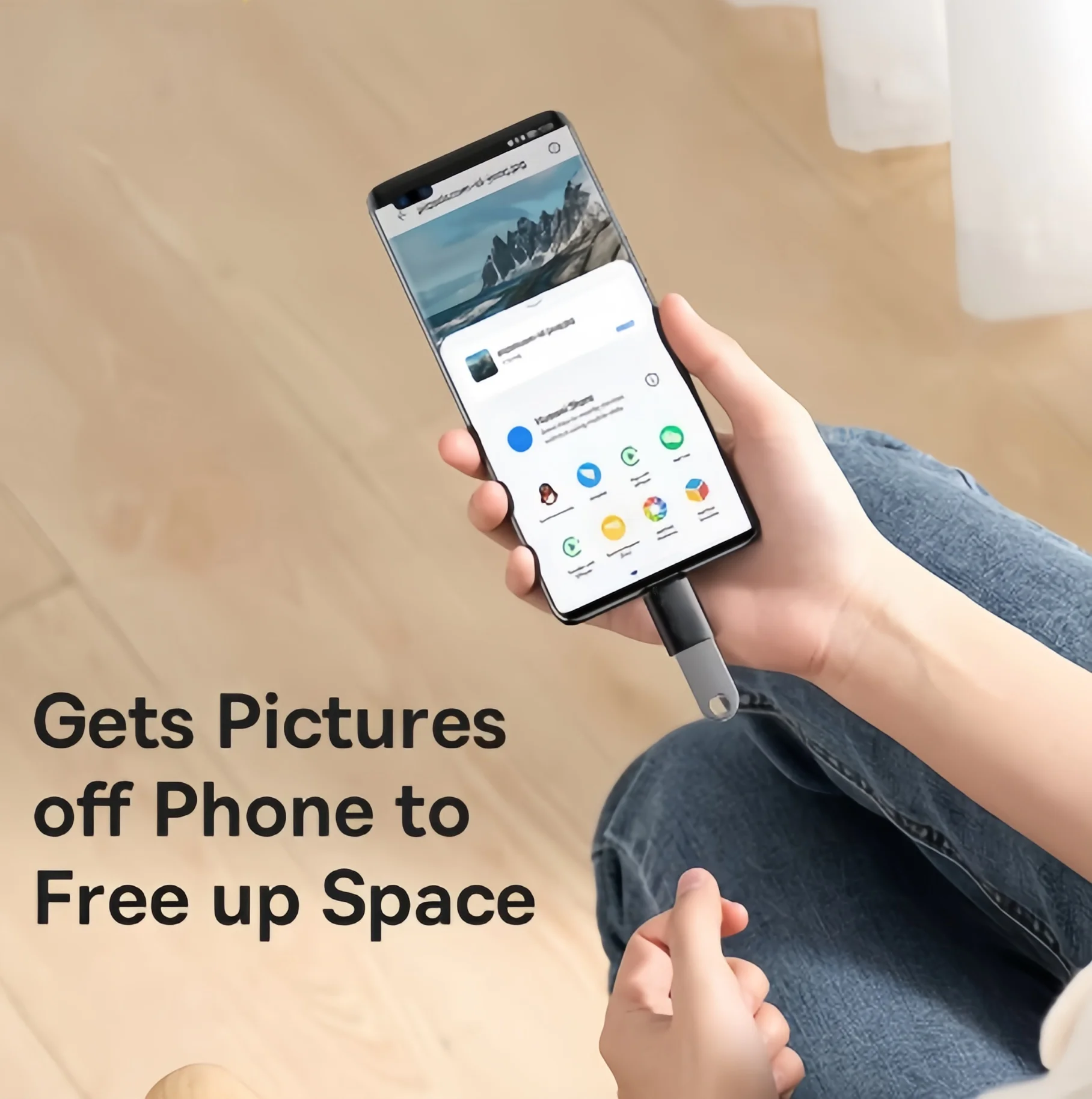
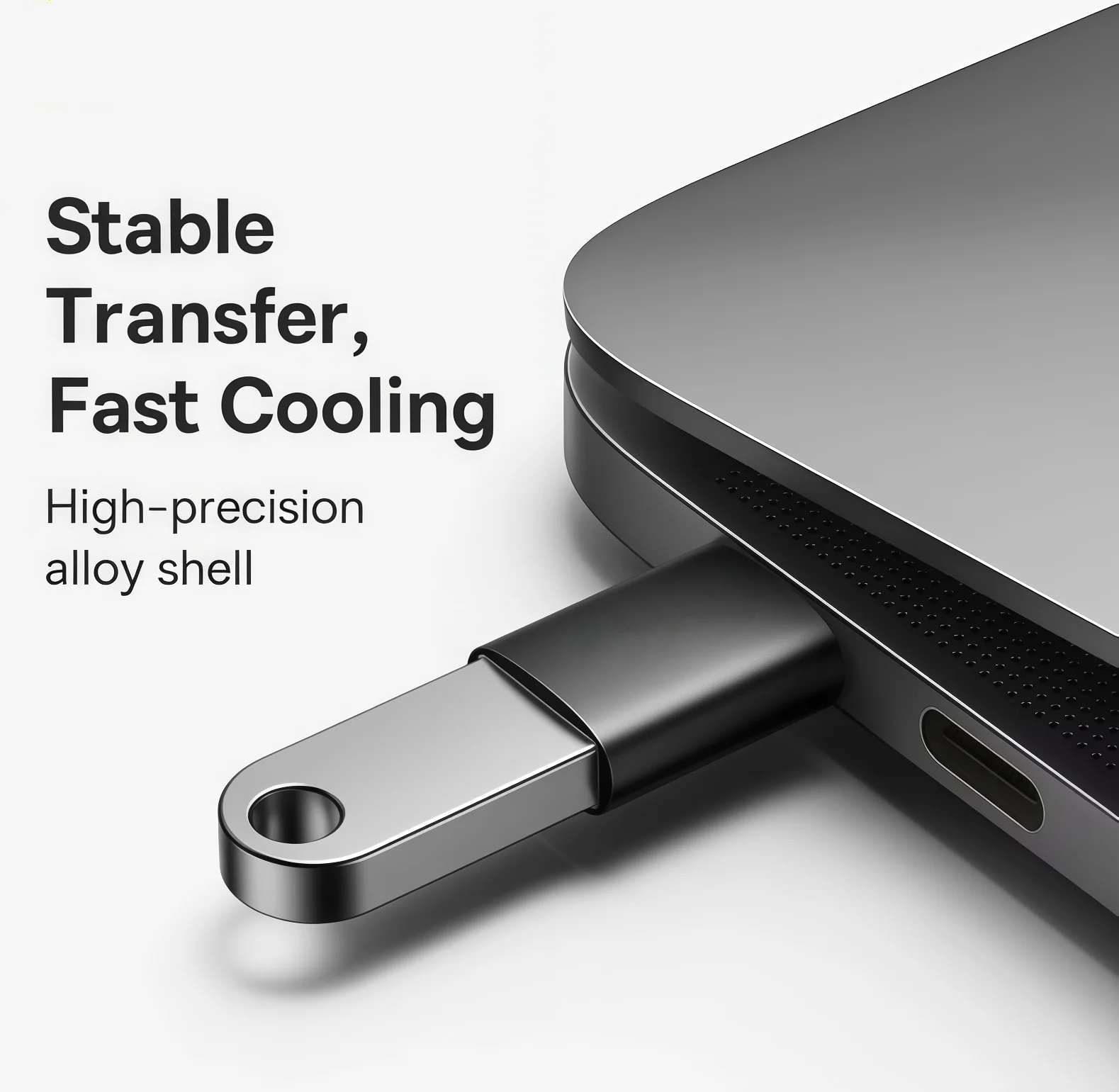
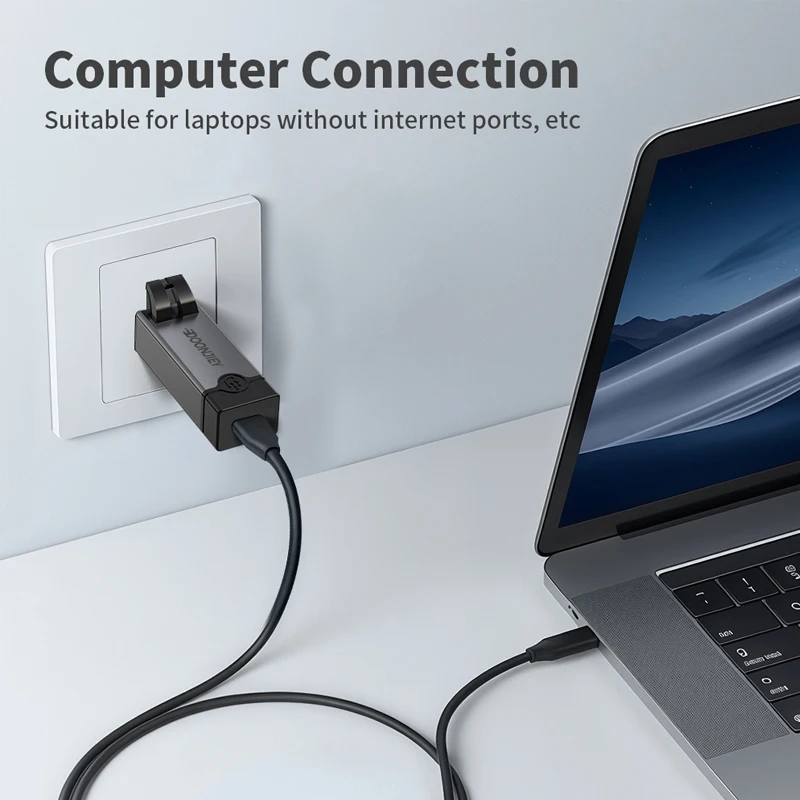
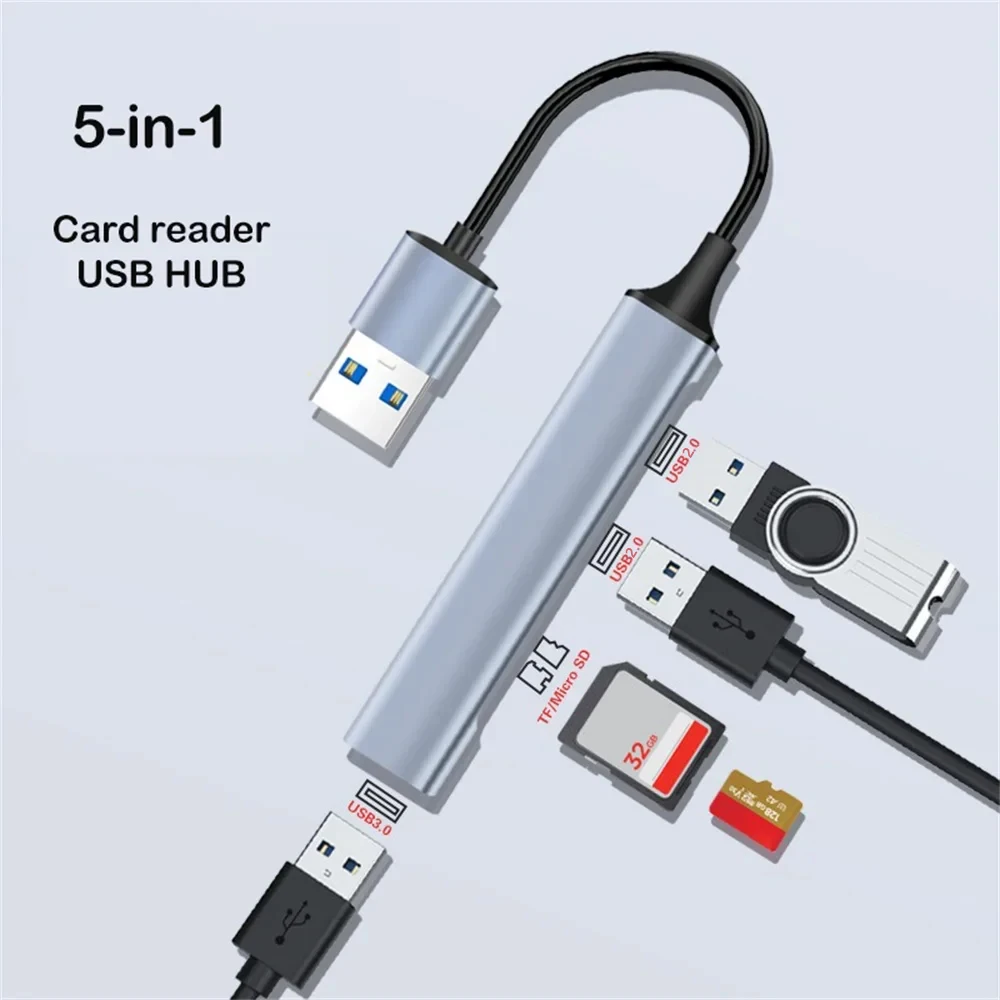
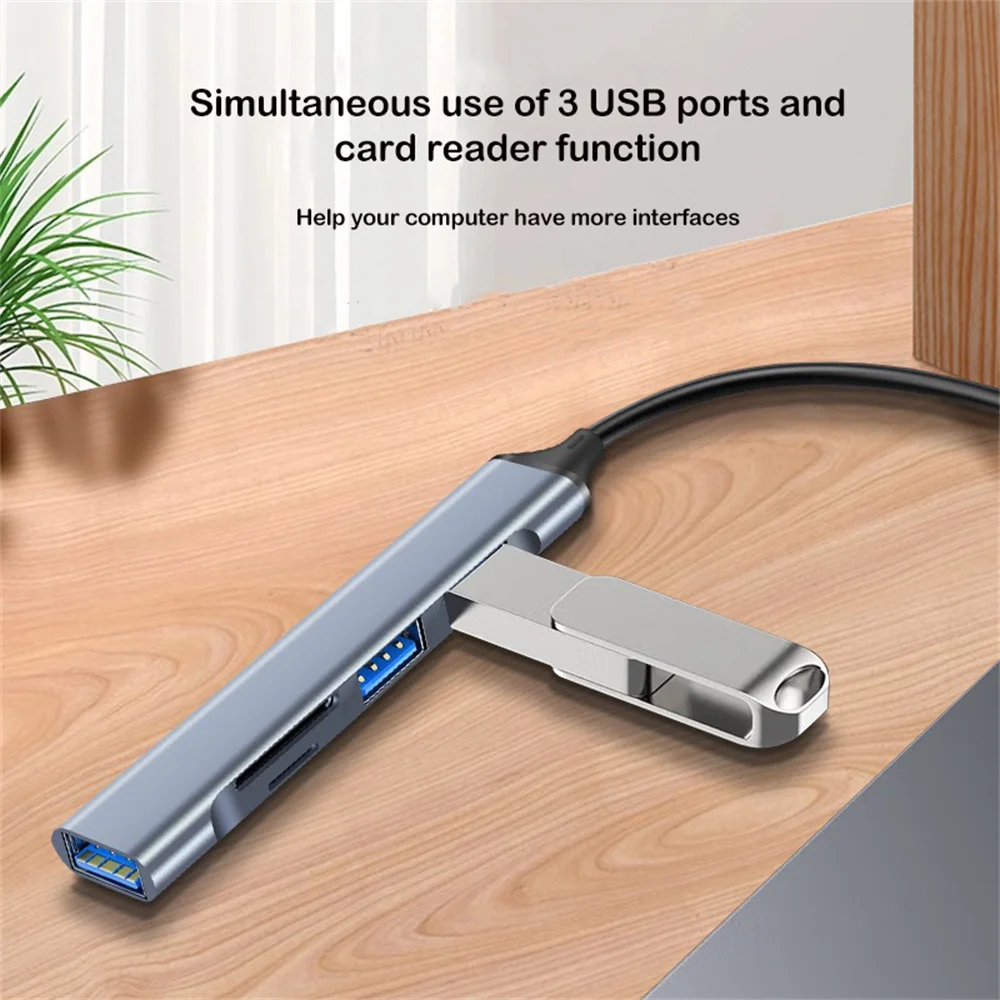
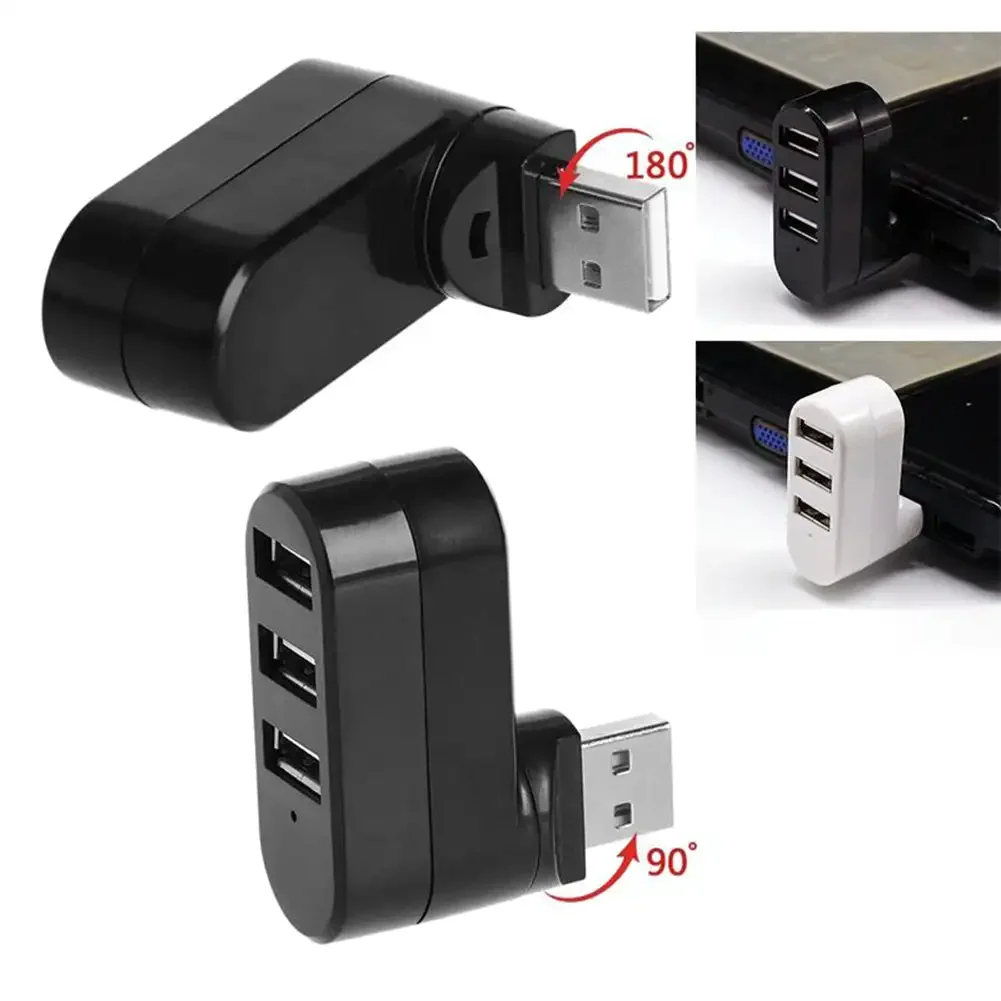
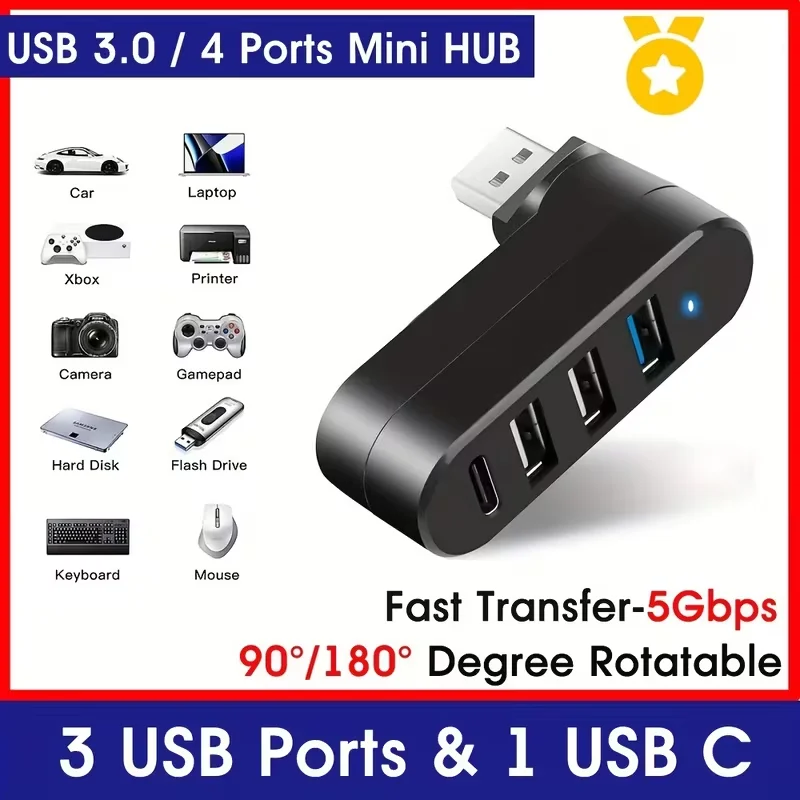
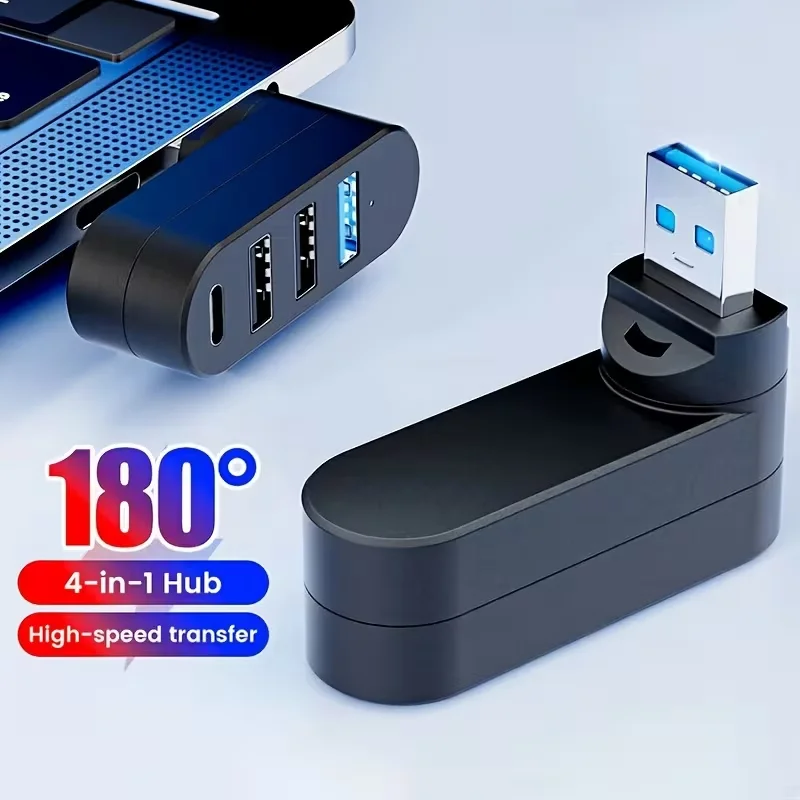
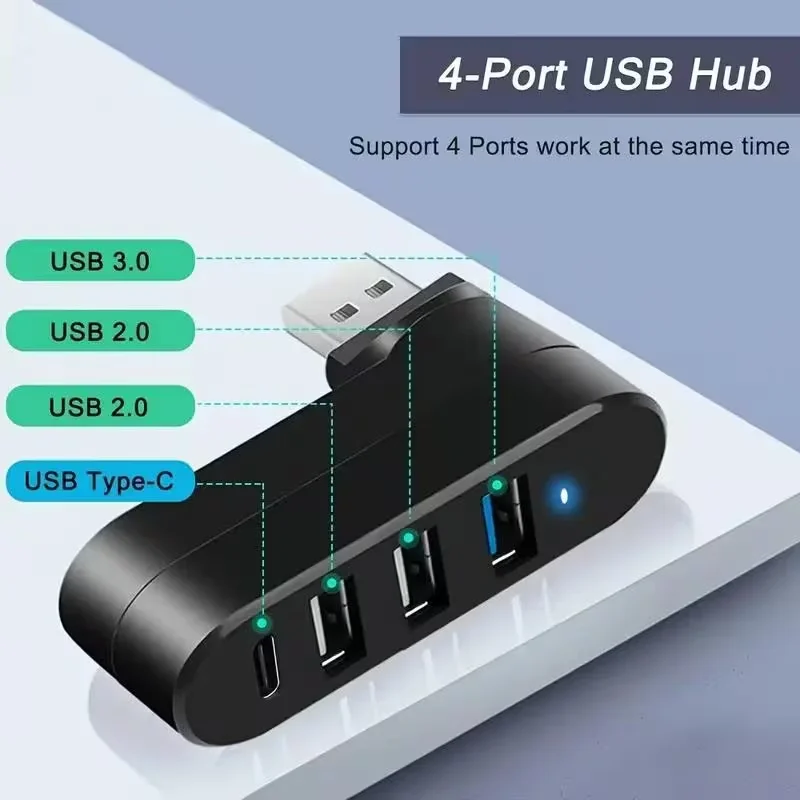
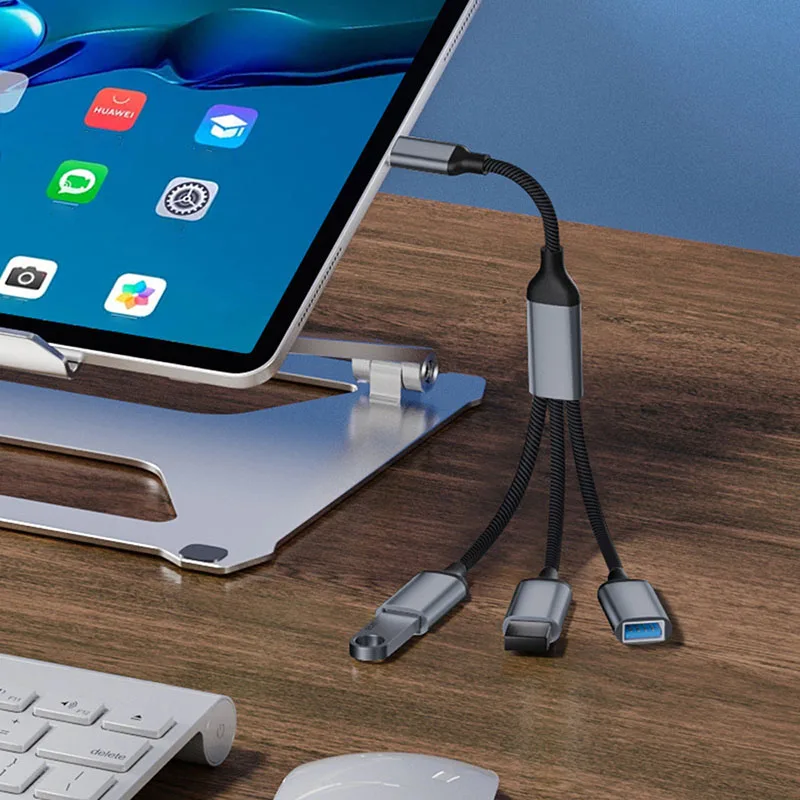
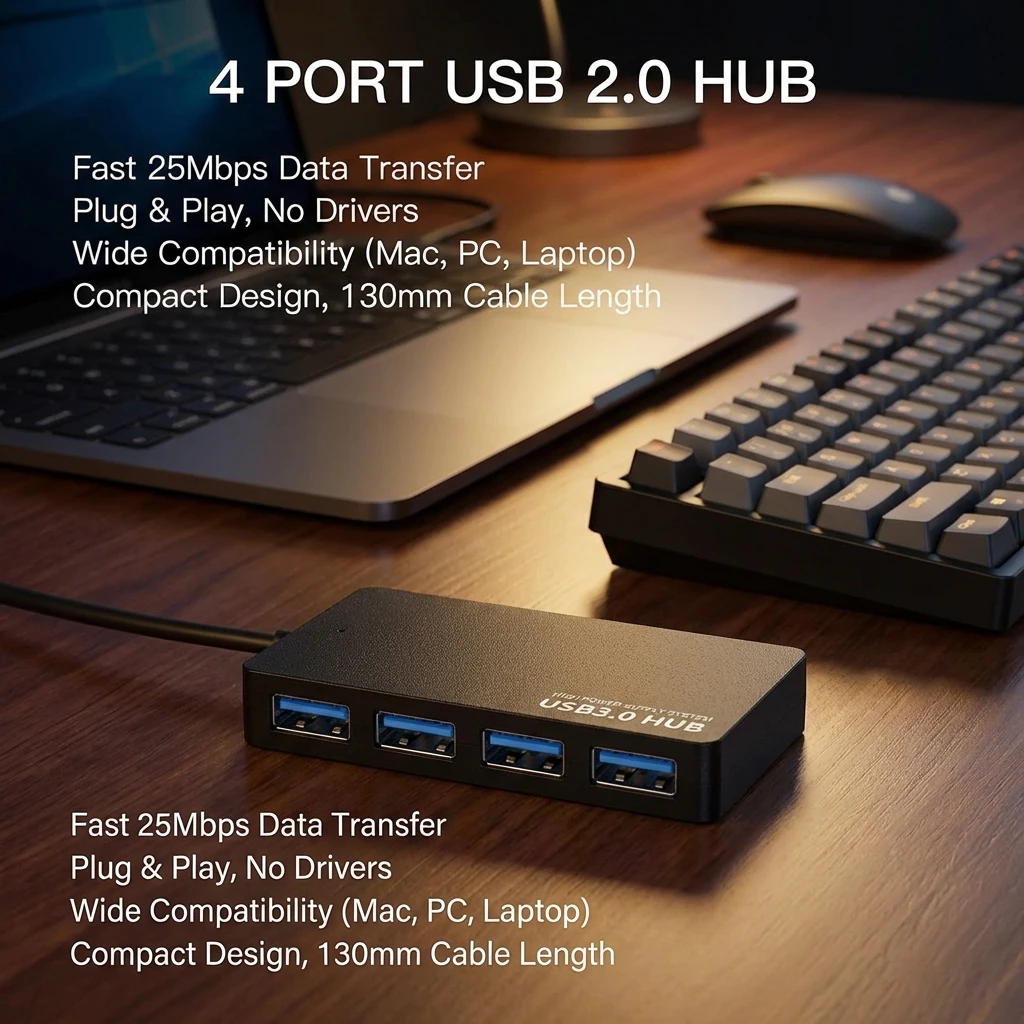
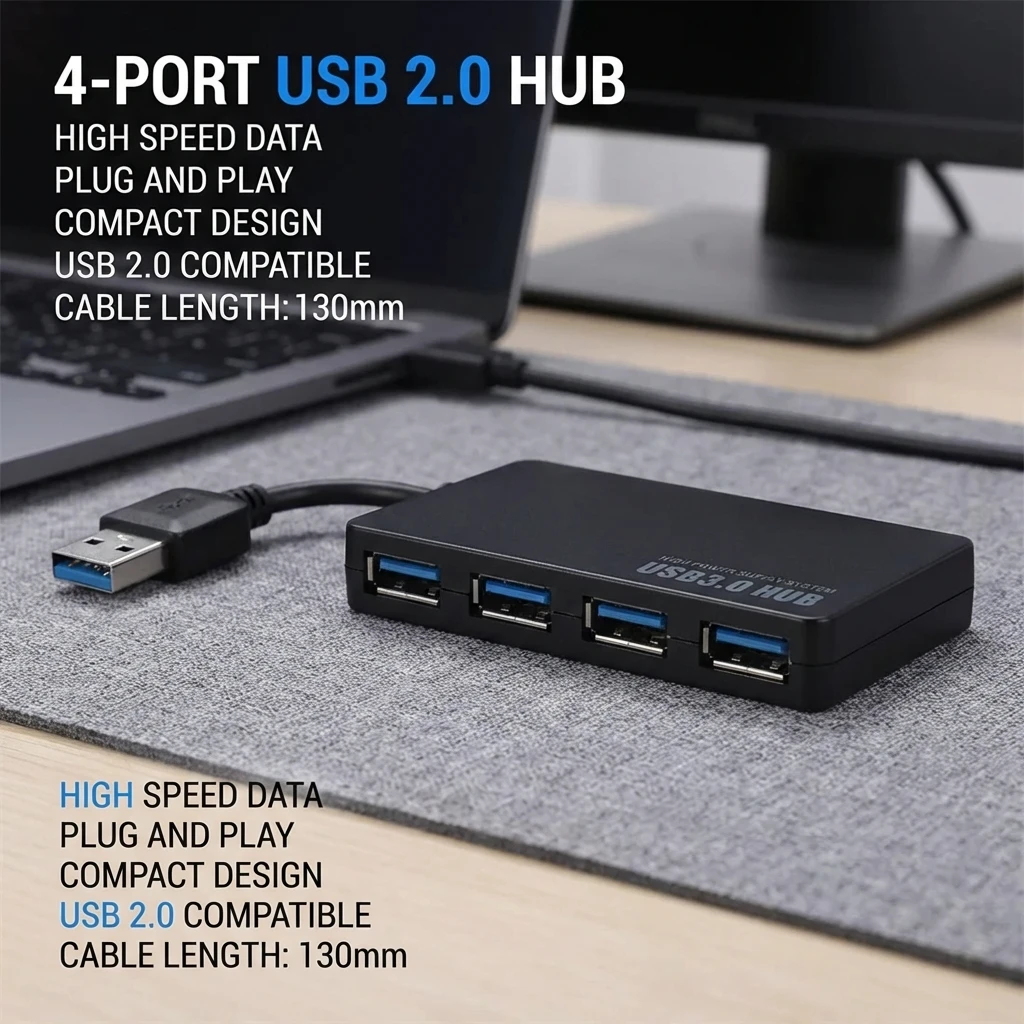
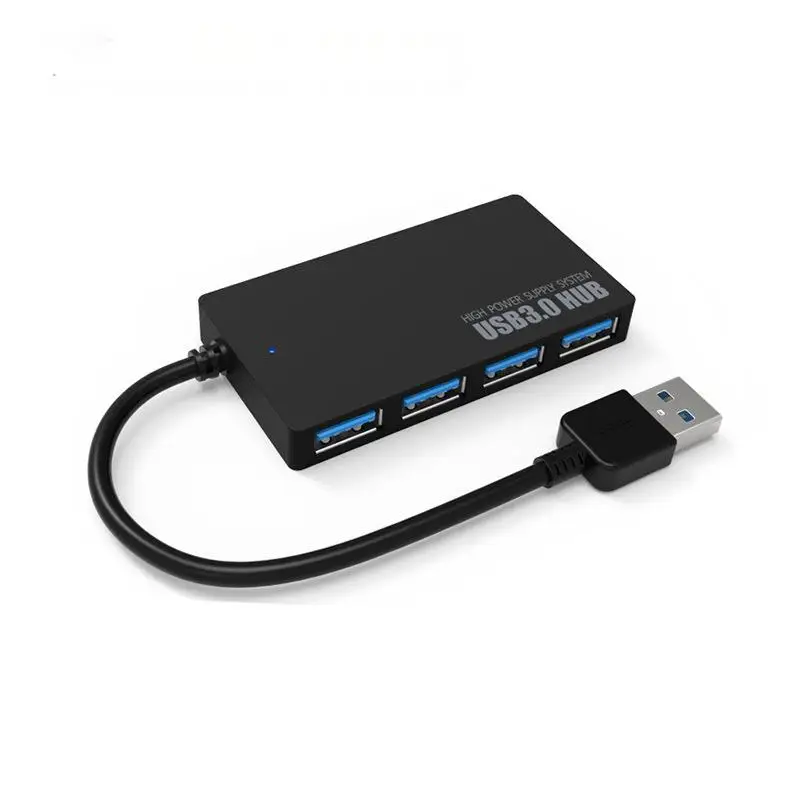
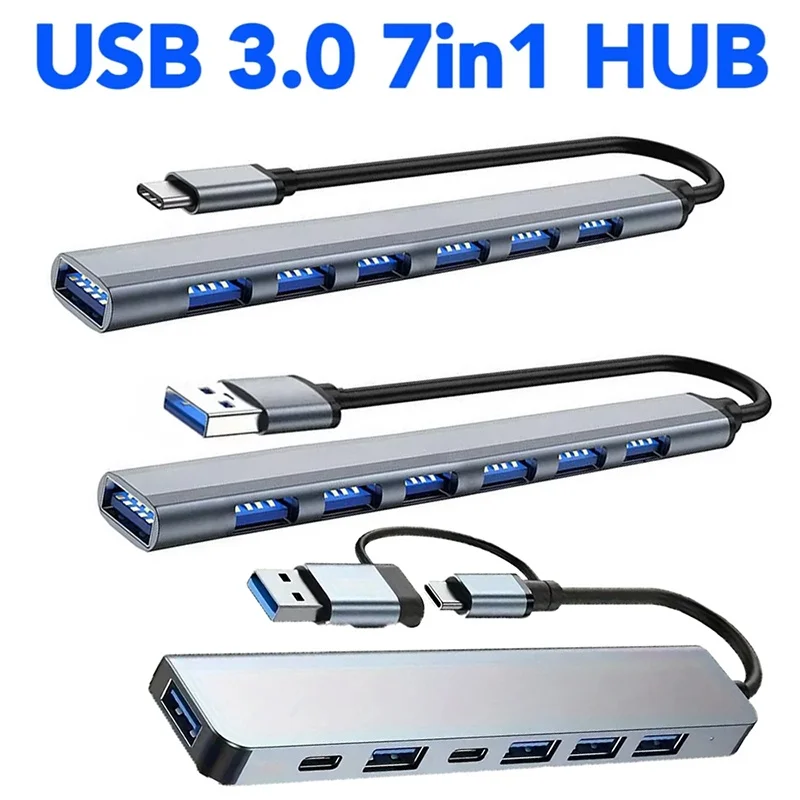
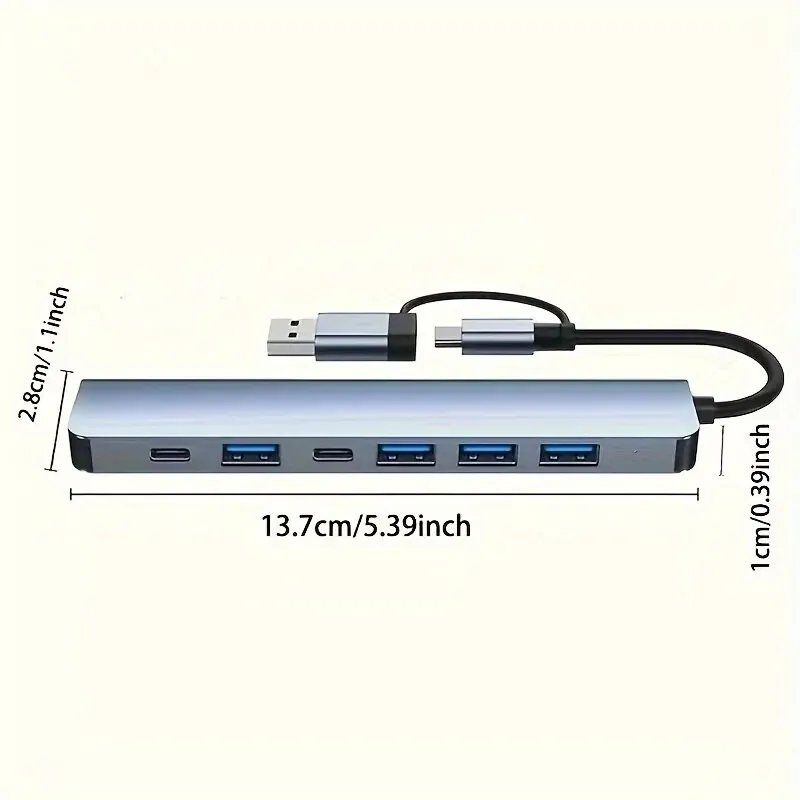
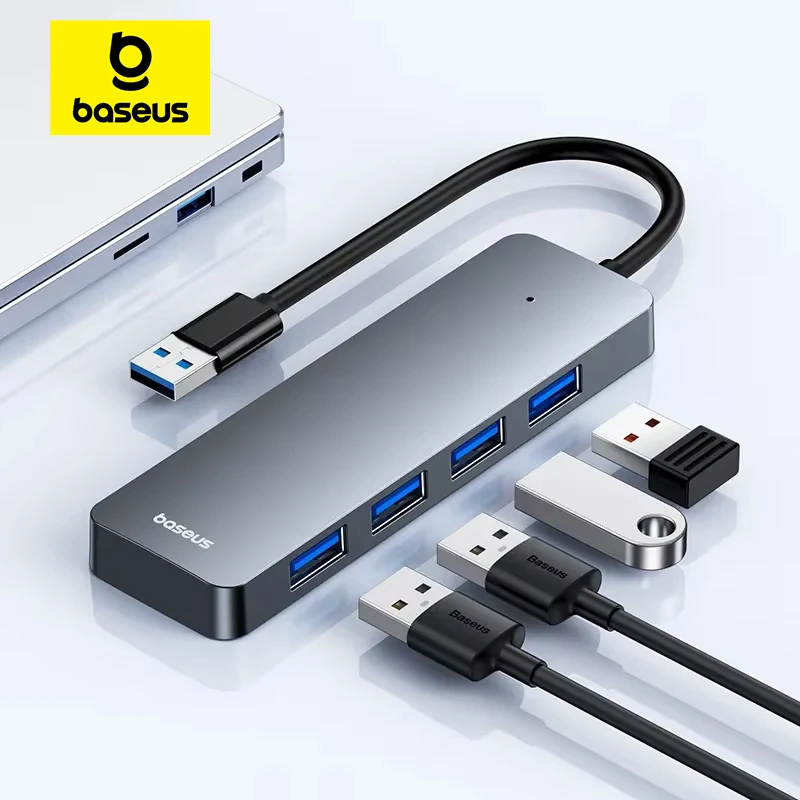
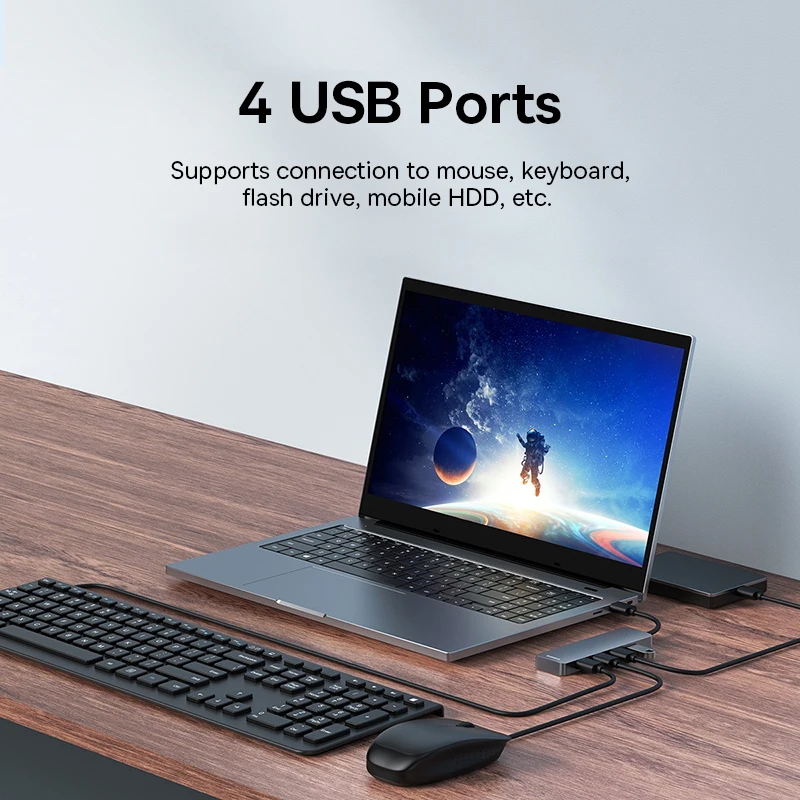
Yes, through a USB-C hub or a USB-C to USB-A adapter. A hub suits a desk where several things stay plugged in; a single adapter is smaller to carry for one memory stick or receiver.
Which do I need for a monitor, HDMI or DisplayPort?
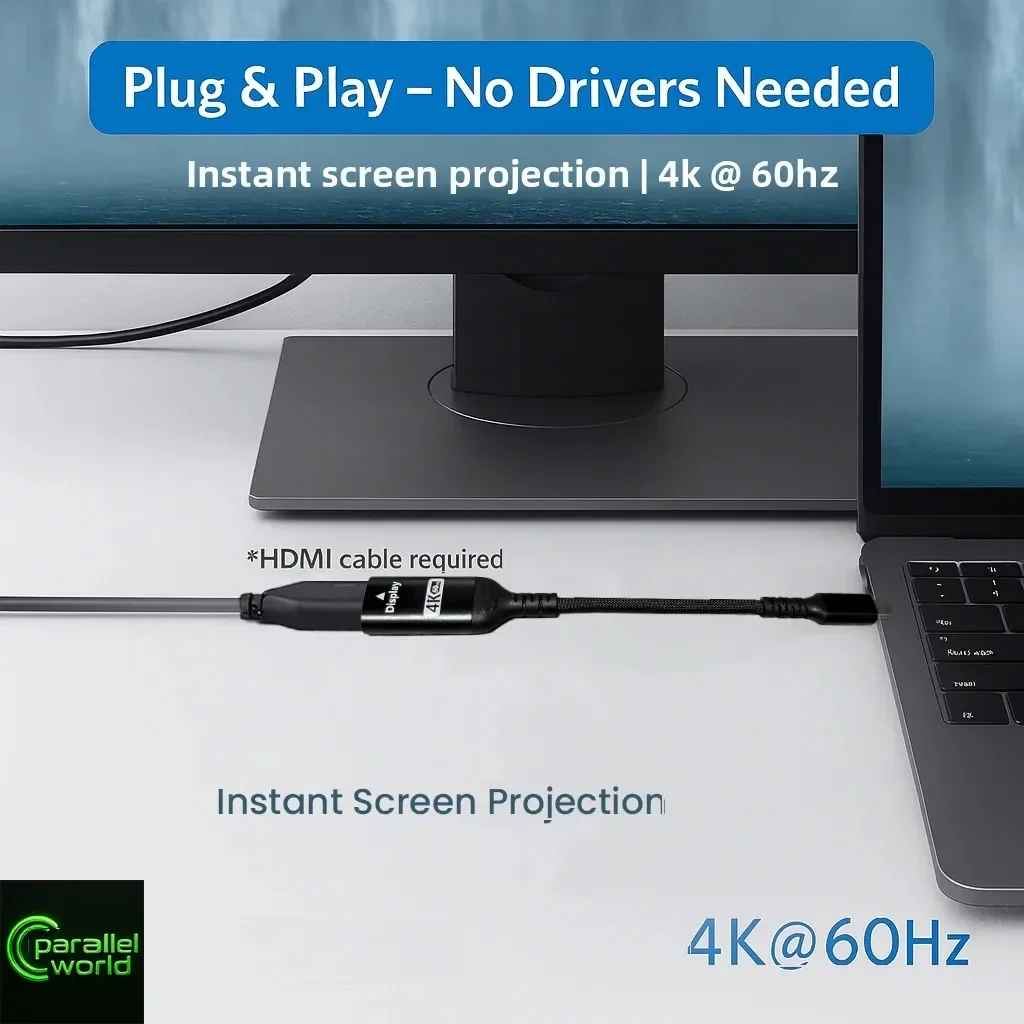
Whichever the monitor has. Look at the inputs on its back, then see display adapters to get there from your laptop's port.
More to look at