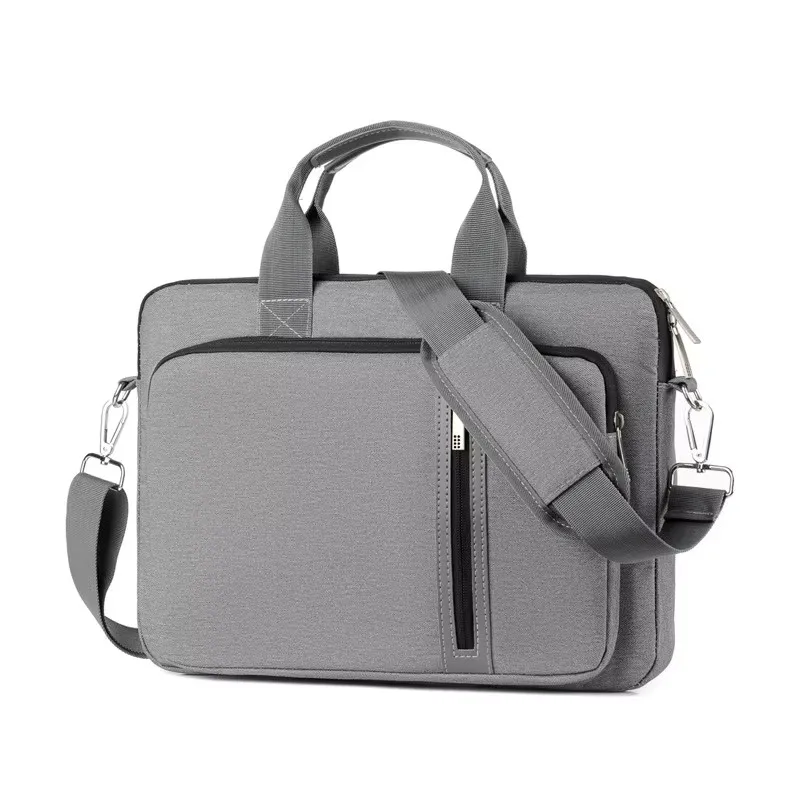
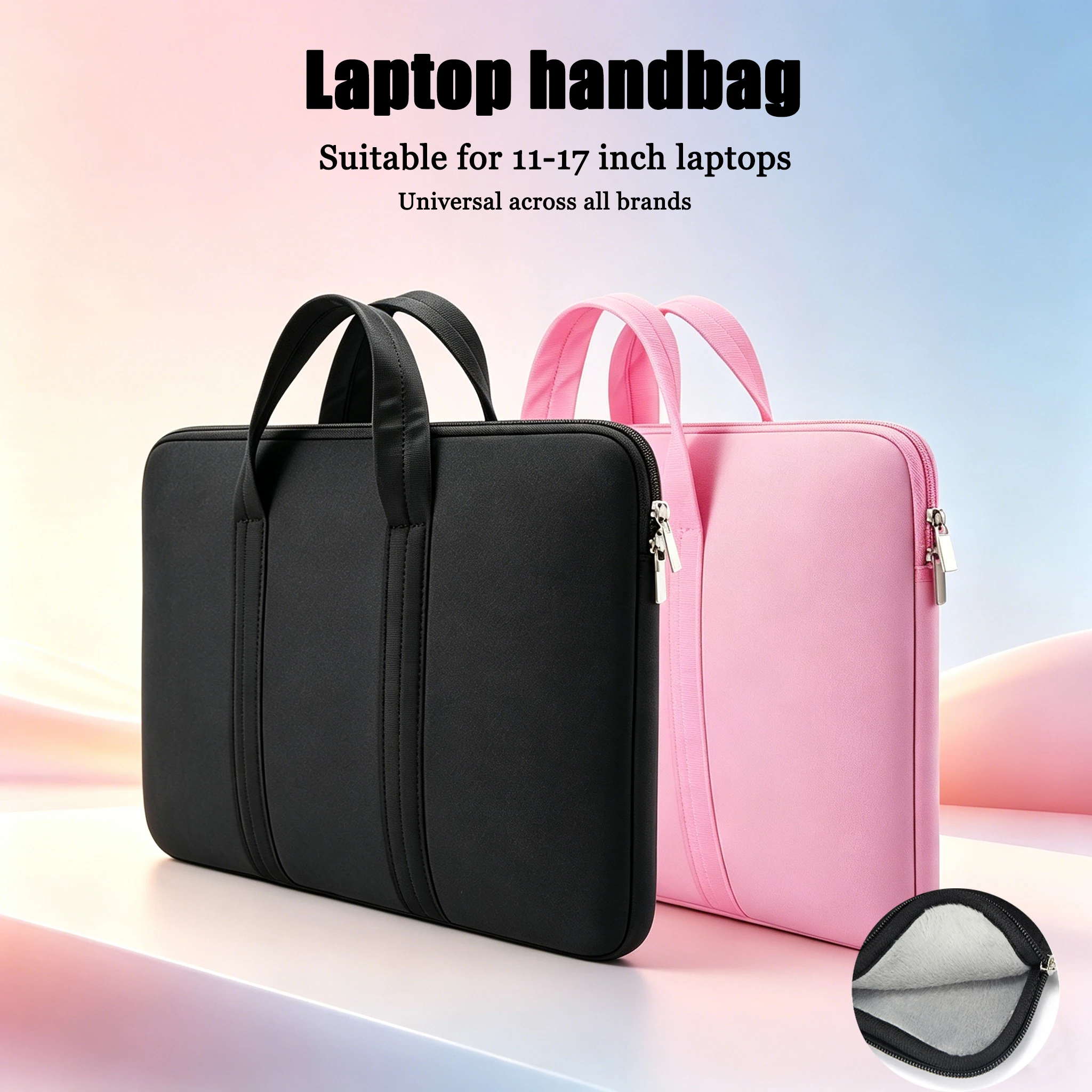
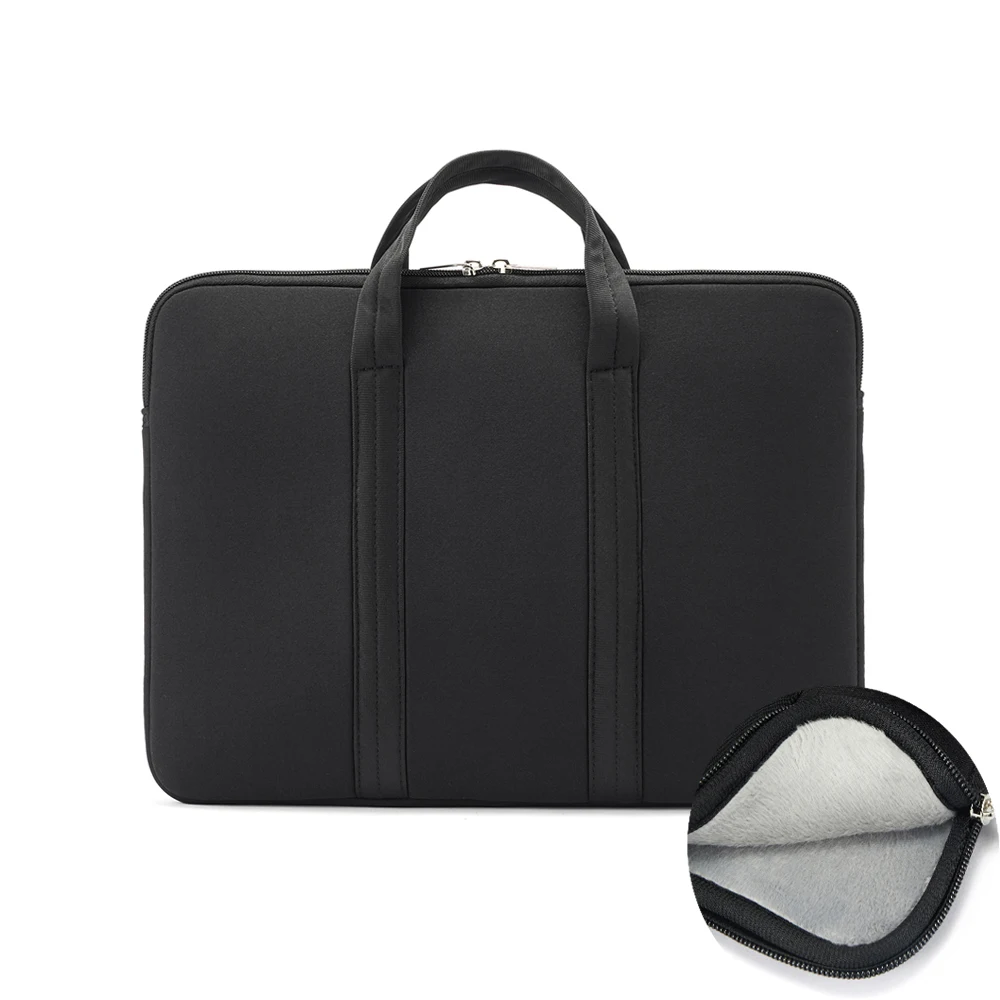
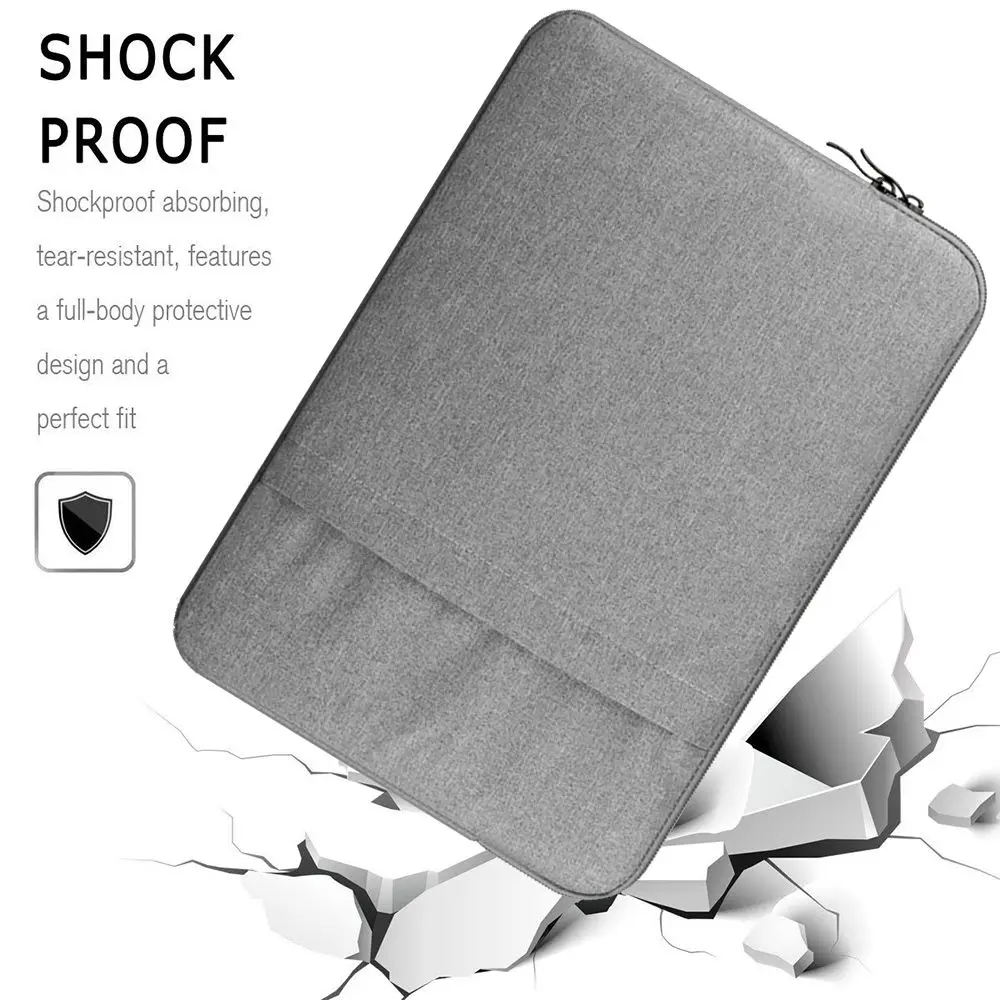
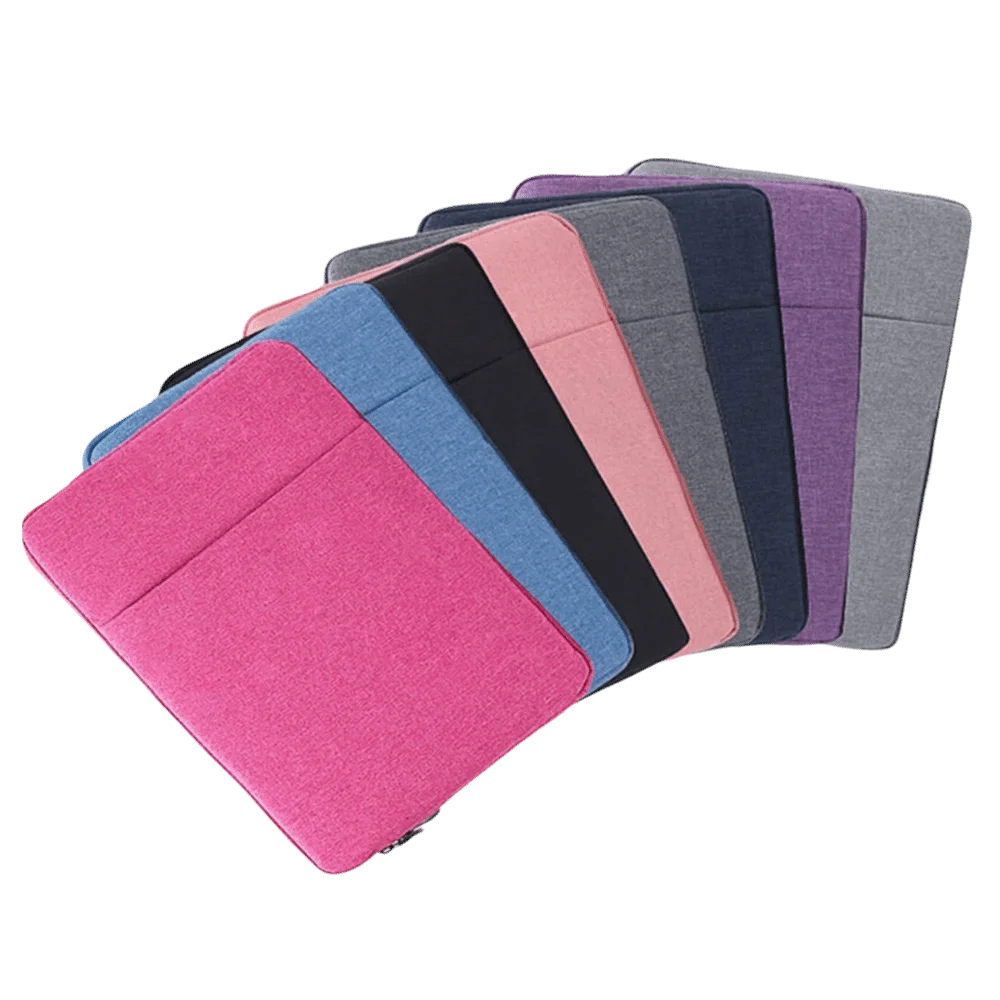
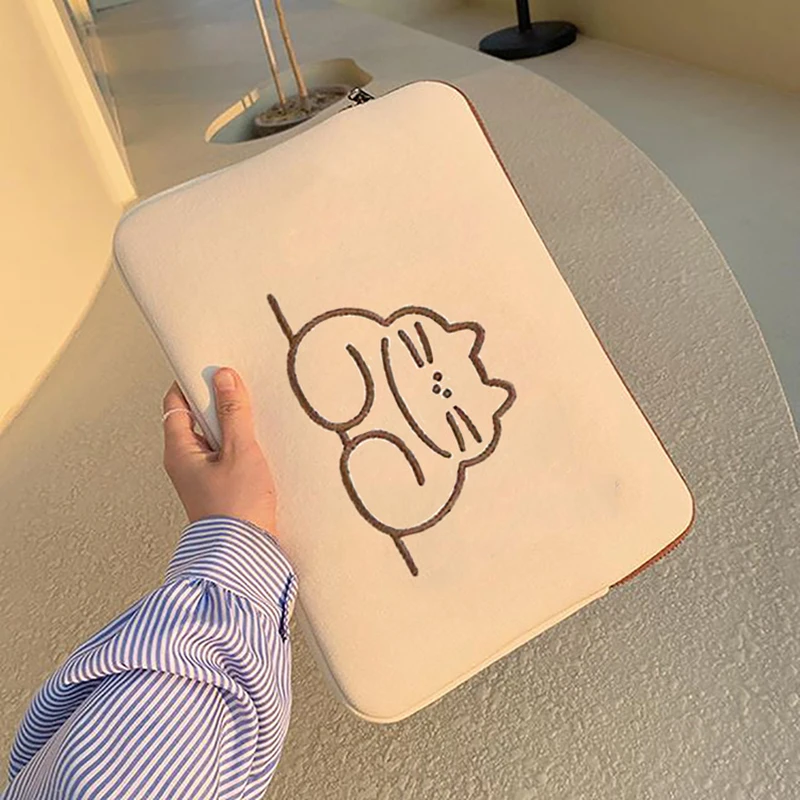
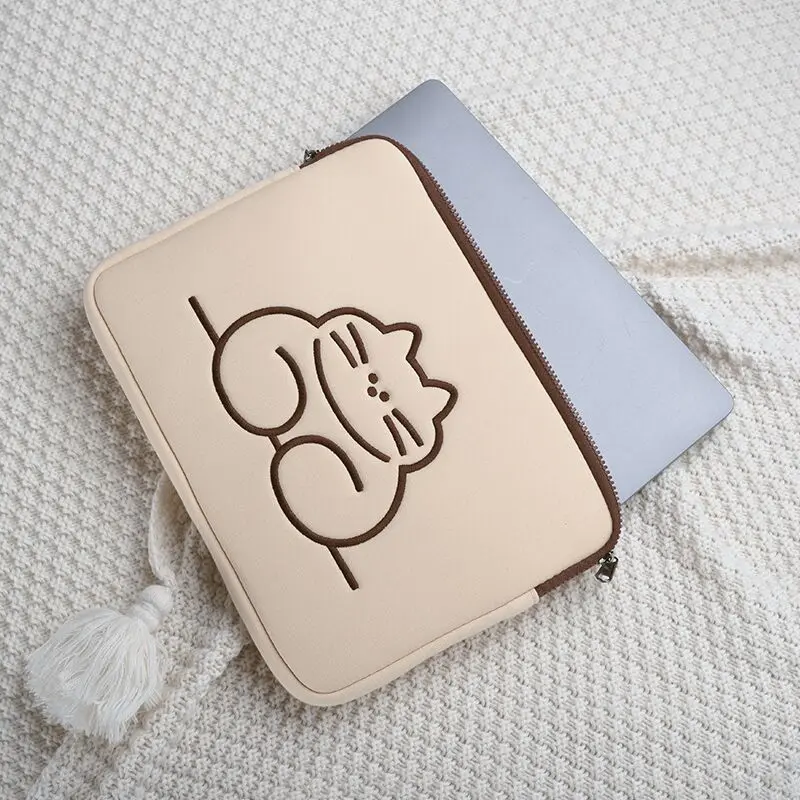
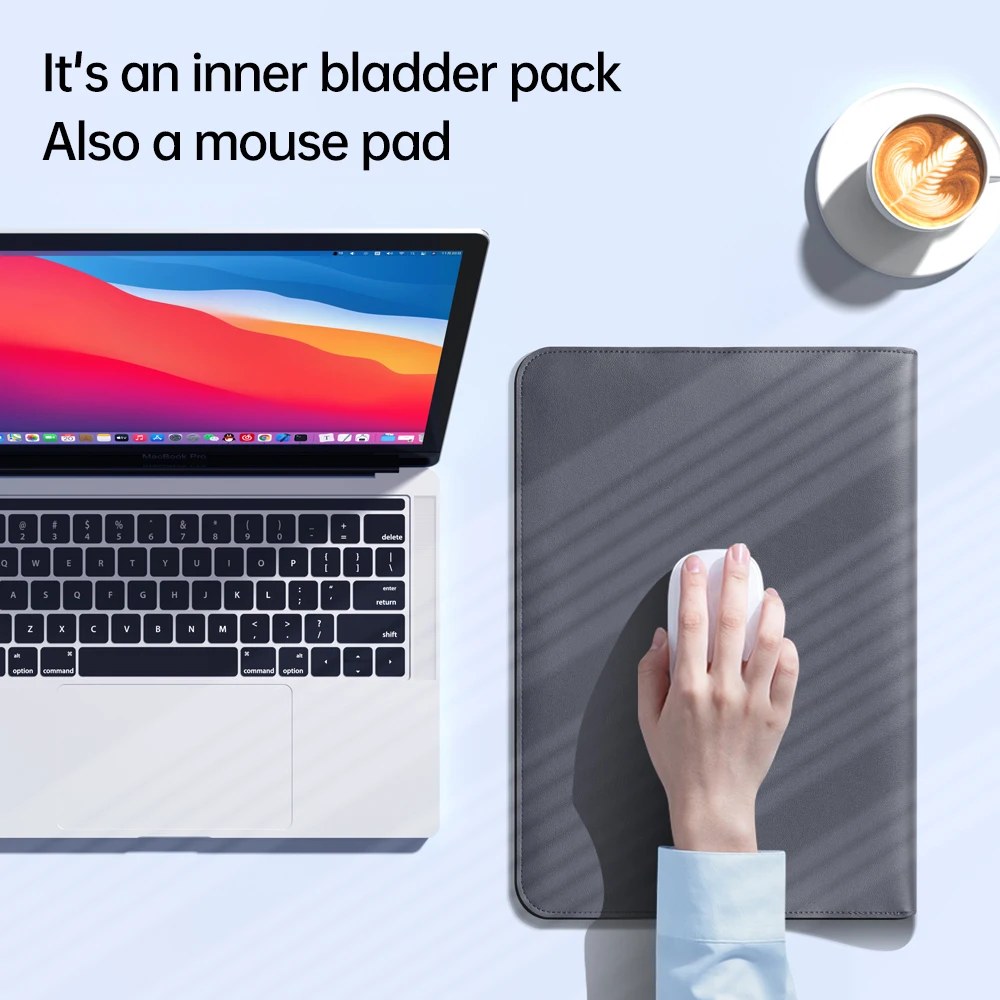
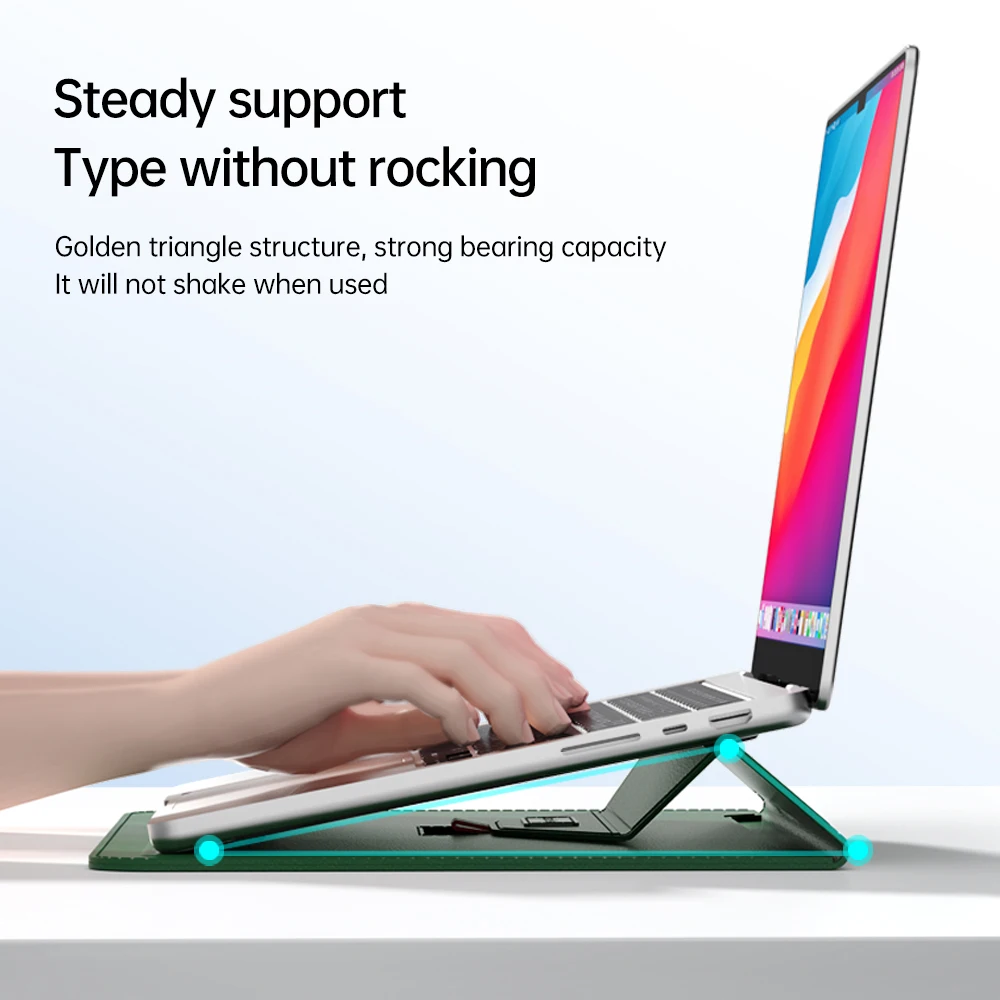
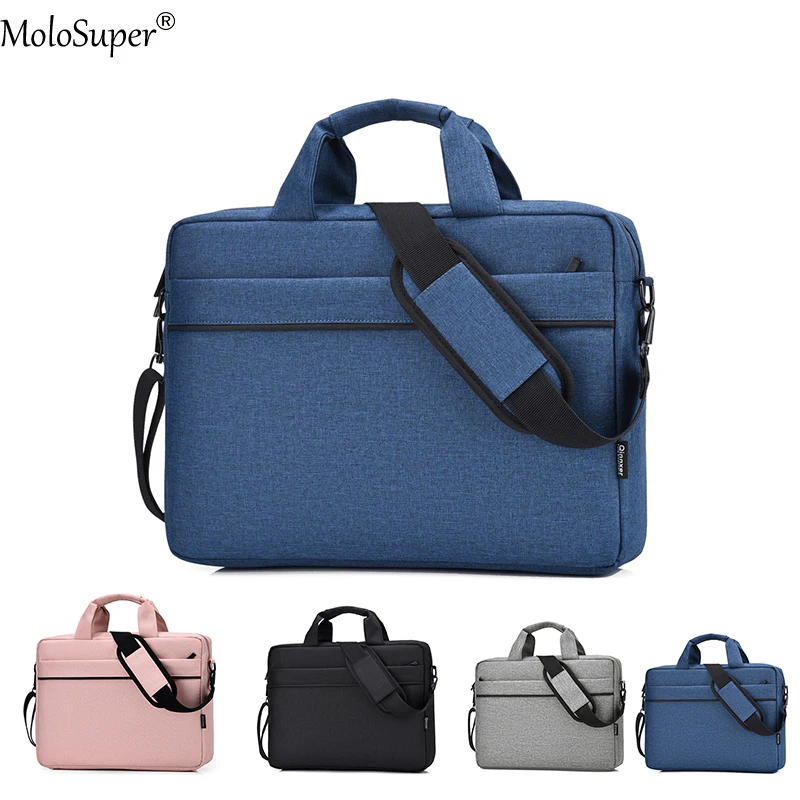
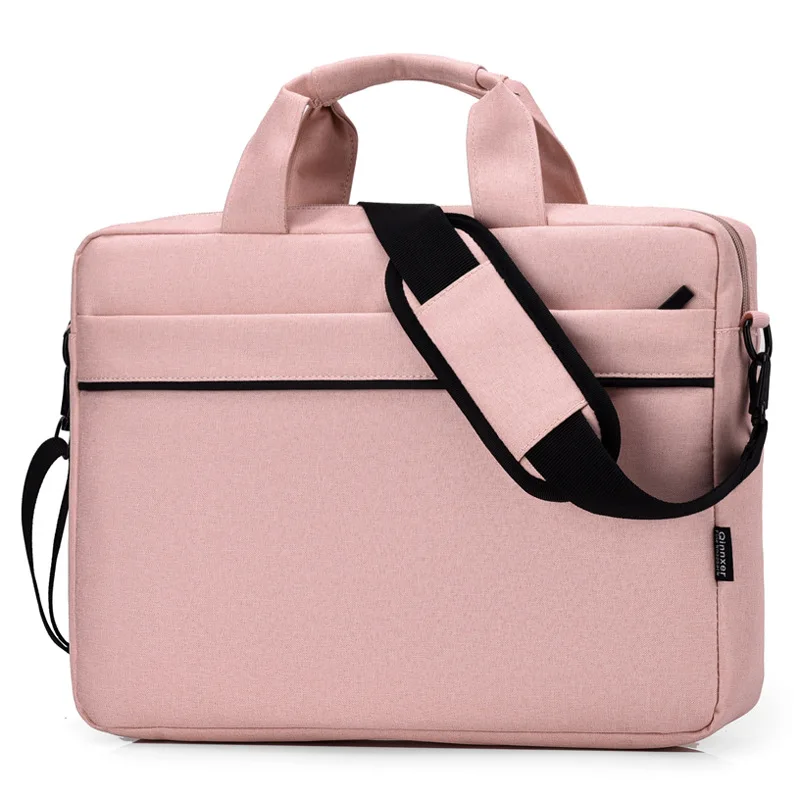
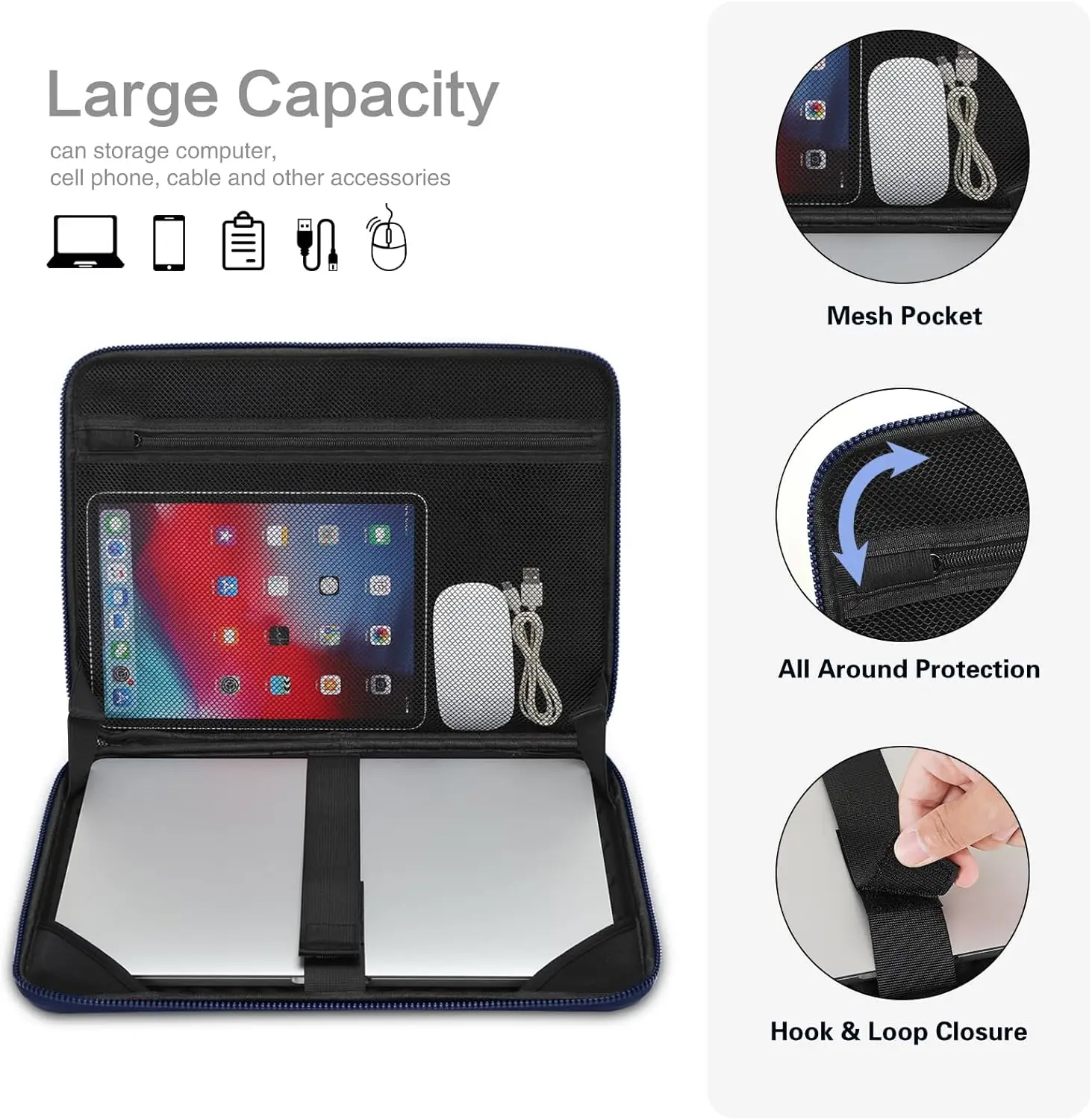
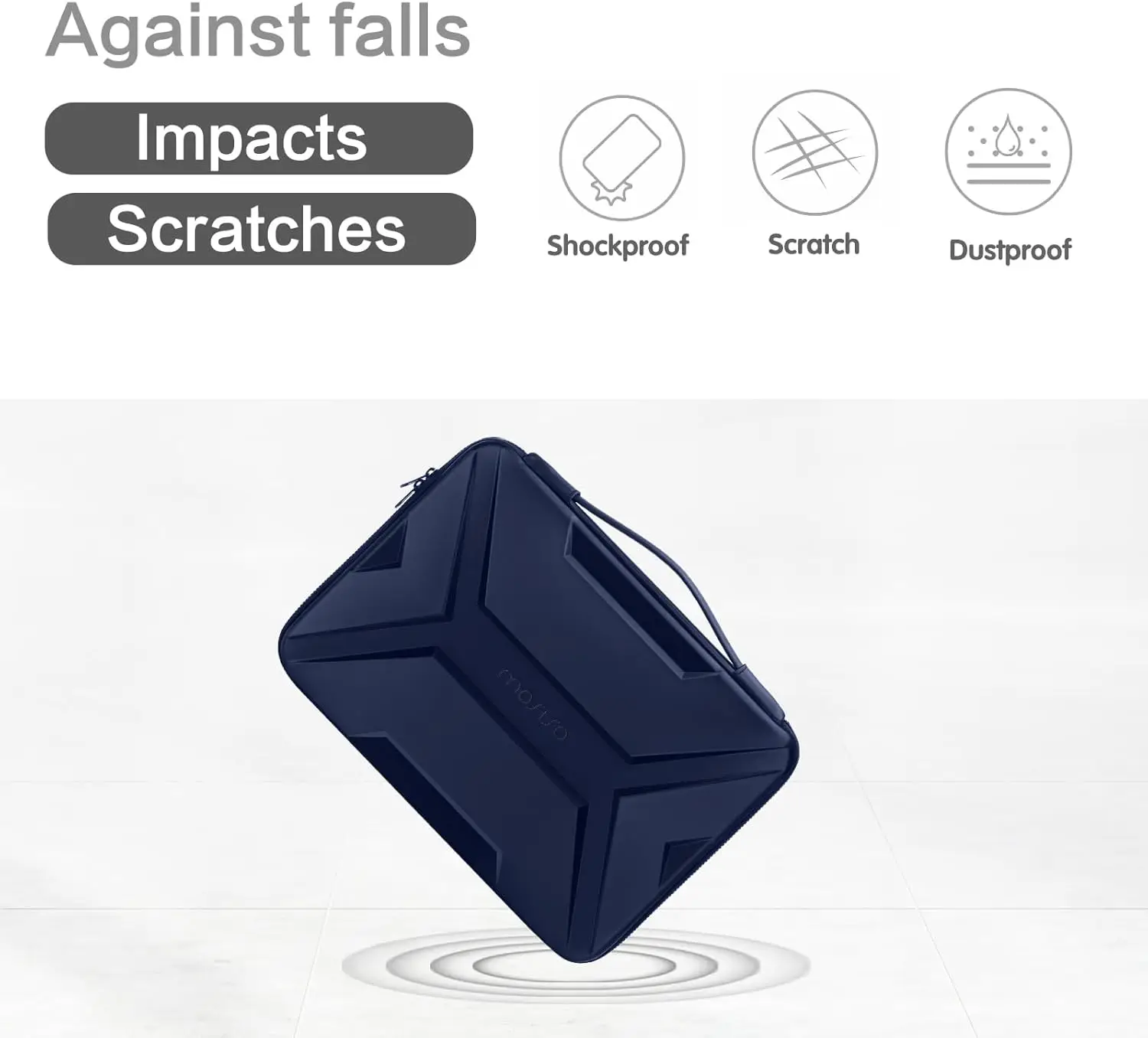
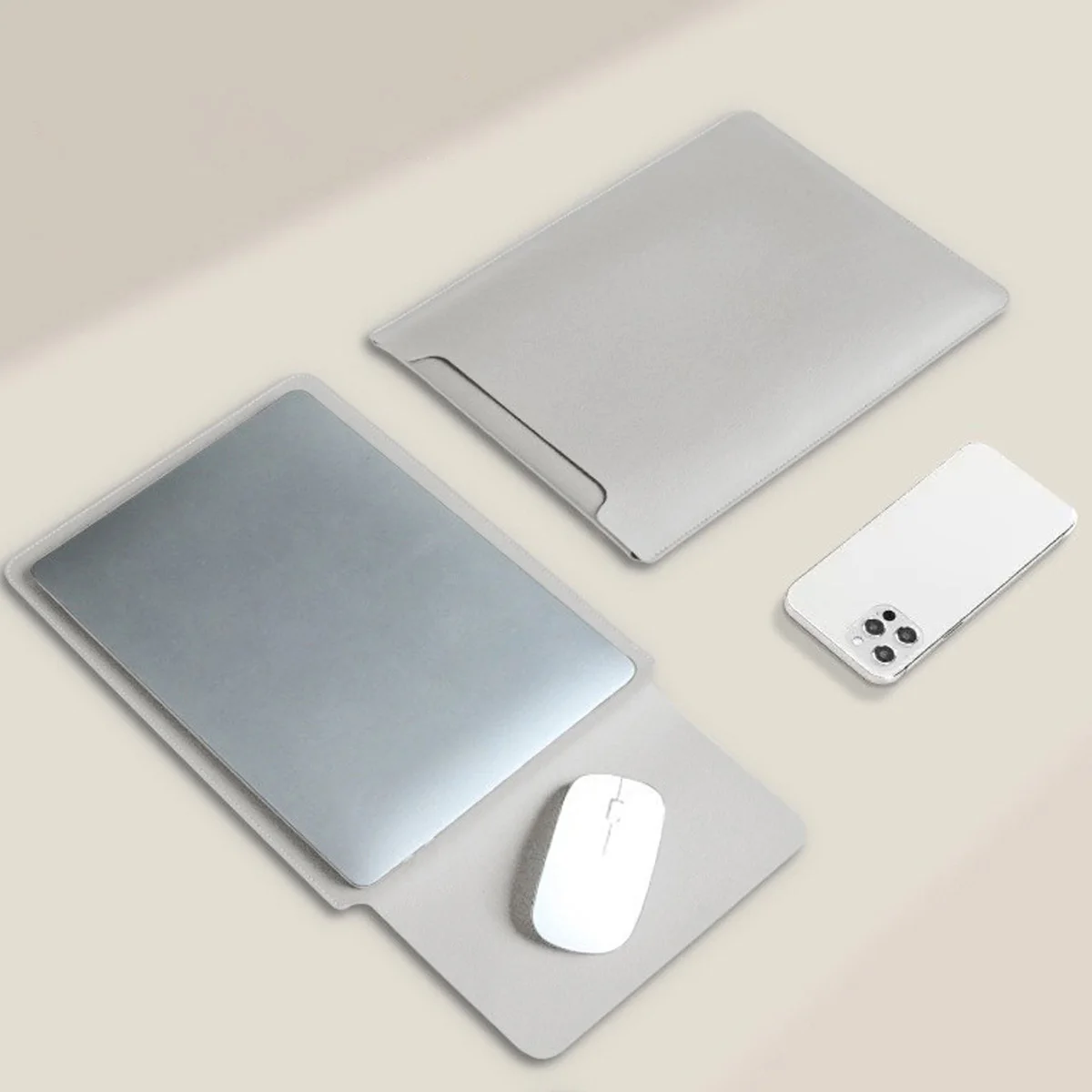
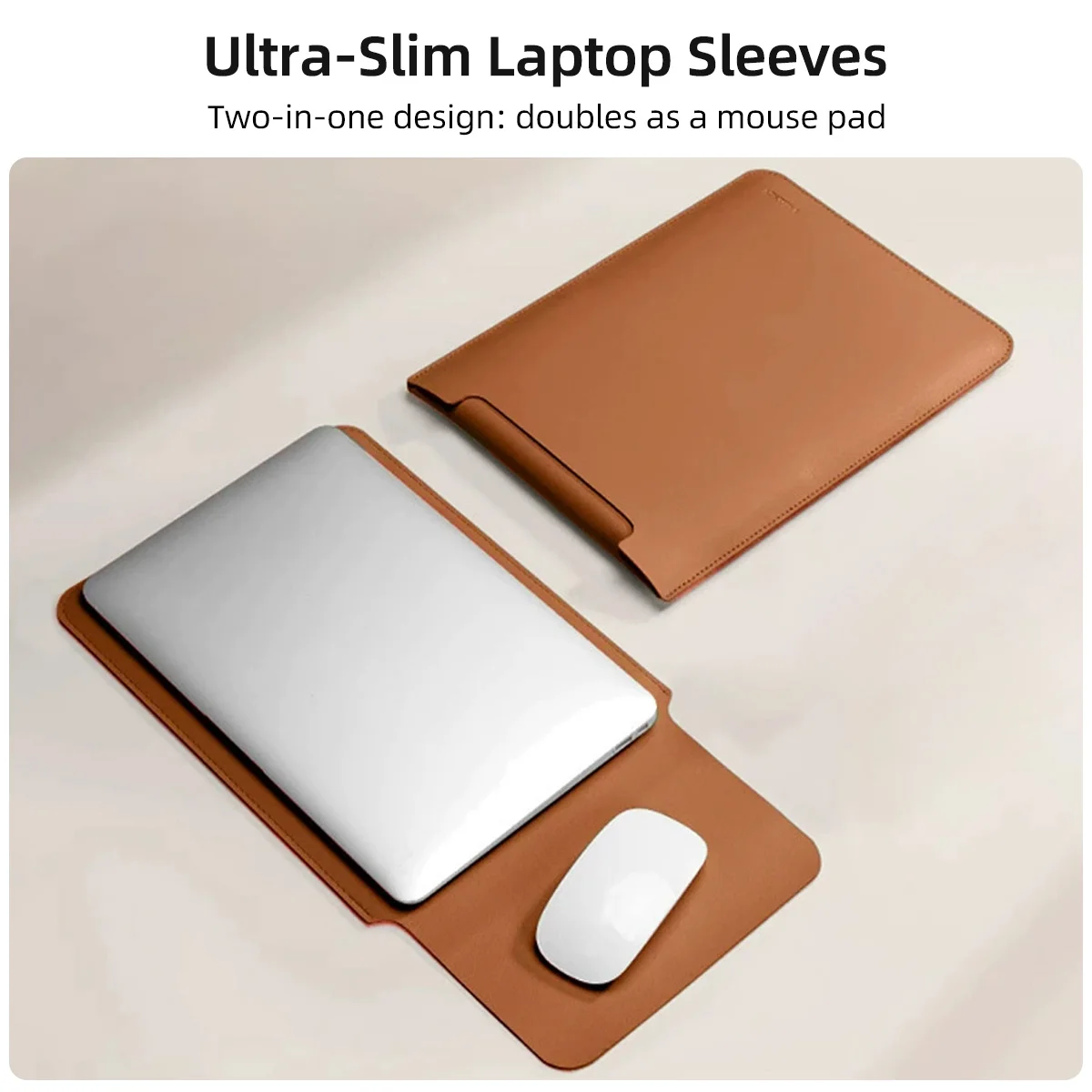
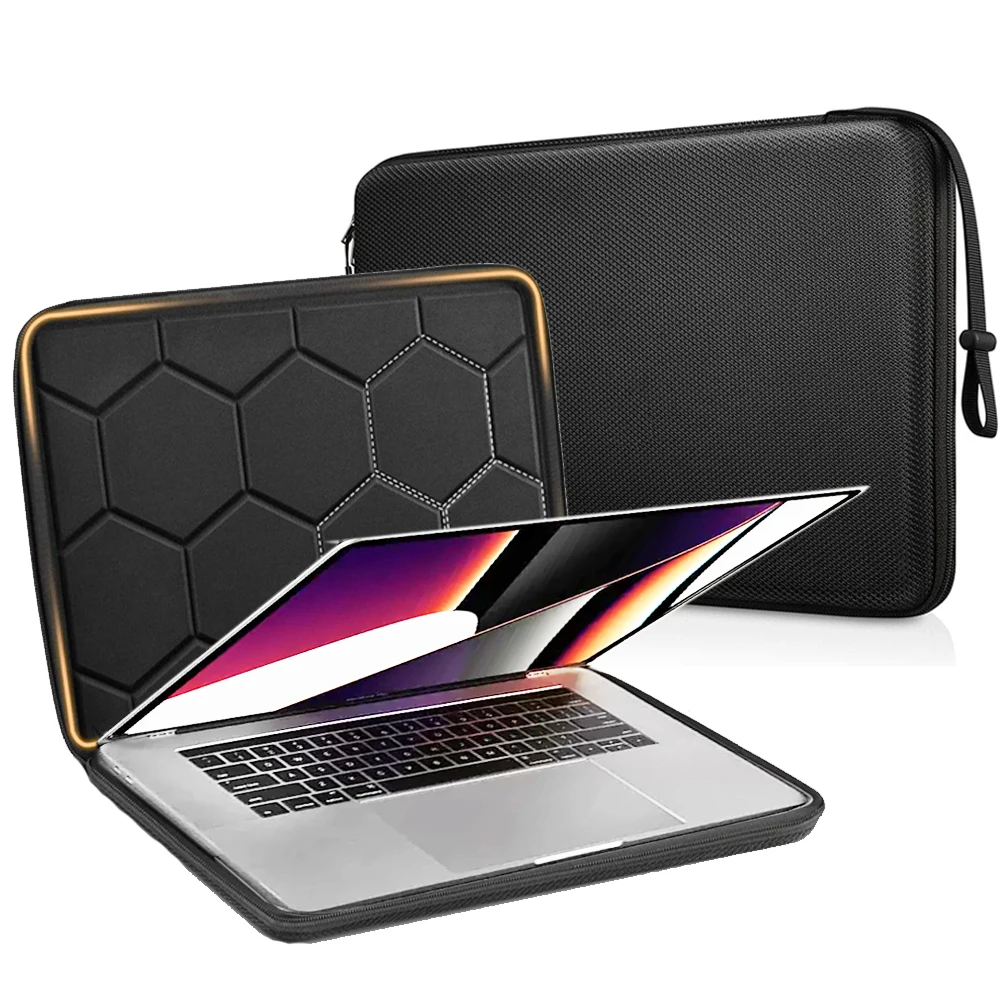
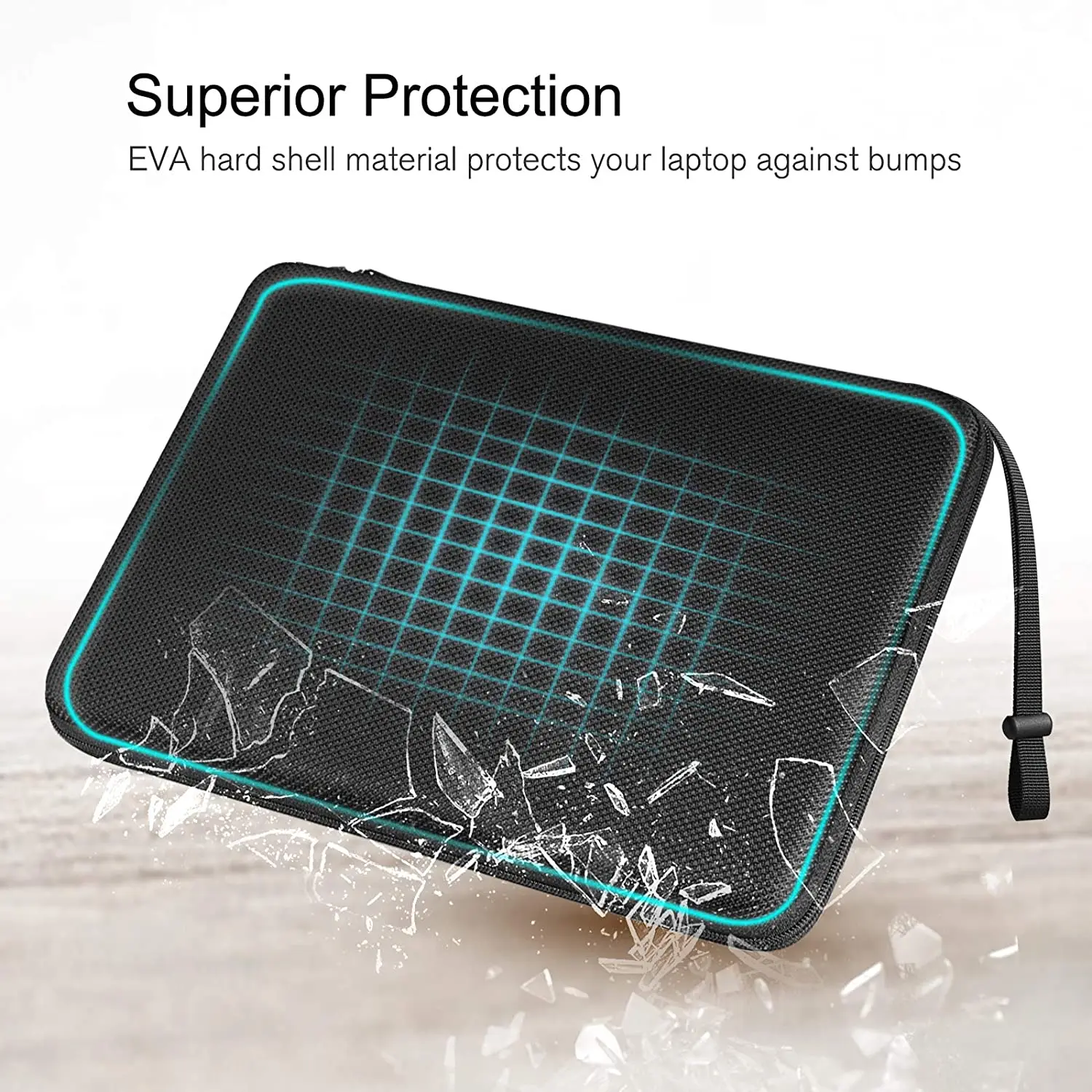
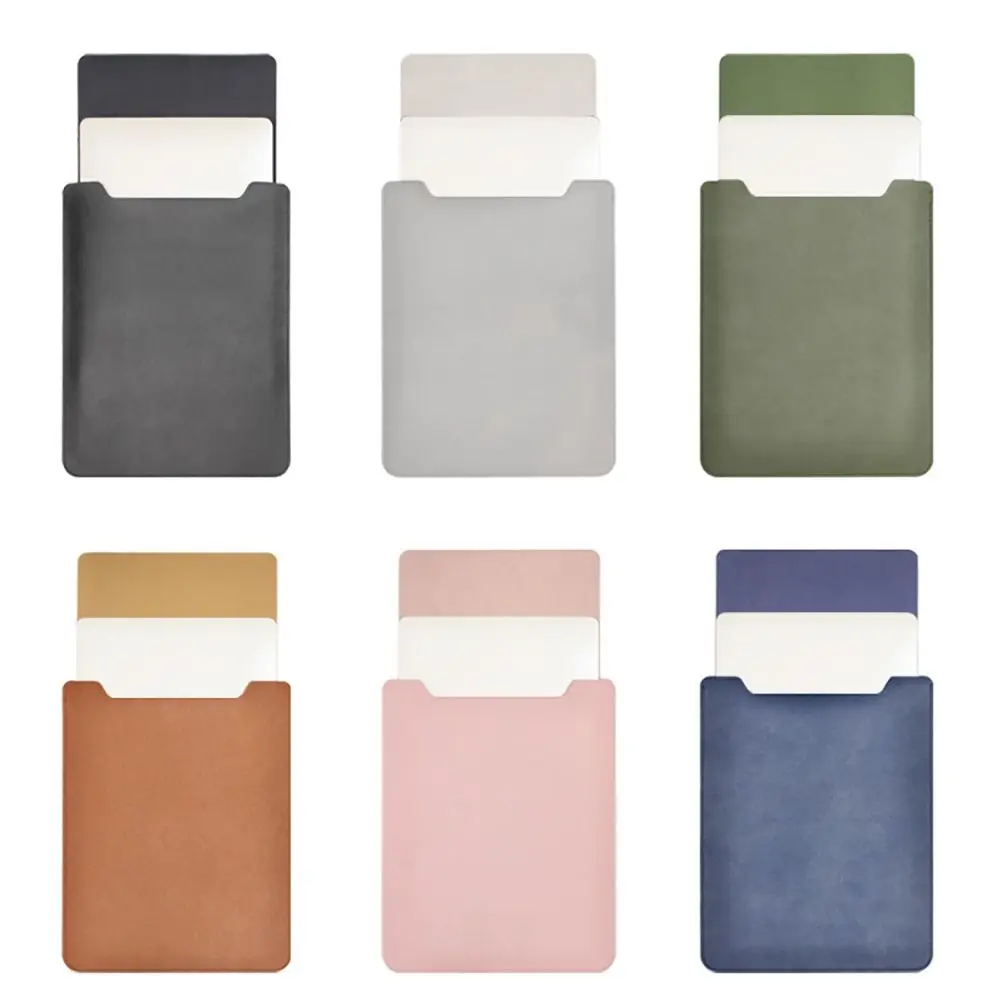
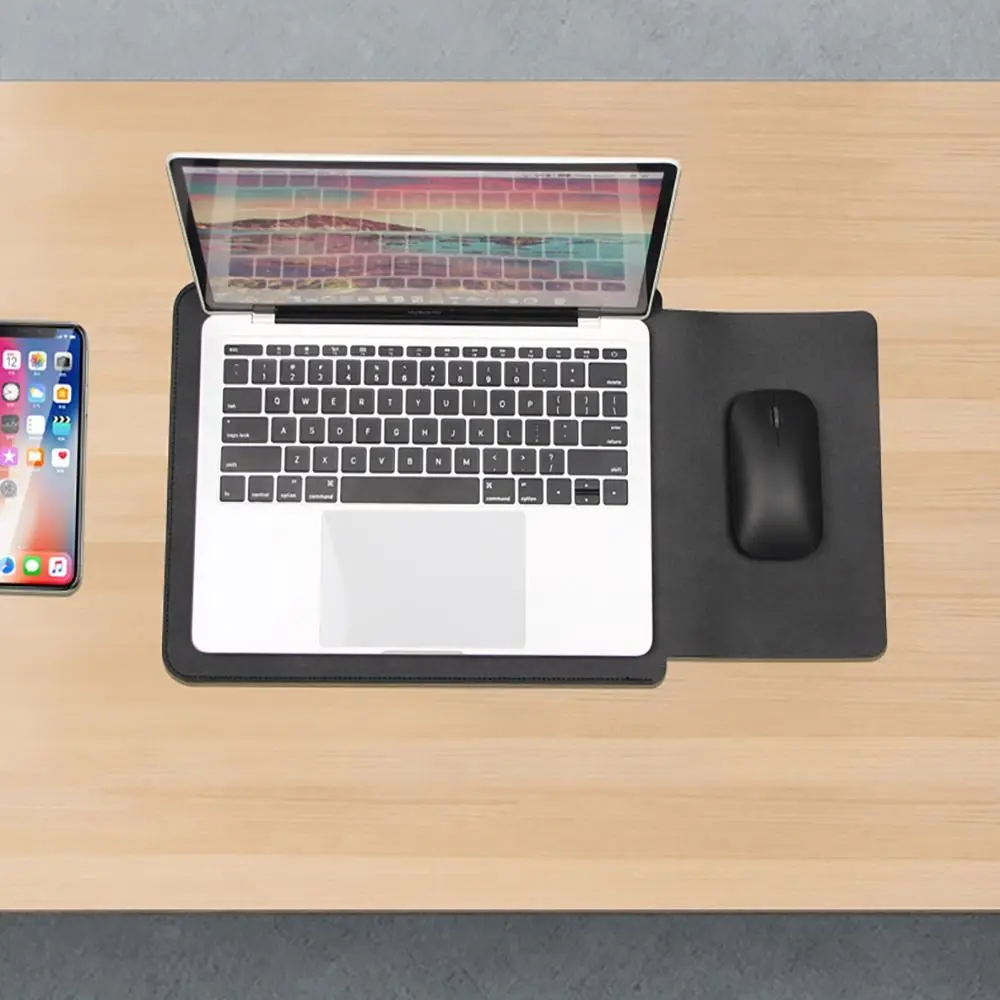
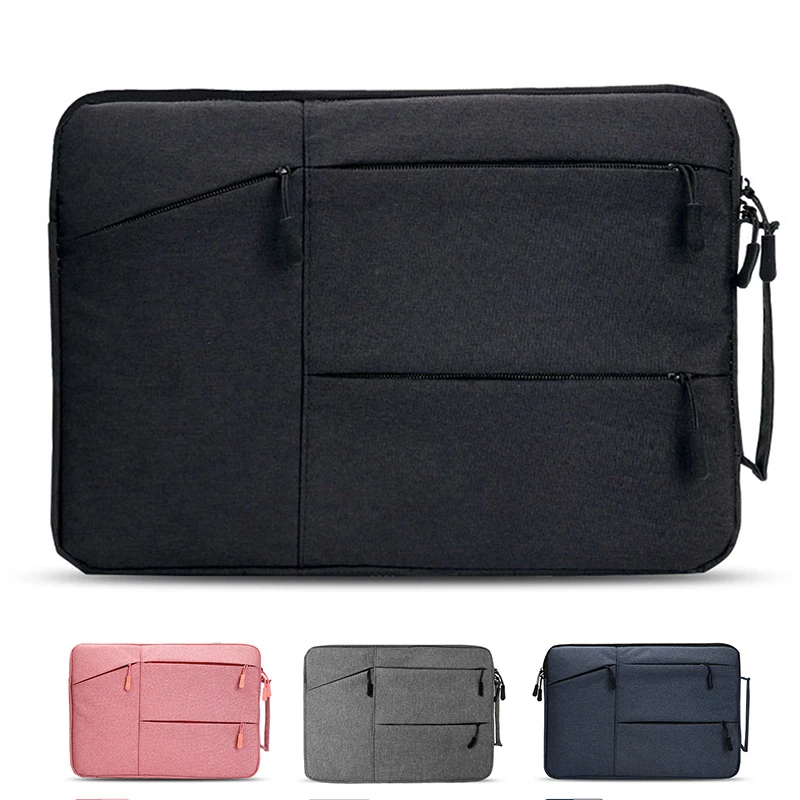
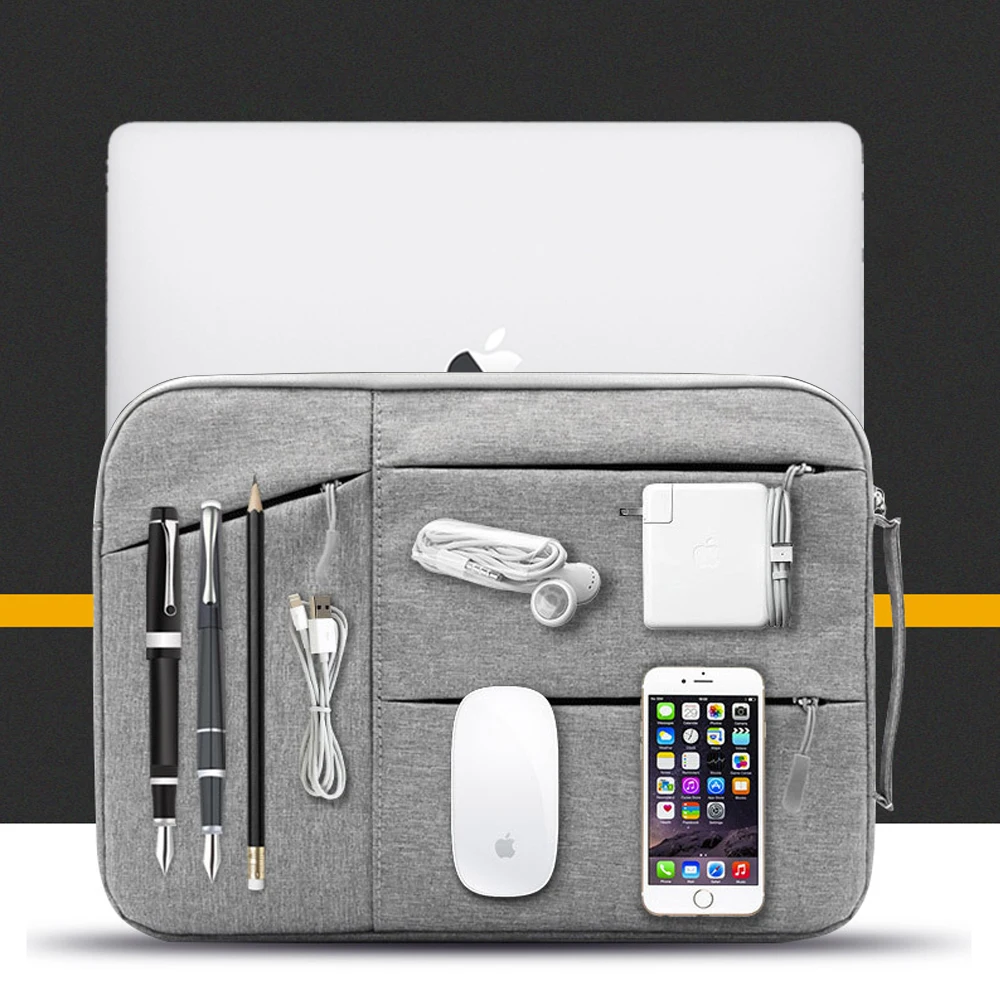
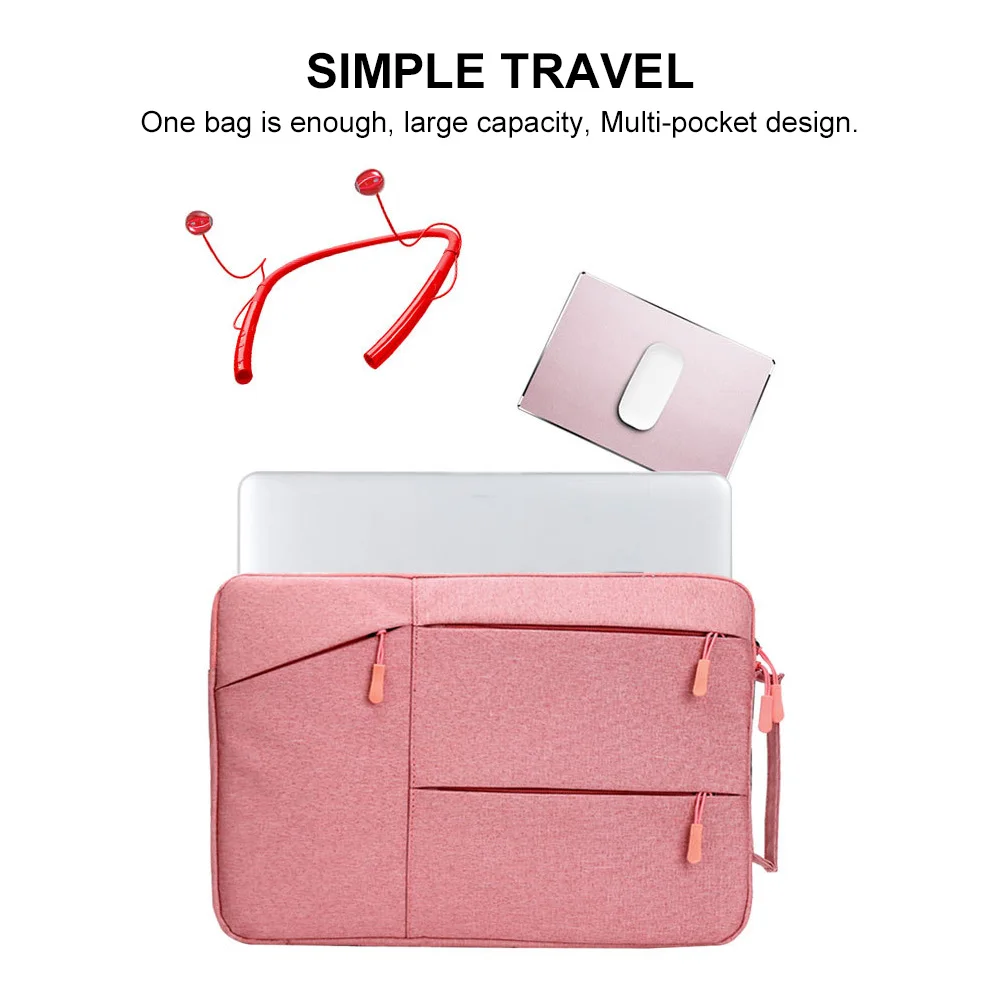
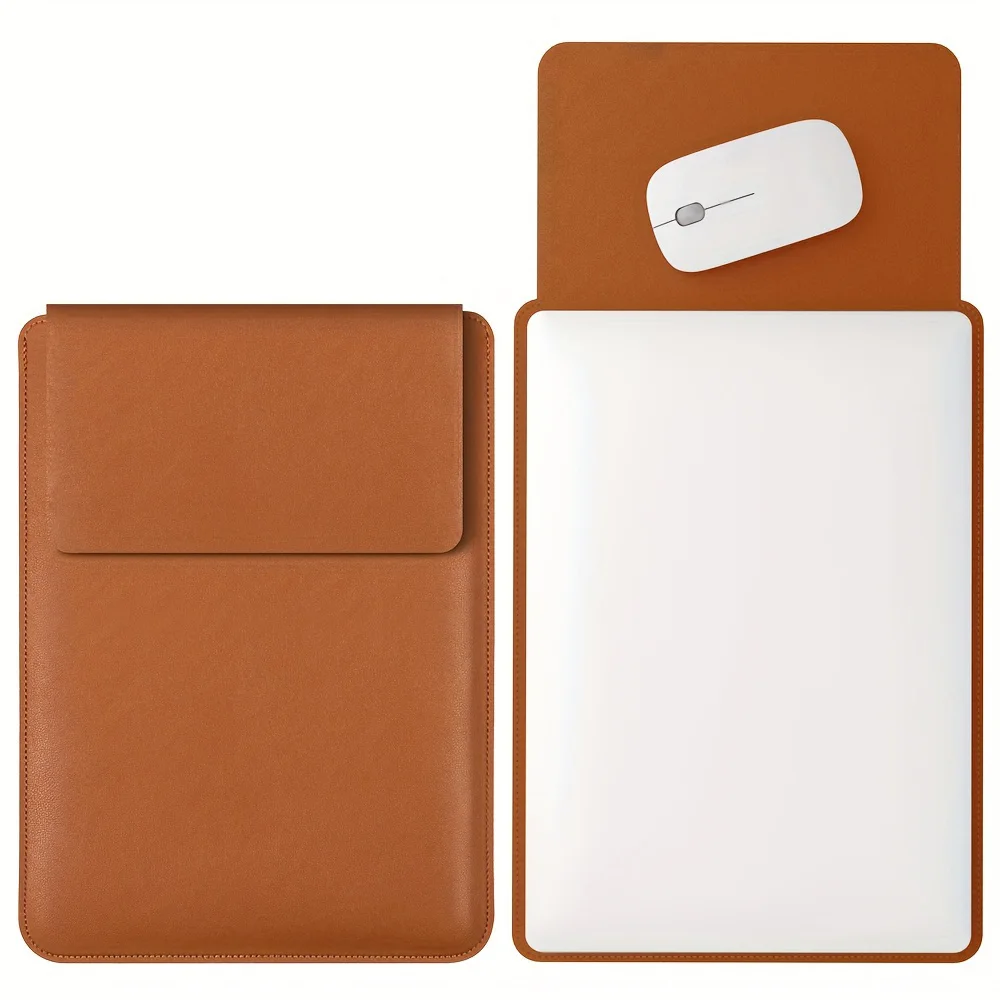
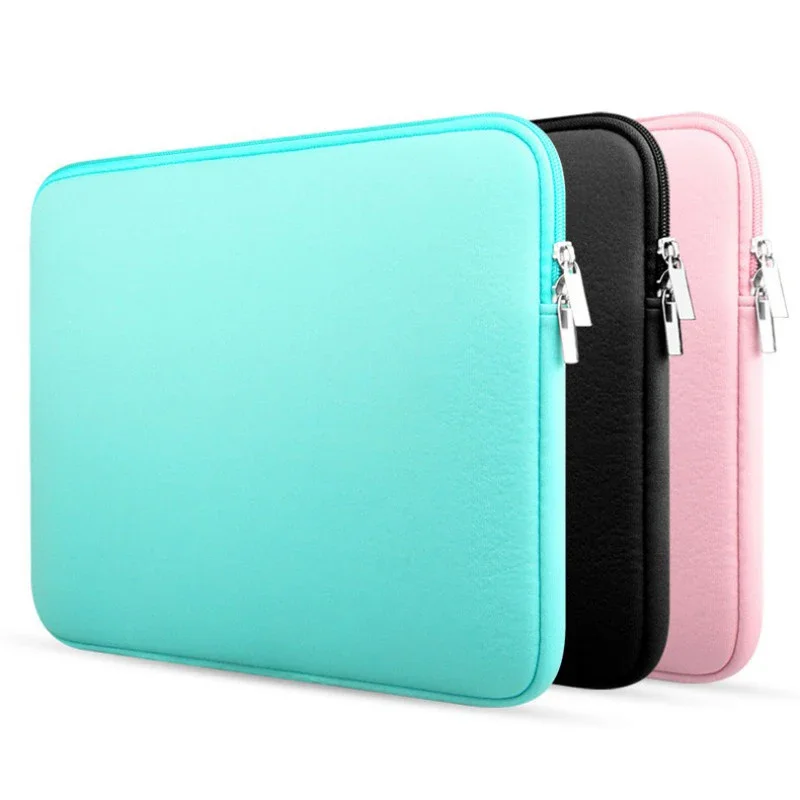
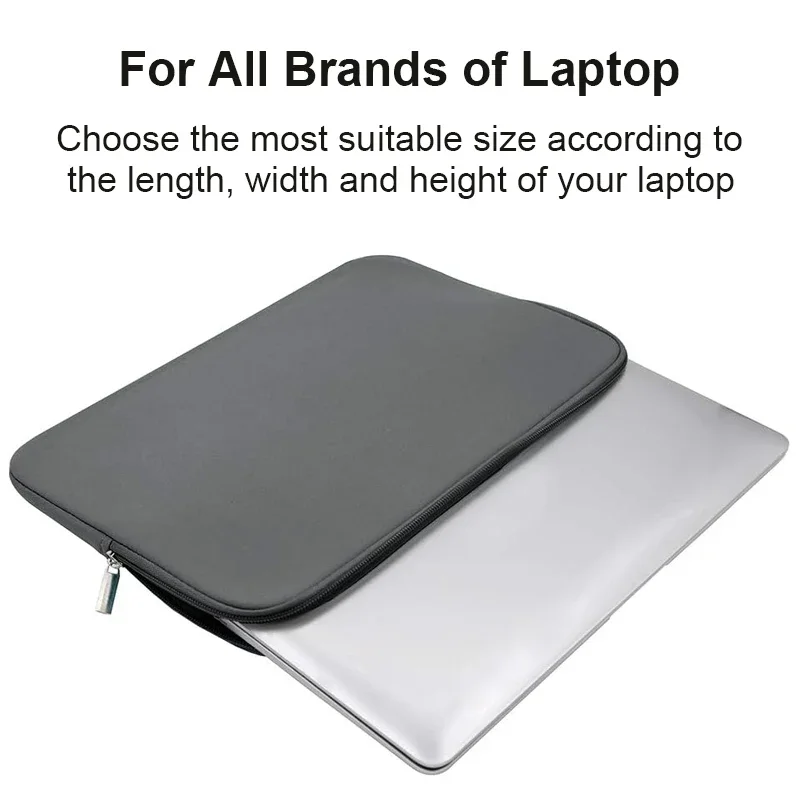
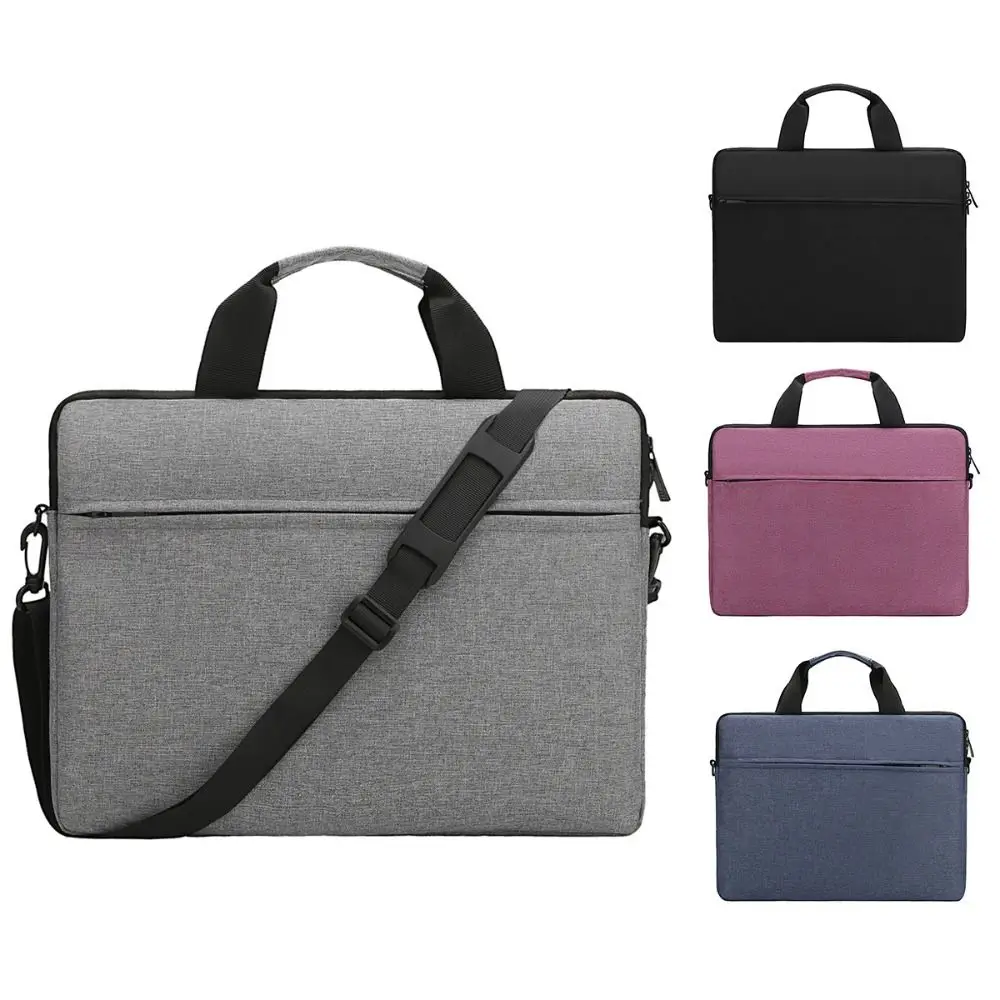
Find the accessories that fit your screen
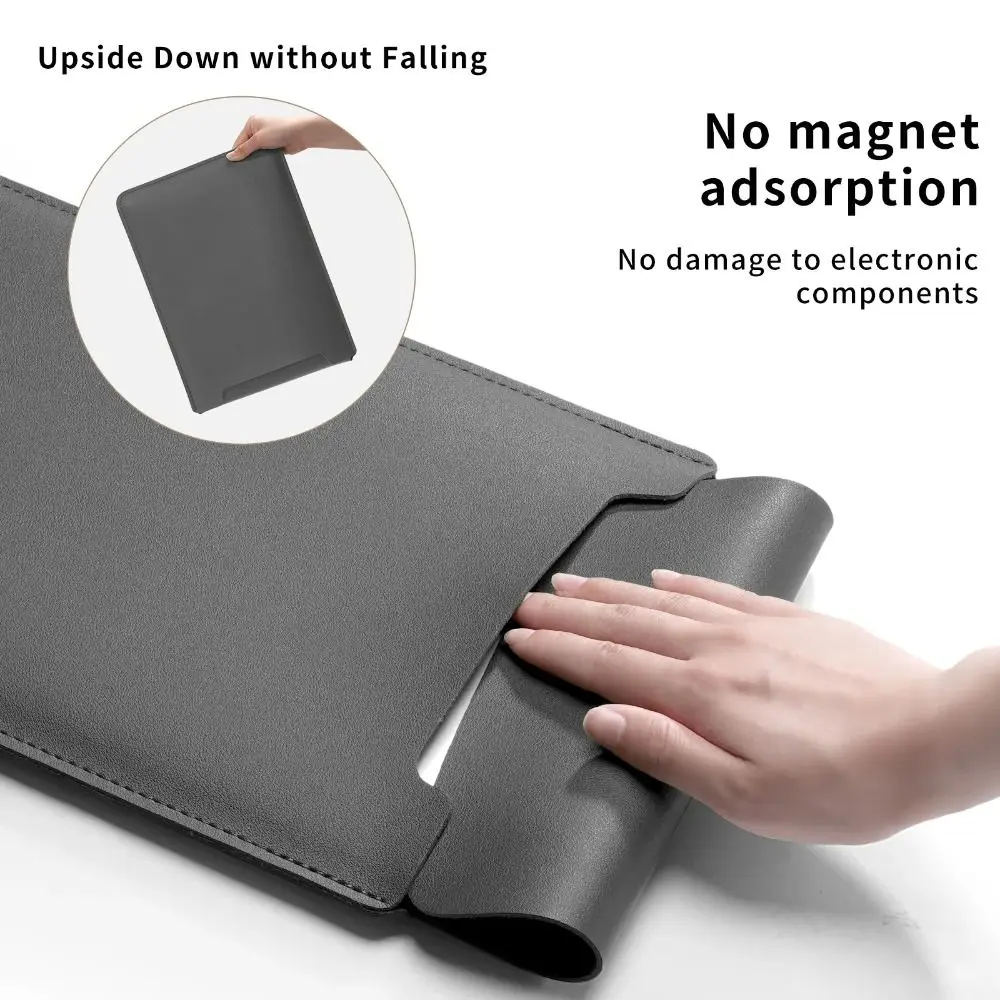
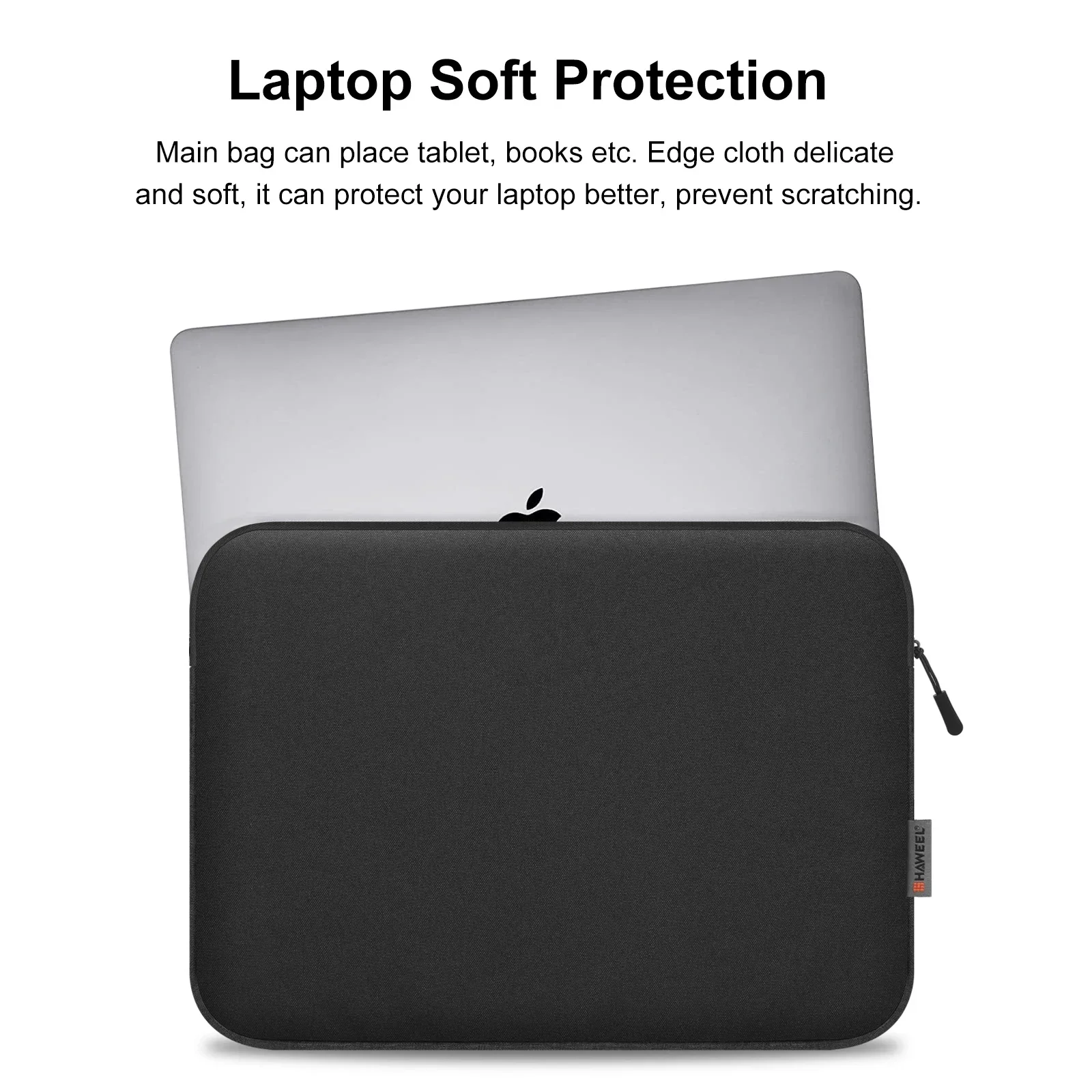
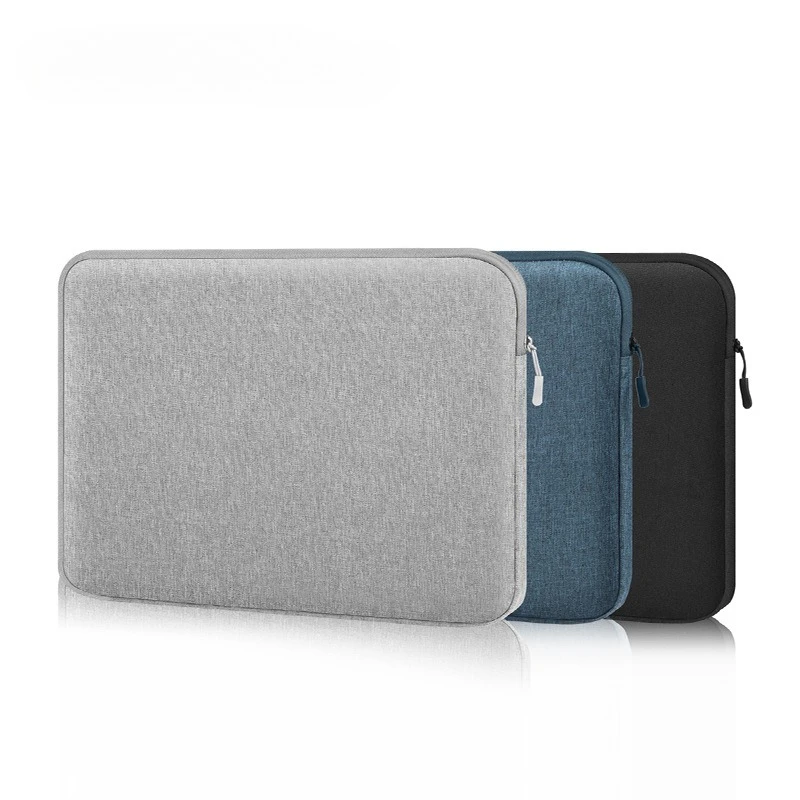
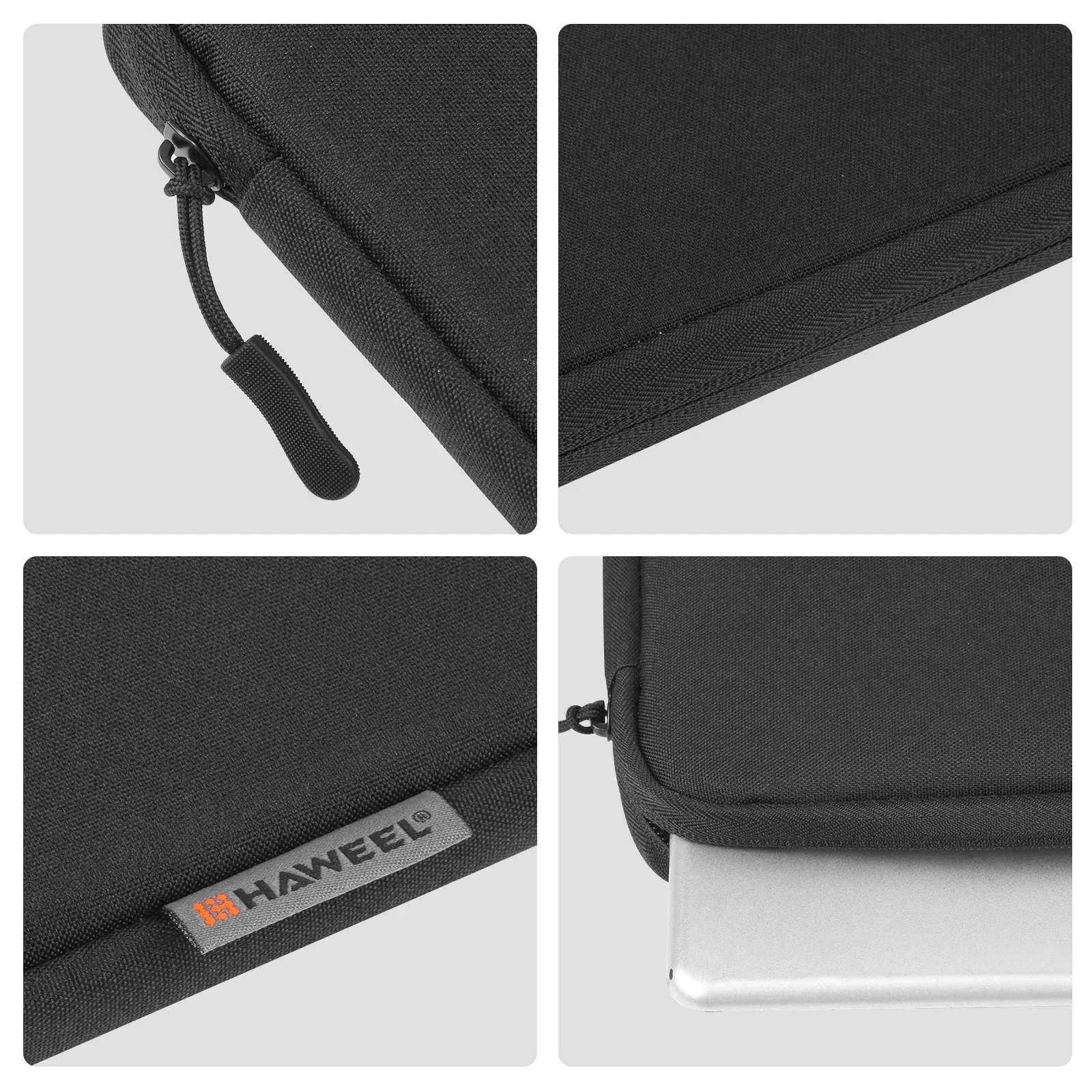
Some laptop accessories fit any laptop. Others only work if they match the size of the screen: a sleeve has to close round the laptop, a privacy filter has to cover the glass edge to edge, and a keyboard cover has to sit over the right keys. These pages gather those size-led products in one place, so you can pick your size once and see everything made for it.
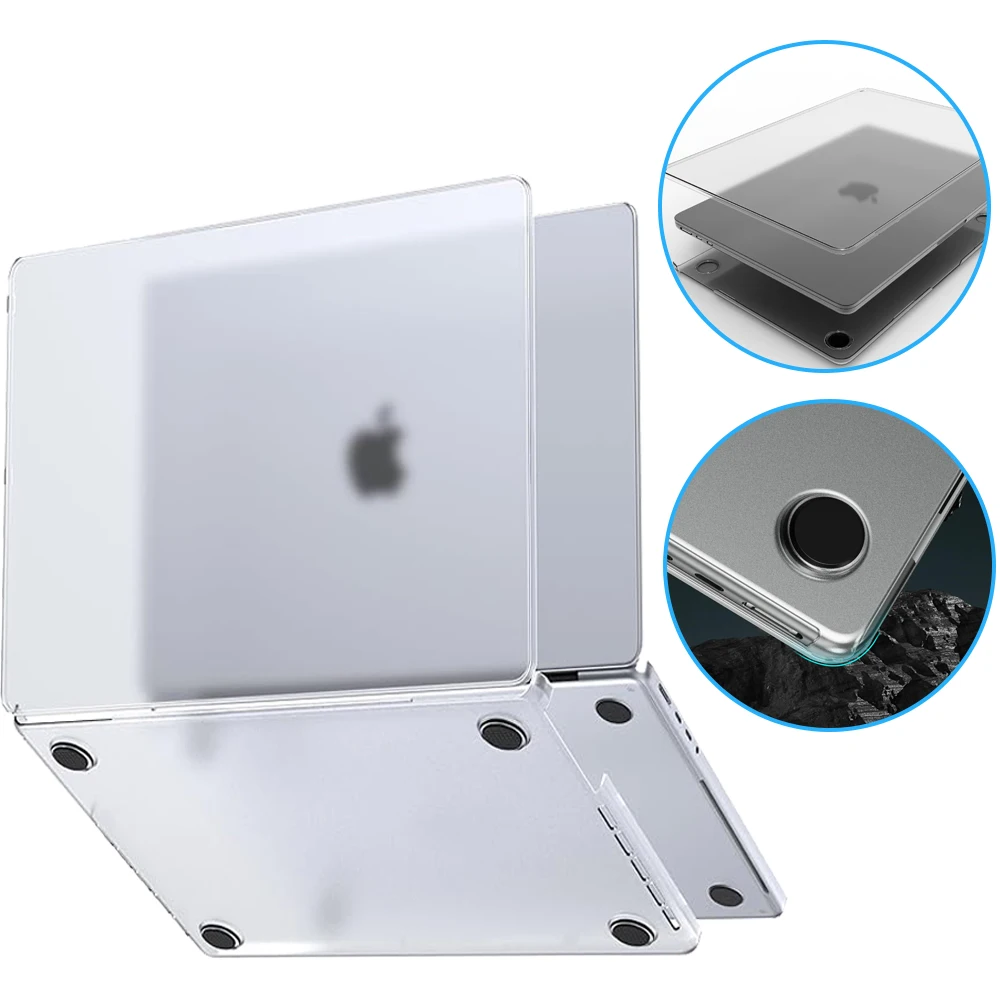
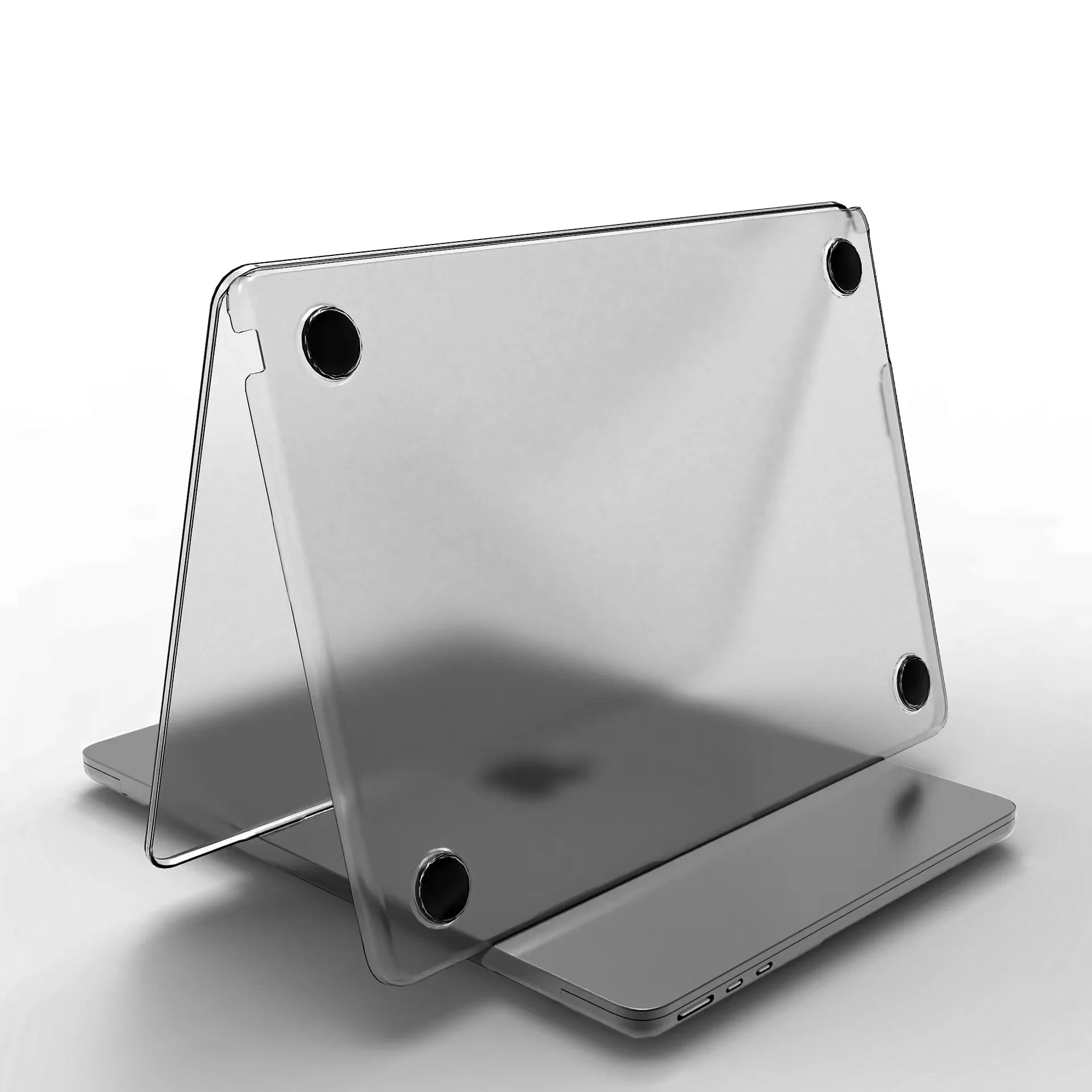
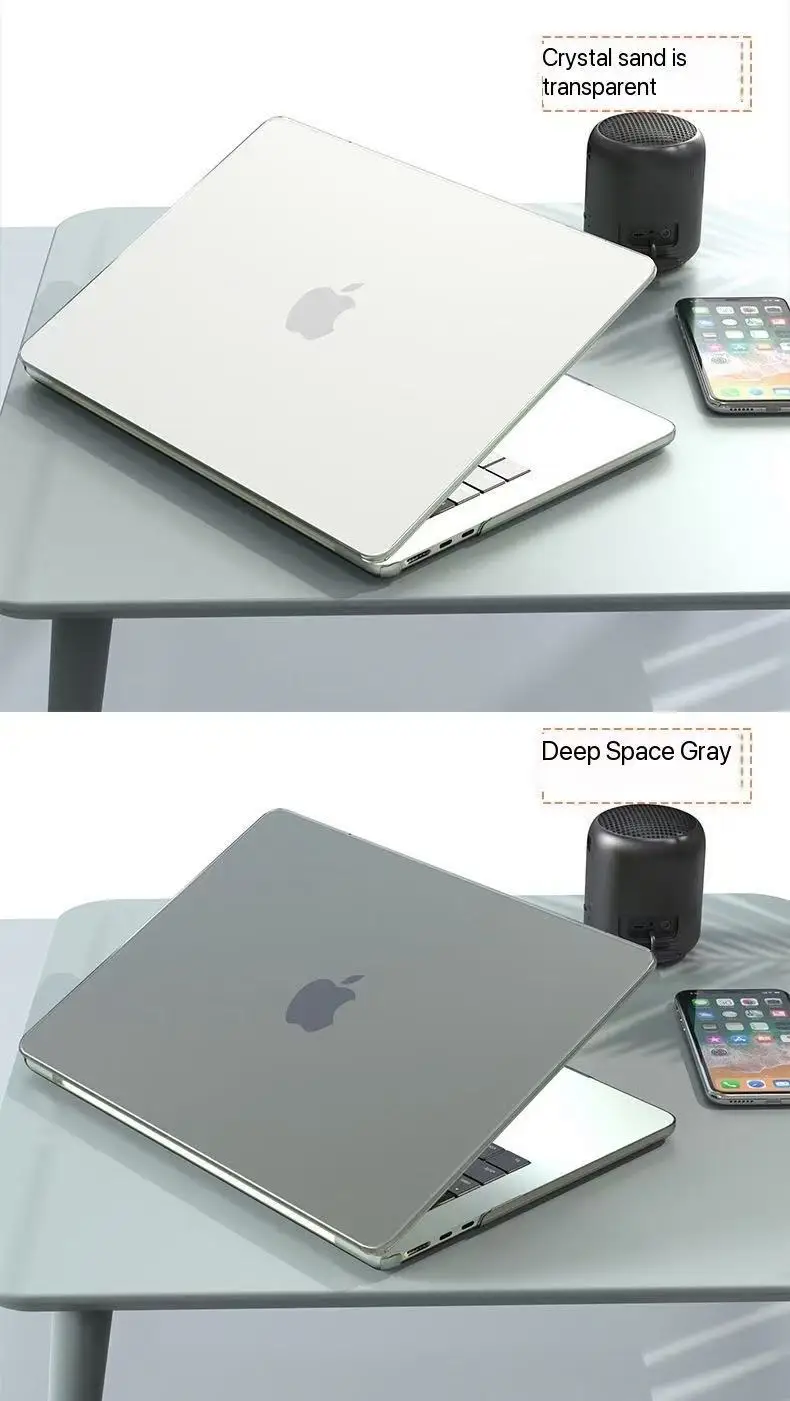
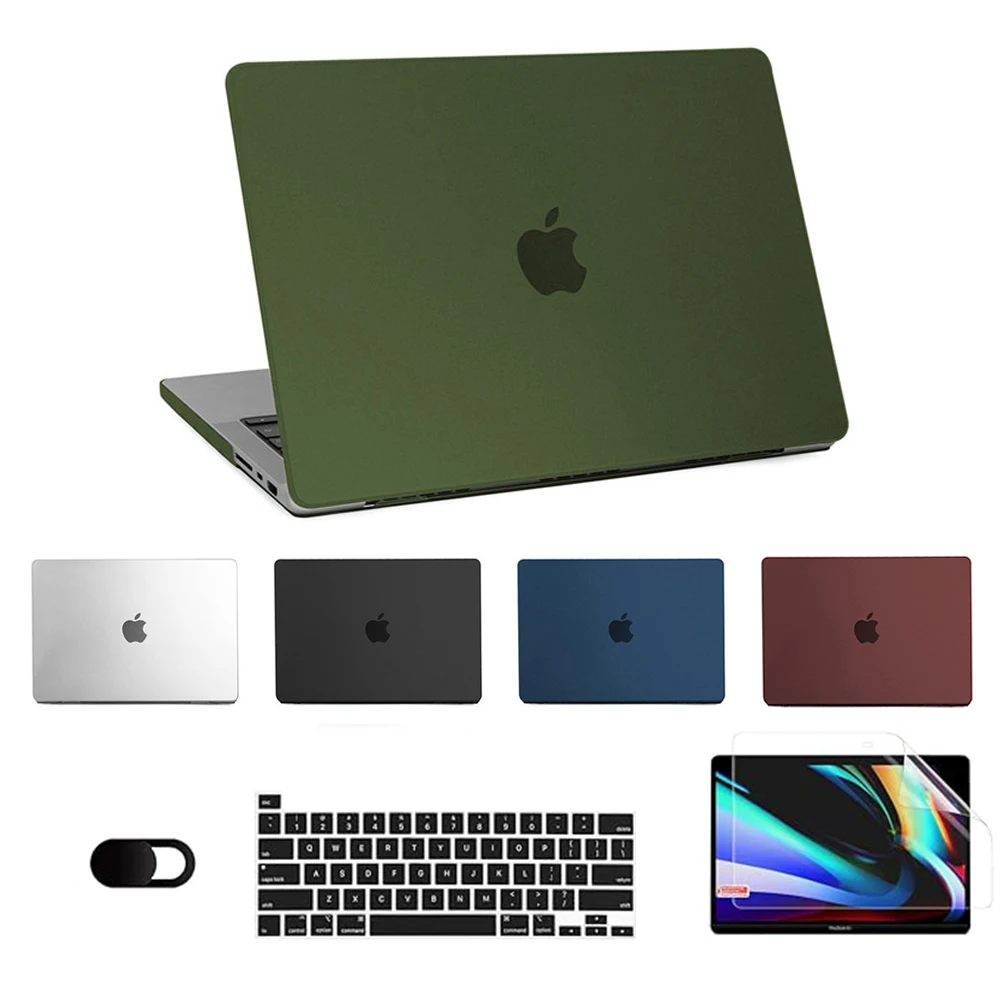
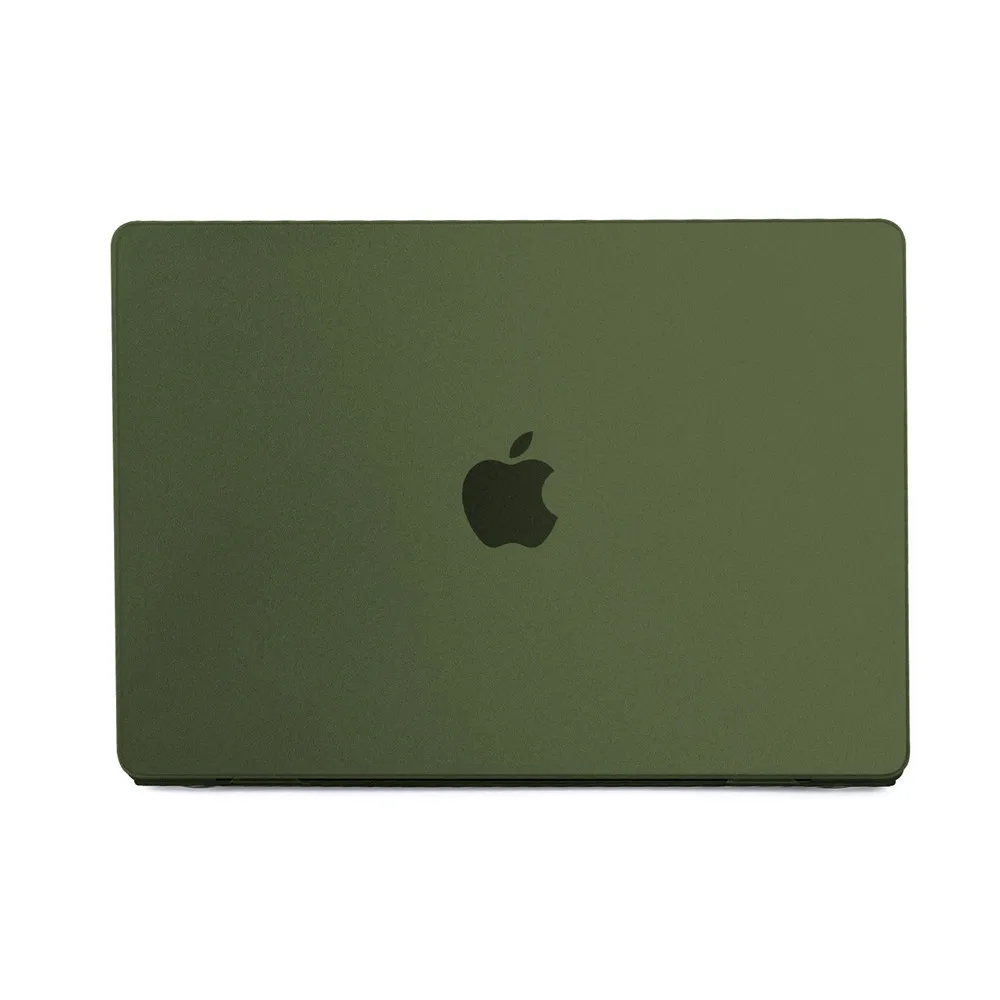
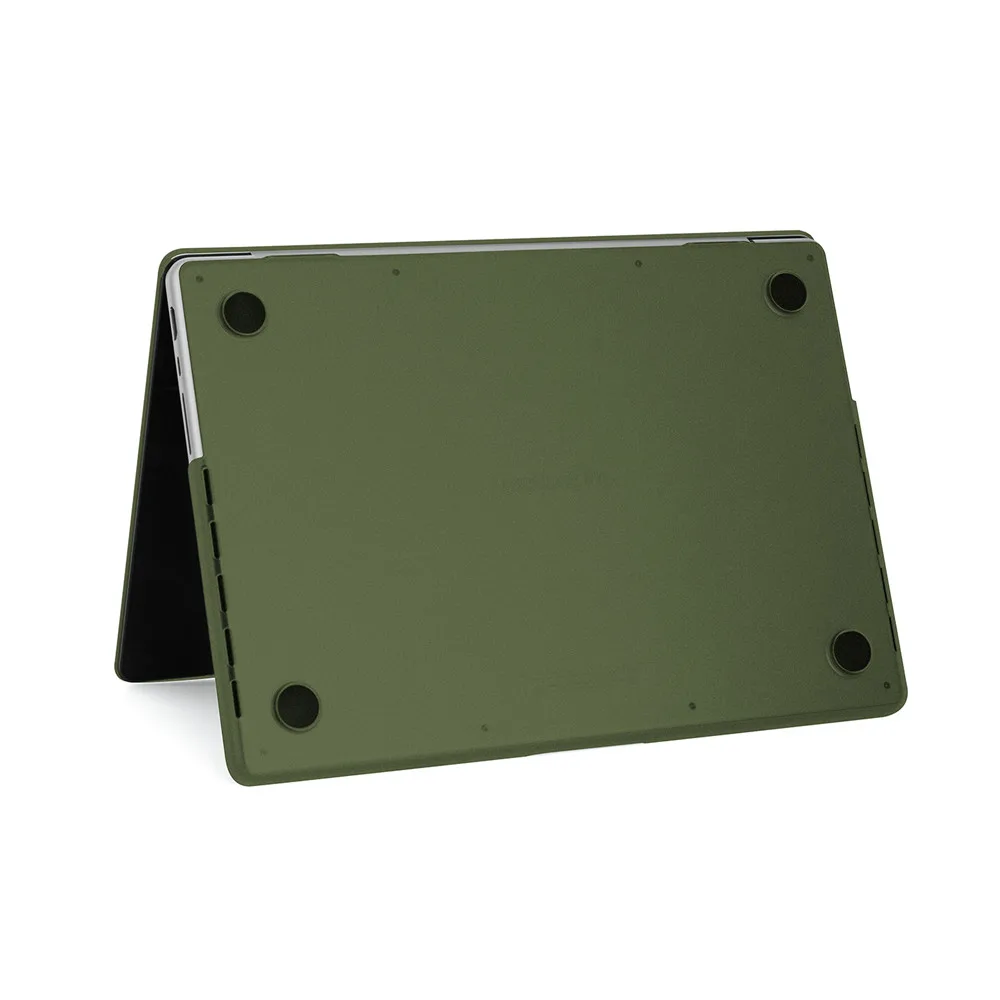
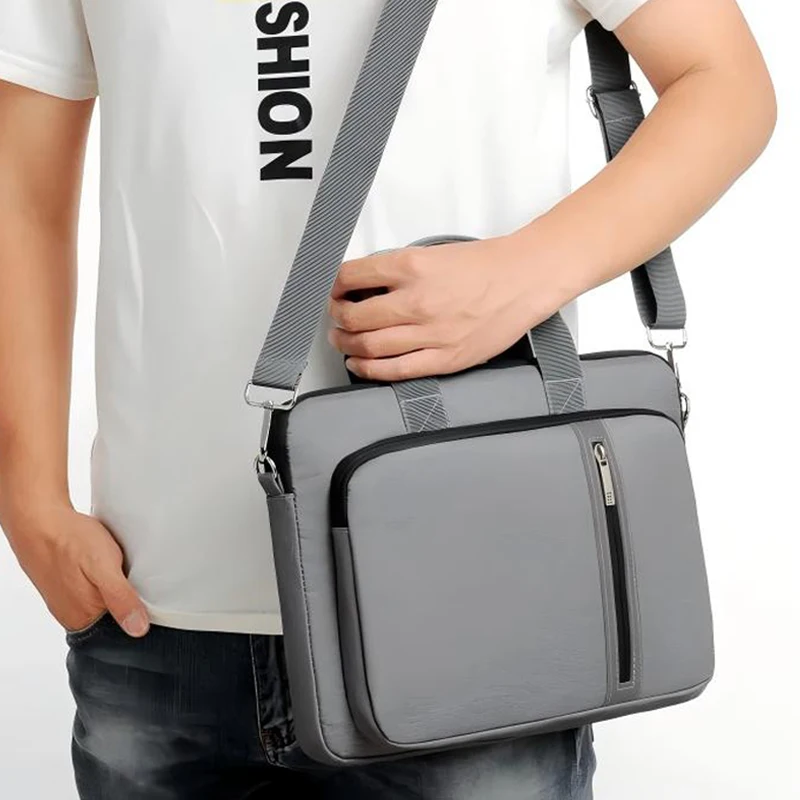
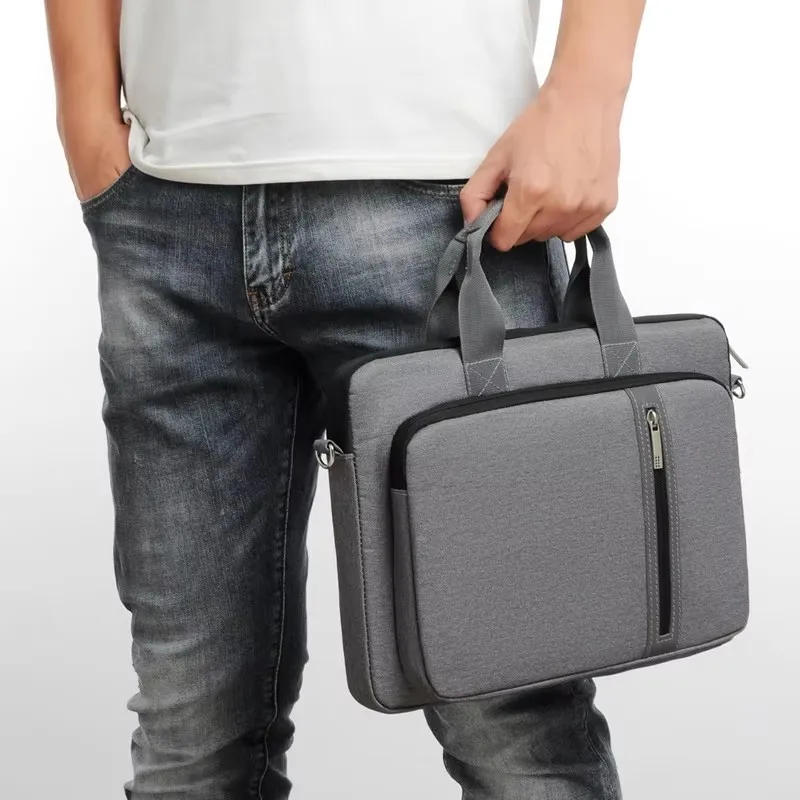
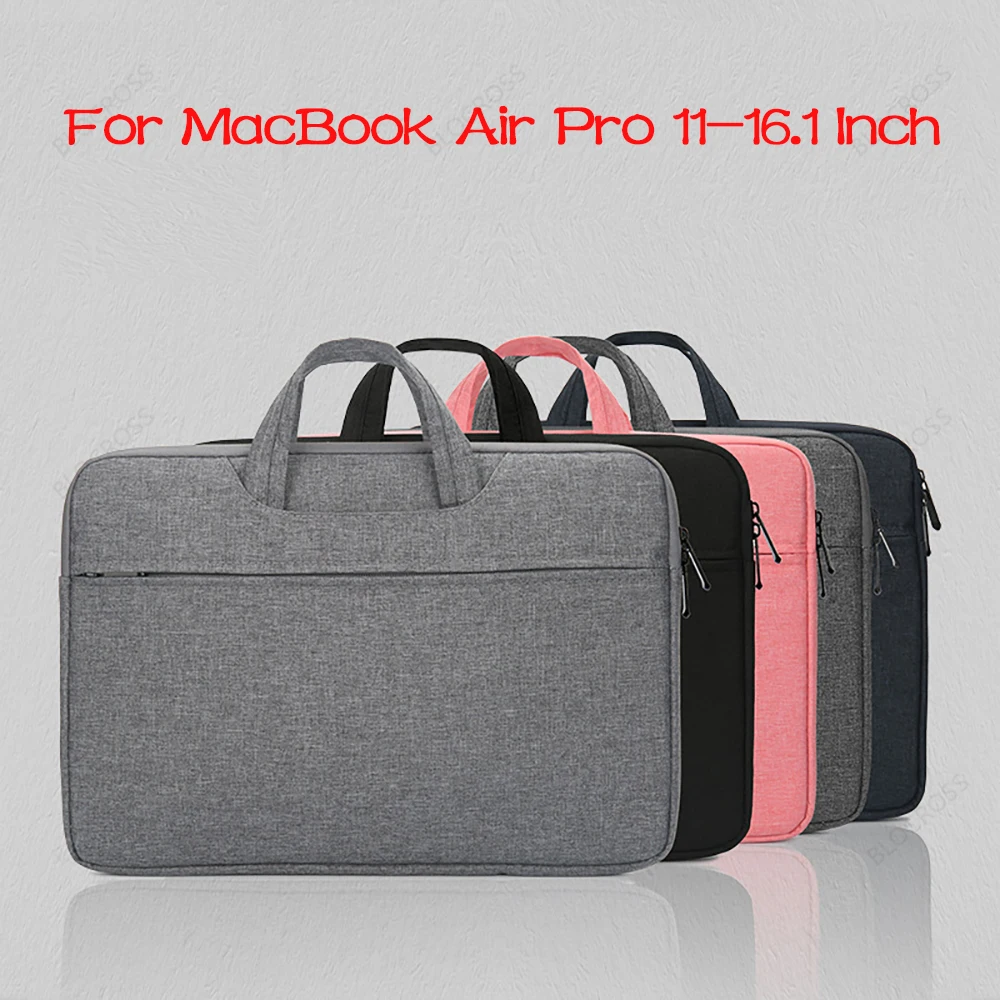
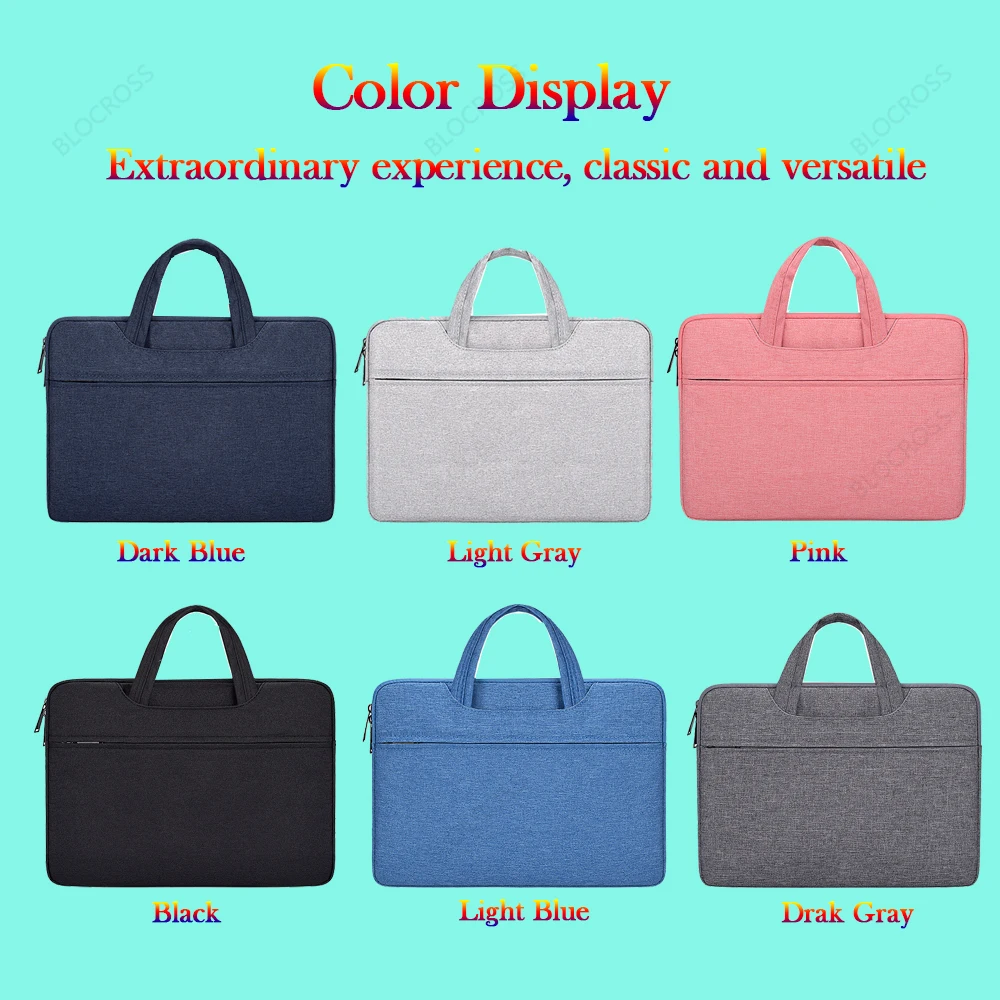
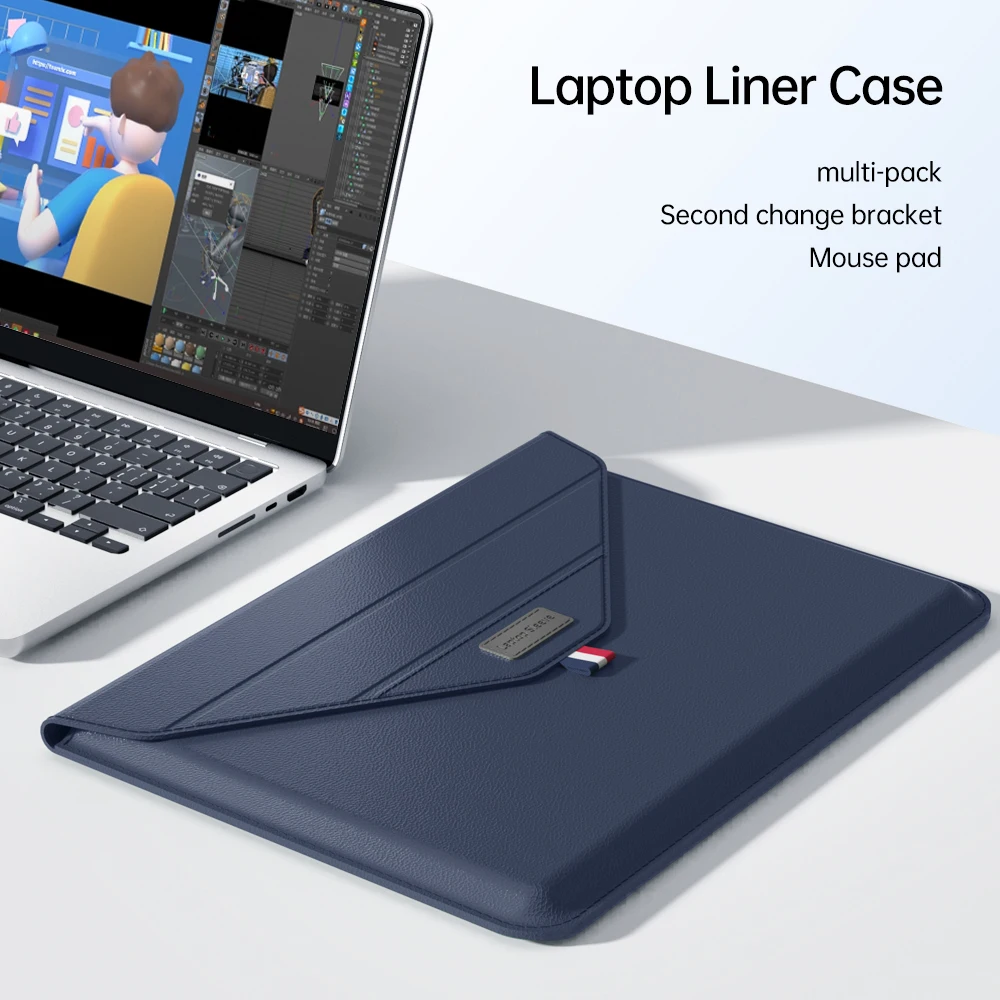
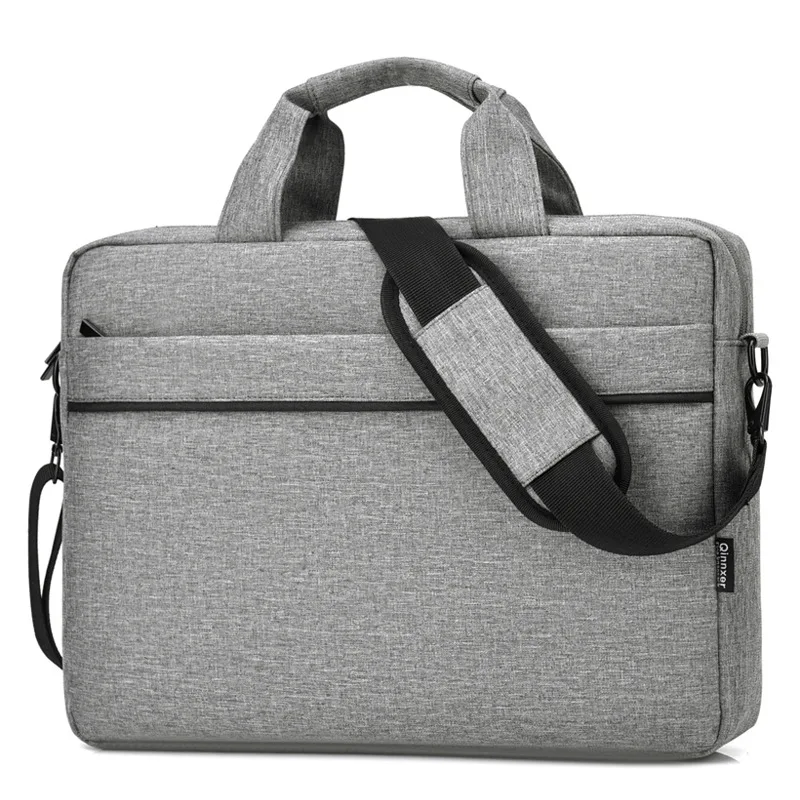
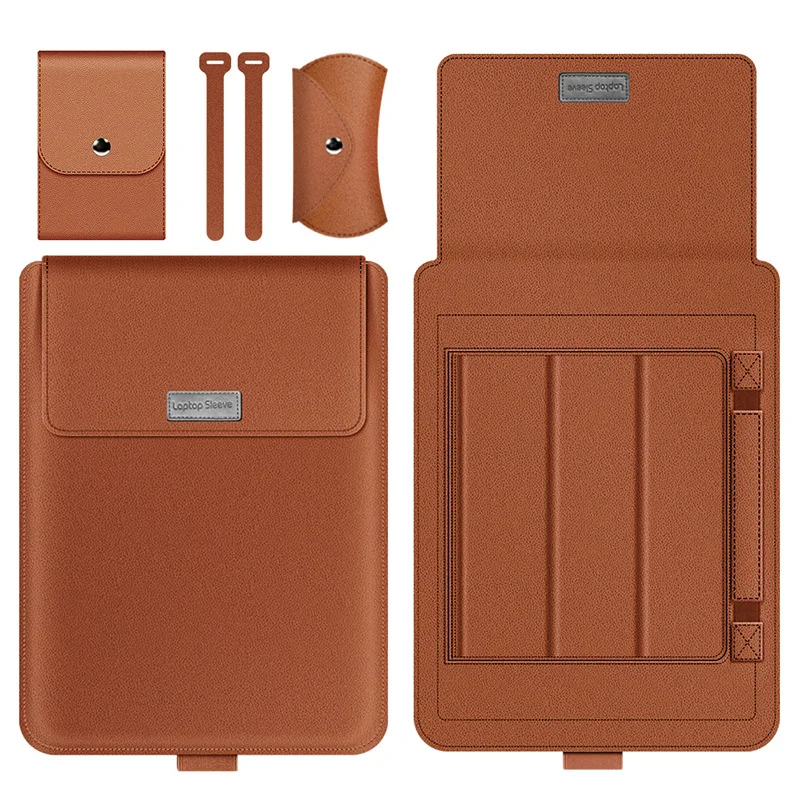
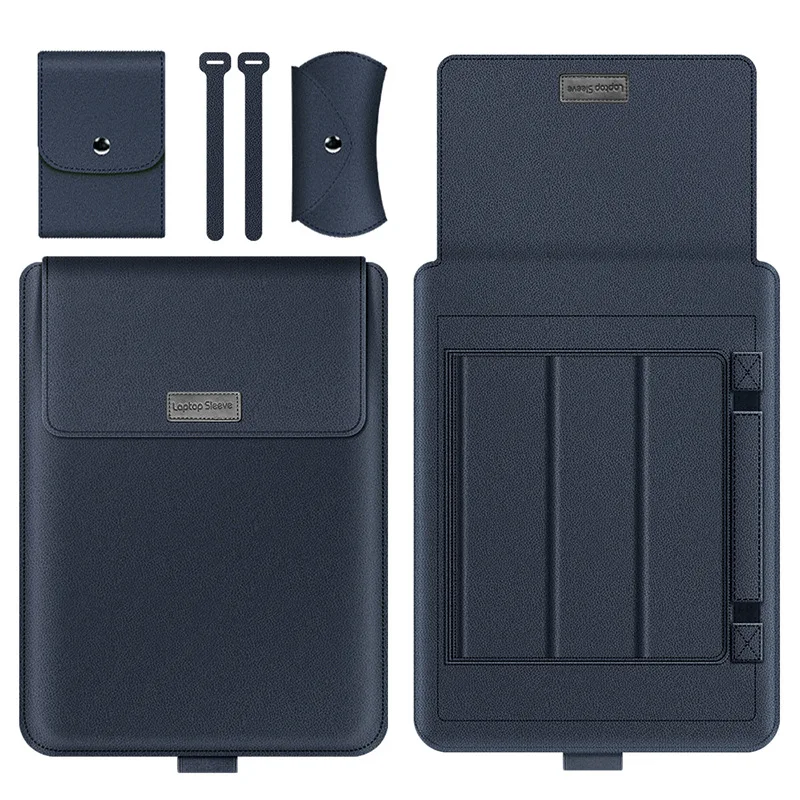
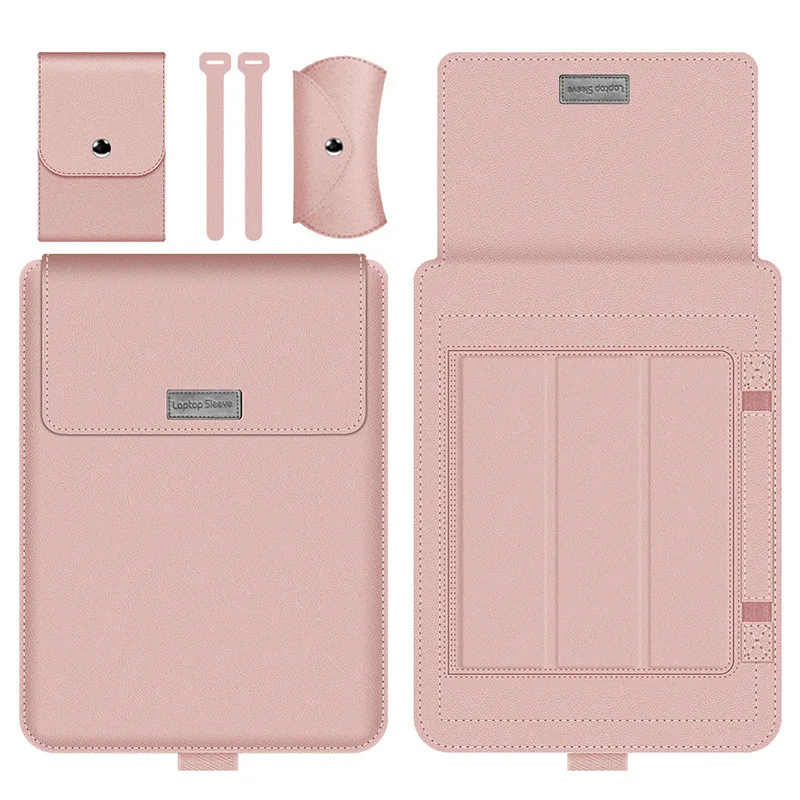
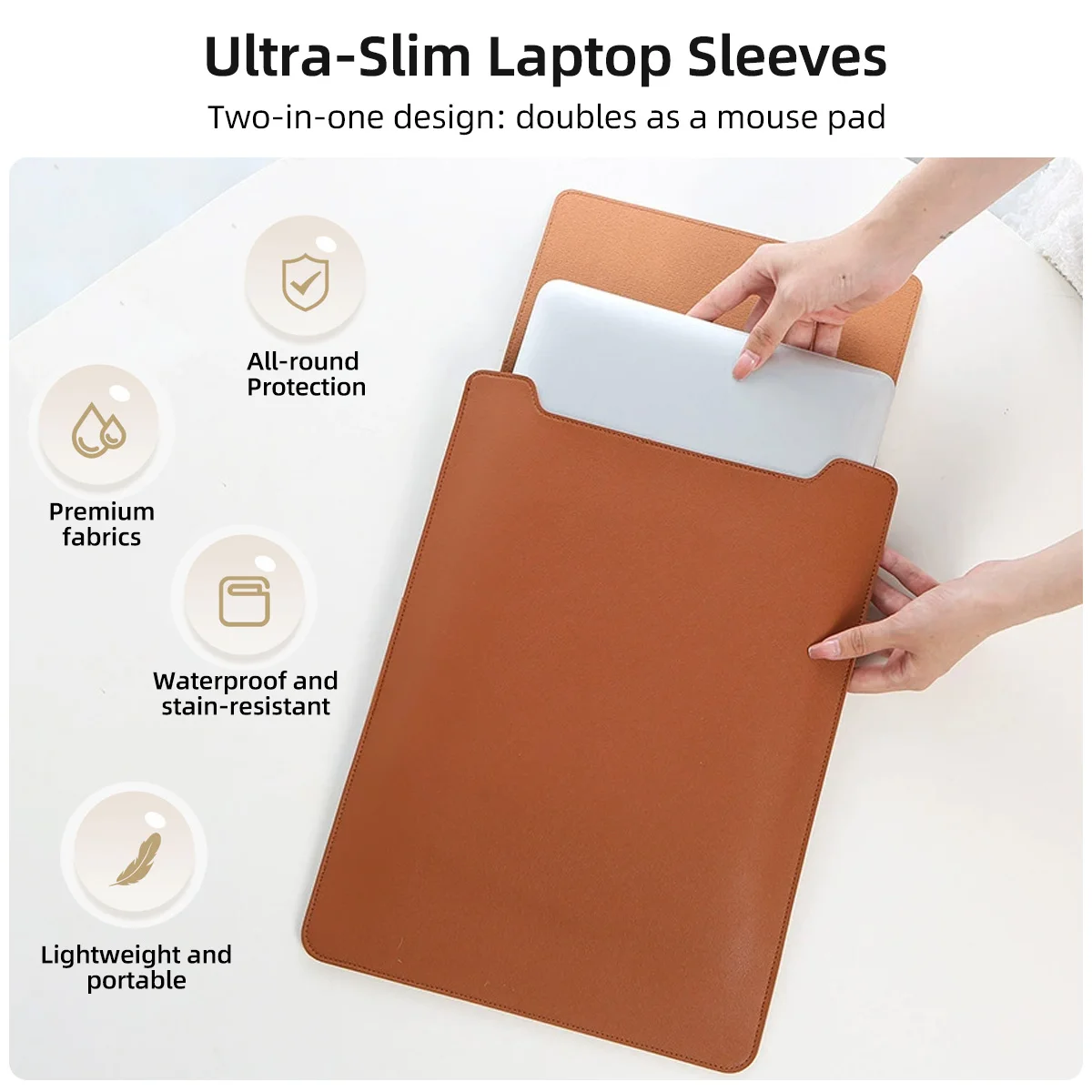
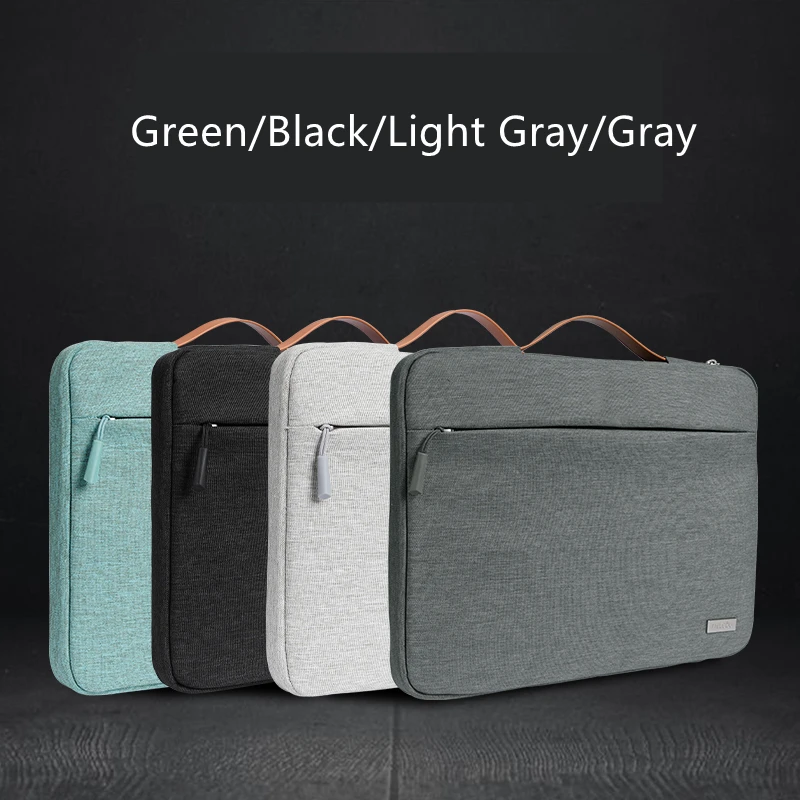
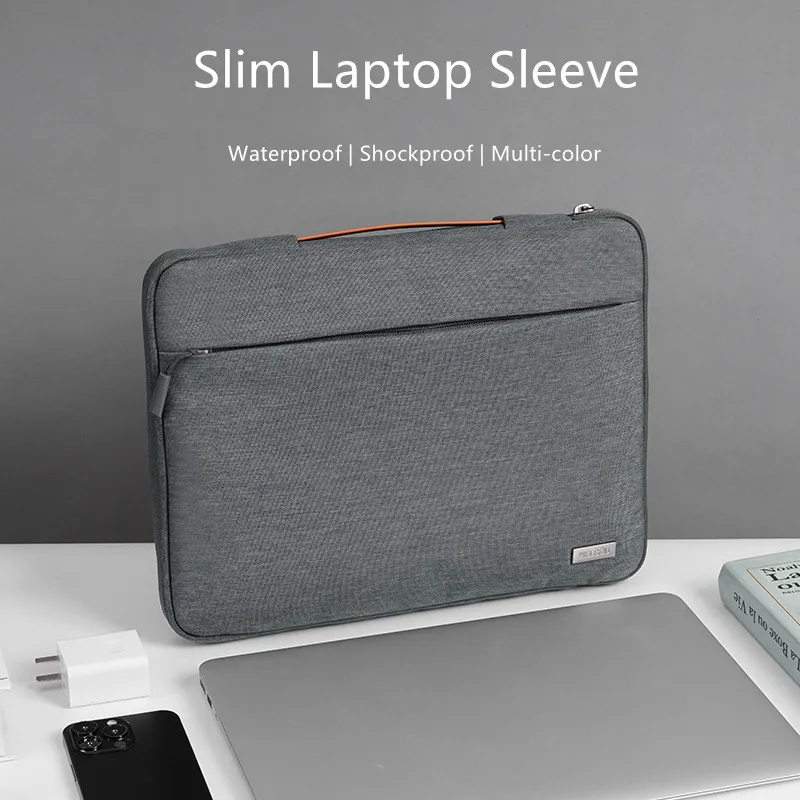
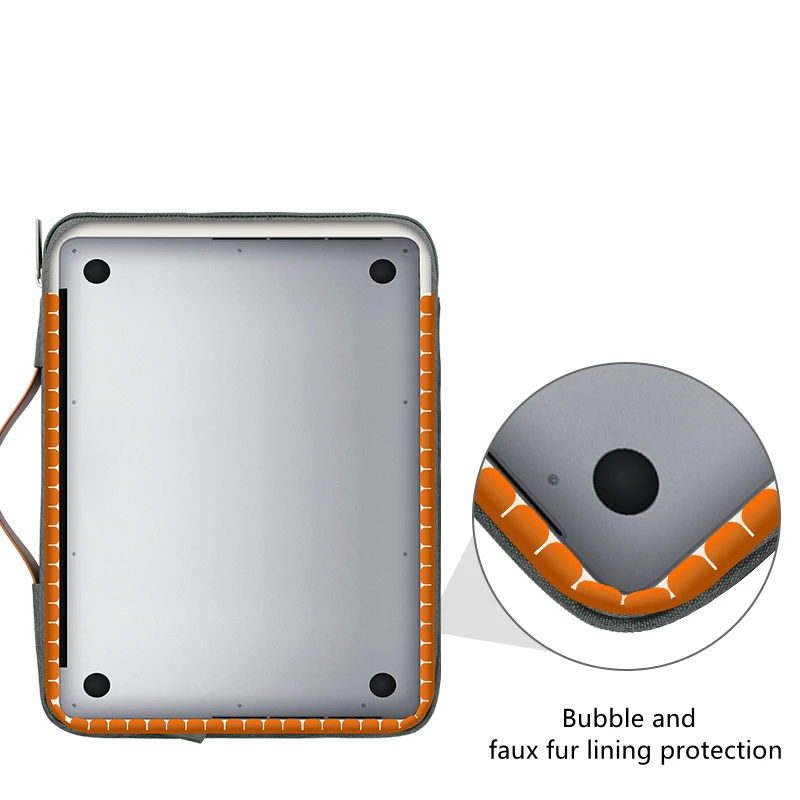
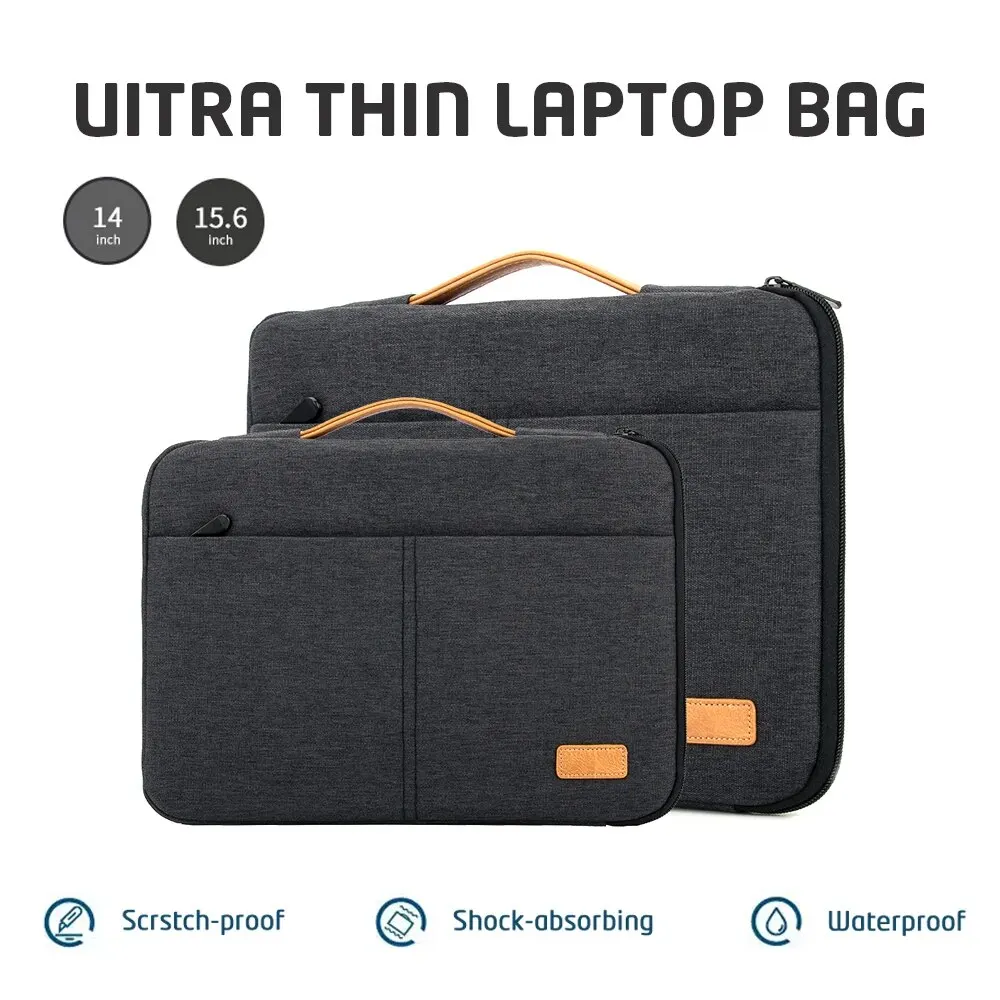
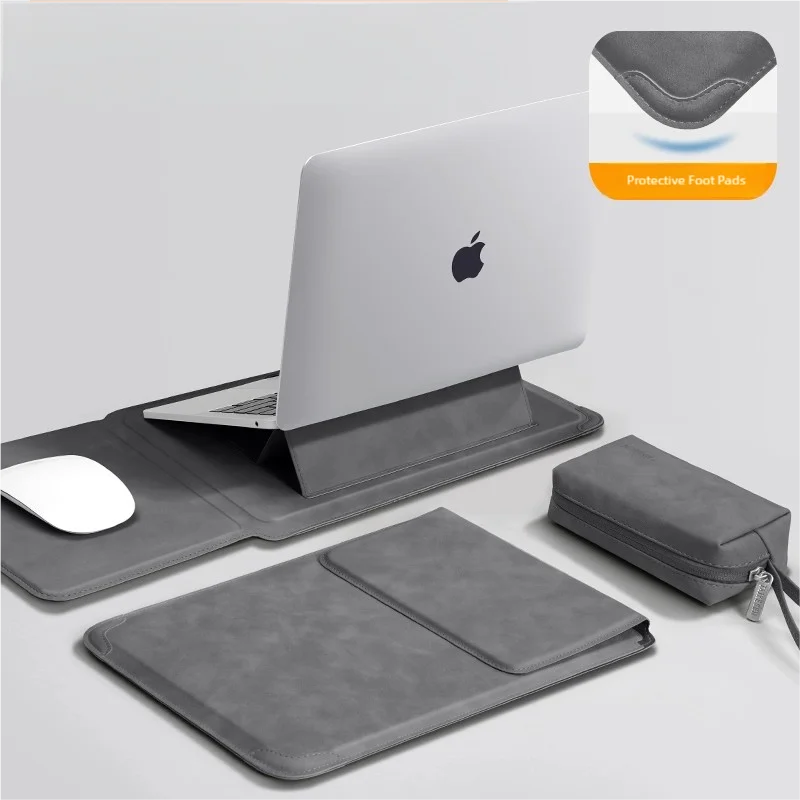
A product appears here if it is a sleeve, a bag, a MacBook hard-shell case, a privacy filter, a screen protector or a keyboard cover, and its size choices (or, with none, its name) include that size. A MacBook case that names a model goes on that model's size. Many products are sold in several sizes, so the same sleeve can appear on two or three of these pages. You choose the size itself on the product page.
The five sizes
- For 13-inch laptops: screens from 12.5 inches up to just under 14, which takes in 13.3-inch Windows laptops and the 13-inch MacBook Air.
- For 14-inch laptops: 14 and 14.2-inch screens, including the 14-inch MacBook Pro.
- For 15.6-inch laptops: 15 to just under 16 inches, the size of many Windows laptops and of the 15-inch MacBook Air.
- For 16-inch laptops: 16 to just under 17 inches, including the 16-inch MacBook Pro.
- For 17-inch laptops: 17 and 17.3-inch screens, the biggest laptops, where the choice is mostly sleeves and bags.
How to find your screen size
A laptop's size is the screen measured diagonally, from one corner to the opposite corner, not the width of the case. Makers round it in the name, so a "13-inch" MacBook Air has a 13.6-inch screen and a "16-inch" MacBook Pro a 16.2-inch one. The surest way is the model name. On a Mac, choose About This Mac from the Apple menu. On Windows, go to Settings, System, About. Then look the model up on the maker's own specification page, which gives the screen size and the outside measurements. If you measure it yourself, measure the screen diagonally in centimetres and divide by 2.54.
Questions people ask about screen sizes
Is the screen size enough to choose a sleeve?
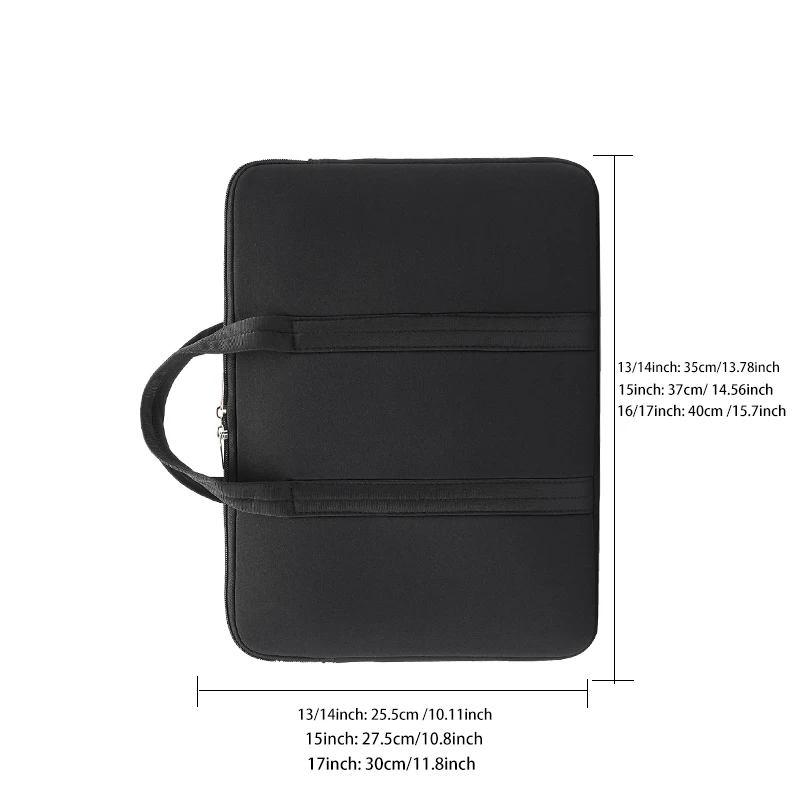
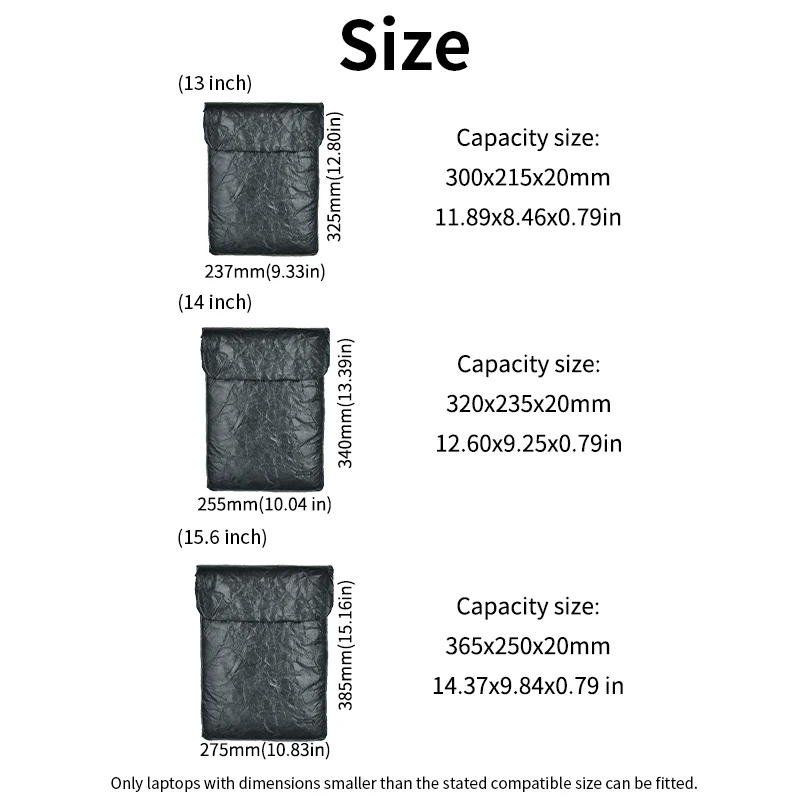
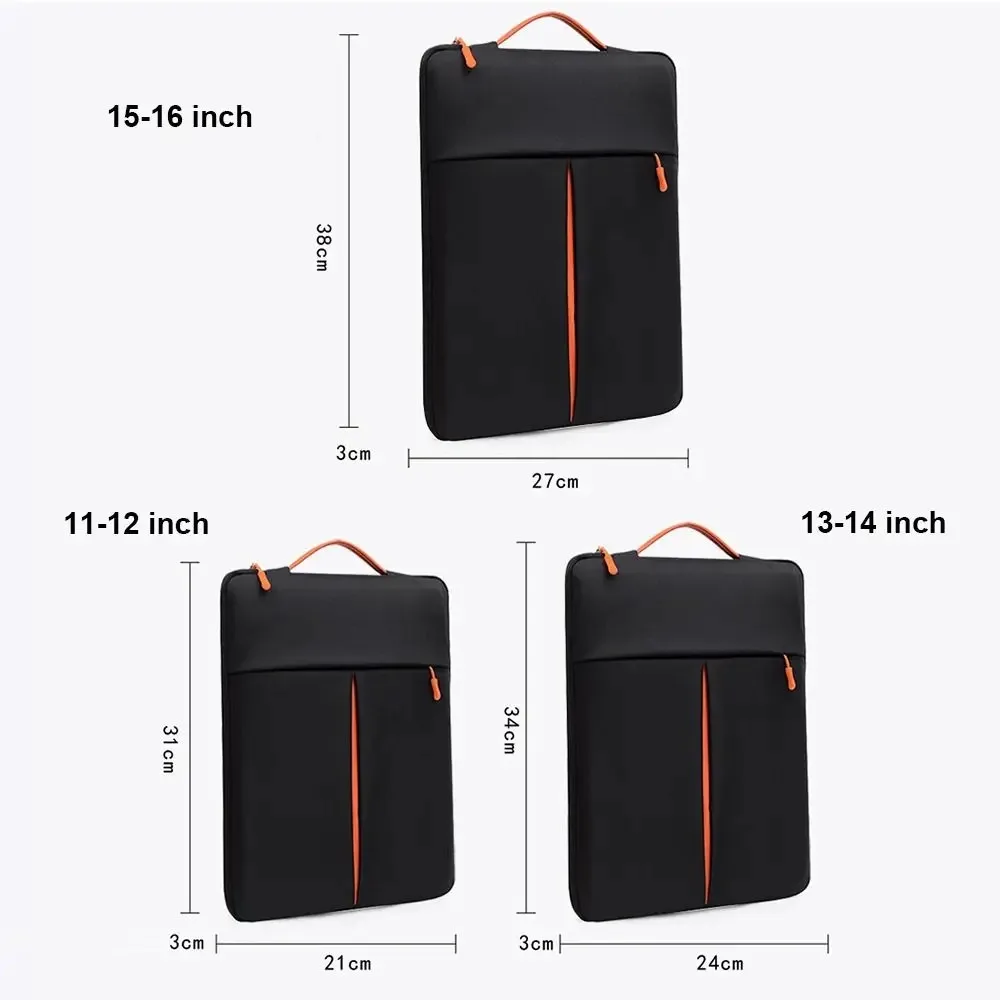
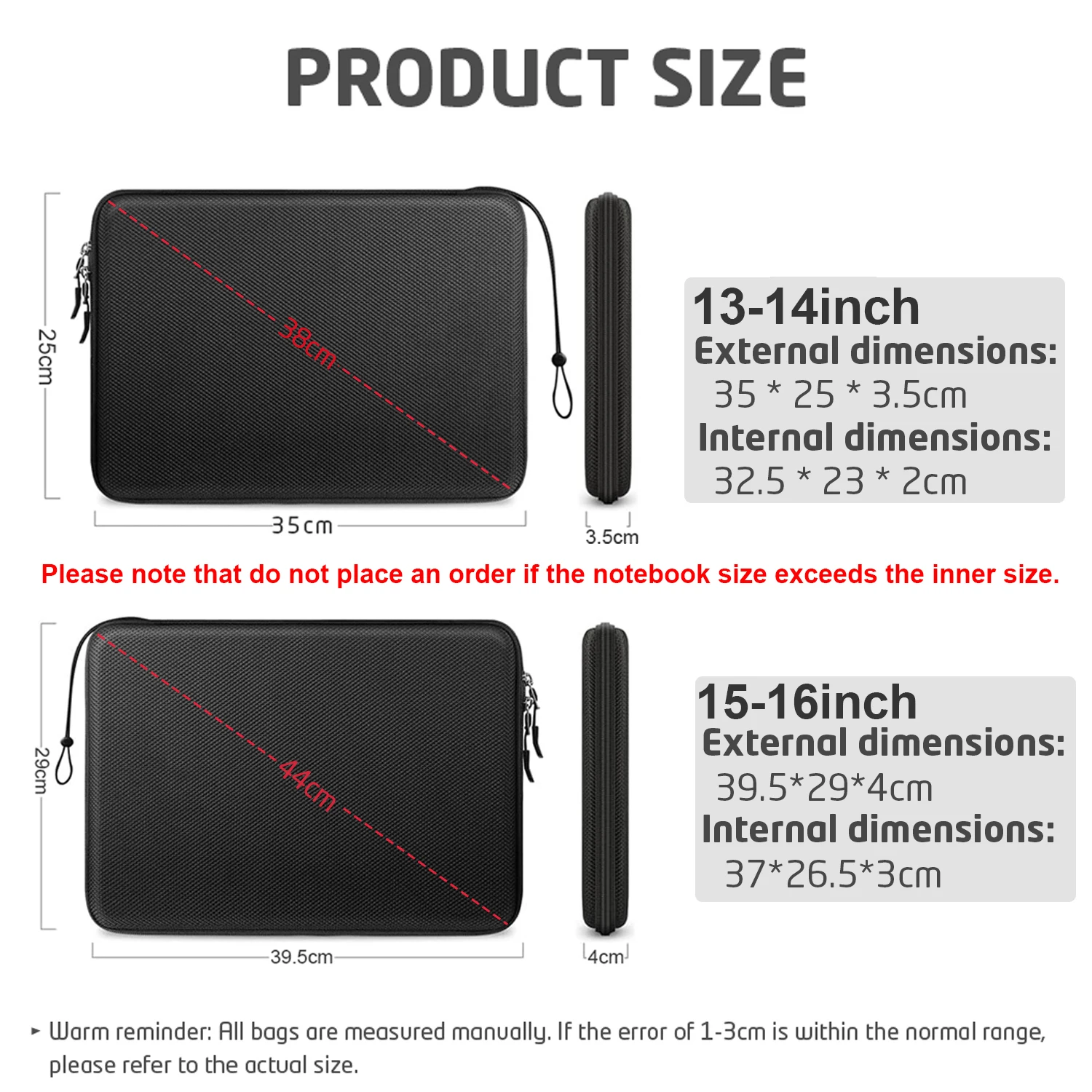
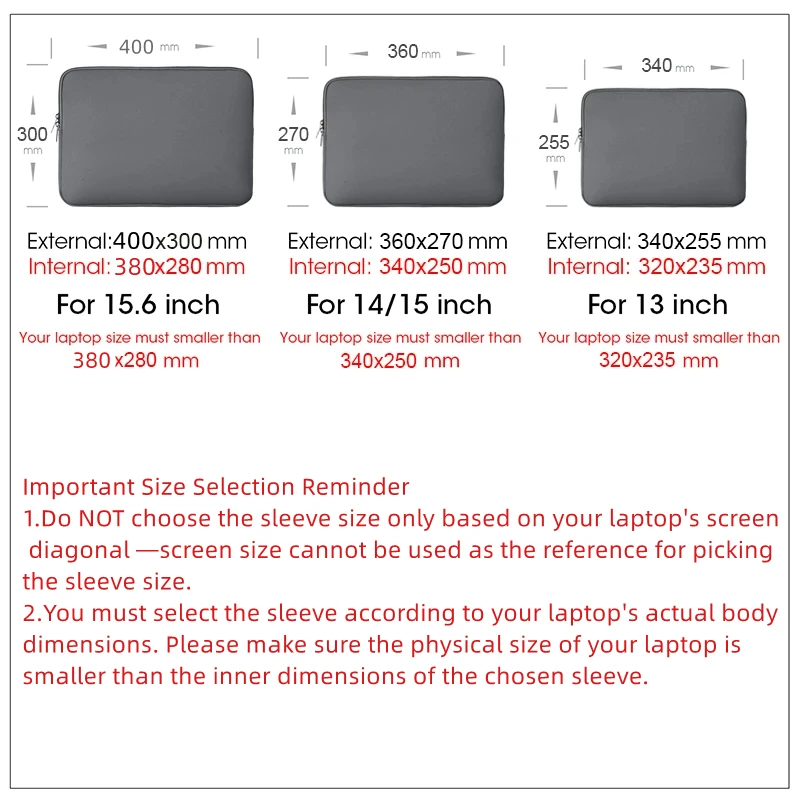
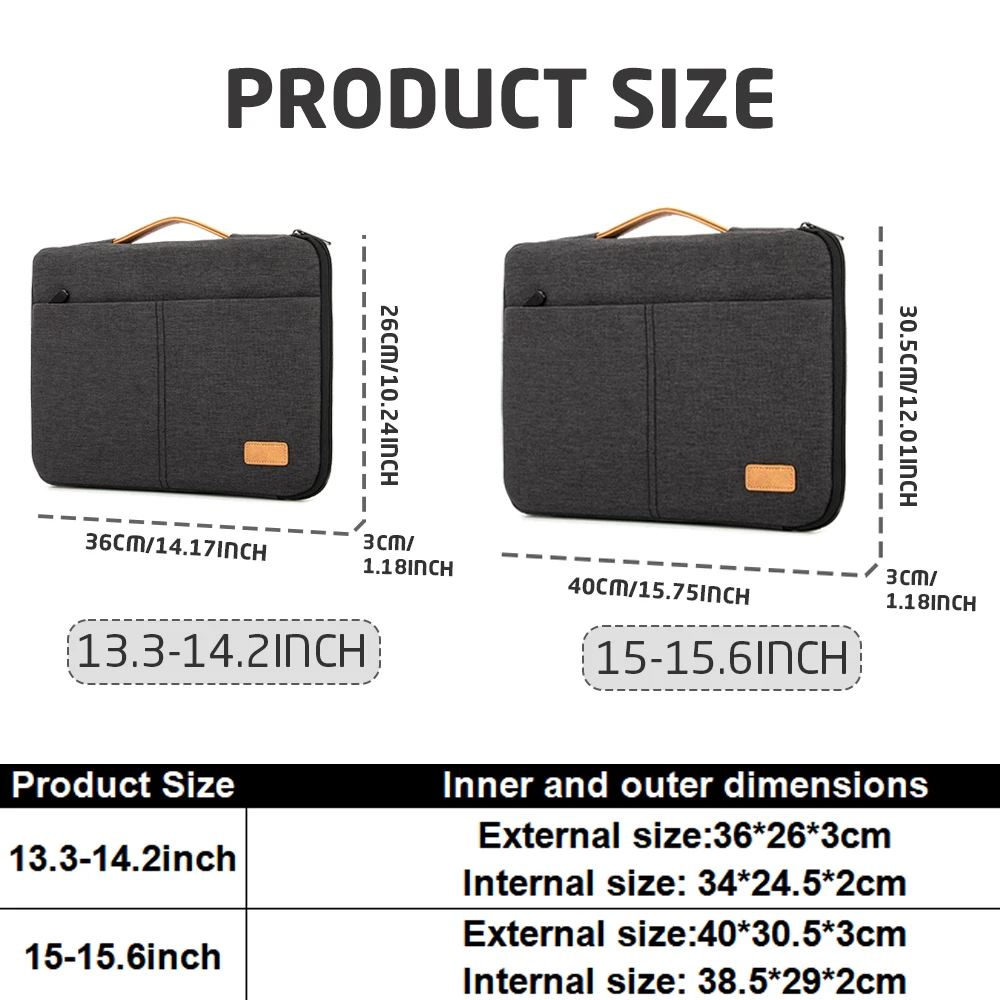
It is the place to start, but two laptops with the same screen can differ in depth. A 16:10 or 3:2 screen is taller than a 16:9 one, so the laptop is deeper. Check your laptop's outside measurements against the sleeve's inside measurements where the product page gives them. Our guide to laptop sleeve sizes explains how.
Where are the hubs, mice and stands?
Those fit any size, so they are in their own departments, such as laptop stands and hubs and docks.
More to look at